
Featured Snippet Answer
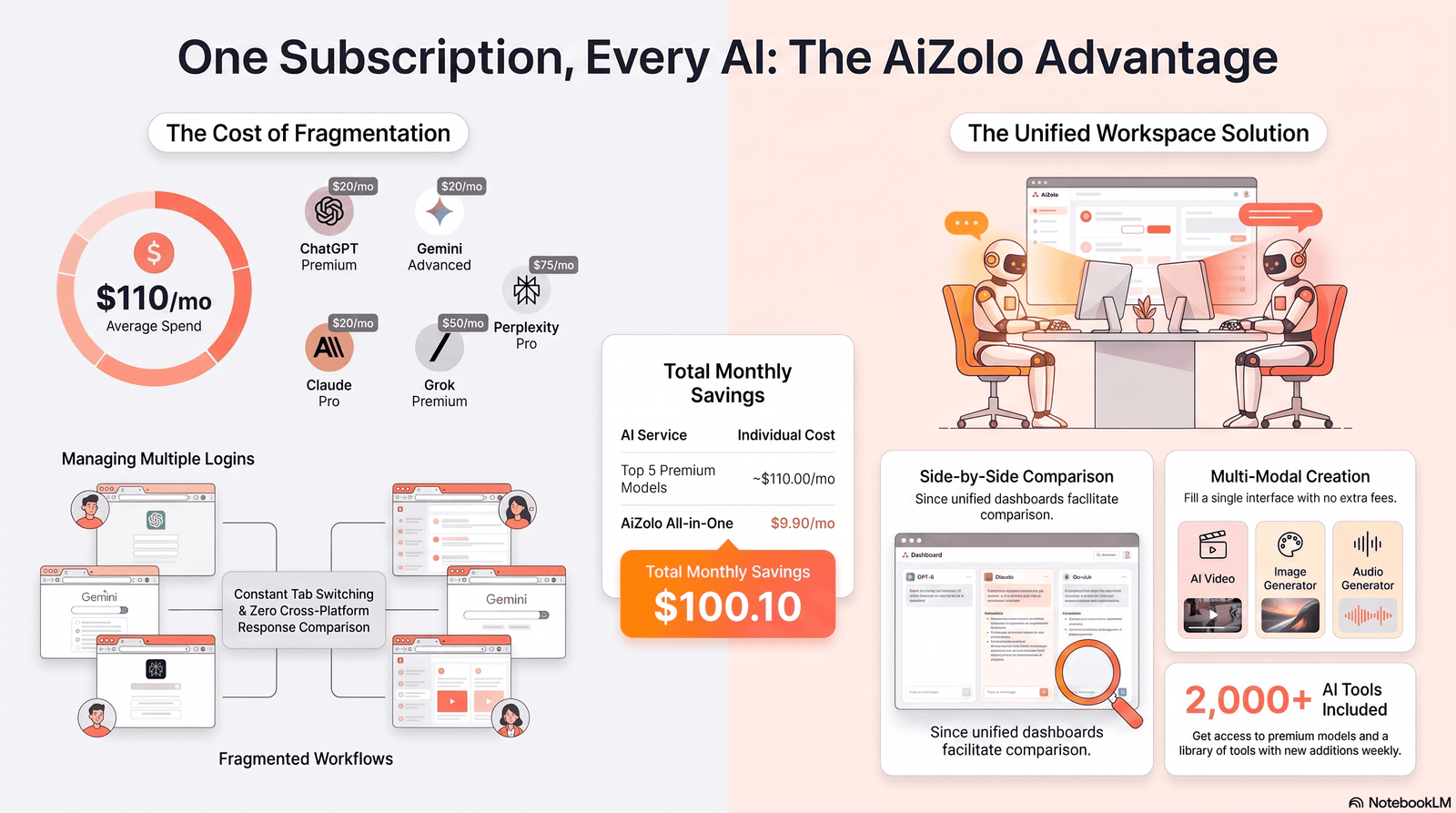
Using ChatGPT and Claude at the same time means running both AI models side by side, sending the same or related prompts to each, and combining their outputs into one workflow. Platforms like Aizolo make this process even more convenient by letting you access multiple AI models from a single workspace. Professionals do this to pair ChatGPT’s broad knowledge and plugin ecosystem with Claude’s longer context window and stronger long-form reasoning, getting better results than either model alone.
Introduction
You open ChatGPT to draft an email. Ten minutes later you’re pasting the same brief into Claude because the first draft felt flat. Sound familiar?
Most professionals now bounce between multiple AI tools without a real system. That habit wastes time and produces inconsistent work.
The fix isn’t picking a “winner” between ChatGPT and Claude. It’s learning to use ChatGPT and Claude at the same time, deliberately, so each model does the part of the job it’s actually best at.
In this guide, you’ll learn what running both models together really looks like, when each one wins, how to build a repeatable workflow, and where teams typically go wrong. By the end, you’ll have a practical system you can start using today.
Table of Contents
What Does “Use ChatGPT and Claude at the Same Time” Mean?
Using both AI models simultaneously doesn’t mean literally typing into two chat windows for no reason. It means treating ChatGPT and Claude as two specialized team members.
In practice, this looks like:
- Drafting in one model, refining in the other
- Using ChatGPT for research and ideation, Claude for long-document writing
- Running the same prompt through both and comparing outputs before you commit
- Chaining tasks, where Claude’s output becomes ChatGPT’s input, or vice versa
This is sometimes called a multi-AI workflow or AI collaboration setup, and it’s becoming a normal part of how AI-savvy teams operate in 2026.
Why Professionals Use Both AI Models
No single AI model is best at everything. Each one has training differences, context-window limits, and design priorities that show up in the output.
Here’s why combining them makes sense:
- Different strengths, different jobs. ChatGPT tends to excel at fast ideation, broad general knowledge, and tool integrations. Claude tends to excel at long-form reasoning, document analysis, and careful, structured writing.
- Error checking. Running an important output through a second model catches mistakes a single pass would miss.
- Context window differences. Some tasks — like analyzing a 100-page contract — fit more comfortably in one model’s context window than another’s.
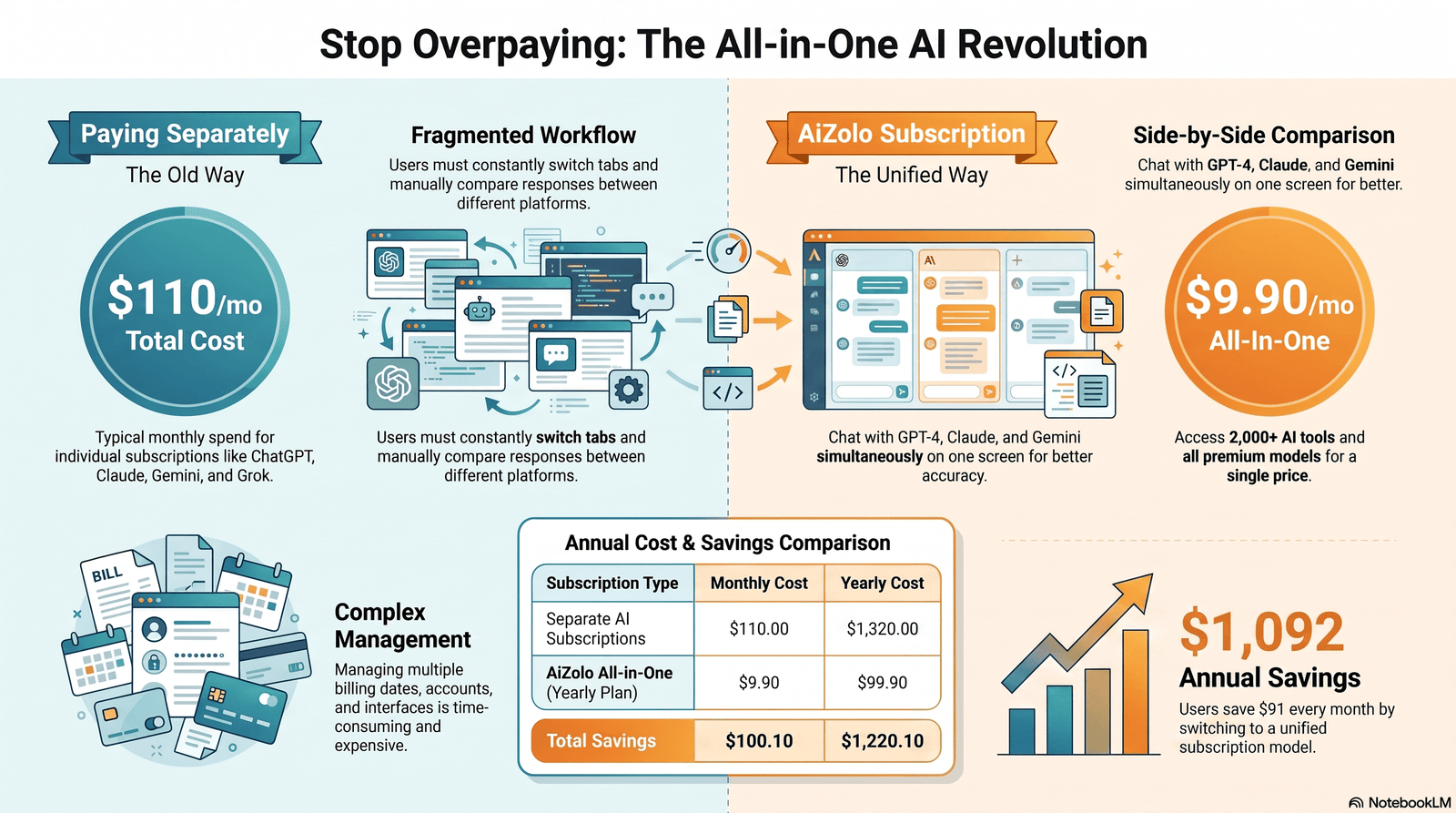
- Cost and access. Some teams have separate subscriptions already; using both means no capability goes to waste.
Quick Summary: Use ChatGPT and Claude together to combine speed with depth, catch each other’s blind spots, and match the right context window to the right task.
ChatGPT vs Claude Comparison Table
| Feature | ChatGPT | Claude |
|---|---|---|
| Developer | OpenAI | Anthropic |
| Flagship model (mid-2026) | GPT-5.5 / GPT-5.6 Sol | Claude Sonnet 5 / Opus 4.8 |
| Context window | Up to ~1M tokens (flagship) | Up to 1M tokens (Sonnet 5, Opus 4.8) |
| Strengths | Broad knowledge, plugins, image generation, voice | Long-document reasoning, structured writing, coding depth |
| Free tier | Yes, limited | Yes, limited |
| Entry paid plan | Plus, around $20/month | Pro, around $20/month |
| Coding | Strong, especially with Codex | Strong, especially for multi-file refactors |
| Memory across chats | Yes (opt-in) | Limited, improving |
| File analysis | Strong | Strong, especially for very long documents |
Pricing and context-window figures change frequently. Always confirm current numbers on the official OpenAI pricing page and Anthropic pricing page before making a decision.
Pricing Comparison Table
| Plan Tier | ChatGPT | Claude |
|---|---|---|
| Free | Limited access to a lighter model | Limited access to a lighter model |
| Entry paid | Plus (~$20/mo): broader model access | Pro (~$20/mo): broader model access, larger context |
| Power user | Pro (~$200/mo): top reasoning model, higher limits | Max: higher usage limits, priority access |
| Business | Business/Enterprise: admin controls, higher limits | Team/Enterprise: admin controls, higher limits |
| API (approximate, flagship model) | ~$5 input / ~$30 output per million tokens | ~$3 input / ~$15 output per million tokens (standard) |
API prices shift often and can include introductory discounts. Check the official pricing pages linked above before budgeting.
Pro Tip: If you also want Gemini in the mix — not just ChatGPT and Claude — see our full breakdown in The Best AI Chat Platform That Supports ChatGPT, Claude, and Gemini Together, including unified-workspace pricing that can undercut stacking all three separately.
Reasoning Comparison Table
| Task Type | Model That Typically Performs Better |
|---|---|
| Quick brainstorming, broad topics | ChatGPT |
| Step-by-step logical breakdowns | Claude |
| Multi-source synthesis in one pass | Claude (larger effective working context) |
| Fast factual lookups with browsing | ChatGPT |
| Careful policy or legal reasoning | Claude |
| Creative ideation and variety | ChatGPT |
Coding Comparison Table
| Coding Task | Stronger Choice |
|---|---|
| Quick script or single-function fix | Either model works well |
| Large, multi-file refactor | Claude (context depth) |
| Rapid prototyping with visual output | ChatGPT |
| Explaining unfamiliar codebases | Claude |
| Debugging with iterative back-and-forth | Either, depending on your subscription and tool integration |
Writing Comparison Table
| Writing Task | Stronger Choice |
|---|---|
| Short-form marketing copy | ChatGPT |
| Long-form articles and reports | Claude |
| Tone matching and style consistency | Claude |
| Fast headline/tagline brainstorming | ChatGPT |
| Editing a full manuscript | Claude |
Memory and Context Window Comparison
| Capability | ChatGPT | Claude |
|---|---|---|
| Cross-chat memory | Available, opt-in, improving | More limited, project-based organization |
| Single-conversation context window | Up to roughly 1M tokens on flagship models | Up to roughly 1M tokens on flagship models |
| Best for | Ongoing personal assistant use | Deep single-session document work |
Pros and Cons Table
| ChatGPT | Claude | |
|---|---|---|
| Pros | Fast ideation, built-in image generation, wide plugin ecosystem, strong voice mode, large user community | Strong long-document handling, coherent long-form writing, careful instruction-following, strong at multi-file coding context |
| Cons | Can lose thread on very long, complex documents without careful prompting | Fewer built-in multimedia tools, smaller plugin ecosystem, cross-chat memory is more limited |
Best Use Cases Table
| Scenario | Recommended Model |
|---|---|
| Daily quick-question assistant | ChatGPT |
| Long report or contract analysis | Claude |
| Image generation alongside text | ChatGPT |
| Full article or book chapter drafting | Claude |
| Voice-based brainstorming on the go | ChatGPT |
| Large codebase review or refactor | Claude |
| Fast social media copy | ChatGPT |
| Technical documentation writing | Claude |
Decision Matrix: Which Model Should You Open First?
| If your task involves… | Start with |
|---|---|
| A document longer than a few pages | Claude |
| Needing an image or visual asset too | ChatGPT |
| Wanting 10+ quick idea variations | ChatGPT |
| Needing one careful, well-structured answer | Claude |
| Reviewing code across many files | Claude |
| Talking through an idea out loud | ChatGPT |
Use this matrix as a starting point, not a rule. If the first model’s output doesn’t fully satisfy the task, that’s exactly the moment to bring in the second model rather than settling.
Quick Decision Checklist
Before opening either tool, ask yourself:
- Is this a single, long document I need analyzed in full? → Lean Claude
- Do I need many quick variations to choose from? → Lean ChatGPT
- Is accuracy on a high-stakes document critical? → Draft in one, verify in the other
- Do I need an image, chart, or visual asset? → ChatGPT
- Will this task span multiple sessions and need memory? → ChatGPT’s persistent memory features may help more
Strengths of ChatGPT
ChatGPT has a mature plugin and tool ecosystem, built-in image generation, and voice interaction, which makes it a strong all-purpose daily driver.
It’s often faster for casual brainstorming sessions where you want many ideas quickly rather than one deeply reasoned answer.
Its integrations with search, code execution, and third-party apps mean it can act more like an assistant that takes actions, not just a text generator.
Strengths of Claude
Claude is frequently praised for long-document handling. Feeding in a full report, transcript, or codebase and getting a coherent, structured response is one of its core strengths.
It tends to produce writing that reads less like “AI voice” out of the box, with fewer generic transitions and repetitive structures.
Claude also tends to be more consistent at following detailed formatting instructions across a long response, which matters for technical writing and structured reports.
When ChatGPT Gives Better Results
- You need quick, varied brainstorming across many angles
- You want image generation alongside text
- You’re using voice mode on the go
- You need broad general-knowledge answers with web browsing
- You want tight integration with third-party plugins and apps
Example:
Bad prompt: “Give me marketing ideas.”
Better prompt: “Give me 10 distinct marketing angles for a $40 reusable water bottle targeting college students, each with a one-line hook.”
ChatGPT output style: A fast, varied list with different tones and angles, ready to skim and pick from.
When Claude Performs Better
- You’re analyzing a long document, contract, or research paper
- You need a full article or report written in one coherent pass
- You want careful, structured technical explanations
- You’re refactoring a large codebase and need context retention
- You need writing that avoids repetitive AI-sounding phrasing
Example:
Bad prompt: “Summarize this report.”
Better prompt: “Read this 40-page report. Summarize the three biggest financial risks in plain language, cite the page number for each, and flag anything that contradicts the executive summary.”
Claude output style: A structured, carefully sourced summary that holds up across the full document length.
How to Build a Workflow Using Both
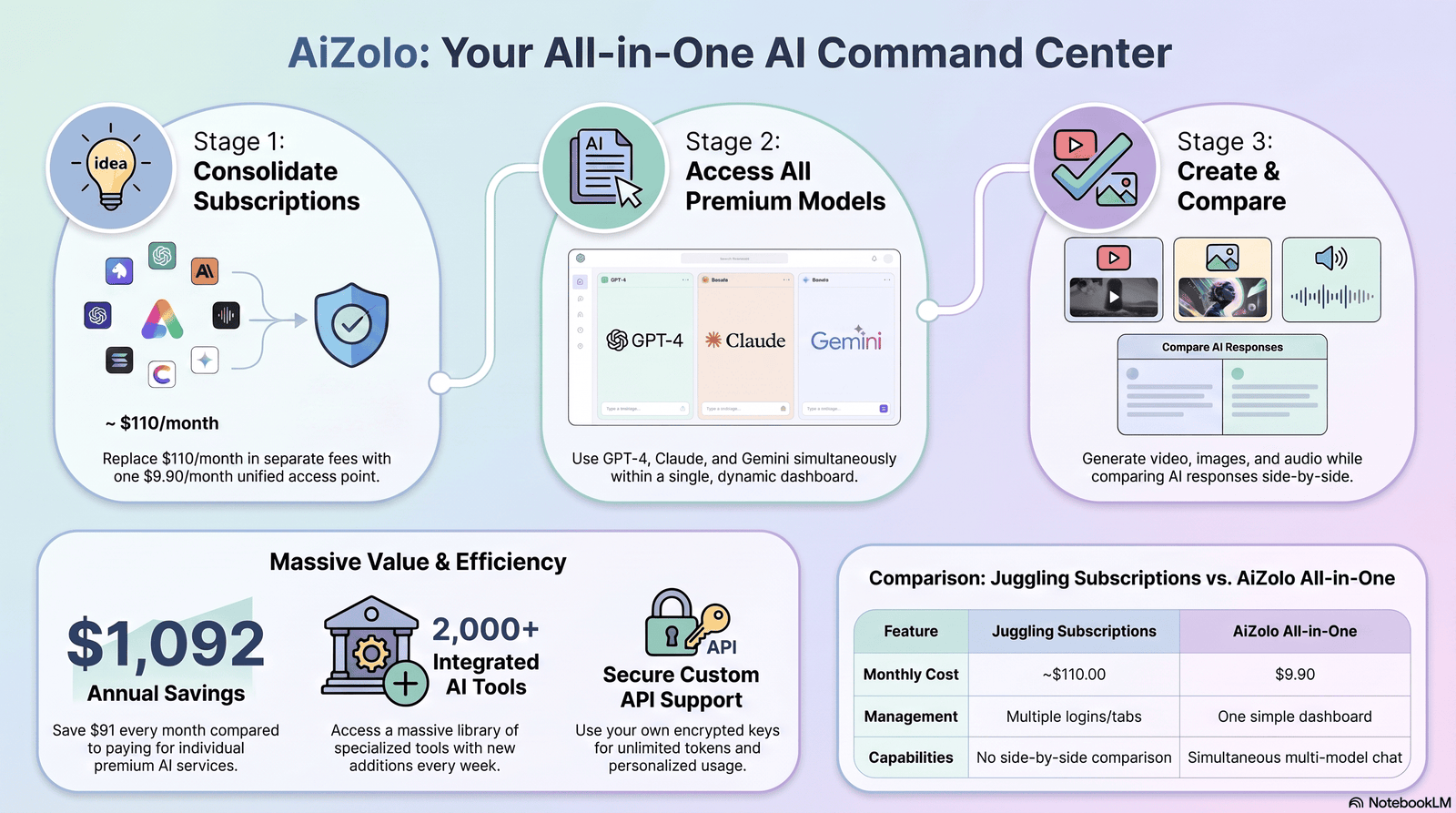
- Assign roles first. Decide up front which model handles ideation and which handles refinement, based on the tables above.
- Start where the task naturally begins. Research and outlining often start in ChatGPT; long-form drafting often starts in Claude.
- Move the output, not just the idea. Paste the actual draft, not a vague description, into the second model.
- Give the second model a specific job. “Tighten this,” “check for factual gaps,” and “rewrite section two for a technical audience” all work better than “make this better.”
- Do a final single-model pass. Pick one model to produce the final, polished version so the tone stays consistent.
Best Practice: Keep a simple prompt template for each stage of your workflow so switching between models doesn’t cost you extra thinking time.
Prompt Chaining Between Both Models
Prompt chaining means the output of one model becomes the structured input for the next.
Example chain:
- ChatGPT: “Brainstorm 8 blog topic angles for a B2B SaaS audience interested in AI adoption.”
- You: Pick the strongest angle.
- Claude: “Write a 1,500-word article on this angle: [paste angle]. Use short paragraphs, an evidence-based tone, and include one comparison table.”
- ChatGPT: “Turn this article’s key points into 5 social media posts.”
This chain uses ChatGPT for breadth at the start and end, and Claude for depth in the middle — playing to each model’s strengths.
The same chaining logic works with other model pairs — see how to make ChatGPT and Gemini talk to each other for a Gemini-specific version of this workflow.
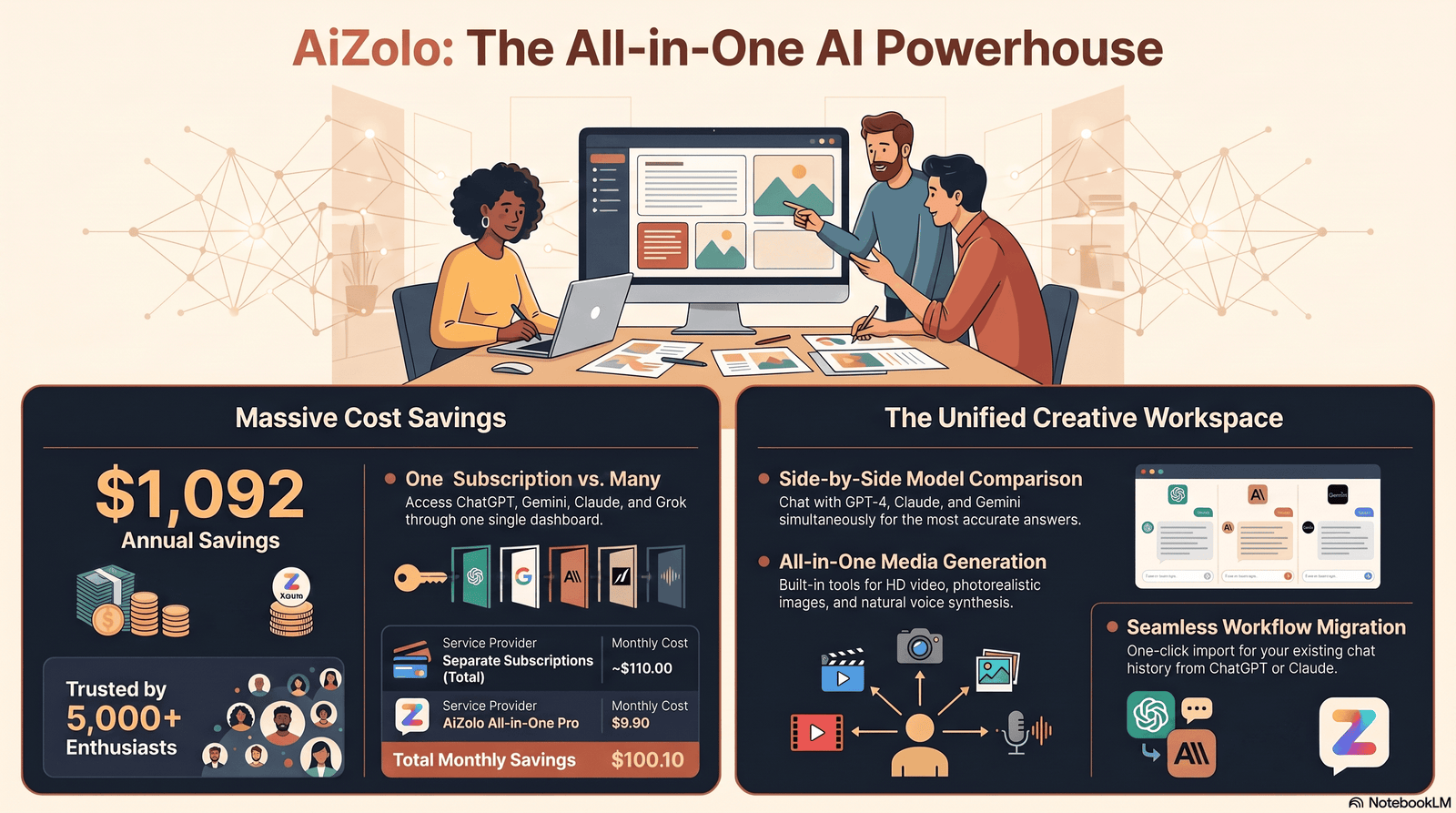
Real Business Examples
Marketing Workflow
A content marketer uses ChatGPT to generate 15 campaign angle options in minutes, then feeds the top three into Claude to develop full messaging frameworks with tone guidelines, because Claude holds the brand voice consistently across a longer document.
Coding Workflow
A developer uses Claude to review an entire repository’s authentication module for security gaps, since it can hold more of the codebase in context at once, then uses ChatGPT to quickly generate unit test boilerplate.
Writing Workflow
A freelance writer drafts a full 3,000-word feature in Claude for structure and coherence, then runs it through ChatGPT to generate five alternate headline options and a shorter social excerpt.
Research Workflow
A research analyst uses ChatGPT’s browsing tools to gather recent sources and data points, then pastes the full research bundle into Claude to synthesize a structured briefing document with citations organized by theme.
Education Workflow
A student uses ChatGPT to quickly quiz themselves on a topic with rapid-fire questions, then uses Claude to work through a single hard concept step by step, since Claude tends to hold a patient, structured explanation over a longer exchange.
Customer Support Workflow
A support team uses ChatGPT, integrated into their helpdesk tool, to draft fast first-response replies, then routes complex, multi-part tickets to Claude for a more careful, policy-consistent written response before a human reviews it.
Common Mistakes
- Copy-pasting without editing the prompt. The same exact prompt rarely performs identically well in both models; adjust it to each one’s strengths.
- Skipping the final consistency pass. Mixing outputs from both models without a unifying edit creates inconsistent tone.
- Using both models for everything. Not every task benefits from double-checking; save the extra step for high-stakes work.
- Ignoring context window limits. Pasting a document too large for a model’s window silently truncates your input and degrades quality.
- Treating outputs as fact without verification. Both models can produce confident-sounding errors, especially with statistics, citations, and dates.
Warning: Never paste confidential client data, unreleased financial information, or personal health information into either tool unless your organization has approved that specific plan and its data-handling terms.
Security Considerations
Before running sensitive business data through any AI model, check your organization’s data-retention and training-use settings for that specific plan, since these vary between free, paid, and enterprise tiers.
Enterprise and business plans from both OpenAI and Anthropic typically offer stronger data controls than free consumer tiers, including options to limit training use of your inputs.
If you’re handling regulated data — healthcare, legal, or financial — confirm compliance requirements (such as HIPAA or SOC 2 coverage) directly with each provider’s official documentation before use, and consult resources like the NIST AI Risk Management Framework for broader guidance on responsible AI use.
If your workflow also pulls from shared company files, see our guide on connecting ChatGPT to shared Google Drive folders for how permissions and data retention actually work in that setup.
Limitations
Running two AI models isn’t a guarantee of better output. It roughly doubles your prompting time and cost, and it can slow you down if you don’t have a clear system.
Neither model is fully reliable for facts, statistics, or citations without verification, and combining two unreliable sources doesn’t automatically produce a reliable one.
Switching between two interfaces also breaks flow. Every copy-paste is a moment where formatting can get lost, context can get cut off, or a stray instruction can carry over from the first model and confuse the second.
Both platforms’ features, pricing, and model names change frequently. Treat any specific version name or price in this article as a snapshot, not a permanent fact, and verify current details on the official pricing pages before you decide.
Finally, a two-model workflow adds a small but real learning curve. It takes a few real projects before the hand-off between models starts to feel automatic rather than effortful.
Future of Multi-AI Workflows
The trend toward using multiple AI models together is accelerating, not slowing down. More teams are building lightweight internal tools that route a task to whichever model handles it best automatically, rather than relying on a person to switch manually.
For a closer look at platforms built specifically to do this — comparing ChatGPT, Claude, and Gemini side by side in one workspace — see our guide to the best AI chat platform that supports ChatGPT, Claude, and Gemini together.
Expect tighter integrations, shared context standards, and more “AI orchestration” platforms designed specifically to manage multi-model workflows in a single interface over the next few years.
Browser-based AI agents and desktop assistants are also starting to blur the line between models, letting one interface call on multiple underlying AI systems depending on the task, without the user manually copying text between tabs.
As both companies keep shipping new model versions throughout 2026, the underlying logic of this guide won’t change even as specific names and numbers do: match the task to the model’s actual strengths, verify important outputs, and keep a consistent final editing pass so the finished work reads as one coherent voice.
Frequently Asked Questions
1. Can I use ChatGPT and Claude together for free? Yes. Both offer free tiers with usage limits, which is enough to test a basic multi-AI workflow before paying for either.
2. Is it worth paying for both ChatGPT Plus and Claude Pro? It depends on your workload. If you regularly do both broad ideation and deep long-form writing, having both can pay for itself in saved editing time.
3. Which model is better for coding? Both are strong. Claude tends to hold up better on large, multi-file projects, while ChatGPT integrates tightly with popular developer tools.
4. Can Claude and ChatGPT share memory or context? Not natively. You need to manually copy relevant context between them, or use a third-party tool that connects both APIs.
5. What’s the easiest way to start a multi-AI workflow? Pick one recurring task, like weekly report writing, and assign a clear role to each model for that single task before expanding further.
6. Does using both models cost more than using one? Usually yes, since you’re often paying for two subscriptions. Many people offset this by canceling tools they no longer need once their workflow is set.
7. Is one model more accurate than the other? Accuracy varies by task and changes with every model update. Neither should be trusted blindly for facts without a verification step.
8. Can I automate switching between ChatGPT and Claude? Yes, through the official APIs and workflow-automation tools, though this requires basic technical setup or a no-code automation platform.
9. Which model has a bigger context window? This changes with each release. As of mid-2026, both companies’ flagship models support very large context windows, so check current documentation for exact figures.
10. Do businesses commonly use both models? Yes. Many teams standardize on one for daily chat use and another for a specific specialized task, like long-document analysis or customer-facing responses.
11. Is it safe to paste company data into both tools? Only on plans with data controls appropriate for your company’s policies. Confirm settings before pasting anything sensitive.
12. Will AI eventually merge into one “best” model? Unlikely in the near term. Different companies are optimizing for different priorities, which is exactly why multi-AI workflows have become useful.
Final Verdict
Neither ChatGPT nor Claude is the “better” AI model overall. They’re built with different priorities, and that difference is the whole reason a combined workflow works.
Use ChatGPT when you need speed, breadth, and integrated tools. Use Claude when you need depth, long-document reasoning, and consistent structured writing.
The professionals getting the most out of AI in 2026 aren’t choosing sides. They’re building a simple, repeatable system where each model does what it does best.
Start small: pick one task this week, assign each model a clear role, and see how much time it actually saves you.
Author Bio
Jeevesh Tripathi AI Productivity & Generative AI Strategist
Jeevesh Tripathi writes about generative AI, multi-model workflows, and SaaS productivity, with a focus on helping professionals get practical, measurable value from AI tools rather than chasing hype. His work centers on testing real workflows across leading AI platforms and translating what actually works into clear, actionable guidance for marketers, developers, and business teams.
Contact: jeevesh@aizolo.com

Pingback: Top Reasons for Choosing a Cheap AI Subscription with Access to Multiple Models: Your Complete AI Zolo User's Handbook Investment Guide -
Pingback: Claude 4.5 Sonnet Message Limit: 7 Smart Workarounds Guide
Pingback: Unlimited AI Chat Subscription: 5 Tools With No Limits (2026)
Pingback: All AI Websites in One Place: 7 Smart Picks for 2026
Pingback: Multi-LLM Chatbot Comparison: 5 Side-by-Side Tests (2026)
Pingback: Best All-in-One AI Chat Platform: 7 Productivity Wins (2026)
Pingback: Gemini 3.0 vs GPT-5.1: 9 Real Tests, One Winner 2026
Pingback: Best Multi-LLM Tool for Content Creation in 2026: 6 Models 2026
Pingback: Cheap AI Subscription for Multiple Models: Switch Multiple AI Models Mid Conversation Tool
Pingback: world best AI in 2026? 7 Models, One Powerful Platform Now
Pingback: 7 ai for content creation to Boost Output 10x (2026)
Pingback: Best AI Workspace to Compare ChatGPT, Claude & Gemini
Hello! I’ve been following your site for a while now and finally got the courage
to go ahead and give you a shout out from Kingwood Tx!
Just wanted to tell you keep up the great work!
Pingback: 7 AI Chatbot Online Platforms for Multi-Model Chat 2026
Pingback: how to use ai for generating seo briefs from keywords
Pingback: 7 Affordable All-in-One AI Subscriptions Startups Love Now
Pingback: Cheapest Way to Use GPT-5.1 in 2026: Save 80% Fast
Pingback: 7 ai tools bundle for freelancers 2026 Use to Save $1,000+ (2026)