
If you’ve ever paid for ChatGPT Plus, Claude Pro, and Gemini Advanced at the same time, you already know the problem: none of them is the best model for everything, and paying for all three separately gets expensive fast. AiZolo, a multi AI platform, solves this by putting several models behind one login and one bill.
This guide compares the platforms actually worth considering in 2026 — what they cost, which models they include, and who each one genuinely fits. We tested claims against current pricing pages and independent reviews rather than repeating marketing copy.

Table of Contents
Comparison Table: Multi AI Platforms at a Glance
| Platform | Starting Price | Models Included | Best For |
|---|---|---|---|
| Aizolo | ~$9.90/mo | GPT, Claude, Gemini, Grok, Perplexity Sonar Pro, plus image/video/audio | All-in-one users who want chat + generative media in one plan |
| Poe | Free–$249.99/mo | 200+ models via points system | Model-hoppers who want the widest catalog |
| OpenRouter | Pay-as-you-go | 300–400+ models | Developers building on top of multiple LLMs |
| ChatHub | $19–$24.99/mo | GPT, Claude, Gemini, DeepSeek, Llama, Grok | Side-by-side comparison in a browser extension |
| TypingMind | $79 one-time + your API costs | Any model you bring a key for | Heavy users who don’t want recurring subscriptions |
| LibreChat | Free (self-hosted) | Any model via API keys | Teams needing full data control |
Pricing changes frequently across this category, so treat these as a starting point and confirm current numbers on each provider’s pricing page before buying.
What Is a Multi AI Platform?
A multi AI platform is a single interface that connects to several underlying AI models — usually from OpenAI, Anthropic, Google, Meta, and others — instead of locking you into one. Instead of maintaining separate logins for ChatGPT, Claude, and Gemini, you manage one account and switch models (or run them side by side) from a single dashboard.
Some platforms bundle their own subscription that includes model usage (Aizolo, Poe, ChatHub). Others are pass-through layers where you bring your own API keys and pay providers directly at close to cost (OpenRouter, TypingMind, LibreChat).
How Multi AI Platforms Work

Under the hood, these platforms fall into two broad categories:
- Aggregators with bundled usage. You pay one subscription fee, and the platform covers the underlying API costs for you, usually through a token or “points” allowance.
- Routing layers (BYOK). You connect your own OpenAI, Anthropic, or Google API key, and the platform is just the interface — you pay providers directly, often at or near their published API rates.
Neither model is inherently better. Bundled platforms are simpler for non-technical users; BYOK platforms give power users more cost control.
Which AI Model Should You Actually Use?
Before comparing platforms, it helps to know what each underlying model is actually good at — since every multi AI platform on this list is really just a wrapper around the same handful of models.
ChatGPT (GPT-4o / GPT-5) — Strongest at creative writing, tool integration (DALL-E, code interpreter, browsing), and fast response times. Best for content creation, rapid prototyping, and multimodal tasks. Weaker on niche-topic accuracy and can run verbose.
Claude (Sonnet 5 / Opus 5) — Leads on long-context understanding (200K+ tokens), instruction-following, and coding via Claude Code. Best for research, technical documentation, and enterprise use cases where safety and accuracy matter more than speed. No native image generation, and web access is more limited.
Gemini (3.1 Pro / 3.6 Flash) — Built-in Google Search integration and real-time data access make it the strongest choice for current-events research and fact-checking. Also handles multimodal input well and integrates natively with Google Workspace. Less creative than GPT, and occasionally over-cautious.
Llama 4 (open source) — The only model here you can self-host. No API costs if you run it locally, fully customizable, and privacy-first. Trade-off: it needs technical expertise and infrastructure, and its context window trails the closed models.
DeepSeek R1 / V3 — Punches well above its price point on reasoning, math, and coding, with a visible “thinking” trace. Best for STEM problem-solving on a budget. The ecosystem is newer and less battle-tested than the others.
The takeaway: none of these models is “best” across the board — which is exactly why platforms like Aizolo exist. Instead of picking one model and living with its weaknesses, a multi AI platform lets you route each task to whichever model is actually strongest at it.
Benefits of Using a Multi AI Platform
- One subscription instead of several. Aggregator platforms routinely cost less than paying for two or three model subscriptions individually.
- Side-by-side comparison. Running the same prompt through multiple models at once makes it easier to spot which one handles a given task better — useful for coding, research, and copywriting.
- Less context-switching. Keeping chat, image, and sometimes video generation in one workspace cuts down on tab-hopping.
- Faster access to new models. Aggregators tend to add newly released models quickly, so you’re not stuck waiting on a single provider’s release schedule.
Drawbacks to Know Before You Buy
- Point systems can be confusing. Platforms like Poe charge different point amounts per model, so your effective usage varies by which model you pick.
- You may get a “lighter” version of each model. Aggregators sometimes cap context windows or delay access to a provider’s newest features compared to subscribing directly.
- BYOK platforms require technical comfort. Managing your own API keys and billing across providers isn’t for everyone.
- No aggregator replaces deep, provider-specific features like ChatGPT’s custom GPTs or Claude’s Projects at full depth.
Best Multi AI Platforms Reviewed
1. Aizolo
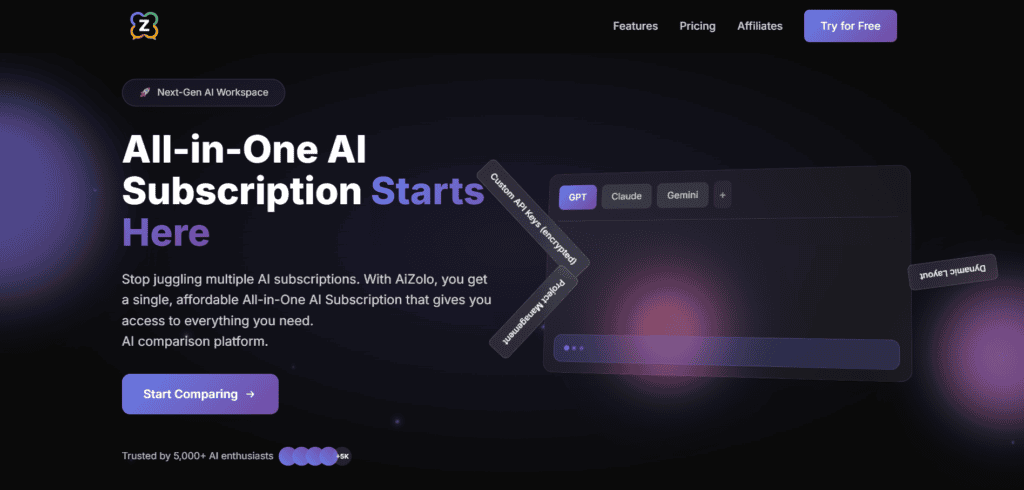
Overview: Aizolo is an all-in-one AI workspace built around a single subscription that includes chat access to multiple models plus image, video, and audio generation — a broader bundle than most pure chat aggregators offer.
Best for: Freelancers, small content teams, and students who want one affordable plan covering both conversational AI and generative media.
Supported models: GPT, Claude (Sonnet and Opus tiers), Gemini, Grok, and Perplexity Sonar Pro, with new models added on an ongoing basis.
Key features:
- Side-by-side comparison — send one prompt to multiple models and view the answers together
- Built-in image, video, and audio generation in the same plan
- Persistent AI memory across sessions
- A prompt manager for saving and reusing templates
- One-click chat import from ChatGPT or Claude
- Support for bringing your own API keys for unlimited usage beyond the plan’s token allotment
Pricing: Plans start at roughly $9.90/month, with an annual option that lowers the effective monthly cost. A free tier is available with limited model access and token allowance.
Pros:
- Genuinely broad bundle — most competitors charge separately for image/video generation
- Encrypted, user-controlled API key storage for anyone who wants to plug in their own provider accounts
- Simple, beginner-friendly interface
Cons:
- Smaller user base than long-established players like Poe, so fewer third-party tutorials exist
- Heavier features (video generation especially) consume tokens faster than plain chat
Verdict: The strongest option for anyone who wants chat, image, video, and audio in one low-cost plan rather than juggling separate generative-AI subscriptions.
2. Poe
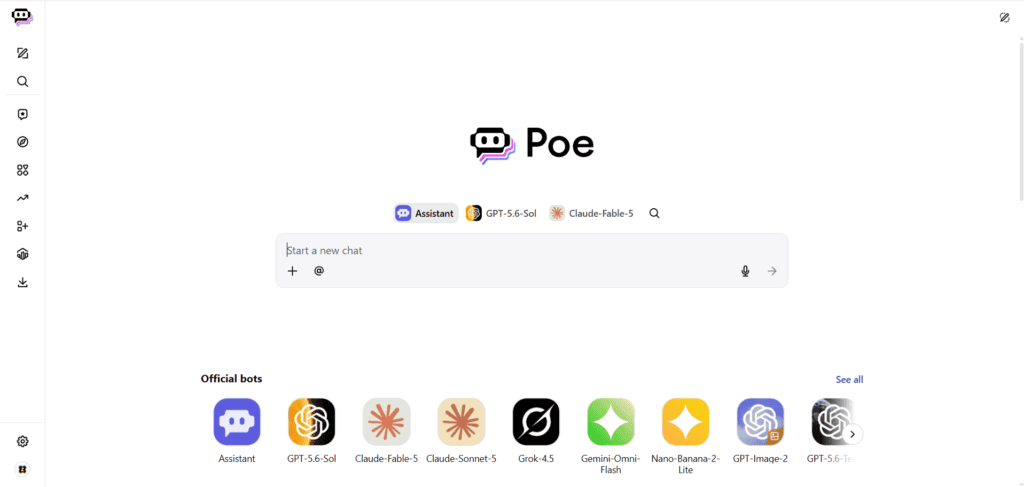
Overview: Built by Quora, Poe is the largest model aggregator by catalog size, offering access to well over 200 models and community-built bots.
Best for: People who genuinely want to sample dozens of different models, including niche and open-source ones.
Supported models: GPT, Claude, Gemini, Llama, Mistral, DeepSeek, and hundreds of custom bots layered on top.
Pricing: A free tier is available. Paid tiers currently span roughly $4.99 to $249.99 per month, each with a different monthly points allowance; different models consume points at different rates.
Pros:
- The widest model selection of any platform in this category
- Ability to build and monetize custom bots
- Mobile apps are polished and fast
Cons:
- The points system takes time to understand — a single message on a premium model can cost far more points than one on a lighter model
- Power users of one specific model often get more raw usage from that provider’s direct subscription
Verdict: Best for curious, model-hopping users; less ideal if you already know you’ll lean on one model heavily.
3. OpenRouter
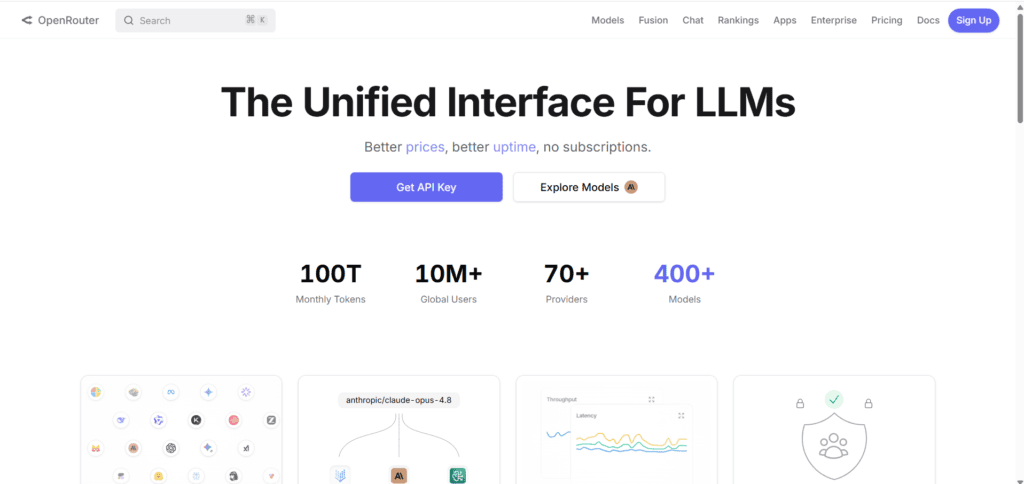
Overview: OpenRouter is a developer-focused API gateway rather than a consumer chat app — one API key routes requests to hundreds of models from OpenAI, Anthropic, Google, Meta, Mistral, DeepSeek, and more.
Best for: Developers and teams building products on top of multiple LLMs who want one integration instead of five.
Pricing: Pay-as-you-go, generally passing through each provider’s own per-token rate plus a small credit-purchase fee (around 5.5% in most current breakdowns). There’s no flat monthly subscription tier; dozens of open-source models are available free of charge with rate limits.
Pros:
- No markup on most listed per-token rates compared to going direct
- Automatic failover if one provider has an outage
- Dozens of free models for prototyping
Cons:
- Not built for non-technical users — there’s no polished chat interface for casual use
- The credit-purchase fee and bring-your-own-key fee structure take some reading to fully understand
Verdict: The right choice if you’re writing code against multiple models, not chatting casually.
4. ChatHub
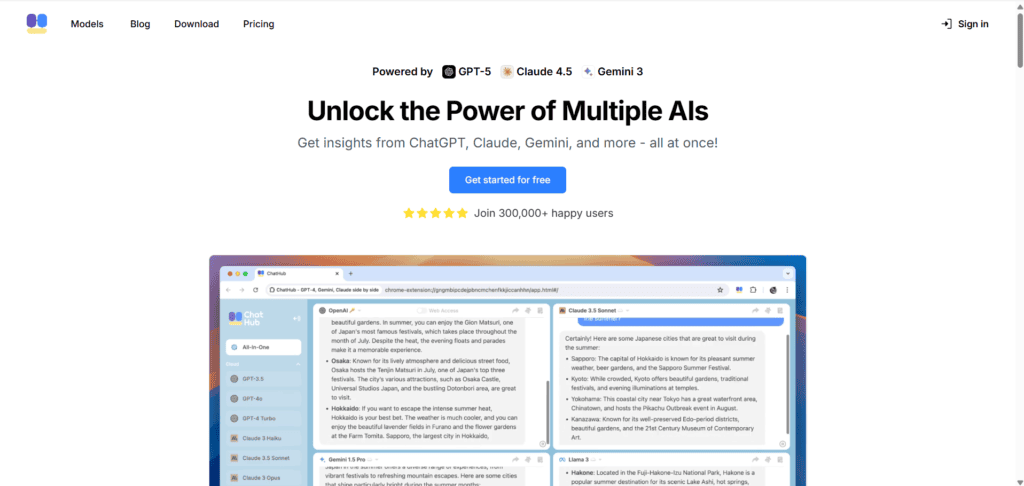
Overview: A browser extension and web app purpose-built around comparing multiple chatbot answers side by side, up to several models at once in a split-screen layout.
Best for: Researchers and prompt engineers who want to see how different models handle the exact same instruction.
Pricing: A free tier allows comparing two chatbots with limited usage. Paid tiers run roughly $19–$24.99 per month depending on billing cycle, bundling image generation and document uploads with no separate API keys required.
Pros:
- The comparison workflow is smoother than almost anything else on the market
- No API key setup required
- Cross-platform: web, browser extension, desktop, and mobile
Cons:
- More expensive than bring-your-own-key alternatives for light users
- Lighter on workspace features like deep prompt libraries compared to some competitors
Verdict: If side-by-side comparison is your main reason for wanting a multi AI platform, ChatHub is arguably the most purpose-built option available.
5. TypingMind
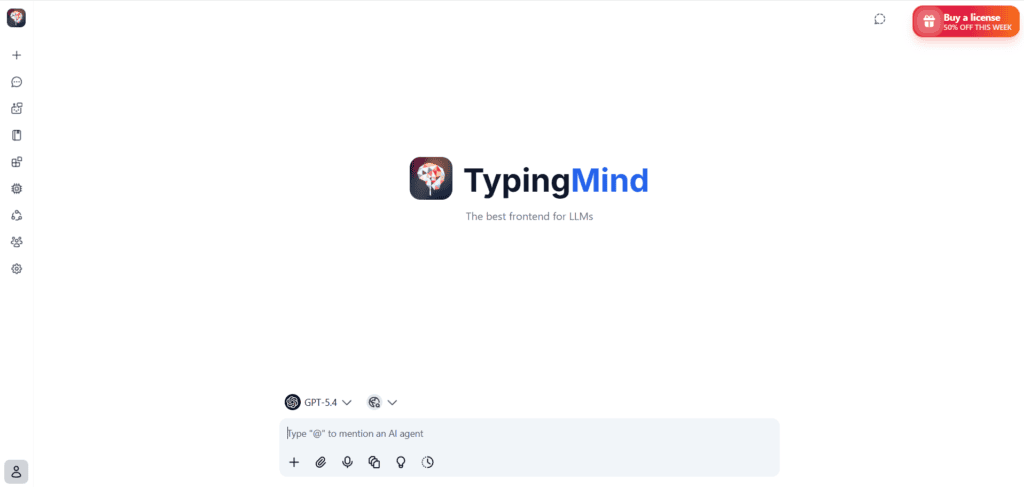
Overview: A bring-your-own-key (BYOK) chat interface — you pay a one-time fee for the app, then connect your own OpenAI, Anthropic, or Google API keys and pay providers directly.
Best for: Heavy, technically comfortable users who want to avoid recurring subscription fees.
Pricing: Around $79 one-time for personal use, plus whatever your actual API usage costs with each provider.
Pros:
- No monthly fee for the interface itself
- Full control over which provider and model you’re billed by
- Can be paired with OpenRouter to simplify key management further
Cons:
- Requires comfort with API keys and provider billing dashboards
- No bundled model access — you’re responsible for funding each provider account
Verdict: Excellent value for technical users already comfortable managing API keys; not a fit for anyone who wants a plug-and-play experience.
6. LibreChat
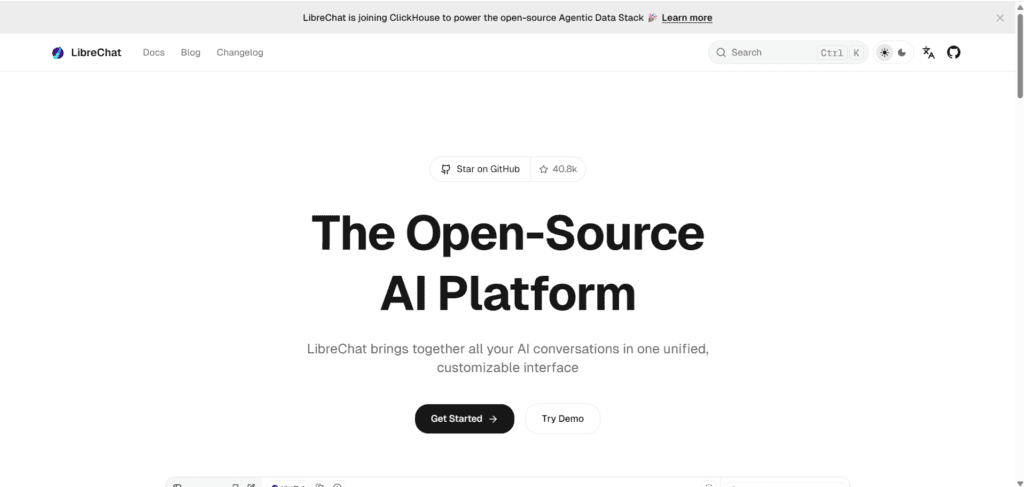
Overview: A free, open-source, self-hosted ChatGPT-style interface that supports OpenAI, Anthropic, Google, Azure OpenAI, and local models.
Best for: Organizations with data-sovereignty requirements that need to keep conversations on infrastructure they control.
Pricing: The software itself is free; you pay only for your own server hosting and whichever API usage you connect.
Pros:
- Full control over data — nothing routes through a third-party server
- Supports code execution, multi-user setups, and persistent memory
- Actively developed, GitHub-trending open-source project
Cons:
- Requires deployment and maintenance (Docker, Node.js, or similar)
- Not a fit for anyone who wants a zero-setup consumer product
Verdict: The best choice for privacy-conscious teams willing to self-host.
A note on You.com, Monica, and NinjaChat
These platforms also offer multi-model access bundled with search or writing-assistant features, and are worth a look if their specific angle (search-integrated AI for You.com, browser-based writing assistance for Monica, chat-first simplicity for NinjaChat) matches your workflow. Pricing and model lineups on all three change often enough that it’s worth checking their current pricing pages directly rather than relying on a snapshot here.
Feature Comparison Table
| Feature | Aizolo | Poe | OpenRouter | ChatHub | TypingMind | LibreChat |
|---|---|---|---|---|---|---|
| Side-by-side comparison | Yes | Limited (multibot chat) | No (API only) | Yes (up to 6) | No | No |
| Image generation | Yes | Yes (per-bot) | Via model access | Yes | Via connected model | Via connected model |
| Video generation | Yes | Yes (per-bot) | No | No | No | No |
| BYOK support | Yes | No | Yes (core model) | No | Yes (core model) | Yes (core model) |
| Self-hosting | No | No | No | No | No | Yes |
| Free tier | Yes | Yes | Yes (free models) | Yes (limited) | No | Yes (open-source) |
Which Platform Is Best for Different Users?
- Freelancers and content creators: Aizolo, for the bundled image/video generation alongside chat.
- Developers building products: OpenRouter, for pay-per-token API access without subscription overhead.
- Researchers comparing model quality: ChatHub or Poe, depending on whether you want deep comparison or the widest catalog.
- Power users who already manage API keys: TypingMind, to cut recurring subscription costs.
- Enterprises with data-residency requirements: LibreChat, self-hosted for full control.
- Casual users testing the waters: Start with free tiers — most of these platforms offer one.
How to Choose the Right Multi AI Platform

- List what you actually do with AI. Chat only? Chat plus images/video? Code against an API? The answer narrows the field quickly.
- Add up your current spend. If you’re already paying for two or more individual subscriptions, most aggregators pay for themselves immediately.
- Decide if you’re comfortable with API keys. BYOK platforms save money for technical users but add setup overhead for everyone else.
- Check data-handling requirements. If your work involves sensitive client or company data, self-hosting (LibreChat) or encrypted BYOK support (Aizolo) matters more than raw model count.
- Test the free tier before committing. Every major platform in this guide offers some form of free access — use it to confirm the interface fits how you actually work.
Common Mistakes People Make
- Choosing the platform with the most models without checking whether those models are capped, delayed, or a lighter version of the original.
- Ignoring points-based pricing math — a plan that looks cheap on paper can run out quickly if you favor an expensive model.
- Assuming BYOK is automatically cheaper. For light users, a bundled plan is often less hassle and comparable in cost once API fees are added up.
- Overlooking data-privacy terms, especially for platforms handling client or regulated information.
Future Trends in Multi AI Platforms

Model routing is getting smarter — several platforms are moving toward automatically picking the best available model for a given prompt rather than making users choose manually. Bundled generative media (image, video, audio) alongside chat, as Aizolo already does, is likely to become more standard across the category rather than a differentiator. Expect pricing to keep shifting as underlying model costs from OpenAI, Anthropic, and Google change — verify current rates before committing to an annual plan.
FAQs
What is a multi AI platform? A single service that gives you access to several different AI models — like GPT, Claude, and Gemini — through one account instead of separate subscriptions with each provider.
Is a multi AI platform cheaper than subscribing to ChatGPT, Claude, and Gemini separately? Usually, yes. Bundled platforms like Aizolo or Poe generally cost a fraction of what three individual premium subscriptions would run per month.
Do multi AI platforms give me the full version of each model? Not always. Some cap context length or delay access to a provider’s newest features compared to subscribing directly.
What does BYOK mean? Bring Your Own Key — you supply your own API key from OpenAI, Anthropic, or Google, and the platform acts purely as the interface while you pay the provider directly.
Which platform is best for comparing AI models side by side? ChatHub and Aizolo both build this in natively; Poe supports a version of it through multibot chat threads.
Are multi AI platforms safe for confidential or client data? It depends on the platform. Self-hosted options like LibreChat keep data entirely on your own infrastructure. Look for encrypted API key storage and clear data-retention policies on hosted platforms.
Can I use my existing ChatGPT or Claude conversation history on a new platform? Some platforms, including Aizolo, support one-click import of existing chat history when you switch over.
Is OpenRouter a chat app or an API service? It’s an API-only routing layer. You’ll need a separate front-end (like TypingMind) if you want a chat interface on top of it.
Do I need coding knowledge to use a multi AI platform? No — aggregators like Aizolo, Poe, and ChatHub are built for non-technical users. BYOK platforms like OpenRouter, TypingMind, and LibreChat require more comfort with API keys and, in LibreChat’s case, self-hosting.
How often should I re-check pricing on these platforms? Given how frequently AI providers adjust their own rates, it’s worth re-checking pricing pages every few months, especially before renewing an annual plan.
Final Verdict
There’s no single “best” multi AI platform for everyone — the right pick depends on whether you value bundled generative media, raw model count, developer-grade API access, or full data control. For most individuals and small teams who want chat plus image and video generation in one affordable plan, Aizolo currently offers the broadest bundle. Developers building products should look at OpenRouter instead, and teams with strict data requirements should consider LibreChat.
Author Bio
Jeevesh Tripathi AI Researcher & Content Strategist, Aizolo Jeevesh researches and writes about AI tools, SaaS platforms, and productivity technology, with a focus on helping readers cut through marketing claims and find tools that fit how they actually work. Contact: jeevesh@aizolo.com

1