
Table of Contents
Introduction
Generative AI tools stopped being a novelty around 2023. By 2026, they’re infrastructure.
Every major software category — writing, design, coding, video, customer support — now has an AI layer built in.
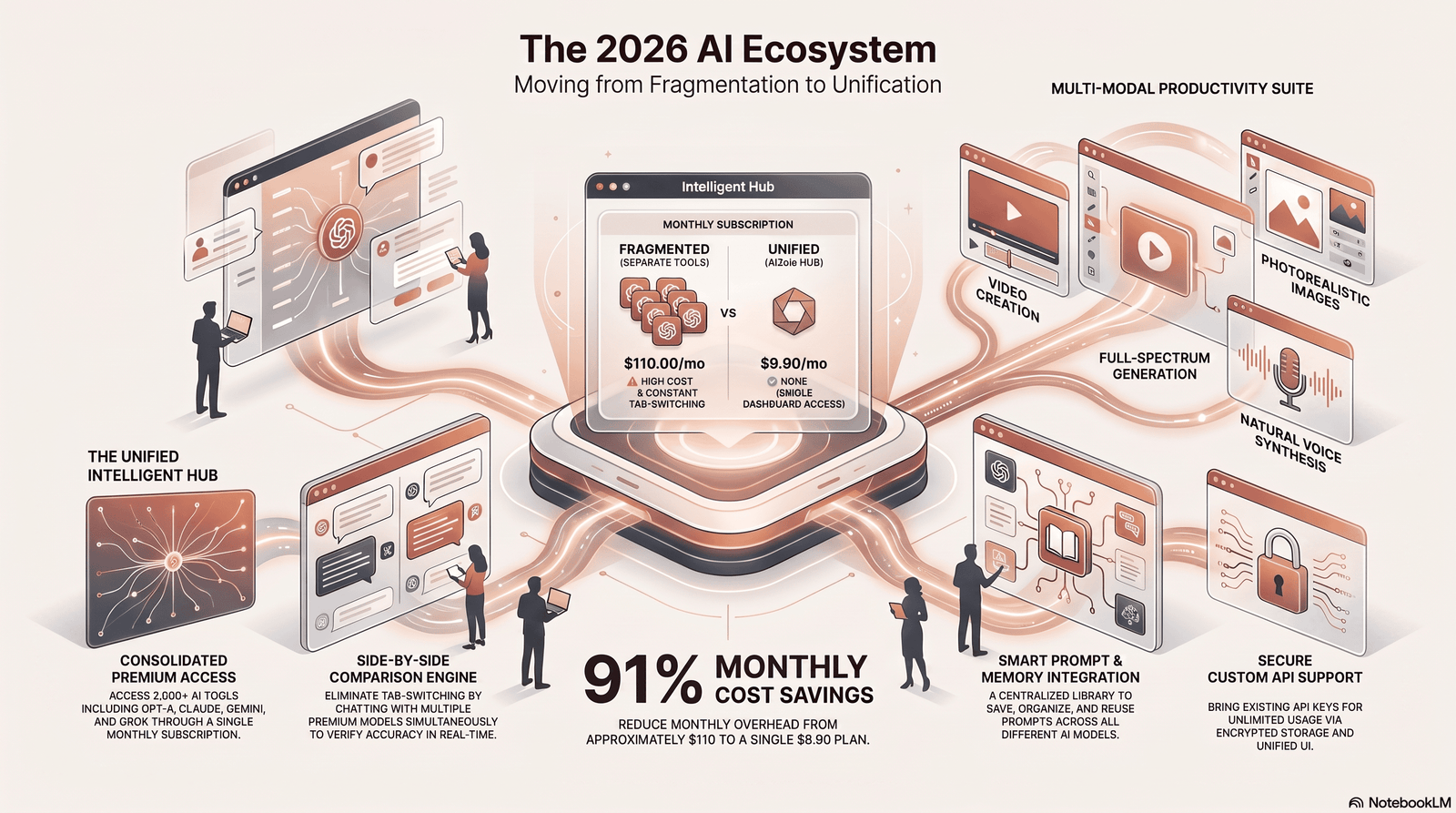
The shift happened fast. Millions of professionals now rely on Aizolo and other AI chat platforms before they even open a blank document.
That’s not hype. It’s a change in how work actually gets done.
Businesses use generative AI tools to draft reports, summarize meetings, and prototype products in hours instead of weeks.
Creators use them to storyboard videos, generate concept art, and produce voiceovers without a studio.
Developers lean on AI coding assistants to ship features faster and catch bugs earlier.
Marketers use AI content generators to test more campaign ideas in a single afternoon than they used to test in a month.
Students use them to research, outline, and check their own reasoning — though not without controversy in classrooms.
Enterprises, meanwhile, are past the “try it out” phase. Many now run formal AI governance programs, procurement checklists, and internal model evaluations.
The market growth reflects this. Independent pricing analyses from early 2026 note that API and subscription pricing across the major providers — OpenAI, Anthropic, Google, and xAI — has converged sharply as competition intensifies.
That convergence matters for buyers: it means the real differentiator in 2026 isn’t which company has “an AI chatbot” — it’s which generative AI tools fit a specific workflow best.
This guide breaks down what generative AI tools actually are, how they work, the best options across every major category, and how to choose the right one for your budget and skill level — without the marketing fluff.
What Are Generative AI Tools?
Generative AI tools are software applications built on machine learning models that create new content — text, images, audio, video, or code — rather than just analyzing existing data.
The distinction matters. Traditional software follows fixed rules. Generative AI tools produce original output based on patterns learned from massive training datasets.
Ask a generative AI writing tool for a product description, and it doesn’t retrieve a pre-written template. It generates fresh text, word by word, based on probability.
This is why generative AI tools feel different from older automation software. They handle ambiguity, follow open-ended instructions, and adapt to context.
Under the hood, most generative AI platforms today are built on a handful of core AI architectures — which is what the next section covers.
How Generative AI Tools Work
Understanding the mechanics helps you evaluate tools more critically instead of trusting marketing claims at face value.
Large Language Models (LLMs)
Large language models are trained on enormous volumes of text to predict the next most likely word in a sequence.
That simple mechanism, scaled up with billions of parameters, produces the fluent, context-aware writing you see in tools like ChatGPT, Claude, and Gemini.
LLMs power most AI writing tools, AI chatbot tools, and increasingly, AI coding assistants.
Diffusion Models
Diffusion models generate images by starting with random noise and gradually refining it into a coherent picture, guided by a text prompt.
This is the technology behind most image generation AI tools, including Midjourney, DALL·E, and Adobe Firefly.
Transformers
The transformer architecture, introduced in 2017, is the backbone of nearly every modern generative AI system — text, image, and increasingly audio and video models.
Transformers use a mechanism called “attention” to weigh which parts of an input matter most, which is why modern AI tools handle long, complex instructions far better than older models did.
Multimodal Models
By 2026, most flagship generative AI platforms are multimodal — a single model can process text, images, audio, and sometimes video within the same conversation.
This is why you can now upload a screenshot to a chatbot and ask it to write code based on what it sees, or paste a spreadsheet and get a chart back.
Types of Generative AI Tools
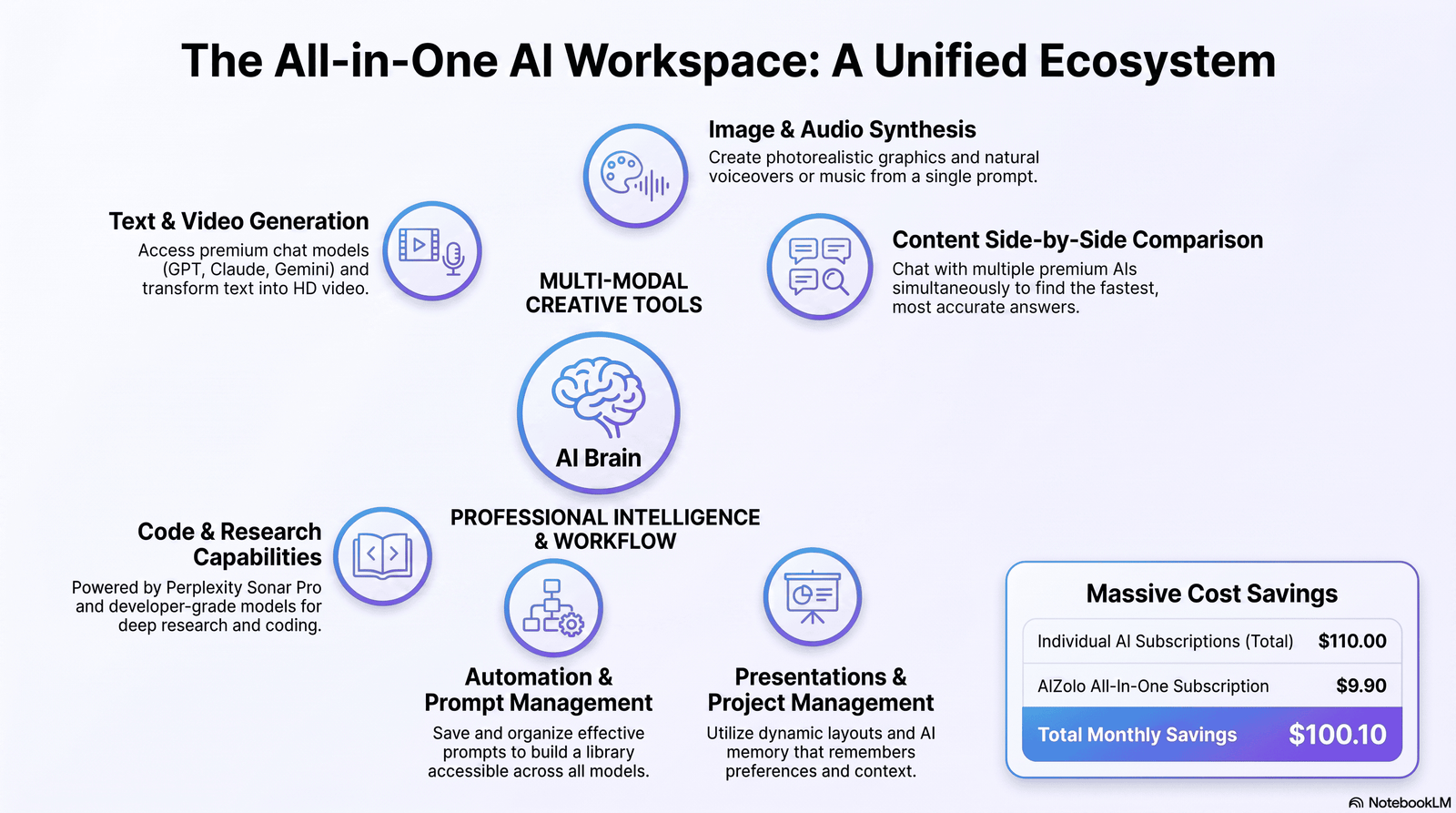
Generative AI tools span far more categories than most people realize. Here’s the full landscape.
Text Generation AI
These are AI writing tools built for drafting articles, emails, ad copy, scripts, and reports. Examples: ChatGPT, Claude, Jasper, Copy.ai, Writesonic.
Image Generation AI
AI image generators turn text prompts into original artwork, product mockups, or photorealistic images. Examples: Midjourney, DALL·E, Adobe Firefly.
Video Generation AI
These tools generate or edit video from text prompts, images, or scripts — useful for marketing clips, explainer videos, and social content. Examples: Runway, Synthesia.
Audio Generation AI
AI audio tools create voiceovers, music, and sound effects. Examples: ElevenLabs (voice), Suno (music).
Code Generation AI
AI coding assistants autocomplete, explain, debug, and even write entire functions or apps. Examples: GitHub Copilot, Cursor, Claude Code.
Presentation Generation AI
These tools turn a rough outline into a designed slide deck in minutes. Examples: Gamma, Canva AI, Microsoft Copilot in PowerPoint.
Research and Reasoning Tools
AI research assistants combine web search with reasoning to answer complex questions with citations. Example: Perplexity.
Automation and Agentic Tools
A newer category: AI agents that don’t just generate content but complete multi-step tasks — booking, filing, coding, and testing — with minimal human input.
Best Generative AI Tools in 2026
Pricing below reflects publicly listed rates as of mid-2026. Industry pricing trackers note that ChatGPT Plus, Claude Pro, and Google AI Pro all sit within roughly a dollar of each other at the $20/month tier, while higher-capacity plans range from about $100 to $300 per month depending on the provider.Always confirm current pricing directly with the vendor, since AI subscription pricing changes frequently.
AI Chatbots & General-Purpose Assistants
| Tool | Best For | Starting Price | Pros | Cons |
|---|---|---|---|---|
| ChatGPT | Broadest ecosystem, plugins, image generation | Free / $20 Plus / $200 Pro | Huge plugin ecosystem, strong general reasoning | Can feel generic without careful prompting |
| Claude | Long-form writing, coding, document analysis | Free / $20 Pro / $100–$200 Max | Large context window, careful reasoning, strong coding | Fewer built-in multimedia features than ChatGPT |
| Gemini | Google Workspace integration, research | Free / ~$20 Pro / $100–$200 Ultra | Deep Gmail/Docs/Sheets integration, large context | Feature naming and tiers change often |
| Grok | Real-time X/social data, fast responses | Free / $30 SuperGrok / $300 Heavy | Access to live social conversation data | Higher price for top-tier access |
| DeepSeek | Budget-conscious users, open-weight fans | Free / low-cost API | Very low cost, strong reasoning for the price | Data handling concerns for some enterprises |
| Microsoft Copilot | Microsoft 365 users | Bundled with Microsoft 365 plans | Native integration in Word, Excel, Outlook | Best value only if already on Microsoft 365 |
Expert take: As of mid-2026, ChatGPT Plus offers the strongest message volume for everyday use, Claude Pro tends to perform best for coding and long-form writing tasks, and Google AI Pro leads on raw context window size. Pick based on your primary task, not brand loyalty.
AI Image Generators
| Tool | Best For | Starting Price | Pros | Cons |
|---|---|---|---|---|
| Midjourney | Artistic, stylized imagery | ~$10–$60/month | Best-in-class aesthetic quality | Discord-based workflow feels dated to some |
| DALL·E (via ChatGPT) | Quick, integrated image generation | Included with ChatGPT Plus | Easy prompting inside chat | Less fine control than Midjourney |
| Adobe Firefly | Commercial-safe design work | Free tier / Creative Cloud plans | Trained on licensed content, integrates with Photoshop | Less experimental than Midjourney |
| Canva AI | Marketing graphics, templates | Free / Canva Pro ~$15/month | Beginner-friendly, huge template library | Less powerful for fine art or complex scenes |
AI Video & Audio Tools
| Tool | Category | Best For | Starting Price |
|---|---|---|---|
| Runway | Video generation/editing | AI-assisted video effects, generative clips | Free tier / paid credits |
| Synthesia | AI avatar video | Corporate training, explainer videos | Paid plans from ~$18–$30/month |
| ElevenLabs | Voice generation | Realistic voiceovers, dubbing | Free tier / paid plans from ~$5/month |
| Suno | Music generation | Original song creation from text prompts | Free tier / paid plans |
AI Coding Assistants
| Tool | Best For | Starting Price | Pros | Cons |
|---|---|---|---|---|
| GitHub Copilot | In-IDE autocomplete | From ~$10/month | Deep IDE integration, huge user base | Less agentic than newer tools |
| Cursor | AI-native code editor | Free tier / Pro ~$20/month | Strong multi-file editing, agent mode | Learning curve if switching from another IDE |
| Claude Code | Terminal/agentic coding | Included with Claude Pro/Max, or API | Strong at large refactors, multi-step tasks | Command-line-first workflow |
AI Productivity & Writing Platforms
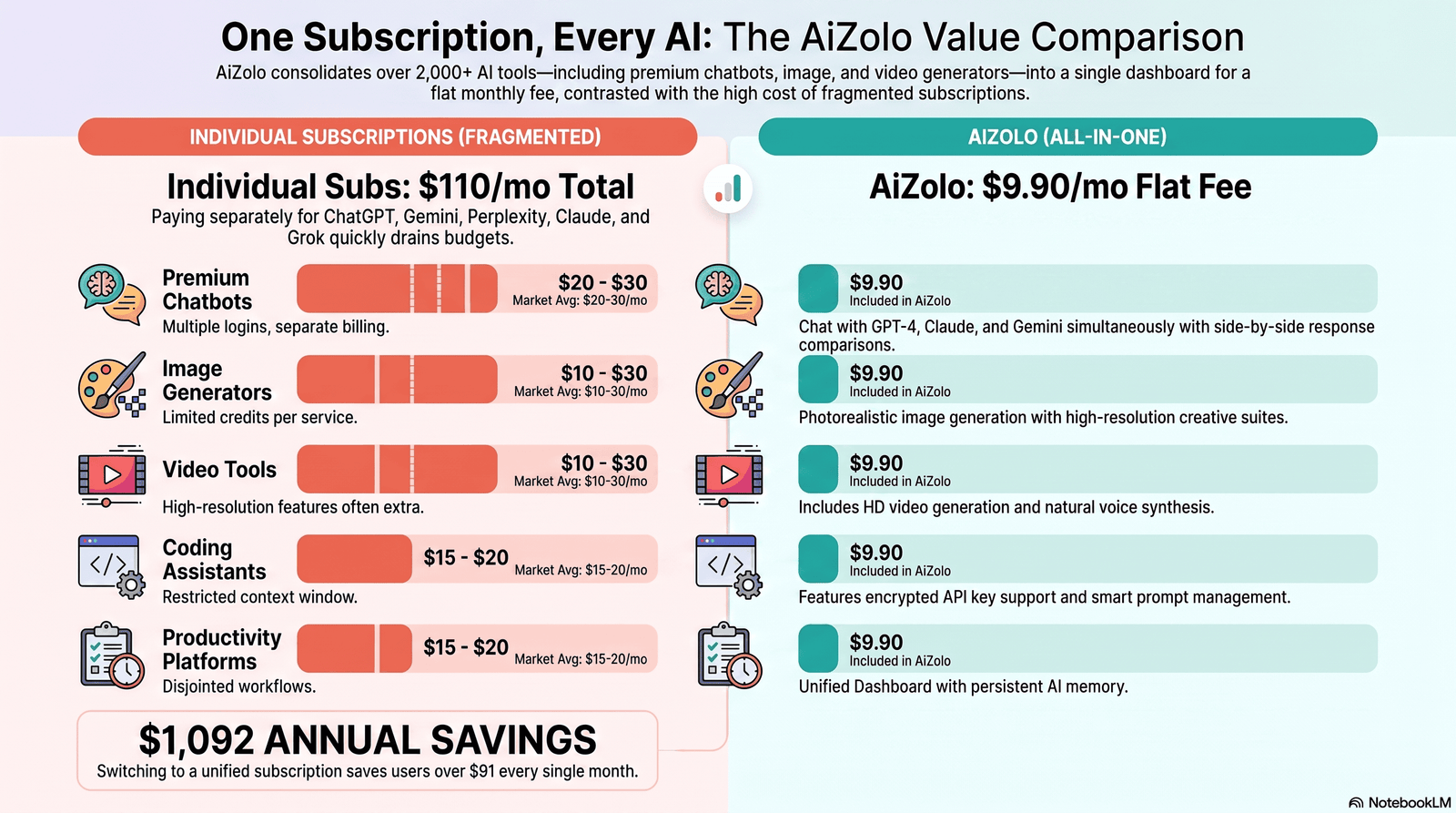
| Tool | Best For | Starting Price | Pros | Cons |
|---|---|---|---|---|
| Notion AI | Notes, docs, workspace AI | Add-on to Notion plans | Native to an existing workspace | Weaker as a standalone writer |
| Jasper | Marketing copy at scale | Paid plans from ~$39/month | Brand voice controls, team workflows | Pricier than general chatbots |
| Copy.ai | Sales and marketing copy | Free tier / paid plans | Workflow automation templates | Output can need heavy editing |
| Writesonic | SEO content, ad copy | Free tier / paid plans | Built-in SEO tools | Quality varies by content type |
| Gamma | AI presentations | Free tier / paid plans | Fast deck generation from outlines | Limited design customization vs. PowerPoint |
| Perplexity | AI-powered research | Free / Pro ~$20/month | Cited, sourced answers | Deep research query limits on lower tiers |
Free vs. Paid Generative AI Tools
| Factor | Free Tools | Paid Tools |
|---|---|---|
| Usage limits | Daily/monthly caps, slower response times | Higher or unlimited usage |
| Model access | Often the smaller, faster model | Access to flagship, most capable models |
| Features | Basic chat, limited file uploads | Advanced tools: coding agents, deep research, large context |
| Support | Community/self-serve | Priority or dedicated support on business tiers |
| Best for | Casual use, students, testing tools | Daily professional use, teams, high-volume tasks |
When free tools are enough: If you’re using AI a few times a week for brainstorming, quick edits, or simple research, free tiers from ChatGPT, Claude, or Gemini usually cover it.
When premium tools are worth paying for: Once AI becomes part of your daily workflow — coding, client work, content production — the $20/month tier consistently pays for itself in time saved.
Hidden costs to watch for: API usage is billed separately from consumer subscriptions and can scale unpredictably. Teams should model expected token usage before committing to enterprise contracts.
Generative AI Tools by Industry and Use Case
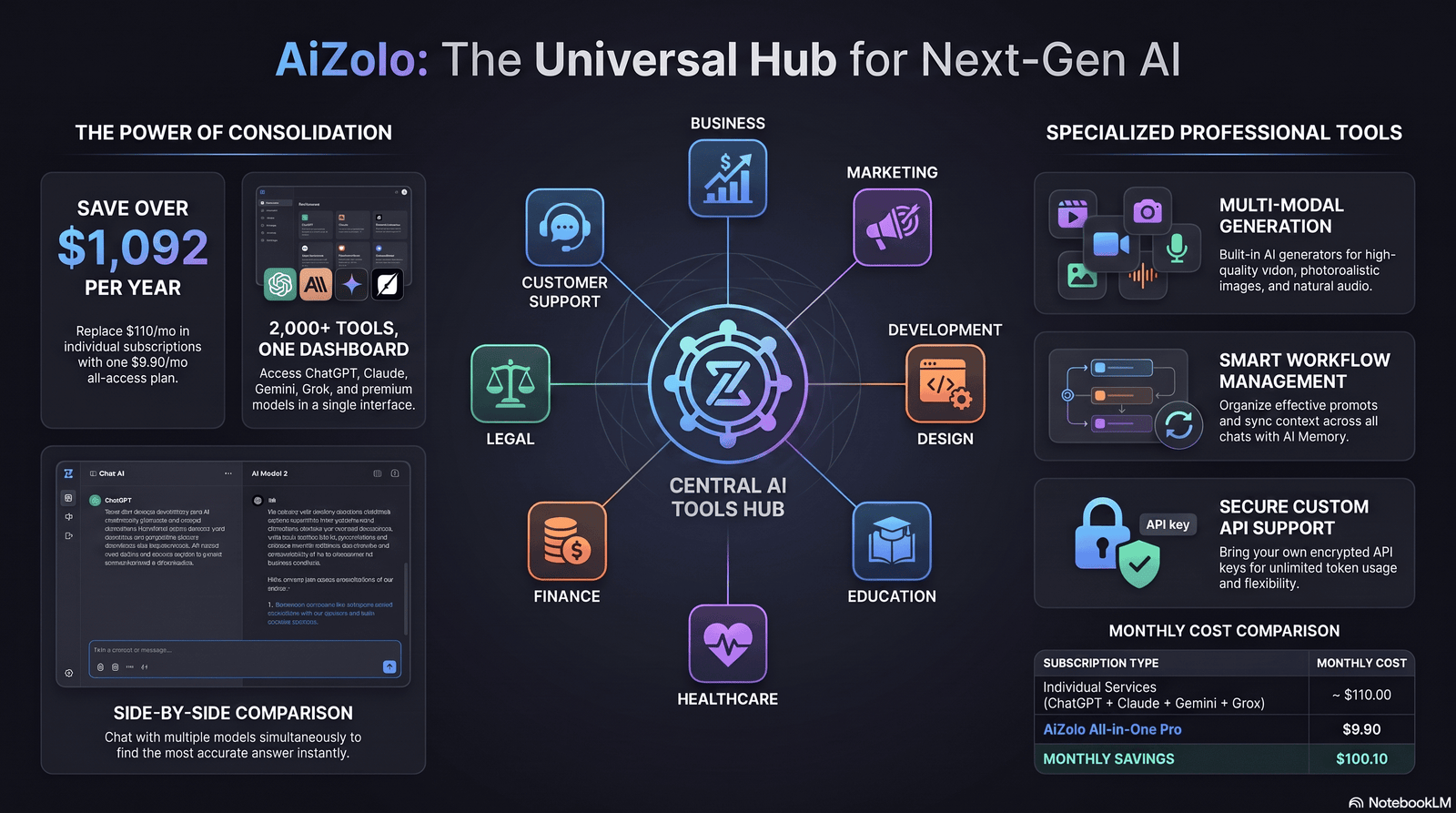
Business & Enterprise
Enterprises use generative AI tools for document drafting, internal knowledge search, customer support automation, and code generation — often with added compliance layers like SSO, audit logs, and data-retention controls.
Marketing
Marketers use AI content generators for ad copy variations, email sequences, and campaign brainstorming, pairing AI output with human editing for brand consistency.
Developers
Development teams use AI coding assistants to speed up boilerplate work, generate tests, and review pull requests — while still requiring human review for security-sensitive code.
Design
Designers use AI image generators and Adobe Firefly for rapid concept exploration before moving into detailed manual design work.
Education
Students and educators use generative AI tools for research summaries, study guides, and practice questions — though most institutions now require disclosure of AI use in written assignments.
Healthcare
Healthcare organizations use generative AI cautiously, mainly for administrative documentation and literature summarization, due to strict privacy and accuracy requirements.
Finance
Finance teams use AI tools for report drafting and data summarization, typically under strict internal review since financial outputs require verifiable accuracy.
Legal
Legal teams use generative AI for first-draft contract review and legal research, always with attorney oversight, since AI-generated legal text can contain fabricated citations.
Customer Support
Support teams use AI chatbot tools to handle first-line queries, escalating complex issues to humans — reducing response times significantly.
Content Creation
Creators use a mix of AI writing tools, image generators, and video tools to produce more content in less time, while keeping a human editorial pass for quality and originality.
How to Choose the Right Generative AI Tool
Step 1: Define the primary task
A tool built for coding won’t be the best choice for video generation, and vice versa. Start with your single most frequent use case.
Step 2: Check the free tier first
Nearly every major generative AI platform offers a usable free tier. Test it against real work before paying.
Step 3: Compare context window and file handling
If you work with long documents, prioritize tools with larger context windows — this affects how much information the AI can consider at once.
Step 4: Evaluate data privacy terms
Enterprise users should confirm whether input data is used for model training, and whether the vendor offers a business-tier data protection agreement.
Step 5: Factor in integration
A tool that plugs directly into your existing workflow (Slack, Google Workspace, your IDE) often beats a “better” standalone tool that adds friction.
Step 6: Reassess every 6–12 months
Given how fast this space moves, the best generative AI tool for your workflow today may not be the best in a year. Revisit your stack periodically.
Limitations, Risks, Ethics, and Privacy
Accuracy limitations: Generative AI tools can produce confident-sounding but incorrect information, often called “hallucination.” Always verify factual claims, citations, and statistics before publishing AI-generated content.
Bias: Models can reflect biases present in training data. This matters especially for hiring, lending, or content moderation use cases.
Copyright and IP: The legal status of AI-generated content and training data remains actively contested in courts worldwide. Businesses should track vendor terms of service closely.
Data privacy: Free tiers often use conversation data to improve models by default. Paid business tiers typically offer opt-outs — check before entering sensitive data.
Security: AI coding assistants can introduce vulnerabilities if generated code isn’t reviewed. Treat AI-generated code like a junior developer’s first draft, not a finished product.
Compliance: Regulated industries (healthcare, finance, legal) need to map AI tool usage against existing compliance frameworks like HIPAA or GDPR before deployment.
Common mistakes to avoid:
- Publishing AI-generated content without fact-checking.
- Assuming free-tier privacy terms match paid-tier terms.
- Using AI-generated code in production without a security review.
- Treating a general chatbot as a substitute for domain-specific software.
Future Trends in Generative AI Tools
Agentic AI: Tools are moving from single-response chat to multi-step agents that complete tasks autonomously, with human approval checkpoints.
Deeper multimodality: Expect tighter integration between text, image, audio, and video generation within single platforms rather than separate tools.
On-device and smaller models: Lightweight models are increasingly capable enough to run locally, reducing cost and latency for simple tasks.
Enterprise-grade governance: As adoption matures, expect more built-in audit trails, usage controls, and compliance certifications across major platforms.
Price convergence: Pricing across the major providers has already converged notably by 2026, and this trend is likely to continue as competition intensifies further.
Expert Recommendations
- For general everyday use: Start with a free tier from ChatGPT, Claude, or Gemini before paying for anything.
- For long documents and coding: Claude’s larger context window and coding performance make it a strong pick.
- For Google Workspace users: Gemini’s native integration often outweighs marginal model differences.
- For designers: Pair Adobe Firefly (commercial-safe) with Midjourney (creative exploration).
- For developers: Cursor or GitHub Copilot inside your IDE, plus Claude Code for larger agentic tasks.
- For marketing teams: Jasper or Copy.ai for brand-consistent output at scale; general chatbots for one-off tasks.
FAQs
1. What are generative AI tools used for? They’re used to create text, images, audio, video, and code — from writing and design to software development and business automation.
2. Are generative AI tools free? Most major tools offer a free tier with usage limits. Paid plans unlock higher limits and more advanced models.
3. Which generative AI tool is best for beginners? ChatGPT and Claude are both beginner-friendly, with simple chat interfaces and free access.
4. Is ChatGPT better than Claude? Neither is universally “better” — ChatGPT has a broader plugin ecosystem, while Claude tends to perform strongly on long documents and coding tasks.
5. Can generative AI tools replace human writers or designers? No. They speed up drafting and ideation, but human review remains essential for accuracy, originality, and brand voice.
6. Are AI-generated images copyrighted? This varies by jurisdiction and is still evolving legally. Check each tool’s commercial usage terms before using AI images commercially.
7. What is the difference between an LLM and a generative AI tool? An LLM (large language model) is the underlying technology; a generative AI tool is the application built on top of it that users interact with.
8. Which AI tool is best for coding? GitHub Copilot, Cursor, and Claude Code are the leading options, each suited to slightly different coding workflows.
9. Do generative AI tools store my data? Often yes, especially on free tiers, unless you opt out or use a business-tier plan with data protection terms.
10. What is an AI hallucination? It’s when an AI tool generates plausible-sounding but factually incorrect or fabricated information.
11. How much do generative AI tools cost for businesses? Team plans typically start around $20–$30 per user per month, with enterprise pricing requiring direct vendor contact.
12. Can I use generative AI tools for free commercially? Some free tiers allow commercial use, but always check individual terms of service — this varies significantly by tool.
13. What’s the best AI tool for video generation? Runway and Synthesia are leading options, suited to different needs — creative video effects versus corporate avatar-based videos.
14. Are generative AI tools safe for sensitive business data? Only on business or enterprise tiers with explicit data protection agreements. Avoid entering sensitive data into free consumer tiers.
15. What’s the difference between AI writing tools and general chatbots? AI writing tools like Jasper are optimized for marketing workflows with brand controls; general chatbots are more flexible but less specialized.
Conclusion
Generative AI tools in 2026 aren’t a single product category anymore — they’re a layer across nearly every kind of software.
The right choice depends less on which brand is “best” and more on your specific task, budget, and technical comfort level.
Start with a free tier, match the tool to your primary use case, and pay attention to data privacy terms before scaling up.
Revisit your stack periodically — this space moves fast, and today’s best pick may not be next year’s.
Next step: If you’re evaluating generative AI tools for your team, start with a two-week trial of one chatbot and one specialized tool (coding, design, or video) that matches your actual workflow — not the one with the most features.
Author Bio
Jeevesh Tripathi AI Researcher & Technical Content Writer Email: jeevesh@aizolo.com
Jeevesh Tripathi is an AI researcher and technical content writer specializing in generative AI, enterprise software, and emerging technology trends. His work is grounded in hands-on testing of AI tools across writing, coding, and design workflows, combined with ongoing research into SEO and search quality standards. He focuses on publishing accurate, current, and practically useful analysis — updating coverage as tools and pricing evolve — rather than one-time marketing summaries.

