
Introduction
A generative AI chatbot doesn’t just reply — it thinks in language and builds an answer word by word.
That’s the real difference between old-school bots and the tools millions of people now use daily.
If you’ve talked to ChatGPT, Claude, or Gemini, you’ve already used one.
This guide breaks down exactly how these systems work, where they shine, where they fail, and how to pick the right one — whether you’re a curious beginner or a founder evaluating platforms for your business.
Quick Answer Box
What is a generative AI chatbot?
A generative AI chatbot is a conversational tool powered by a large language model (LLM) that generates original, human-like responses in real time, instead of pulling from a fixed script or decision tree.
It understands context, remembers conversation history, and can write, summarize, code, translate, or reason through problems on request.
Table of Contents
Key Takeaways
- A generative AI chatbot creates new responses using a large language model, not pre-written scripts.
- It relies on transformer architecture, trained on massive text datasets.
- RAG and fine-tuning make chatbots more accurate for specific business needs.
- Hallucinations remain the biggest trust issue — always verify high-stakes answers.
- ChatGPT, Claude, and Gemini currently lead the market, each with different strengths.
- Choosing the right chatbot depends on use case, budget, data privacy needs, and integration requirements.
What Is a Generative AI Chatbot?
A generative AI chatbot is software that uses a large language model (LLM) to generate original, context-aware text responses instead of retrieving pre-written answers.
Think of it like the difference between a vending machine and a chef.
A traditional chatbot is the vending machine — press a button, get a fixed item.
A generative AI chatbot is the chef — it takes your request and creates something new based on what it has learned.
This ability to maintain context and respond across multiple turns is central to the conversational experience of modern AI chatbots. To understand how this interaction model works and how it differs from traditional chat interfaces, see our guide on what conversational chat is.
This shift happened because of transformer-based neural networks, popularized by Google’s 2017 research paper “Attention Is All You Need.”
That architecture now powers nearly every major AI assistant, from OpenAI’s ChatGPT to Anthropic’s Claude and Google’s Gemini.
Core entities related to generative AI chatbots
- Large Language Models (LLMs)
- Natural Language Processing (NLP)
- Conversational AI
- Machine learning chatbot
- AI assistant / virtual assistant
- Prompt engineering
- Retrieval Augmented Generation (RAG)
How Generative AI Chatbots Work
At a high level, a generative AI chatbot follows four steps every time you send a message.
1. Input processing — Your text is broken into tokens (small chunks of words) the model can understand.
2. Context building — The model looks at your current message plus prior conversation history to understand intent.
3. Prediction — The model predicts the most likely next token, over and over, to form a full response.
4. Output generation — The finished response is returned to you, often with formatting, citations, or tool outputs attached.
This isn’t magic — it’s probability at massive scale, refined by training on huge amounts of text and human feedback.
Training Process
Before a chatbot ever answers a question, its underlying LLM goes through pretraining on a huge, diverse text corpus — books, code, articles, and web content.
After pretraining, most models go through fine-tuning and reinforcement learning from human feedback (RLHF), where human reviewers rank responses to teach the model what’s helpful, honest, and safe.
This is why modern chatbots feel less robotic than older systems — they’ve been shaped by human judgment, not just raw data.
Inference
Inference is what happens when you actually chat with the model — it’s using its trained knowledge to generate a response, without learning anything new from you in real time.
This is a common misconception: most consumer chatbots don’t “remember” you permanently unless the product specifically enables memory features.
Traditional Chatbot vs Generative AI Chatbot
| Aspect | Traditional Chatbot | Generative AI Chatbot |
|---|---|---|
| Response type | Pre-written, rule-based | Dynamically generated |
| Flexibility | Limited to scripted flows | Handles open-ended queries |
| Understanding | Keyword matching | Deep contextual understanding |
| Setup | Manual decision trees | Trained/fine-tuned models |
| Handles new questions | Poorly | Well |
| Personalization | Minimal | High, with memory and context |
| Example | Old bank IVR bots | ChatGPT, Claude, Gemini |
Architecture Explained
Understanding the architecture behind a generative AI chatbot helps you evaluate tools more intelligently — not just trust marketing claims.
LLMs Explained
A large language model is a neural network trained to predict text, built from transformer blocks that use a mechanism called self-attention.
Self-attention lets the model weigh which words in a sentence matter most to each other — this is how it understands context like “it” referring to something mentioned three sentences earlier.
Popular model families include OpenAI’s GPT series, Anthropic’s Claude models, Google’s Gemini, and open-source options like Meta’s Llama.
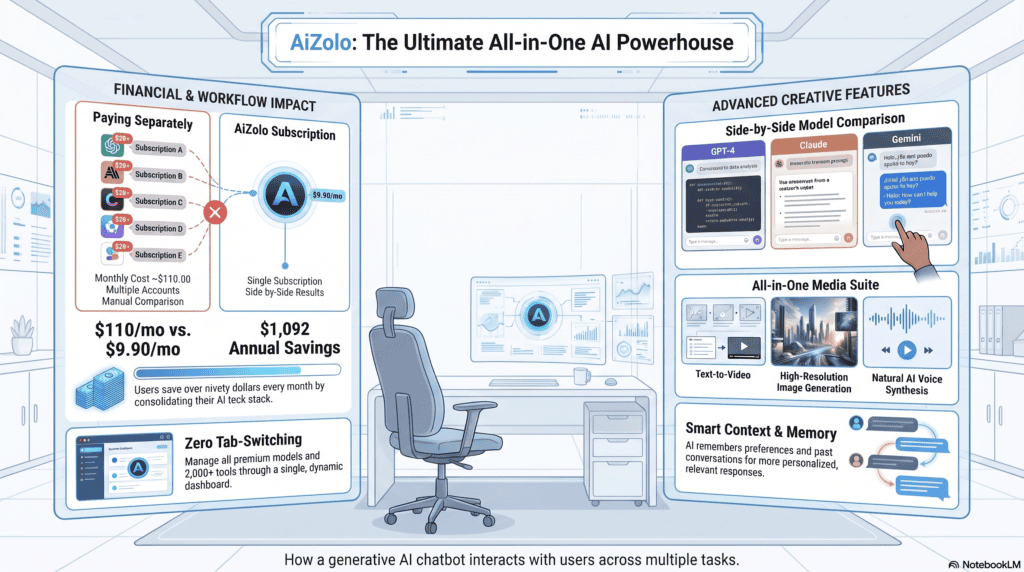
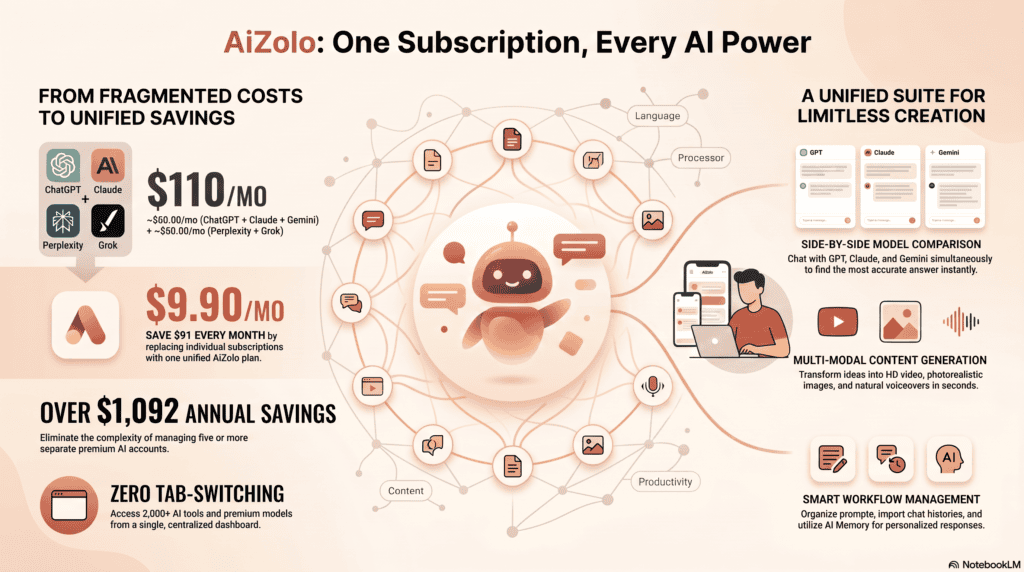
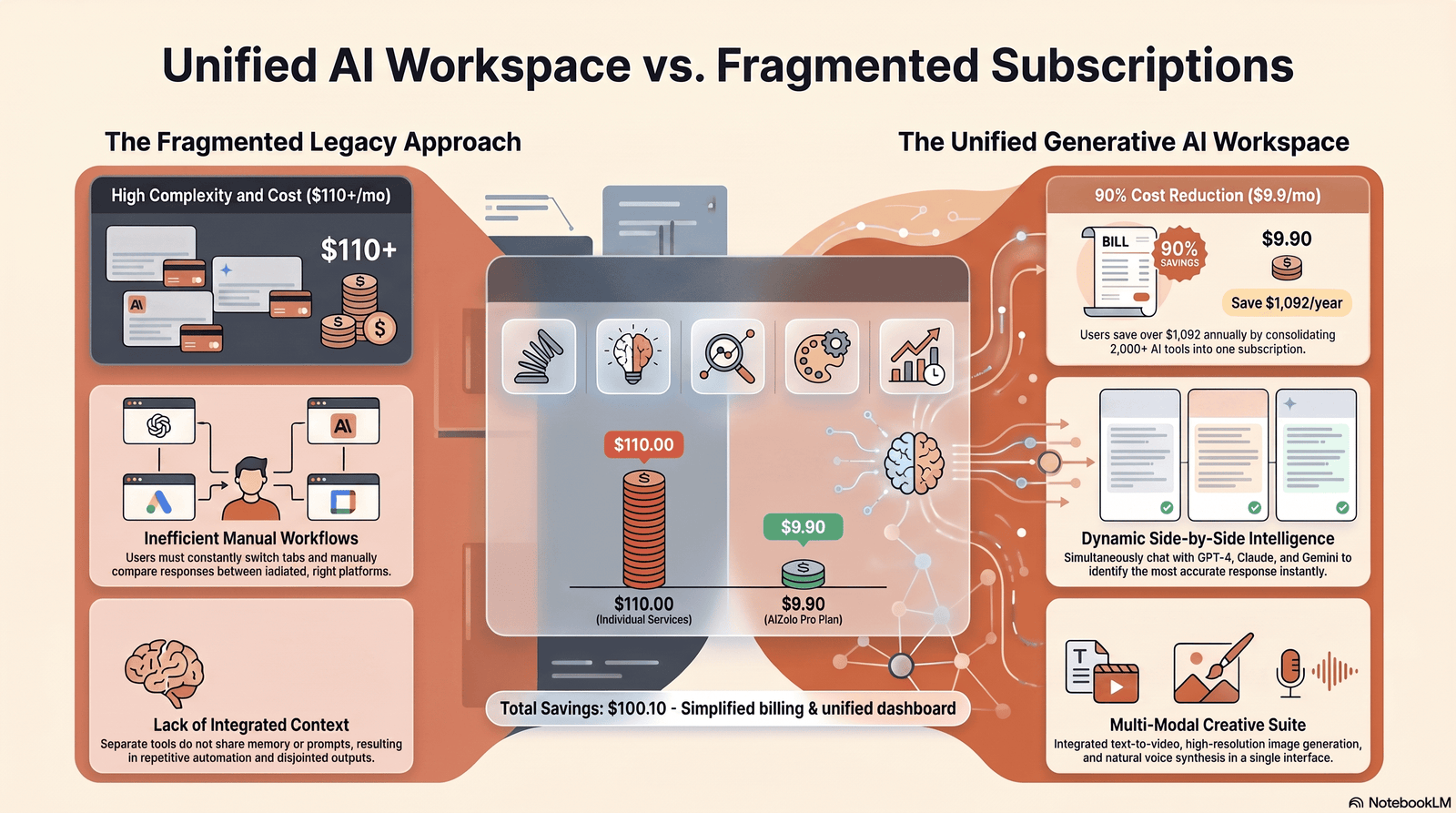
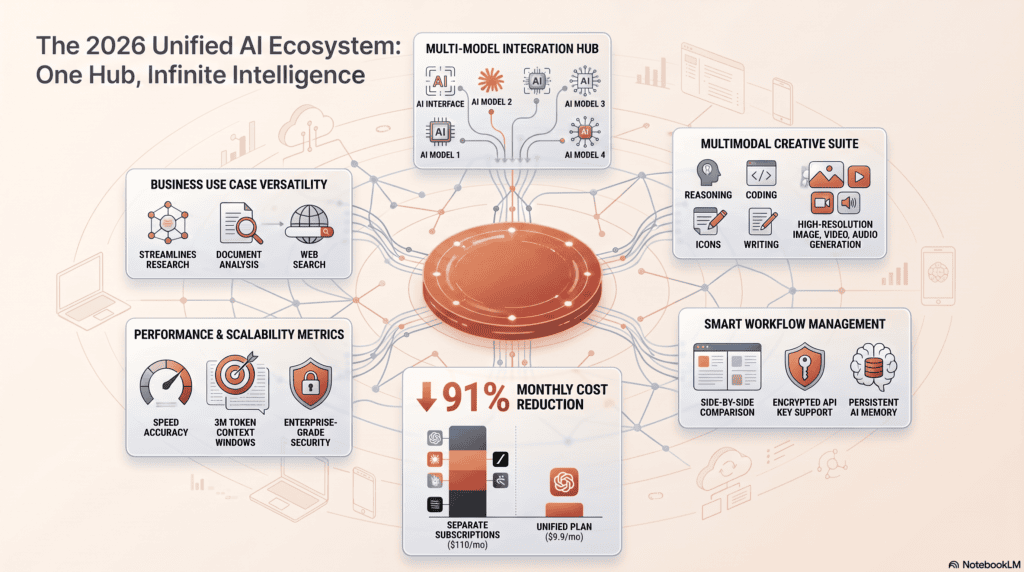
Because different model families have different strengths, some chatbot platforms now let users access multiple AI models from one interface. This can make it easier to switch models for different tasks or compare responses without managing separate tools. See our guide to AI chatbot platforms with multiple models for a closer look at this approach.
Architecture Components Table
| Component | Function |
|---|---|
| Tokenizer | Converts text into numerical tokens |
| Embedding layer | Turns tokens into vector representations |
| Transformer blocks | Process context via self-attention |
| Decoder | Generates output tokens sequentially |
| Safety/guardrail layer | Filters harmful or policy-violating output |
| Retrieval layer (if RAG-enabled) | Pulls external data before generation |
Prompt Engineering, RAG, and Fine-Tuning
These three techniques determine how accurate and useful a generative AI chatbot actually is in practice.
Prompt Engineering
Prompt engineering is the practice of crafting inputs that guide the model toward better, more precise outputs.
Simple example: instead of asking “write about marketing,” a well-engineered prompt specifies audience, tone, format, and goal.
Retrieval Augmented Generation (RAG)
RAG connects a chatbot to an external knowledge base — like your company documents — stored in a vector database.
When you ask a question, the system retrieves relevant chunks of that data first, then feeds them to the LLM to generate a grounded answer.
This dramatically reduces hallucinations and makes a knowledge base chatbot far more reliable for business use.
Fine-Tuning
Fine-tuning further trains an existing model on a narrower, domain-specific dataset — useful for legal, medical, or brand-voice-specific chatbots.
Fine-tuning changes model behavior permanently; RAG changes what information the model has access to at answer time. Most enterprise chatbot platforms today use RAG far more often than full fine-tuning, since it’s cheaper and easier to update.
Memory, Tools, and AI Agents
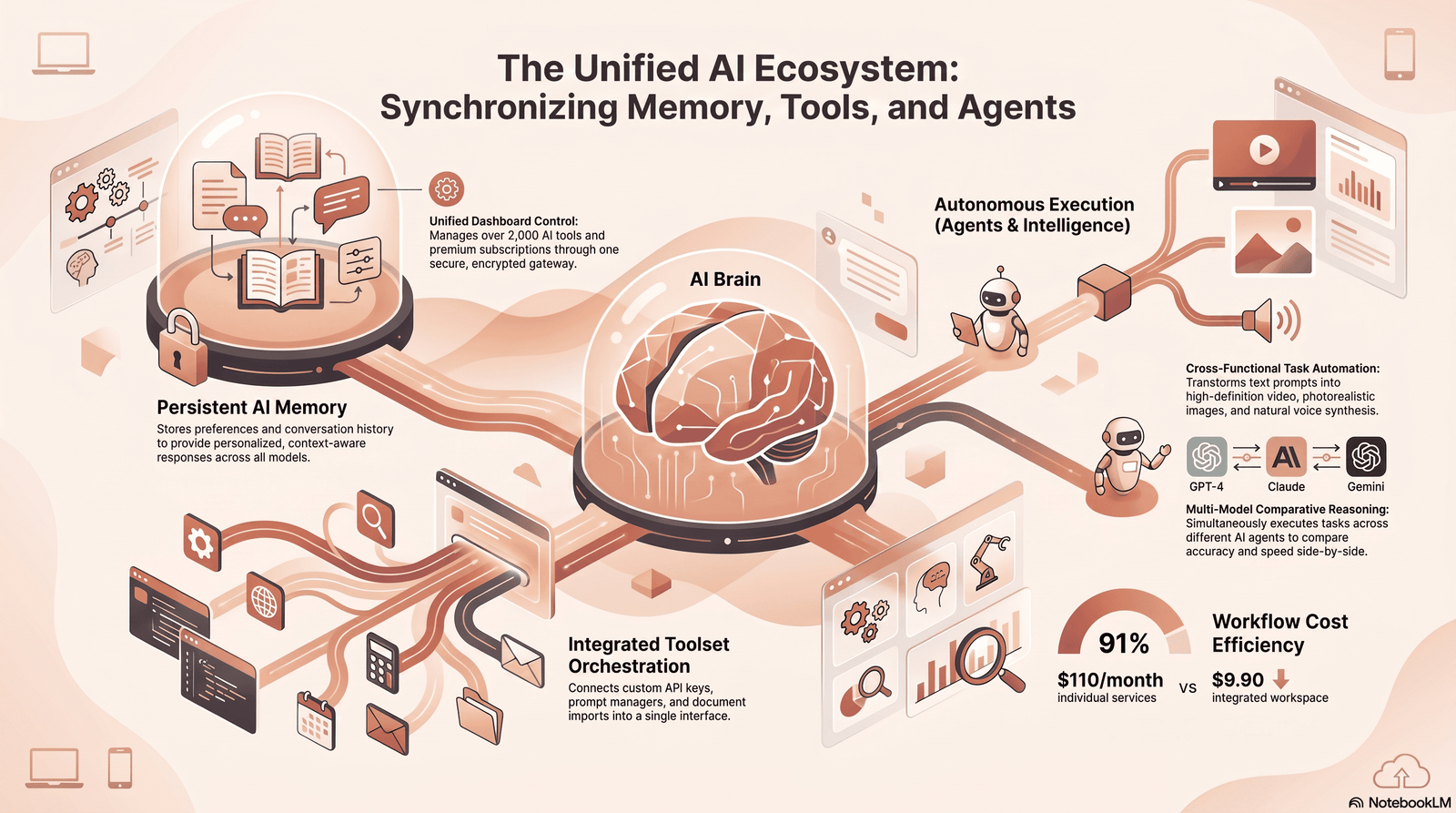
Modern generative AI chatbots increasingly go beyond single-turn conversation.
Memory
Memory lets a chatbot recall facts, preferences, or past conversations across sessions, enabling more personalized, continuous interactions.
Function Calling and Tools
Function calling allows a chatbot to trigger external actions — like checking a calendar, running a calculation, or querying a database — mid-conversation.
This is the foundation of AI automation: the chatbot isn’t just talking, it’s doing.
AI Agents
An AI agent is a generative AI chatbot given autonomy to plan multi-step tasks, use tools, and work toward a goal with minimal human input.
Copilot-style coding assistants, autonomous research agents, and workflow automation bots are all extensions of this same underlying technology.
Types of Generative AI Chatbots
- General-purpose assistants — ChatGPT, Claude, Gemini
- Customer support chatbots — trained on a company’s FAQs and support tickets
- Enterprise chatbots — built for internal knowledge, compliance, and secure data handling
- Coding copilots — GitHub Copilot, Cursor, Claude Code
- Voice-based virtual assistants — combine speech recognition with generative responses
- Multimodal chatbots — process text, images, audio, and sometimes video
Generative AI chatbots are only one part of the broader ecosystem. If you want to explore tools that combine chat, content generation, research, automation, and other AI capabilities, see our guide to generative AI platforms.
Benefits
- 24/7 availability without staffing costs scaling linearly
- Faster response times for customer service and internal support
- Consistent quality across thousands of simultaneous conversations
- Multilingual support without hiring translators
- Productivity gains through drafting, summarizing, and coding assistance
- Scalability — one deployment can serve millions of users
Limitations
- Hallucinations — confident-sounding but factually wrong answers
- Lack of true understanding — pattern prediction, not genuine reasoning in the human sense
- Data cutoff issues without live retrieval or browsing
- Bias inherited from training data
- Cost at scale for high-volume enterprise use
- Privacy risk if sensitive data is shared with public models
Real-World Use Cases by Industry
Healthcare — Patient intake triage, appointment scheduling, and answering general health questions (never replacing clinical diagnosis).
Finance — Fraud detection support, personalized financial guidance, and automated report summarization.
Education — Personalized tutoring, essay feedback, and 24/7 study support for students.
Retail — Product recommendations, order tracking, and personalized shopping assistants.
Legal — Contract review assistance, legal research summarization, and drafting support (with attorney oversight).
Marketing — Content generation, campaign ideation, and customer segmentation insights.
HR — Employee onboarding, policy Q&A, and resume screening support.
Software Development — Code generation, debugging assistance, and documentation writing via copilots.
Customer Service — The most widely adopted use case: instant, always-on support that resolves common tickets automatically.
Sales — Lead qualification, personalized outreach drafting, and CRM data enrichment.
Best Generative AI Chatbots in 2026
As of mid-2026, the market has diversified beyond a single dominant player. According to recent web-traffic analysis, ChatGPT holds roughly 53.9% of worldwide web-visit share among major AI assistants, with Google Gemini around 27.9% and Anthropic’s Claude near 9.2%.
Claude has posted the fastest year-over-year growth in this group, particularly in professional and enterprise settings, while the overall market has become more fragmented compared to a couple of years earlier, as Gemini, Claude, and Perplexity gain distinct user segments.
Comparison Table
| Chatbot | Best For | Strengths | Limitations |
|---|---|---|---|
| ChatGPT (OpenAI) | General versatility | Huge plugin/app ecosystem, strong all-rounder | Can feel less precise on long technical documents |
| Claude (Anthropic) | Writing, reasoning, coding | Strong long-context handling, careful reasoning | Historically less focused on native image generation than some rivals |
| Gemini (Google) | Google Workspace users | Deep integration with Search and Workspace, strong reasoning | Best results tied to Google ecosystem |
| Microsoft Copilot | Microsoft 365 users | Integrates directly into Microsoft 365, Teams, and Dynamics | Less useful outside Microsoft environments |
| Perplexity | Conversational search | Strong citation-backed answers | Less suited to long-form creative writing |
| DeepSeek | Budget/self-hosted users | Fully open source and free to self-host | Requires technical setup for full control |
Pricing across ChatGPT, Claude, Gemini, and Copilot has largely converged around $20/month for entry paid tiers, with free tiers offering genuinely capable models at lower usage caps. For the current numbers and a full buying breakdown, see our AI chatbot subscription guide.
Feature Table
| Feature | ChatGPT | Claude | Gemini | Copilot |
|---|---|---|---|---|
| Long document handling | Good | Excellent | Good | Good |
| Coding assistance | Excellent | Excellent | Good | Good |
| Image generation | Yes | Limited | Yes | Yes |
| Web browsing/search | Yes | Yes | Yes | Yes |
| Enterprise data controls | Yes | Yes | Yes | Yes |
| Voice mode | Yes | Limited | Yes | Yes |
Deployment Options: Cloud vs Self-Hosted
| Factor | Cloud-Hosted (SaaS) | Self-Hosted / Open Source |
|---|---|---|
| Setup time | Minutes | Days to weeks |
| Control over data | Vendor-dependent | Full control |
| Cost model | Subscription/usage-based | Infrastructure + maintenance cost |
| Best for | Most businesses, fast deployment | Regulated industries, custom needs |
Open Source vs Proprietary
| Factor | Open Source (e.g., Llama, DeepSeek) | Proprietary (e.g., GPT, Claude, Gemini) |
|---|---|---|
| Customization | High | Limited to platform settings |
| Support | Community-driven | Dedicated vendor support |
| Cost | Lower long-term (self-hosted) | Predictable subscription cost |
| Cutting-edge performance | Improving fast, often slightly behind | Typically leads on frontier benchmarks |
Security, Privacy, and Hallucinations
Security
Enterprise-grade generative AI chatbot platforms typically offer encryption in transit and at rest, role-based access controls, and audit logs — but protections vary significantly by vendor and plan tier.
Always review a provider’s official security documentation before connecting sensitive systems.
Privacy
Be cautious about pasting confidential data into public chatbot interfaces, since usage terms differ on whether conversations are used for model training.
Enterprise plans usually include stronger data-handling guarantees than free consumer tiers.
Hallucinations
Hallucinations happen when a model generates plausible-sounding but incorrect information, because it’s predicting likely text rather than verifying facts against a database.
RAG and citation-backed search features significantly reduce — but don’t eliminate — this risk.
Best practice: always fact-check high-stakes outputs (medical, legal, financial) against authoritative sources.
Future Trends
- Multimodal AI becoming standard — chatbots that seamlessly handle text, image, audio, and video
- Agentic workflows where chatbots complete multi-step tasks autonomously
- Deeper enterprise integration into CRMs, ERPs, and internal knowledge systems
- Smaller, specialized models running efficiently on-device for privacy-sensitive tasks
- Stronger regulation around AI transparency, data use, and accountability
Common Mistakes
- Treating chatbot answers as guaranteed fact without verification
- Ignoring data privacy policies before sharing sensitive information
- Choosing a platform based on hype rather than actual use case fit
- Skipping RAG/fine-tuning for business deployments that need domain accuracy
- Underestimating ongoing maintenance costs for self-hosted models
How to Choose the Right Chatbot
Follow this decision process to match a platform to your actual needs.
- Define your primary use case — customer support, coding, content, or general assistance.
- Check data privacy requirements — regulated industries may need enterprise or self-hosted options.
- Compare integration needs — does it need to plug into Microsoft 365, Google Workspace, or a custom stack?
- Evaluate budget — factor in per-seat pricing plus any API/usage costs.
- Test accuracy on your real questions — not generic demos.
- Confirm support and SLAs for business-critical deployments.
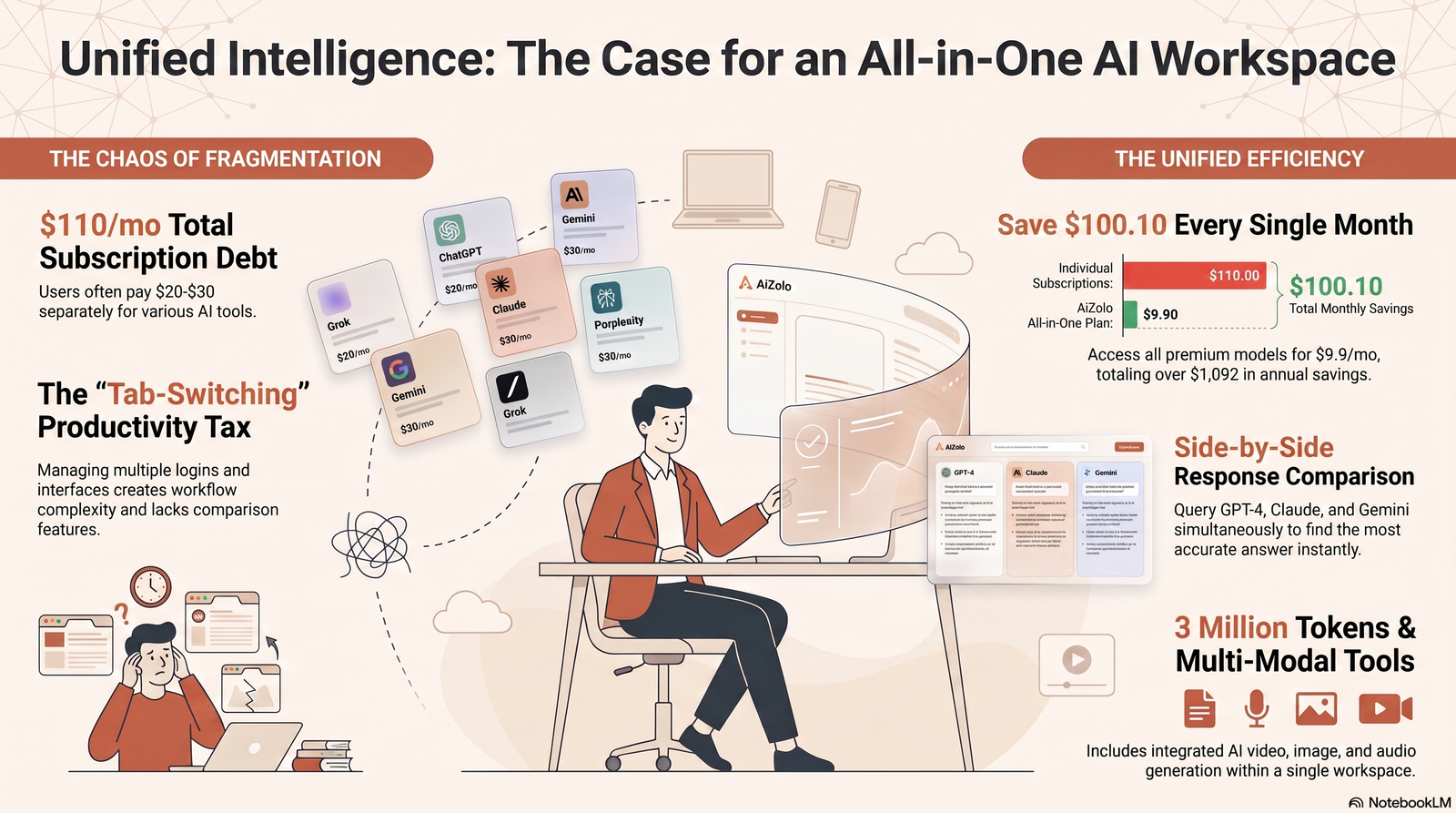
For users who rely on AI chatbots regularly, paid plans can provide higher usage limits, better models, longer context windows, and access to advanced features. If you’re comparing the cost and value of premium chatbot plans, see our guide to the best AI chatbot subscriptions in 2026 before choosing a plan.
Decision Table
| If you need… | Consider |
|---|---|
| General everyday assistant | ChatGPT or Claude |
| Deep Google Workspace integration | Gemini |
| Microsoft 365 integration | Copilot |
| Citation-backed research | Perplexity |
| Full data control / self-hosting | Open-source models (Llama, DeepSeek) |
| Long-document reasoning | Claude |
FAQs
1. What is a generative AI chatbot? A generative AI chatbot uses a large language model to create original, context-aware responses in real time, rather than relying on pre-scripted answers.
2. How is a generative AI chatbot different from a regular chatbot? Traditional chatbots follow fixed rules and scripts, while generative AI chatbots dynamically generate new responses based on context and training.
3. Are generative AI chatbots free? Most major platforms offer a free tier with usage limits, plus paid plans for higher limits, faster models, and business features.
If your priority is avoiding a subscription, you can compare the available free options before choosing a platform. Our guide to the best free AI chatbots covers the strongest no-cost options and what their free plans actually include.
4. Can generative AI chatbots understand images? Many modern chatbots are multimodal and can analyze images alongside text, though capabilities vary by platform.
5. What is RAG in AI chatbots? Retrieval Augmented Generation connects a chatbot to external data sources so it can pull accurate, up-to-date information before generating a response.
6. Do generative AI chatbots remember previous conversations? Only if the platform specifically enables memory features; otherwise, each session starts without persistent recall.
7. What causes AI chatbot hallucinations? Hallucinations occur because the model predicts likely-sounding text rather than verifying facts, especially on topics outside its training data.
8. Which generative AI chatbot is best for coding? ChatGPT and Claude are both widely used for coding, with strong performance on debugging, code generation, and explanation tasks.
9. Is it safe to share sensitive data with an AI chatbot? Avoid sharing confidential data with free consumer tools; use enterprise plans with clear data-handling agreements for sensitive information.
10. What is fine-tuning in AI chatbots? Fine-tuning further trains a model on a specific dataset to specialize its behavior for a particular domain or brand voice.
11. Can businesses build their own generative AI chatbot? Yes, using APIs from providers like OpenAI or Anthropic, combined with RAG and custom data, businesses can build tailored chatbot solutions.
12. What industries benefit most from AI chatbots? Customer service, retail, healthcare, finance, education, and software development see some of the strongest adoption and ROI.
13. Are AI chatbots replacing human jobs? They’re automating repetitive tasks and augmenting human work more than fully replacing complex, judgment-heavy roles.
14. What is an AI agent versus a chatbot? An AI agent extends a chatbot with the ability to plan multi-step tasks and use tools autonomously, rather than just responding to single messages.
15. How do I choose between ChatGPT, Claude, and Gemini? Base your choice on your primary use case, existing software ecosystem, budget, and how each performs on your actual real-world questions.
16. What is prompt engineering? Prompt engineering is the practice of writing clear, structured inputs that guide an AI chatbot toward more accurate and useful responses.
Final Verdict
There’s no single “best” generative AI chatbot — only the best fit for your specific goals, budget, and existing tools.
For general everyday use, ChatGPT and Claude remain strong all-around choices.
For teams already inside Google or Microsoft ecosystems, Gemini or Copilot often make more practical sense due to native integration.
Conclusion
A generative AI chatbot has moved from novelty to core infrastructure for businesses and individuals alike.
Understanding how it actually works — the models, the training, the retrieval systems — helps you use these tools more effectively and evaluate new platforms with confidence.
As the technology keeps evolving through 2026 and beyond, the fundamentals covered here — architecture, RAG, fine-tuning, and responsible use — will remain the foundation for making smart decisions about generative AI chatbot adoption.
Author Bio
Author: Jeevesh Tripathi Email: jeevesh@aizolo.com
Jeevesh Tripathi is an AI and SEO researcher specializing in generative AI, large language models, and AI-driven automation.
With hands-on experience evaluating conversational AI platforms and implementing AI-powered workflows for businesses, Jeevesh focuses on translating complex AI concepts into practical, actionable guidance grounded in official documentation and real-world testing.
