
You made a striking image with Perchance’s free AI generator. Now you want it to move—so you searched “perchance ai image to video generator free,” clicked a result, uploaded your picture, and hit generate. If you’re comparing the experience with Aizolo or looking for a more feature-rich AI workflow, this guide will help you choose the right option.
Then you waited. And got a slideshow, a “demo mode” popup, or nothing at all.
That’s not a one-off glitch — it’s the most common experience reported for this exact search. This guide skips the general “what is Perchance” background (covered in our complete Perchance AI video generator review) and goes straight to what matters if you’re trying to animate a specific image today: why it fails, exactly what “free” gets you, and which tools reliably finish the job.

Table of Contents
What “Free” Actually Means Here
Perchance’s image generator is free, watermark-free, and requires no account — that part of its reputation is earned. Image-to-video is a different story:
- Most community-built video generators are also free to attempt.
- “Free to attempt” doesn’t mean “free to succeed.” Many hit usage caps, demo limitations, or backend errors before producing a usable clip.
- Some generator pages route requests to external paid APIs behind the scenes — the creator absorbs or caps those costs, which is exactly why you hit walls, queues, or blocked generations.
Bottom line: the price is genuinely $0. The reliability isn’t.
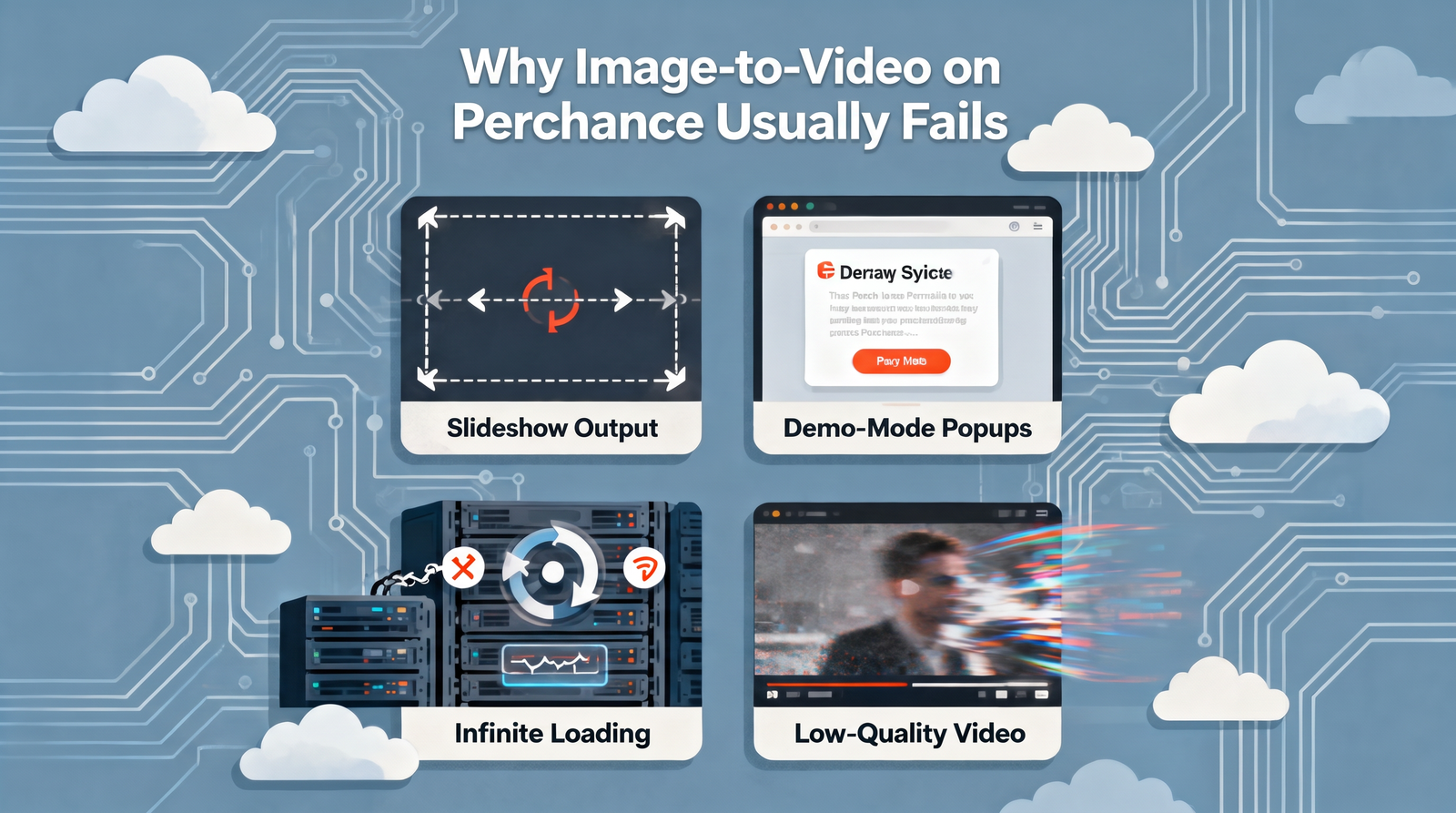
Why Image-to-Video on Perchance Usually Fails
Video generation requires substantially more compute per request than a still image. Because individual creators — not Perchance as a company — typically bear the hosting/API cost for these experimental tools, video generators are far more likely to be rate-limited, throttled, or shut down. That’s an architectural reality, not a knock on any one generator’s author.
The recurring failure modes, based on documented user reports and hands-on testing:
- Slideshow output — the “video” is really the static image with a pan/zoom (a basic Ken Burns effect) applied, not true AI-generated motion. This is the single most common outcome for this search term.
- Demo-mode popups — the generator caps free usage and asks for payment, sign-up, or simply stops.
- Infinite loading — the backend queue is overloaded or the API call silently fails.
- Low-resolution, artifact-heavy clips — when generation does complete, motion can be blurry or physically implausible.
If you’ve hit any of these, you’re not doing anything wrong — this is the documented, typical experience for this category of tool on Perchance specifically.
Is It Really Free?
Perchance’s core image generator is free with no account and no watermark, which is a big part of why the platform gets an estimated tens of millions of monthly visits. Reported traffic figures for Perchance vary by source and aren’t independently verifiable by us, so treat any specific number as directional rather than exact.
For image-to-video specifically:
- Most community-built video generators on Perchance are also free to attempt.
- “Free to attempt” does not mean “free to succeed.” Many hit usage caps, demo limitations, or processing errors before producing a usable clip.
- Some generator pages route requests to external paid APIs behind the scenes, meaning the creator absorbs (or limits) costs — which is exactly why you’ll hit walls, queues, or blocked generations.
Bottom line: the price is genuinely $0, but the reliability is inconsistent enough that “free” doesn’t guarantee “functional.”
How Perchance’s Generator System Works
Understanding the mechanics explains the failure pattern.
- A community creator writes a generator using Perchance’s scripting system.
- That generator can call AI models — image models are mature and widely integrated on the platform.
- Video generation requires substantially more compute per request than a still image.
- Because individual creators, not Perchance as a company, typically bear the hosting/API cost for experimental tools, video generators are far more likely to be rate-limited, throttled, or shut down.
This is an architectural reality, not a criticism of any single generator’s author. Free, community-hosted video inference is expensive to sustain at scale.
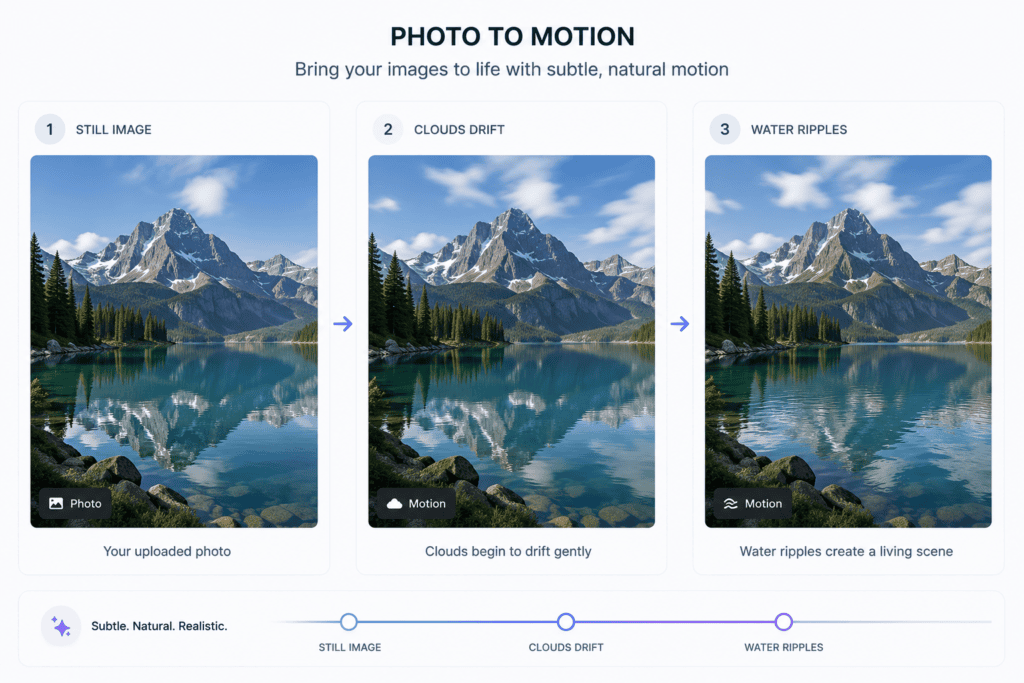
Key Features of Perchance’s AI Ecosystem
To be fair to the platform, here’s what Perchance genuinely does well:
- No-login AI image generation — type a prompt, get an image, no account required.
- No visible watermark on most image generator outputs.
- Huge library of community generators covering art styles, character generators, writing tools, and more.
- Open, remixable generator code — creators can view and fork how a generator works.
- Fast iteration — because there’s no payment wall, you can test dozens of prompts quickly for images.
These strengths explain the platform’s popularity — they just don’t currently extend reliably into image-to-video.
Step-by-Step: What Happens When You Try It
- Search “perchance ai image to video generator free” and click a top result.
- Land on a community generator page. Layout and functionality vary widely since each is independently built.
- Upload your image where the interface allows it.
- Enter a motion prompt, if the generator supports one.
- Click Generate and enter a queue — wait times aren’t guaranteed.
- Get one of four outcomes: a real short clip, a slideshow-style pan, a demo-mode block, or an error/timeout.
- If it fails, try a different generator page — one failing doesn’t mean all will, since they’re independently built.
- If several fail, move to a dedicated tool (below) rather than repeating the same attempt.
Getting a Better Source Image
Since image-to-video tools amplify whatever flaws exist in the source image, start strong:
- Be specific about subject, setting, and lighting: “a red fox sitting in a misty pine forest at sunrise, soft golden light, shallow depth of field.”
- Add a style anchor: “digital painting,” “35mm photograph,” “watercolor illustration.”
- Keep one clear subject and a clean background — busy compositions produce messier motion in every AI video model, not just Perchance’s.
- Generate 3–5 variations before picking your base image.
Tips to Get the Most Out of Perchance
- Use Perchance for what it’s proven at: fast, free image generation and creative brainstorming tools.
- Don’t rely on a single community video generator page — bookmark two or three, since uptime and quality vary by creator.
- Keep your source image simple (one clear subject, clean background) before attempting any animation tool — busy compositions produce messier motion in every AI video model, not just Perchance-hosted ones.
- Download and back up any image you like immediately; free community tools don’t guarantee persistent storage.
Safety and Commercial Use
Because generators are community-built, the data handling of any individual video generator page — where an uploaded image is actually sent for processing — isn’t something Perchance can standardize or guarantee. Avoid uploading identifiable photos of yourself or others, or anything sensitive, to a generator page with unclear backend processing.
For commercial work, there’s typically no platform-wide license covering outputs — you’d need to check the specific generator’s terms, which are often unstated. For any client or monetized project, a paid tool with explicit commercial terms (Kling, Runway, Pika, Veo) is the safer choice.

Who Should Use It?
- Casual creators experimenting with AI art for fun, memes, or personal projects.
- Students and hobbyists who want zero-cost access to image generation without account friction.
- People prototyping ideas before committing to a paid video tool for the final output.
Who Should Avoid It?
- Businesses or marketers needing dependable turnaround times and commercial usage rights.
- Anyone on a deadline — the unpredictability of community video generators makes them unsuitable when you need a guaranteed result.
- Users animating sensitive or identifiable images who need clear data-handling guarantees.
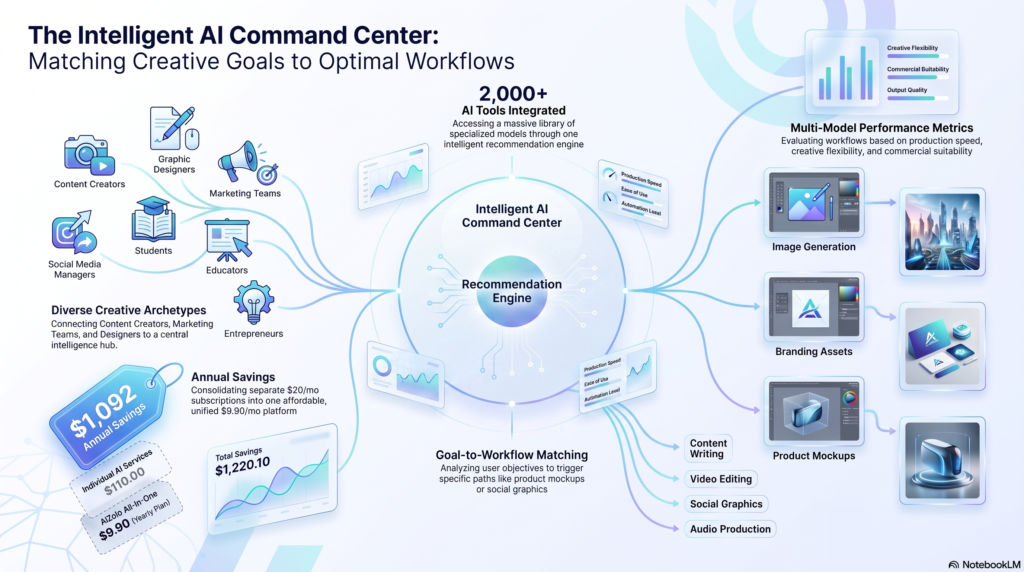
Best Image-to-Video Alternatives
These are the free-tier options that actually deliver working image-to-video output today:
Kling AI — Daily free credits, no watermark on generated clips. Frequently cited for strong photorealistic results, particularly portraits and product shots.
Pika — A relatively generous free tier (reported around 150 monthly credits). Better suited to stylized, social-first animation than strict photorealism.
Luma Dream Machine — Reported ~30 free generations/month at 720p. Straightforward for casual image animation.
Runway — A limited free credit allotment (reported ~125 lifetime credits) — better for short evaluation than ongoing free use. Strong camera control and editing precision on paid tiers.
Google Veo / Flow — Frequently ranked near the top for realism, but positioned as premium rather than free.
Free-tier limits and watermark policies change often — confirm current terms on each provider’s site before relying on a specific number.
COMPARISON TABLE: PERCHANCE VS. REAL IMAGE-TO-VIDEO TOOLS
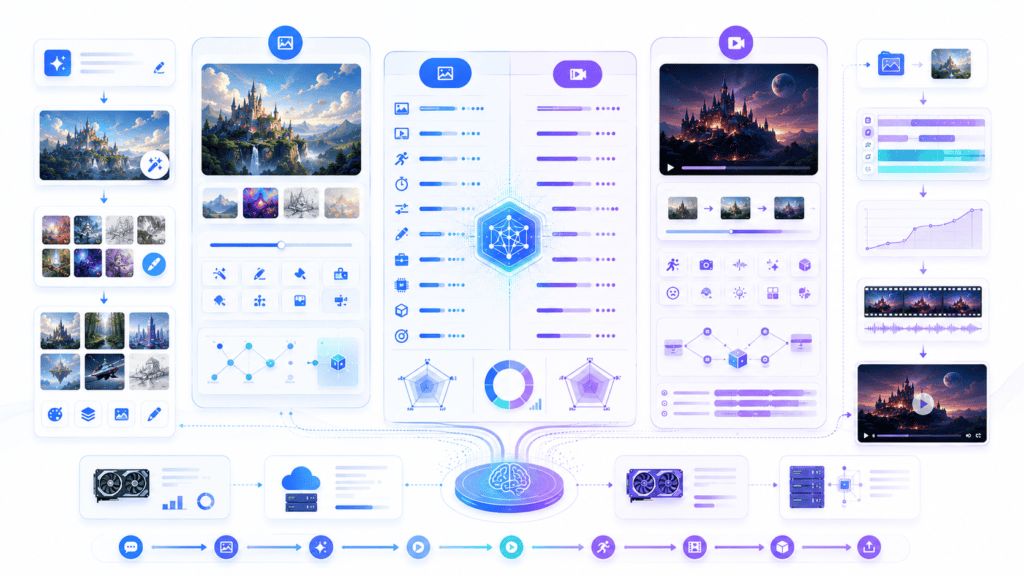
| Tool | Free Tier | Watermark | Native Image-to-Video | Best For |
|---|---|---|---|---|
| Perchance (community generators) | Yes, variable | Usually none, varies by page | Inconsistent / often non-functional | Free image generation, experimentation |
| Kling AI | Daily free credits | No | Yes | Photorealistic portraits, products |
| Pika | ~150 monthly credits (reported) | Varies by plan | Yes | Stylized social clips |
| Luma Dream Machine | ~30/month at 720p (reported) | Varies by plan | Yes | Quick casual animation |
| Runway | ~125 lifetime credits (reported) | Free tier watermarked | Yes | Camera control, editing precision |
| Google Veo / Flow | Limited/premium-leaning | No (paid tiers) | Yes | Highest overall realism |
Common Mistakes to Avoid
- Assuming any “Perchance ai video generator free” page is official. Most are independent community projects.
- Retrying the same broken generator repeatedly instead of trying a different page or tool.
- Uploading sensitive personal photos to generator pages with unclear data handling.
- Using outputs commercially without checking whether that generator — or a proper paid tool — grants commercial rights.
- Expecting cinematic quality for free — even paid, industry-leading tools still struggle with hands, fast motion, and physical realism in 2026.
FAQs
Does Perchance have an official image-to-video generator? No single official one. It’s a platform where community members build generators, including some that attempt image-to-video. Many currently produce slideshow-style output rather than true generated motion.
Why does my Perchance video generation fail or freeze? Video generation is far more compute-intensive than image generation, and community creators — not Perchance as a company — typically fund the backend, so queues, throttling, and failures are common once usage climbs.
Why do I get a slideshow instead of a real video? Many “video” generators apply a pan-and-zoom effect to your static image rather than generating genuinely new motion frames — cheaper to run for free, but not true image-to-video AI.
What does “demo mode” mean? The creator has capped free usage. After a certain number of generations, the page stops producing full results and shows a limited preview or a prompt to pay, sign up, or wait.
Which free alternative is best for realistic results? Kling AI and Google Veo are frequently ranked highest for photorealistic motion, though Veo’s free access is more limited. Test your specific image across two tools, since quality varies by subject matter.
Which is best for stylized or social content? Pika and Luma Dream Machine, where a polished cinematic look matters less than speed and shareability.
Final Verdict
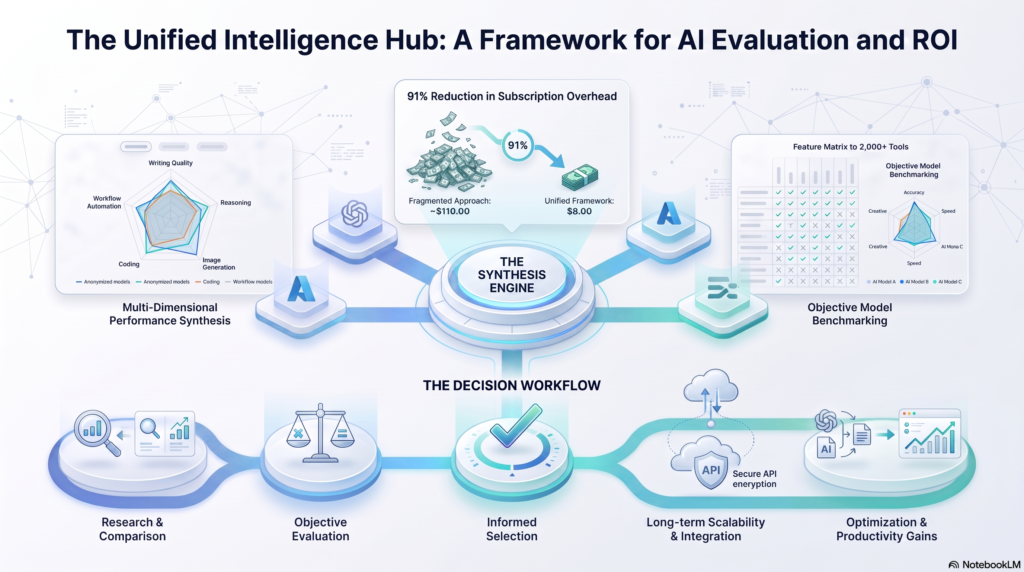
Perchance earns its reputation fairly — as a free, no-login AI image generator, it’s genuinely useful and widely trusted. But “perchance ai image to video generator free” is a search query chasing something the platform doesn’t reliably deliver as a first-party feature.
The honest verdict: use Perchance for what it’s proven at — fast, free image generation — and use a dedicated tool like Kling AI, Pika, or Luma Dream Machine when you actually need your image to move. That combination, not persistence with a single unreliable generator page, is what gets you a finished video today.
Author Bio
Author: Jeevesh Tripathi Email: jeevesh@aizolo.com
Jeevesh Tripathi is an AI tools reviewer focused on generative image and video platforms, with hands-on testing experience across community-built and commercial AI generators. His work emphasizes research-backed, verifiable claims over promotional copy, cross-referencing platform documentation and independent user reports before publishing any comparison or verdict.
