
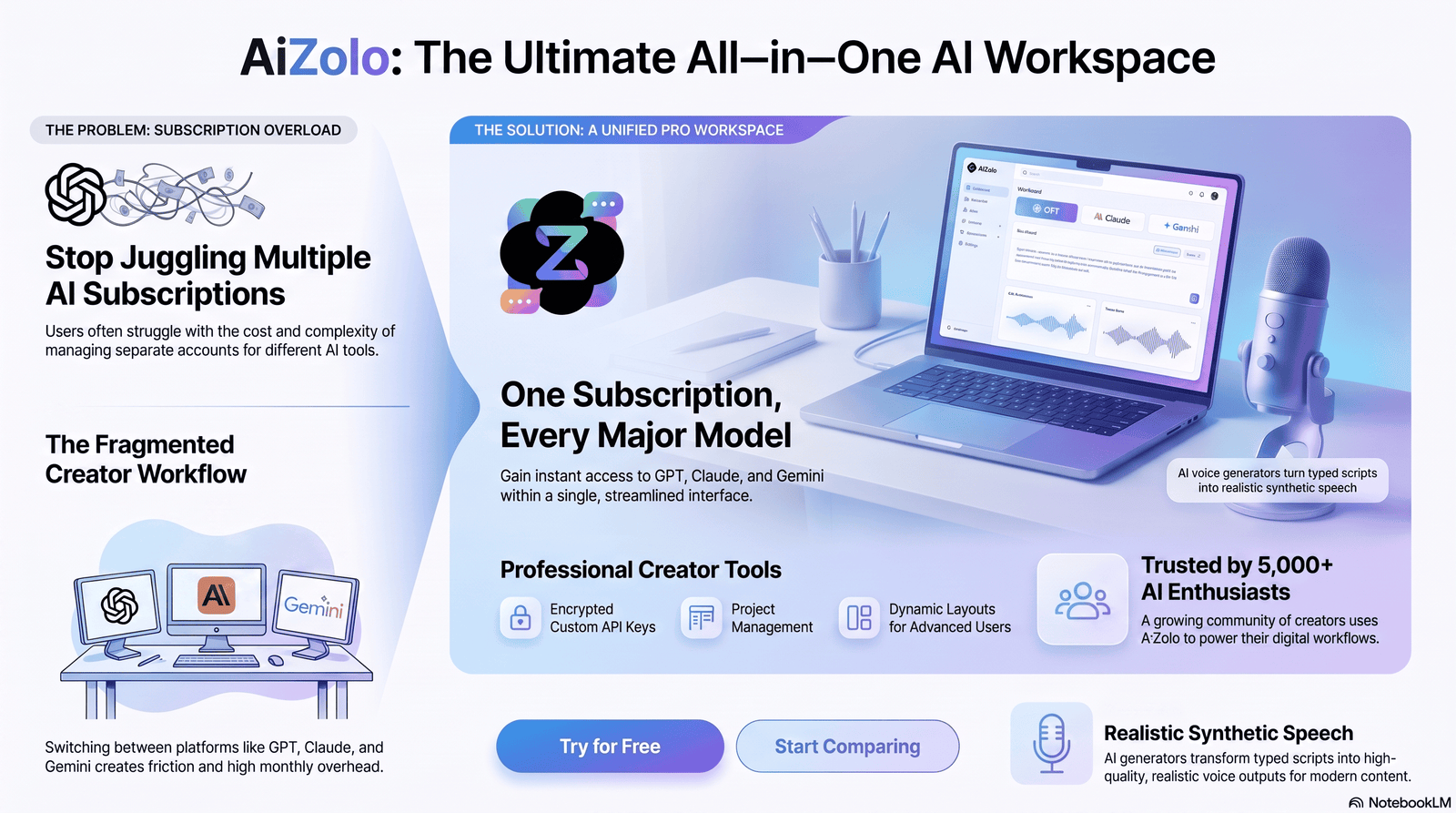
Featured Snippet Answer
A Trump AI voice generator is a text-to-speech or voice-cloning tool that uses AI trained on public audio to recreate Donald Trump’s tone, cadence, and speech patterns. Platforms like Aizolo help creators produce AI-generated voices for parody, memes, and commentary videos. Legality depends on consent, disclosure, and whether the use is commercial, satirical, or deceptive.
Table of Contents
Trump AI Voice Generator: The Complete Guide to Tools, Ethics, and Getting Realistic Results
A Trump AI voice generator turns typed text into audio that sounds like Donald Trump — his rhythm, his pauses, his signature phrasing. It’s one of the most-searched political AI tools online right now, and for good reason.
Meme creators want quick punchlines. YouTubers want parody narration. Marketers want attention-grabbing hooks. All of them land on the same search term.
But this space moves fast, and it’s messier than most “best AI tools” lists admit. Some platforms produce genuinely convincing audio. Others generate something that sounds more like a bad Halloween costume of Trump’s voice.
There’s also a layer most articles skip entirely: what’s actually allowed. Voice cloning laws changed a lot between 2024 and 2026, and political figures sit in a legally sensitive spot — protected as public figures in some ways, but not exempt from publicity and impersonation rules in others.
This guide breaks down how these tools work, which ones are worth your time, how to get natural-sounding output, and where the legal lines actually sit — so you can create confidently instead of guessing.
If you’re also looking for video or avatar tools — not just voice — check out our complete Trump AI Generator guide covering the full toolkit.
What Is a Trump AI Voice Generator?
A Trump AI voice generator is a type of text-to-speech (TTS) or voice cloning software. You type or paste in a script, select a Trump-style voice model, and the tool outputs an audio file that mimics his vocal characteristics.
Under the hood, these tools rely on speech synthesis models trained on large amounts of publicly available audio — speeches, interviews, rally footage — so the AI learns not just the voice itself, but the pacing, emphasis, and verbal tics that make it recognizable.
There are two broad categories worth knowing:
- Pre-built voice models — a ready-made “Trump” voice you select from a library and type text into. No sample audio needed from you.
- Custom voice cloning — you (or the platform) upload reference audio and the AI clones a voice from scratch, which is how some tools build their Trump-style models in the first place.
Most creators only ever interact with the first type. The second is more relevant to the platforms building these voice libraries.
How Does It Actually Work?
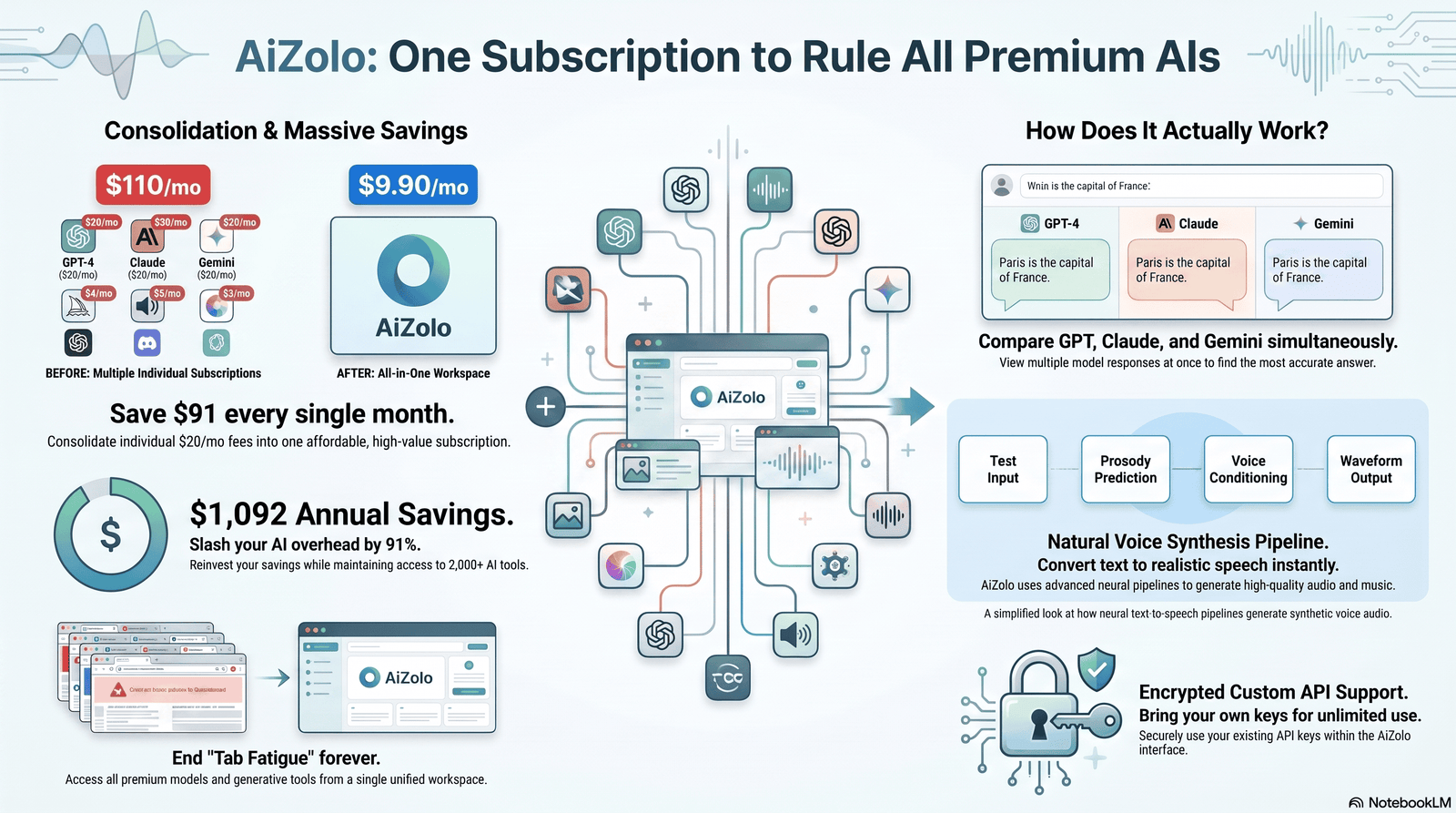
At a technical level, modern voice generators use neural text-to-speech models — architectures that convert text into a spectrogram (a visual map of sound) and then into a waveform using a vocoder.
Here’s the simplified version of the pipeline:
- Text input — your script gets broken into phonemes (the smallest units of sound).
- Prosody prediction — the model decides pitch, speed, and emphasis based on patterns it learned from training audio.
- Voice conditioning — the model applies the “Trump” voice profile, shaping tone and timbre to match the trained style.
- Waveform generation — a vocoder renders the final audio file you can download.
The realism gap between tools almost always comes down to two things: how much training audio the model saw, and how well the prosody model handles political speech patterns specifically — the pauses, the tangents, the emphasis on certain words. A generic TTS engine with a Trump-sounding voice slapped on top usually sounds hollow. A model actually fine-tuned on his speech patterns sounds far closer.
Why People Use Trump AI Voices
The reasons vary more than you’d expect. In practice, most searches for a Trump AI voice generator fall into a few clear buckets:
- Parody and satire — political commentary channels and comedy creators
- Memes and short-form content — TikTok, Reels, and Shorts audio
- Voiceovers — narrating unrelated content with a recognizable, attention-grabbing voice
- Song covers — putting the voice over a beat or trending audio for novelty content
- Experimentation — AI enthusiasts testing how far voice cloning tech has come
Political content performs well because it’s instantly recognizable and highly shareable. That’s exactly why platforms now require disclosure, and why creators need to understand where entertainment ends and impersonation begins.
Best Trump AI Voice Generator Tools
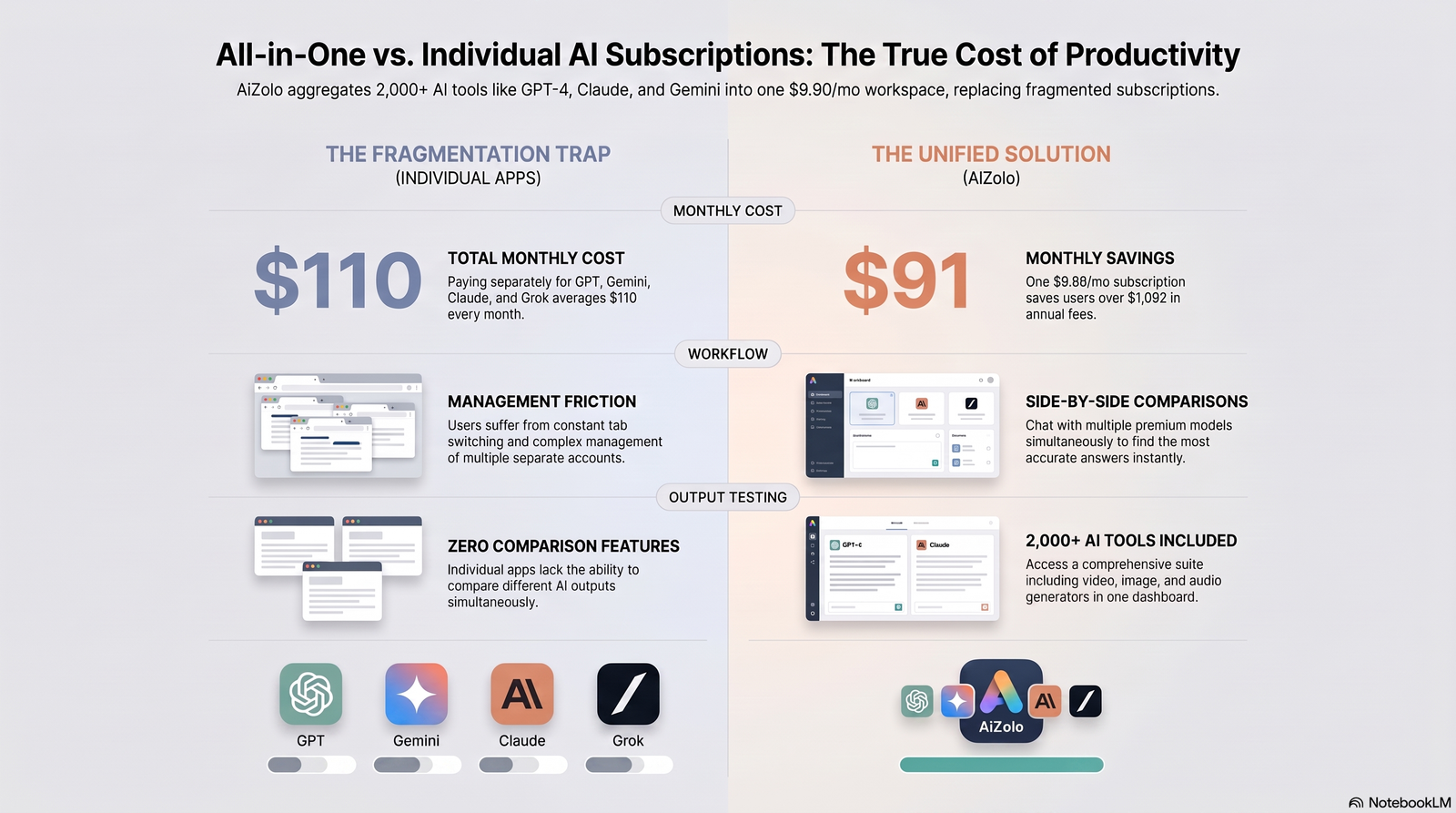
Below is a comparison based on publicly available information about each platform’s features, pricing model, and stated use cases. Treat this as a starting point for your own testing, not a final verdict — voice quality is subjective, and these tools update their models frequently.
| Tool | Best For | Voice Library | Free Tier | Commercial Use |
|---|---|---|---|---|
| ElevenLabs | High-fidelity general voice cloning | Large, customizable | Limited characters | Allowed on paid plans |
| Murf AI | Studio-style voiceover projects | Curated, professional-leaning | Limited trial | Allowed on paid plans |
| Voicemod | Real-time voice changing (streaming/gaming) | Preset voice filters | Yes, limited | Platform-dependent |
| PlayHT | API access and bulk generation | Broad, developer-friendly | Limited characters | Allowed on paid plans |
| Smaller niche “celebrity voice” sites | Quick, casual meme audio | Narrow, celebrity-focused | Often yes, capped characters | Frequently restricted or unclear |
Expert observation: the niche, single-purpose “type it, hear Trump say it” sites are usually the fastest for a quick meme, but they tend to have the weakest terms of service around commercial use — worth reading before you monetize anything built with one.
Features to Look For
Not all voice generators are built the same. When comparing tools, prioritize these features:
- Emotional range — can it sound angry, excited, or sarcastic, or is every line flat?
- Pacing control — the ability to adjust speed and add pauses matters a lot for political-style speech
- Export quality — look for at least 128kbps MP3 or WAV export, especially for YouTube
- Character limits — free tiers often cap you at a few hundred characters per generation
- API access — relevant if you’re building this into a larger content pipeline
- Clear usage terms — does the platform explicitly allow monetized or commercial use?
- Watermarking or disclosure tools — increasingly required by platforms and, in some regions, by law
Common mistake: picking a tool purely on voice realism and ignoring the terms of service. A great-sounding clip that violates a platform’s usage policy can get content removed or a channel flagged — realism means nothing if you can’t actually publish and monetize it.
Step-by-Step: How to Create a Trump AI Voice
Here’s a general workflow that applies across most mainstream tools:
- Choose your platform based on your use case — quick meme vs. polished voiceover need different tools.
- Select the Trump voice model from the platform’s voice library (sometimes under a “politicians” or “public figures” category).
- Write your script in short, natural sentences — long run-on sentences tend to sound robotic.
- Adjust pacing and emphasis if the tool allows manual controls; this is where realism is won or lost.
- Generate a preview and listen for awkward pauses or mispronounced words.
- Edit the script, not just the settings — small wording changes fix pronunciation issues faster than tweaking sliders.
- Export the final audio in the highest quality your plan allows.
- Add a clear AI-generated disclosure if you plan to publish it, especially for political or commentary content.
Skipping step 8 isn’t just a best practice anymore — several platforms and jurisdictions now require it for AI-generated political audio.
Legal and Ethical Considerations
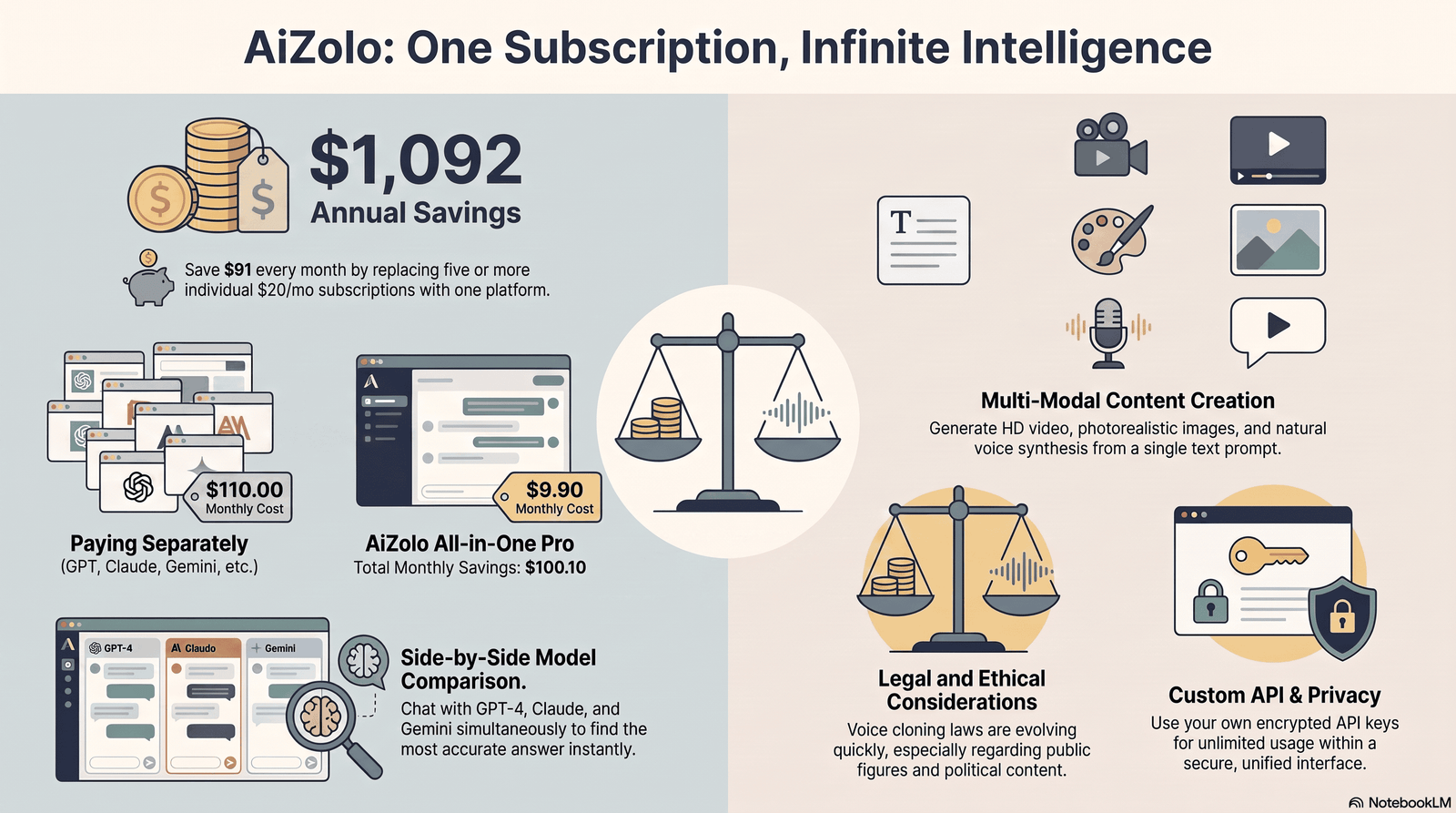
This is the section most “best tools” articles gloss over, and it’s arguably the most important one.
Right of publicity. Courts and lawmakers have increasingly treated a person’s voice as protected, similar to their name or likeness. A celebrity’s voice, much like their face or name, is part of their brand and is protected under publicity rights and intellectual property laws. This applies to public figures, including politicians.
State-level laws are expanding fast. Tennessee’s ELVIS Act, enacted in 2024, was the first state law to expressly extend right-of-publicity protections to AI-generated voice clones, criminalizing unauthorized digital replication of a person’s voice. Other states have introduced similar bills, and more are expected.
Commercial use is the highest-risk scenario. Using a celebrity voice clone in a paid advertisement, a monetized video, or any revenue-generating context without consent carries meaningfully higher legal risk than non-commercial use.
Political content faces extra scrutiny. Several states have passed laws requiring disclaimers on political advertisements that contain AI-generated or materially altered content, though some provisions have faced constitutional challenges in court.
Fraud and impersonation are always illegal. Using a synthetic voice to impersonate someone for fraud or identity theft violates existing criminal statutes, and law enforcement is increasingly encountering AI voice scams. This has nothing to do with parody protections — it’s a separate, much more serious category.
Copyright is a different issue entirely. Copyright protects a specific recording or song, not the timbre of a voice itself — so a voice clone usually isn’t copyright infringement, but it can still violate publicity, privacy, or unfair-competition law.
Practical takeaway for creators:
- Clearly label content as AI-generated or parody.
- Avoid implying the audio is a real statement or endorsement.
- Don’t use a cloned voice in paid ads or product endorsements without consent.
- Never use a voice clone to deceive someone financially or personally.
- Check the platform’s terms of service for monetization restrictions before you publish.
Satire and commentary generally have stronger protection than content designed to mislead. But “it’s just a joke” doesn’t override platform policies or emerging state law — the safest approach is transparency, not ambiguity.
Tips for Better Results
- Write like he speaks — short clauses, self-interrupting phrases, and repeated emphasis words tend to render more naturally than formal, essay-style writing.
- Break long scripts into chunks — generating in smaller segments often improves pacing accuracy.
- Use punctuation deliberately — commas and ellipses can force more natural pauses than the model would otherwise insert.
- Test multiple takes — most platforms let you regenerate; the first output isn’t always the best one.
- Layer in light background audio — a subtle rally-crowd or podcast-room ambience can mask minor robotic artifacts in the raw voice.
- Match the voice to the format — a hyper-polished voice can feel oddly out of place in an intentionally low-fi meme format, and vice versa.
Common Mistakes
- Overwriting the script. Long, complex sentences almost always sound worse than short, punchy ones.
- Ignoring the terms of service. Assuming “it’s a public figure” means anything goes commercially.
- Skipping the AI disclosure. Increasingly expected by platforms and, in some regions, legally required.
- Publishing the first take. Small script tweaks usually fix more than settings tweaks do.
- Using it for anything deceptive. Fake “breaking news” clips or fabricated statements cross from parody into misinformation — a very different risk category.
- Assuming free tiers are commercial-ready. Many free plans explicitly restrict monetized use.
Free vs. Paid Tools
| Free Tools | Paid Tools | |
|---|---|---|
| Character limits | Usually capped (200–500 characters) | Higher or unlimited, depending on plan |
| Voice quality | Decent for quick clips | Generally more refined and controllable |
| Commercial use | Often restricted or unclear | Usually explicitly permitted |
| Export quality | Standard MP3 | Higher bitrate, sometimes WAV |
| Support and updates | Limited | Regular model updates and support |
| Best for | Casual memes, testing | Ongoing content production, monetized channels |
If you’re experimenting or making a one-off meme, free tiers are usually fine. If you’re building a channel or brand around this kind of content, a paid plan with clear commercial terms is worth the cost — it removes ambiguity that could otherwise get content demonetized or removed later.
Real-World Use Cases
- Political commentary channels use it for cold opens and recurring segment intros.
- Meme accounts use short, punchy one-liners synced to trending audio formats.
- Podcast editors occasionally use it for stylized ad-read parodies.
- Song cover creators map the voice onto existing instrumentals for novelty covers.
- Educators and communicators sometimes use recognizable voices to make dry topics (policy explainers, satire-based news recaps) more engaging.
In every case, the common thread among creators who avoid trouble is the same: clear labeling, non-deceptive framing, and staying inside the platform’s stated usage rules.
FAQs
1. Is it legal to use a Trump AI voice generator? Generally yes for parody, satire, and personal use, but rules tighten around commercial use, political advertising, and anything designed to deceive. Always check your local laws and the platform’s terms.
2. Do I need Donald Trump’s permission to use his AI voice? For non-commercial parody, most creators rely on satire protections. For paid endorsements or commercial products, consent becomes far more important legally.
3. Which Trump AI voice generator sounds the most realistic? Realism varies by tool and script. Platforms with larger training datasets and adjustable prosody controls generally produce more natural results than single-purpose “type and generate” sites.
4. Can I monetize videos that use a Trump AI voice? It depends on the platform’s monetization policy and the tool’s terms of service. Many require clear AI-generated disclosure, and some restrict political content monetization altogether.
5. Are free Trump AI voice generators any good? Many are usable for quick memes but limited in character count and customization. Paid tools typically offer more control and clearer commercial terms.
6. Is using a Trump AI voice generator considered a deepfake? Technically, yes — any AI-synthesized voice mimicking a real person falls under the broader “synthetic media” or deepfake category, even when used for obvious parody.
7. Do YouTube and TikTok require me to label AI-generated Trump voice content? Most major platforms now require or strongly encourage disclosure for AI-generated audio depicting real people, particularly political figures.
8. Can a Trump AI voice generator make the voice sing? Some platforms support pitch-mapping for song covers, which lets you apply the voice model to existing instrumentals or vocal tracks.
9. What’s the difference between a Trump AI voice generator and a voice changer? A voice generator creates audio purely from typed text. A voice changer modifies your live or recorded voice in real time to sound like the target voice.
10. Why does the AI voice sometimes mispronounce words? Uncommon names, acronyms, or unusual phrasing can confuse the phoneme-prediction step. Rewriting the problem word phonetically often fixes it.
11. Is it safe to upload my own script to these platforms? Reputable platforms process text securely, but always review a tool’s privacy policy before submitting sensitive or proprietary scripts.
12. What’s the biggest risk with Trump AI voice content? The biggest risk isn’t the voice itself — it’s using it to fabricate statements that could be mistaken for real, which can cross into misinformation or defamation territory.
Final Thoughts
A Trump AI voice generator can be a genuinely useful creative tool — for memes, parody, commentary, and experimentation with how far voice synthesis has come. The technology itself isn’t the risky part.
What matters is how you use it: label AI-generated content clearly, keep commercial use inside a platform’s actual terms, and never use it to fabricate something that could be mistaken for a real statement.
Pick a tool that matches your actual use case, test more than one script, and treat the legal and platform-policy side of this as seriously as the creative side. That combination is what separates content that performs well from content that gets taken down.
Author Bio
Author: Jeevesh Tripathi Email: jeevesh@aizolo.com
Jeevesh Tripathi covers AI tools, productivity software, and emerging technology, with a focus on translating fast-moving AI product categories into practical, honest guidance for creators and marketers. His work emphasizes hands-on comparison, clear explanations of legal and platform-policy risk, and cutting through hype to focus on what actually helps readers make better decisions.

