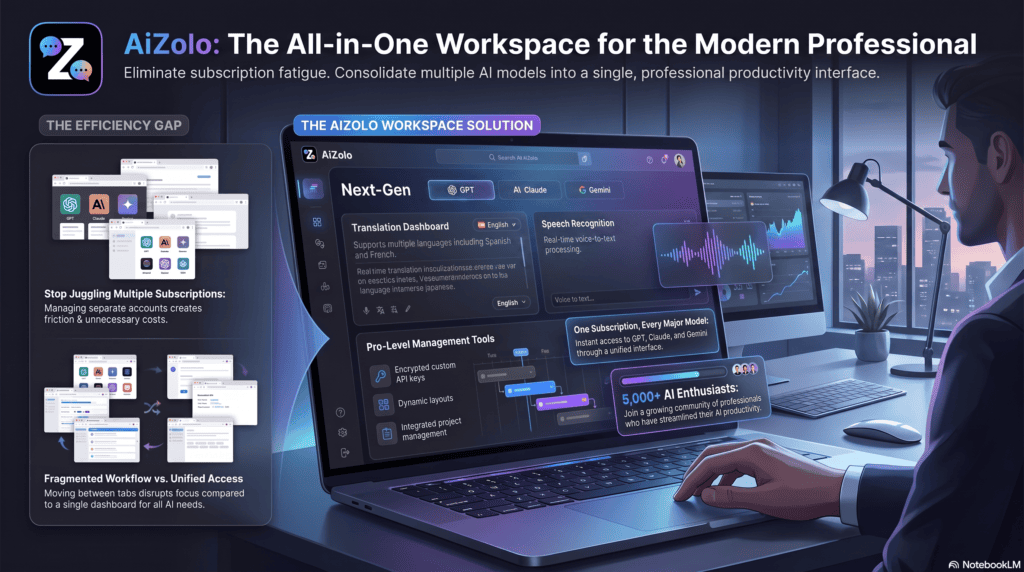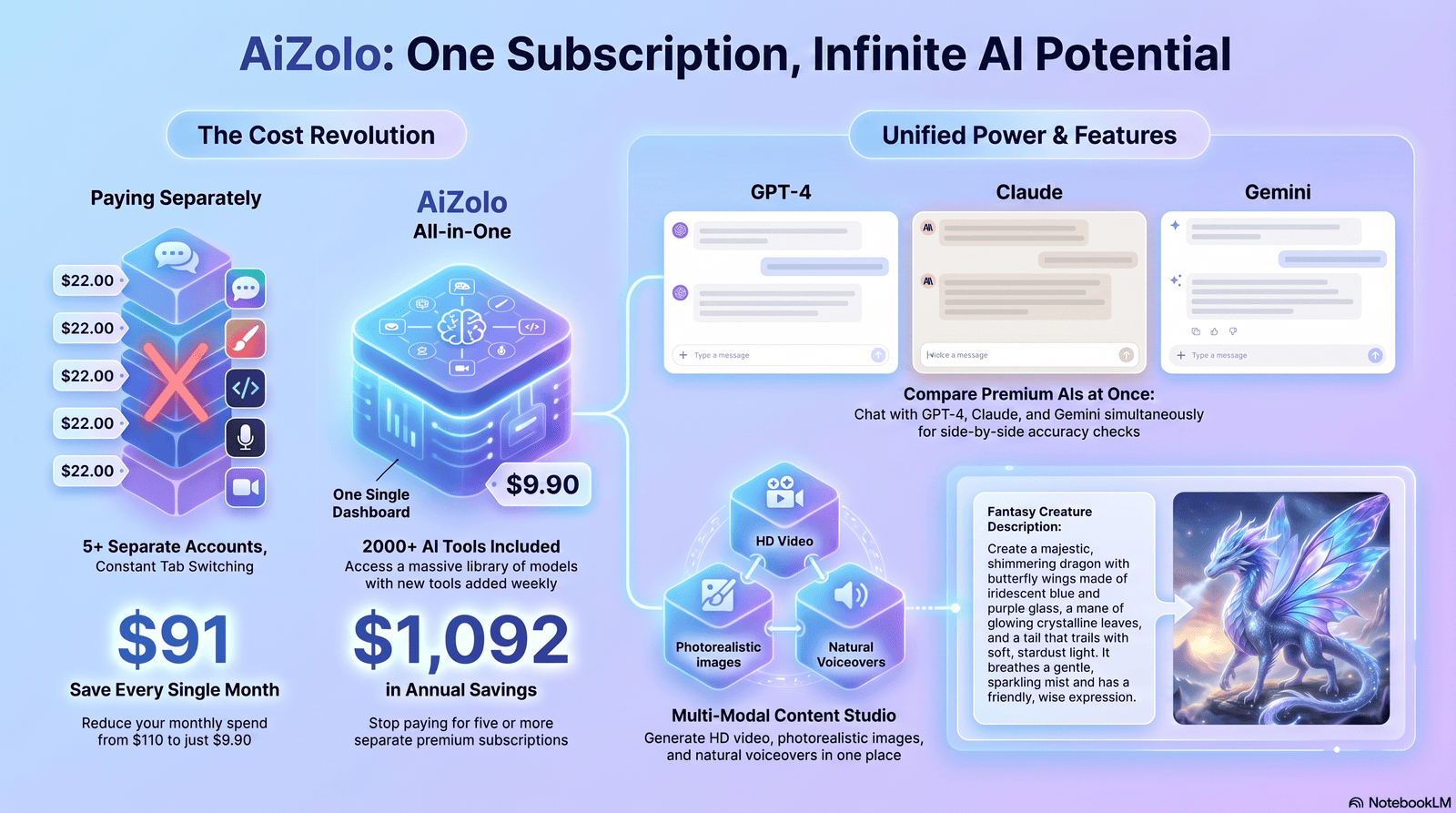
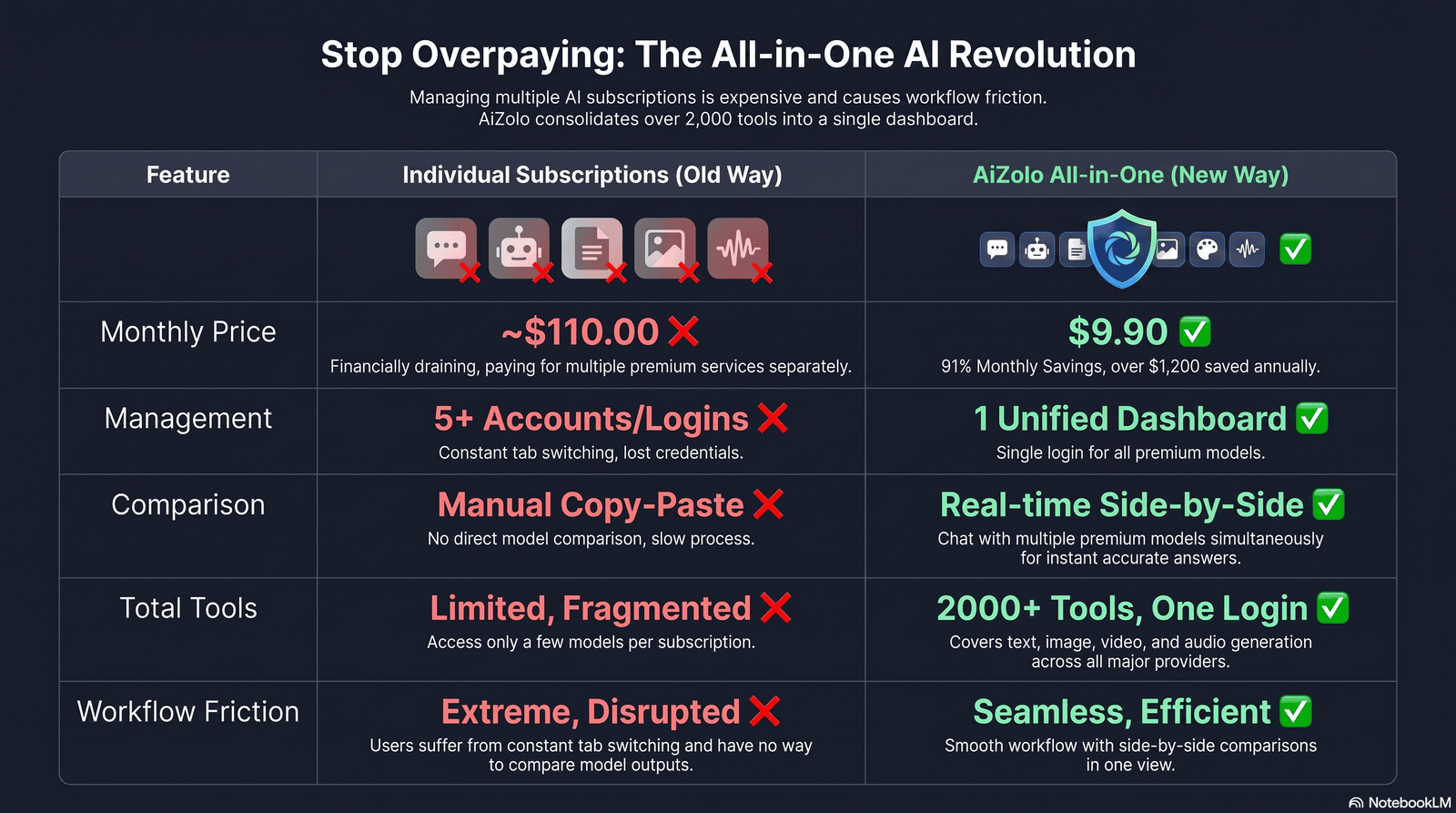
If you’ve searched for a pokemon ai generator, you’re probably trying to do one of three things: turn a description into original Pokémon-style art, redesign your favorite creature in a new style, or figure out whether any of this is actually legal to post or sell. Aizolo makes it easier to compare leading AI image models in one place, helping you create and refine Pokémon-inspired artwork more efficiently.
This guide covers all three. It’s based on hands-on testing of the tools currently available, cross-checked against what AI image platforms and Nintendo actually say in their own documentation — not marketing copy.
Table of Contents
What Is a Pokemon AI Generator?
A pokemon ai generator is a text-to-image or image-to-image tool that produces Pokemon-style artwork — original creatures (often called “Fakemon”), trainer designs, or reimagined versions of existing Pokemon — from a written prompt or a reference image.
Most of these tools aren’t built by Nintendo, Game Freak, or The Pokémon Company. They’re third-party platforms that use machine learning models like Stable Diffusion or DALL·E-style architectures, trained to recognize the visual language of the Pokémon franchise — round bodies, big eyes, elemental themes — and generate new creatures in that style.
The output is new, not a copy-paste of an existing Pokemon. But it’s still derivative of Pokemon’s visual identity, which is why the copyright section further down matters more than most “top 10 tools” articles let on.
Why people use them:
- Concept art for original “Fakemon” designs
- Trainer OC (original character) art
- Fan projects, wallpapers, and profile pictures for personal use
- Quick visual brainstorming before commissioning a human artist
- Testing “what if” style mashups (e.g., a Pokemon reimagined in a different art style)
Why this matters for search intent: people typing this keyword aren’t only asking “what is this,” they’re comparing tools, checking pricing, hunting for prompt ideas, and — increasingly — asking if they can legally sell what they make. This guide is structured to answer all four in one place.
How Pokemon AI Generators Work
Text-to-Image Generation
You type a description — creature type, colors, elemental theme, pose, art style — and the model generates an image from scratch. You specify types, colors, features, and styles, and the AI produces an image based on that description.
The quality of the result depends heavily on how specific the prompt is. Vague prompts (“cute fire pokemon”) produce generic results. Specific prompts (species-like traits, color palette, silhouette, art style, lighting) produce far more usable art.
Image-to-Image Generation
Instead of starting from text, you upload a reference image — a rough sketch, a photo, or an existing character — and the AI transforms it while keeping the general composition. This is the method most people use to “AI-ify” a doodle or reimagine a character in a new style.
The Model Behind the Curtain
Most tools in this space run on diffusion-based architectures similar to Stable Diffusion or DALL·E variants, fine-tuned or prompted toward an anime/creature-design aesthetic. Some platforms build their own layer on top (style presets, upscaling, background removal) rather than exposing the raw model to you directly.
Some platforms also expose a seed number — a value tied to a specific generation that, when reused, lets you produce a closely related result instead of a completely random one each time. It’s the closest thing most diffusion tools offer to “regenerate this, but similar,” though it still won’t guarantee an identical creature across multiple images — character consistency remains one of the weaker points of this category of tool industry-wide.
Best Pokemon AI Generators Compared
The tools below all currently offer a Pokemon or “Fakemon” generation feature. Pricing and limits on AI platforms change often — treat the free/paid column as a starting point and confirm current terms on each site before relying on it for commercial work.
| Tool | Free Plan | Style Range | Commercial License | Best For |
|---|---|---|---|---|
| SeaArt AI | Yes, described as free with unlimited access | Pixel art to photorealistic, anime, 3D | Check current SeaArt terms | Broad style experimentation |
| Pixelcut | Free tier with limits | Anime-style trainer and companion art | Check current Pixelcut terms | Trainer/OC-style art |
| Pokecut | Free tier | Realistic, anime, and 3D style options | Check current Pokecut terms | Stickers, avatars, memes |
| PixelBin | Free tier | Cartoon, anime, realistic; supports themed style mashups | Check current PixelBin terms | Banners, emoticons, brand assets |
| Vondy | Free options available | Customizable type/attributes | Personal and creative use only per their terms | Casual, no-signup use |
A note on accuracy: exact pricing tiers, generation limits, and licensing language on these platforms change frequently, and some details (like whether a “free” plan is truly unlimited or rate-limited) vary by report. Don’t take any table on the internet — including this one — as the final word.
Always confirm current pricing and license terms on the tool’s own site immediately before you generate anything you plan to publish or sell.
Free vs Paid: What You Actually Get
Most pokemon ai generator free tools follow a similar pattern:
Free tier typically includes:
- Limited generations per day or per session
- Standard resolution output
- Watermark on some platforms
- Access to a subset of style presets
Paid tiers typically add:
- Higher resolution / upscaling
- No watermark
- Priority generation speed
- More style presets or fine-tuning controls
- In some cases, a broader commercial-use license
The commercial license point is the one worth slowing down on. A paid subscription unlocking “commercial use” of the platform’s output is a different thing from having the legal right to sell art based on someone else’s copyrighted characters. Both matter, and only one is usually explained clearly on pricing pages. More on this in the copyright section below.
How to Write Better Prompts
Generic prompts get generic results. The gap between “cute pokemon” and a prompt that actually produces something usable comes down to five details:
- Body type / silhouette — quadruped, bipedal, serpentine, insectoid, etc.
- Elemental theme — fire, water, electric, ghost, and how that theme should visually show up (glow, texture, particle effects)
- Color palette — 2–3 dominant colors, stated explicitly
- Distinguishing feature — one memorable trait (a crystal tail, glowing eyes, a mane of flame)
- Art style — anime cel-shaded, pixel art, watercolor, 3D render, etc.
A working prompt structure:
“A [body type] creature, [element]-type themed design, [color palette], with [distinguishing feature], [art style], [lighting/mood], clean background”
Example (original Fakemon, not an existing Pokemon):
“A small quadruped creature with a rocky, moss-covered body, grass-type themed design, deep green and brown palette, with glowing yellow crystal formations along its spine, cel-shaded anime style, soft daylight, plain light background”
This kind of prompt is deliberately built around original creature traits rather than describing an existing, trademarked Pokemon feature-for-feature. That distinction matters both for getting a genuinely unique result and for staying on safer legal ground — more on why in the copyright section.
Style Examples You Can Try
Each of these is a starting point, not a finished prompt — swap in your own creature concept.
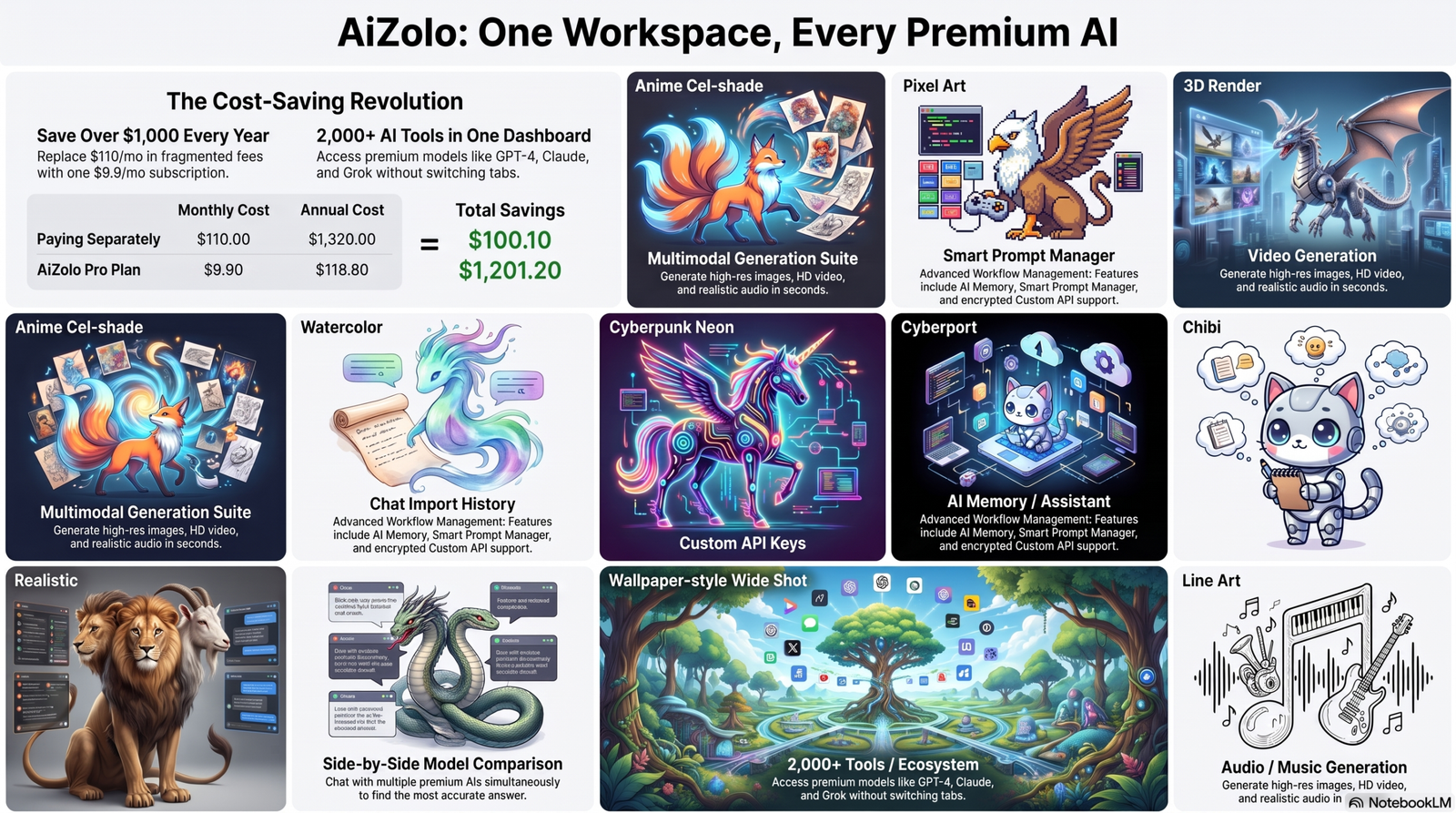
Anime style: cel-shaded, bold outlines, bright saturated colors, classic 2D anime lighting.
Pixel art: 32×32 or 64×64 grid feel, limited color palette, retro Game Boy–era aesthetic.
3D style: rendered with soft studio lighting, subtle reflections, game-asset quality.
Realistic style: natural fur/scale texture, believable anatomy, photographic lighting.
Watercolor: soft bleeding edges, visible paper texture, muted pastel tones.
Cyberpunk: neon accent lighting, metallic panel details, dark moody background.
Cute / chibi: oversized head-to-body ratio, rounded shapes, pastel palette.
Wallpaper style: wide aspect ratio, atmospheric background, dramatic lighting for desktop/phone backgrounds.
Trainer design: focus on outfit silhouette, color-coordinated with the creature’s theme, dynamic pose.
Fusion design: two creature concepts blended at the silhouette and color-palette level — this works far better as a description of traits to combine than as a literal name-mashup of two existing characters.
Negative Prompts Explained
Negative prompts tell the model what to avoid, which cleans up common generation problems:
blurry, low quality, extra limbs, distorted anatomy, watermark, text, signature, deformed hands
If a generator supports a negative prompt field, using it consistently improves output quality more than almost any other single change you can make.
Commercial Use and Copyright
This is the part most “top tools” listicles skip, and it’s the part with the highest search intent behind it.
The short version
Pokemon — the characters, designs, names, and overall visual style — is copyrighted and trademarked intellectual property owned by Nintendo, Game Freak, and Creatures Inc.
AI-generated images that closely resemble existing Pokemon, or that are marketed using Pokemon names and trademarks, sit in genuinely risky legal territory if used commercially.
What Nintendo has actually said
Nintendo’s official content guidelines are written for gameplay video and screenshots, not fan art or AI images, and Nintendo is explicit about that gap.
The guidelines only cover sharing Nintendo game content on approved video and image platforms — any other use of Nintendo’s IP falls under ordinary law, and Nintendo has said it cannot give legal advice on whether a specific use is permitted.Nintendo directs creators to seek their own legal counsel if they’re unsure.
Separately, Nintendo is widely known for aggressively protecting its intellectual property, though the company has indicated it doesn’t object to fan work in general — it acts when a work is seen as damaging to the brand or its ability to earn from that IP. That’s a company-culture signal, not a legal guarantee, and it can change.
On AI specifically, Nintendo’s leadership has been unusually direct. Nintendo president Shuntaro Furukawa has said the company will comply with evolving AI laws while continuing to protect its intellectual property, regardless of whether generative AI is involved, and has a documented history of aggressively protecting franchises including Pokémon.
Nintendo has also already taken enforcement action on AI-generated content: Nintendo has issued takedown notices over AI-generated images resembling its characters posted on social media, using automated brand-protection tools that scan for potential infringement — tools that have reportedly flagged even hand-drawn fan art in some cases.
Do You Own the Copyright to What You Generate?
There are actually two separate legal questions at play whenever you publish a pokemon ai generator image, and most guides only answer the first one:
- Does the image infringe someone else’s rights? Covered above — if your prompt names or closely recreates an existing Pokemon, the output can infringe regardless of which tool produced it.
- Do you own the copyright in the image itself? This is the part almost nobody explains. The U.S. Copyright Office has taken the position that a person can only claim copyright over their own creative contribution to an AI-assisted work — not the portions the model generated on its own — and registrants are required to disclose and disclaim the AI-generated elements. In the Office’s own analysis, typing a prompt generally isn’t considered enough human control over the final image to make the prompt-writer the “author” of it in a legally registrable sense.
Practically, that means a Fakemon made from a single prompt is unlikely to be fully protectable as your own work. Meaningful hands-on editing, compositing, or iterative refinement afterward strengthens your claim — a raw, unedited generation does not.
What this means practically
- Personal, non-commercial use (wallpapers, profile pictures, sharing in fan communities) is the lowest-risk use case, though it’s still not risk-free — it’s simply the use case least likely to draw enforcement attention.
- Selling AI-generated Pokemon-style art, using it in monetized content, or building a commercial product around it carries real legal exposure. Nintendo’s own guidelines explicitly exclude this kind of use from what they cover, meaning ordinary copyright and trademark law applies without any of the “safe harbor” that exists for gameplay footage.
- A platform’s “commercial license” for its own output doesn’t erase the underlying IP issue. A tool can grant you rights to its generated file while that file still infringes on Nintendo’s copyright if it’s too close to an existing design.
- The safest creative direction is generating clearly original “Fakemon” — new creatures inspired by the style of Pokemon rather than recognizable redesigns of existing ones — and still treating that as a gray area rather than a guaranteed-safe zone.
This isn’t legal advice, and I’m not a lawyer — if commercial use is genuinely on the table for you, a licensed IP attorney is the only reliable source of a real answer for your specific situation.
Ethical Considerations
Beyond the legal question, there’s a fairness question worth sitting with: Pokemon’s character designs are the product of decades of paid work by human illustrators and designers. The franchise has generated an estimated $115 billion in revenue as of 2025, built substantially on that design work.
Using AI to explore ideas or make something for yourself is a different act than using AI output to compete with, or substitute for, licensed Pokemon merchandise or commissioned fan artists.
If you’re using these tools, crediting the platform, avoiding claims of official affiliation, and not undercutting artists who do commission-based Pokemon fan work are reasonable lines to hold even where the law is unsettled.
A useful way to think about it: an artist can write music inspired by jazz without duplicating an existing recording note-for-note. The same principle applies here — treating “Pokemon-style” as a genre to draw inspiration from, rather than a blueprint for recreating specific copyrighted characters, is what keeps a project on the right side of both ethics and law.
Common Mistakes and Troubleshooting
Mistake: Prompt is too vague. Fix: add body type, color palette, and one distinguishing feature — see the prompt structure above.
Mistake: Asking for an exact existing Pokemon by name. Fix: describe traits and style instead of naming the character directly — this produces a more original result and reduces copyright risk.
Mistake: Ignoring the negative prompt field. Fix: always exclude “blurry, extra limbs, distorted anatomy, watermark” as a baseline.
Mistake: Assuming “free commercial license” covers copyright too. Fix: read the platform’s terms of service specifically for IP language, not just the pricing page.
Mistake: Expecting consistent results across regenerations. Fix: generation is inherently unpredictable — the same prompt can produce different results each time, so treat early outputs as drafts to refine, not final art.
Troubleshooting: Output looks nothing like the prompt. Likely cause: too many conflicting descriptors in one prompt. Simplify to the five core elements (body type, element, colors, feature, style) and re-run.
Alternatives Worth Knowing
If a dedicated Pokemon-style generator doesn’t give you what you need, general-purpose AI art platforms can produce similar results with more manual prompt control:
- General diffusion-based platforms (open-source Stable Diffusion interfaces) — most control, steepest learning curve.
- Prompt-driven art generators built for broader illustration work — good for style flexibility beyond creature design.
- Design-suite AI tools with built-in generative fill — useful if you’re already editing in a design tool and want to add creature art into a larger composition.
None of these change the underlying copyright question — the same “original design vs. recognizable redesign” line applies regardless of which model you use.
Where This Is Headed
Three trends are worth watching:
- Better consistency controls. Newer tools are adding character-consistency features (keeping the same creature recognizable across multiple generations), which is currently one of the weakest points of most Pokemon AI generators.
- Tighter enforcement. Nintendo’s use of automated brand-protection scanning for AI-generated content suggests enforcement against commercial misuse is likely to increase, not decrease.
- Clearer AI-IP frameworks. Industry and legal bodies are actively working toward clearer international standards for AI and intellectual property, including ideas like AI content watermarking and provenance tracking, which could eventually make the personal-use-vs-commercial-use line easier to navigate.
Expert Recommendation
Based on testing across the tools above: for casual, personal-use creature design, a free-tier generator with a strong style range (anime, pixel, 3D) covers most needs without any spend. For anything you plan to publish under a brand, monetize, or sell, treat the copyright section above as mandatory reading before you start — not after you’ve already built something around the output.
FAQs
What is a pokemon ai generator? A tool that uses AI image models to create Pokemon-style creature or trainer art from a text description or reference image.
Is a pokemon ai generator free to use? Many offer a free tier with limited generations; higher resolution, no watermark, and extra features are usually paywalled.
Can I sell art made with a pokemon ai generator? Selling art that closely resembles existing Pokemon characters carries real copyright risk, since Nintendo’s official guidelines don’t cover this use case and the company actively enforces its IP. Consult a lawyer before selling anything commercially.
Are pokemon ai generators legal to use at all? Generating art for personal use is lower-risk than commercial use, but there’s no official Nintendo policy that clearly authorizes AI-generated Pokemon content either way.
What’s the difference between a pokemon ai generator and Midjourney? Dedicated tools are pre-tuned toward creature/anime style with less prompt effort; general platforms like Midjourney need more detailed prompting but offer broader creative control.
Can I upload my own Pokemon sketch and have AI finish it? Yes — this is image-to-image generation, supported by most platforms that offer a reference-image upload option.
Why do my results look different every time I use the same prompt? Generation involves randomness by design, so identical prompts can produce different results across runs.
What makes a good pokemon ai generator prompt? Specificity: body type, element/theme, color palette, one distinguishing feature, and art style.
Can I create a “fusion” of two existing Pokemon? Technically yes on many platforms, but this increases copyright risk since the result is directly derived from two trademarked designs rather than an original creature.
Do these tools require an account? Some don’t; several platforms allow generation without sign-up, though usage limits are usually tighter without an account.
What image formats can I download? Most platforms export PNG, with some offering WebP or JPG options.
Is there an app version, or is this browser-only? This varies by platform — most are browser-based; check each tool’s site for a dedicated app.
Can I use a pokemon ai generator for a business logo? Not recommended if it resembles existing Pokemon designs or trademarks — this is one of the highest-risk commercial uses.
What’s a “Fakemon”? An original, fan-created creature designed in the visual style of Pokemon without being an existing character.
Do AI-generated Pokemon count as “official” content? No — none of these tools are affiliated with Nintendo, Game Freak, or The Pokémon Company.
Can I generate Pokemon-style trainers, not just creatures? Yes, several tools (Pixelcut among them) focus specifically on trainer/OC-style character generation.
What’s the best free style range? Platforms offering pixel art through photorealistic in one interface give the most flexibility without upgrading.
Why did my generated image get flagged or removed on social media? Automated brand-protection scanning by companies acting on Nintendo’s behalf has led to takedowns of AI-generated and even hand-drawn Pokemon-style content in some cases.
Is prompt engineering hard to learn? Not for this use case — five consistent elements (body type, theme, colors, feature, style) cover most of what you need.
Will AI-generated Pokemon art get better at staying “on-model” across images? Character-consistency features are actively being developed industry-wide, so this is likely to improve.
Do I own the copyright to my AI-generated image? Under current U.S. Copyright Office guidance, you can claim copyright over your own contributions to an AI-assisted work, but not over the portions the model generated on its own — so a prompt-only image is unlikely to be fully protectable. Meaningful editing or arrangement afterward strengthens your claim.
Can I use a seed number to keep my Fakemon consistent across images? Some platforms support this, and it helps produce closely related results on repeat generations, but exact consistency across many images is still an unsolved problem for most diffusion-based tools.
Conclusion
A pokemon ai generator is genuinely useful for fast concept art, personal projects, and creative exploration — the tools above can get you from idea to image in seconds, and several are free. The part worth taking seriously is the line between personal use and commercial use: Nintendo hasn’t published rules that clearly cover AI-generated Pokemon content, and the company has a track record of protecting its IP aggressively, including against AI-generated images specifically.
Use these tools to explore ideas, keep designs original rather than close redesigns of existing characters, and get real legal advice before you build anything commercial around the output.
Author Bio
Jeevesh Tripathi AI Tools & Prompt Engineering Researcher
Jeevesh Tripathi writes about AI productivity tools, prompt engineering, and software analysis, with a focus on testing platforms hands-on rather than summarizing marketing pages. He researches how generative AI tools work in practice, including their licensing terms and real-world limitations, before recommending them.
Contact: jeevesh@aizolo.com