
Introduction
Three years ago, hiring a designer for album art meant a two-week wait and a few hundred dollars you didn’t have. Today, an independent artist can describe a mood — “a lonely gas station at 2 a.m., neon pink reflection in a puddle” — and watch that scene appear as a finished square cover in under a minute.
That shift is why album cover generator AI tools have quietly become one of the most-searched categories in independent music production. Musicians, indie labels, podcasters, DJs, and YouTubers are all racing to keep up with release schedules that used to be impossible without a design team.
This isn’t a fad limited to bedroom producers. Record labels use these tools for rapid concepting before a real photoshoot. Podcast networks use them to launch a new show in a single afternoon. Content creators use them to keep a consistent visual identity across dozens of singles a year.
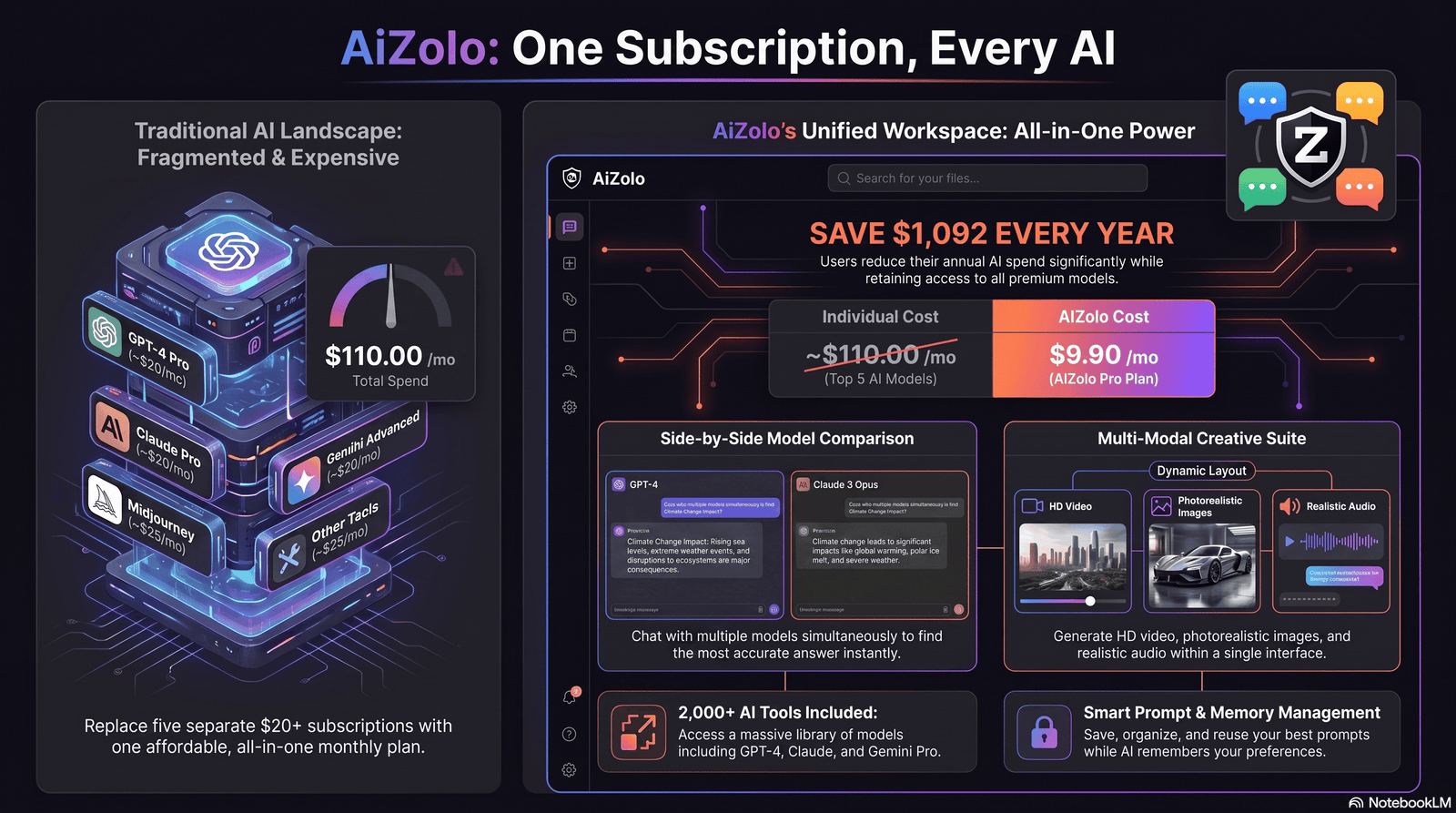
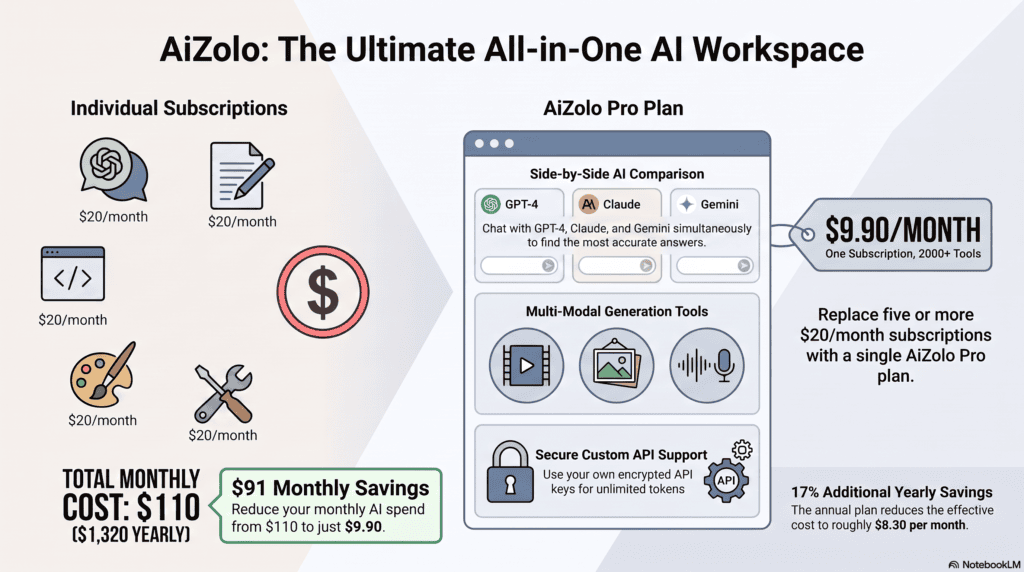
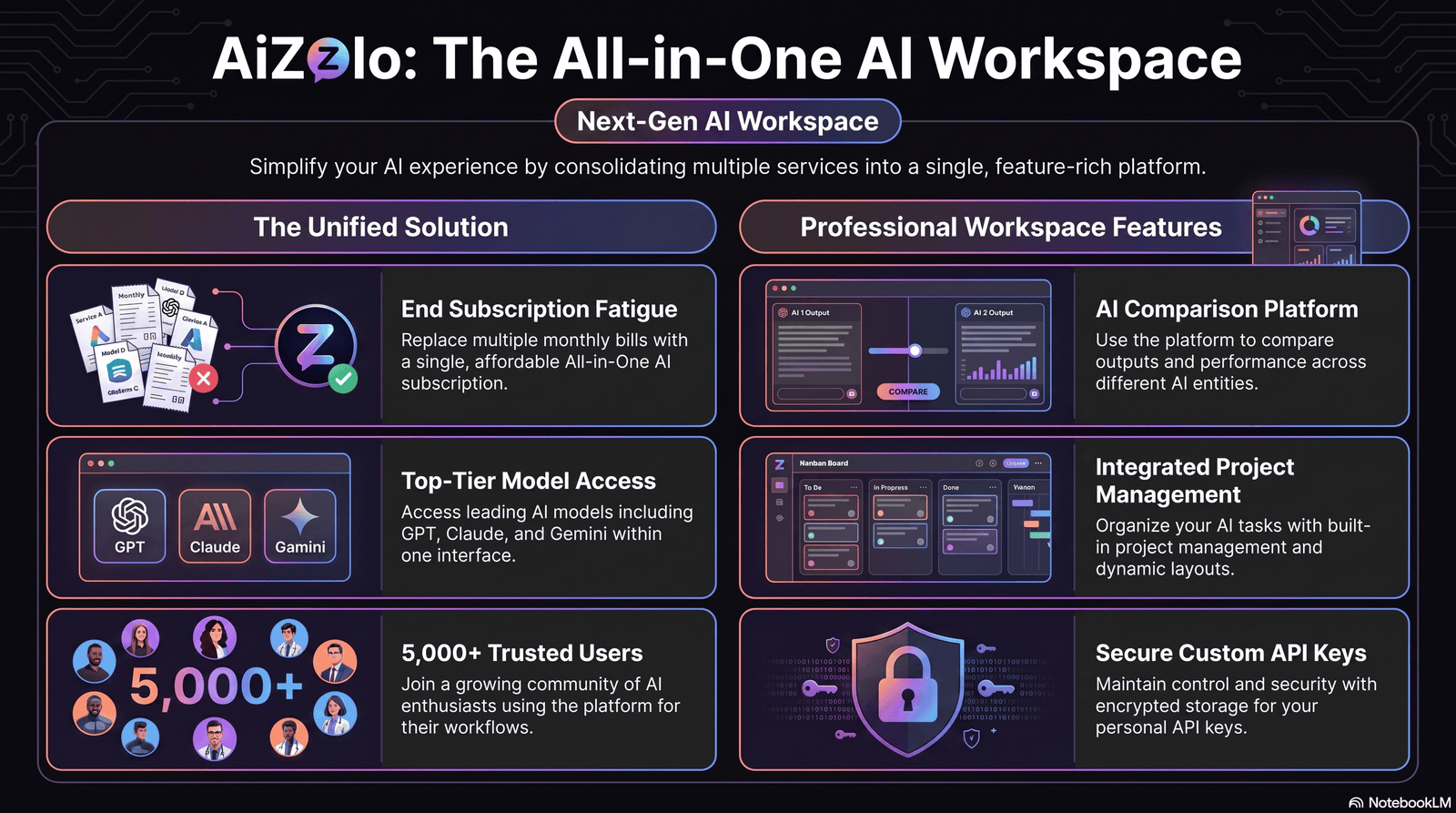
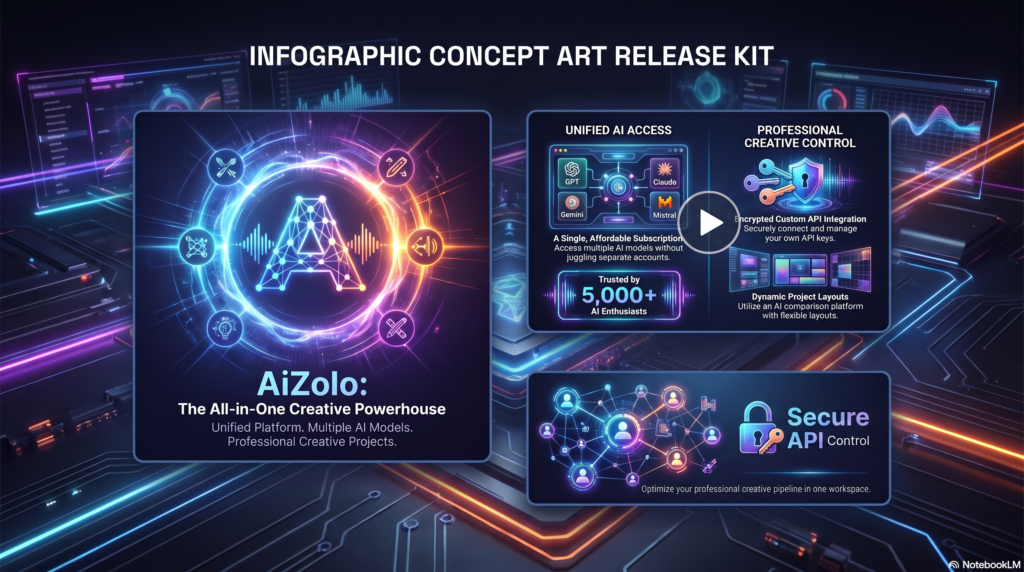
This guide covers everything the earlier generation of “best AI album cover” articles left out: real licensing details, a genuine model-by-model breakdown, 30+ usable prompts, and the mistakes that get covers rejected by streaming platforms. It also explains how platforms like Aizolo fit into today’s AI album cover workflow, making this your working reference instead of just another listicle.
What is Album Cover Generator AI?
Album cover generator AI refers to software that uses text-to-image machine learning models to turn a written description, genre, or mood into finished square artwork. Instead of manually designing in Photoshop, you type a prompt, the model generates several options, and you pick, edit, and export the one that fits your release.
Table of Contents
How AI Album Cover Generators Work
Most tools in this category are built on diffusion models — systems trained on millions of image-text pairs that learn to turn noise into a coherent picture matching a prompt.
Here’s the simplified pipeline behind almost every album cover generator AI tool:
- You submit a prompt. This can be a text description, a genre + mood selection, or a reference photo.
- The model interprets your prompt. It maps your words to visual concepts it learned during training — lighting, color palette, composition, texture.
- Diffusion generates the image. The model starts from random noise and gradually refines it into a picture matching your prompt, usually across 20–50 internal steps.
- You receive several variations. Most tools output 2–4 options per generation so you can compare.
- Post-processing happens. Upscaling, typography, and cropping to platform specs (3000×3000px for most streaming services) usually happen in a separate editing step.
Some newer platforms add a release-workflow layer on top of this — generating the square cover, then automatically deriving a Spotify Canvas loop, a YouTube thumbnail, and Instagram story tiles from the same approved image so the whole release stays visually consistent.
Expert insight: the quality gap between tools today has less to do with the underlying model and more to do with how well the interface is tuned for square, thumbnail-readable compositions.
A raw general-purpose image generator will often center a face awkwardly or crop important detail at the edges — something purpose-built cover tools correct for automatically.
Benefits of Using an AI Album Cover Generator
- Speed. A concept that used to take a week of back-and-forth with a designer now takes minutes.
- Cost. Most tools offer a usable free tier; even paid plans typically cost less than a single freelance commission.
- Unlimited iteration. You can generate 30 versions of a concept before committing, something that isn’t realistic with a paid human designer.
- Genre fluency. Well-trained models understand visual language — the difference between synthwave neon and lo-fi grain — without you needing design vocabulary.
- Consistency across a release cycle. Reusable style presets make it easier to keep singles from the same album visually related.
- No software learning curve. You don’t need to know Photoshop or Illustrator to get a usable result.
None of this replaces a skilled human designer for a flagship release — more on that trade-off in the pros and cons section.
Who Should Use It
- Independent musicians releasing singles or EPs without a label budget.
- Podcast hosts who need cover art before they’ve built an audience or brand.
- YouTubers and content creators who need channel art, thumbnails, and audio-release covers on a weekly cadence.
- DJs producing frequent mixtapes and needing fast turnaround between sets.
- Record labels doing early-stage concepting before commissioning final art.
- Bedroom producers using AI music tools (Suno, Udio, and similar) who have no existing photo or brand assets to build from.
If you fall into any of these groups, an AI album cover generator is very likely to save you real time and money this year.
Best Use Cases
Independent musicians and Spotify artists. A solo artist dropping a single every 4–6 weeks can’t justify a new photoshoot each time. Generating a cover that fits the song’s mood keeps the release calendar moving.
Podcast creators. A new show needs cover art before episode one exists. AI generation lets hosts test five different visual directions before committing to a brand.
Music producers working with AI vocals. Producers using Suno or Udio often have a finished track with zero visual assets. A cover generator fills that exact gap.
Record labels. Labels use AI generation as a fast concepting stage — generating 20 directions, picking the strongest, then briefing a human illustrator to finish it professionally.
Social media creators. Cover art now has to work as a Reel thumbnail, a Canvas loop, and a static post — not just a square. Tools that export multiple aspect ratios from one approved image save real production time.
The AI Models Behind Album Cover Tools
Understanding what’s actually generating your artwork helps you pick the right tool and prompt it correctly.
- Midjourney — known for the most stylistically “opinionated” and painterly output; strong for atmospheric, abstract covers; operates through Discord, which some artists find clunky.
- Stable Diffusion — open-source and self-hostable, which means unlimited free generation if you have the hardware; quality depends heavily on the fine-tuned checkpoint used.
- DALL·E (via ChatGPT) — the most accessible entry point for beginners; strong prompt comprehension but a more “illustrated” default look that needs steering toward photorealism.
- Adobe Firefly — trained on licensed and public-domain content, which matters for artists concerned about training-data provenance; strong style controls and a genuinely commercial-safe license.
- Ideogram — notably better than most competitors at rendering readable text directly inside the image, useful for covers where the title is baked into the artwork itself.
- Flux and Flux Kontext — newer diffusion models increasingly used inside dedicated cover-art platforms for their photorealism and prompt adherence.
Practical takeaway: if your cover needs legible in-image typography, prioritize Ideogram-based tools. If you need the safest commercial license with the least legal ambiguity, Adobe Firefly’s licensed training data gives it an edge. If you want the widest stylistic range and don’t mind a subscription, Midjourney remains a strong pick.
Free vs Paid Tools
| Free Tools | Paid Tools | |
|---|---|---|
| Cost | $0 | $8–$60/month, or per-credit |
| Resolution | Often capped (1024×1024) | Usually up to 4K |
| Commercial license | Varies — read the terms | Almost always included |
| Watermarks | Common on some platforms | Rare |
| Generation limits | Daily/monthly caps | Higher or unlimited |
| Best for | Testing concepts, casual releases | Official releases, brand consistency |
A word of caution: “free” does not automatically mean commercially safe. Some free tiers restrict output to personal, non-commercial use — Microsoft Designer’s free tier is a well-known example of this restriction. Always check the license before you publish, not after.
Best Album Cover Generator AI Tools Compared

| Tool | Price | Image Quality | Commercial License | Customization | Ease of Use | Best For |
|---|---|---|---|---|---|---|
| Neural Frames | Free tier available | High | Yes, on generated output | Genre style presets | Very easy | Fast, no-login covers |
| Getimg.ai | Free + paid credits | High | Yes on paid plans | Strong (multiple models) | Moderate | Artists who want model choice |
| EaseMate AI | Free | Moderate–High | Yes | Photo-to-cover option | Very easy | Beginners, photo-based covers |
| Canva | Free + paid | Moderate | Yes | Templates + AI layer | Very easy | Full release kit (covers + posts) |
| Adobe Firefly | Free tier (capped) + paid | High | Yes, strongest license clarity | Strong style controls | Moderate | Commercially cautious artists |
| Midjourney | Subscription only | Very High | Yes, with paid plan | Extensive via parameters | Steep (Discord-based) | Highest stylistic ceiling |
| DALL·E (ChatGPT) | Free + paid | High | Yes | Moderate | Very easy | Fast concepting, beginners |
| Ideogram | Free tier + paid | High | Yes | Strong text rendering | Easy | Covers with in-image typography |
| Stable Diffusion (self-hosted) | Free (needs GPU) | Variable | Yes (open weights) | Unlimited via fine-tuning | Steep (technical setup) | Power users, unlimited generation |
Note on accuracy: pricing and free-tier limits change frequently across this category. Always confirm current terms on the provider’s own pricing page before publishing a release commercially.
How to Write Better Prompts
A vague prompt produces a generic result. Compare these two:
- Weak: “album cover for my rock song”
- Strong: “lone figure walking down a cracked desert highway at dusk, warm orange and rust color palette, 1970s film grain, wide-angle composition, square format”
The strong version gives the model subject, setting, lighting, color, texture, and framing — the six ingredients that separate a generic result from something release-ready.
A reliable prompt formula:
[Subject/scene] + [setting/environment] + [lighting] + [color palette] + [texture or era reference] + [composition note]
Keep genre-specific vocabulary in mind — words like “chrome,” “liquid,” and “glitch” pull toward synthwave and EDM, while “grain,” “Polaroid,” and “faded” pull toward lo-fi and indie aesthetics.
30+ Album Cover Prompt Examples by Genre
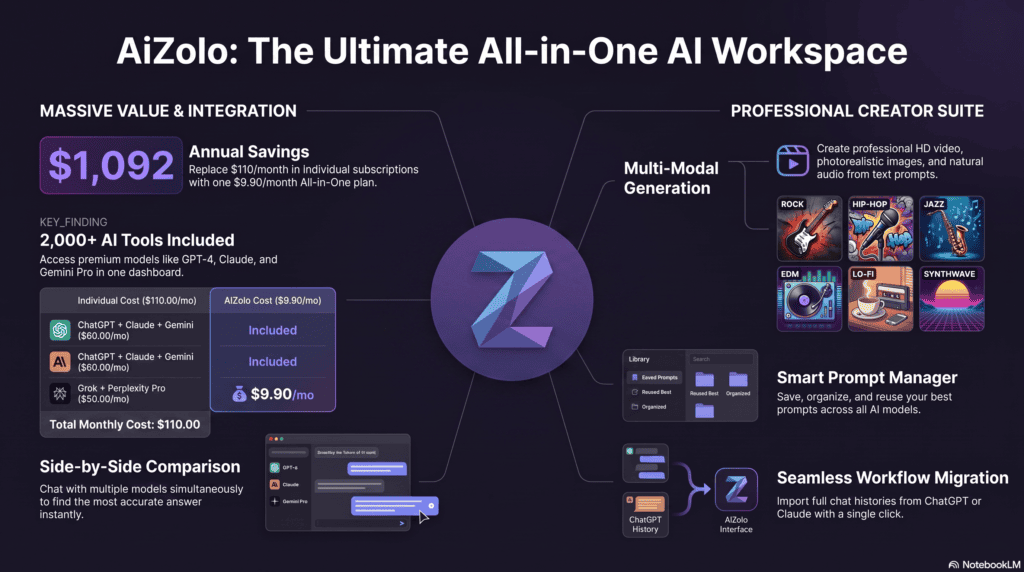
Rock
- “Lightning-struck highway at midnight, grainy analog film photo, high contrast black and white”
- “Vintage motorcycle parked outside a neon diner, dusk sky, warm film grain”
- “Cracked leather jacket draped over a chair in an empty garage, cinematic side lighting”
Hip-Hop
- “Gold chain floating in zero gravity above a smoke-filled studio, cinematic lighting”
- “Graffiti-covered subway car under flickering fluorescent light, low angle shot”
- “Silhouette on a rooftop at golden hour, city skyline behind, warm haze”
Jazz
- “Smoky ink-wash blue tones, brass saxophone silhouette, late-night club lighting”
- “Vinyl record spinning under a single warm desk lamp, deep shadows”
- “Empty jazz club at 3 a.m., single spotlight on an upright bass”
EDM
- “Liquid chrome waveform rippling through violet fog, high saturation”
- “Festival crowd silhouetted against a laser light show, motion blur”
- “Glowing geometric shapes suspended in a dark void, neon gradient palette”
Lo-fi
- “Cozy bedroom window at night, rain on the glass, warm lamp light, soft grain”
- “Hand-drawn cassette tape on a wooden desk, pressed flowers nearby, muted pastel tones”
- “Cat sleeping on an open notebook, string lights blurred in the background”
Metal
- “Obsidian cathedral interior lit by torches, gothic architecture, deep shadow”
- “Storm clouds over a jagged mountain range, dramatic red lightning”
- “Cracked stone gargoyle in fog, monochrome with a single red accent”
Pop
- “Glossy editorial-style portrait with high-saturation gradient backdrop”
- “Pastel dreamworld with floating balloons and soft studio lighting”
- “Bright bubblegum color block background, clean minimal composition”
Synthwave
- “Retro sports car driving toward a sunset grid horizon, neon pink and purple”
- “Palm trees silhouetted against a glowing digital sun, 1980s VHS texture”
- “Chrome typography reflecting a neon cityscape, rain-slicked street”
Country
- “Isolated farmhouse on a golden wheat field at sunset, warm analog photo look”
- “Worn boots resting on a wooden porch rail, soft evening light”
- “Open highway through red rock canyons, dusty film grain”
Classical
- “Grand piano in an empty concert hall, single beam of light through a window”
- “Marble bust draped in velvet fabric, soft chiaroscuro lighting”
- “Sheet music scattered across an antique wooden desk, candlelight”
Indie
- “Isolated house on a hill at dusk, warm orange sky fading to deep blue, film grain texture, 1970s analog photography aesthetic”
- “Faded Polaroid of a friend group at the beach, soft overexposed light”
Podcast
- “Minimalist microphone icon on a bold two-tone color background, flat design”
- “Abstract sound wave pattern in a warm gradient, clean sans-serif space reserved for a title”
Step-by-Step Guide: From Prompt to Published Cover
- Choose a tool. Match the tool to your priority — free and fast (Neural Frames, EaseMate), model choice (Getimg.ai), or highest stylistic ceiling (Midjourney).
- Write your prompt. Use the six-ingredient formula from the prompt-writing section above.
- Generate multiple variations. Don’t settle on the first result — generate 10–20 options per concept.
- Upscale the chosen image. Most streaming platforms require at least 3000×3000px; use the tool’s built-in upscaler or a dedicated upscaling tool.
- Edit and add typography. Bring the image into Canva, Photoshop, or Figma to add the artist name and title if it isn’t baked in.
- Export in the correct format. JPEG or PNG, RGB color mode, square aspect ratio, under the file-size limit your distributor specifies.
- Publish through your distributor. Upload via DistroKid, TuneCore, or your label’s platform, following their specific image guidelines.
Common Mistakes to Avoid
- Using a vague, one-line prompt and expecting a polished, specific result.
- Ignoring platform resolution requirements, leading to rejected uploads or blurry thumbnails.
- Skipping the thumbnail test. A cover that looks great full-size can become unreadable at 40×40px on a phone screen — always zoom out before finalizing.
- Publishing without checking the license. Free tiers with personal-use-only restrictions are more common than most artists realize.
- Copy-pasting a competitor’s exact visual style. This risks both a generic look and potential likeness/trademark issues.
- Forgetting text legibility. Baked-in AI-generated text is often distorted; verify it renders correctly before publishing.
- Not generating enough variations. Settling on the second or third result instead of exploring 15–20 options.
How to Edit AI Album Covers
Generation is rarely the finished product. A typical editing pass includes:
- Upscaling to meet platform resolution requirements (most tools built for cover art include this natively).
- Color correction to match the rest of your release’s visual branding.
- Adding typography — artist name and title — using a font that matches the genre’s visual language.
- Cropping and repositioning so the focal point survives thumbnail-size cropping on different platforms.
- Removing artifacts — AI models occasionally produce distorted hands, warped text, or asymmetrical detail that needs a quick touch-up in Photoshop or Canva.
Copyright Considerations
This is the section most competitor guides skip entirely, and it matters.
In the United States, the U.S. Copyright Office has held that purely AI-generated images — created from a prompt with no further human creative input — generally do not qualify for copyright protection, because copyright law requires human authorship.
Images where a person has added significant creative input (extensive editing, compositing, hand-drawn elements combined with the AI output) may qualify for partial protection, but the exact line remains legally unsettled and is evolving through ongoing litigation.
What this means practically: a cover generated from a single simple prompt, with no further editing, may not be fully protectable against someone else copying it.
If ownership matters to your brand, add meaningful human creative work on top of the AI output — custom typography, manual compositing, hand-painted elements — before treating the final image as fully yours.
This is not legal advice. For anything release-critical, a quick consultation with an IP attorney or the U.S. Copyright Office’s own guidance is worth the hour.
Commercial Usage & Licensing
Before you release a cover generated by any AI tool, confirm three things in that platform’s terms of service:
- Does the license explicitly cover commercial use, or only personal, non-commercial use?
- Are there resolution or watermark restrictions on the free tier that disappear only on a paid plan?
- Does the platform claim any ongoing rights to reuse or feature your generated image?
Tools built on licensed or public-domain training data — Adobe Firefly is the most cited example — tend to offer the clearest commercial-use guarantees, which matters if you’re releasing through a distributor or working with a label that has its own legal review process.
Pros and Cons of AI Album Cover Generators
| Pros | Cons |
|---|---|
| Fast — minutes instead of weeks | Copyright status can be legally ambiguous |
| Low cost, often free to start | Output quality is inconsistent between generations |
| No design software needed | Struggles with fine detail like hands and legible text |
| Great for rapid concepting | Can drift from an artist’s established visual brand |
| Wide genre and style range | Not a full replacement for a skilled human designer on flagship releases |
| Unlimited iteration | Some free tiers restrict commercial use |
Prompt Engineering Tips for Better Results
- Be specific about lighting — “golden hour,” “harsh studio light,” and “moonlit” all produce meaningfully different results.
- Reference an era, not a named artist. “1980s VHS aesthetic” is safer and more effective than naming a specific musician’s actual album art.
- State the composition explicitly. “Centered subject, negative space at the top for text” helps the model leave room for your title.
- Iterate in small changes. Adjust one variable at a time (palette, then lighting, then composition) rather than rewriting the whole prompt each time.
- Use negative prompts where supported. Excluding unwanted elements (“no text, no watermark, no extra limbs”) measurably improves output quality on tools that support this.
Future Trends in AI Album Art (2026 and Beyond)
- Coordinated release kits. Tools are moving from generating a single square image to producing the whole visual package — Spotify Canvas loops, YouTube thumbnails, and social tiles — from one approved cover.
- Better text rendering. Legible in-image typography, long a weak point for diffusion models, is improving rapidly across newer models like Ideogram and Flux.
- Style memory across a release cycle. Expect more tools to let artists lock in a visual identity so every single from an album stays recognizably related.
- Clearer licensing standards. As legal cases around AI training data progress, expect platforms to compete more visibly on commercial-license clarity, not just image quality.
- AI-native music workflows. As AI-assisted music production tools grow, cover generators built specifically for artists with no existing photo assets will keep gaining ground over general-purpose image generators.
Final Verdict
There is no single best album cover generator AI tool for every artist. If you want the fastest, no-login option, purpose-built tools like Neural Frames or EaseMate AI get you a usable cover in under a minute.
If you want the widest stylistic ceiling and don’t mind a subscription, Midjourney remains hard to beat. If commercial-license clarity matters most, Adobe Firefly’s licensed training data gives it a real edge.
The right move for most artists: test 2–3 tools with the same prompt, compare the results against your genre’s visual language, and commit to the one that best matches your release’s mood — rather than jumping between tools every time.
FAQs
What is the best free album cover generator AI tool?
Neural Frames and EaseMate AI both offer genuinely free, no-login generation with commercial-use rights on the output, making them strong starting points for artists on a zero budget.
Can I use an AI-generated album cover commercially on Spotify?
Yes, as long as the tool’s license explicitly permits commercial use and the image meets your distributor’s resolution and format requirements.
Do AI album covers need a specific resolution?
Most streaming platforms and distributors expect at least 3000×3000 pixels in JPEG or PNG format, saved in RGB color mode.
Is AI-generated album art copyrighted?
Purely AI-generated images created from a simple prompt generally do not qualify for copyright protection in the United States, since copyright requires human authorship; adding substantial human editing may change that status.
Which AI model produces the most realistic album covers?
Midjourney and Flux-based tools are widely regarded as producing the most photorealistic and atmospheric results, while Ideogram leads specifically at rendering legible in-image text.
Can AI album cover generators add my artist name and album title automatically?
Some tools, particularly those built on Ideogram, can render text directly in the generated image, though quality varies; most artists still add final typography manually for precision.
How much does an AI album cover generator cost?
Pricing ranges from completely free (with usage caps) to $8–$60 per month for paid plans with higher resolution, no watermarks, and unlimited generation.
Is Midjourney or Stable Diffusion better for album covers?
Midjourney generally produces more stylistically refined results out of the box, while Stable Diffusion offers unlimited free generation if you’re comfortable self-hosting and fine-tuning.
Can I turn a photo into an album cover using AI?
Yes — tools like EaseMate AI support photo-to-cover generation, letting you upload an existing image and transform it into stylized artwork.
What size should a YouTube music thumbnail be versus a Spotify cover?
Spotify covers are square (minimum 3000×3000px), while YouTube thumbnails are widescreen at 1280×720px — most modern cover tools can export both from a single approved design.
Do I need design experience to use an AI album cover generator?
No. These tools are built specifically so musicians without design backgrounds can produce professional-looking covers through text prompts alone.
Can AI album cover generators create vinyl-ready artwork?
Some tools support higher resolutions suitable for print, but always confirm the tool’s maximum output resolution meets your pressing plant’s print specifications before ordering physical copies.
What’s the difference between an AI album cover generator and Canva?
Canva combines a template-based design editor with an AI generation layer, while dedicated tools like Neural Frames or Getimg.ai focus purely on text-to-image generation tuned specifically for cover art.
Are AI album covers accepted by major streaming platforms?
Yes — AI origin itself is not a rejection reason on major platforms as of 2026, as long as the artwork meets standard image guidelines.
Can I edit an AI-generated cover after I download it?
Yes, and most artists should — bringing the raw generation into Photoshop, Canva, or Figma for color correction, typography, and cropping typically produces a noticeably more polished final result.
Conclusion
Album art still does the same job it did when Alex Steinweiss designed the first illustrated record sleeve in 1939 — it makes a stranger stop scrolling long enough to hit play. What’s changed is how fast an independent artist can now get there.
An album cover generator AI tool won’t replace a skilled designer on your most important release, but for the singles, EPs, and podcast covers that used to sit in a queue for weeks, it closes that gap almost entirely. Start with a specific prompt, generate more variations than feels necessary, and always double-check the license before you publish.
Author Bio
Jeevesh Tripathi Email: jeevesh@aizolo.com
Jeevesh Tripathi is an AI tools researcher and SEO strategist who evaluates AI-powered creative software, SaaS platforms, and digital productivity tools for independent creators. His work focuses on testing generative AI products firsthand — image generators, music tools, and design platforms — to give musicians and content creators practical, evidence-based recommendations rather than promotional summaries. He writes with a focus on accuracy, current licensing terms, and real-world usability, in line with Google’s guidance on demonstrating experience and expertise in published content.
