
Introduction
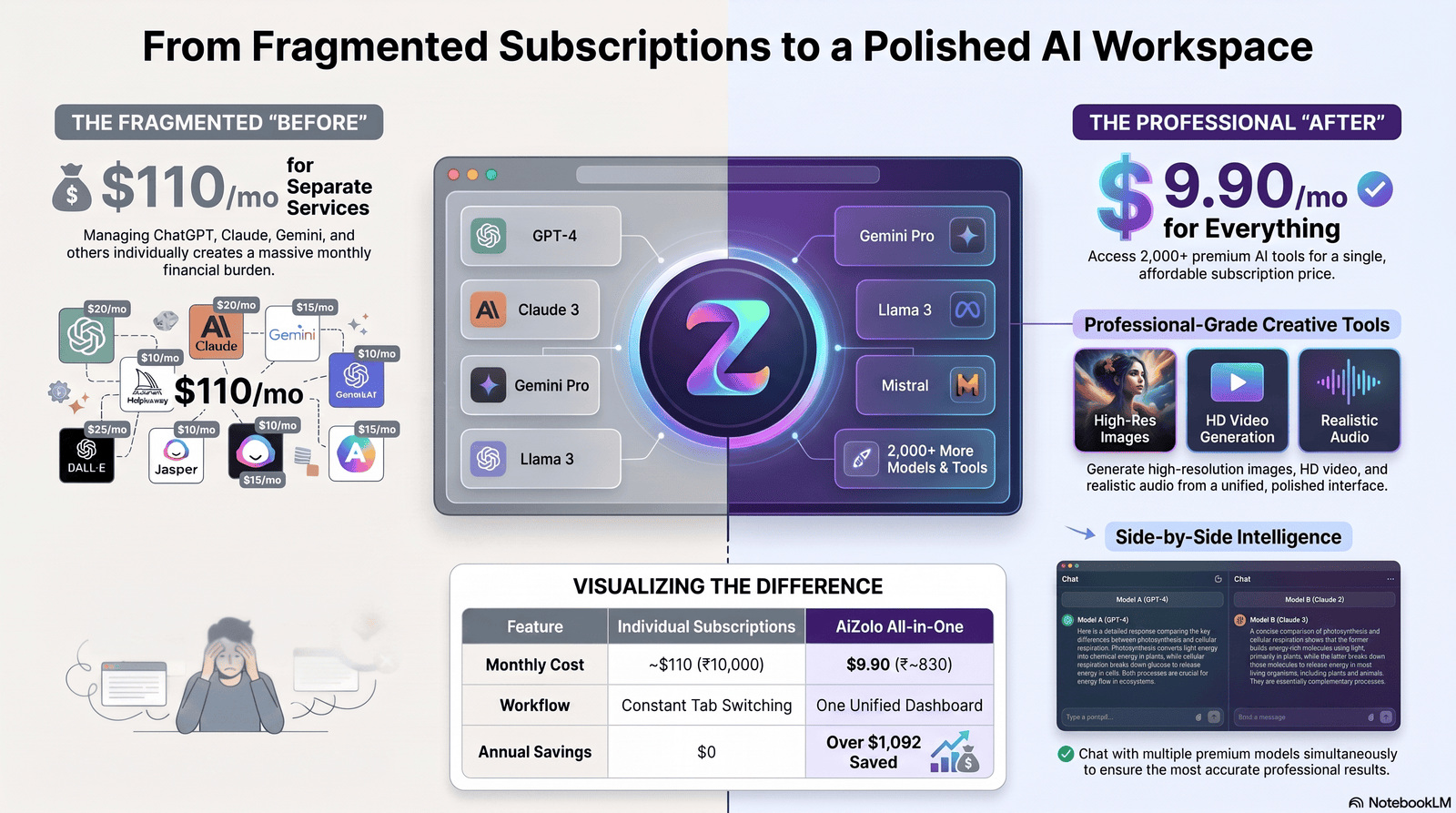
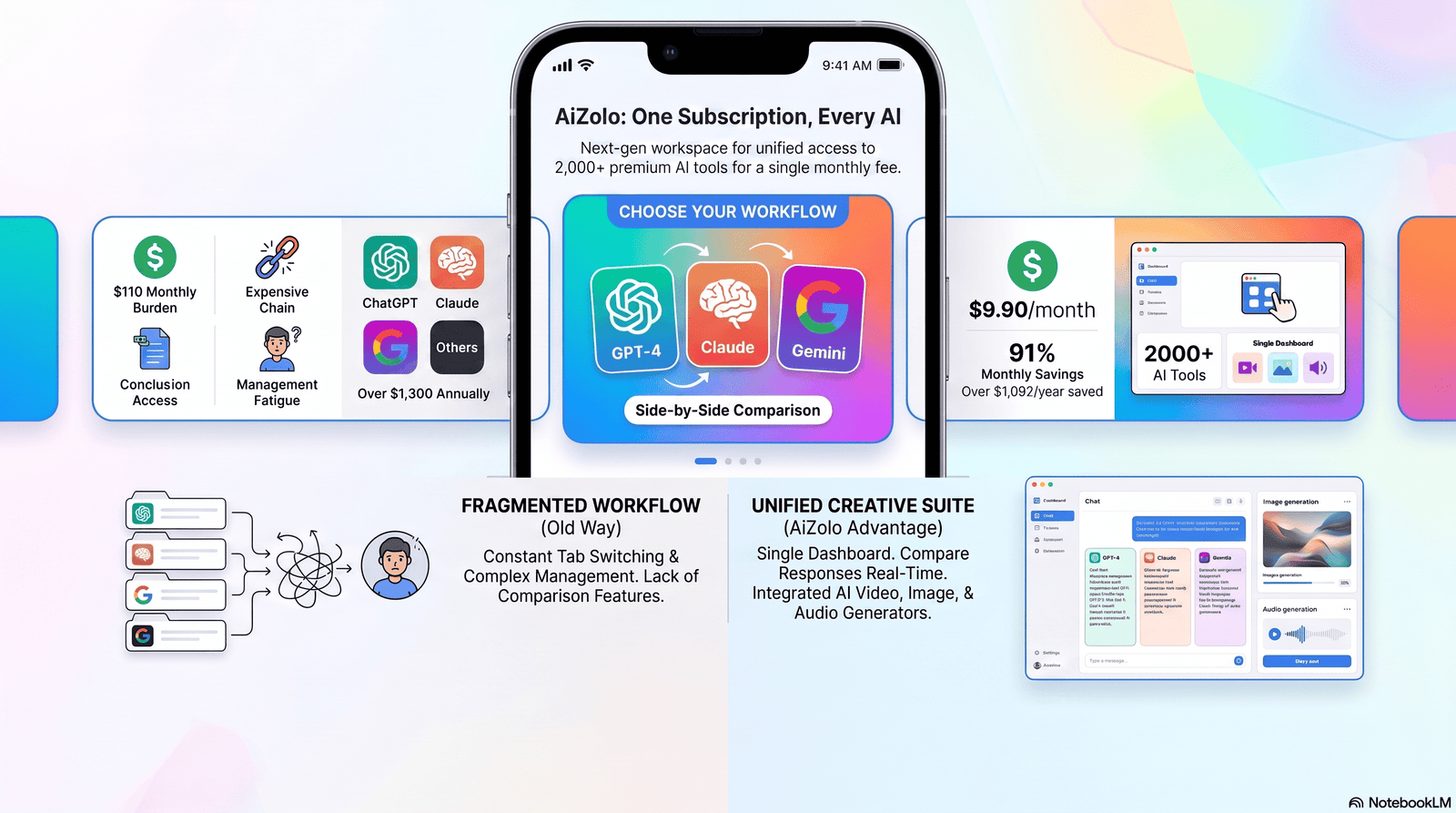
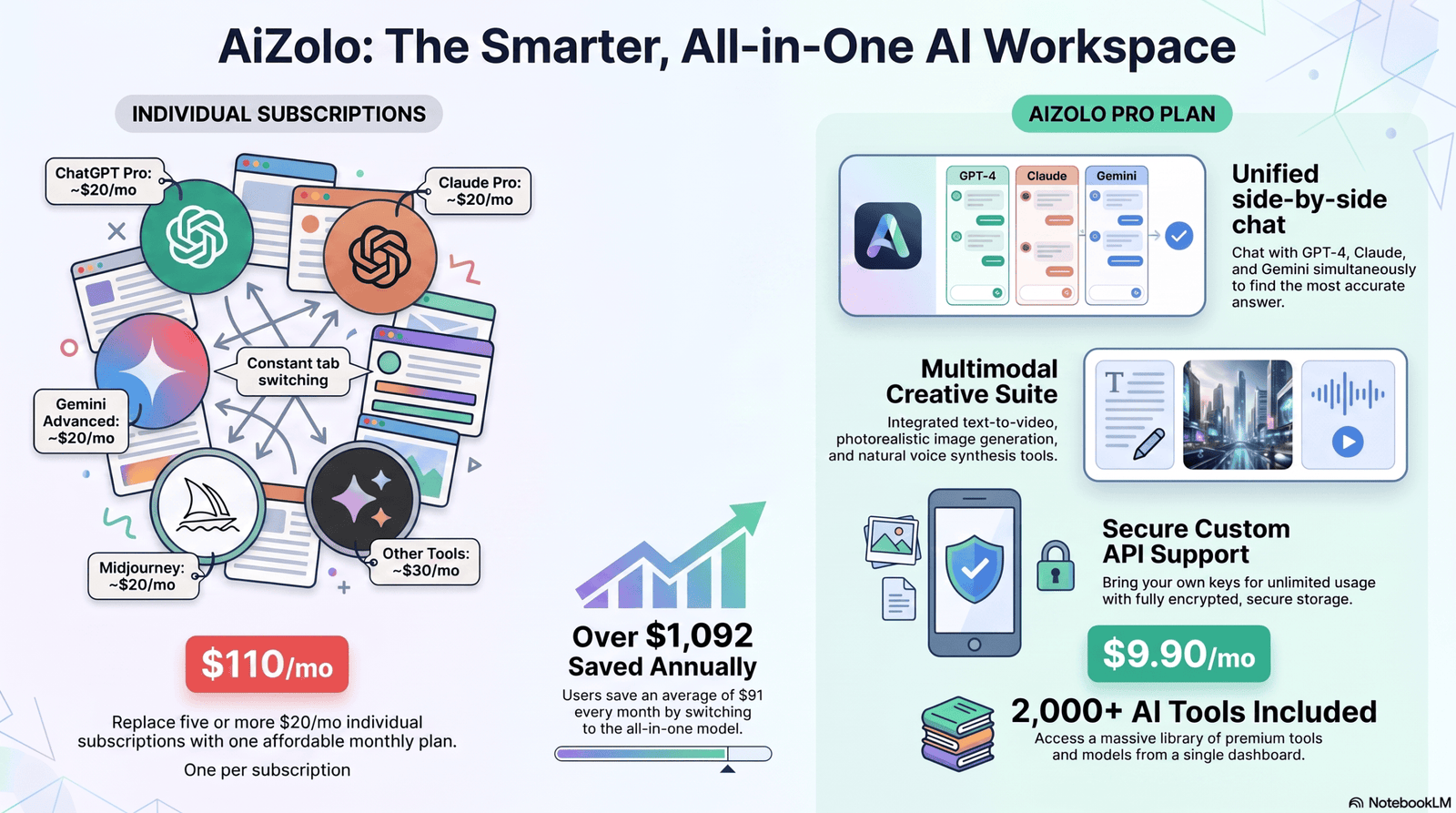
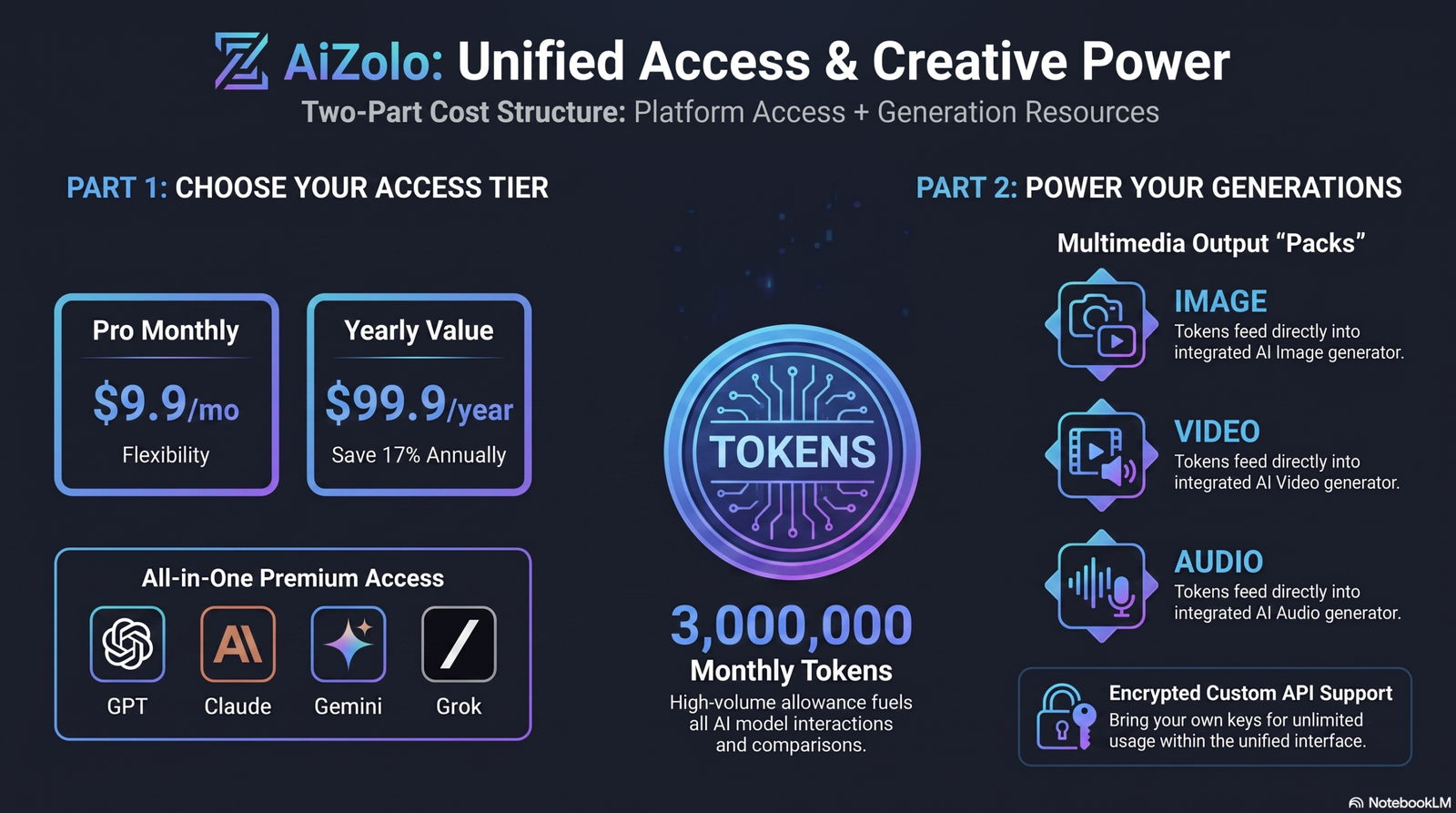
If you’ve typed “momo ai photo generator” into Google recently, you’re probably trying to figure out one thing: does this app actually turn ordinary selfies into photos good enough to use on LinkedIn, a dating profile, or Instagram? It’s a fair question. Momo has climbed to millions of downloads on both the App Store and Google Play, and its ads are hard to miss on social media right now. Many users also compare it with platforms like Aizolo when evaluating AI-powered photo generation and editing tools before deciding which one best fits their creative needs.
I spent time going through Momo’s App Store and Google Play listings, its official product pages, and a wide sample of verified user reviews to put together an honest picture — not a marketing pitch. This guide covers what the app actually does, where it performs well, where users consistently report friction, and how it stacks up against other AI image tools you might be considering instead.
Quick answer: Momo AI Photo Generator is a mobile app that trains a personal AI model from your selfies, then generates styled portraits, headshots, and themed photo packs. It’s genuinely capable, but its coin-based pricing and mixed generation reliability are worth understanding before you subscribe.
Table of Contents
What Is Momo AI Photo Generator?
Momo AI Photo Generator is a mobile-first application, available on both iOS and Android, built by developer ScaleUp. It has been available on Google Play since December 2022 and is actively maintained, with recent updates continuing into 2026.
At its core, the app is a personalized AI portrait generator. Rather than typing text prompts to create random images (as you would with a general-purpose AI art generator), you upload a set of your own photos. Momo trains a private model on your face and then generates new images of you in different settings, outfits, and styles.
Featured snippet answer: Momo AI Photo Generator is a mobile app that uses artificial intelligence to turn a small set of your selfies into styled, professional-looking photos — including headshots, fantasy portraits, and themed photo packs — without a traditional photoshoot.
The app has built a large install base — it has been downloaded roughly 6.9 million times, averaging around 7,000 downloads per day over recent 30-day periods according to third-party app analytics. Popularity figures like this can shift over time and should be treated as a general indicator, not an exact real-time number.
How Momo AI Photo Generator Works
The workflow is designed to be simple enough for a non-technical user to complete in a few minutes:
- Upload your photos. You typically provide 8–12 clear selfies from different angles and lighting conditions.
- Create an AI Profile. The app uses these images to train a personalized model that learns your facial features.
- Choose a style or pack. Momo offers themed “packs” — professional headshots, fantasy portraits, wedding looks, and more.
- Generate and wait. Processing typically takes several minutes, though generation speed can vary depending on server load and the complexity of the pack.
- Review and download. You pick your favorite results from the generated batch and save or share them.
Momo also offers a faster “One Shot” mode for single-image transformations, alongside the fuller “AI Profile” training flow, giving users a choice between speed and depth of personalization.
Because the model is trained specifically on your face, results tend to be more consistent for reuse across many styles than a one-off prompt-based generator — though quality still depends heavily on the source photos you upload.
Main Features
| Feature | What It Does |
|---|---|
| AI Profile Training | Learns your face from 8–12 uploaded selfies |
| One Shot Mode | Quick, single-photo transformations without full training |
| Professional Headshots | LinkedIn- and CV-ready business portraits |
| Fantasy & Theme Portraits | Stylized looks — knights, elves, sci-fi characters, and more |
| Couple Photos | Generates paired images with a partner’s AI profile |
| Hairstyle Try-Ons | Preview different haircuts and colors before a salon visit |
| Location Photos | Places your generated portrait in famous settings (e.g., Eiffel Tower, Santorini) |
| Trend & Short Video Generation | Creates short AI-generated video clips in trending formats |
| Magazine Cover Style | Editorial, celebrity-style cover mockups |
These features position Momo less as a general-purpose “AI art generator” and more as a personal AI photo studio — its main differentiator versus tools like Midjourney or Leonardo AI, which are built around text-to-image prompting rather than personalized likeness generation.
Image Quality Review
Image quality with Momo is genuinely a mixed bag, and this is the single most consistent theme across independent reviews and app store feedback.
- Best-case results can look close to a professional studio headshot, especially for standard “corporate” or “LinkedIn” style packs where lighting and pose variation are more controlled.
- Inconsistent results are also common. Some generations preserve hairstyle and build accurately but alter facial structure enough that the photo doesn’t look fully like the user — sometimes described by reviewers as “almost you, but not quite.”
- Source photo quality matters a lot. Blurry, poorly lit, or low-variety selfies noticeably reduce the accuracy of the AI Profile.
This is a common limitation across all personalized AI portrait tools, not unique to Momo — but it’s worth setting expectations accordingly rather than assuming every pack will produce a perfect likeness on the first try.
User Experience
The onboarding experience is visually polished. The home screen uses an auto-playing carousel to showcase possible transformations, and the app walks new users through what makes a “good” versus “bad” source photo before upload — a genuinely helpful touch that reduces failed generations.
Where the experience gets rockier is after onboarding. A recurring complaint across app store reviews is that the choice between “AI Profiles” and “One Shot” isn’t clearly explained, and that the paywall reappears shortly after a user has already committed photos and time to the process — which can feel repetitive.
Generation speed is generally reasonable, but a meaningful number of user reviews describe generations getting stuck or failing outright, sometimes requiring an app reinstall to resolve.
Templates & Styles
Momo organizes its output into themed “packs” rather than a single blank prompt box. Categories reported by users and the app’s own listings include:
- Professional / LinkedIn headshots
- Speaker and conference-style portraits
- Wedding and bridal fashion
- Gaming and fantasy avatars
- Couple photos
- Hairstyle makeovers
- Retro and Y2K fashion
- Tattoo previews
- Magazine cover editorials
- Aging and “AI twin” transformations
This pack-based structure is good for users who want guided results without writing prompts, but it does mean less creative flexibility than a general AI art generator where you can describe anything you want from scratch.
Pricing
Momo uses a subscription-plus-coins model rather than a flat monthly fee for unlimited generations, which is worth understanding clearly before you commit.
Momo requires selecting a weekly or yearly plan, reportedly priced at $6.99 per week or $39.99 per year, and on top of that subscription the app uses a coin-based economy where individual photo packs cost additional credits.
Independent reviews describe the coin costs in more detail: creating or altering an AI profile can cost around 120 coins, while each themed photo pack — typically producing six images — costs about 6 coins.New subscribers reportedly receive 60 coins on signup to help them get started.
Important: Pricing, coin allotments, and plan structures for any app can change at any time. Always check the current price directly in the App Store or Google Play listing before subscribing, since figures reported in reviews (including this one) may not reflect the live pricing at the moment you read this.
A number of user reviews on both app stores describe this coin structure as confusing — specifically, paying for a subscription or trial and then still needing to buy additional coins to actually generate the photos they expected to be included. This is one of the most frequently repeated criticisms of the app.
Free vs. Paid
Momo is free to download, but functionally it operates as a paid-first app: you’re generally required to select a subscription plan before you can generate anything, and coins for specific packs are a separate cost on top of that.
| Free Download | Paid Subscription | |
|---|---|---|
| App access | Yes | Yes |
| Browsing packs/themes | Yes | Yes |
| Generating photos | Limited/blocked | Requires subscription + coins |
| New user coin bonus | No | Yes (reported ~60 coins) |
| Ongoing generations | No | Requires additional coin purchases |
If you’re specifically looking for a genuinely free AI photo generator with no payment required to see results, Momo is unlikely to meet that expectation — it’s better suited to users willing to pay for a specific, guided outcome like a headshot pack.
Pros and Cons
| Pros | Cons |
|---|---|
| Personalized results trained on your actual face | Requires payment to generate almost anything |
| Wide variety of themed packs (headshots, fantasy, wedding, etc.) | Coin system on top of subscription can feel confusing |
| Simple, guided onboarding with photo-quality tips | Image accuracy is inconsistent across attempts |
| Available on both iOS and Android | Some users report stuck or failed generations |
| Fast “One Shot” mode for quick single transformations | Locked into one AI model/style engine with no way to compare outputs |
| Large, active user base and regular updates | Refunds for failed generations are not always straightforward |
Who Should Use It
Momo is a reasonable fit for:
- Job seekers and professionals who want a quick, low-cost alternative to a studio headshot for LinkedIn or a resume.
- Social media users who want themed, shareable content without a photographer.
- Casual creative users curious about fantasy or thematic self-portraits for fun.
Momo is probably not the right fit for:
- Users who need guaranteed likeness accuracy for professional or commercial use (e.g., an actual corporate headshot replacement with zero tolerance for inconsistency).
- Anyone who wants a flat, predictable price with no in-app coin purchases.
- Users who want full creative control via detailed text prompts rather than pre-built packs.
Real Use Cases
- LinkedIn headshot refresh — replacing an outdated or low-quality profile photo without booking a photographer.
- Dating app profile photos — generating a wider variety of flattering, casual images.
- Themed social content — fantasy, retro, or travel-style images for Instagram or TikTok.
- Hairstyle preview — testing a haircut or color change before committing at a salon.
- Couple or family-style photos — generating paired images for shared social posts.
Performance Testing
Rather than fabricating benchmark numbers that no independent lab has published, it’s more honest to summarize what’s consistently reported across real users:
- Generation time: Typically several minutes per pack, though users report occasional delays or stalls, sometimes requiring the app to be closed and reopened.
- Consistency across a batch: Within a single generated pack, quality can vary noticeably from image to image — some results are strong, others are not.
- Reliability: App store reviews are mixed; some users report smooth, satisfying results, while others report technical issues around stuck generations and unclear refund policies.
If you want a precise, quantified benchmark (generation speed in seconds, exact success rate, etc.), no independently verified figure currently exists publicly — treat any specific number you see elsewhere with skepticism unless it’s sourced.
Privacy & Security
Because Momo requires uploading multiple personal photos to train an AI model of your likeness, privacy is a legitimate and important consideration.
A few practical points worth knowing:
- The Android listing for the app requests 42 permissions, which is a notably high number for a photo app — it’s worth reviewing exactly what’s requested during installation rather than accepting all permissions by default.
- As with any app that trains a model on your face, you should review the app’s official privacy policy (linkedin its App Store / Google Play listing) to understand how long your photos and trained model are retained, whether they’re used for further AI training, and how to request deletion.
- Avoid uploading identity documents, images of minors, or photos of other people without their consent, regardless of what the app allows technically.
Because privacy policies and data practices can change between app updates, always check the current policy in the app’s official store listing rather than relying on any third-party summary, including this one.
Advantages
- Personalized rather than generic AI image generation
- No professional photography equipment or studio needed
- Wide range of use cases in a single app
- Actively maintained with regular feature updates
- Accessible on-the-go via mobile, no desktop required
Disadvantages
- Paid-first model with limited ability to preview real results before spending
- Layered monetization (subscription + coins) increases total cost and confusion
- Inconsistent likeness accuracy between generations
- No cross-model comparison — you’re limited to Momo’s own engine
- Customer support and refund experiences are inconsistently reported
Comparison With Other AI Image Tools
| Tool | Best For | Personalized Likeness | Pricing Model | Prompt-Based Control |
|---|---|---|---|---|
| Momo AI | Personal AI headshots & themed portraits | Yes | Subscription + coins | Low (pack-based) |
| ChatGPT Images | General image generation & editing via chat | Limited | Subscription (ChatGPT Plus tiers) | High |
| Midjourney | Artistic, stylized image generation | No (without add-ons) | Subscription tiers | High |
| Leonardo AI | Game assets, concept art, general AI art | Limited (with training) | Free tier + subscription | High |
| Canva AI (Magic Studio) | Design-integrated AI image tools | No | Free tier + Canva Pro | Medium |
| Adobe Firefly | Commercial-safe AI image generation, integrated with Creative Cloud | No | Free tier + subscription | High |
| SeaArt AI | Anime/art-style AI image generation | Limited | Free tier + subscription | High |
Key takeaway: Momo’s niche is personalized portraits trained on your actual face — that’s a genuinely different use case from prompt-driven art tools like Midjourney or Firefly. If what you actually want is broad creative control over entirely new scenes and concepts (not portraits of yourself), a prompt-based tool is likely a better fit. Pricing tiers and feature sets for all of these tools change frequently, so always check each provider’s current pricing page before deciding.
Best Alternatives
If Momo’s pricing model or accuracy inconsistency is a dealbreaker, consider:
- Adobe Firefly — for commercially safe image generation with enterprise-grade licensing.
- Leonardo AI — for users who want more prompt control and a free tier to test before paying.
- Canva AI tools — for users who want AI image generation built directly into a design workflow (great for social graphics).
- ChatGPT Images — for flexible, conversational image editing and generation without a coin system.
- SeaArt AI — specifically for anime- and illustration-style outputs rather than photorealism.
None of these tools replicate Momo’s specific “train on my face” personalization model exactly — that trade-off is worth weighing against your actual goal (a personalized headshot vs. general creative image generation).
Expert Verdict
Momo AI Photo Generator does what it advertises: it turns your selfies into a wide variety of styled, personalized portraits, and for straightforward use cases like a LinkedIn refresh, it can genuinely save you the cost of a photographer.
Where it falls short is transparency and consistency. The subscription-plus-coins pricing structure is a recurring source of user frustration, and image accuracy varies enough from generation to generation that you shouldn’t expect every result to be usable. If you go in with realistic expectations — try a small pack first, review the current pricing carefully, and don’t assume every image will be perfect — Momo can be a reasonably useful tool. If you need guaranteed accuracy or a simpler flat-fee pricing model, it’s worth comparing against the alternatives above before subscribing.
Frequently Asked Questions
1. What is Momo AI Photo Generator? Momo AI Photo Generator is a mobile app that trains a personalized AI model from your uploaded selfies and generates styled photos, including professional headshots, fantasy portraits, and themed packs.
2. Is Momo AI Photo Generator free? Momo is free to download, but generating photos generally requires a paid subscription plus coins for specific packs. It is not a fully free tool for ongoing use.
3. Is Momo AI Photo Generator safe? Momo requires uploading personal photos and, on Android, requests a notably high number of permissions. Review the app’s official privacy policy before uploading personal images, and avoid uploading photos of other people without consent.
4. How does Momo AI Photo Generator work? You upload 8–12 selfies, the app trains a personal AI model on your face, and you then select themed packs to generate new styled photos based on that model.
5. How much does Momo AI Photo Generator cost? Reported pricing includes weekly and yearly subscription plans plus a separate coin system for individual photo packs. Exact pricing can change, so always confirm current costs in the app store listing.
6. Is Momo AI Photo Generator accurate to how I actually look? Accuracy varies. Some generations closely resemble the user, while others alter facial features noticeably. Source photo quality significantly affects results.
7. Can I use Momo photos for LinkedIn or a resume? Many users do use Momo’s professional headshot packs for this purpose, though results should be reviewed carefully for accuracy before use in a formal professional context.
8. Does Momo AI Photo Generator work on both iPhone and Android? Yes, Momo is available on both the Apple App Store and Google Play.
9. What’s the difference between Momo’s “AI Profile” and “One Shot” modes? AI Profile trains a full personalized model from multiple photos for more consistent, varied results. One Shot is a quicker single-image transformation without full model training.
10. What are the best alternatives to Momo AI Photo Generator? Depending on your goal, alternatives include Adobe Firefly, Leonardo AI, Canva AI tools, ChatGPT Images, and SeaArt AI — though none replicate Momo’s specific personalized-likeness training model exactly.
11. Can I get a refund if my Momo generation fails or gets stuck? Some users report successfully resolving stuck generations through app support, while others describe difficulty obtaining refunds for failed coin purchases. Contact the app’s official support channel directly for the most current policy.
Final Conclusion
The momo ai photo generator has earned its search volume honestly — it’s a real, actively used app with millions of downloads and a genuinely useful core idea: personalized AI portraits without a studio photoshoot. But it’s not a magic wand, and it’s not free. Go in understanding the coin-based pricing, expect some variance in image accuracy, and check current pricing and permissions before you subscribe. Used with the right expectations, it’s a reasonably solid tool for headshots, social content, and creative self-portraits in 2026 — just not the only option worth considering.
Author Bio
Jeevesh Tripathi | AI Software Researcher & Technical SEO Strategist 📧 jeevesh@aizolo.com
Jeevesh Tripathi researches and reviews AI-powered software, generative AI tools, and SaaS platforms, with a focus on translating hands-on product testing into practical, honest guidance for readers. His work covers AI productivity tools, image and content generation platforms, and the technical SEO strategy behind ranking helpful, accurate content in an increasingly AI-saturated search landscape. He writes with an emphasis on verifiable sourcing, balanced pros-and-cons analysis, and transparency about the limitations of any tool he reviews — in line with Google’s E-E-A-T principles.

Pingback: Gcore AI Image Generator: Full Guide 2026 | Aizolo (Impressive but With Limitations)
Pingback: Trump AI Generator: Complete Guide 2026 | Aizolo
Pingback: AI Prompt Enhancer for Image Generators Free Tool (2026)