
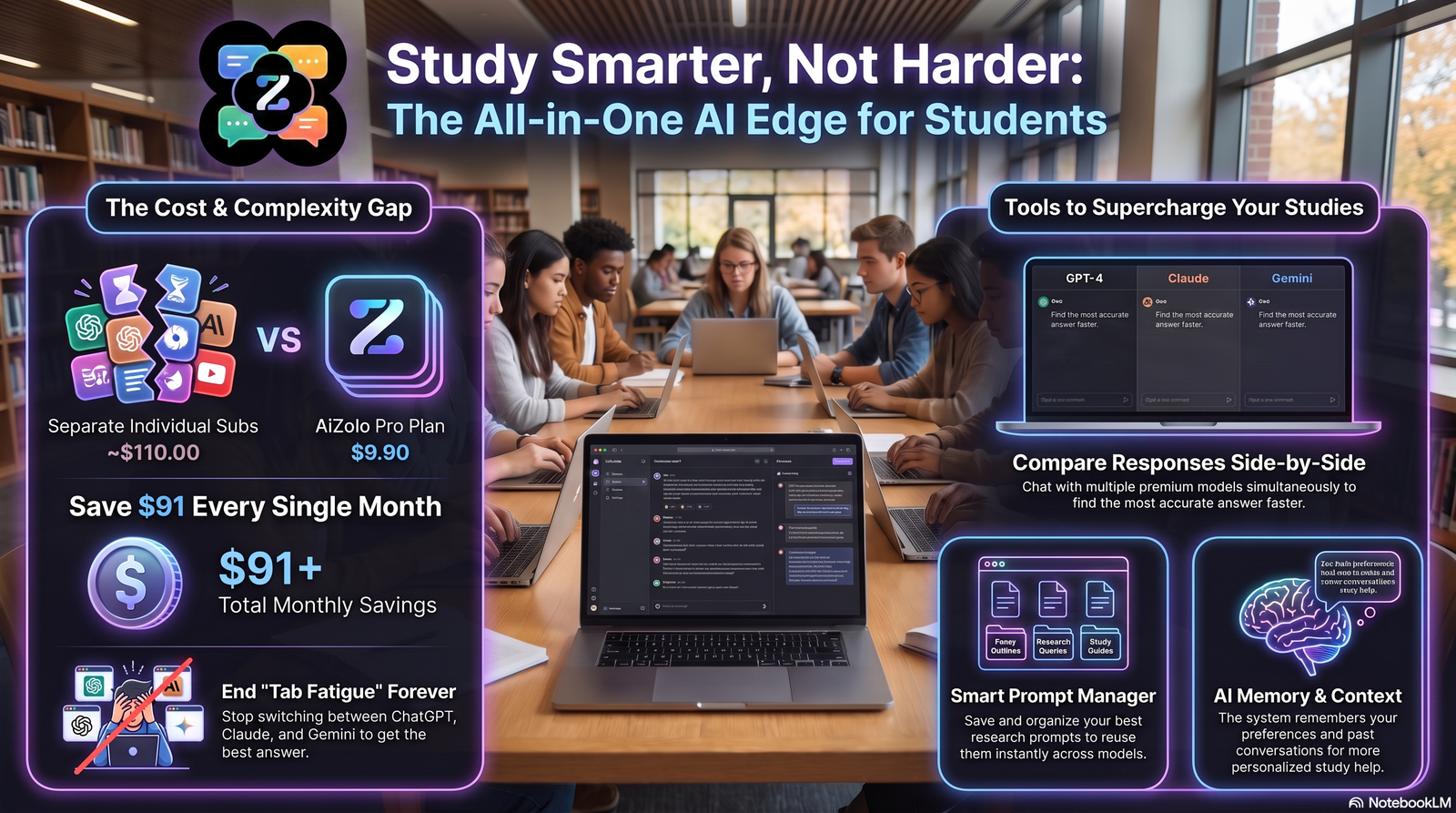
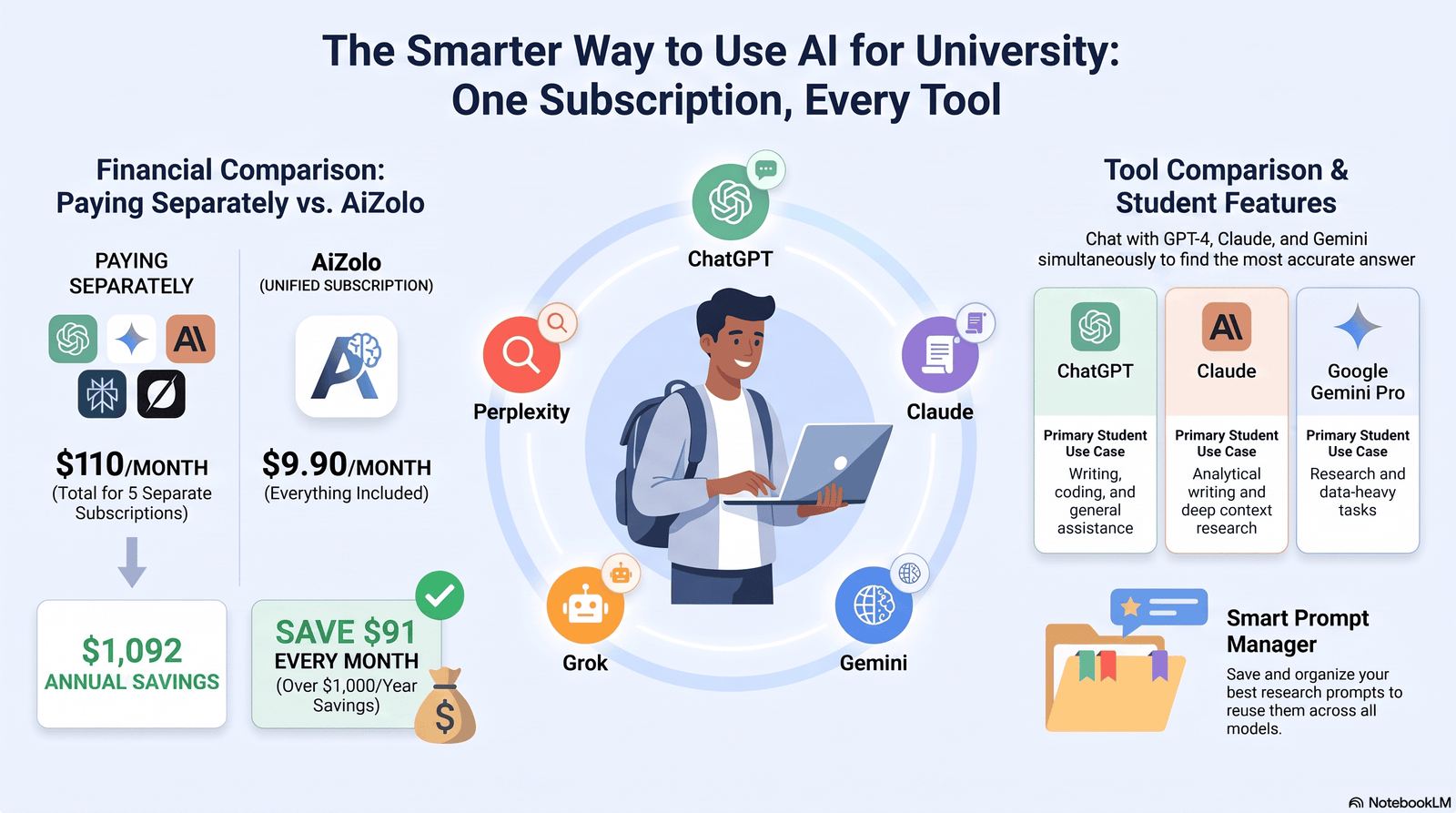
University life is busy. Lectures, assignments, part-time jobs, and exams all compete for the same 24 hours. That is exactly where AI for university students can save you the most—not by doing your thinking for you, but by clearing away the busywork around it. Platforms like Aizolo make this even easier by bringing multiple AI models into one workspace, helping students research, write, summarize, and stay productive more efficiently.
This guide is built for real students, not marketing copy. It covers what AI actually does well, what it does poorly, and how to use it without putting your grades — or your integrity — at risk.
You will find tool comparisons, workflows, common mistakes, and answers to the questions students ask most. Every claim here is backed by a named source, not a guess.
Table of Contents
What Is AI for University Students?
AI for university students refers to tools like chatbots, writing assistants, and research helpers that use machine learning to support academic work. They summarize readings, explain concepts, generate practice questions, and organize notes.
These tools do not replace lectures, professors, or original thinking. They act more like a fast, tireless study partner who never gets tired of your questions.
The goal is not to skip learning. It is to spend less time on repetitive tasks and more time on the parts of learning that actually build skill.
Why Students Are Using AI More Than Ever
AI adoption among students has moved from a niche habit to a mainstream one in just a few years. According to the OECD’s Digital Education Outlook 2026, generative AI tools have become part of daily academic routines for millions of students worldwide, used for homework, research, and understanding difficult concepts.
The scale of this shift is large. Industry research compiled for 2026 found that 86% of students across 16 countries now use AI in their studies, a sharp jump from just a couple of years ago.
National surveys tell a similar story. In Estonia, a 2024 survey of roughly 16,000 students found that 74% of lower-secondary and 90% of upper-secondary students used AI tools to support their studies, with ChatGPT the clear favorite.
University-level data backs this up too. A 2025 UK survey found that 92% of students reported using tools like ChatGPT, though only about a third had received any formal training on how to use them well.
That last point matters. Adoption is high, but guidance is still catching up — which is exactly why a thoughtful approach to AI matters more than blind enthusiasm.
How AI for University Students Can Save You Time Every Day
The biggest, most immediate benefit is time. AI for university students can save you hours each week by compressing tasks that used to take much longer.
Think about reading a 40-page journal article, drafting a rough outline, or reformatting citations. These are necessary tasks, but they are not where deep learning happens.
AI tools can turn a 40-page PDF into a five-minute summary. They can generate a first-draft outline in seconds instead of an hour. They can catch grammar errors before a professor does.
None of this replaces studying. It removes the friction that used to eat into study time, leaving more hours for practice, review, and actual understanding.
Educator data suggests this time-saving effect is real and measurable. A Gallup and Walton Family Foundation survey of over 2,200 teachers found that those using AI weekly saved an average of 5.9 hours per week — roughly six weeks over a school year.
Students report similar patterns in smaller-scale surveys, even though large-scale, nationally representative data on higher education time savings specifically is still emerging.
Benefits of AI in University Life
AI’s benefits go beyond simple time savings. Used well, it changes how students approach entire courses.
Faster comprehension. Complex topics — thermodynamics, contract law, statistics — can be explained in simpler language, at your own pace, without waiting for office hours.
Better organization. AI can turn messy notes into structured outlines, flashcards, or study guides in minutes.
Personalized practice. Tools can generate practice questions tailored to your weak spots instead of generic textbook exercises.
Lower stress around deadlines. Faster first drafts and quicker research mean less last-minute panic before submissions.
Accessibility support. AI-powered text-to-speech and translation tools help students with disabilities or language barriers keep pace with coursework.
The catch is that these benefits only show up when AI is used to support thinking, not to skip it. The OECD’s 2026 report makes this distinction the center of its findings, noting that task completion and genuine learning are not the same thing.
Top AI Tools Every University Student Should Know
There is no single “best” AI tool for university. Different tools solve different problems, and most students end up using two or three together.
ChatGPT (OpenAI) is a general-purpose assistant strong at explaining concepts, drafting text, and brainstorming. It is often the first tool students try.
Gemini (Google) integrates tightly with Google Docs, Sheets, and Gmail, which makes it convenient for students already living in the Google ecosystem.
Claude (Anthropic) is known for longer, more careful reasoning and strong performance on writing and analysis tasks. Anthropic’s own research shows students commonly use Claude for creating and improving study content, including practice questions and essay polishing.
Microsoft Copilot is built into Word, Excel, and PowerPoint, making it a natural fit for students already using Microsoft 365 through their university license.
Perplexity AI functions like a research-focused search engine, returning cited, sourced answers instead of a plain chat response — useful for early-stage research.
NotebookLM (Google) lets you upload your own readings and lecture notes, then only answers based on those sources — reducing the risk of made-up information.
Notion AI works inside your existing notes and project pages, helping summarize, rewrite, or organize content without switching apps.
Grammarly focuses on grammar, tone, and clarity — a lighter-weight assistant for polishing writing rather than generating it from scratch.
Canva AI helps non-designers build clean presentation slides, posters, and infographics quickly.
GitHub Copilot is built for coding students, suggesting code completions and explaining errors directly inside the editor.
Comparison Table of Popular AI Tools
| Tool | Best For | Free Plan | Paid Plan (approx.) | Strength | Limitation |
|---|---|---|---|---|---|
| ChatGPT | General help, brainstorming | Yes, limited | ~$20/month | Broad, easy to use | Can state facts confidently even when wrong |
| Claude | Long-document analysis, writing | Yes, limited | ~$20/month | Careful, detailed reasoning | Free tier has usage limits |
| Gemini | Google Workspace integration | Yes, limited | Bundled with Google One AI plans | Deep Docs/Sheets integration | Best features often paywalled |
| Copilot | Word, Excel, PowerPoint | Yes, limited | Bundled with Microsoft 365 | Native Office integration | Less useful outside Microsoft apps |
| Perplexity | Sourced research answers | Yes, limited | ~$20/month | Cites sources by default | Less strong for creative writing |
| NotebookLM | Source-grounded study notes | Yes | Free with Google account | Reduces made-up answers | Needs you to upload material first |
| Notion AI | In-app note organizing | Trial only | Add-on pricing | Fits existing workflow | Not a standalone research tool |
| Grammarly | Grammar and tone editing | Yes, limited | ~$12/month | Lightweight, fast | Not built for idea generation |
| GitHub Copilot | Coding assistance | Free for students | ~$10/month | Inline code suggestions | Requires coding basics to use safely |
Pricing changes often — always confirm current rates on the provider’s official site.
AI for Assignments
AI can help you understand an assignment brief, brainstorm angles, and build an outline before you write a single sentence yourself. This is where it saves the most time without touching academic integrity lines.
Where it gets risky is when students submit AI-written text as their own final work. Many universities now use AI-detection tools, and even where they don’t, professors increasingly design assignments to test understanding AI can’t fake.
A safer approach: use AI to plan, question, and revise — but write the final argument in your own words.
AI for Research Papers
Research papers involve two separate skills: finding good sources, and making an argument from them. AI is far more reliable at the first than the second.
Tools like Perplexity and NotebookLM can surface relevant papers and summarize dense academic language quickly. This can shave hours off the early “figuring out what this field even says” stage.
What AI should never do is invent citations. Always verify every source it gives you actually exists and says what the AI claims it says — this is one of the most common and embarrassing AI mistakes in academic writing.
AI for Summarizing PDFs
Long PDFs — journal articles, textbook chapters, government reports — are a major time sink. Tools like NotebookLM, Claude, and ChatGPT can summarize a 30-page PDF into key points in under a minute.
This is genuinely one of the highest-value, lowest-risk uses of AI in university life, since summarizing source material (while still reading the original for anything you plan to cite) rarely raises integrity concerns.
The rule of thumb: use the summary to decide what’s worth reading closely, not as a replacement for reading anything at all.
AI for Writing
AI writing tools are strongest at editing, restructuring, and tightening prose you’ve already drafted. Grammarly and Copilot-style tools excel here.
They’re weaker — and riskier — when used to generate an entire essay from a one-line prompt. The result often reads as generic, lacks your voice, and can trigger academic integrity reviews.
A useful middle ground: write your own rough draft, then ask AI to flag unclear sentences, weak transitions, or repetitive phrasing.
AI for Coding
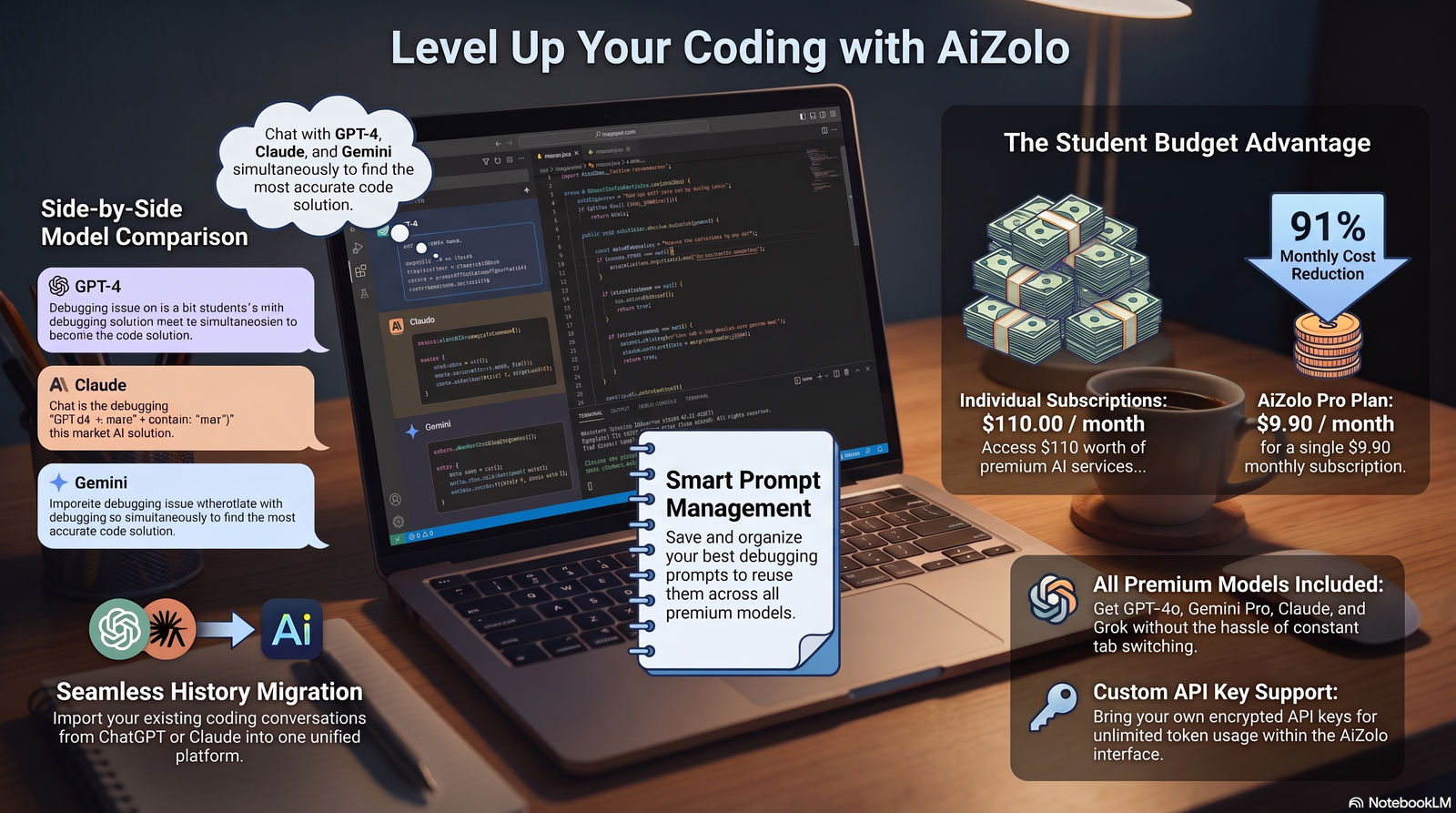
For computer science and engineering students, AI has become one of the most naturally useful study tools available. Anthropic’s research on student Claude usage found that technical explanations and coding help make up roughly a third of student conversations, covering debugging, algorithm implementation, and math problem-solving.
Interestingly, computer science students are also disproportionately heavy AI users — Anthropic found CS students account for over a third of student conversations on Claude, despite representing a small share of overall degrees awarded.
GitHub Copilot and Claude are particularly strong at explaining why code fails, not just fixing it — which matters if the goal is actually learning to code, not just submitting a working file.
AI for Math
AI tools can walk through step-by-step solutions to equations, show alternate methods, and explain where a mistake happened in your own work. This makes them useful for checking answers and building intuition.
They are not perfectly reliable on complex, multi-step math problems, so always double-check final answers against a textbook, calculator, or professor — especially before an exam.
AI for Presentations
Canva AI and Copilot-style tools can turn a rough outline into a formatted slide deck in minutes, complete with design suggestions and icon placement.
This frees up time to focus on what actually matters in a presentation: how clearly you can explain your points out loud.
AI for Note-Taking
AI note tools can transcribe lectures, tag key terms, and turn scattered notes into organized study guides. Notion AI and NotebookLM are commonly used here.
This is especially valuable for students who struggle to write fast enough during lectures, or who benefit from reviewing material in a different format afterward.
AI for Language Learning
For international students or anyone taking a language course, AI chat tools can act as a low-pressure conversation partner, available at any hour, with instant grammar correction.
They’re a useful supplement to, not a replacement for, structured coursework and real conversation practice.
AI for Exam Preparation
AI can generate practice questions based on your syllabus, explain answers you got wrong, and build spaced-repetition style flashcards quickly.
This kind of personalized quizzing is one of the more evidence-backed uses of AI in study contexts, since active recall — being tested rather than just re-reading — is a well-established learning technique.
The risk is over-reliance: if AI always explains the answer immediately, you can end up recognizing explanations without being able to produce them yourself under exam conditions.
AI for Career Planning
Beyond coursework, AI tools can help polish a resume, prepare for interview questions, and research companies or industries before an internship application.
This is a lower-stakes, high-value use case — there’s little integrity risk in using AI to practice interview answers or format a CV.
Free vs Paid AI Tools
Most students don’t need every paid plan available. A smart approach is to identify the one or two tasks that eat the most time, then pay only for the tool that solves that specific problem.
| Factor | Free Tools | Paid Tools |
|---|---|---|
| Cost | $0 | Typically $10–$25/month |
| Usage limits | Often capped daily | Higher or unlimited limits |
| Response quality | Generally solid for basic tasks | Often faster, more capable models |
| Best for | Occasional use, light editing | Heavy research, long documents, coding |
| Student discounts | N/A | Many providers offer verified student pricing |
Before paying for anything, check whether your university already provides free or discounted access — many institutions now offer Claude, Copilot, or Gemini access as part of a campus license.
Common Mistakes Students Make
Treating AI answers as always correct. AI can sound confident while being wrong, especially on niche or recent topics. Always verify important facts.
Submitting AI text without disclosure. Many courses now require you to state if and how AI was used. Skipping this can count as an academic integrity violation, even if the ideas were your own.
Using AI as a shortcut instead of a study aid. The OECD’s 2026 report found that students using generative AI completed tasks 48% more successfully, but their performance dropped 17% once the AI was removed — a clear sign that outsourcing too much thinking weakens actual learning.
Ignoring your university’s AI policy. Rules vary widely by course and institution. What is allowed in one class may be banned in another.
Never learning to use AI well. Simply typing short, vague prompts and accepting the first answer usually produces mediocre results. Better prompting produces better outcomes.
Responsible AI Usage
Responsible AI use starts with transparency. If your course allows AI, disclose how you used it — this protects you and builds trust with instructors.
Use AI to strengthen understanding, not bypass it. If you can’t explain a concept in your own words after using AI to learn it, you haven’t actually learned it yet.
Treat AI output as a draft, not a final answer. Fact-check, revise, and personalize before submitting anything.
Privacy and Academic Integrity
Academic integrity policy around AI is still developing across institutions. A 2023 UNESCO global survey of over 450 schools and universities found that fewer than 10% had formal guidance on generative AI use at the time.
That gap has been closing. A more recent 2025 UNESCO survey of higher education institutions connected to its global networks found nearly two-thirds now either have guidance in place or are actively developing it.
Until your specific course states otherwise, the safest assumption is that AI-generated text cannot be submitted as your own original work without disclosure. When in doubt, ask your professor directly.
On privacy, avoid pasting sensitive personal data, unpublished research, or another student’s private information into public AI chat tools, since some providers may use conversations to improve their models unless you opt out.
Real-Life Student Use Cases
An engineering student stuck debugging a segmentation fault uses Claude or Copilot to walk through the code line by line, learning the underlying concept instead of just copying a fix.
A pre-med student converts dense lecture slides into simplified explanations and flashcards the night before an exam, saving an hour of manual flashcard-making.
An MBA student uses Perplexity to quickly gather industry data for a case study, then verifies each statistic against the original source before citing it.
A law student uses NotebookLM to summarize a stack of case readings, then reads the actual full opinions for any case central to their argument.
How to Build an AI Study Workflow
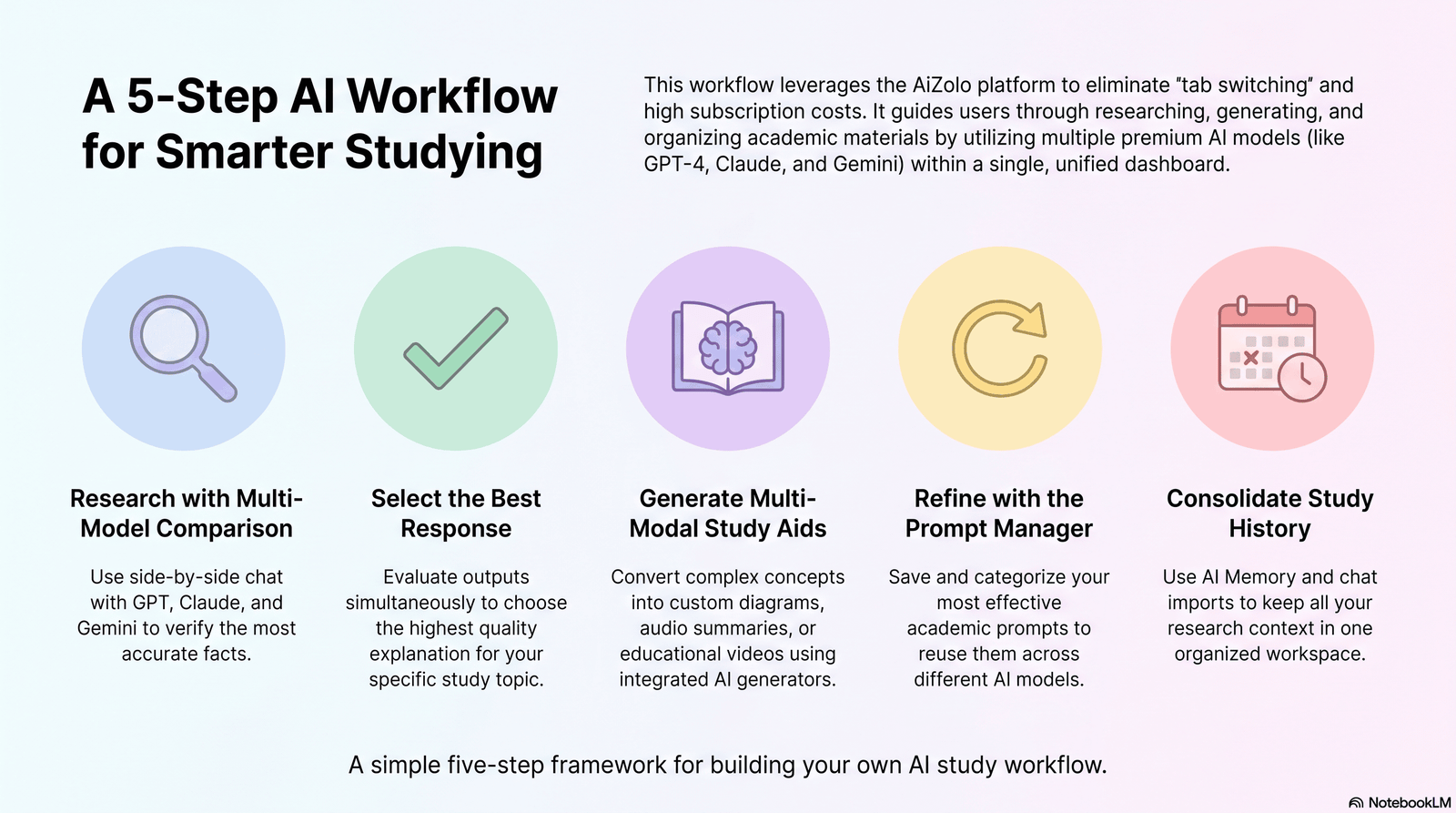
Step 1: Identify your biggest time drain. Is it reading, writing, organizing notes, or practicing problems?
Step 2: Pick one tool for that specific task. Don’t try to adopt five tools at once — start with the one solving your biggest bottleneck.
Step 3: Set a personal rule for disclosure and verification. Decide upfront that you’ll always fact-check and always disclose AI use where required.
Step 4: Review your own understanding, not just the output. After using AI, try explaining the concept without looking at the answer.
Step 5: Adjust monthly. Drop tools that aren’t saving real time; add one only when a clear new need shows up.
Future of AI in Universities
AI in higher education is shifting from a novelty to expected infrastructure. UNESCO’s 2025 survey found nine in ten respondents at higher education institutions already use AI tools professionally, most often for research and writing.
Universities are increasingly building direct partnerships with AI providers. Several institutions, including Syracuse University, have rolled out campus-wide access to tools like Claude for Education for all students, faculty, and staff.
The OECD’s 2026 outlook argues the next phase isn’t just about wider access — it’s about designing AI use around teaching principles that protect genuine learning, rather than treating adoption alone as success.
Expect more course-specific AI policies, more AI-literacy training built into orientation programs, and more purpose-built educational AI tools designed around learning outcomes rather than general-purpose chat.
Frequently Asked Questions
Is it legal to use AI for university assignments? It isn’t a legal issue — it’s an institutional policy issue. Rules vary by university and even by individual course, so always check your specific syllabus.
Can professors detect AI-written essays? Many use AI-detection software, though these tools are imperfect and can produce false positives. The safer approach is originality and disclosure, not trying to “beat” a detector.
What is the best free AI tool for students? There isn’t one universal answer — ChatGPT, Claude, and Gemini all offer solid free tiers, and the best choice depends on whether you need writing help, research help, or coding help.
Does AI make students worse at critical thinking? Research is mixed. The OECD’s 2026 findings show heavy, unguided AI use can reduce independent performance, while structured, teacher-guided use can support learning — the difference is in how it’s used.
Is Grammarly considered AI cheating? Generally no — grammar and clarity tools are widely accepted, since they polish your own writing rather than generate new ideas or arguments.
Can AI write my entire research paper for me? It can produce something that reads like a paper, but it risks factual errors, invented citations, and academic integrity violations. It’s not a safe or reliable shortcut.
How much time can AI realistically save a student per week? There’s no single verified number for students specifically, but comparable data from teachers using AI weekly shows an average of 5.9 hours saved per week.
Are paid AI plans worth it for university students? Only if you’re hitting free usage limits regularly or need advanced features like longer documents or faster responses — many students do fine on free tiers.
Is it safe to upload my lecture notes to AI tools? Generally yes for personal study use, but avoid uploading sensitive personal information, unpublished research data, or content you don’t have rights to share.
What’s the difference between ChatGPT, Claude, and Gemini for students? ChatGPT is broad and beginner-friendly, Claude is strong on careful reasoning and long documents, and Gemini integrates deeply with Google Workspace tools students already use.
Can AI help me get better grades? Indirectly — by saving time on repetitive tasks and improving how you study, not by writing your work for you. Grades still depend on your own understanding.
Do universities require students to disclose AI use? Increasingly yes, though policies vary widely. Always check your specific course syllabus or ask your instructor directly.
Is AI-generated code considered plagiarism? It depends on your course’s specific policy. Some computer science courses allow AI-assisted coding with disclosure; others restrict it entirely for graded assignments.
Can AI replace tutoring? It can supplement tutoring for quick explanations, but it lacks the personalized accountability and relationship a human tutor provides.
Final Verdict
AI for university students can save you real time on research, writing, note-taking, and exam prep — when used as a support tool, not a replacement for thinking.
The students who benefit most treat AI like a fast research assistant: useful for first drafts, summaries, and explanations, but never the final word on accuracy or originality.
The biggest risk isn’t the technology itself — it’s using it without verifying, disclosing, or actually engaging with the material it helps you process.
Conclusion
AI has genuinely changed what a productive university week can look like. Reading, drafting, and organizing tasks that once ate entire evenings can now take a fraction of the time.
Used responsibly — with verification, disclosure, and a focus on real understanding — AI for university students can save you time without costing you the learning that your degree is actually meant to build.
Explore these tools thoughtfully, start with one that solves your biggest bottleneck, and keep your own thinking at the center of the process.
Note: exact article URLs should be confirmed and inserted before publishing, as source pages may update over time.
Author Bio
Author: Jeevesh Tripathi Email: jeevesh@aizolo.com
Jeevesh Tripathi is an AI and education researcher who writes about practical, responsible AI use for students and professionals. His work focuses on translating fast-moving AI research from organizations like OECD, UNESCO, and leading AI labs into clear, usable guidance for everyday learners.
He has spent years studying how students actually adopt new technology — not just how they’re told to use it — and applies that lens to every piece he writes. His goal is simple: help readers save real time without cutting corners on real learning.
Editorial process: Every article is researched using primary sources, official reports, and named statistics — never invented data. Claims are cross-checked against original publications before publishing.
Fact-checking statement: This article was fact-checked against publicly available reports from OECD, UNESCO, Anthropic, and Gallup as of July 2026. Tool pricing and features are subject to change; readers should confirm current details on each provider’s official site.
