
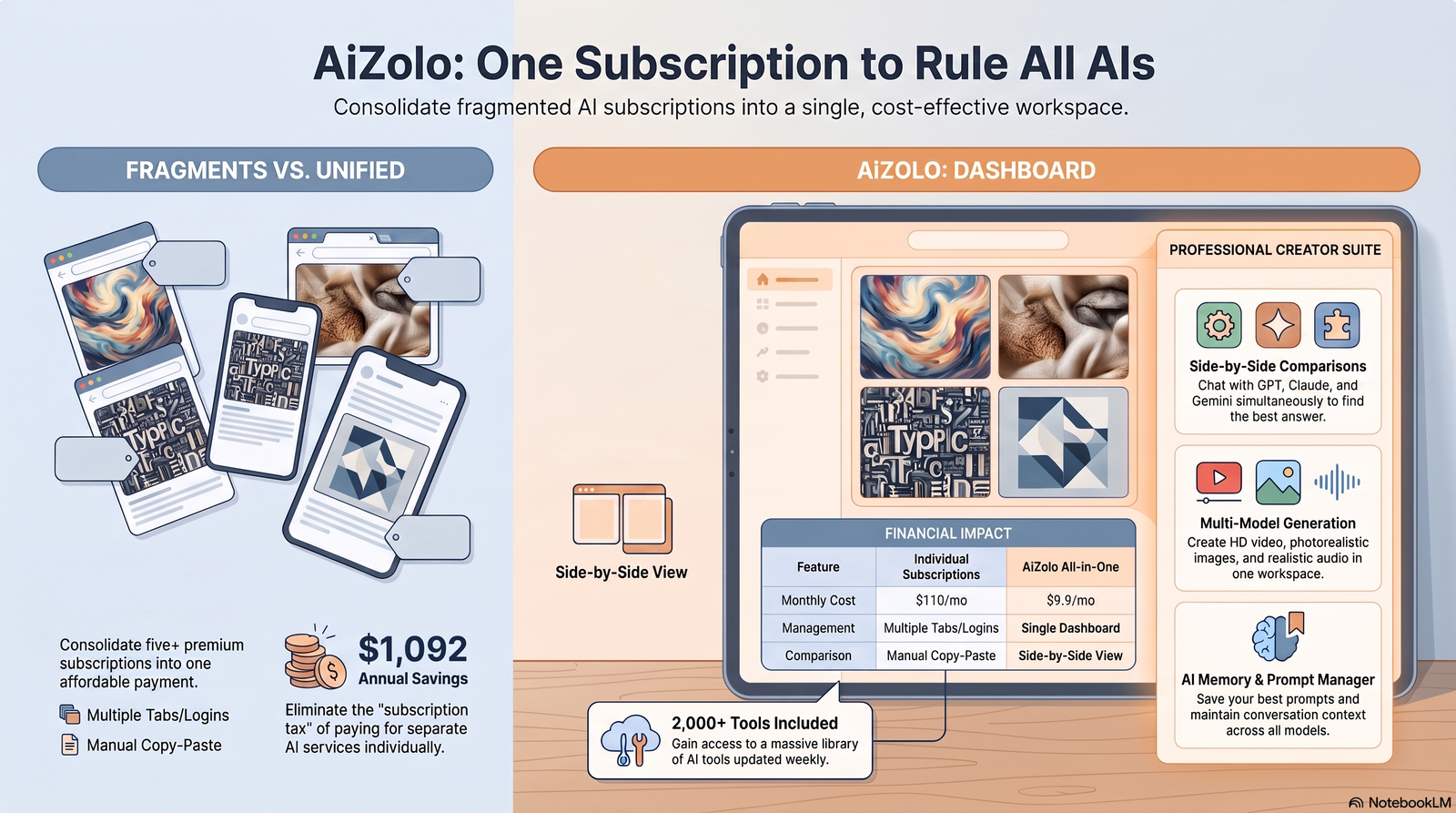
Most creators don’t set out to pay for five AI subscriptions. It happens one tool at a time — Midjourney for concept art, Ideogram because it actually spells words correctly, Firefly because a client needs commercially safe images, and Leonardo because someone recommended it in a Discord server. By month three, the credit card statement looks like a software audit.
If you’re searching for the cheapest way to use multiple AI image generators, you’ve probably already felt this. You’re not overspending because you’re careless. You’re overspending because the industry sells access one model at a time, while platforms like Aizolo make it easier to access multiple AI image generators without paying for separate subscriptions.
This guide breaks down exactly what each major AI image generator costs, where the money actually goes to waste, and the specific ways creators are consolidating four or five subscriptions into something closer to one bill. We’ll also look at where a multi-model workspace like Aizolo fits into that picture, and where it doesn’t.
Table of Contents
Why Creators End Up Needing Multiple Image Generators
No single AI image generator wins at everything. That’s the uncomfortable truth behind the multi-subscription problem.
Midjourney still produces the most painterly, artistically coherent images for concept work. Ideogram is the only mainstream option that reliably renders readable text inside an image. Adobe Firefly is the one legal teams sign off on, because of its content-credentials and IP-training transparency. Google’s Imagen and Gemini image models are the cheapest per-image option at API scale.
Each of these is a genuine reason to open a new tab, not a marketing gimmick. A YouTuber making thumbnails needs fast iteration and text accuracy. A marketing agency needs indemnified commercial rights. A game studio prototyping concept art needs stylistic range. None of these needs cancel each other out — they stack.
Midjourney is consistently ranked as a top tool for artistic coherence and photorealism among its large user community, which explains why it stays in the toolkit even after someone adds a second or third generator for other tasks.
Why These Subscriptions Get Expensive So Fast
Here’s what a “normal” multi-tool setup costs before anyone stops to add it up.
A mid-tier Midjourney Standard plan runs $30 a month. Add Ideogram’s Plus tier at roughly $15–20 a month for private, faster-queue generations. Add Adobe Firefly Standard at $9.99 a month for commercially safe assets. Add Leonardo’s Artisan tier at $24–30 a month for its Alchemy rendering and PhotoReal features.
That’s already $79–90 a month — before anyone touches an API key, a ChatGPT Plus subscription for DALL·E-style access, or a Stable Diffusion hosting bill.
Did You Know? Every Adobe Creative Cloud plan already bundles a monthly allotment of Firefly credits, so a large share of Firefly subscribers are effectively paying for it twice if they also keep a standalone Firefly plan.
The second hidden cost is idle capacity. Most people don’t use four generators every day. They use Midjourney twice a week, Ideogram once, and Firefly only when a client asks for commercial-safe work. You’re paying a full month’s price for a fraction of a month’s usage — on every single tool.
Warning: Annual billing looks like the obvious fix, and it does save 15–20% on most platforms. But locking into four annual plans at once means you’re prepaying for tools you might drop within a quarter. Consolidate first, commit annually second.
Best AI Image Generators Compared (2026 Pricing Table)
Prices below reflect publicly listed 2026 plans at time of writing. Confirm current pricing on each provider’s official page before subscribing, since AI companies revise pricing frequently.
| Tool | Monthly Price (entry paid tier) | Image Quality | Best For | Free Plan | Commercial Use |
|---|---|---|---|---|---|
| Midjourney | $10 (Basic), $30 (Standard), $60 (Pro), $120 (Mega) | Very high, painterly/photorealistic | Concept art, illustration, branding | None — no free tier as of 2026 | Yes, on paid plans |
| Adobe Firefly | Free tier, then $9.99 (Standard), $19.99 (Pro), $199.99 (Premium) | High, commercially safe training data | Legally-cleared commercial assets | Yes, 25 generative credits/month | Yes, IP-indemnified |
| Ideogram | Free tier, then roughly $8–20 (Plus/Basic), higher for Pro/Team | High, exceptional text-in-image rendering | Logos, posters, social graphics with text | Yes, limited daily credits | Yes, on paid plans |
| Leonardo AI | Free tier, then $12 (Apprentice), $24 (Artisan), $48 (Maestro) monthly, or slightly less billed annually | High, strong photoreal and canvas editing | Game art, product mockups, iterative editing | Yes, daily token allowance | Yes, on paid plans |
| Google Imagen / Gemini image models | Pay-per-image API, roughly $0.02 to $0.24 per image depending on model and resolution; also bundled into Google AI subscription tiers | High, fast, strong at photorealism | Developers, high-volume automated generation | Free API quota on some models | Yes |
| OpenAI (ChatGPT image generation / DALL·E) | Included in ChatGPT Plus at $20/month; API pricing charged separately | Good, strong prompt-following | Quick in-chat generation, brainstorming | Limited free tier in ChatGPT | Yes |
| Stable Diffusion (via Stability AI or hosted APIs) | Free if self-hosted; hosted APIs from roughly $0.002 per image | Variable, depends on model/checkpoint | Developers, custom fine-tuning, budget bulk generation | Yes, open-weight models | Yes, license varies by model |
| Flux (Black Forest Labs) | Open-weight models free to self-host; Flux Pro via API on a pay-as-you-go basis | High, strong photorealism and prompt adherence | Developers wanting open-weight quality without Midjourney lock-in | Yes, for Schnell/Dev open weights | Varies — Dev license is non-commercial while Pro and Flex are proprietary |
Tool-by-Tool Breakdown: Strengths, Weaknesses, Who Should Use Each

Midjourney
Strengths: Best-in-class artistic coherence, strong community presets, excellent for stylized concept art and illustration.
Weaknesses: No free trial at all in 2026, and pricing is metered by GPU hours rather than a simple image count, which makes budgeting unpredictable for new users.
Who should use it: Illustrators, concept artists, and brand designers who need artistic range over photorealistic precision.
Who should avoid it: Anyone needing readable in-image text, or teams needing airtight commercial licensing documentation.
Expert Tip: The Standard plan at $30/month is the right starting tier for most regular users— Basic’s GPU hours run out quickly, and Pro’s Stealth Mode is only necessary for private client work.
Adobe Firefly
Strengths: Trained on licensed and public domain content, which makes it the safest legal choice for commercial and enterprise use. Deep integration with Photoshop, Illustrator, and the rest of Creative Cloud.
Weaknesses: The credit system resets monthly with no rollover, and fast-mode generations consume double the credits of standard mode, so heavy users burn through allotments quickly.
Who should use it: Agencies, in-house marketing teams, and anyone already paying for Creative Cloud.
Who should avoid it: Creators outside the Adobe ecosystem who don’t need indemnified commercial rights — they’ll likely get more images per dollar elsewhere.
Ideogram
Strengths: Ideogram generates text inside images with roughly 90% accuracy, compared to around 30% for Midjourney — a decisive advantage for posters, packaging, and social graphics.
Weaknesses: Free-tier images post to a public gallery by default, and pricing tiers across sources vary, so always check the live pricing page before committing.
Who should use it: Anyone whose images need legible words, logos, or typography baked in.
Who should avoid it: Pure photorealism or fine-art use cases where Midjourney or Flux perform better.
Leonardo AI
Strengths: A genuinely useful free daily token allowance, plus a broader feature set than Midjourney, including canvas editing, model training, and video.
Weaknesses: Credit consumption varies dramatically by feature — a single image can cost anywhere from 4 to 15+ credits depending on the model and refiner used, making real-world cost harder to predict than the sticker price suggests.
Who should use it: Game artists, product designers, and anyone who wants to iterate heavily on a single image using inpainting and canvas tools.
Who should avoid it: Users who just want one clean image fast without learning a credit system.
Google Imagen and Gemini Image Models
Strengths: The cheapest per-image cost among major providers, with Imagen 4 Fast starting around $0.02 per image, and strong batch-processing discounts for developers.
Weaknesses: Primarily aimed at developers and API users rather than casual creators; consumer access is bundled into broader Google AI subscription tiers rather than sold as a dedicated image app.
Who should use it: Developers building AI features into their own product, or anyone generating images at high volume.
Who should avoid it: Non-technical users who just want a simple web app interface.
OpenAI (ChatGPT Image Generation / DALL·E)
Strengths: Bundled into ChatGPT Plus at $20/month alongside full chat AI access, which makes it excellent value if you also use ChatGPT for writing or research.
Weaknesses: Less granular control over composition and style compared to Midjourney or Leonardo’s advanced parameter systems.
Who should use it: Anyone who already pays for ChatGPT Plus and wants image generation as a bonus rather than a dedicated tool.
Who should avoid it: Power users who need fine-grained artistic control or batch API access at the cheapest possible per-image rate.
Stable Diffusion
Strengths: Fully open-weight models mean zero licensing cost if you have the hardware to self-host, plus enormous community fine-tuning and checkpoint variety.
Weaknesses: Self-hosting requires a high-end GPU, often costing $800–$1,500 upfront, and hosted API costs vary widely by provider.
Who should use it: Developers and technically comfortable creators who want full control and are willing to manage infrastructure or third-party API credits.
Who should avoid it: Anyone who just wants to type a prompt and get a polished result with no setup.
Flux (Black Forest Labs)
Strengths: Built by the original architects of Stable Diffusion, Flux has quickly become a preferred open-weight alternative with quality that rivals Midjourney and DALL·E 3.
Weaknesses: Licensing is split across models — Schnell and Klein are open, Dev is non-commercial only, and Pro/Flex are proprietary — so commercial users need to read the license for the specific variant they use.
Who should use it: Developers who want near-Midjourney quality without proprietary platform lock-in.
Who should avoid it: Anyone who needs a simple, guaranteed-commercial license without reading fine print.
When One Tool Is Enough — And When You Actually Need More
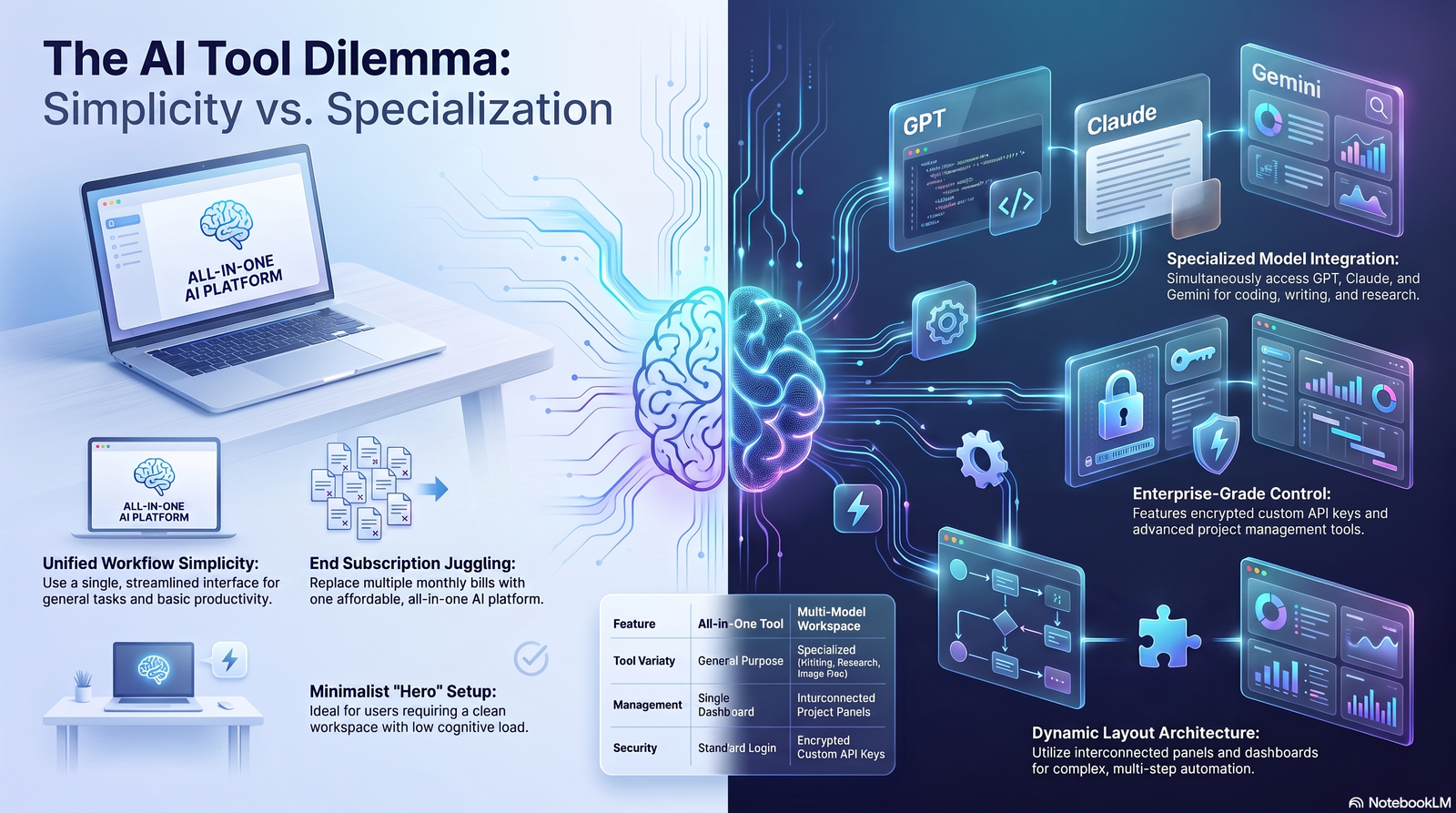
One generator is enough if your work fits a single lane: you make one type of content, for one type of client, at a predictable volume. A hobbyist making occasional social graphics doesn’t need four subscriptions.
Multiple tools earn their cost when your output spans different requirements that no single model satisfies — artistic concept work and text-heavy marketing graphics and commercially indemnified client deliverables, for example.
Best Practice: Before adding a second subscription, ask whether the gap is really about model quality, or about not having explored your current tool’s full settings. Many “I need Ideogram too” moments are actually “I haven’t tried my current tool’s text-rendering mode” moments.
The Cheapest Way to Use Multiple AI Image Generators
This is the actual question behind the search term, so let’s answer it directly, option by option.
1. Stack free tiers before paying for anything. Adobe Firefly’s free plan includes 25 generative credits monthly, Leonardo AI gives a daily free token allowance, and Ideogram offers limited daily free generations. Combined, free tiers alone can cover light, occasional use across two or three tools without a single subscription.
2. Use pay-per-image APIs instead of monthly plans for occasional needs. If you only need Google’s image models a handful of times a month, paying $0.02–$0.24 per image on demand is far cheaper than a flat monthly subscription you’d barely use.
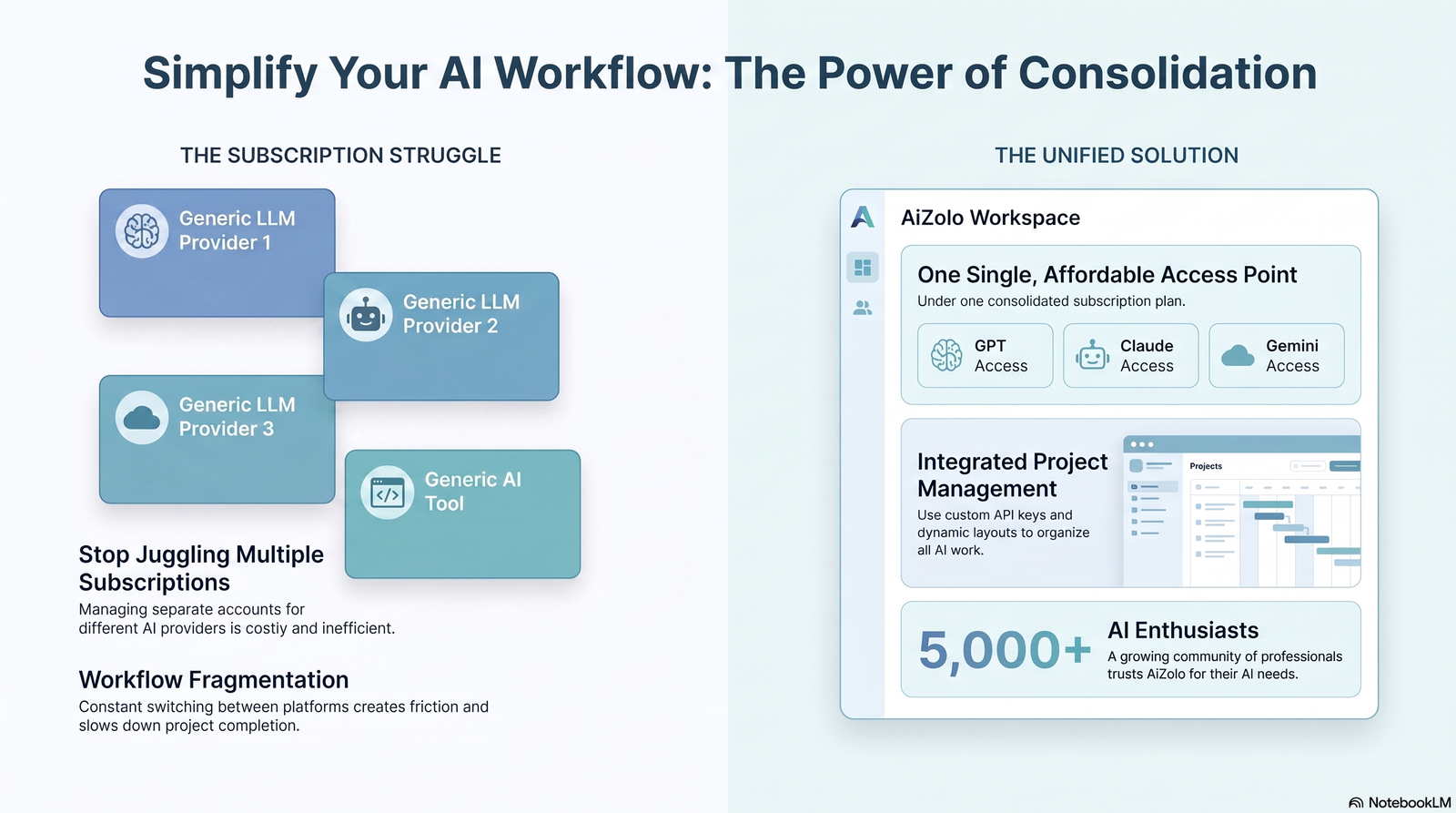
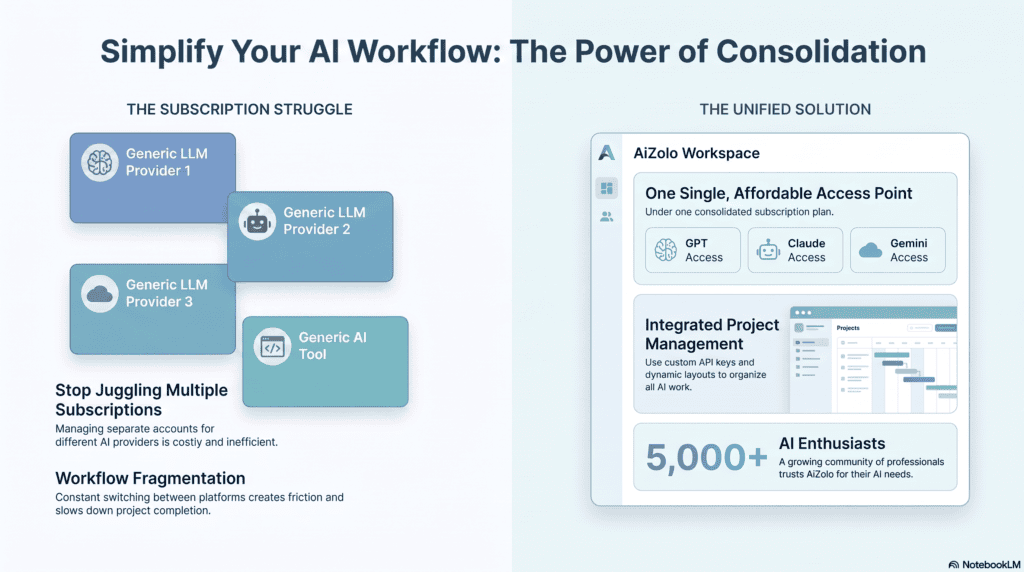
3. Consolidate through a single multi-model workspace instead of separate logins. This is where a platform like Aizolo changes the math. Instead of maintaining four separate billing relationships — each with its own credit system, renewal date, and login — a single subscription that provides access to multiple underlying models means you pay one bill and allocate usage across tools as projects demand, rather than pre-committing budget to each provider individually.
4. Choose annual billing only after you know your real usage. Midjourney’s 20% annual discount and similar discounts elsewhere are only a saving if you were going to keep paying monthly anyway. Test for one to two months first.
5. Match the model to the job instead of defaulting to your favorite. A $0.02 Imagen Fast image is the right choice for a quick thumbnail draft; save your Midjourney or Firefly credits for final, client-facing output.
6. Watch for bundled credits you’re already paying for. If you have Creative Cloud, you already have Firefly credits included — check before adding a standalone Firefly plan on top.
Pro Tip: Track cost-per-final-image, not cost-per-subscription. A $60/month tool that gets you a client-ready image in one try can be cheaper in practice than a $10/month tool that needs fifteen regenerations to get the same result.
Feature, Speed, and Commercial Licensing Comparison
| Tool | Typical Generation Speed | API Available | Editing Tools | Commercial License Clarity |
|---|---|---|---|---|
| Midjourney | Fast (GPU-hour based) | Limited/unofficial | Basic in-app editing | Clear on paid plans |
| Adobe Firefly | Fast | Yes, via Firefly Services | Strong (Photoshop/Illustrator integration) | Very clear, IP-indemnified |
| Ideogram | Fast, tiered queues | Yes | Moderate | Clear on paid plans |
| Leonardo AI | Fast to moderate | Yes | Strong (Canvas, inpainting) | Clear on paid plans |
| Google Imagen/Gemini | Very fast (seconds) | Yes, extensive | Minimal, developer-facing | Clear |
| OpenAI (ChatGPT/DALL·E) | Fast | Yes | Minimal | Clear |
| Stable Diffusion | Varies by host/hardware | Yes, many providers | Extensive via community tools | Varies by model/checkpoint |
| Flux | Fast | Yes | Moderate | Varies by model variant |
Monthly Cost Comparison: Separate Subscriptions vs. Consolidated Access
The example below is illustrative, based on the publicly listed entry-paid-tier prices in the table above. Your own numbers will vary by usage.
| Scenario | Tools Used | Estimated Monthly Cost |
|---|---|---|
| Separate subscriptions | Midjourney Standard + Ideogram Plus + Firefly Standard + Leonardo Apprentice | Roughly $30 + $15 + $10 + $12 = ~$67/month |
| Heavier separate stack | Adds Leonardo Artisan and Firefly Pro instead of entry tiers | Roughly $30 + $20 + $20 + $24 = ~$94/month |
| Consolidated multi-model access | One workspace subscription covering equivalent usage across models | Typically a single flat fee, avoiding duplicate minimums and idle-tier waste |
The savings from consolidation come less from any single tool being cheaper, and more from eliminating the “idle capacity tax” — the money spent on minimum plan tiers for tools you only touch occasionally.
Real Workflow Examples
YouTuber workflow: Draft thumbnail concepts quickly and cheaply using a fast, low-cost model, then finalize the winning concept in a higher-quality tool with better text rendering for titles and callouts.
Marketing agency workflow: Use a commercially indemnified generator for anything client-facing, and a faster, cheaper model for internal mood boards and early concept rounds that never ship.
Indie game studio workflow: Generate large batches of environment concept art cheaply through API-based models, then hand-pick the strongest results for refinement in a tool with stronger editing and inpainting tools.
Best Practices and Common Mistakes
Best practice: Set a monthly image-generation budget first, then choose tools that fit under it — not the other way around.
Common mistake: Subscribing to a new tool for a single client project, then forgetting to cancel once the project ends.
Common mistake: Paying for a premium tier “just in case” of a busy month, when unused credits typically don’t roll over and are lost at renewal.
Best practice: Review your actual usage every 60–90 days and downgrade or consolidate tools that consistently go underused.
Where This Is Heading in 2026 and Beyond
The clearest trend across 2026 pricing data is convergence: Adobe now lets Firefly access partner models from Google, OpenAI, and Flux inside a single interface, and multiple aggregator platforms are doing the same thing from the other direction — giving users one dashboard to reach several underlying image models. The direction of the market favors fewer logins, not more, which is the same shift multi-model workspaces like Aizolo are built around.
FAQ
Is there a genuinely free way to use multiple AI image generators? Yes, to a point. Adobe Firefly’s free tier includes 25 monthly generative credits, and Leonardo and Ideogram both offer daily free allowances. Combined, this covers light or occasional use across a few tools without a subscription.
What is the single cheapest AI image generator per image? Google’s Imagen 4 Fast API, at roughly $0.02 per image, is among the cheapest official options available in 2026, though quality and control are more limited than premium subscription tools.
Does Midjourney have a free trial in 2026? No. As of 2026, Midjourney requires a paid subscription starting at $10/month, with no free tier.
Can I legally use AI-generated images commercially? It depends entirely on the tool and plan. Adobe Firefly offers the clearest commercial-use guarantee with IP indemnification, while open-weight models like Flux have licenses that vary by specific model variant.
Is Leonardo AI’s free plan actually usable? Leonardo’s free plan provides 150 daily credits, enough for roughly 25–37 standard images per day, though advanced features consume credits much faster.
Why is Ideogram better for text in images? Ideogram renders in-image text with roughly 90% accuracy compared to around 30% for Midjourney, making it the better choice for anything with logos, signage, or typography.
Does paying for ChatGPT Plus include image generation? Yes — ChatGPT Plus at $20/month includes access to OpenAI’s image generation alongside the chat model, which makes it good value if you already use ChatGPT regularly.
What’s the biggest hidden cost across these tools? Credits that expire unused at the end of each billing cycle — paying for a higher tier “just in case” and then losing the unused allowance is one of the most common ways creators overspend.
Should I choose annual billing to save money? Only after you’ve used a tool monthly for at least one or two cycles. Midjourney’s annual plans save 20%, but that’s only a real saving if you were going to keep the subscription anyway.
Is Stable Diffusion actually free? The open-weight models are free to download, but running them well typically requires a high-end GPU costing $800–$1,500 upfront, or a paid hosted API instead.
What does a multi-model platform like Aizolo actually save me? It replaces several separate billing relationships, minimum tiers, and idle-capacity waste with one subscription, which is where most of the real-world savings in a multi-tool workflow come from.
Which AI image generator is best for total beginners? A tool with a genuine free tier and simple interface — Leonardo AI or Ideogram’s free plans are the easiest starting points before committing to a paid tier anywhere.
Do these AI companies change pricing often? Yes. Prices in this guide reflect 2026 listings at time of writing; always confirm current pricing on the provider’s official page before subscribing.
Final Verdict
There’s no single cheapest AI image generator, because the tools aren’t interchangeable. The cheapest way to use multiple AI image generators isn’t picking one winner — it’s stacking free tiers where they genuinely cover your needs, using pay-per-image APIs for occasional or high-volume work, and consolidating recurring paid access through a single multi-model subscription instead of separately billing four or five providers. That last shift is usually where the largest, most durable savings come from.
Author Bio
Jeevesh Tripathi AI Researcher & Technical Writer, Aizolo 📧 jeevesh@aizolo.com
Jeevesh Tripathi researches AI creative tools and pricing structures for Aizolo, focusing on how creators, marketers, and small businesses can access multiple AI models without overpaying for redundant subscriptions. His work centers on practical cost analysis, workflow design, and cutting through inflated claims in the AI tools space. He regularly tests image, video, and productivity AI platforms firsthand, comparing official pricing pages, credit systems, and licensing terms so readers can make informed decisions instead of relying on marketing copy. Jeevesh’s writing aims to give creators and businesses a clear, honest picture of what these tools actually cost in real-world use.
