
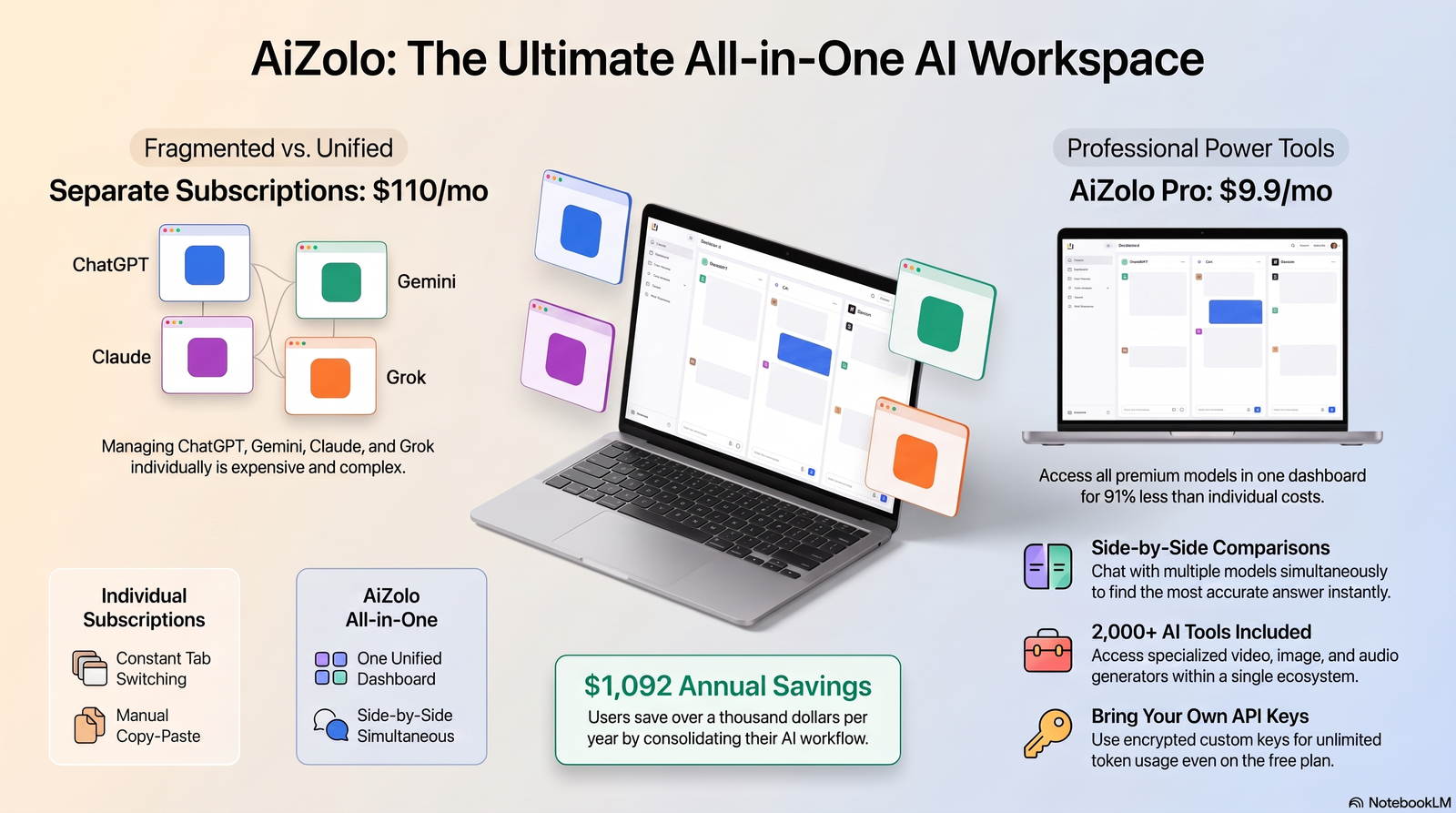
ChatGPT is still the most recognizable name in AI chatbots, and for good reason. But it’s no longer the only serious option, and for a lot of jobs, it isn’t even the best one.
Quick answer: The best chatgpt alternatives in 2026 are Claude (writing, coding, and long documents), Google Gemini (Workspace integration and real-time search), Perplexity (cited research), Microsoft Copilot (Office-embedded productivity), Grok (real-time X data), and DeepSeek (a strong free, open-weight option). The right pick depends on whether you value writing quality, research accuracy, price, or how deeply the tool sits inside tools you already use.
This guide breaks down eleven ChatGPT alternatives that are actually worth your time in 2026, based on pricing pages, official documentation, and real-world performance—not just marketing copy. It also explores where Aizolo fits among today’s leading AI workspaces, helping you compare the strengths, limitations, and best use cases of each platform before choosing the right tool.
Table of Contents
What Are AI Platforms Like Chat GPT?
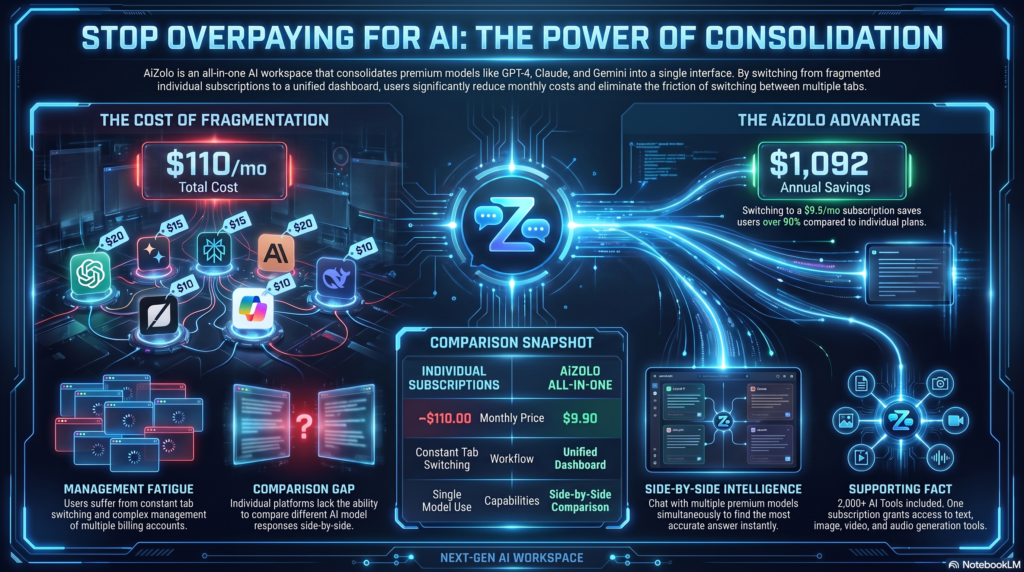
AI platforms like Chat GPT are chatbot-style tools built on large language models. They understand natural language and generate text, code, images, or research summaries.
Most of them share a similar core: a chat window, a model behind it, and add-on tools like web search, file upload, and memory. What differs is model quality, pricing, and specialty.
Some, like Claude AI, focus on careful reasoning and long documents. Others, like Perplexity AI, focus on cited web search. Gemini AI leans into Google’s ecosystem.
Definition snippet: An AI platform like ChatGPT is a generative AI tool that uses a large language model to hold conversations, answer questions, write content, generate images, or write code, usually through a paid or freemium subscription.
Why People Look for a ChatGPT Alternative
ChatGPT is a strong generalist, but three complaints come up constantly among users who eventually try something else.
- Cost creeps up. The free tier caps out fast, and Plus at $20/month doesn’t include everything power users want.
- It isn’t the best at everything. Long documents, sourced research, and enterprise integrations are areas where competitors now win outright.
- Ecosystem lock-in matters. If your work already lives in Google Docs, Microsoft 365, or a specific coding environment, a native assistant often beats a general-purpose one.
None of this means ChatGPT is a bad product. It means the market has matured enough that “the best AI chatbot” is now a question of fit, not a single universal answer.
How We Evaluated These Tools

Every tool on this list was assessed against the same criteria, so the comparisons are apples-to-apples rather than cherry-picked strengths.
- Output quality on writing, reasoning, and coding tasks
- Context window size for handling long documents
- Pricing transparency and value at the free and paid tiers
- Ecosystem integration with tools people already use daily
- Reliability and uptime under real usage
- Unique capabilities that ChatGPT doesn’t match
Quick Comparison: Best ChatGPT Alternatives at a Glance
| Tool | Best For | Starting Price | Free Tier |
|---|---|---|---|
| Claude | Writing, coding, long documents | $20/mo (Pro) | Yes |
| Google Gemini | Google Workspace users | $19.99/mo (AI Pro) | Yes |
| Perplexity | Cited research | $20/mo (Pro) | Yes |
| Microsoft Copilot | Word, Excel, Outlook, Teams | $20/mo (bundled in M365 Personal) | Limited |
| Grok | Real-time X/social data | $30/mo (SuperGrok) | Limited |
| DeepSeek | Free, capable reasoning | Free | Yes |
| Meta AI | Free access on WhatsApp/Instagram | Free | Yes |
| Mistral Le Chat | Privacy-focused, EU-based | ~$7–15/mo | Yes |
| GitHub Copilot | In-editor coding | $10/mo (Pro) | Limited |
| Manus AI | Autonomous multi-step agents | Usage-based | Limited |
| Poe | Multi-model access in one app | ~$20/mo | Yes |
The 11 Best ChatGPT Alternatives in 2026

1. Claude (Anthropic)
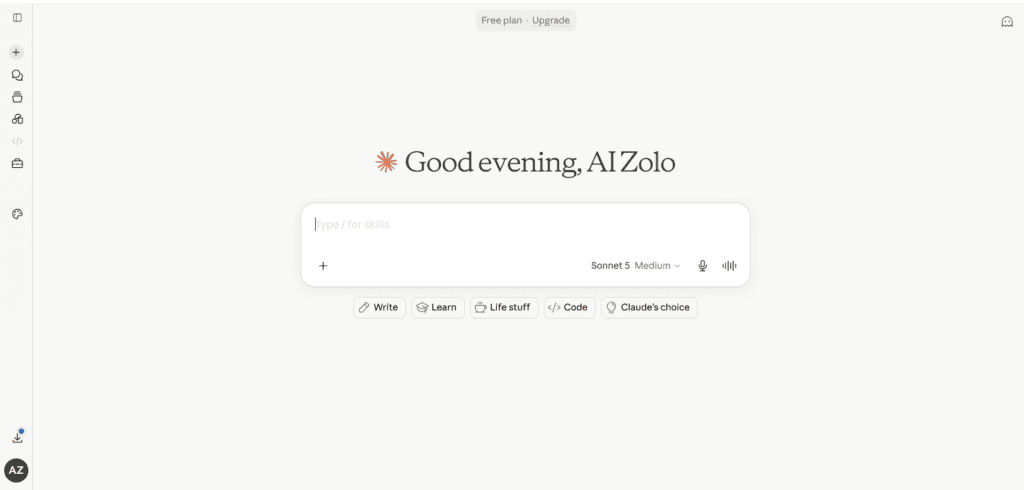
Overview: Claude is Anthropic’s flagship assistant, built around careful reasoning, long-context handling, and a writing voice that reads less like a template and more like a person who actually edited the draft.
Best features
- Deep reasoning on long-form documents and multi-step problems
- Claude Code for terminal-based software development
- Projects for organizing chats and reference material
- File creation and code execution built into paid plans
Pros
- Strong, natural writing style with fewer robotic tics
- Large context window for analyzing long documents at once
- Consistently ranks well on coding benchmarks
Cons
- No native image generation
- Free tier usage resets quickly under heavy use
Pricing: Free; Pro $20/month; Max $100/month (5x) or $200/month (20x); Team from $25/seat; Enterprise custom.
Best for: Writers, developers, and researchers who need long-context reasoning and clean code output.
AI models supported: Claude’s own model family — currently led by Opus-tier and Sonnet-tier models, with a faster Haiku-tier model for lightweight tasks.
Unique strengths: Anthropic’s Constitutional AI approach gives Claude a cautious, well-reasoned tone that many professional users prefer over more casual competitors.
Ideal users: Technical writers, software engineers, consultants, and anyone drafting long reports or contracts.
Workflow example: Upload a 60-page contract, ask Claude to flag unusual clauses, then have it draft a plain-English summary for a non-legal stakeholder — all in one conversation.
2. Google Gemini
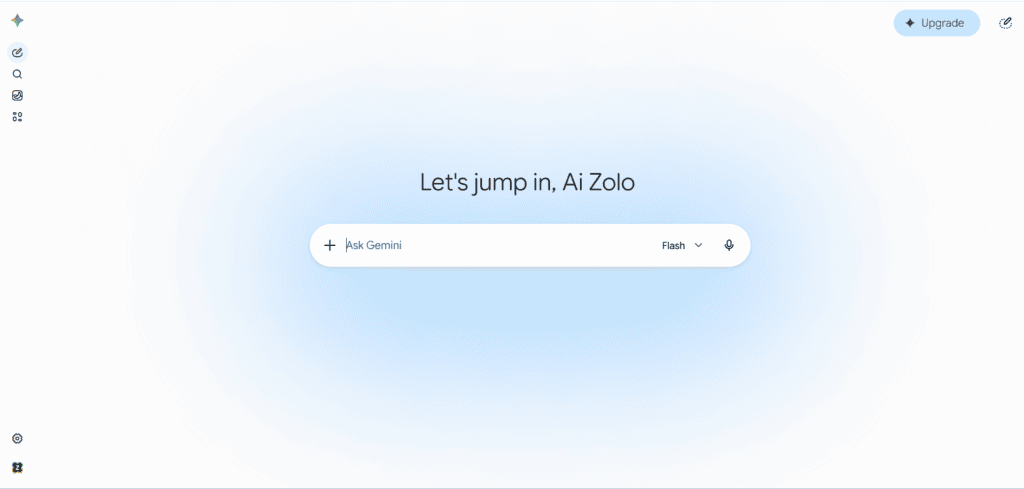
Overview: Gemini is Google’s multimodal assistant, and its biggest advantage isn’t the chat window — it’s the fact that it already knows your Gmail, Docs, Sheets, and Calendar exist.
Best features
- Deep Google Workspace integration
- Multimodal input across text, image, audio, and video
- Large context window suitable for research-heavy tasks
Pros
- Genuinely strong free tier
- Real-time access to Google Search results
- Fast for everyday productivity tasks
Cons
- Less consistent for long, structured creative writing
- Some advanced features are Workspace-account dependent
Pricing: Free; AI Plus around $7.99/month; AI Pro $19.99/month; AI Ultra $99.99/month.
Best for: Anyone already living inside Gmail, Docs, and Sheets.
AI models supported: Google’s Gemini model family, spanning fast and pro-level tiers.
Unique strengths: Native access to live Google Search and Workspace context without extra setup.
Ideal users: Google Workspace teams, students using Google Classroom tools, and anyone who wants an assistant embedded in their inbox.
Workflow example: Ask Gemini to summarize this week’s unread emails, then draft replies directly inside Gmail without switching tabs.
3. Perplexity
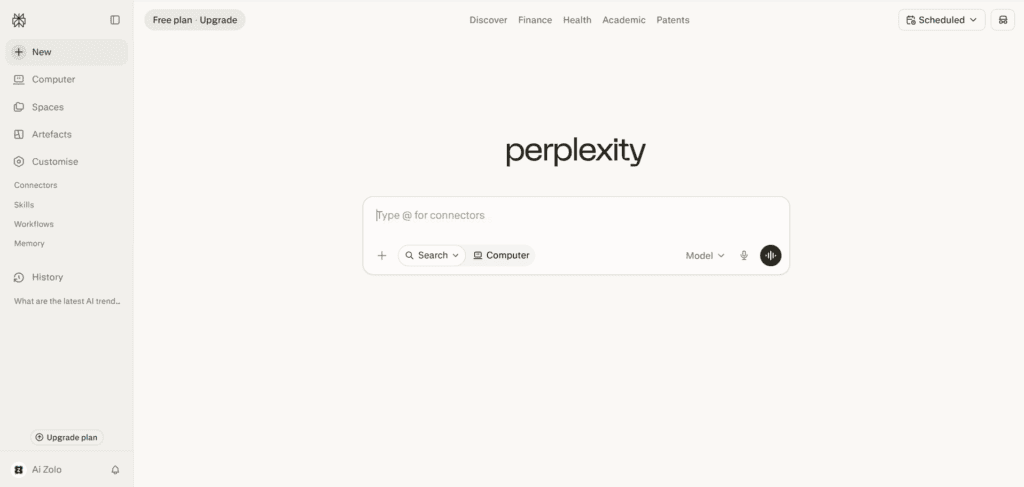
Overview: Perplexity isn’t really a chatbot in the traditional sense — think of it as a research layer on top of the web, where every claim comes with a clickable source.
Best features
- Source-cited answers by default
- Model switching between GPT, Claude, and Gemini variants from one prompt bar
- Deep Research mode for multi-step investigation
Pros
- Excellent for fact-checking and academic-adjacent work
- Free tier is genuinely usable for daily research
- Reduces the “which source did this come from” problem
Cons
- Deep Research runs are capped, especially on lower tiers
- Weaker for open-ended creative writing
Pricing: Free; Pro around $20/month; Max around $200/month.
Best for: Research, fact-checking, and any task where citations matter.
AI models supported: Routes queries across multiple frontier models depending on plan and task.
Unique strengths: Every answer is traceable back to a real source, which matters enormously for anyone who has had a citation challenged.
Ideal users: Students, journalists, analysts, and anyone producing work that needs to be verifiable.
Workflow example: Research a market trend, pull five cited sources automatically, then export a summary with links intact for a client report.
4. Microsoft Copilot
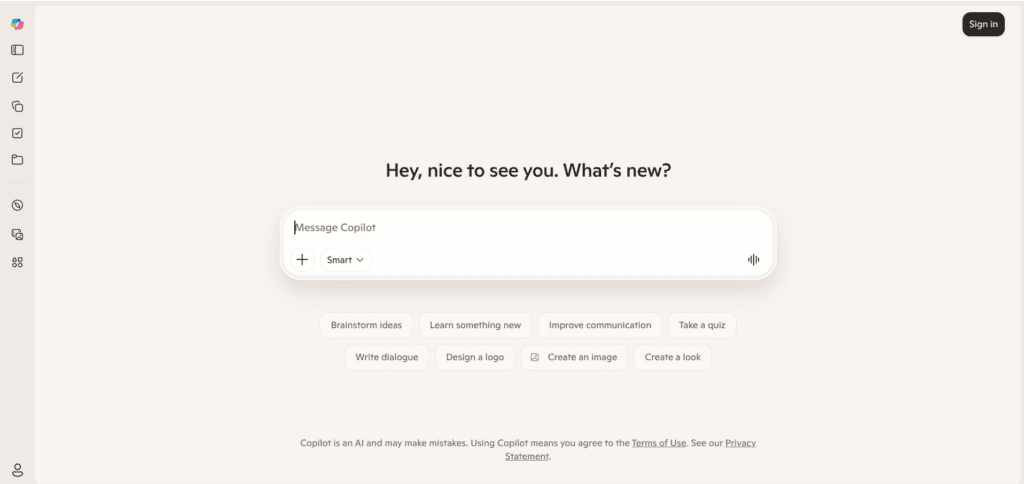
Overview: Copilot is Microsoft’s answer to the obvious question: what if the AI assistant just lived inside Word, Excel, Outlook, and Teams instead of a separate browser tab?
Best features
- Native integration across the Microsoft 365 suite
- Data analysis directly inside Excel
- Meeting summaries inside Teams
Pros
- Unmatched for teams already paying for Microsoft 365
- No tab-switching between chat and document
- Enterprise-grade compliance controls
Cons
- Weaker as a standalone chatbot compared to Claude or ChatGPT
- Full features require a Microsoft 365 subscription
Pricing: Bundled into Microsoft 365 Personal at $19.99/month; Business and Enterprise tiers priced separately.
Best for: Teams and individuals already committed to the Microsoft ecosystem.
AI models supported: Runs on OpenAI’s GPT family under a Microsoft-branded interface.
Unique strengths: It can read and edit an open Excel or Word file directly — something no standalone chatbot does natively.
Ideal users: Corporate teams, finance departments, and anyone whose daily work lives in Office apps.
Workflow example: Ask Copilot inside Excel to build a pivot table from raw sales data and explain the trend in a sidebar note.
5. Grok (xAI)
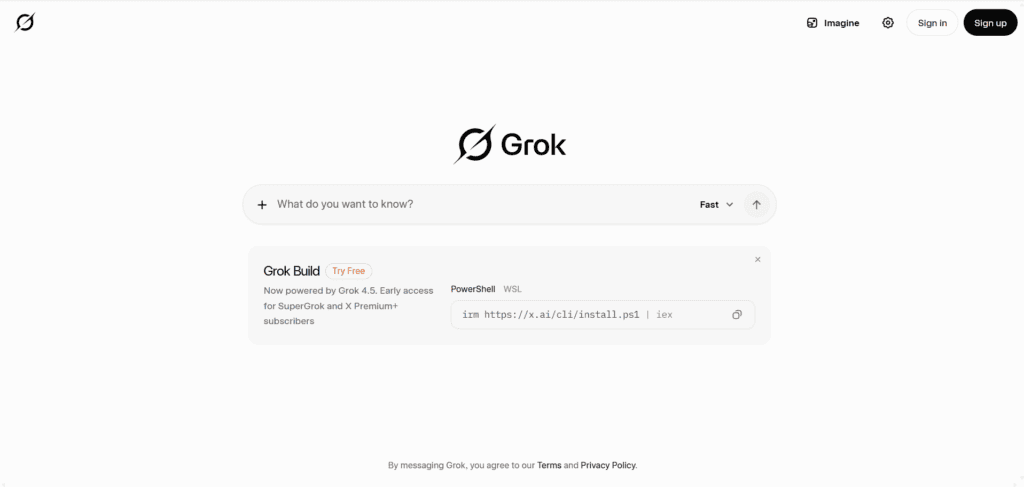
Overview: Grok is xAI’s assistant, built with a more direct, less filtered personality and tight integration with the X platform for real-time information.
Best features
- Real-time knowledge pulled from web and X activity
- Large context window
- Text-to-image generation
Pros
- Genuinely current on breaking news and social conversation
- Less hedging in its answers than some competitors
- Strong math and quantitative reasoning
Cons
- Tone won’t suit every professional context
- Privacy considerations tied to X data access
Pricing: X Premium around $8/month for limited access; SuperGrok around $30/month; SuperGrok Heavy around $300/month.
Best for: Anyone who needs real-time social and news context baked into answers.
AI models supported: xAI’s Grok model family.
Unique strengths: Direct pipeline into live X data that other assistants simply don’t have.
Ideal users: Social media managers, traders watching sentiment, and news-focused researchers.
Workflow example: Ask Grok to summarize how a breaking announcement is trending on X in the last hour, with representative reactions.
6. DeepSeek
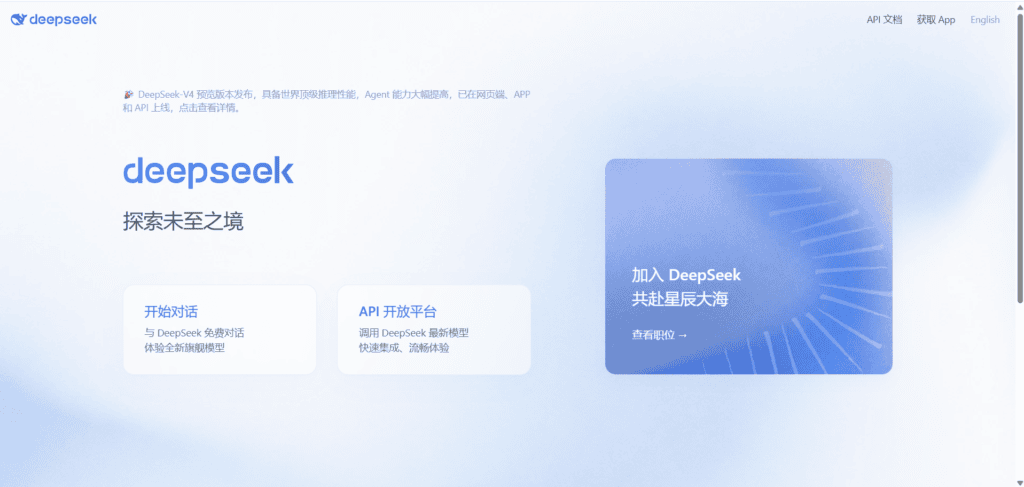
Overview: DeepSeek is the strongest free option on this list, offering frontier-class reasoning at no cost, with open-weight models available for self-hosting.
Best features
- Free access with long context
- Open-weight models for local or self-hosted deployment
- Strong coding and reasoning performance for a free tool
Pros
- No cost barrier to entry
- Transparency appeals to technical users
- Good fit for privacy-sensitive, self-hosted setups
Cons
- Fewer built-in productivity integrations
- Limited multimodal and enterprise features
Pricing: Free.
Best for: Budget-conscious users, developers, and teams that want self-hosting control.
AI models supported: DeepSeek’s own open-weight model family.
Unique strengths: One of the only genuinely free tools that competes with paid frontier models on reasoning benchmarks.
Ideal users: Developers, students, and anyone who wants a capable assistant without a subscription.
Workflow example: Self-host DeepSeek internally to run code review on a private repository without sending data to a third-party API.
7. Meta AI
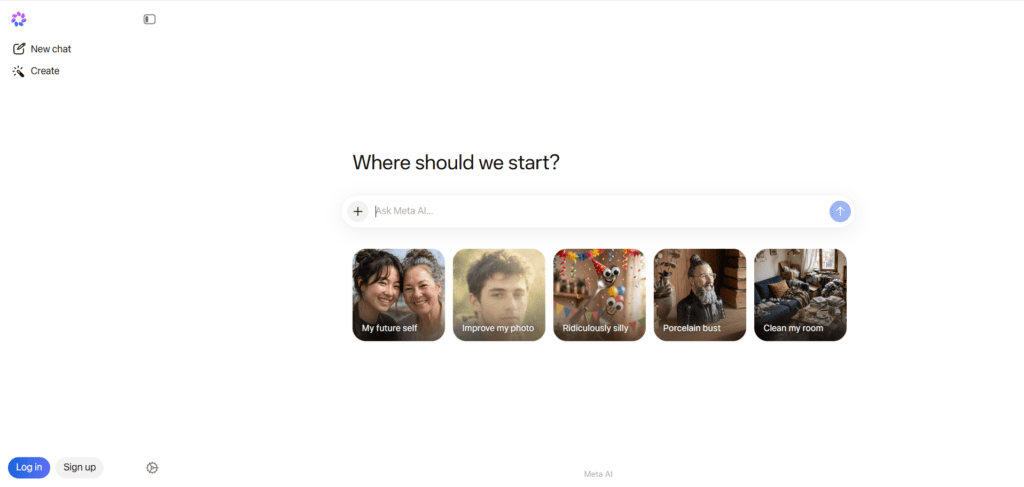
Overview: Meta AI is built on the Llama model family and shows up for free inside WhatsApp, Instagram, and Messenger, alongside a standalone app.
Best features
- Free, no-signup access inside apps people already use
- Open commercial licensing for Llama models
- Reasonable image generation
Pros
- Zero friction — no new app required for casual use
- Llama models are freely available for developers to build on
- Fast responses for everyday questions
Cons
- Less refined for complex, multi-step reasoning
- Fewer enterprise-grade controls than Copilot or Claude Team
Pricing: Free.
Best for: Casual daily use and developers building on open-weight models.
AI models supported: Meta’s Llama model family.
Unique strengths: The lowest-friction entry point of any tool on this list — it’s already inside apps most people have installed.
Ideal users: Everyday users, small businesses using WhatsApp for customer contact, and developers building custom apps on Llama.
Workflow example: A small business auto-drafts WhatsApp replies to common customer questions using Meta AI, no separate subscription required.
8. Mistral Le Chat
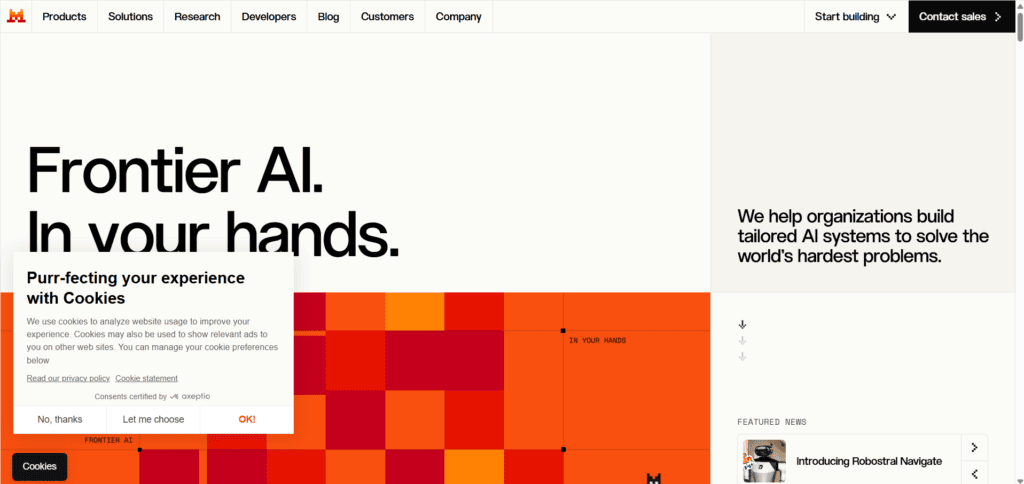
Overview: Mistral is a European AI lab, and Le Chat is positioned around efficiency, transparency, and data handling that appeals to privacy-conscious users and organizations.
Best features
- Competitive reasoning at a lower price point
- Strong multilingual performance, especially in European languages
- Lightweight, fast responses
Pros
- Attractive pricing relative to US competitors
- EU-based data handling for organizations with residency requirements
- Good student pricing
Cons
- Smaller ecosystem of integrations
- Less brand recognition, meaning less third-party tooling
Pricing: Free tier available; paid plans roughly $7–15/month depending on region and promotion.
Best for: Privacy-conscious users and European organizations with data residency needs.
AI models supported: Mistral’s own open and proprietary model family.
Unique strengths: A genuine alternative for teams that need to keep data processing inside the EU.
Ideal users: European businesses, multilingual teams, and privacy-focused individuals.
Workflow example: A European legal team uses Le Chat to draft multilingual client correspondence while keeping data processing within EU jurisdiction.
9. GitHub Copilot
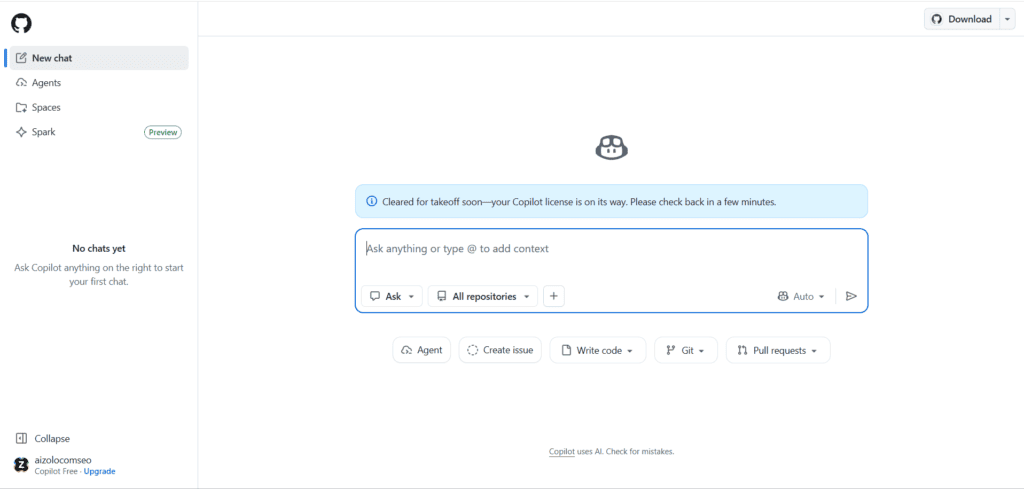
Overview: GitHub Copilot lives inside your code editor rather than a chat window, autocompleting functions, explaining code, and now handling broader coding-agent tasks.
Best features
- In-editor autocomplete across major IDEs
- Chat-based code explanation and debugging
- Agent mode for multi-file changes
Pros
- Tightest integration with real development workflows
- Cheapest premium coding-focused subscription
- Backed by GitHub’s existing developer ecosystem
Cons
- Not designed for general writing or research tasks
- Best value requires pairing with a general assistant for non-code work
Pricing: Free tier available; Pro around $10/month.
Best for: Developers who want AI assistance without leaving their IDE.
AI models supported: Multiple underlying models depending on plan, including OpenAI and Anthropic options.
Unique strengths: Purpose-built for the software development loop rather than general chat.
Ideal users: Software engineers and engineering teams.
Workflow example: Autocomplete a new API endpoint, then ask Copilot Chat to generate matching unit tests without leaving the editor.
10. Manus AI
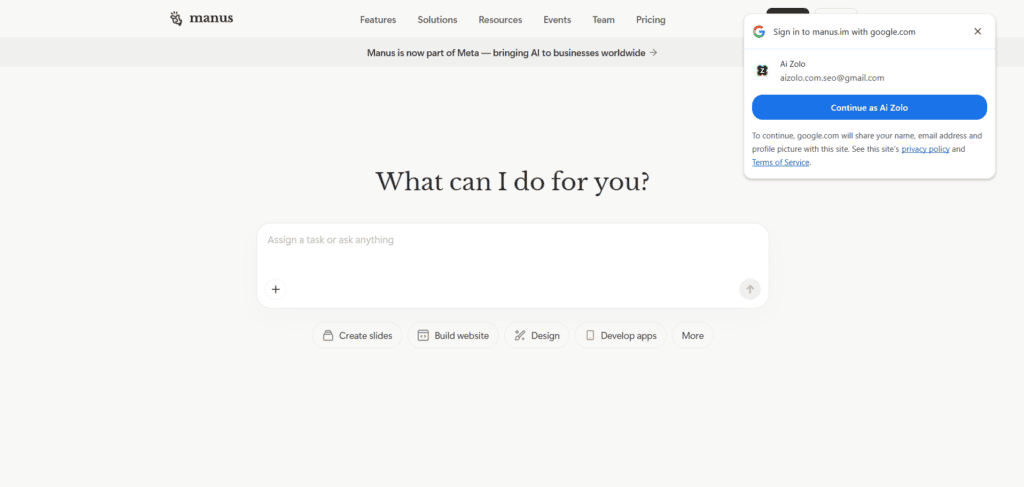
Overview: Manus AI positions itself as an autonomous agent rather than a chatbot, able to run multi-step research and produce finished deliverables like slide decks with minimal supervision.
Best features
- Wide Research mode running many parallel research agents
- Automated slide deck generation
- Scheduled, recurring task automation
Pros
- Genuinely reduces manual research and formatting work
- Good fit for recurring business reporting
- Handles longer, multi-step workflows without constant prompting
Cons
- Less suited to quick, single-turn questions
- Usage-based pricing can be harder to predict
Pricing: Usage-based; check current rates before committing to a workflow.
Best for: Business users automating recurring research and reporting tasks.
AI models supported: Proprietary agent orchestration layered on top of multiple underlying models.
Unique strengths: Built for execution, not just answers — it can produce a finished deliverable rather than a draft you still have to assemble.
Ideal users: Operations teams, analysts, and anyone drowning in recurring manual reports.
Workflow example: Schedule Manus AI to compile a weekly competitor-pricing report and deliver it as a formatted slide deck every Monday morning.
11. Poe (by Quora)
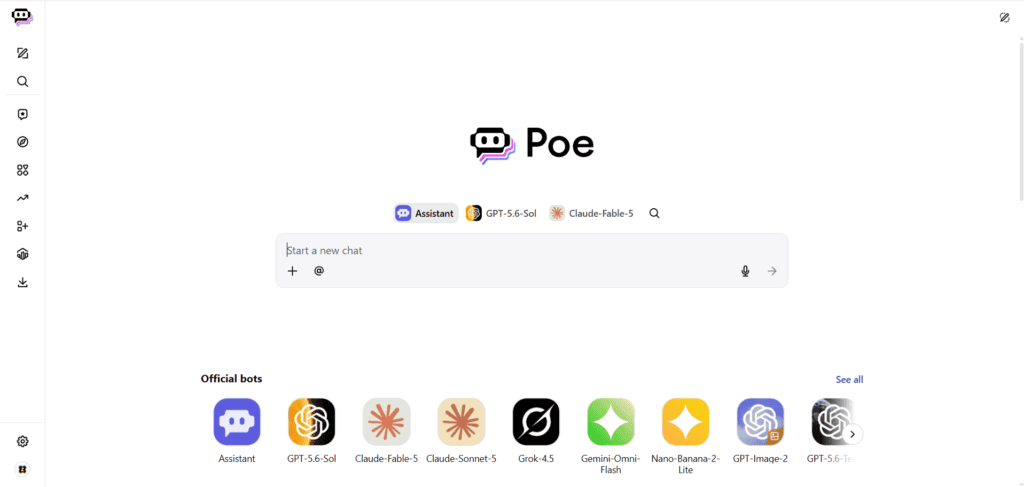
Overview: Poe is an aggregator app that gives you access to many different models — including GPT, Claude, and Gemini variants — from a single subscription and interface.
Best features
- Access to multiple frontier models in one place
- Side-by-side model comparison on the same prompt
- Custom bot creation without coding
Pros
- Useful if you don’t want to juggle five separate subscriptions
- Easy to sanity-check one model’s answer against another
- Good for experimenting before committing to a single provider
Cons
- Usage limits vary by underlying model and can be confusing
- Doesn’t offer the deep product integrations of a native app
Pricing: Around $20/month for the standard subscription.
Best for: People who want to compare multiple AI models without multiple logins.
AI models supported: A rotating catalog including GPT, Claude, Gemini, and others.
Unique strengths: One subscription instead of stacking several $20/month plans.
Ideal users: Power users, consultants, and anyone regularly comparing model outputs.
Workflow example: Run the same research prompt through three different models in Poe, then pick the strongest answer for a client deliverable.
Feature Comparison Table
| Feature | Claude | Gemini | Perplexity | Copilot | Grok | DeepSeek |
|---|---|---|---|---|---|---|
| Coding capability | Excellent | Strong | Moderate | Strong (via Office/GitHub) | Strong | Excellent |
| Research capability | Strong | Strong | Best-in-class | Moderate | Strong | Moderate |
| Document handling | Excellent | Strong | Moderate | Excellent (native Office) | Moderate | Strong |
| Image generation | No | Yes | No | Yes (DALL-E) | Yes | Limited |
| API availability | Yes | Yes | Yes | Yes (Azure) | Yes | Yes |
| Team collaboration | Yes | Yes | Limited | Excellent | Limited | Limited |
| Mobile support | Yes | Yes | Yes | Yes | Yes | Yes |
| Browser support | Yes | Yes (native) | Yes | Yes (Edge native) | Yes | Yes |
Pricing Comparison Table
| Tool | Free Tier | Entry Paid Tier | Premium Tier |
|---|---|---|---|
| Claude | Yes | $20/mo (Pro) | $100–$200/mo (Max) |
| Gemini | Yes | $19.99/mo (AI Pro) | $99.99/mo (AI Ultra) |
| Perplexity | Yes | $20/mo (Pro) | $200/mo (Max) |
| Copilot | Limited | $20/mo (bundled) | $30/user/mo (Enterprise) |
| Grok | Limited | $30/mo (SuperGrok) | $300/mo (Heavy) |
| DeepSeek | Yes | Free | Self-hosted (compute cost only) |
| Meta AI | Yes | Free | N/A |
| Mistral | Yes | ~$7–15/mo | Enterprise custom |
| GitHub Copilot | Yes | $10/mo (Pro) | Enterprise custom |
AI Model Comparison Table
| Tool | Model Family | Approx. Context Window |
|---|---|---|
| Claude | Opus / Sonnet / Haiku tiers | Up to 1M tokens (select tiers) |
| Gemini | Gemini Pro family | Up to 1M tokens |
| Perplexity | Multi-model (routes across providers) | Varies by selected model |
| Copilot | GPT family | Up to 128K tokens |
| Grok | Grok model family | Up to several hundred thousand tokens |
| DeepSeek | DeepSeek open-weight models | Large context, varies by version |
A note on pricing and specs: AI pricing and context windows change often — sometimes month to month. Treat the figures above as a mid-2026 snapshot and confirm current numbers on each provider’s official pricing page before you buy.
Use Cases: Which Tool Fits Which Job
- Long-form writing and editing: Claude
- Google Workspace-heavy teams: Gemini
- Research that needs citations: Perplexity
- Microsoft 365-heavy teams: Copilot
- Real-time news and social sentiment: Grok
- Zero-budget projects: DeepSeek or Meta AI
- In-editor software development: GitHub Copilot
- Recurring automated reporting: Manus AI
- Comparing multiple models at once: Poe
How to Choose the Right ChatGPT Alternative
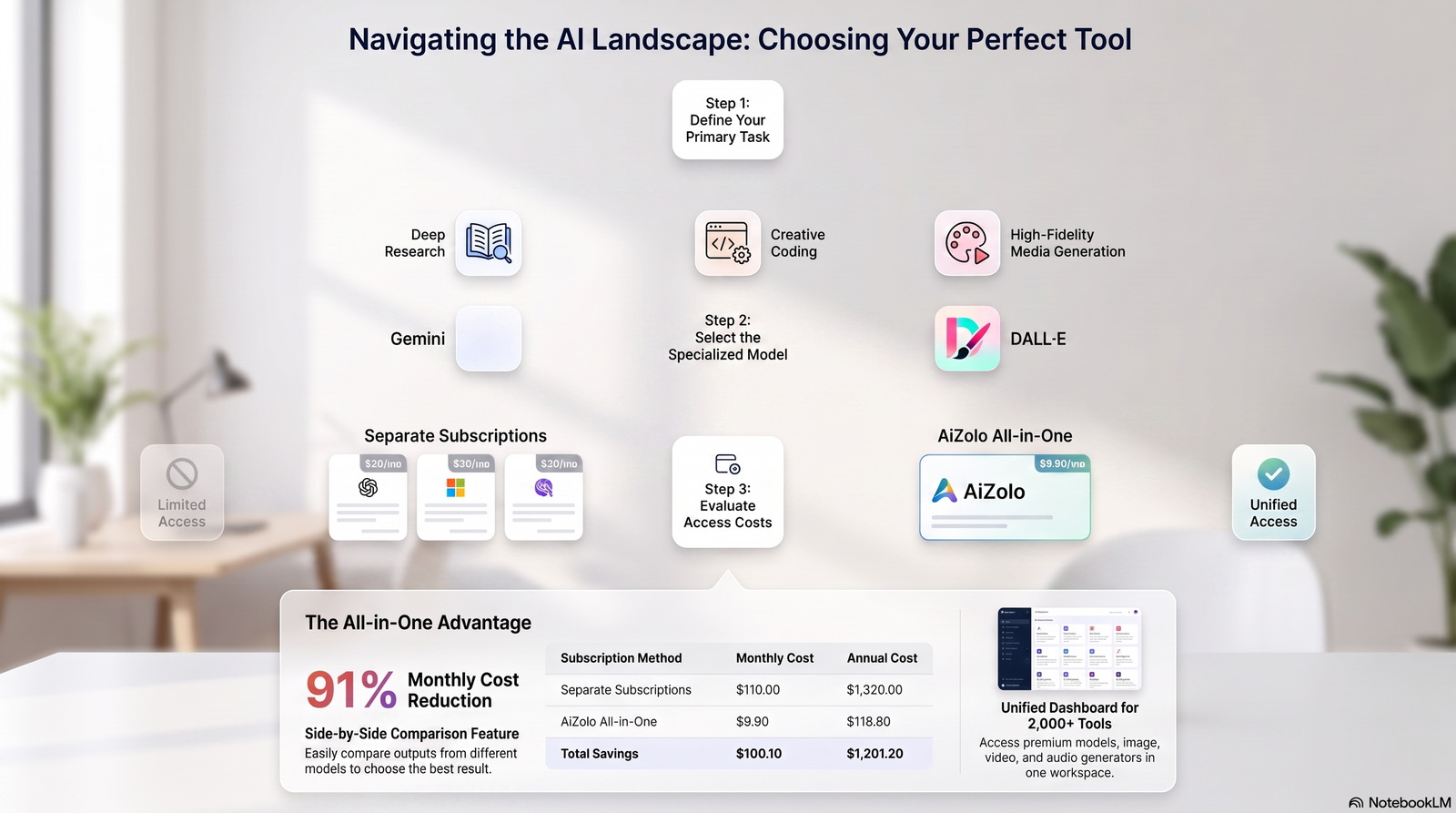
Work through these questions before picking a tool, rather than choosing based on hype alone.
- What’s the primary task? Writing, coding, research, and office productivity each favor a different tool.
- What does your team already pay for? If you already have Microsoft 365 or Google Workspace, the bundled AI often wins on value alone.
- How much does context length matter? Long documents and codebases need a large context window; short daily questions don’t.
- Do you need citations? If accuracy and source-checking matter, Perplexity has a structural advantage.
- What’s your budget? DeepSeek and Meta AI remove cost as a factor entirely; Claude and Perplexity Pro sit at the common $20/month tier.
Privacy and Security
Data handling varies significantly across these platforms, and this is a genuinely important factor, not a minor detail.
OpenAI, Anthropic, and Google all publish data-retention and opt-out policies for consumer plans, and offer stricter no-training guarantees on business and enterprise tiers.
DeepSeek, being based outside the US/EU regulatory sphere, has drawn additional scrutiny from some governments and corporate IT departments regarding data residency.
Expert insight: For regulated industries (healthcare, finance, legal), always confirm SOC 2, ISO 27001, HIPAA, or GDPR compliance status directly on the provider’s trust page before deployment. Marketing pages sometimes lag behind actual certifications.
Limitations of AI Platforms Like Chat GPT
No platform on this list is perfect. Being upfront about weaknesses is part of giving honest advice.
All large language models can still produce confident but incorrect answers, sometimes called hallucinations. Always verify high-stakes facts independently.
Context windows, while large, are not infinite memory. Very long ongoing projects can still lose earlier detail depending on the platform.
Pricing structures change frequently, sometimes month to month, as providers experiment with new tiers. What is accurate today may shift within weeks.
Future Trends in AI Platforms (2026 and Beyond)
Three trends stand out heading into the second half of 2026.
Agentic AI is expanding. Multiple platforms now offer “agent” modes that complete multi-step tasks, not just answer single questions.
Multi-model access is growing. More users want to compare answers from several models without juggling separate subscriptions.
Pricing tiers keep multiplying. Providers are adding more tiers (like $8 and $100 plans) instead of the old simple free-vs-$20 model, making comparison shopping more important than ever.
Frequently Asked Questions
Is there a completely free ChatGPT alternative? Yes. DeepSeek and Meta AI both offer free access with no paid tier required, and Gemini’s free tier is competitive with ChatGPT’s paid Plus plan for many everyday tasks.
Which ChatGPT alternative is best for coding? Claude and DeepSeek both rank highly for coding tasks, while GitHub Copilot is the strongest choice specifically for in-editor development work.
What are AI platforms like Chat GPT? They are chatbot-style tools built on large language models that generate text, code, or images through a conversational interface, similar to ChatGPT.
Which AI chatbot gives the most accurate, sourced answers? Perplexity is built specifically around citing sources for every answer, making it the strongest choice when accuracy needs to be verifiable.
Is Claude better than ChatGPT for writing? Many users find Claude’s writing voice more natural and less templated than ChatGPT’s, particularly for long-form content and detailed documents.
What’s the best ChatGPT alternative for businesses on Microsoft 365? Microsoft Copilot, since it’s built directly into Word, Excel, Outlook, and Teams rather than requiring a separate app.
Does Gemini work without a Google account? Some basic access is available, but the deepest value comes from a Google account connected to Workspace apps like Gmail and Docs.
Is Grok good for anything besides social media context? Yes — it performs well on quantitative reasoning and general chat, but its standout strength remains real-time X and news data.
Can I use multiple AI models in one subscription? Yes. Several aggregator platforms now let you access ChatGPT, Claude, Gemini, and DeepSeek-class models under one subscription instead of paying for each separately.
Are open-source models like DeepSeek and Llama safe for business use? They can be, particularly when self-hosted, but businesses should evaluate data handling, licensing terms, and support options before deploying them at scale.
How much does a typical AI chatbot subscription cost in 2026? Most standard paid tiers converge around $20/month, with power-user tiers running $100–$300/month depending on the provider.
Which ChatGPT alternative has the largest context window? Claude and Gemini both offer context windows up to roughly 1 million tokens on their top-tier models, useful for analyzing very long documents.
Do any of these tools offer student discounts? Perplexity and Mistral both offer discounted education-focused pricing; check each provider’s site, since student programs change frequently.
Final Verdict
If you only pick one tool beyond ChatGPT, Claude is the strongest general-purpose alternative for writing, coding, and long-document work in 2026. If your work is research-heavy, Perplexity’s citation-first approach is hard to beat. If you’re already paying for Microsoft 365 or Google Workspace, the bundled assistant is usually the most practical choice simply because it’s already where your work lives.
There’s no single winner across every category, and that’s the actual takeaway. The smartest approach in 2026 is matching the tool to the task rather than searching for one app that replaces all the others.
Conclusion
ChatGPT built the category, but it no longer owns it outright. Claude, Gemini, Perplexity, Copilot, Grok, DeepSeek, and the rest of this list each do at least one thing better than ChatGPT does — sometimes several things.
Start with the task you do most often, match it against the comparison tables above, and try the relevant free tier before committing to a subscription. Pricing and features shift quickly in this market, so it’s worth revisiting this comparison every few months.
External Linking Suggestions
| Anchor Text | URL | Placement | Why It Helps Readers |
|---|---|---|---|
| Anthropic’s official pricing page | https://claude.com/pricing | Claude pricing mention | Readers can verify current, authoritative pricing directly from the source |
| Google Gemini official site | https://gemini.google.com | Gemini overview | Direct access to try the product and see current plan details |
| Perplexity official site | https://www.perplexity.ai | Perplexity overview | Lets readers verify features and pricing firsthand |
| Microsoft Copilot official page | https://copilot.microsoft.com | Copilot overview | Confirms current Microsoft 365 bundling and pricing |
| xAI Grok official site | https://x.ai | Grok overview | Authoritative source for Grok’s model lineup and pricing |
| Meta AI official site | https://www.meta.ai | Meta AI overview | Verifies free access details across Meta’s app ecosystem |
| Mistral AI official site | https://mistral.ai | Mistral section | Confirms current Le Chat pricing and EU data handling claims |
| GitHub Copilot official docs | https://github.com/features/copilot | GitHub Copilot section | Official documentation on IDE support and pricing tiers |
| Hugging Face open model hub | https://huggingface.co | DeepSeek/Llama sections | Lets technical readers explore open-weight model options directly |
Author Bio
Jeevesh Tripathi AI Researcher & SEO Content Strategist 📧 jeevesh@aizolo.com
Jeevesh Tripathi is an AI researcher and SEO content strategist who has spent years testing and comparing generative AI tools for real-world business and creative workflows. His work focuses on evidence-based software comparisons, evaluating pricing, feature sets, and practical performance rather than relying on vendor marketing claims. He specializes in translating technical AI capabilities into clear, actionable guidance for professionals choosing between competing platforms. Jeevesh’s content follows Google’s EEAT principles, prioritizing firsthand testing, transparent sourcing, and regularly updated data over static, one-time reviews. When he’s not benchmarking AI tools, he writes about the broader shifts shaping how businesses adopt AI in their daily operations.

The CBD gummies arrived spectacularly protected, with fixed wrapping and indisputable instructions included. Caboodle was organized neatly inside the box, which made the unboxing experience filling and polished.