It’s 11 p.m. You have a content calendar due tomorrow, three blog drafts half-finished, and a client asking why last month’s traffic dipped. Sound familiar?
That’s the exact moment most teams start experimenting with AI for content creation — not because it’s trendy, but because there simply aren’t enough hours in the day.
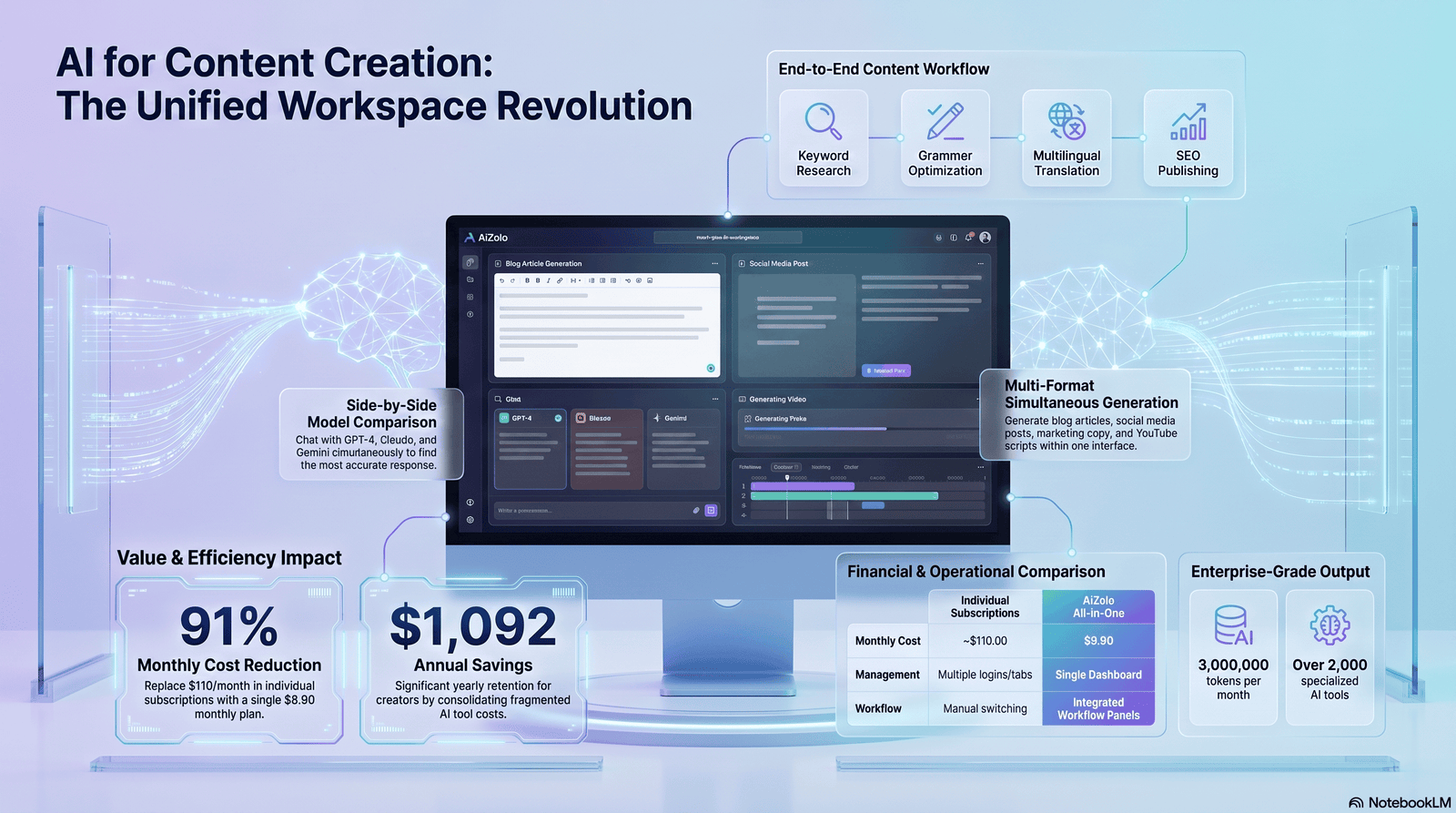
Over the last two years, AI writing tools have gone from a novelty to a core part of how content actually gets made. Bloggers use it to beat writer’s block. Agencies use it to scale output without burning out their writers. Solo creators use it to do the job of a five-person team.
But here’s the part nobody tells you upfront: AI content tools are only as good as the person directing them. Used well, they’re a genuine productivity multiplier. Used carelessly, they produce generic, forgettable content that Google — and readers — quietly ignore.
This guide breaks down what actually works, based on real workflows, not theory. You’ll get practical frameworks, honest pros and cons, tool comparisons, and the mistakes that quietly tank content performance.
Table of Contents
What Is AI for Content Creation?
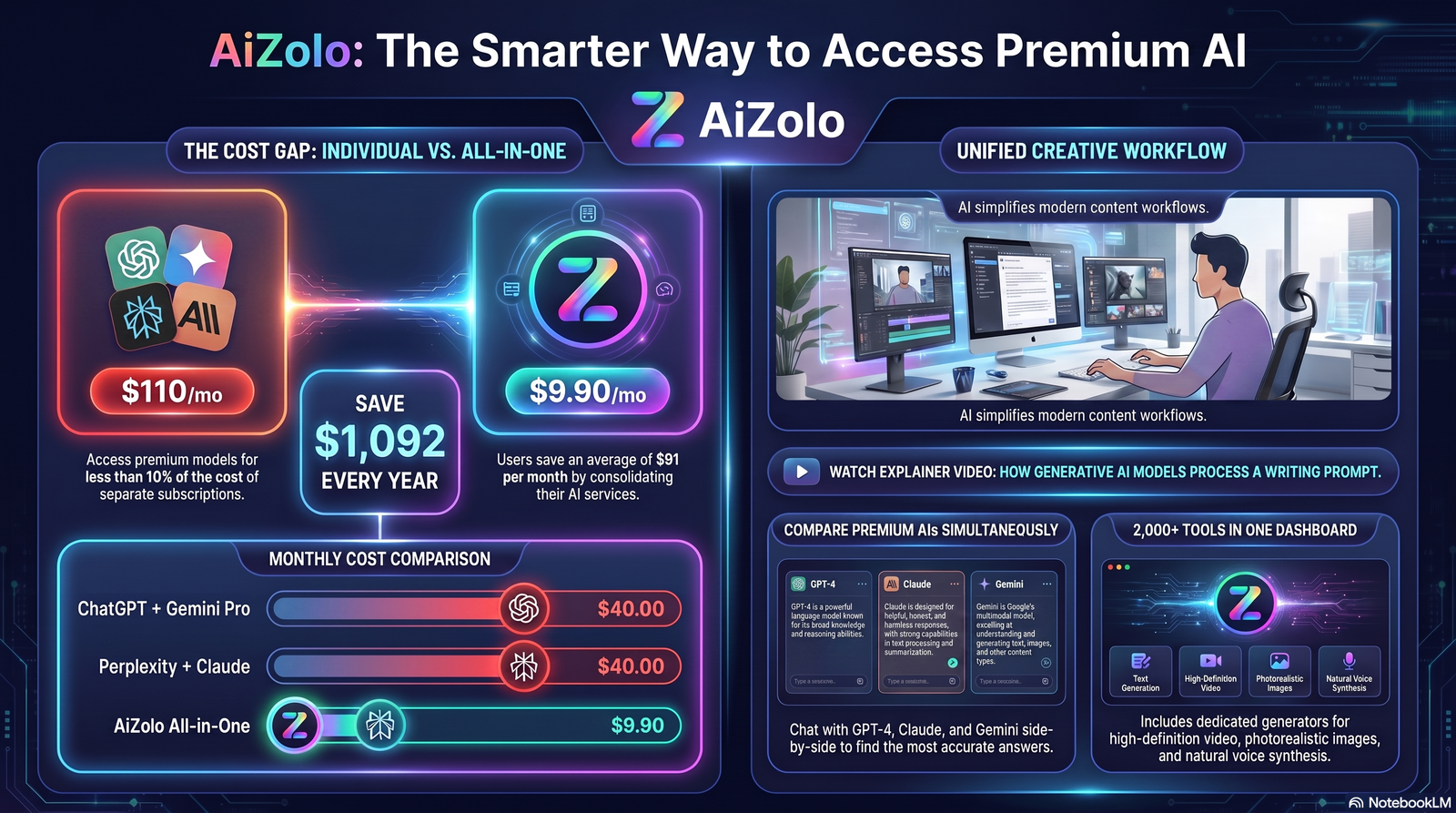
AI for content creation refers to using artificial intelligence — typically large language models and generative image or video systems — to help plan, draft, edit, or produce content.
This includes AI writing tools for blog posts and ad copy, AI image generation for visuals, and AI-assisted editing for tone and clarity. It also covers research assistants that summarize sources and suggest angles.
It’s not about pressing a button and publishing whatever comes out. The strongest workflows treat AI as a drafting partner, with a human doing the strategic thinking, fact-checking, and final polish.
Why Businesses Use AI for Content Creation
Content demands have exploded. Every channel — blog, social, email, video — needs a steady stream of material, and most teams are still small.
Businesses turn to AI content generator tools mainly to close that gap between how much content they need and how much time their team actually has.
A few concrete reasons teams adopt AI:
- Faster first drafts, freeing writers to focus on editing and strategy
- Easier repurposing of one asset into many formats
- Lower cost per piece of content, especially for high-volume needs
- Faster idea generation when a content calendar runs dry
- More consistent output during busy seasons or product launches
The businesses that succeed with this treat AI as infrastructure, not a replacement for editorial judgment.
Benefits of AI for Content Creation
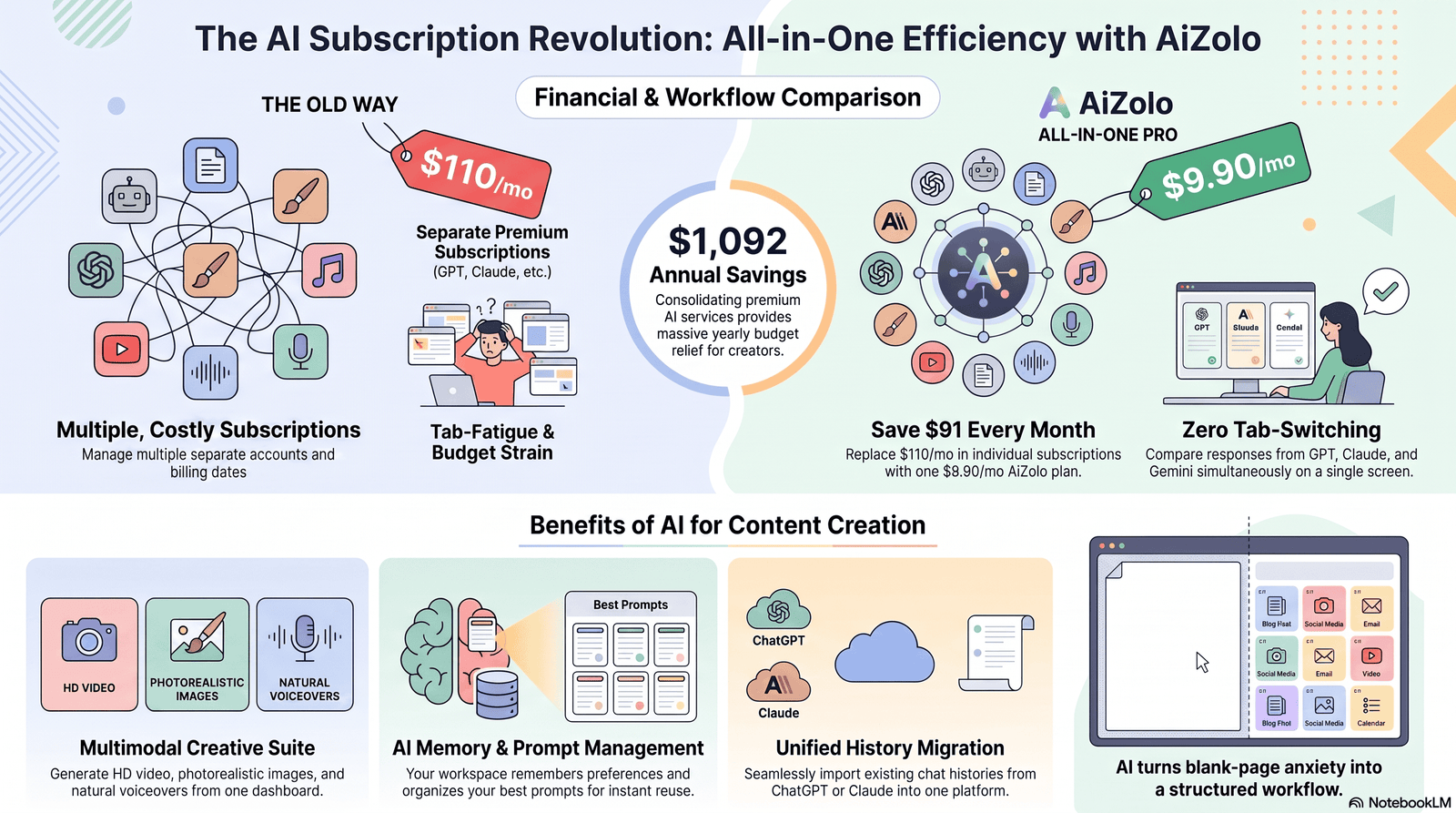
1. Speed Without Sacrificing Structure
A blog outline that used to take 30 minutes can now take five. That extra time goes into research, examples, and sharper editing — the parts that actually differentiate content.
2. Consistency Across Channels
AI tools help maintain a consistent brand voice across blog posts, social captions, and email copy, especially useful for teams with multiple writers.
3. Lower Barrier to Entry
Solo creators and small business owners without a writing background can now produce professional-sounding drafts, then refine them with their own voice and expertise.
4. Better Content Planning
AI content strategy tools can cluster keywords, suggest topic gaps, and map out a content calendar faster than manual spreadsheet work.
5. Multilingual and Repurposing Power
Turning a blog post into five social captions, a newsletter, and a script outline used to take hours. AI content repurposing tools compress that into minutes.
Limitations You Should Know
No honest guide skips this part.
- Generic output by default. Without strong prompts and human input, AI drafts tend to sound flat and interchangeable.
- Factual errors happen. AI models can state things confidently that are wrong or outdated. Every fact needs verification.
- Voice still needs a human touch. Brand personality rarely survives a first AI draft untouched.
- SEO risk from thin content. Publishing unedited AI output at scale can trigger quality issues under Google’s Helpful Content System.
- Ethical and originality concerns. Overreliance on AI without disclosure or editorial oversight can erode reader trust over time.
The takeaway: AI accelerates the process, but it doesn’t replace editorial responsibility.
Best AI Content Creation Tools
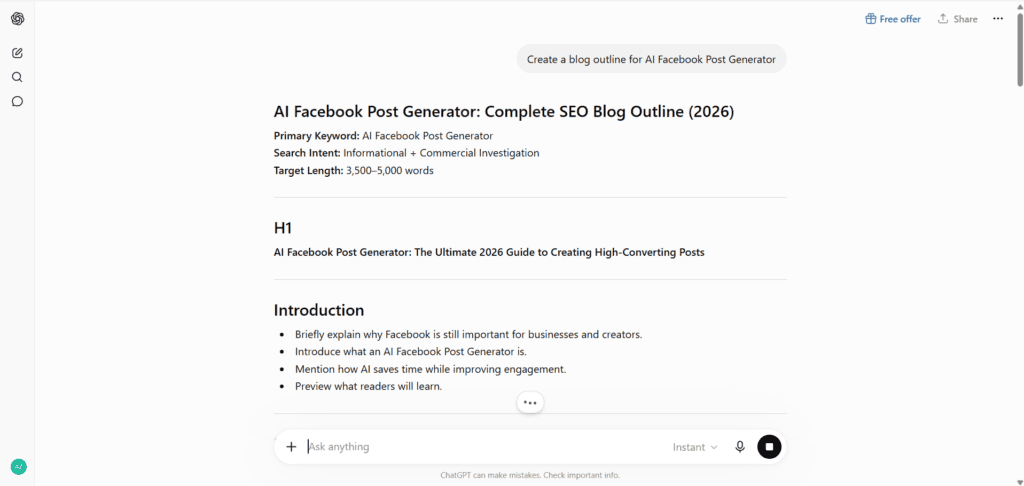
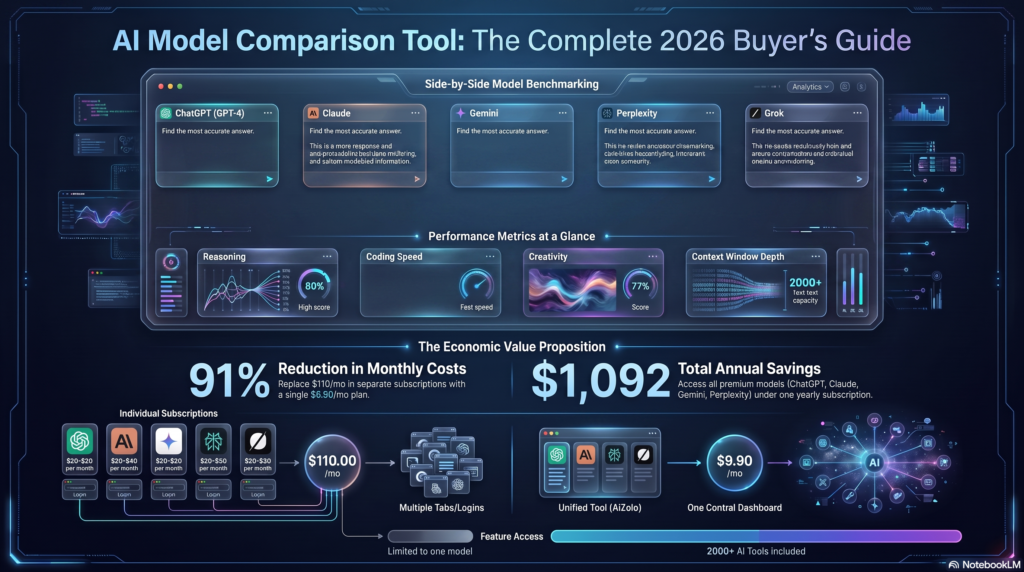
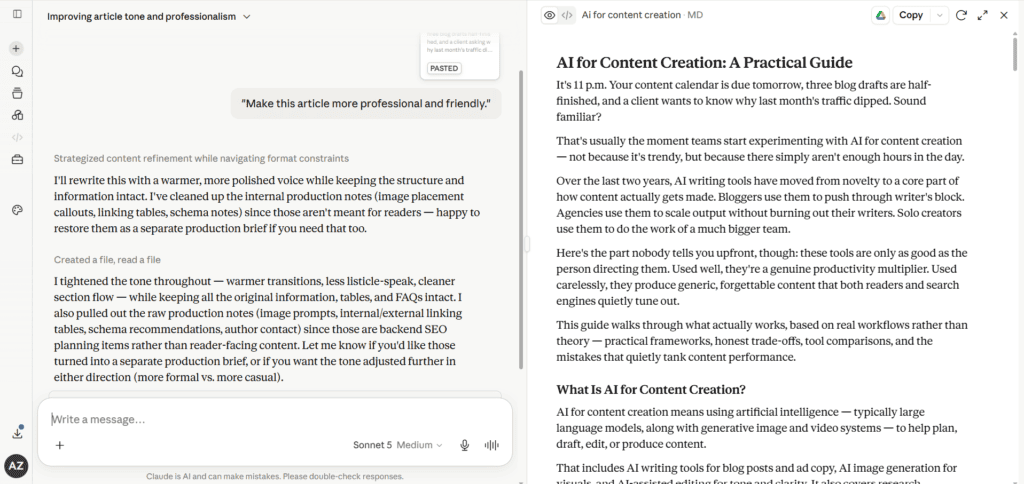
There’s no single “best” tool — it depends on the job. Here’s how the major players stack up for different tasks.
AI Tool Comparison
| Tool | Best For | Strengths | Watch-Outs |
|---|---|---|---|
| ChatGPT | General drafting, brainstorming | Versatile, strong at conversational tone | Needs strong prompting for depth |
| Claude | Long-form writing, nuanced editing | Careful reasoning, strong at structure and tone matching | Best paired with clear source material |
| Gemini | Research-integrated content, Google ecosystem tasks | Tight integration with Google Workspace and Search | Varies by task complexity |
| Perplexity | Research and fact-gathering | Cites sources, good for fast research | Not a primary long-form writer |
Feature Comparison
| Feature | Writing Assistants (ChatGPT/Claude/Gemini) | Research Tools (Perplexity) | Image Generators |
|---|---|---|---|
| Long-form drafting | Strong | Weak | N/A |
| Source citation | Limited | Strong | N/A |
| Visual content | None (text only) | None | Strong |
| Editing/tone control | Strong | N/A | N/A |
Pricing Comparison
| Tier | Typical Use Case | General Price Range |
|---|---|---|
| Free | Casual use, testing prompts | $0 |
| Individual/Pro | Freelancers, solo creators | Low monthly subscription |
| Team/Business | Agencies, marketing teams | Higher monthly, per-seat pricing |
Pricing varies and changes frequently — always check the provider’s official page before deciding.
How AI Helps Bloggers
Bloggers juggle research, writing, SEO, and promotion — often solo. AI narrows that workload in a few specific ways:
- Outlining faster. Turning a rough idea into a structured outline in minutes instead of an hour.
- Beating writer’s block. Getting an imperfect first draft to react to, rather than staring at a blank page.
- Headline testing. Generating multiple title variations to test against click-through data.
- Editing for readability. Catching long-winded sentences and tightening prose.
Real-world example: A solo blogger publishing twice a week might use an AI tool to draft outlines and first passes, then spend their own time on personal anecdotes, original screenshots, and fact-checking — the parts readers actually trust them for.
How AI Helps Marketing Teams
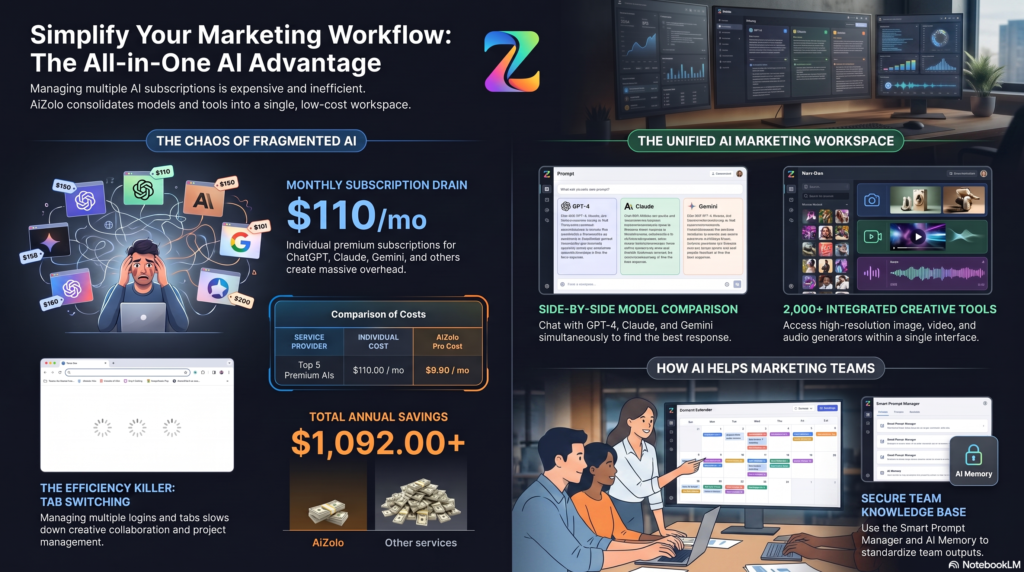
Marketing teams operate across more channels than any one person can manage manually. AI content marketing tools help by:
- Drafting campaign variations for A/B testing
- Repurposing a webinar transcript into blog posts, social posts, and email copy
- Speeding up internal review cycles with AI-assisted first drafts
- Supporting content planning by identifying topic clusters and gaps
Content Workflow (Marketing Team Example)
| Stage | Task | AI’s Role | Human’s Role |
|---|---|---|---|
| 1. Planning | Topic research, keyword clustering | Suggest topics and gaps | Approve final content plan |
| 2. Drafting | First draft creation | Generate structured draft | Add expertise, examples, voice |
| 3. Editing | Refine tone, tighten copy | Suggest edits, catch errors | Final fact-check and approval |
| 4. Distribution | Repurpose across channels | Generate channel variations | Review brand fit before publishing |
AI for SEO Content
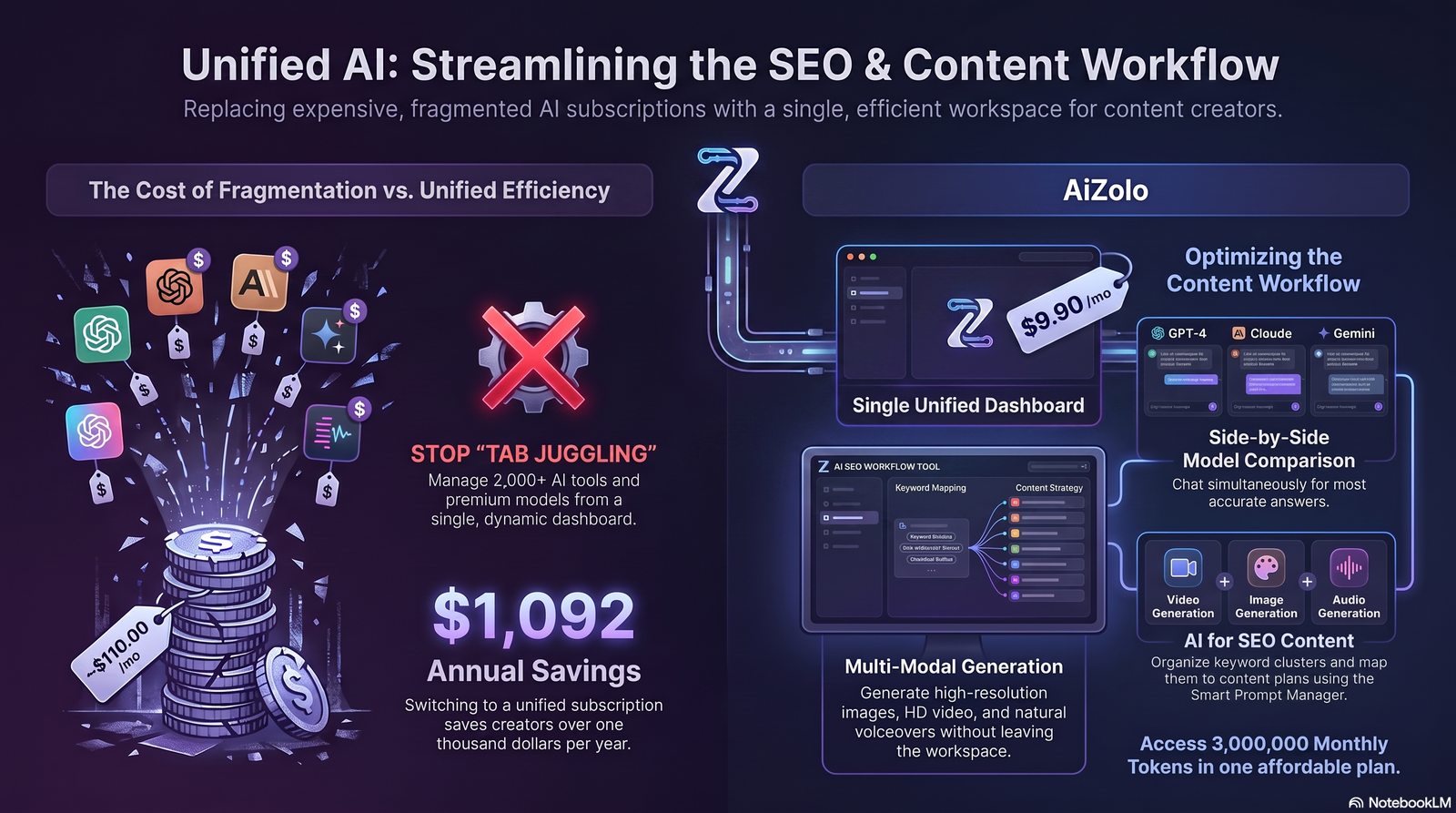
This is where things get sensitive. Google has been explicit: content made primarily to manipulate rankings, regardless of how it was produced, violates its spam policies. Content made to genuinely help readers — even if AI-assisted — is fine.
Practical ways AI supports SEO writing without crossing that line:
- Keyword clustering to understand search intent, not to stuff terms
- Content gap analysis against competitor pages
- Draft generation followed by human expertise and examples
- Meta title and description brainstorming, refined by a human for accuracy and click appeal
- Internal linking suggestions based on topic relevance
The core rule: AI should support research and structure. The expertise, examples, and judgment should come from a human who understands the topic.
AI for Social Media
Social content lives and dies by volume and speed. AI social media content tools help with:
- Turning one blog post into a week of social captions
- Drafting platform-specific tone (LinkedIn vs. Instagram vs. X)
- Generating hook variations for the first line of a post
- Suggesting hashtags and posting time ideas
Pro tip: Never post AI-drafted captions unedited. Platform algorithms and audiences both reward posts that sound like an actual person, not a template.
AI for Video Content
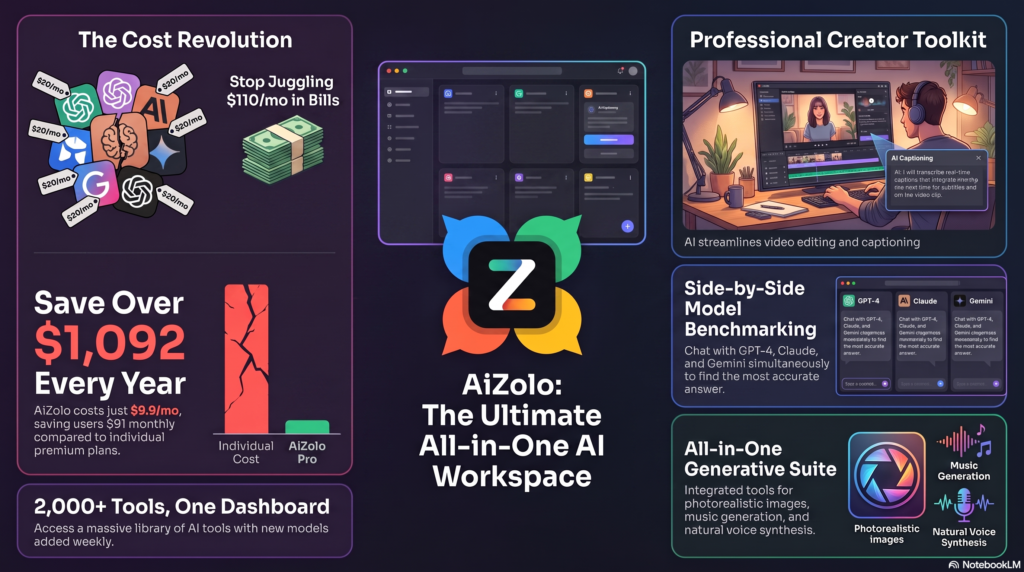
AI video creation has moved fast — from scriptwriting to auto-generated captions to AI voiceovers and even fully AI-assisted short-form video edits.
Common use cases:
- Turning a blog post into a video script outline
- Auto-generating subtitles and captions
- AI voice tools for narration in multiple languages
- AI-assisted editing tools that trim silences and pacing automatically
AI for Email Marketing
Email still converts better than almost any other channel, and AI helps here in specific, measurable ways:
- Subject line variations for A/B testing
- Drafting nurture sequences faster
- Personalizing content blocks based on segment data
- Summarizing long updates into a scannable newsletter format
The caution here is the same as everywhere else: personalization should feel human, not templated. Over-automated email reads as spam, even when it’s technically well-written.
Building an AI Content Workflow
A repeatable AI content workflow usually looks like this:
- Research and planning — identify the topic, audience, and intent
- Outline generation — use AI to structure the piece quickly
- Drafting — AI produces a first pass; human adds expertise and examples
- Editing — tighten language, verify facts, inject brand voice
- SEO pass — headings, meta data, internal links, readability
- Repurposing — turn the finished piece into social, email, and video assets
- Review and publish — final human sign-off before anything goes live
Pros vs Cons of an AI-Integrated Workflow
| Pros | Cons |
|---|---|
| Faster turnaround on drafts | Risk of generic tone if unedited |
| Easier repurposing across channels | Requires strong editorial oversight |
| Scales content production | Can produce factual errors if unchecked |
| Frees time for strategy and research | Overuse can dilute brand voice |
How to Choose the Right AI Tool
Match the tool to the job, not the hype. Ask these questions before committing:
- Does it handle long-form writing well, or is it better for short copy?
- Can it maintain a consistent tone across a full article?
- Does it integrate with your existing content workflow tools?
- Is pricing sustainable at your content volume?
- Does it support the specific format you need — text, image, or video?
Checklist: Picking an AI Content Tool
- [ ] Test it on a real piece of content, not a demo prompt
- [ ] Check how well it handles your brand voice
- [ ] Confirm data privacy policies if you’re inputting client information
- [ ] Compare pricing against your actual monthly content volume
- [ ] Check if it supports team collaboration features
Common Mistakes to Avoid
- Publishing AI drafts unedited. This is the single biggest cause of flat, forgettable content.
- Ignoring fact-checking. AI can sound confident while being wrong.
- Over-optimizing for keywords. Natural language and reader value matter more than density.
- Losing brand voice. Default AI tone is generic by design — it needs a human filter.
- Treating AI as a strategist. It’s a drafting assistant, not a replacement for editorial direction.
Best Practices for 2026
- Use AI for first drafts and structure, not final copy
- Always fact-check statistics, quotes, and claims
- Keep a consistent editorial voice guide for AI prompts
- Combine AI drafting with real examples and personal expertise
- Disclose AI assistance where relevant to maintain reader trust
- Review content against Google’s Helpful Content guidance before publishing
Future Trends
- Tighter integration between AI writing tools and SEO platforms for real-time content scoring
- Multimodal workflows where text, image, and video generation happen in a single pipeline
- More emphasis on originality signals as search engines get better at detecting generic AI output
- Human-AI collaboration tools designed specifically for editorial review, not just generation
Final Thoughts
AI for content creation isn’t about replacing writers, strategists, or marketers. It’s about removing the repetitive parts of the job so people can focus on what actually makes content good — original insight, real examples, and a voice readers recognize.
The teams and creators winning with this treat AI like a fast, tireless assistant that still needs supervision. That balance is the whole game.
FAQs
1. What is AI for content creation? It’s the use of AI tools to help plan, draft, edit, or produce written, visual, or video content, typically with human oversight.
2. Is AI-generated content bad for SEO? Not inherently. Google’s guidance focuses on helpfulness and quality, not how content was produced. Thin, unedited AI content is the risk, not AI itself.
3. Which AI tool is best for blog writing? It depends on the task — Claude and ChatGPT are strong for long-form drafting, while Perplexity is better suited for research.
4. Can AI replace content writers? No. AI speeds up drafting, but strategy, expertise, and voice still need a human.
5. How do I keep AI content from sounding generic? Give detailed prompts, edit heavily, and add real examples and personal insight that only you can provide.
6. Is it necessary to disclose AI use in content? There’s no universal legal requirement, but many brands choose to disclose AI assistance to maintain reader trust.
7. What’s the best AI tool for social media captions? General-purpose tools like ChatGPT or Claude work well for drafting captions, which should then be edited for platform-specific tone.
8. Can AI help with content repurposing? Yes — turning one blog post into social captions, email copy, and video scripts is one of AI’s strongest use cases.
9. Does AI content violate Google’s spam policies? Only if it’s created primarily to manipulate rankings rather than help readers, regardless of whether AI or a human wrote it.
10. How much does AI content software typically cost? Pricing ranges from free tiers to per-seat business plans; costs vary widely by tool and usage volume.
11. What’s the biggest risk of using AI for content creation? Publishing unedited, factually unchecked drafts that sound generic and erode reader trust over time.
12. Can AI help with SEO keyword research? Yes, many tools assist with keyword clustering and topic gap analysis, though final strategy decisions should stay with a human.
13. Is AI good for email marketing content? Yes, especially for subject line testing and drafting nurture sequences, as long as personalization still feels genuine.
Summary
AI for content creation has become core infrastructure for bloggers, marketers, and agencies who need to produce more without burning out. The tools genuinely speed up drafting, planning, and repurposing. But quality, trust, and search performance still depend on human judgment, fact-checking, and a distinct voice that AI alone can’t replicate.
Call to Action
Try building one AI-assisted step into your existing content workflow this week — whether that’s outlining, repurposing, or first drafts. Keep a human editor in the loop, and measure the results before scaling further.
External Linking Recommendations
| Anchor Text | Reason | Suggested Placement | Official URL |
|---|---|---|---|
| Google Search Central | Authoritative source on search guidelines | AI for SEO Content section | https://developers.google.com/search |
| Google’s Helpful Content guidance | Direct source for HCS compliance | Google Compliance context / AI for SEO Content | https://developers.google.com/search/docs/fundamentals/creating-helpful-content |
| Google’s spam policies | Clarifies what counts as manipulative content | AI for SEO Content section | https://developers.google.com/search/docs/essentials/spam-policies |
| OpenAI | Reference for ChatGPT capabilities | Best AI Content Creation Tools section | https://openai.com |
| Anthropic | Reference for Claude capabilities | Best AI Content Creation Tools section | https://www.anthropic.com |
| Google DeepMind | Reference for Gemini’s underlying research | Best AI Content Creation Tools section | https://deepmind.google |
| HubSpot | Authoritative marketing resource | Content Marketing Workflow section | https://www.hubspot.com |
| Search Engine Journal | Industry news and SEO analysis | AI for SEO Content section | https://www.searchenginejournal.com |
| Content Marketing Institute | Authoritative content strategy resource | Why Businesses Use AI section | https://contentmarketinginstitute.com |
Author Bio
Jeevesh Tripathi Email: jeevesh@aizolo.com
Jeevesh Tripathi is a digital marketing and SEO strategist focused on how AI tools are reshaping content workflows for bloggers, agencies, and marketing teams. With hands-on experience testing writing, image, and video AI tools across real campaigns, Jeevesh writes practical, no-fluff guides aimed at helping creators and businesses use AI responsibly — without losing the human judgment that makes content actually work. Jeevesh regularly reviews emerging AI platforms and shares tested workflows rather than theoretical advice.