
Table of Contents
Introduction
Most cold emails get deleted in under two seconds. Not because the offer is bad — because the email reads like it was written for 10,000 people at once, because in most cases, it was.
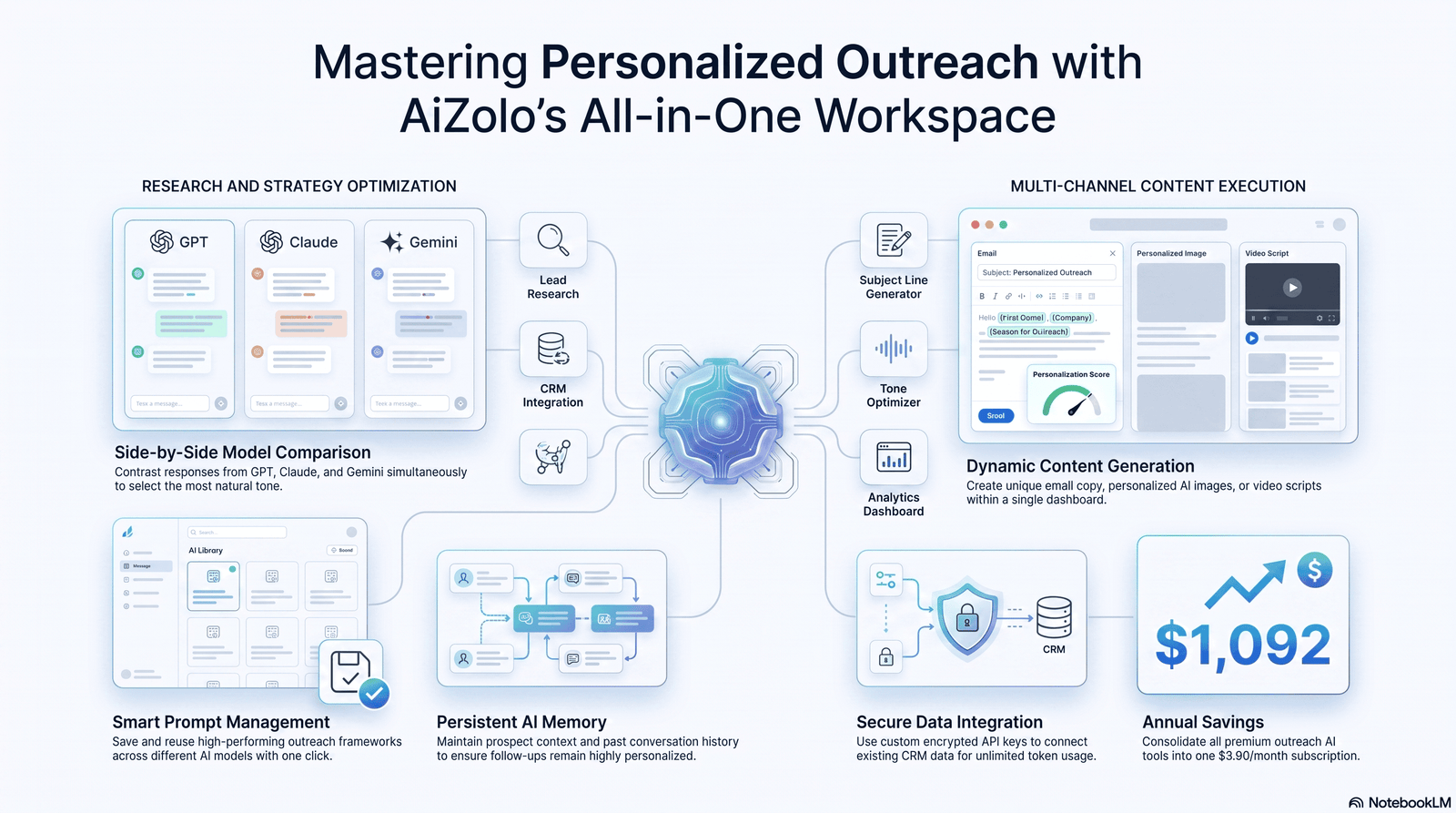
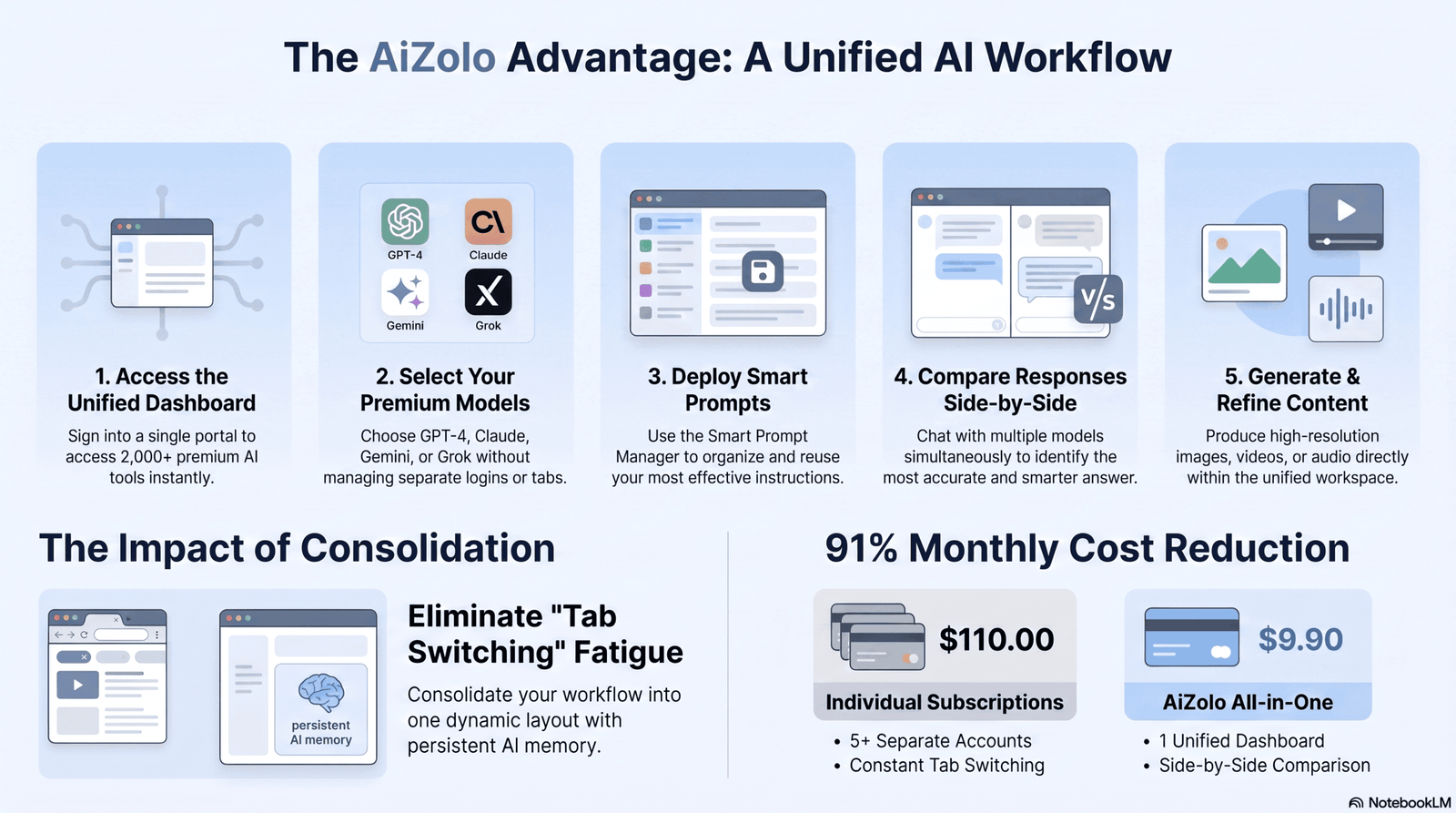
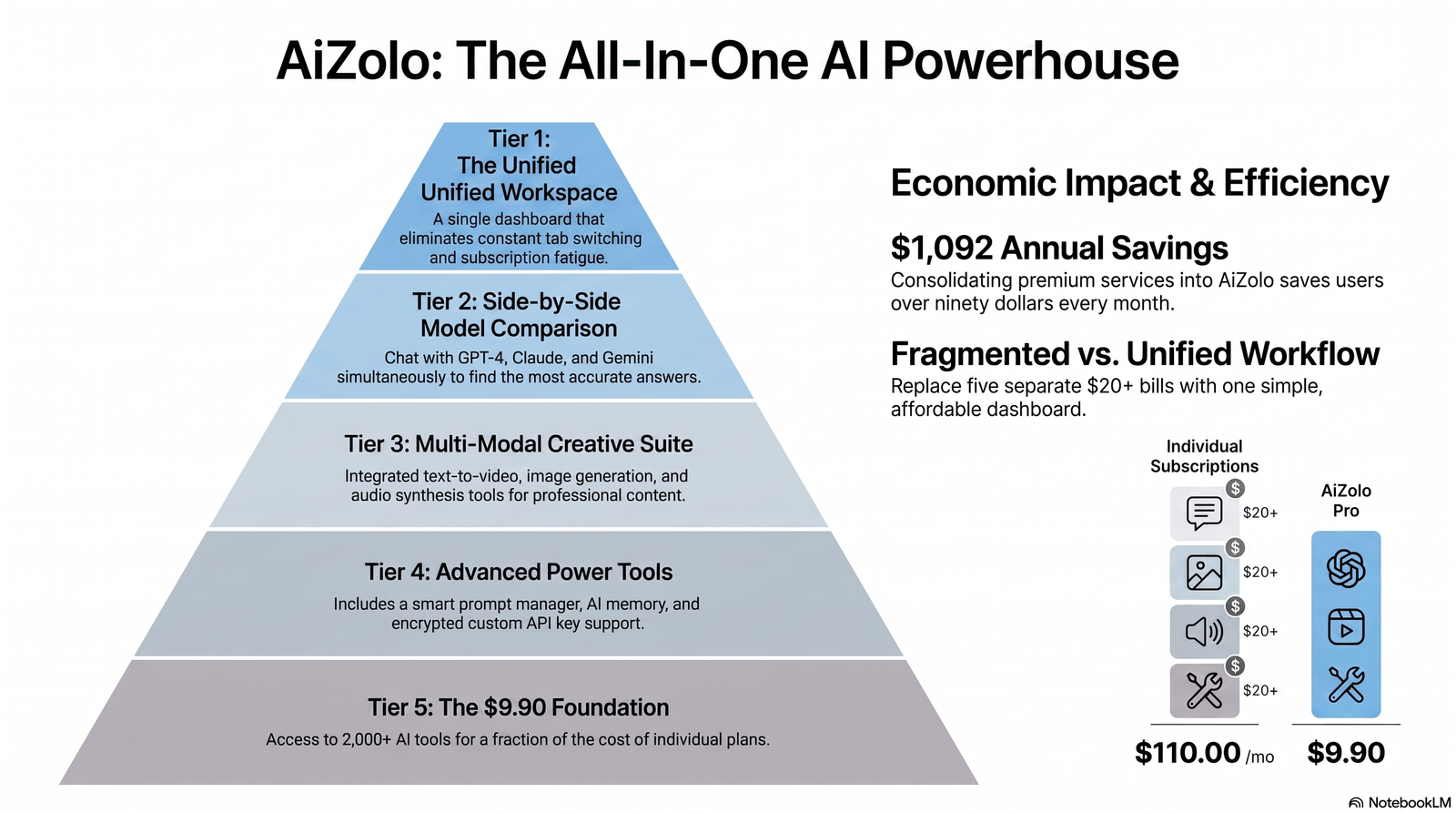
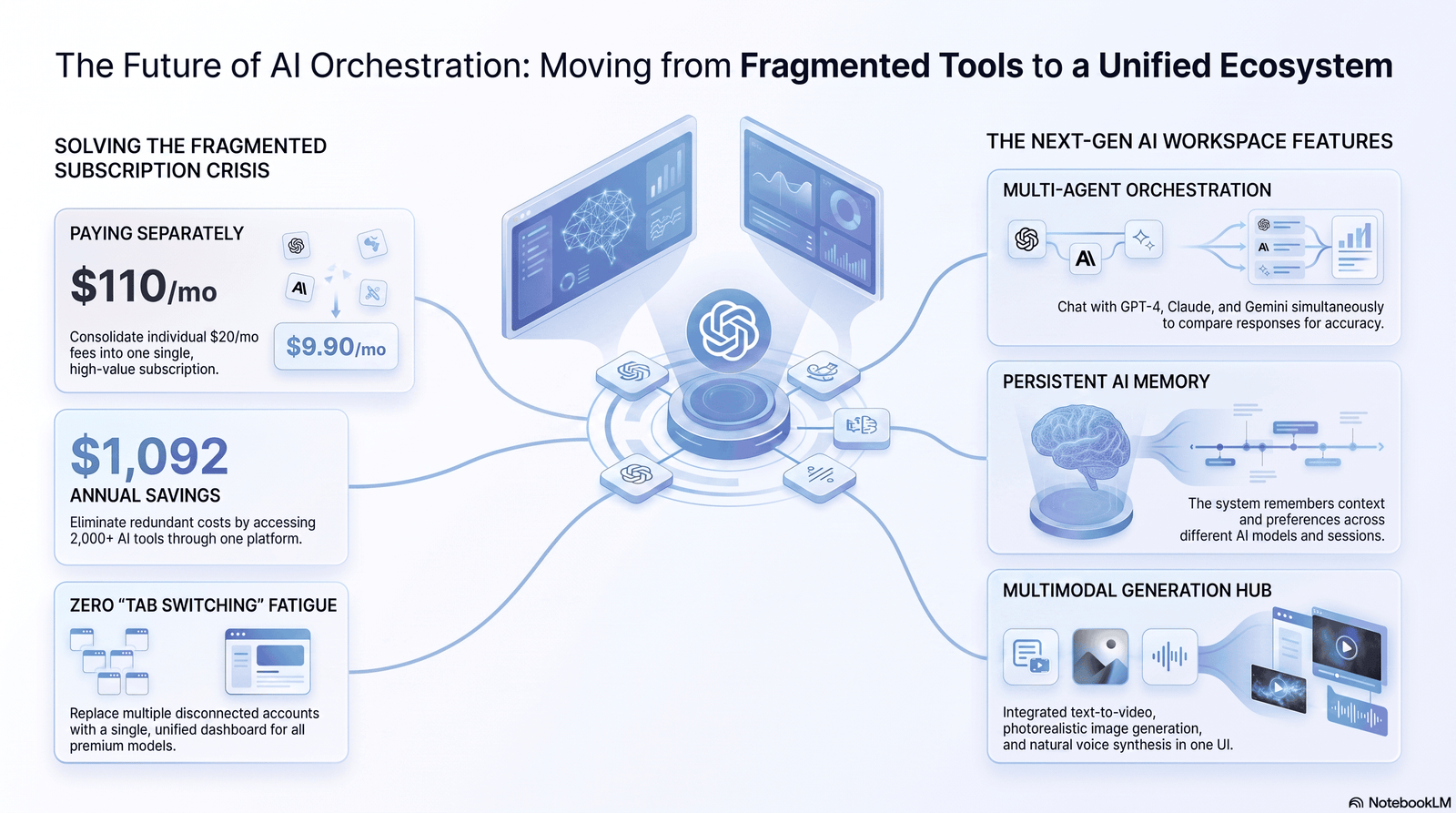
That’s the actual problem AI is solving right now. Not “write emails faster.” Faster isn’t the bottleneck. The bottleneck is that personalization used to require a human to read a prospect’s LinkedIn, website, and recent news, then translate that into a relevant first line. Platforms like Aizolo help streamline this research and drafting process, making it practical to personalize outreach at scale—something no SDR has time to do for 300 prospects a week.
This guide is about how to use AI for generating personalized cold emails in a way that actually gets replies, not just a way to generate more email faster. You’ll get a full workflow, real prompt structures, a tool comparison, deliverability guidance, and the mistakes that quietly tank reply rates even when the AI output looks polished.
If you’ve tried AI cold email tools and gotten generic, “I noticed you’re the VP of Sales at [Company]…” output — this guide explains exactly why that happens and how to fix it.
What “AI Cold Email” Actually Means
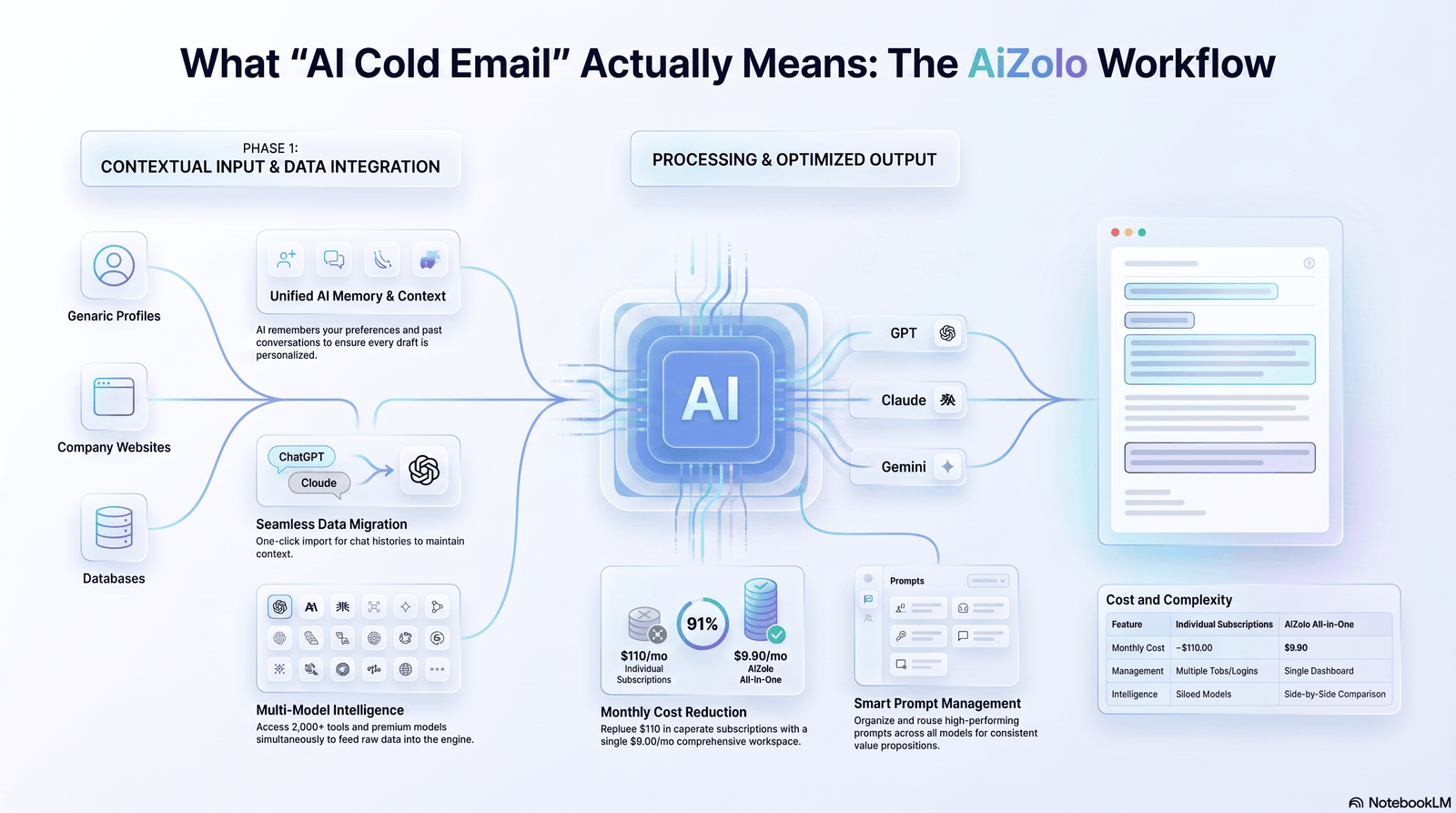
“AI cold email” isn’t one thing. It usually refers to three separate capabilities that get bundled together:
- Generation — an LLM (like GPT-4, Claude, or Gemini) drafts email copy based on inputs you provide.
- Personalization — the AI pulls in prospect-specific data (company, role, recent activity) to make that copy relevant to one person.
- Automation — the system sends, sequences, and follows up without manual intervention.
Did You Know? Most “AI personalization” in cheap tools is just mail-merge with a smarter template. True AI personalization involves the model reasoning over unstructured data (a bio, a press release, a job posting) to generate a unique insight — not just inserting a first name.
The distinction matters because tools marketed as “AI-powered” range from simple variable insertion to genuine LLM reasoning over enriched prospect data. Knowing which one you’re paying for changes how you should use it.
Why Personalization Still Wins in 2026
Inboxes are more crowded than ever, and prospects have gotten very good at pattern-matching generic outreach. A first line that could apply to any company in the same industry gets treated the same as spam, even if it technically isn’t.
Genuine personalization signals one thing to a reader: a human (or something acting like one) actually looked at my situation. That’s what earns the next ten seconds of attention.
AI doesn’t change this psychology — it changes the economics of it. What used to take five minutes of manual research per prospect can now take AI a few seconds, which means personalization is no longer a “top 50 accounts only” tactic. It can scale to hundreds of prospects without collapsing into noise, provided the inputs are good.
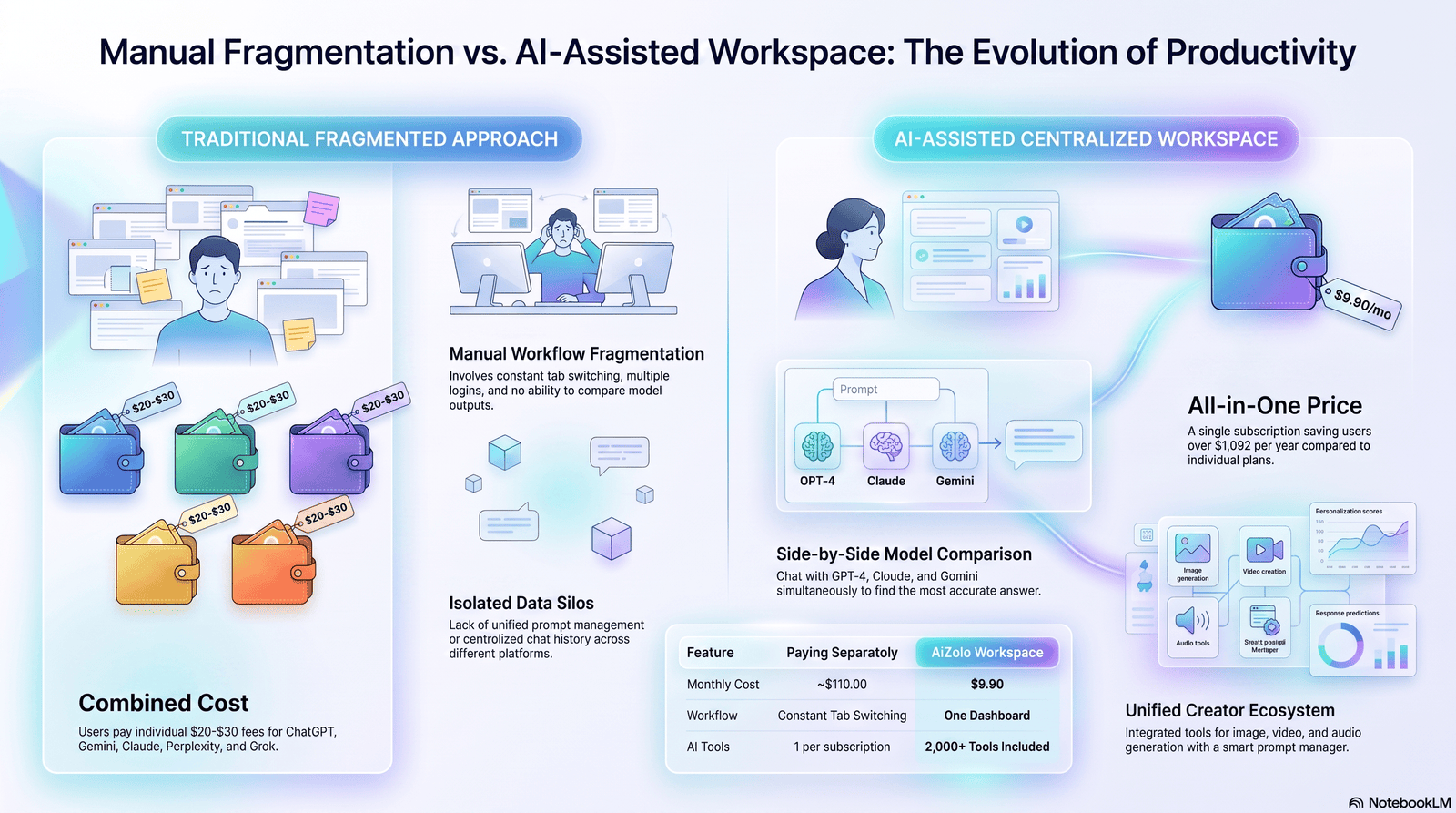
Traditional Outreach vs. AI-Assisted Outreach
| Factor | Traditional (Manual) | AI-Assisted |
|---|---|---|
| Research time per prospect | 5–15 minutes | 10–30 seconds |
| Personalization depth | High (if done well) | High, if inputs are high-quality |
| Scalability | Low — breaks down past ~50/week | High — hundreds per week |
| Consistency | Varies by rep | Consistent tone, variable insight quality |
| Risk of generic output | Low (human judgment) | Medium-high without careful prompting |
| Cost | High (labor hours) | Low (software + API costs) |
| Speed to send | Slow | Fast |
Expert Tip: The winning approach isn’t “AI vs. human” — it’s AI for the first draft and research synthesis, human for the final edit pass on high-value accounts.
How AI Actually Personalizes an Email (Under the Hood)
Understanding the mechanics helps you get better output. Here’s what’s actually happening when an AI tool generates a “personalized” email:
- Data collection — the tool pulls structured data (name, title, company, industry) and sometimes unstructured data (LinkedIn posts, company blog, job listings, news mentions).
- Context construction — this data gets assembled into a prompt, often invisibly, behind the tool’s UI.
- Generation — an LLM processes that prompt and produces email copy, using the context to shape the opening line, value proposition framing, and call to action.
- Post-processing — some tools apply spam-word filters, length limits, or brand voice constraints before showing you the draft.
The quality ceiling of the output is set almost entirely by step 1 and step 2. A brilliant model with thin, generic input still produces a generic email. This is the single most misunderstood part of AI cold email tools.
The Research Layer: Feeding AI the Right Signals
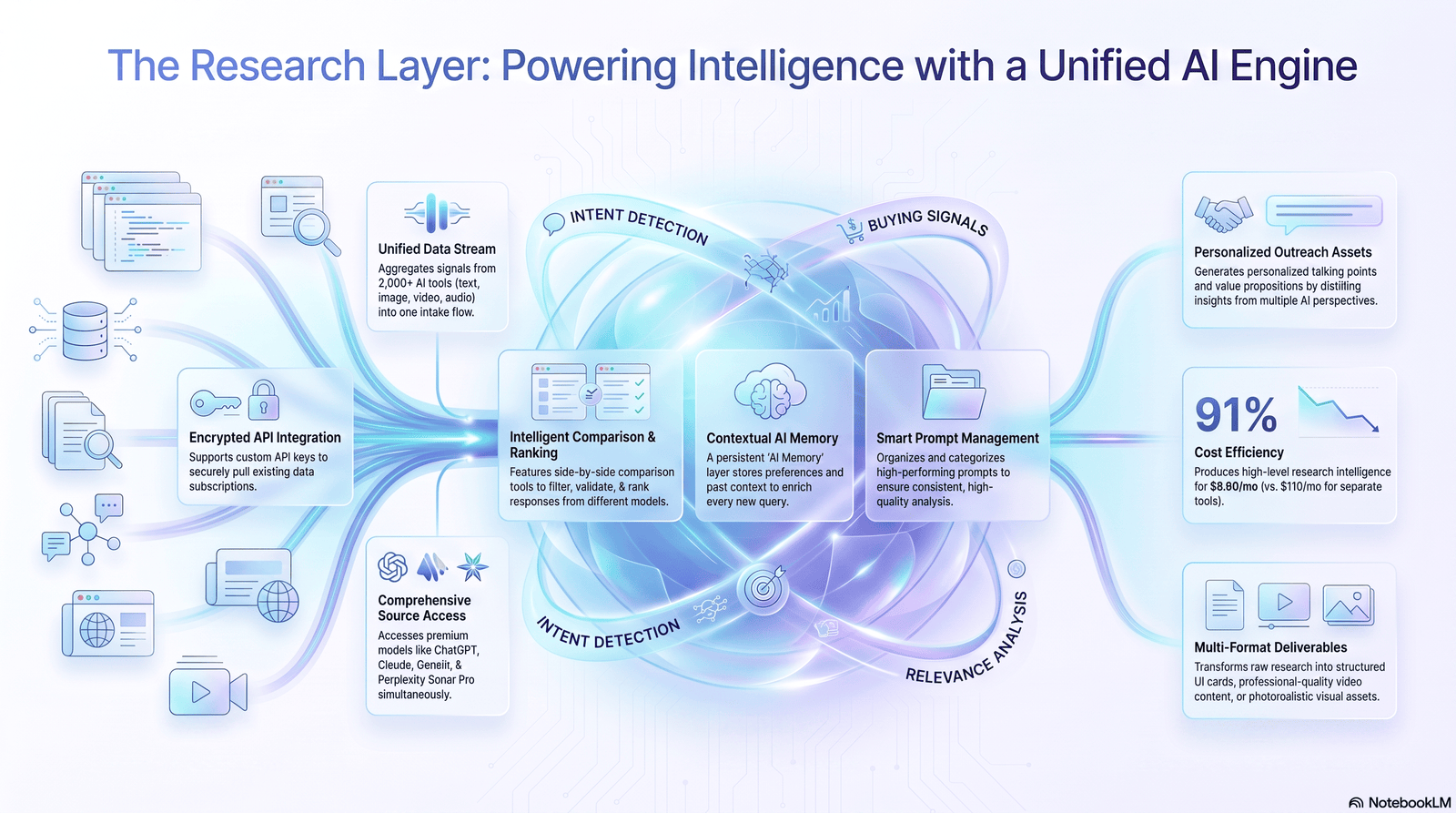
Before you write a single prompt, you need signal — data points specific enough that they couldn’t apply to a random competitor. Useful sources include:
- Recent company news (funding, product launches, leadership changes)
- Job postings (they reveal priorities and pain points)
- LinkedIn activity (posts, comments, shared content)
- Company blog or changelog
- Earnings calls or investor updates (for public companies)
- Reviews on G2/Capterra mentioning pain points with competitors
Comparison Table: Signal Quality
| Signal Type | Personalization Value | Ease of Automation |
|---|---|---|
| Company name/industry | Low | Very high |
| Job title | Low-medium | Very high |
| Recent funding round | High | Medium |
| Job posting content | High | Medium |
| LinkedIn post commentary | Very high | Low-medium |
| Shared connection/mutual context | Very high | Low |
Warning: Feeding AI stale data (a funding round from two years ago, an outdated job title) is worse than no personalization at all — it signals you didn’t actually check.
Prompt Engineering for Cold Email Generation
This is where most of the “how to use AI for generating personalized cold emails” question actually gets answered. A weak prompt produces the generic output everyone complains about. A well-structured prompt produces something that reads like it took ten minutes to write.
Anatomy of a strong cold email prompt
A prompt should include:
- Who you are and what you sell (one or two sentences, not a pitch deck)
- Who the prospect is (role, company, and one specific, current fact about them)
- The angle (why this specific fact connects to your offer)
- Constraints (length, tone, no clichés, no “I hope this finds you well”)
- What NOT to do (negative examples work extremely well with LLMs)
Sample Prompt (Good)
You are writing a cold email for a B2B SaaS founder selling a
customer onboarding analytics tool.

Prospect: Priya Shah, VP of Customer Success at a 200-person
fintech company. She posted on LinkedIn last week about churn
increasing after a recent onboarding flow redesign.

Write a 60-80 word cold email. Reference her specific post
without quoting it directly. Connect it to the idea that
onboarding friction is often invisible without session-level
analytics. End with a low-commitment ask (not "book a call" —
instead ask a specific question she'd want to answer).

Avoid: "I hope this email finds you well," "I noticed that,"
"passionate about," any exclamation points, or generic praise
about her company.
Sample Prompt (Bad — what most people write)
Write a cold email to a VP of Customer Success about our
onboarding analytics product. Make it personalized and
professional.
The second prompt has no specific facts to anchor to, so the model has no choice but to generate something generic — it isn’t a model limitation, it’s an input limitation.
Pro Insight: Ask the model to generate 3 variants of the opening line only, before generating the full email. Reviewing three first lines takes ten seconds and often surfaces a much stronger angle than the model’s first attempt.
Before / After Example
Before (generic AI output): “Hi Priya, I hope this finds you well. I noticed you’re the VP of Customer Success at your company, and I wanted to reach out because we help companies like yours reduce churn.”
After (specific, prompted with real context): “Priya — saw your post on the onboarding redesign and the churn uptick that followed. That disconnect between a flow that looks better and one that performs better is usually invisible without session-level data. Curious whether you’ve looked at drop-off by step yet, or if it’s still a black box?”
The second version works because it references something true, specific, and recent, and it asks a real question instead of pitching.
A Step-by-Step AI Cold Email Workflow
Here’s a practical, repeatable workflow for using AI to generate personalized cold emails at scale.
- Define your ICP and messaging pillars — before touching AI, know the 2-3 pain points you solve and for whom.
- Build or buy a prospect list with enrichment data (title, company, industry, recent signals).
- Enrich further with a research layer — scrape recent LinkedIn posts, job listings, or news via an enrichment tool or API.
- Draft a prompt template with placeholders for the dynamic research fields.
- Batch-generate drafts through your AI tool of choice, in small batches (25–50) to review quality before scaling.
- Human review pass — skim every email for factual accuracy and tone; AI can fabricate details that sound plausible but are wrong.
- Test send to a small segment and monitor open, reply, and bounce rates.
- Refine the prompt based on what’s working, then scale to the full list.
- Automate follow-ups using reply-triggered sequences.
- Track and iterate weekly using reply rate and positive-reply rate as your core metrics.
Best Practice: Always run a human accuracy check before sending. AI models occasionally invent a “recent funding round” or “recent post” that doesn’t exist. Sending a factually wrong personalized line does more damage than sending a generic one.
Personalization Techniques That Actually Convert
Not all personalization is equal. Here’s a rough hierarchy, from weakest to strongest:
- Level 1 — Merge fields: {{first_name}}, {{company}}. Barely counts as personalization anymore; readers are numb to it.
- Level 2 — Segment-based: Different templates per industry or role. Better than nothing, still feels templated.
- Level 3 — Fact-based: One real, current, specific fact about the person or company woven into the opener.
- Level 4 — Insight-based: The email connects that fact to a non-obvious implication (“this usually means X is a problem, even though it doesn’t look like it yet”).
- Level 5 — Relationship-based: References a mutual connection, shared event, or prior interaction.
AI is genuinely useful at Level 3 and Level 4 when given good inputs. Level 5 usually still needs a human to spot the connection.
Framework: The “Fact → Implication → Question” Structure
A simple three-part structure that works well in AI-generated openers:
- Fact — something true and specific about them right now.
- Implication — what that fact usually means, stated as an observation, not a pitch.
- Question — a low-friction question that invites a reply, not a meeting.
Comparing the Major AI Tools for Cold Email
There’s no single “best” AI for cold email — the right choice depends on whether you need raw generation, research automation, or an end-to-end sending platform.
| Tool | Strengths | Weaknesses | Best For |
|---|---|---|---|
| ChatGPT (GPT-4/5 class) | Strong general copywriting, fast iteration, huge ecosystem of prompt templates | No built-in enrichment or sending; personalization depends entirely on your prompt | Drafting and prompt experimentation |
| Claude | Strong at nuanced tone, following detailed constraints, longer context for research documents | No native sending/CRM integration | Complex, high-value account messaging where tone matters |
| Gemini | Deep integration with Google Workspace and Sheets, useful for bulk-processing prospect lists | Personalization quality varies by prompt structure, similar to other general models | Teams already living in Google Workspace |
| Perplexity | Strong at real-time research and citing sources, useful for the research layer before generation | Not built for email drafting itself | Gathering current facts about a prospect or company |
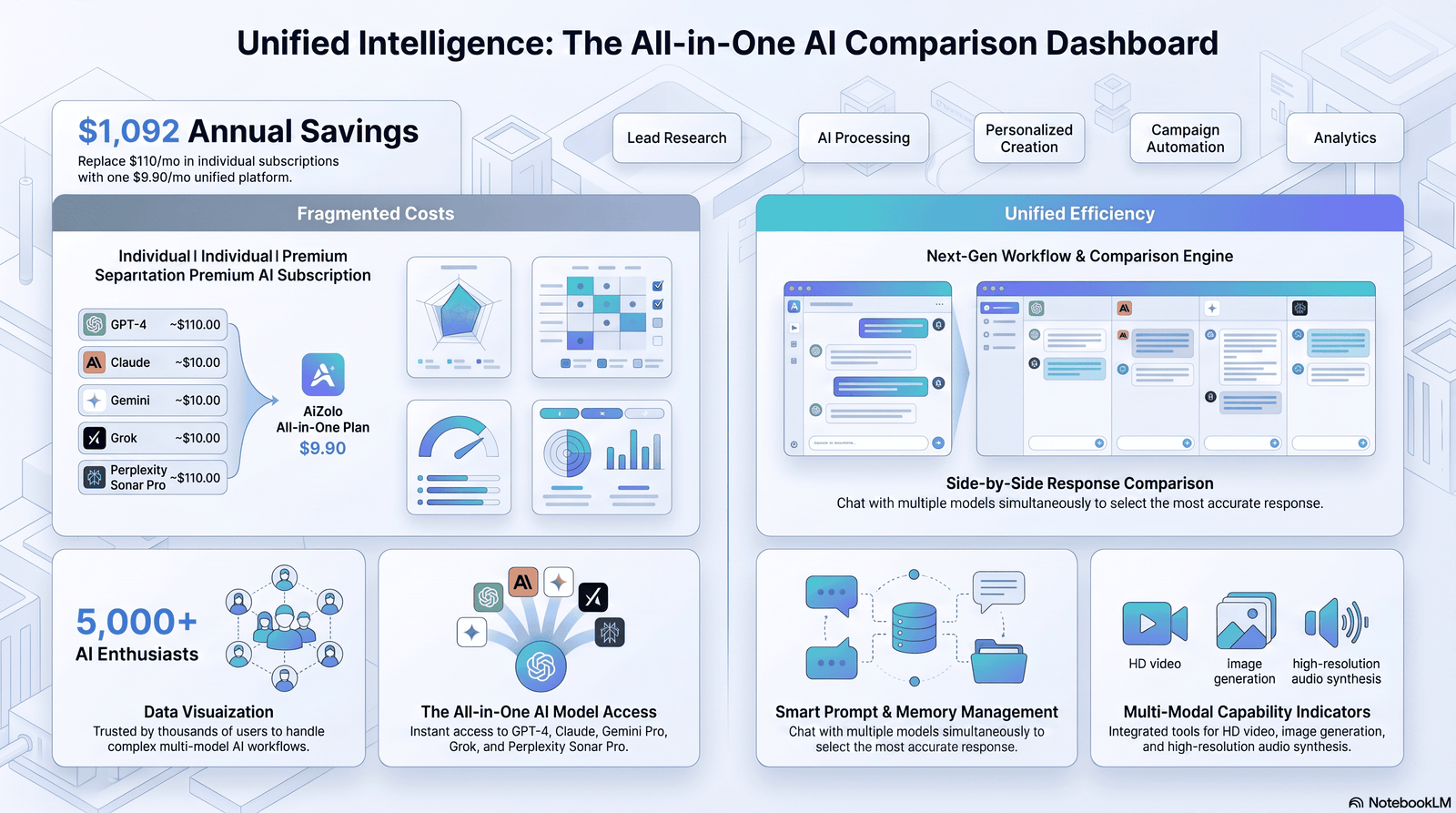
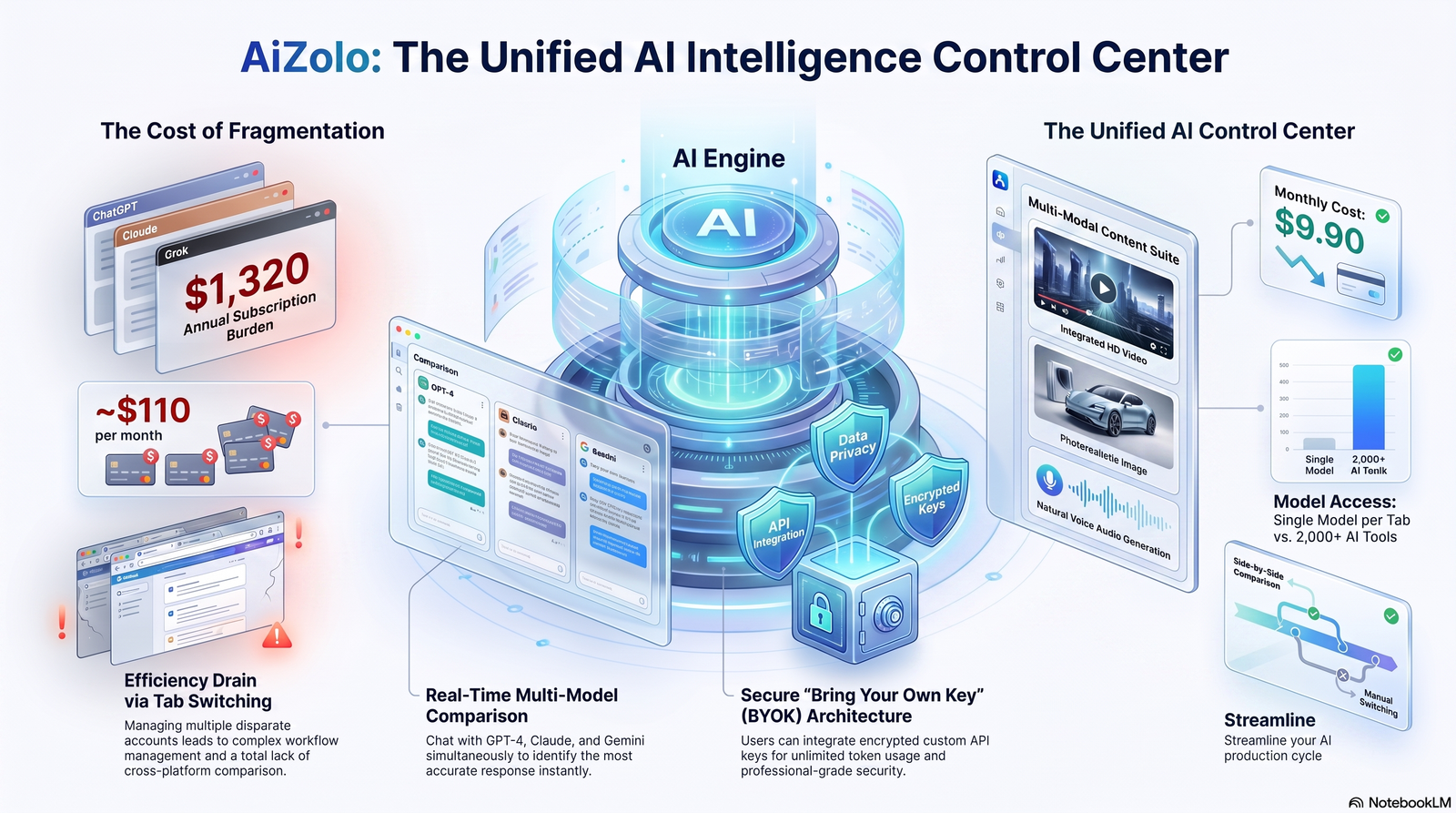
| Aizolo | Lets you compare outputs across multiple AI models side-by-side and refine prompts iteratively, useful for testing which model/prompt combination produces the strongest personalization for a given segment | Newer platform, best used alongside a dedicated sending/enrichment tool rather than as a full replacement | Teams that want to A/B test prompts and models before committing to one workflow |
| Dedicated cold email platforms (e.g., sales engagement tools with AI features) | Built-in enrichment, sending, sequencing, and deliverability tooling | AI personalization is often shallower than a well-prompted general model | End-to-end teams that want one platform for everything |
Warning: No tool eliminates the need for a human review pass. Every model above can hallucinate a detail that sounds correct but isn’t.
A practical pattern many teams use: research with Perplexity or an enrichment tool, draft and refine the prompt with Claude or ChatGPT, cross-check output quality across models using something like Aizolo when testing a new segment or offer, then push final copy into a sending platform for sequencing and tracking.
Data Enrichment and CRM Integration
AI generation is only as good as the data pipeline feeding it. A typical integration looks like:
- Source list (CRM export, list-building tool, or inbound signups)
- Enrichment layer (adds firmographic and role data, sometimes recent activity signals)
- Prompt assembly (enriched fields get mapped into your prompt template)
- Generation (AI produces the draft per contact)
- Sync back to CRM (drafts, send status, and replies logged against the contact record)
Keeping this loop connected to your CRM matters for two reasons: it prevents duplicate outreach to contacts already in a deal stage, and it lets reply data feed back into future prompt refinement — you can see which fact-types actually produced replies.
Automating Sequences and Follow-Ups
A single AI-generated email rarely closes a deal on its own. Automation should extend to the follow-up sequence, not just the first touch.
- Follow-up 1 (2-3 days later): Add new information or a different angle — don’t just “bump” the original email.
- Follow-up 2 (5-7 days later): Shift the ask — offer a resource instead of a meeting.
- Follow-up 3 (final touch): A short, direct “should I stop reaching out” message; these often get the highest reply rates of the sequence.
AI can generate variants for each step, but each follow-up should reference something different — repeating the same personalization fact across three emails feels robotic and undermines the personalization entirely.
Common Mistake: Auto-generating an entire 4-email sequence in one AI call, using the same single fact about the prospect in every email. It reads as insincere by email three.
Deliverability, Spam Avoidance, and Compliance
Great copy is worthless if it lands in spam. AI-generated cold email introduces a few deliverability-specific risks worth knowing.
Deliverability Checklist
- Authenticate sending domains with SPF, DKIM, and DMARC
- Warm up new domains/inboxes gradually before scaling send volume
- Avoid spam-trigger phrasing (all-caps subject lines, excessive punctuation, “free,” “guarantee”)
- Keep HTML minimal — plain-text-style emails often perform better for cold outreach
- Monitor bounce rate and pause sending if it exceeds 2-3%
- Rotate sending domains/inboxes for high-volume campaigns
- Include a clear, working unsubscribe/opt-out mechanism
Compliance Considerations
Cold email regulations vary by region — CAN-SPAM in the US, GDPR in the EU, CASL in Canada, among others. AI tools do not automatically make your outreach compliant. At minimum:
- Include your business’s physical address and a working opt-out
- Honor opt-outs immediately and permanently
- Understand consent requirements in the recipient’s jurisdiction — GDPR in particular has stricter rules around unsolicited B2B email than CAN-SPAM
This is general information, not legal advice — consult counsel familiar with email marketing law in your target regions before scaling international outreach.
A/B Testing and Performance Tracking
AI makes it cheap to generate multiple variants, which makes testing more valuable than ever.
| What to Test | Metric to Watch |
|---|---|
| Opening line style (fact-based vs. question-based) | Reply rate |
| Subject line length | Open rate |
| CTA type (meeting ask vs. low-commitment question) | Positive reply rate |
| Email length (short vs. medium) | Reply rate |
| Personalization depth (Level 2 vs. Level 4) | Reply rate + sentiment |
Track positive reply rate, not just reply rate — “not interested” replies inflate a raw reply-rate metric without indicating success.
Lead Scoring and Sales Workflow Integration
AI-generated personalization data doesn’t have to disappear after the email sends. The signals used to personalize (funding stage, hiring activity, tech stack) are often the same signals worth feeding into lead scoring models. A prospect actively hiring for a role your product supports, for example, is both a good personalization hook and a strong buying-intent signal — feed that into your CRM’s scoring logic so sales prioritization and outreach personalization draw from the same data.
Common Mistakes to Avoid
- Over-trusting AI-generated “facts.” Always verify before sending.
- Using the same prompt template for every industry. Different segments need different angles.
- Skipping the human review pass to save time — this is where most embarrassing sends originate.
- Personalizing the subject line and opener but leaving the body generic, creating a jarring tone shift.
- Ignoring deliverability while optimizing only for copy quality.
- Sending at unrealistic volume before warming up domains.
- Treating AI output as final copy instead of a strong first draft.
Best Practices Checklist
- [ ] Define ICP and pain points before prompting
- [ ] Use current, specific, verifiable signals as personalization inputs
- [ ] Write prompts with explicit “avoid” instructions
- [ ] Generate 2-3 opening line variants before the full email
- [ ] Run a human fact-check pass before sending
- [ ] Authenticate sending domains (SPF/DKIM/DMARC)
- [ ] Warm up new inboxes gradually
- [ ] Test at small volume before scaling
- [ ] Vary personalization facts across follow-up emails
- [ ] Track positive reply rate, not just reply rate
- [ ] Feed reply data back into prompt refinement
Real-World Case Studies
B2B SaaS (Series A, 12-person sales team): Moved from fully manual research to an AI-assisted workflow using job-posting signals as the primary personalization hook. Reply rates on cold sequences improved meaningfully after they started requiring a human review pass on every batch, which cut down on factual errors that had been quietly suppressing replies in earlier, unreviewed batches.
Recruitment agency: Used AI to summarize LinkedIn activity into short personalization notes for recruiters, then had recruiters write the final email manually using that note as a starting point. This “AI research, human write” split preserved a personal voice while cutting research time significantly.
Freelance consultant: Used a single well-engineered prompt template with heavy “avoid” constraints to keep tone consistent across a small, high-value target list, prioritizing quality over volume rather than trying to scale to hundreds of sends per week.
These examples share a common thread: AI handled research synthesis and drafting, while a human retained control over what actually got sent.
Future Trends in AI Outreach
- Multimodal personalization — AI referencing a prospect’s video content, podcast appearance, or webinar talk, not just text.
- Real-time intent signals — outreach triggered by a prospect’s on-site behavior or third-party intent data, personalized instantly.
- Model comparison as standard practice — teams routinely testing output across multiple LLMs for a given segment before choosing a final prompt, rather than committing to one model by default.
- Tighter deliverability scrutiny — as AI-generated volume increases across the industry, inbox providers are likely to keep raising the bar on what reads as genuinely relevant versus mass-generated.
FAQs
1. Is AI-generated cold email actually effective, or does it just look personalized? Effectiveness depends entirely on the input data. AI generation with weak or generic prompts produces email that only looks personalized on the surface. With specific, current, verified signals, it can produce genuinely relevant copy.
2. Which AI model is best for writing cold emails? There’s no universal best model — general-purpose models like ChatGPT and Claude both perform well when given detailed, specific prompts. Testing more than one model on the same prompt often reveals meaningful differences in tone and specificity for your particular use case.
3. Can AI replace a sales development rep entirely? Not currently for high-value or complex sales motions. AI is strongest at research synthesis and first-draft generation; humans still add judgment, tone calibration, and relationship context.
4. How do I stop AI cold emails from sounding generic? Feed the model specific, current facts about the prospect, and explicitly instruct it to avoid common clichés and filler phrases in the prompt itself.
5. Is it legal to send AI-generated cold emails? Legality depends on how the email is sent and to whom, not on whether AI wrote it. You still need to comply with regulations like CAN-SPAM or GDPR depending on the recipient’s location.
6. How much personalization data does AI actually need? Often just one specific, verifiable, and recent fact is enough to meaningfully lift relevance, more than a handful of generic data points like industry or company size.
7. What’s the biggest risk of using AI for cold email at scale? Hallucinated details — AI can generate a plausible-sounding but false “fact” about a prospect. A human verification pass before sending is essential.
8. How do I measure if my AI cold emails are working? Track positive reply rate (not just raw replies), along with open rate and bounce rate, and compare against a manually-written control segment periodically.
9. Should personalization be different for each follow-up in a sequence? Yes — reusing the same personalization fact across multiple emails in a sequence reads as scripted rather than genuinely observed.
10. What’s the difference between AI personalization and mail-merge? Mail-merge inserts static fields like a name or company. AI personalization can reason over unstructured information — a LinkedIn post, a job listing — to generate a unique, contextual insight.
11. Do I need a CRM to use AI cold email tools effectively? Not strictly, but connecting enrichment and generation to a CRM prevents duplicate outreach and lets reply data inform future prompt improvements.
12. How do I keep AI cold emails compliant with spam filters? Focus on plain-text-style formatting, avoid spam-trigger words, authenticate your sending domain, and warm up new inboxes before scaling volume.
Conclusion
AI doesn’t make cold email work by itself — it removes the time constraint that used to limit real personalization to a handful of high-priority accounts. The teams getting results in 2026 aren’t the ones generating the most email; they’re the ones feeding AI better signals, engineering prompts with explicit constraints, keeping a human in the review loop, and treating deliverability as seriously as copywriting.
If you’re starting from scratch: pick one AI model, build a single strong prompt template with real “avoid” instructions, test it on 25 prospects with a human review pass, and measure positive reply rate before you scale anything further.
Author Bio
Jeevesh Tripathi Email: jeevesh@aizolo.com
Jeevesh Tripathi writes about AI-driven sales workflows, outreach automation, and applied prompt engineering for B2B teams. His work focuses on practical, tested workflows for combining AI generation with human judgment in sales and marketing operations, drawing on hands-on experience building and refining AI-assisted outreach systems for SaaS and agency teams.
