Claude Code doesn’t have a “Switch to ChatGPT” button. There’s no official toggle for it.
But developers have built three working ways to bring ChatGPT into a Claude Code session anyway.
This guide covers all three: what each one actually does, how to set it up, and where each one breaks down.
You’ll also get real prompts, a comparison table, common mistakes, and the security tradeoffs nobody mentions in the quick-start threads.
Table of Contents
Featured Snippet Answer
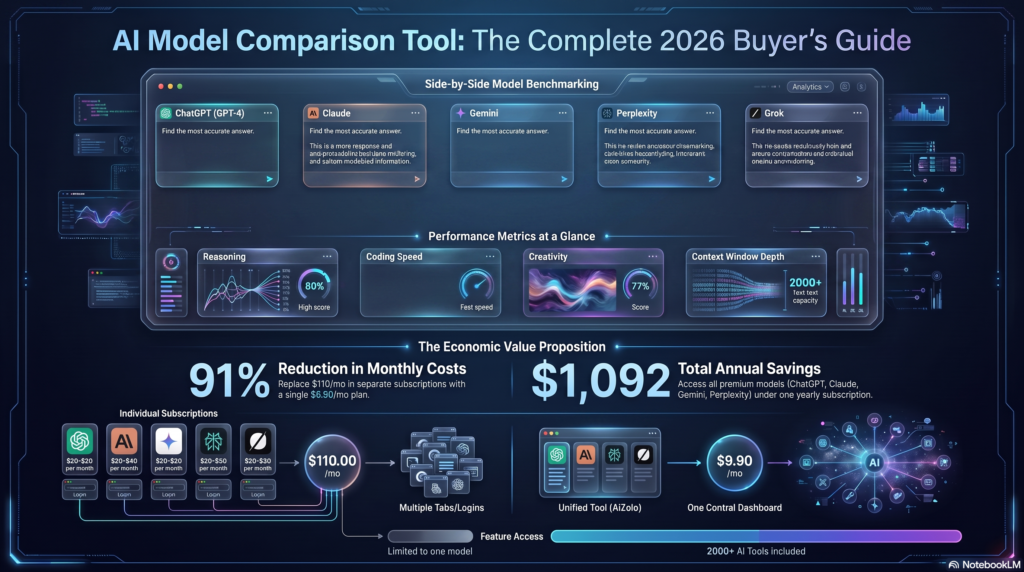
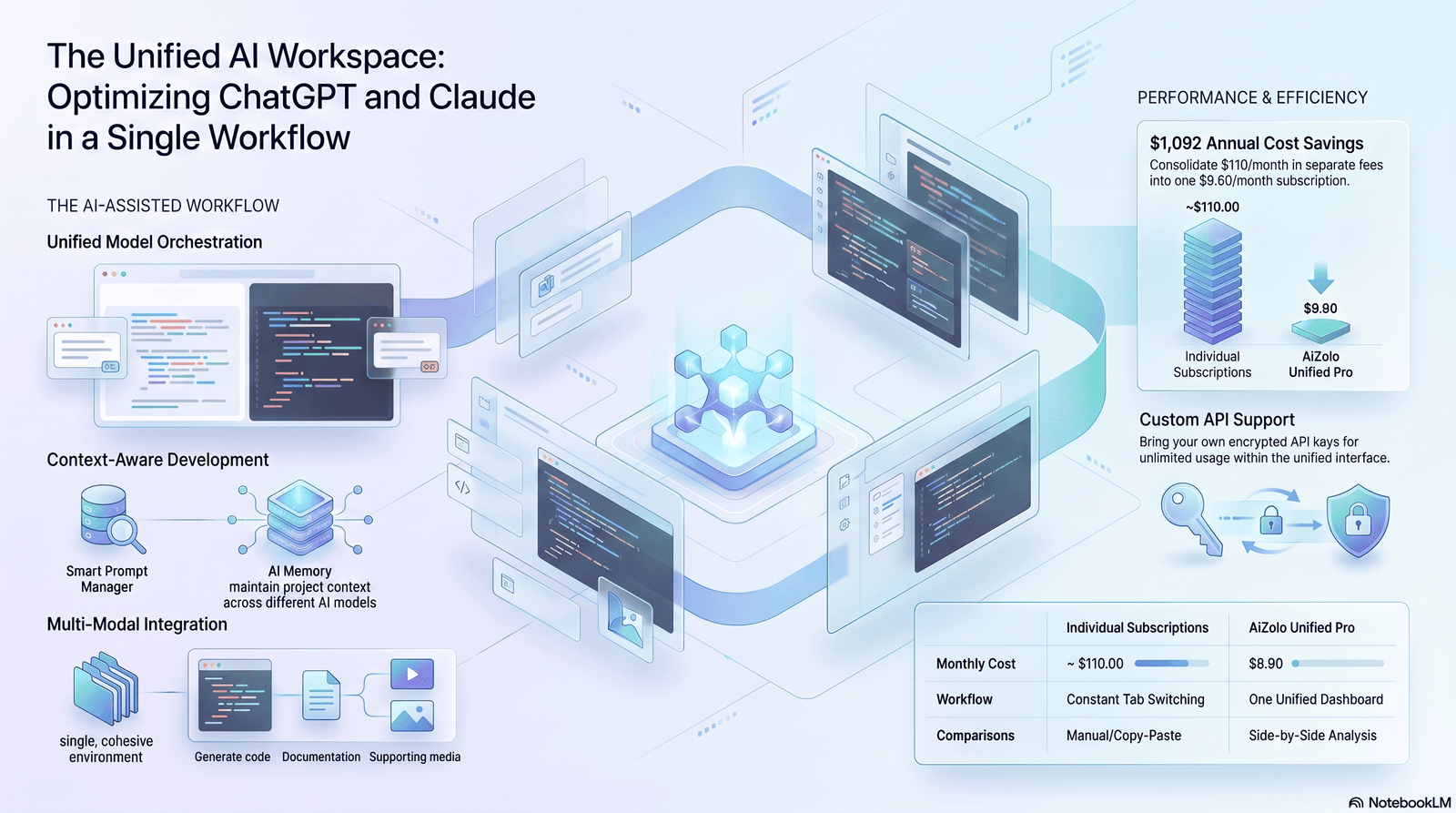
There is no native “use ChatGPT in Claude Code” setting. Developers achieve it three ways: routing Claude Code’s requests through a LiteLLM proxy so it calls GPT models instead of Claude models, connecting an OpenAI MCP server so Claude Code can call ChatGPT as a tool mid-task, or running ChatGPT alongside Claude Code as a separate supervisor that tracks context and catches mistakes. Platforms like Aizolo can also simplify this workflow by giving developers access to multiple AI models from a single interface, reducing the need to switch between separate tools.
Key Takeaways
- Claude Code cannot natively call ChatGPT. Every method here is a workaround, not a built-in feature.
- The LiteLLM proxy method replaces the model Claude Code talks to, but keeps Claude Code’s own tool-use harness.
- The MCP method lets Claude keep doing the work while asking ChatGPT for a second opinion on specific questions.
- The parallel-session method treats ChatGPT as an external supervisor that survives Claude Code’s context compaction.
- Routing a consumer ChatGPT Plus/Pro subscription through Claude Code sits in a legal gray area and can risk account suspension.
- Cost, latency, and reliability differ a lot between the three methods — pick based on your actual bottleneck.
- None of this is officially supported by Anthropic or OpenAI. Expect breakage when either company ships updates.
What Claude Code Actually Is and How to Use ChatGPT in Claude Code
Claude Code is Anthropic’s terminal-based coding agent.
You run it from a command line, inside VS Code, or JetBrains. It reads your files, edits them, runs shell commands, and works through multi-step tasks with minimal hand-holding.
It’s built specifically around Claude models. The system prompts, the tool-calling patterns, and the agent loop all assume a Claude model is on the other end.
That last detail matters. It’s the reason “using ChatGPT in Claude Code” is a workaround and not a feature.
ChatGPT, by contrast, is OpenAI‘s consumer chat product, with its own desktop app, browser client, and API. It doesn’t ship with a terminal coding agent in the same sense Claude Code does.
So when developers say they want to “use ChatGPT in Claude Code,” they usually mean one of two different things: swap the underlying model, or bring ChatGPT in as a second opinion.
Why Developers Want ChatGPT Inside Claude Code
The honest answer is context loss.
Claude Code, like any long-running agent, hits context limits. When that happens, the session compacts, and details from earlier in the task get summarized or dropped.
If you’re 45 minutes into a large refactor, that’s expensive. You lose the reasoning behind decisions you made half an hour ago.
Some developers run a second AI alongside Claude Code specifically to hold onto that context. ChatGPT, running in a separate window with its own long conversation, doesn’t compact when Claude Code does.
Others want it for a different reason: model diversity. GPT models and Claude models make different mistakes. Having a second model review a diff or a plan catches errors a single model working alone would miss.
And a smaller group wants it for billing reasons — they already pay for ChatGPT Plus or Pro and want to point Claude Code’s agent loop at that subscription instead of buying separate Anthropic API credits.
Each of these motivations leads to a different setup. That’s why there isn’t one single “how to” — there are three.
The 3 Real Ways to Combine Them
Here’s the short version before the deep dive:
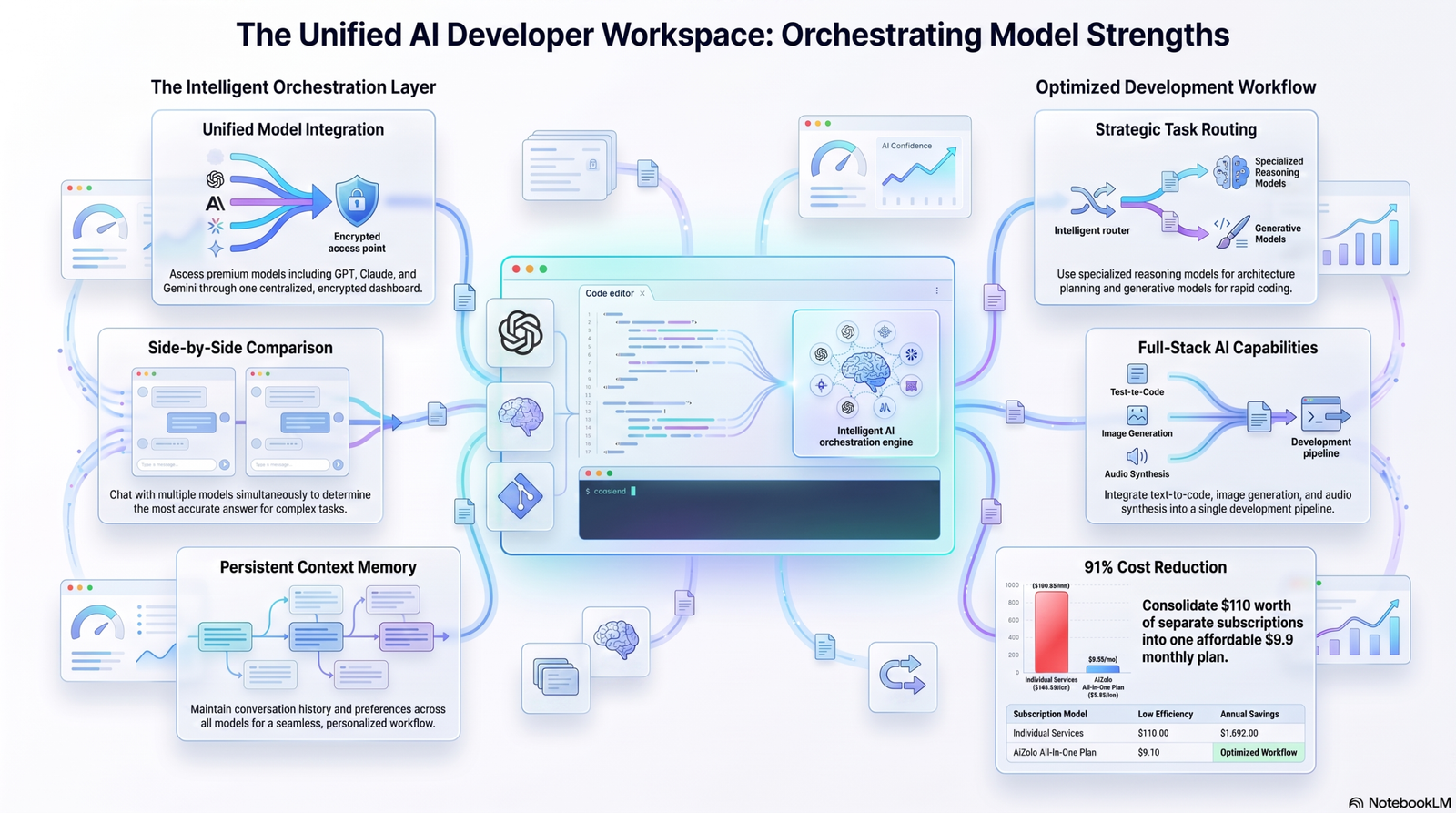
- Proxy routing (LiteLLM). Claude Code still runs, but every request it would normally send to Claude goes to a GPT model instead.
- MCP tool calling. Claude Code stays on Claude, but gains a tool that lets it query a GPT model mid-task and read the answer back.
- Parallel supervision. Claude Code and ChatGPT run as two separate programs. You, or a screen-sharing setup, relay context between them.
Pick based on what you actually need: a different engine, a second opinion, or a persistent memory layer.
Method 1: Route Claude Code Through GPT Models with LiteLLM
This is the most technical of the three, and the one most likely to break your Claude Code setup if done carelessly.
How it works
Claude Code reads two environment variables to decide where to send its requests: ANTHROPIC_BASE_URL and ANTHROPIC_AUTH_TOKEN.
By default, ANTHROPIC_BASE_URL points at Anthropic’s own API. Claude Code speaks the Anthropic Messages API format (/v1/messages) to that endpoint.
LiteLLM is an open-source proxy that can sit in between. It accepts requests in Anthropic’s format and translates them into whatever format the destination model actually needs — including OpenAI’s format for GPT models.
Point ANTHROPIC_BASE_URL at your local LiteLLM proxy, and Claude Code keeps working exactly the same way from the outside. Underneath, LiteLLM is quietly forwarding those requests to a GPT model.
Step-by-step setup
# 1. Install LiteLLM
pip install 'litellm[proxy]'

# 2. Create a config file: litellm_config.yaml
model_list:
  - model_name: gpt-4o
    litellm_params:
      model: openai/gpt-4o
      api_key: os.environ/OPENAI_API_KEY

# 3. Export your OpenAI key and a proxy master key
export OPENAI_API_KEY="your-openai-api-key"
export LITELLM_MASTER_KEY="sk-1234567890"

# 4. Start the proxy
litellm --config litellm_config.yaml

# 5. Point Claude Code at the proxy instead of Anthropic
export ANTHROPIC_BASE_URL="http://localhost:4000"
export ANTHROPIC_AUTH_TOKEN="$LITELLM_MASTER_KEY"

# 6. Launch Claude Code as usual
claude
Claude Code hardcodes three internal model names: sonnet, opus, and haiku. To remap those to your GPT models, set ANTHROPIC_MODEL (the main model) and ANTHROPIC_SMALL_FAST_MODEL (used for background tasks like summarizing and titling) to names your LiteLLM config exposes.
The subscription-routing variant
A related trick, documented by independent developers rather than by Anthropic or OpenAI, routes Claude Code through an existing ChatGPT Plus, Pro, or Max subscription instead of the OpenAI API.
It works by pointing the LiteLLM proxy at OpenAI’s consumer auth flow instead of a paid API key, so token usage draws from your ChatGPT quota.
This keeps your normal claude command untouched and adds a second command that runs through the ChatGPT-backed proxy. Setting it up involves a device-authentication step where you log into your OpenAI account and approve the connection.
Be clear-eyed about this one. It’s an unofficial reverse-engineering of a consumer login flow, not a supported integration. It can violate OpenAI’s terms of service for that subscription tier, and it can break without warning whenever OpenAI changes its auth system.
Why this method has limits
Claude Code’s tool-use patterns — how it decides to read a file, run a command, or ask for confirmation — were tuned against Claude models.
GPT models can handle the same tool-calling format reasonably well, but the harness wasn’t built or tested against them. Expect occasional friction: tool calls that don’t fire the way Claude Code expects, or reasoning that doesn’t match Claude’s more cautious editing style.
Method 2: Call ChatGPT as an MCP Tool from Inside Claude Code
MCP (Model Context Protocol) is Anthropic’s open standard for giving Claude access to external tools and data sources.
Several community-built MCP servers wrap the OpenAI API as a callable tool. Once connected, Claude Code — still running on a Claude model — can ask a GPT model a question mid-task and read the response back into its own reasoning.
This is a fundamentally different pattern from Method 1. You’re not replacing Claude. You’re giving Claude a tool it can choose to use.
Setup
Add an MCP server entry to your Claude configuration (.mcp.json for a project, or your global MCP config):
{
  "mcpServers": {
    "openai-server": {
      "command": "npx",
      "args": ["-y", "@mzxrai/mcp-openai@latest"],
      "env": {
        "OPENAI_API_KEY": "your-openai-api-key"
      }
    }
  }
}
Restart Claude Code, and it will detect the new MCP server and its tool (commonly named something like openai_chat).
Using it
Once connected, you prompt Claude Code normally, and ask it to consult the tool when relevant:
“Before you refactor this auth module, ask GPT-4o whether it sees any security issues in the current implementation, then proceed with your own plan.”
Claude Code will call the MCP tool, get a text response back from the GPT model, and factor it into its own next steps — the same way it would use a search result or a file it just read.
Where this shines
This method is the cleanest for “second opinion” workflows. Claude keeps full control of the editing session; ChatGPT is a consulted expert, not the driver.
It’s also the least likely to break Claude Code’s core behavior, since the main agent loop stays on a Claude model the whole time.
Method 3: Run ChatGPT as a Parallel Supervisor
This is the least technical method and, for many developers, the most practical one.
You run Claude Code in one terminal and ChatGPT in a separate window — desktop app, browser tab, whichever you prefer.
You don’t connect them programmatically. Instead, you manually relay context: paste Claude Code’s plan into ChatGPT for review, or paste ChatGPT’s critique back into Claude Code as an instruction.
The screen-sharing variant
Some developers go further and give the ChatGPT desktop app screen-reading permission, then split their terminal so ChatGPT can watch Claude Code work in real time without manual copy-pasting.
In that setup, ChatGPT effectively becomes an observer: it tracks decisions across the session, flags assumptions it thinks are wrong, and — this is the useful part — writes a full handoff prompt the moment Claude Code’s context window fills up and compacts.
You paste that handoff prompt into the fresh Claude Code session, and it picks up with the reasoning history that would otherwise have been lost.
Why developers like this method
It requires zero changes to Claude Code itself. No proxy, no MCP server, no environment variables to break.
It also keeps the two models genuinely independent, which is useful when you want ChatGPT to catch a mistake Claude Code is confidently making, rather than have both models share the same blind spots.
The tradeoff
It’s manual. Even with screen-reading permission, you’re still the one deciding when to check in with ChatGPT and when to act on its feedback.
For a solo developer on a single feature, that overhead is often not worth it. For a long, high-stakes refactor where losing context is genuinely costly, it can save hours.
Comparison Table: All 3 Methods
| Method | What changes | Setup difficulty | Best for | Main risk |
|---|---|---|---|---|
| LiteLLM proxy routing | Underlying model swapped to GPT | High | Cost control, model experimentation | Tool-use friction, possible ToS issues on subscription routing |
| MCP tool calling | Claude Code gains a “call GPT” tool | Medium | Second opinions, code review, security checks | Extra API cost per call, added latency |
| Parallel supervision | Two separate AI sessions, manually or semi-automatically linked | Low | Long sessions, context preservation, catching mistakes | Manual overhead, no programmatic integration |
ChatGPT vs Claude Code: Core Differences
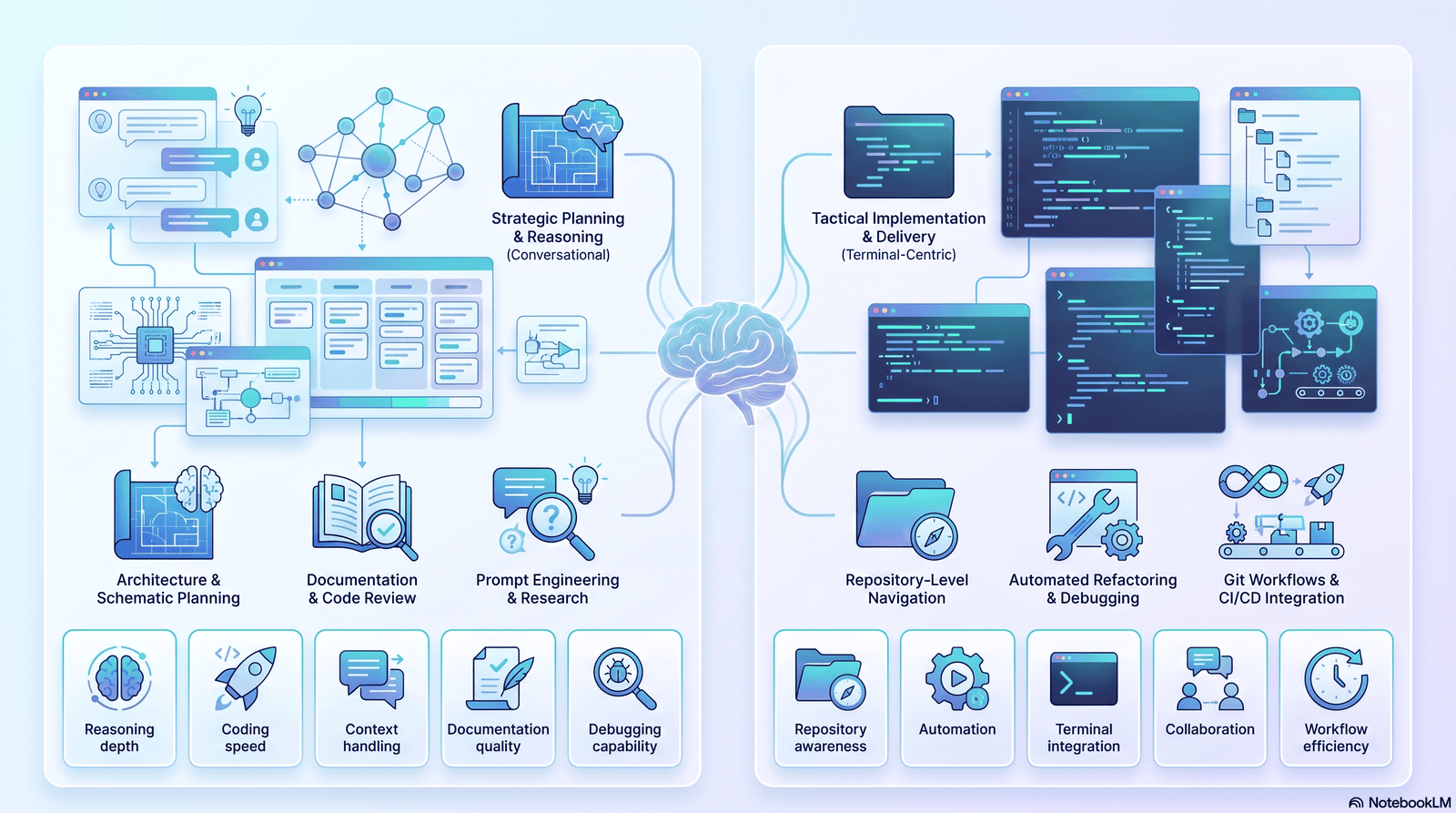
These aren’t really competing products — one’s a chat assistant, the other’s a coding agent — but developers compare them constantly. Here’s the honest breakdown.
| Factor | ChatGPT | Claude Code |
|---|---|---|
| Primary form | Chat app (web, desktop, mobile) | Terminal-based coding agent |
| File system access | Only via Code Interpreter sandbox or connectors | Direct read/write on your local repo |
| Runs shell commands | No, by default | Yes, as a core capability |
| Best for | Brainstorming, drafting, quick answers, planning | Multi-file refactors, autonomous execution, long coding sessions |
| Context handling | Persistent memory across chats (opt-in) | Long context window, but compacts on long sessions |
| Extending with tools | Custom GPTs, plugins, Apps SDK | MCP servers, subagents, hooks |
| Pricing model | Plus/Pro/Team subscriptions or API usage | Claude subscription (Pro/Max) or API usage |
Neither one replaces the other. Claude Code’s strength is autonomous, file-aware execution. ChatGPT’s strength is fast, flexible reasoning without needing a repo attached.
That’s exactly why developers pair them instead of picking one.
Real Developer Workflow Example
Here’s a workflow that combines Methods 2 and 3, which is the most common pattern in practice.
Step 1 — Plan in ChatGPT. Describe the feature or bug in ChatGPT first. It’s fast at exploring tradeoffs without touching your files.
Step 2 — Hand the plan to Claude Code. Paste the agreed plan into Claude Code and let it execute: editing files, running tests, installing dependencies.
Step 3 — Spot-check with the MCP tool. For a security-sensitive change, tell Claude Code to consult the OpenAI MCP tool before finalizing the diff.
Step 4 — Handoff on compaction. If the session runs long and compacts, ask Claude Code to summarize its state, drop that summary into ChatGPT, and get a clean handoff prompt for the next session.
Step 5 — Final review. Run the diff past both models before merging. Two models rarely make the exact same mistake.
This isn’t a fixed script. Adjust it based on whether you’re optimizing for speed, safety, or cost.
Best Prompts for a Multi-AI Workflow
Use these as starting templates, not verbatim scripts.
Handing a plan from ChatGPT to Claude Code:
“Execute this plan exactly as written. If any step is ambiguous, stop and ask before proceeding rather than guessing.”
Getting a second opinion mid-task (with the MCP tool connected):
“Before committing this change, ask GPT-4o to review the diff for security issues and edge cases you might have missed. Summarize its response before continuing.”
Generating a context handoff before compaction:
“Summarize everything decided in this session: the plan, the files touched, the open questions, and the next three steps. Write it so a fresh session can continue without re-reading the whole history.”
Asking ChatGPT to audit Claude Code’s output:
“Here’s a diff Claude Code just produced for [feature]. Review it for correctness, security, and style. Don’t rewrite it — just flag concerns.”
Advantages
- Model diversity catches more bugs. Claude and GPT models fail differently, so a second model genuinely adds coverage.
- Context survives compaction. A parallel ChatGPT session doesn’t reset when Claude Code’s does.
- Flexible cost control. Routing through an existing subscription or a cheaper GPT model can lower spend on some tasks.
- Faster planning. ChatGPT’s chat interface is often quicker for brainstorming than a terminal session.
- Better review coverage. Using ChatGPT as an auditor on Claude Code’s diffs adds a review step most solo developers skip.
Limitations
- Nothing here is officially supported. Anthropic didn’t build Claude Code to run on GPT models, and OpenAI didn’t build ChatGPT to plug into a third-party agent.
- Tool-use friction on Method 1. Claude Code’s agent loop can behave unpredictably on a non-Claude model.
- Extra latency and cost on Method 2. Every MCP call to GPT is a separate API request, on top of Claude Code’s own usage.
- Manual overhead on Method 3. Relaying context by hand doesn’t scale to a team, only to a single focused developer.
- Breakage risk. Any of these setups can stop working the moment Anthropic, OpenAI, or LiteLLM ships an update.
Common Mistakes
- Skipping the master key on the LiteLLM proxy. Running a proxy without authentication exposes your OpenAI key to anything on the same network.
- Forgetting
ANTHROPIC_SMALL_FAST_MODEL. Background tasks like session titling still route to Claude’s default model unless you remap this too. - Treating the MCP tool’s answer as final. It’s a second opinion, not a verdict — Claude Code (or you) should still weigh it.
- Routing a consumer ChatGPT subscription without reading the terms. This is the single riskiest shortcut in this guide.
- Never rotating credentials after testing third-party proxies. If you tested a proxy package that later turns out to be compromised, old keys can already be exposed.
- Assuming the two models will agree. Disagreement between Claude and GPT is often the most useful signal you’ll get — don’t average it away.
Troubleshooting
Claude Code says “Invalid API key” after pointing at a proxy. Check that you set ANTHROPIC_AUTH_TOKEN, not ANTHROPIC_API_KEY. If ANTHROPIC_API_KEY is still set, Claude Code may fall back to Anthropic’s own auth instead of your proxy token.
The proxy starts but Claude Code can’t see your GPT model in the model picker. Model discovery through a gateway is opt-in. Set CLAUDE_CODE_ENABLE_GATEWAY_MODEL_DISCOVERY=1, or add the model manually with ANTHROPIC_CUSTOM_MODEL_OPTION.
The MCP server shows as connected but tool calls fail silently. Check the MCP server’s own logs (for desktop setups, the client’s MCP log directory). Alpha-quality community servers often have thin error handling.
A custom subagent can’t reach your MCP-based ChatGPT tool. This is a known limitation: subagents defined at the project level sometimes can’t access project-scoped MCP servers and may fabricate a plausible-looking answer instead of actually calling the tool. Test the tool from the main session first, and check your Claude Code version for fixes.
Claude Code behaves erratically after switching to a GPT model via proxy. This usually isn’t a bug — it’s a mismatch between Claude Code’s tool-calling expectations and how the destination model handles them. Try a different GPT model, or fall back to Method 2 instead.
Security Considerations
Treat every method here as expanding your attack surface, because it does.
API keys in plaintext. Both the LiteLLM config and MCP server configs commonly store API keys as environment variables or in JSON files. Keep these out of version control.
Unofficial proxy software. Independent security advisories have flagged specific compromised releases of proxy tooling in the wild, including malware bundled in a couple of LiteLLM PyPI releases. Pin known-good versions and check advisories before installing.
Consumer subscription routing. Using device-auth tricks to route agent traffic through a ChatGPT Plus/Pro login isn’t the intended use of that login flow. Beyond the terms-of-service risk, it also means a third-party proxy is holding a token tied to your personal OpenAI account.
Screen-reading permissions. Giving any desktop app — including ChatGPT’s — permission to read your screen for a supervisor workflow means it can see everything in that terminal, including secrets that scroll past in logs.
Least privilege on MCP tools. Scope your MCP server’s API key to the minimum it needs, and don’t reuse a production OpenAI key for a experimental local tool.
Cost Considerations
Each method has a different cost shape.
- Method 1 (proxy routing) replaces Claude API usage with OpenAI API usage. Cost depends entirely on which GPT model you route to — a smaller model can be cheaper per token, but may need more turns to finish the same task.
- Method 2 (MCP tool) adds OpenAI API cost on top of your existing Claude Code usage, since every consulted question is a separate billed call.
- Method 3 (parallel supervision) costs whatever your ChatGPT subscription or API usage already costs, plus your own time relaying context.
If you’re optimizing for lowest total cost, Method 3 is usually cheapest in dollars, most expensive in your own time. Method 1 can lower per-task cost if you pick a cheaper GPT model deliberately, not by default.
Best Practices
- Start with Method 3. It’s the lowest-risk way to test whether a second AI actually improves your workflow before investing in proxy setup.
- Use Method 2 for anything security- or correctness-critical, where a second model’s opinion has clear value.
- Reserve Method 1 for genuine cost or access reasons — not just novelty.
- Keep secrets out of prompts. Don’t paste API keys, tokens, or
.envfile contents into either model, even mid-debugging. - Version-pin your proxy tooling and check for security advisories before every update.
- Document which method you used in your project’s README if teammates will inherit the setup — future-you will not remember the environment variables.
Alternatives
If the goal is really just “review my code with more than one model,” a few lighter-weight options exist:
- OpenRouter. Exposes many models, including OpenAI’s, through a single API key and format — sometimes simpler than a full LiteLLM config for basic routing.
- Claude Code’s own subagents. For a second internal check (not a different provider), a custom subagent with a narrower prompt can sometimes catch what the main agent misses, without leaving the Claude ecosystem.
- Manual copy-paste. Unglamorous, but for occasional use, it’s zero-setup and carries none of the proxy or MCP risks above.
- A unified multi-model workspace. Several third-party platforms let you send one prompt to multiple models side by side, which suits comparison tasks better than agentic coding tasks.
FAQ
Can ChatGPT be used inside Claude Code natively? No. There’s no built-in setting for it. Every working method is a workaround using a proxy, an MCP tool, or a separate parallel session.
Is routing Claude Code through ChatGPT against the rules? Using the OpenAI API through a proxy is generally fine if you follow OpenAI’s API terms. Routing a consumer ChatGPT Plus/Pro/Max subscription through unofficial auth tricks is riskier and can violate that subscription’s terms of service.
Do I need an OpenAI API key for all three methods? Methods 1 and 2 need one. Method 3, run manually, only needs your existing ChatGPT login.
Will this slow Claude Code down? Method 2 adds latency for every consulted call. Method 1’s speed depends on the GPT model you route to. Method 3 doesn’t touch Claude Code’s speed at all.
Which method is best for a solo developer? Method 3 for most day-to-day work; add Method 2 selectively for higher-stakes changes.
Which method is best for a team? Method 2, since it’s the most reproducible — a shared MCP config is easier to hand off than personal proxy environment variables.
Does Anthropic support any of this? No. Anthropic maintains MCP as an open protocol, which enables Method 2, but doesn’t officially endorse routing Claude Code to non-Claude models or third-party proxy software.
Can I use GPT-4o and Claude in the same Claude Code session? Not simultaneously through the main agent loop. Method 1 swaps the main model entirely; Method 2 keeps Claude as the main model and calls GPT as a tool — that’s the closest to “both at once.”
What happens to my code if the proxy goes down? Claude Code will fail to reach the model and show a connection error. It won’t corrupt your files — the proxy sits between Claude Code and the model, not between Claude Code and your disk.
Is this safe for proprietary code? Any method that sends your code to a third-party model — including GPT via OpenAI’s API — means that provider’s data-handling terms apply. Check your company’s policy before routing proprietary code through any external model.
Do I need to be a senior developer to set this up? Method 3 needs no special skill. Method 2 needs basic comfort with JSON config files. Method 1 needs comfort with environment variables, proxies, and debugging network issues.
Can Claude Code use OpenAI’s Codex-style models instead of GPT chat models? Yes, if your LiteLLM config routes to them and the model supports the tool-calling patterns Claude Code expects. Behavior varies by model.
Does this work on Windows? Yes, though most setup guides and community scripts are written and tested primarily on macOS and Linux. Expect to adapt paths and shell syntax.
Will Anthropic ever add native ChatGPT support to Claude Code? There’s no indication of that, and it would run counter to how Claude Code’s agent loop is built. MCP-based tool calling is the closest thing to an “official” bridge, since MCP itself is Anthropic’s protocol.
What’s the single most reliable method here? Method 3. It has no moving parts to break, because it doesn’t touch Claude Code’s configuration at all.
Conclusion
There’s no native way to run ChatGPT inside Claude Code, but three real workarounds cover almost every reason a developer would want one.
If you want a different engine under the hood, route through LiteLLM. If you want a second opinion mid-task, connect an OpenAI MCP server. If you want a persistent memory layer that survives context compaction, run ChatGPT in parallel.
Start with the parallel method. It’s free of setup risk, and it’ll tell you fast whether a second AI is actually worth the extra step for your workflow.
If it is, invest in the MCP tool next. Save the proxy-routing method for when you have a specific cost or access reason to swap models entirely — not just because you can.
Author Bio
Jeevesh Tripathi AI tools & developer workflow writer at Aizolo.
Jeevesh Tripathi writes about AI coding assistants, developer productivity, and SaaS platforms, with hands-on testing of Claude Code, ChatGPT, and the connectors between them. Corrections and questions: jeevesh@aizolo.com.