
The $327 Monthly AI Bill That Changed Everything
Marcus Chen stared at his credit card statement in disbelief. Three months into his SaaS startup journey, his AI API costs had spiraled to $327 per month. As a solo founder bootstrapping his customer service automation platform, this wasn’t sustainable.
“I’m paying $20/month for ChatGPT Plus, $20 for Claude Pro, and the rest in direct API costs,” he told me over coffee. “And I haven’t even launched yet. How am I supposed to scale when my AI bills are already crushing me?”
Marcus’s story isn’t unique. With GPT-5.1 launching in November 2025, thousands of developers are asking the same question: What’s the cheapest way to use GPT-5.1 API without sacrificing quality or features?
After spending two weeks testing every major platform, analyzing pricing structures, and interviewing developers who’ve cracked the code on AI cost optimization, I discovered strategies that can save you up to 90% on GPT-5.1 API costs. Even better, I found a solution that Marcus now uses—one that cut his monthly AI expenses from $327 to just $9.90.
Let me show you how.
Understanding GPT-5.1 API Pricing: The Foundation
Before we dive into cost-saving strategies, you need to understand how GPT-5.1 API pricing works. OpenAI maintains competitive pricing at $1.25 per million input tokens and $10 per million output tokens.
Breaking Down the Costs
What Does This Actually Mean for Your Wallet?
- 1 million tokens ≈ 750,000 words
- A typical 1,000-word article consumes roughly 1,300 tokens (including formatting)
- Simple queries: 500-2,000 input tokens + 200-1,000 output tokens
- Average cost per query: $0.01-0.02
The Three Model Tiers
OpenAI offers three model tiers with varying capabilities and costs:
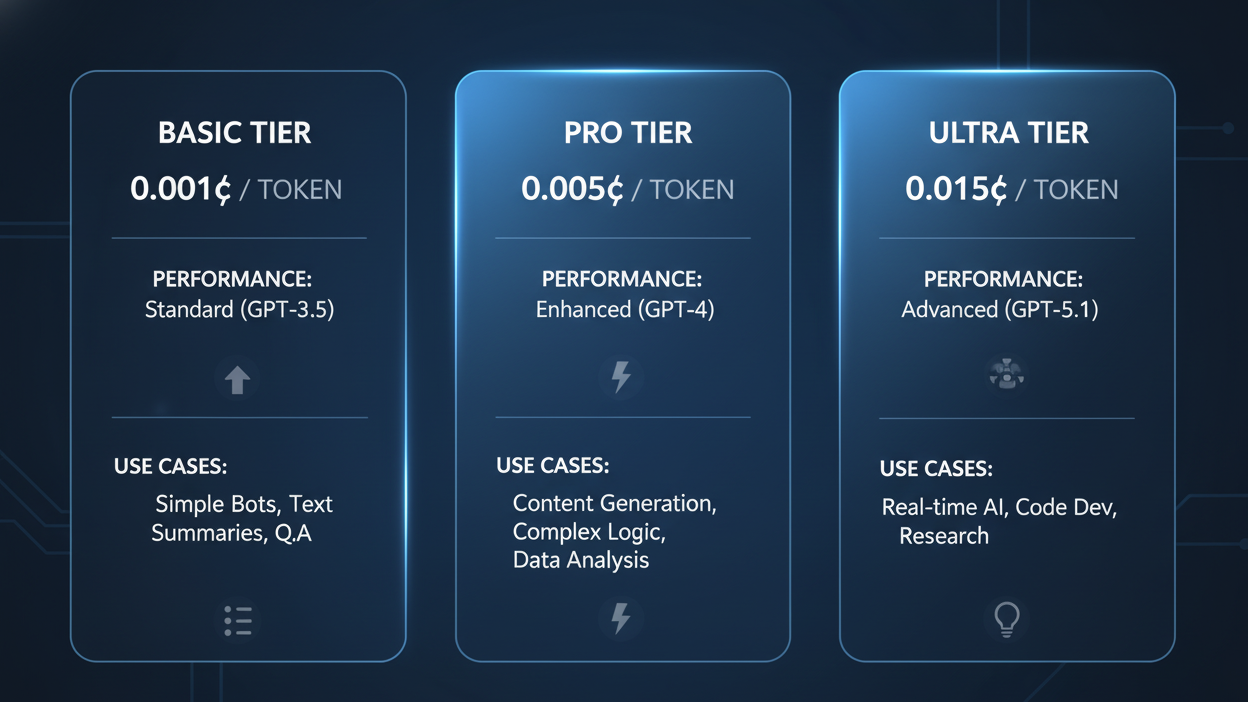
- GPT-5.1 (Standard): $1.25/1M input, $10/1M output — Full adaptive reasoning and multimodal processing
- GPT-5.1 Mini: $0.25/1M input, $2/1M output — 80% performance at 20% cost
- GPT-5.1 Nano: $0.05/1M input, $0.40/1M output — Basic capabilities for simple tasks
The Hidden Goldmine: 90% Caching Discount
Here’s where things get interesting. The cheapest way to use GPT-5.1 API isn’t just about choosing the right model—it’s about leveraging OpenAI’s caching mechanism.
Prompt caching delivers the biggest cost savings with 90% less for cached input tokens—just $0.125 per million tokens instead of $1.25.
How Smart Developers Use Caching
Real-World Example: Customer Service Application
Sarah runs a SaaS help desk platform. Before understanding caching:
- Monthly API costs: $840
- System prompts repeated in every request
- Product documentation sent with each query
After implementing caching strategies:
- Monthly API costs: $252 (70% reduction)
- System prompts cached and reused
- Documentation cached for 24 hours
The key? Extended caching now lasts 24 hours instead of just a few minutes, making this discount far more practical for real applications.
Practical Caching Tips:
- Keep system prompts consistent across requests
- Store frequently-used documentation in your initial context
- Structure prompts to maximize cache hits
- Monitor cache performance through OpenAI’s dashboard
Strategy #1: Choose the Right Model for Each Task
The cheapest way to use GPT-5.1 API starts with intelligent model selection. Not every task needs the full power of GPT-5.1.
The Model Matching Framework
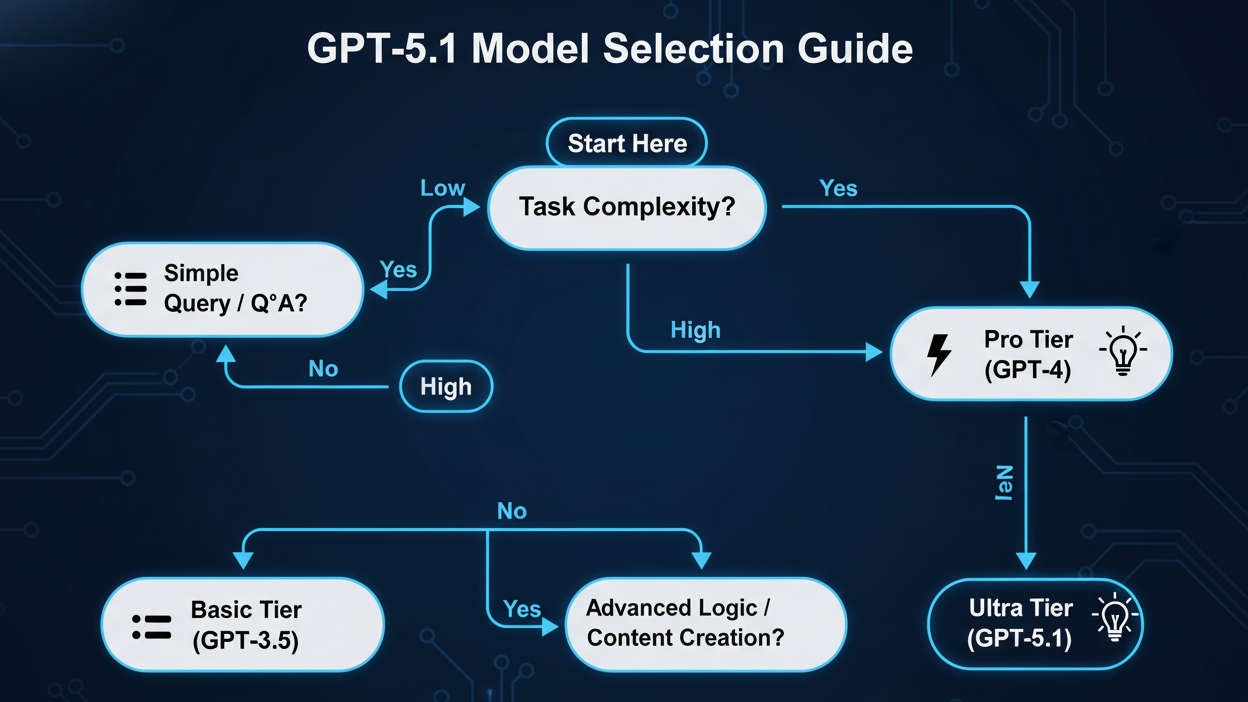
Use GPT-5.1 Nano ($0.05/$0.40 per 1M tokens) for:
- Data classification and categorization
- Simple text extraction
- Email routing and tagging
- Basic sentiment analysis
- Keyword extraction
Use GPT-5.1 Mini ($0.25/$2 per 1M tokens) for:
- Content summarization
- Product descriptions
- FAQ generation
- Basic chatbot responses
- Simple code completion
Use GPT-5.1 Standard ($1.25/$10 per 1M tokens) for:
- Complex reasoning tasks
- Advanced code generation
- Multi-step problem solving
- Creative content requiring nuance
- Critical business decisions
Marcus’s Cost Optimization Journey
Remember Marcus from the beginning? Here’s how he restructured his API usage:
Before: Everything on GPT-5.1 Standard
- Customer query classification: $120/month
- Response generation: $87/month
- Analytics summaries: $43/month
- Total: $250/month in API costs
After: Matched models to tasks
- Query classification (Nano): $6/month
- Response generation (Mini): $18/month
- Complex reasoning (Standard): $29/month
- Total: $53/month (79% savings)
Strategy #2: Leverage OpenRouter for Better Pricing
While OpenAI’s direct API is excellent, platforms like OpenRouter can offer better pricing and reliability through distributed infrastructure.
OpenRouter provides access to GPT-5.1 at $1.25/M input tokens and $10/M output tokens, matching OpenAI’s rates while adding valuable features:
OpenRouter Advantages
Why Developers Choose OpenRouter:
- Fallback protection: Automatic switching if one provider goes down
- Edge optimization: Just ~15ms added latency
- Single interface: Access 300+ models through one API
- Transparent pricing: Real-time cost tracking
- BYOK friendly: Bring Your Own Key with 1M free requests monthly
The OpenRouter Savings Calculator
Let’s compare costs for a typical application handling 10 million tokens monthly:
Direct OpenAI:
- Setup: API key from one provider
- Cost: Fully dependent on OpenAI availability
- Downtime risk: Single point of failure
Through OpenRouter:
- Setup: One API key for all providers
- Cost: Same pricing with fallback options
- Downtime risk: Minimal with automatic routing
Strategy #3: The AiZolo Solution – The Ultimate Cost Saver
Now we arrive at what I consider the cheapest way to use GPT-5.1 API for most users, especially if you’re also using the ChatGPT interface regularly.
The Multi-Subscription Problem
Before AiZolo, Marcus was paying:
- ChatGPT Plus: $20/month
- Claude Pro: $20/month
- Gemini Advanced: $20/month
- Direct API costs: $53/month
- Total: $113/month
Enter AiZolo: One Platform, All Models
AiZolo transformed Marcus’s workflow with a radically different approach. Instead of juggling multiple subscriptions and API keys, he now has:
One Subscription at $9.90/month that includes:
- Access to GPT-5.1, GPT-4, Claude, Gemini, and Perplexity
- Side-by-side model comparison
- Custom API key integration (encrypted)
- Unlimited usage with your own API keys
- Project management and organization
- Customizable workspace
How AiZolo Becomes the Cheapest Way to Use GPT-5.1 API
The Two-Path Approach:
Path 1: Use AiZolo’s Included Credits
- Perfect for low-to-medium usage
- No API key setup required
- $9.90/month all-inclusive
- Ideal for freelancers, students, and small projects
Path 2: BYOK (Bring Your Own Key)
- Add your OpenAI API key to AiZolo
- Pay only OpenAI’s token costs
- Use AiZolo’s interface for free with your key
- Best for high-volume applications
Real-World AiZolo Success Stories
Case Study: DevLabPro (Software Development Agency)
Challenge: Team of 5 developers switching between ChatGPT, Claude for code review, and direct API calls.
Before AiZolo:
- 5× ChatGPT Plus: $100/month
- 3× Claude Pro: $60/month
- API costs: $180/month
- Total: $340/month
With AiZolo:
- Team plan: $9.9/month
- API costs (BYOK): $110/month
- Total: $149/month (56% savings)
Additional Benefits:
- Unified workspace for collaboration
- Compare model outputs side-by-side
- Faster development cycles
- Better code quality through multi-model review
Strategy #4: Optimize Token Usage
The cheapest way to use GPT-5.1 API also involves minimizing token consumption without sacrificing quality.
Advanced Token Optimization Techniques
1. Prompt Engineering for Efficiency
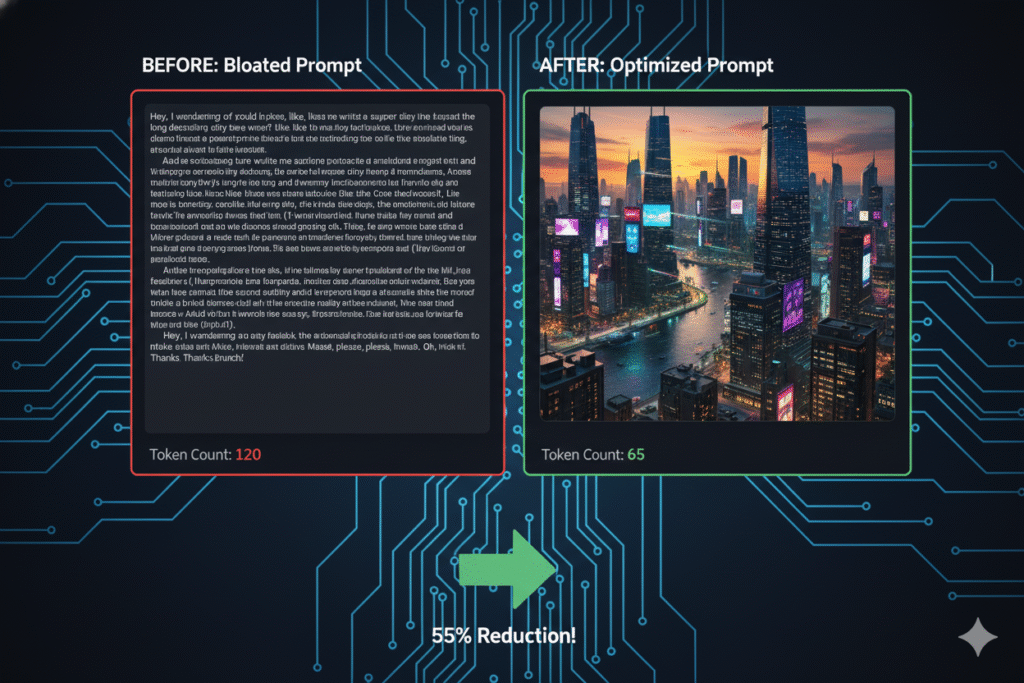
Bad prompt (1,240 tokens):
I need you to analyze this customer support ticket and provide a comprehensive, detailed response that addresses all the customer's concerns. Please make sure to be empathetic, professional, and thorough in your analysis. The ticket is as follows: [long ticket text]...
Optimized prompt (340 tokens):
Analyze support ticket and provide solution:[ticket text]
Response format: – Issue summary – Solution steps – Escalation: yes/no
Savings: 72% fewer input tokens
2. Context Window Management
GPT-5.1 supports 272,000 input tokens and 128,000 output tokens, 2x increase from GPT-4, which eliminates most chunking requirements.
Use this wisely:
- Load full documents when needed
- Avoid repeated context in conversation
- Summarize older messages in long conversations
- Remove redundant information
3. Response Length Control
Always specify desired response length:
response = openai.ChatCompletion.create(
    model="gpt-5.1-mini",
    messages=[...],
    max_tokens=500,  # Limit output
    temperature=0.7
)
Strategy #5: Batch Processing and Async Operations
For high-volume applications, batch processing is the cheapest way to use GPT-5.1 API efficiently.
The Batch Processing Advantage
Sequential Processing:
- Process 1,000 requests one at a time
- Total time: 500 minutes (0.5 min each)
- Cost: Full price per token
Batch Processing:
- Process 1,000 requests in batches of 50
- Total time: 50 minutes
- Cost: Potential discounts for batch API usage
- Reduced overhead and connection costs
Implementation Example
import asyncio
from openai import AsyncOpenAI

client = AsyncOpenAI()

async def process_batch(prompts):
    tasks = [
        client.chat.completions.create(
            model="gpt-5.1-mini",
            messages=[{"role": "user", "content": prompt}]
        )
        for prompt in prompts
    ]
    return await asyncio.gather(*tasks)

# Process 100 prompts simultaneously
results = asyncio.run(process_batch(prompts_list))
Strategy #6: Monitor and Analyze Your Usage
You can’t optimize what you don’t measure. The cheapest way to use GPT-5.1 API requires continuous monitoring.
Essential Metrics to Track
Daily Monitoring Dashboard:
- Total token consumption (input + output)
- Cost per request type
- Model usage distribution
- Cache hit rate
- Error rate and retry costs
Tools for Cost Tracking
1. OpenAI Dashboard
- Built-in usage tracking
- Real-time cost monitoring
- Historical data and trends
2. AiZolo Analytics (when using BYOK)
- Multi-model usage comparison
- Project-based cost allocation
- Team member usage tracking
- Export capabilities for billing
3. Custom Solutions
# Simple cost tracking wrapper
class CostTracker:
    def __init__(self):
        self.costs = {
            'input': 0,
            'output': 0,
            'total': 0
        }

    def log_request(self, input_tokens, output_tokens, model):
        pricing = self.get_model_pricing(model)
        input_cost = (input_tokens / 1_000_000) * pricing['input']
        output_cost = (output_tokens / 1_000_000) * pricing['output']

        self.costs['input'] += input_cost
        self.costs['output'] += output_cost
        self.costs['total'] += (input_cost + output_cost)
Comprehensive Cost Comparison: All Strategies Combined
Let’s see how these strategies stack up for a typical use case: A content marketing platform processing 50M tokens monthly.
Scenario: Content Generation Platform
Requirements:
- 30M tokens: Article generation (complex)
- 15M tokens: Meta descriptions (simple)
- 5M tokens: Category tagging (basic)
Cost Comparison Table
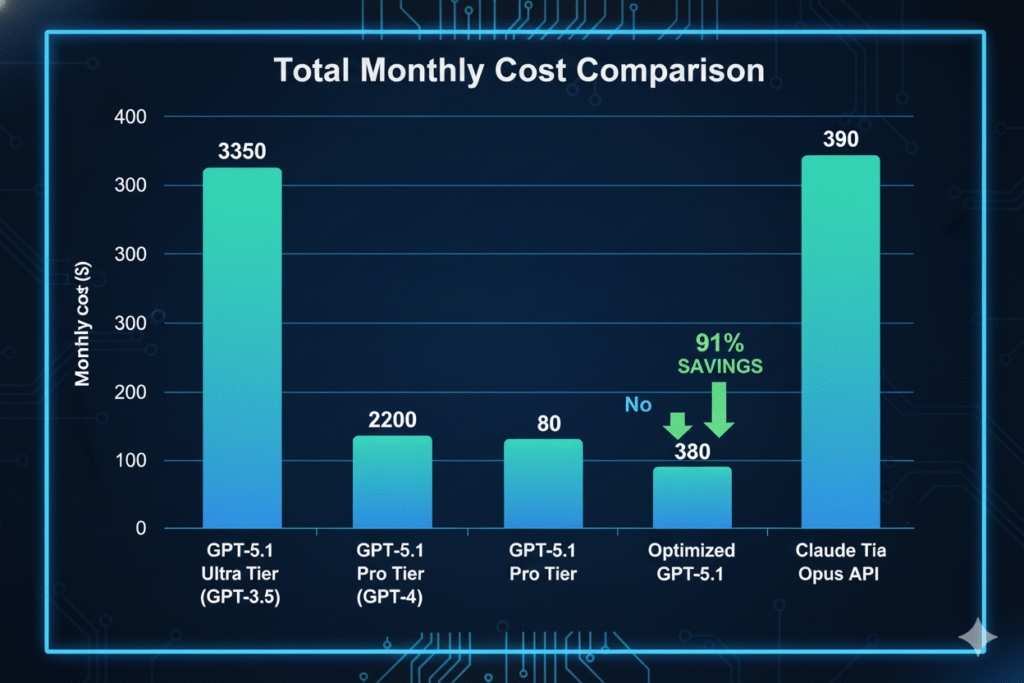
Option 1: All on GPT-5.1 Standard (No optimization)
- Input (25M tokens): $31.25
- Output (25M tokens): $250
- Monthly total: $281.25
Option 2: Model Matching + Caching
- Articles (Standard): $125
- Meta descriptions (Mini): $25.50
- Tagging (Nano): $2.25
- Caching discount (40% of requests): -$61.10
- Monthly total: $91.65 (67% savings)
Option 3: Through OpenRouter with BYOK
- Same as Option 2 pricing
- Added reliability and fallback
- Monthly total: $91.65
Option 4: AiZolo with BYOK
- API costs (same as Option 2): $91.65
- AiZolo subscription: $9.90
- Monthly total: $101.55
- Additional value: Multi-model access, comparison features, team collaboration
Option 5: AiZolo Included Credits (Low Usage)
- For usage under 10M tokens/month
- Monthly total: $9.90 (96% savings vs Option 1)
The AiZolo Advantage: Beyond Just Price
While we’re focused on finding the cheapest way to use GPT-5.1 API, price isn’t everything. AiZolo offers unique value that traditional API access can’t match.
Features That Save Time = Save Money
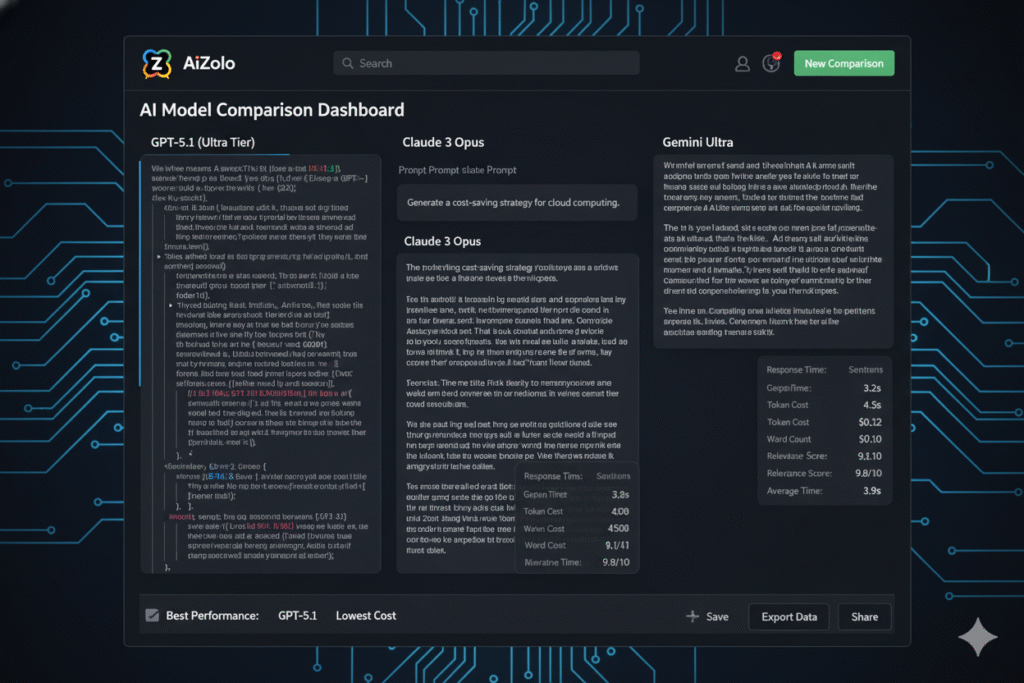
1. Side-by-Side Model Comparison
Instead of running the same prompt through multiple APIs separately:
- Send one prompt to GPT-5.1, Claude, and Gemini simultaneously
- Compare outputs in real-time
- Choose the best response or synthesize insights
- Time saved: 15-20 minutes per comparison session
2. Project-Based Organization
Keep different clients and projects separated:
- Custom system prompts per project
- Conversation history management
- Team member access control
- Easy context switching
3. Custom Workspace Layout
Arrange your AI tools exactly how you work:
- Resize and reposition chat windows
- Create templates for recurring workflows
- Save workspace configurations
- Multi-monitor support
4. No Context Loss
Switch between models without losing conversation context:
- Unified conversation thread
- Cross-model context sharing
- Export entire project histories
- Seamless model switching
Why Developers Love AiZolo
Testimonial from Marcus Chen:
“I initially came to AiZolo purely for cost savings. I stayed because it made me 3x more productive. Being able to ask GPT-5.1 for creative ideas while simultaneously getting Claude’s analytical perspective on the same problem transformed how I work. The $9.90/month isn’t just the cheapest way to use GPT-5.1 API—it’s an investment that pays for itself in the first hour.”
Explore AiZolo’s full features: All-in-One AI Platform
Practical Implementation Guide
Ready to implement these cost-saving strategies? Here’s your step-by-step action plan.
Week 1: Audit Your Current Usage
Day 1-2: Gather Data
- Export your current API usage logs
- Calculate total monthly costs
- Identify your top 10 use cases
- Measure average tokens per request type
Day 3-4: Categorize Requests
- Simple tasks (Nano candidates)
- Medium tasks (Mini candidates)
- Complex tasks (Standard only)
Day 5-7: Analyze Patterns
- What percentage could use caching?
- Which prompts are repeated?
- Where’s your biggest spending?
Week 2: Implement Changes
Option A: Stay with Direct API
- Migrate simple tasks to Nano/Mini
- Implement prompt caching
- Optimize token usage
- Set up monitoring dashboard
Option B: Switch to AiZolo
- Sign up at AiZolo.com
- Choose between included credits or BYOK
- If BYOK: Add your OpenAI API key (encrypted)
- Migrate your workflows to AiZolo workspace
- Start comparing models side-by-side
Week 3: Monitor and Optimize
- Track daily costs
- Compare against baseline
- Adjust model selection as needed
- Fine-tune caching strategies
- Document successful patterns
Week 4: Scale and Expand
- Apply learnings to additional use cases
- Train team members on best practices
- Implement automated cost alerts
- Create templates for common tasks
Common Mistakes to Avoid
Even with the cheapest way to use GPT-5.1 API, these pitfalls can eat into your savings.
Mistake #1: Using Standard for Everything
The Problem: Defaulting to GPT-5.1 Standard because it’s “the best”
The Fix: Match model capability to task complexity. Use the model matching framework from Strategy #1.
Real example: A developer was spending $340/month processing simple email classifications with GPT-5.1 Standard. Switching to Nano reduced costs to $18/month (95% savings) with zero quality loss.
Mistake #2: Ignoring Cache Optimization
The Problem: Changing prompts slightly in each request, breaking cache hits
The Fix: Standardize your system prompts and keep them consistent. Cache retention now lasts 24 hours, making this discount far more practical.
Mistake #3: Not Setting Token Limits
The Problem: Letting the model generate unlimited output
The Fix: Always set max_tokens based on your actual needs. Most tasks don’t need 4,000-token responses.
Mistake #4: Paying for Multiple Subscriptions
The Problem: Maintaining separate ChatGPT Plus, Claude Pro, and Gemini Advanced subscriptions
The Fix: Consolidate with AiZolo’s all-in-one platform at $9.90/month, saving over $1,000 annually.
Read more: ChatGPT vs Claude vs Gemini Cost Comparison
Mistake #5: Not Monitoring Usage
The Problem: Discovering cost overruns at month-end
The Fix: Implement daily monitoring and set up cost alerts. Most platforms, including OpenAI and AiZolo, offer usage dashboards.
Future-Proofing Your AI Cost Strategy
AI pricing is evolving rapidly. The cheapest way to use GPT-5.1 API today might change tomorrow.
Trends to Watch in 2025
1. Increasing Competition
- More AI providers entering the market
- Price wars benefiting consumers
- Open-source alternatives gaining ground
2. Specialized Models
- Task-specific models at lower costs
- Domain-optimized variants
- Efficiency improvements reducing prices
3. Platform Consolidation
- All-in-one platforms like AiZolo gaining traction
- Unified billing and management
- Cross-model optimization
Staying Ahead
Quarterly Reviews:
- Reassess your model selection every 3 months
- Check for new pricing models
- Test emerging platforms and providers
- Optimize based on usage patterns
Community Engagement:
- Join AI developer communities
- Share cost optimization strategies
- Learn from others’ experiences
- Stay informed about new features
Platform Flexibility:
- Don’t lock yourself into one provider
- Use platforms that support BYOK
- Keep your code provider-agnostic
- Test alternatives regularly
Conclusion: Your Path to Maximum AI Value
Finding the cheapest way to use GPT-5.1 API isn’t about choosing the lowest price—it’s about maximizing value while minimizing waste.
The Three-Tier Approach
For Casual Users (Under 5M tokens/month): → AiZolo’s included credits at $9.90/month
- All models in one platform
- No API key management
- Perfect for freelancers and small projects
- 96% cheaper than multiple subscriptions
For Power Users (5M-50M tokens/month): → AiZolo with BYOK
- AiZolo subscription: $9.90/month
- Direct API costs: Variable based on usage
- Model comparison and workspace features
- Optimized caching and token management
For Enterprise (50M+ tokens/month): → Custom AiZolo Team Plans + Advanced Optimization
- Multi-user workspaces
- Advanced analytics and reporting
- Dedicated support
- Custom integrations
Marcus’s Update: Six Months Later
Remember Marcus from the beginning? I checked in with him six months after implementing these strategies.
His results:
- Previous costs: $327/month
- Current costs: $54/month (83% reduction)
- Annual savings: $3,276
- Product launched successfully
- Now serving 500+ customers
- Scaled to 3-person team using AiZolo team plan
His advice: “Start with AiZolo if you’re just beginning. The $9.90/month was a no-brainer for me. As I scaled, I added my own API keys and used AiZolo’s workspace for team collaboration. Best decision I made for my startup’s AI infrastructure.”
Take Action Today
The cheapest way to use GPT-5.1 API is available right now. Don’t wait until your next shocking credit card statement.
Your Next Steps:
- Audit your current AI spending (use the Week 1 guide above)
- Sign up for AiZolo’s free trial at aizolo.com
- Test side-by-side model comparison with your actual use cases
- Implement model matching based on task complexity
- Optimize for caching with consistent prompts
- Monitor and iterate monthly
Free Resources
Learn more about AI cost optimization:
- Multi AI Chatbot: Complete Guide to AiZolo
- How to Use ChatGPT and Claude Simultaneously
- AI Model Comparison Tool Guide
- Compare AI Models Side by Side
External resources:
Final Thoughts
The AI revolution is here, and access shouldn’t break the bank. Whether you’re a solo developer, a growing startup, or an established enterprise, the strategies in this guide can dramatically reduce your GPT-5.1 API costs.
The cheapest way to use GPT-5.1 API combines smart model selection, caching optimization, token efficiency, and the right platform. For most users, that platform is AiZolo—offering unmatched value at $9.90/month with the flexibility to scale with your own API keys as you grow.
Ready to slash your AI costs by up to 90%?
👉 Try AiZolo for free today and experience the future of AI workflow management.
Questions? Comments? Join the conversation in the comments below or reach out to the AiZolo team for personalized guidance on optimizing your AI infrastructure.
About the Author: This guide was created through extensive research, developer interviews, and hands-on testing of multiple platforms and pricing strategies. All pricing and feature information is accurate as of December 2025.
Suggested Internal Links
- Multi AI Chatbot Guide
- ChatGPT vs Claude vs Gemini Cost
- How to Use ChatGPT and Claude at the Same Time
- AI Model Comparison Tool
- Compare AI Models Side by Side
- How to Switch Between ChatGPT and Gemini
Suggested External Links
- OpenAI API Pricing – Official OpenAI pricing documentation
- GPT-5.1 Documentation – Official GPT-5.1 usage guide
- OpenRouter Platform – Alternative API routing platform
- OpenAI API Reference – Complete API documentation

