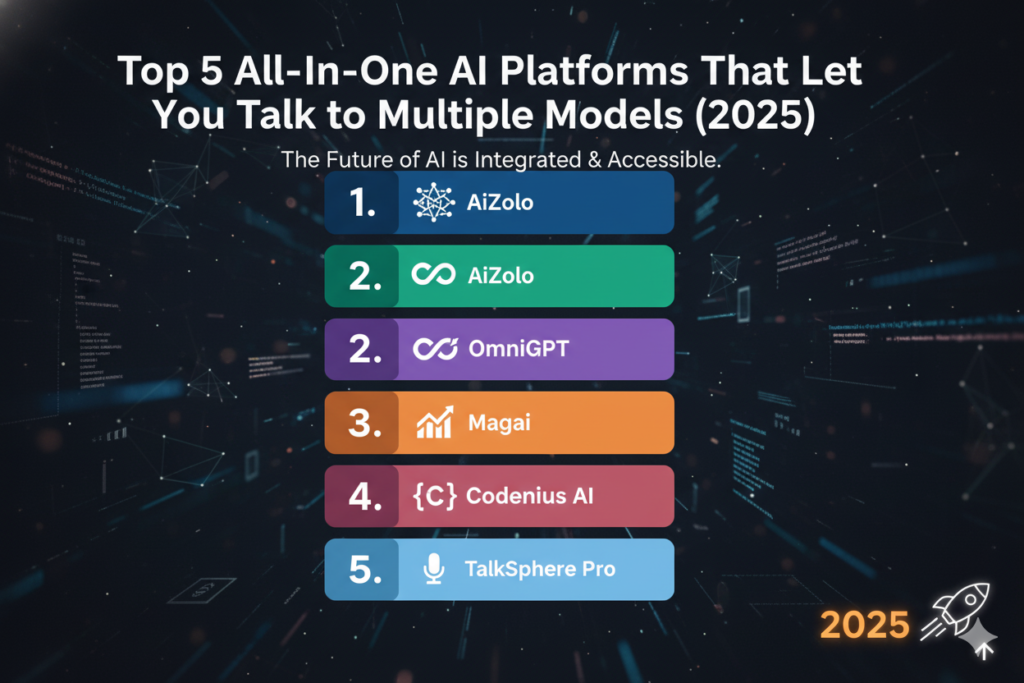
Introduction
If you’re reading this, you’ve probably already used Magai. Maybe you like it. Maybe the word-based usage limits are starting to feel tight, or you want a platform with a different pricing model, more open-source flexibility, or a stronger developer story.
Either way, you’re now looking for the best multi-model AI chat alternative to Magai, and you want a straight answer, not a sales pitch.
That’s what this guide is. Multi-model AI platforms exist because no single AI model is best at everything. GPT is strong at outlining. Claude is often praised for nuanced writing and reasoning.
Gemini handles certain coding and multimodal tasks well. DeepSeek is a cheap, capable option for high-volume tasks. When you can move between them in one place, you stop paying for four subscriptions and stop losing context every time you switch tabs.
In 2026, the multi-model category has split into a few very different approaches. Some tools, like Aizolo and Magai, wrap dozens of models behind a slick, subscription-priced content workspace built for teams and creators. Others, like Poe, turn model access into a consumer-friendly points system.
OpenRouter skips the interface entirely and gives developers one API key for hundreds of models. And a growing set of open-source tools — LibreChat, Open WebUI, AnythingLLM, LobeChat — let you self-host the whole thing and keep full control of your data.
This guide walks through all of it: what Magai actually offers today, why people go looking for something else, what separates a genuinely useful multi-model platform from a thin wrapper, and a detailed, side-by-side look at the strongest alternatives on the market.
You’ll also get a comparison table, pricing breakdowns, and recommendations by use case, so you can pick the right multi model ai chat alternative to Magai for your specific situation rather than just the most hyped one.
Table of Contents
What Is Magai?
Magai is a multi-model AI aggregation platform built around one core idea: give people access to dozens of leading AI engines through a single subscription and a single chat window, instead of juggling separate logins for ChatGPT, Claude, and Gemini.
Under the hood, Magai routes each message to whichever model you choose, while quietly preserving your conversation history so that switching models mid-chat doesn’t break the thread.
It layers on a few genuinely useful extras: reusable “Personas” (saved instructions you can apply across every model), a prompt enhancer that cleans up vague prompts, an in-chat document editor that exports to PDF or DOCX, and team workspaces with shared chats and role-based permissions.
Strengths. Magai’s biggest selling point is breadth plus polish — access to 40–50+ models spanning chat, image, and video generation, wrapped in an interface built for content teams rather than developers.
Its enterprise tier adds SOC 2 Type II certification, AES-256 encryption, and a zero-data-retention policy, which matters for agencies handling client work.
Limitations. Pricing runs on a word-based quota system starting around $19–20/month for individuals, with team and enterprise tiers layered on top.
That model works well for moderate use but can feel restrictive for high-volume writers, and there’s no meaningful free tier to test the waters. It’s also a closed, hosted platform — there’s no self-hosting option for teams that need to keep data entirely in-house.
Ideal users. Magai is aimed squarely at content marketers, freelance copywriters, creative agencies, and small teams who want one polished workspace for writing and editing across multiple models, and who are comfortable paying a flat monthly fee for that convenience.
Why Users Are Looking for Magai Alternatives

No platform fits every workflow, and the reasons people search for a magai alternative tend to cluster around a handful of recurring pain points.
Pricing and usage caps. Magai’s plans are metered by word count rather than unlimited usage. Heavy users — especially agencies producing high volumes of long-form content — can hit ceilings faster than expected and need to buy top-ups or upgrade tiers.
Limited integrations for developers. Magai is a consumer/team-facing chat workspace, not a developer API gateway. Teams building AI features into their own products need something closer to OpenRouter’s model-agnostic API, not a chat UI.
Workflow and customization needs. Some teams need self-hosting, custom RAG pipelines, or deep control over system prompts and model parameters that a closed SaaS platform can’t offer.
Enterprise and compliance requirements. Larger organizations sometimes need on-premises deployment, LDAP/SAML authentication, or data residency guarantees that go beyond what a single vendor’s cloud platform provides.
Speed and model coverage. Because Magai proxies requests through its own infrastructure, some users report inconsistent speed during peak times. Others simply want faster access to brand-new model releases the moment they ship.
Team collaboration at scale. Growing teams sometimes outgrow a single vendor’s collaboration tools and want deeper admin controls, audit logs, or connectors into tools like Slack, Notion, and Google Drive.
Automation and AI agents. As AI agents and MCP-based tool use become standard, some users want a platform built agent-first rather than chat-first.
None of this makes Magai a bad product — it just means the right alternative depends heavily on which of these problems you’re actually trying to solve.
What Makes a Great Multi-Model AI Platform?
Before comparing specific tools, it helps to know what actually separates a genuinely useful multi-model platform from a thin wrapper around a few APIs.
Model breadth and quality of switching. The best platforms let you swap models mid-conversation without losing context, and support enough providers (OpenAI, Anthropic, Google, DeepSeek, Meta, Mistral, xAI) that you’re not stuck with a stale roster.
Side-by-side comparison. Tools like ChatHub and Poe let you send one prompt to several models at once and compare outputs directly — genuinely useful when you’re not sure which model handles a task best.
Workspace and memory. A durable, well-organized workspace — folders, saved prompts, persistent memory, chat forking — turns a chatbot into a daily tool rather than a novelty.
Internet search and file support. Live web access and document upload matter for research-heavy workflows; without them, you’re stuck with whatever the base model already knows.
Plugins, agents, and MCP support. As of 2026, the strongest platforms (LibreChat, Open WebUI, TypingMind) support Model Context Protocol connectors, letting AI agents call external tools directly.
Security and data control. Depending on your needs, this could mean SOC 2 certification and zero-retention policies (Magai, Aizolo) or full self-hosting where nothing ever leaves your own servers (LibreChat, Open WebUI, AnythingLLM).
Pricing model that matches your usage. Flat subscriptions suit predictable, moderate use. Pay-as-you-go API pricing (OpenRouter) suits developers with variable load. One-time BYOK licenses (TypingMind) suit power users who don’t want a recurring bill.
Keep these seven criteria in mind — they’re the lens we’ll use to evaluate every tool below.
Best Multi-Model AI Chat Alternatives to Magai

1. Aizolo
Overview: Aizolo is a multi-model AI chat workspace built for teams who want Magai’s convenience of one subscription and one interface, without being boxed into a single pricing structure or workflow style. It focuses on fast model switching, persistent context, and a workspace designed for content and research teams that need clarity over clutter.
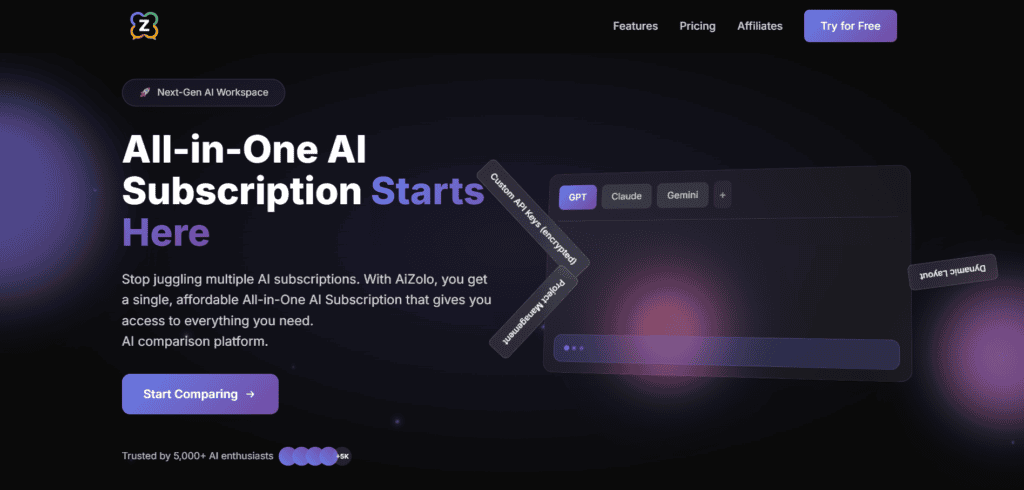
Pros: Clean, focused interface; straightforward model switching mid-conversation; built with the same “one workspace, many models” philosophy that made Magai popular in the first place.
Cons: As a newer entrant relative to Poe or OpenRouter, its community and integration ecosystem is still growing.
Best for: Teams that want the core multi-model workspace experience without extra complexity.
Who should use it: Anyone evaluating Magai alternatives who wants a workspace-first (not developer-first) approach.
Key Takeaway: If what you liked about Magai was the workspace, not the pricing, Aizolo is worth a direct trial before committing to something heavier like a self-hosted stack.
2. Poe
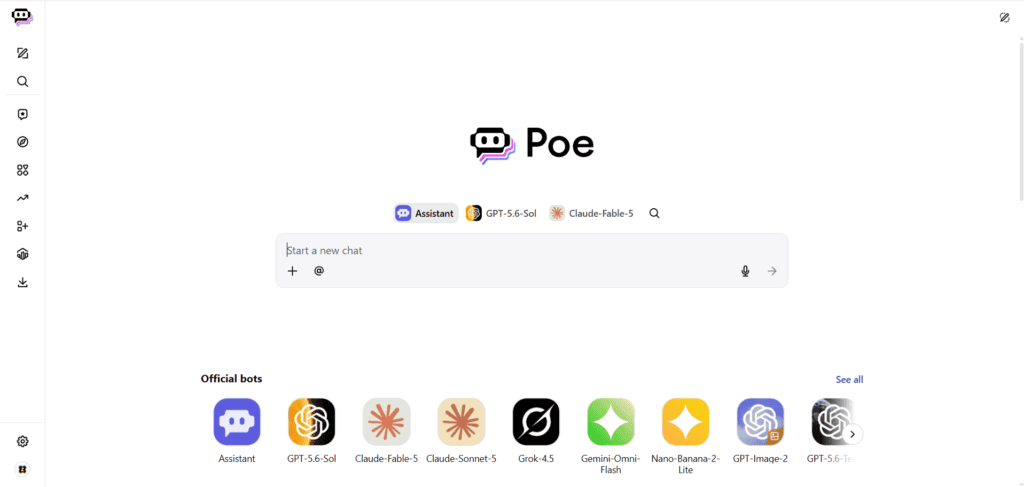
Overview: Poe, built by Quora, is one of the most recognizable multi-model platforms. It bundles GPT, Claude, Gemini, Grok, DeepSeek, and hundreds of community-built bots behind a single subscription, priced using a compute-points system rather than flat unlimited access.
Pros: Enormous model and bot variety; genuinely useful free tier for testing; multi-bot threads for direct comparison; available on web, iOS, and Android.
Cons: The subscription is metered by points, not unlimited — frontier and image/video models burn through points fast; no dedicated agent-deployment layer for customer-facing use; documented no-refund policy.
Pricing: Six tiers from free up to roughly $249.99/month, with the most commonly cited “sweet spot” plans around $4.99–$19.99/month.
Best for: Individuals and researchers who want to compare model outputs casually without managing separate subscriptions.
AI models supported: GPT-5.x, Claude Opus/Sonnet, Gemini, Grok, Llama, DeepSeek, plus image, video, and audio generators.
Unique features: Multi-bot group chats, creator monetization, a large public bot marketplace.
Who should use it: Content strategists, students, and AI enthusiasts who model-hop often but don’t need production-grade deployment.
3. OpenRouter
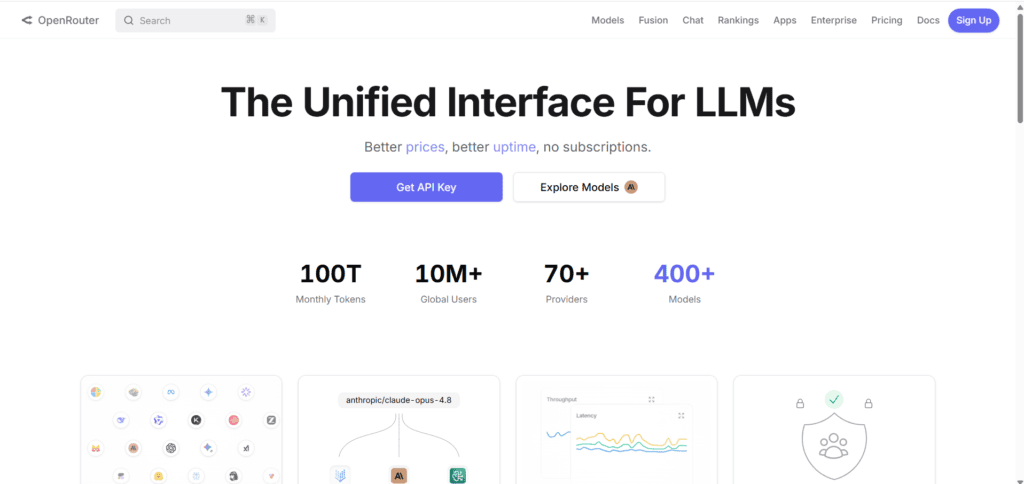
Overview: OpenRouter isn’t a chat app — it’s a single API that routes requests to 300+ models from OpenAI, Anthropic, Google, Meta, Mistral, DeepSeek, and dozens of open-source providers. It’s the developer’s answer to “one key, every model.”
Pros: Pass-through pricing that’s typically at or near each provider’s direct API rate; dozens of genuinely free models with reasonable rate limits; automatic provider fallback for reliability; works as a drop-in OpenAI-compatible endpoint.
Cons: No consumer chat interface of its own — you need a frontend (like TypingMind or a custom app) on top; a roughly 5.5% fee applies to credit purchases, and bring-your-own-key usage above certain volumes carries an additional fee.
Pricing: Pay-as-you-go, credits-based; no subscription or minimum spend.
Best for: Developers and teams building their own AI-powered products or internal tools who want provider flexibility without managing five separate API keys.
AI models supported: 300+ models across every major provider plus open-source options.
Unique features: Auto-routing to the best available model, transparent per-token pricing, uptime-based provider failover.
Who should use it: Engineering teams and technical founders, not casual chat users.
4. You.com
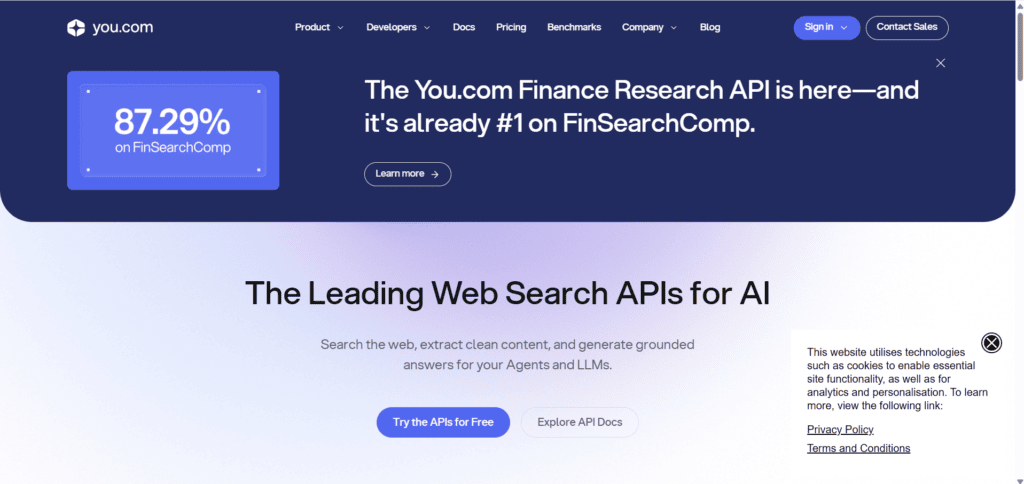
Overview: You.com combines web search with multi-model AI chat, letting you run the same query through GPT, Claude, Gemini, and DeepSeek from one privacy-focused interface, with citations attached to answers.
Pros: Strong privacy stance (no ad tracking, SOC 2 certified); genuinely useful free tier; combines live web search with model access in a way pure chat aggregators don’t.
Cons: Customer support response times are a recurring complaint; custom AI agents have a reputation for occasional bugginess; search depth on niche queries can lag behind dedicated search engines.
Pricing: Free tier available; Pro around $15–20/month; Max around $200/month for extended context and unlimited deep research.
Best for: Privacy-conscious researchers and knowledge workers who want source-backed, multi-model answers in one place.
AI models supported: GPT-4/4o, Claude, Gemini, DeepSeek, and other open-source options — roughly 20+ models.
Unique features: Four distinct modes (Smart, Genius, Research, Create) tuned for different tasks; built-in citations.
Who should use it: Researchers who want search-grounded answers rather than a pure chat sandbox.
5. TypingMind
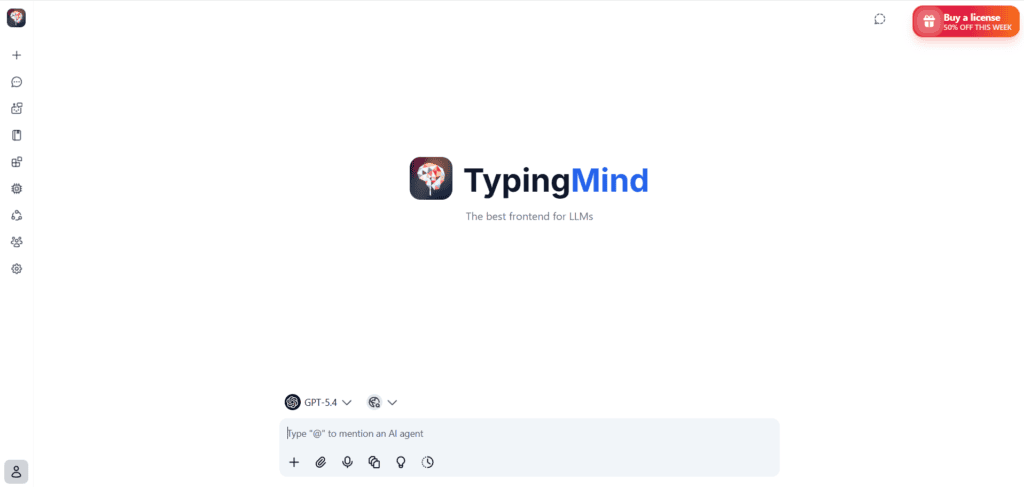
Overview: TypingMind is a bring-your-own-key (BYOK) chat frontend. You buy the app once, plug in your own OpenAI, Anthropic, Google, or other API keys, and pay providers directly for usage — no subscription markup on the model access itself.
Pros: One-time license (commonly cited around $39–79) instead of a recurring fee; genuinely cost-effective for heavy users, since you pay providers’ direct token rates; deep power-user features — chat folders, prompt library, plugins, forking, MCP support.
Cons: Requires comfort with managing API keys and understanding token billing; no built-in model access, so there’s setup overhead a managed platform like Magai doesn’t have.
Pricing: One-time Standard license (~$39–79) plus your own API costs; optional Cloud Pro (~$19/month) and Cloud Business tiers add sync and admin controls.
Best for: Technical users who already understand API pricing and want to eliminate recurring subscription costs.
AI models supported: 18+ providers including OpenAI, Anthropic, Google, Mistral, Groq, DeepSeek, and local Ollama models.
Unique features: Chat forking, custom plugins via HTTP/JavaScript/MCP, granular model parameter control (temperature, top-p, top-k).
Who should use it: Consultants, developers, and prompt engineers who rotate between models daily and want to pay by usage, not by seat.
6. ChatHub
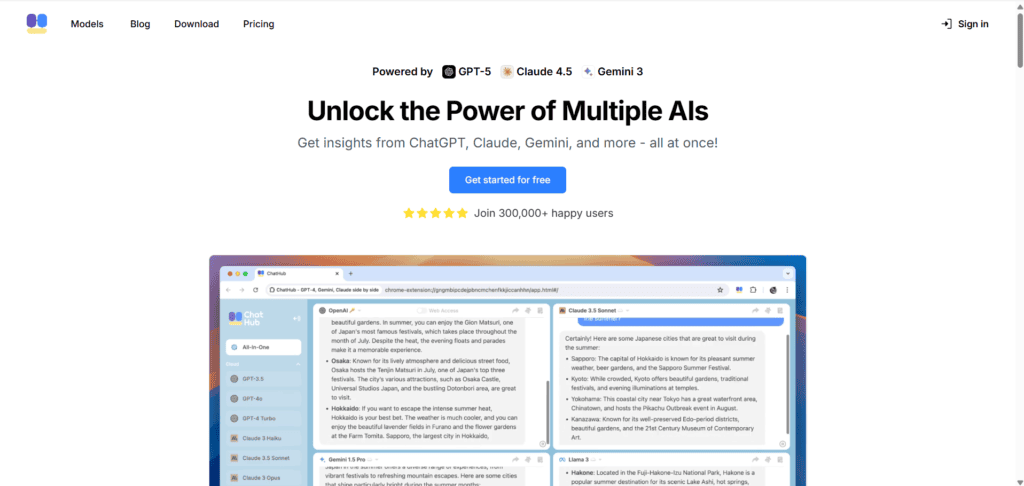
Overview: ChatHub is built around one core workflow: side-by-side comparison. Send a single prompt and watch up to six models respond simultaneously in a split-screen layout — no API keys required.
Pros: No API key setup — subscription includes direct model access; true cross-platform availability (web, Chrome/Edge extension, Windows, Mac, iOS, Android); local chat history keeps data on-device rather than on ChatHub’s servers.
Cons: At the higher end (~$24.99/month), it’s pricier than BYOK alternatives for light-to-moderate users; casual, single-model users won’t get value from the multi-bot layout.
Pricing: Roughly $14.99–$24.99/month on annual billing, with a limited free tier (two models at once).
Best for: Researchers, developers, and content creators who genuinely want to cross-reference multiple model outputs on every prompt.
AI models supported: GPT-5, Claude, Gemini, DeepSeek, Llama, Grok, and 20+ others.
Unique features: Six-way simultaneous chat, browser extension for in-page use, built-in prompt library.
Who should use it: Anyone whose workflow depends on comparing model quality on the same input, not just accessing multiple models separately.
7. LibreChat
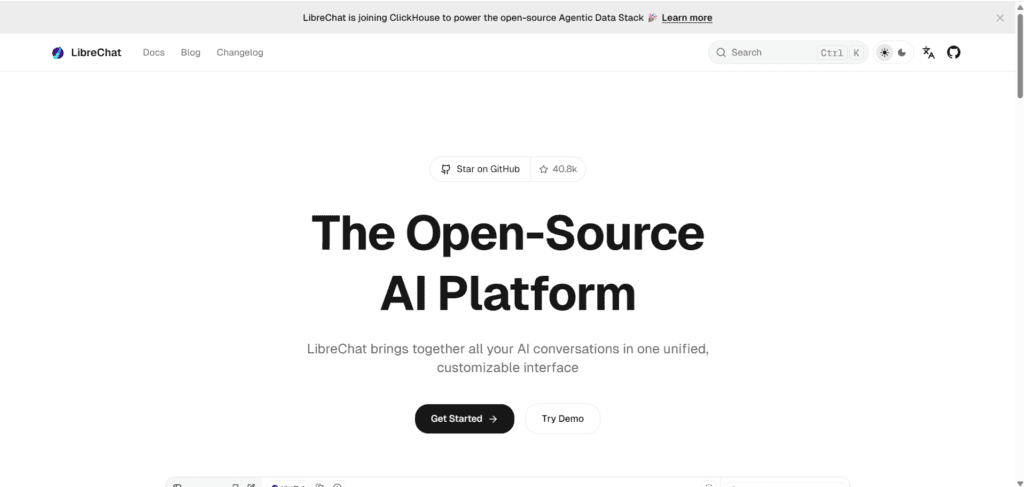
Overview: LibreChat is a free, MIT-licensed, self-hosted chat interface that unifies OpenAI, Anthropic, Google, Azure, Ollama, and any OpenAI-compatible API under one ChatGPT-like UI, with strong enterprise authentication built in.
Pros: Completely free and open-source; strong multi-provider support with true mid-conversation model switching; robust authentication (LDAP, SAML, OAuth, social login) suited to real organizations; MCP and code-interpreter support for agentic workflows.
Cons: Heavier to deploy than a pure chat UI — needs Docker, MongoDB, and (for full RAG) a separate API service; document/RAG capability is lighter than dedicated tools like AnythingLLM; role-based permissions are still maturing.
Pricing: Free (self-hosted); you pay only for your own infrastructure and API usage.
Best for: Teams that want an internal, ChatGPT-like tool they fully own and control.
AI models supported: Virtually any provider with an API, plus local models via Ollama.
Unique features: Conversation forking, Artifacts (inline rendering of code/React/HTML), per-user token usage tracking.
Who should use it: IT-capable teams that need data sovereignty and don’t mind managing their own deployment.
8. Open WebUI
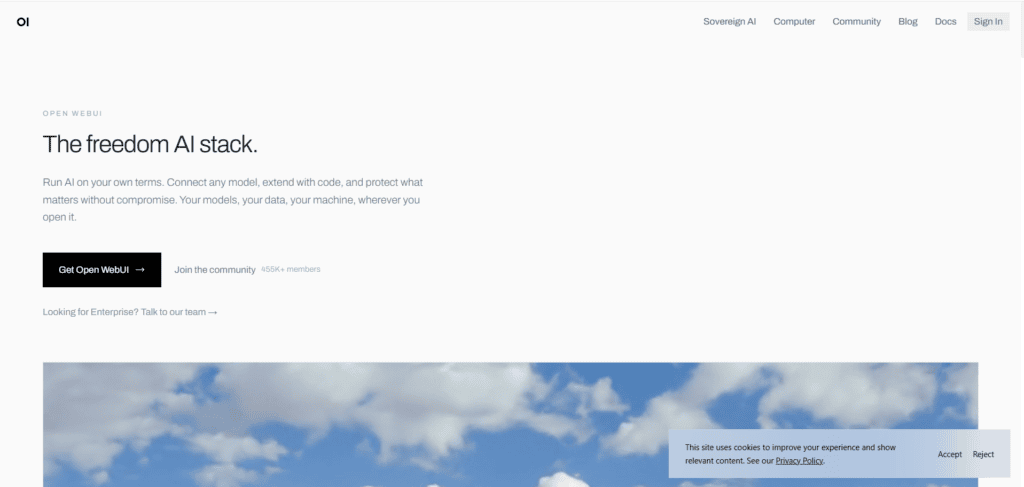
Overview: Open WebUI is the most widely adopted self-hosted AI interface, especially popular as a frontend for local models running through Ollama. It has the largest community of the open-source options covered here.
Pros: Easiest self-hosted setup for local-model users; mature, role-based multi-user admin panel out of the box; highly extensible through tools, functions, and pipelines.
Cons: Multi-provider chat isn’t its core strength the way it is for LibreChat; some users report needing extra tweaks for local GPU setups.
Pricing: Free and open-source; self-hosting infrastructure costs are your only expense.
Best for: Home-lab users, small teams, and privacy-focused individuals running local LLMs.
AI models supported: Any Ollama-served model, plus OpenAI-compatible cloud APIs.
Unique features: Python-based pipeline system for custom workflows; large plugin/tool ecosystem contributed by the community.
Who should use it: Anyone prioritizing local-model privacy over polished multi-vendor cloud access.
9. AnythingLLM
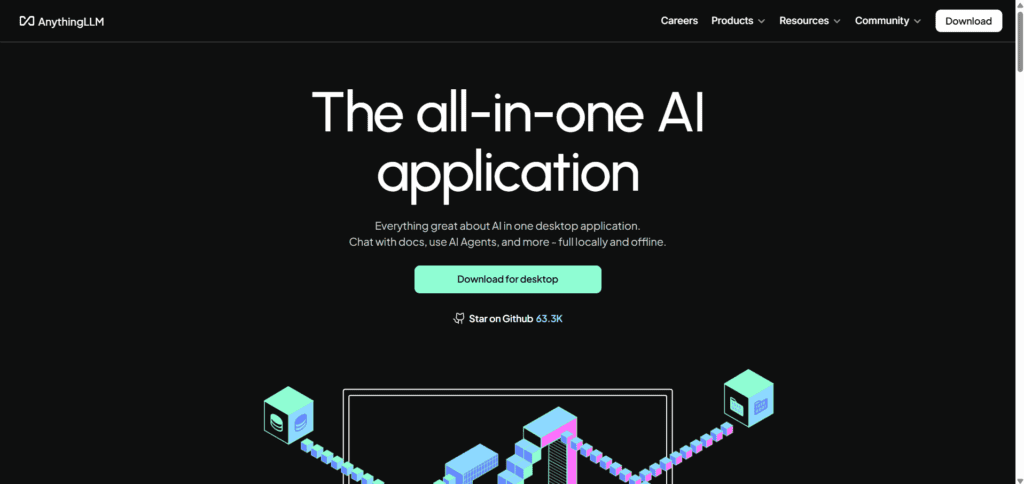
Overview: AnythingLLM is an all-in-one AI application built around workspaces — isolated environments that pair documents, model configuration, and conversation history for a specific project or use case.
Pros: Purpose-built for document Q&A and retrieval-augmented generation (RAG); supports 30+ LLM providers plus multiple vector databases; built-in web scraping for quick knowledge-base creation.
Cons: The workspace model adds friction for a quick, one-off chat; the RAG agent can sometimes retrieve more context than needed, slowing responses; enterprise authentication is more limited than LibreChat’s.
Pricing: Free desktop app and self-hosted Docker deployment; managed cloud hosting available from vendors at roughly $50/month.
Best for: Teams whose primary use case is chatting with internal documents, PDFs, and knowledge bases rather than open-ended conversation.
AI models supported: 30+ providers, including local models via Ollama and LM Studio.
Unique features: Per-workspace document isolation, granular chunking controls, OS-level context capture panel.
Who should use it: Research teams and knowledge workers whose core need is RAG over their own files, not general chat.
10. LobeChat
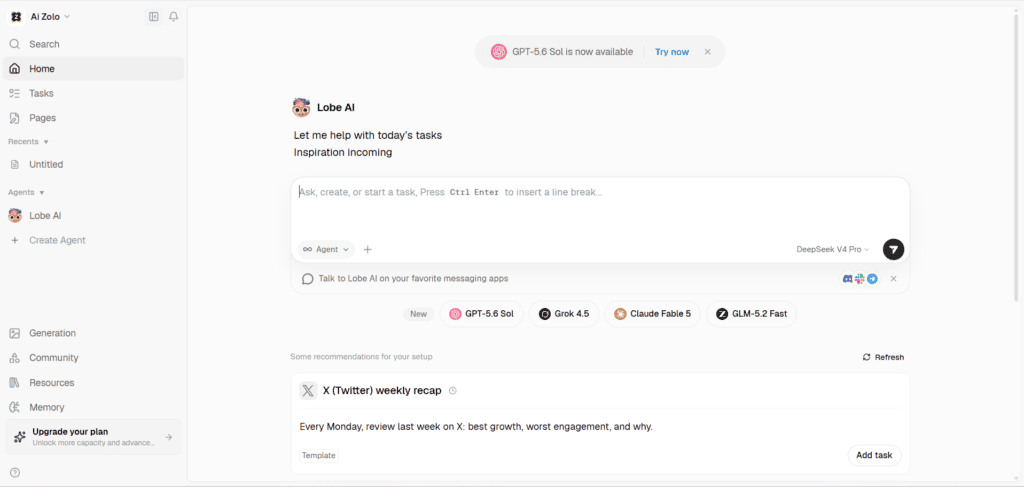
Overview: LobeChat is an open-source, design-forward AI chat framework with a strong plugin ecosystem, multi-agent support, and a polished UI that stands out from more utilitarian self-hosted tools.
Pros: The most visually refined of the open-source options; built-in agent marketplace; supports text-to-speech and image generation alongside chat.
Cons: Its cloud offering (LobeHub) is a paid add-on layered on top of the free self-hosted edition; plugin ecosystem, while growing, is smaller than more established players.
Pricing: Free, self-hosted Community Edition; cloud plans (LobeHub) from roughly $9.90 to $39.90/month for hosted credits.
Best for: Teams and individuals who want a self-hosted tool that looks and feels like a modern SaaS product.
AI models supported: OpenAI, Claude, Gemini, Groq, Ollama, AWS Bedrock, and more.
Unique features: Multi-agent collaboration, voice synthesis, an agent marketplace for reusable personas.
Who should use it: Design-conscious teams that want self-hosting without sacrificing UI polish.
11. Jan
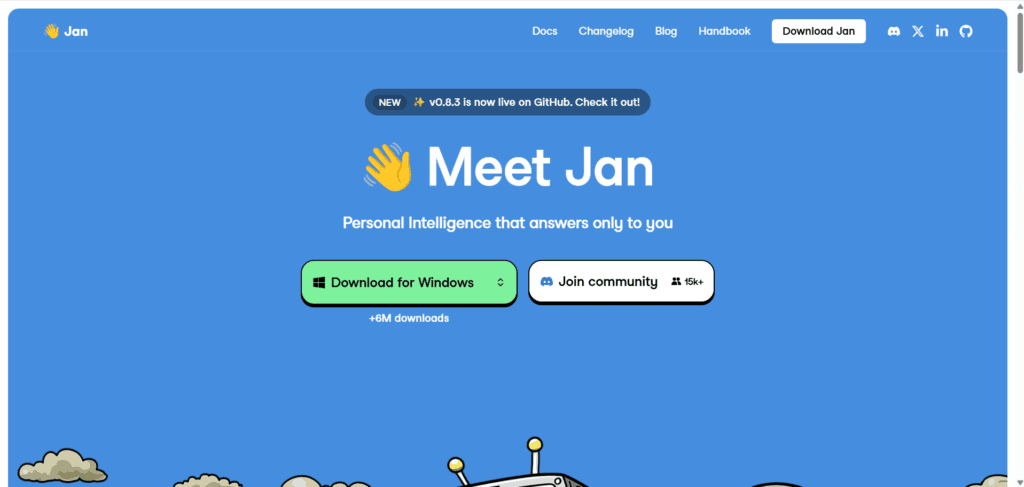
Overview: Jan takes the opposite approach from cloud-first tools: it’s a native desktop app that runs 100% offline, built for people who want local AI inference with zero data ever leaving their machine.
Pros: Genuinely private — works entirely offline once models are downloaded; one-click model downloads from Hugging Face; free and open-source with no subscription of any kind.
Cons: Desktop-only, with no web interface or multi-user support; needs reasonably capable hardware (8GB+ RAM, ideally a GPU) for local models to run well; lacks the plugin and agent ecosystem of LobeChat or Open WebUI.
Pricing: Completely free; optional cost only if you connect a cloud provider like OpenAI or Anthropic.
Best for: Individuals who want complete data privacy and don’t need team features.
AI models supported: Llama, Qwen, DeepSeek, Mistral, Gemma, and other local models; optional cloud provider connections.
Unique features: True offline operation, no account or sign-up required.
Who should use it: Privacy-first individuals, researchers handling sensitive data, or anyone who wants an AI assistant that works without internet access.
12. BoltAI
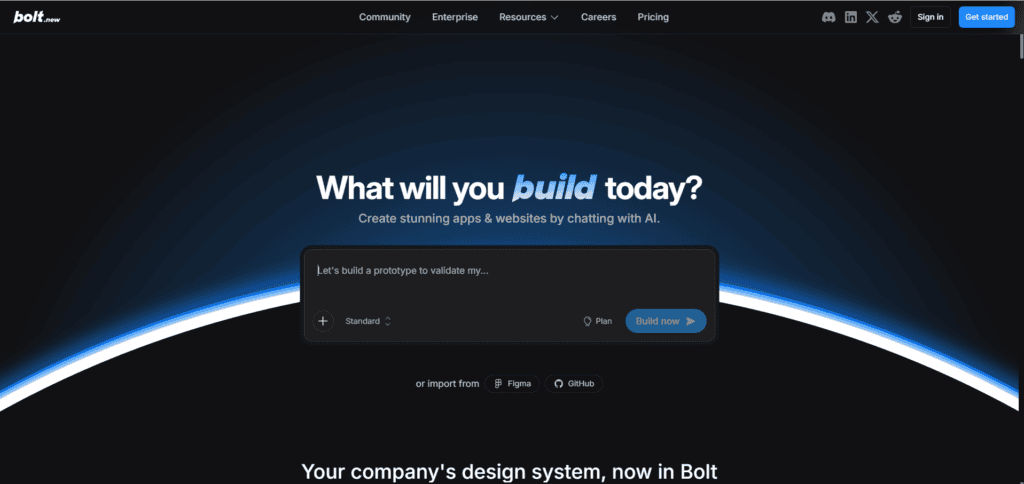
Overview: BoltAI is a native macOS app that brings multi-model AI directly into any application on your Mac, via a global keyboard shortcut rather than a separate browser tab.
Pros: Deep macOS integration — trigger AI commands from inside any text field without switching apps; supports a wide model catalog including OpenAI, Anthropic, Bedrock, and OpenAI-compatible custom providers; local data storage with sensitive-data redaction options.
Cons: macOS-only, so Windows and Linux users are excluded entirely; requires your own API keys, adding setup overhead; can be resource-intensive on older Macs.
Pricing: Roughly $19+ one-time or tiered licensing, plus your own API usage costs.
Best for: Mac power users who want AI woven into their existing workflow rather than a standalone chat window.
AI models supported: OpenAI, Anthropic, Azure OpenAI, Bedrock, OpenRouter, and other OpenAI-compatible providers.
Unique features: System-wide AI Command triggered from any app, inline /gpt completion in any text field, MCP connector support.
Who should use it: Mac-native developers and writers who want AI assistance without leaving their current application.
Comparison Table
| Platform | Supported Models | Pricing | Image Generation | Web Search | Memory | Team Features | Best For | Rating |
|---|---|---|---|---|---|---|---|---|
| Aizolo | Multiple leading LLMs | Subscription | Varies | Yes | Persistent | Yes | Workspace-first teams | 4.5/5 |
| Magai | 40–50+ | From ~$19–20/mo | Yes (DALL·E, SD) | Yes | Persistent | Yes | Content teams | 4.2/5 |
| Poe | 200+ | Free–$249.99/mo | Yes | Limited | Per-thread | Basic | Casual model-hoppers | 4.0/5 |
| OpenRouter | 300+ | Pay-as-you-go | Varies by model | No (API only) | N/A (API) | N/A | Developers | 4.6/5 |
| You.com | 20+ | Free–$200/mo | Yes | Yes | Session-based | Team plan | Researchers | 4.0/5 |
| TypingMind | 18+ (BYOK) | $39–79 one-time + usage | Yes | Yes (plugin) | Persistent | Cloud tier | Power users | 4.5/5 |
| ChatHub | 20+ | $14.99–24.99/mo | Yes | Yes | Local history | Seat-based | Model comparison | 4.1/5 |
| LibreChat | Any provider | Free (self-host) | Via plugin | Via plugin | Persistent | Strong auth | IT-capable teams | 4.4/5 |
| Open WebUI | Ollama + APIs | Free (self-host) | Via pipeline | Via tool | Persistent | Mature admin | Local-model users | 4.5/5 |
| AnythingLLM | 30+ | Free / ~$50/mo cloud | Limited | Via scraping | Workspace-based | Basic | Document RAG | 4.3/5 |
| LobeChat | Multiple | Free / $9.90–39.90/mo | Yes | Via plugin | Persistent | Basic | Design-conscious teams | 4.2/5 |
| Jan | Local models | Free | No | No | Local | None | Offline privacy | 4.0/5 |
| BoltAI | OpenAI, Anthropic, more | ~$19+ one-time + usage | Limited | Via plugin | Persistent | None | Mac power users | 4.1/5 |
Ratings reflect a synthesis of publicly available reviews and should be verified against current vendor listings, since scores shift as products update.
Feature Comparison
Looking across all twelve tools, a few patterns stand out.
Model breadth is largest at OpenRouter (300+) and Poe (200+), but breadth alone doesn’t equal usability — TypingMind and ChatHub cover fewer providers but wrap them in more purpose-built interfaces.
Self-hosting is where LibreChat, Open WebUI, AnythingLLM, LobeChat, and Jan separate from every hosted competitor: if data sovereignty is non-negotiable, these five are really the only serious contenders.
RAG and document handling is strongest in AnythingLLM, which was designed around it from day one, followed by Open WebUI’s built-in retrieval.
Agent and MCP support, increasingly the deciding factor for technical teams in 2026, is most mature in LibreChat, Open WebUI, and TypingMind.
Pro Tip: If you only remember one thing from this section, remember this — decide whether you need “managed convenience” (Magai, Aizolo, Poe, ChatHub, You.com) or “self-hosted control” (LibreChat, Open WebUI, AnythingLLM, LobeChat, Jan) before you compare feature lists line by line. That single decision eliminates half the list immediately.
Pricing Comparison

Pricing models in this category fall into four buckets:
- Flat subscription, managed access — Magai, Aizolo, ChatHub, You.com Pro, LobeHub. You pay one monthly fee and the vendor covers model costs. Simple, but usage-capped.
- Metered points system — Poe. A subscription fee buys a compute-points budget rather than unlimited usage; heavier models burn points faster.
- Pay-as-you-go API — OpenRouter. No subscription; you pay per token, at or near each provider’s direct rate, plus a small platform fee on credit purchases.
- One-time license + BYOK — TypingMind, BoltAI. A single upfront payment for the app, then ongoing token costs paid directly to model providers.
- Free and self-hosted — LibreChat, Open WebUI, AnythingLLM, LobeChat (community edition), Jan. No software cost at all; your only expense is infrastructure and any cloud API keys you choose to connect.
For a solo user sending a moderate number of messages a month, a flat subscription or a one-time BYOK license is usually cheaper over a year than paying for three separate provider subscriptions. For a developer or team building AI into a product, pay-as-you-go API pricing (OpenRouter) or self-hosting (LibreChat, Open WebUI) tends to scale better than a per-seat SaaS fee.
Performance Comparison
| Dimension | Strongest Options |
|---|---|
| Speed | ChatHub, TypingMind (direct API calls, less routing overhead) |
| Reasoning | Whatever frontier model you select — the platform matters less than the model here |
| Coding | LibreChat and Open WebUI (code interpreter, artifact rendering) |
| Writing | Magai, Aizolo (purpose-built writing/editing tools) |
| Research | You.com, Perplexity-style citation tools |
| Images | Magai, Poe, ChatHub (broadest image-model catalogs) |
| Video | Magai (Luma, Runway integration) |
| Agents | LibreChat, Open WebUI, OpenRouter (MCP-native workflows) |
It’s worth repeating: raw model performance (reasoning quality, coding accuracy) comes from the underlying model, not the wrapper around it. What differs between platforms is speed of access, context handling during model switches, and how well the interface supports the surrounding workflow — search, memory, files, and agents.
Which Platform Is Best?

Students — Poe’s free tier or You.com’s free plan cover casual research and writing needs without a subscription.
Developers — OpenRouter for building products; LibreChat or Open WebUI for an internal, self-hosted assistant.
Businesses — Magai or Aizolo for content-heavy teams that want a managed, polished workspace; LibreChat for IT-capable teams needing data control.
Agencies — Magai’s Persona system and multi-client workspace structure remain a strong fit, with Aizolo as a direct comparison worth testing.
Content creators — Magai, Aizolo, or ChatHub, depending on whether you value an integrated writing/export workflow (Magai/Aizolo) or side-by-side model comparison (ChatHub).
Researchers — You.com for citation-backed answers; ChatHub for direct multi-model comparison on the same query.
Marketing teams — Magai or Aizolo for Persona-driven, brand-consistent copy across models.
Startups — TypingMind or OpenRouter to keep costs proportional to actual usage while the team is small.
How to Choose the Right Platform

Use this checklist before committing to a subscription or deployment:
- Define your primary use case — writing and content, research, coding, or internal document Q&A each favor different tools.
- Decide managed vs. self-hosted — do you need someone else to run the infrastructure, or do you need full data control?
- Check your monthly usage volume — heavy usage often favors pay-as-you-go or one-time BYOK pricing over flat subscriptions.
- Confirm model coverage — make sure the specific models you rely on (not just “AI” generically) are actually supported.
- Test model switching mid-conversation — some tools lose context when you swap models; this matters more than it sounds.
- Review security and compliance needs — SOC 2, zero-retention policies, or self-hosting may be non-negotiable for regulated industries.
- Try before you commit — nearly every tool on this list has a free tier or trial; use it before paying for a year upfront.
Common Mistakes to Avoid
- Choosing based on model count alone. A platform with 300 models is useless if the interface makes switching between them clunky.
- Ignoring usage caps until you hit them. Word-based or points-based limits can surprise heavy users mid-project — check the fine print before committing to an annual plan.
- Assuming “self-hosted” means “free to run.” Open-source tools have zero license cost but real infrastructure and maintenance overhead.
- Skipping the security review. Teams handling client or regulated data sometimes adopt a tool before confirming its data-retention and compliance posture.
- Not testing model-switching mid-chat. Some tools reset context when you change models; verify this with your own test conversation before relying on it for real work.
Frequently Asked Questions
1. What is the best multi-model AI chat alternative to Magai overall? There’s no single universal answer — it depends on whether you want a managed workspace (Aizolo, Poe), a developer API (OpenRouter), or a self-hosted stack (LibreChat, Open WebUI).
2. Is Poe cheaper than Magai? Poe’s entry tiers start lower than Magai’s, but Poe uses a points system rather than flat unlimited access, so heavy users of frontier models may spend more than the sticker price suggests.
3. Can I self-host a multi-model AI chat platform for free? Yes. LibreChat, Open WebUI, AnythingLLM, and LobeChat’s Community Edition are all free and open-source; your only cost is hosting infrastructure and any cloud API keys you connect.
4. What’s the difference between OpenRouter and a chat app like Magai? OpenRouter is a developer-facing API with no built-in chat interface, while Magai is a consumer/team chat workspace built on top of many models.
5. Does switching models mid-conversation lose context? On well-built platforms (Magai, Aizolo, LibreChat, TypingMind), no — prior messages are fed into the new model. On thinner wrappers, context handling can be inconsistent, so it’s worth testing directly.
6. Which platform is best for teams handling sensitive client data? Magai and Aizolo offer SOC 2-aligned managed hosting; for full data sovereignty, self-hosted LibreChat or Open WebUI are stronger options.
7. Is TypingMind’s one-time fee really cheaper than a subscription? For heavy users already paying for multiple AI subscriptions, yes — the one-time license plus direct API costs frequently undercuts $60+/month in stacked subscriptions.
8. Do any of these platforms support AI agents and MCP tools? Yes — LibreChat, Open WebUI, TypingMind, and BoltAI all have MCP support as of 2026, letting agents call external tools directly.
9. What’s the best option for document-heavy research work? AnythingLLM, built specifically around workspace-based RAG, is the strongest fit; You.com is a good alternative if you want live web citations too.
10. Can students use any of these tools for free? Yes — Poe, You.com, and the self-hosted open-source tools (with your own hardware) all offer meaningful free usage.
11. Which tool works best on Mac specifically? BoltAI is macOS-native and integrates AI directly into any app via keyboard shortcut, which no cross-platform tool on this list replicates.
12. Is there a completely offline option? Jan is the only tool here designed to run 100% offline once models are downloaded locally.
13. How many models does the average multi-model platform support? It varies enormously — from roughly 18–20 (TypingMind, You.com, ChatHub) up to 200–300+ (Poe, OpenRouter).
14. Do multi-model platforms train on my conversations? Policies differ by vendor — Magai and Aizolo state a zero-data-retention approach for training; always confirm current policy directly with each vendor before sending sensitive data.
15. What’s the biggest trade-off of choosing a self-hosted tool? You gain full data control but take on setup, maintenance, and infrastructure costs that a managed platform would otherwise handle for you.
16. Are these platforms good for coding tasks? LibreChat and Open WebUI, with code interpreter and artifact rendering, are the strongest fits among the tools covered here; for a dedicated coding assistant, a specialized tool may still outperform a general chat aggregator.
17. Can I use my own API keys with a subscription platform? Some (TypingMind, BoltAI, LibreChat) require or support bring-your-own-key; others (Magai, Poe, ChatHub) bundle model access into the subscription itself.
18. Is model quality the same across every aggregator? Yes, in principle — you’re calling the same underlying model (e.g., the same version of GPT or Claude) regardless of which aggregator routes the request, though rate limits, context handling, and latency can differ.
Final Verdict
Magai earned its place in this category by making multi-model access simple for content teams, and it remains a solid choice if that’s exactly what you need. But “best multi-model AI chat alternative to Magai” isn’t a single-tool answer — it’s a decision tree.
If you want the same workspace-first philosophy with a fresh take on pricing and workflow, Aizolo is the most direct comparison to test first. If you’re a developer, OpenRouter’s pay-as-you-go API is hard to beat. If data control is non-negotiable, LibreChat or Open WebUI let you self-host the entire stack.
And if you just want to compare models casually, Poe or ChatHub will get you there without much setup.
Whichever direction you take, the underlying principle is the same one Magai popularized: don’t pay for four AI subscriptions and lose your context every time you switch tabs.
Pick the platform whose pricing model and workflow actually match how you work — not the one with the flashiest model count.
Author Bio
Jeevesh Tripathi AI Researcher & SaaS Technology Writer
Jeevesh Tripathi researches AI productivity software, large language models, automation platforms, and emerging SaaS technologies. His work focuses on helping businesses and professionals evaluate AI tools through in-depth comparisons, hands-on analysis, and practical implementation guidance while following Google’s EEAT principles.
Email: jeevesh@aizolo.com