Table of Contents
Introduction
If you’ve searched “best AI content creator tools” recently, you’ve probably noticed something: most articles read like they were written by the same AI they’re reviewing. Generic pros-and-cons lists. Suspiciously identical rankings. Affiliate links dressed up as objectivity.
This guide is different in one specific way: it treats “best” as a question with more than one answer. A solo blogger optimizing for organic traffic needs a different tool than a five-person marketing team running paid ad tests, and both need something different from a student trying to outline a thesis.
Rather than crowning one universal winner, we’ll walk through 19 AI content creator tools, how they actually compare on features and pricing, where each one breaks down, and a decision framework you can apply to your own situation.
A note on honesty up front: AI writing tools are, in large part, sophisticated wrappers around a handful of foundation models (GPT-5.x, Claude, Gemini). The real differentiation between them comes from workflow design, SEO data integration, brand-voice training, and team features — not from some secret proprietary intelligence.
We’ll call that out where it matters, because pretending otherwise would be the kind of “AI fluff” this whole guide is trying to avoid.
1. What Are AI Content Creator Tools?
AI content creator tools are software platforms that use large language models (LLMs) and generative AI to help produce written, visual, audio, or video content — blog posts, ad copy, social captions, product images, video scripts, and more.
Some are general-purpose AI chat assistants (ChatGPT, Claude, Gemini). Others are purpose-built layers on top of those models, adding templates, SEO scoring, brand-voice memory, or team workflows (Jasper, Copy.ai, Surfer SEO).
The category has matured considerably. In 2023, most “AI content creator tools” were thin GPT-3 wrappers with a template library bolted on. By 2026, the better platforms combine generation with optimization, brand governance, and increasingly, tracking for how content performs inside AI search answers (a discipline often called Generative Engine Optimization, or GEO) — not just traditional Google rankings.
2. How AI Content Creator Tools Work
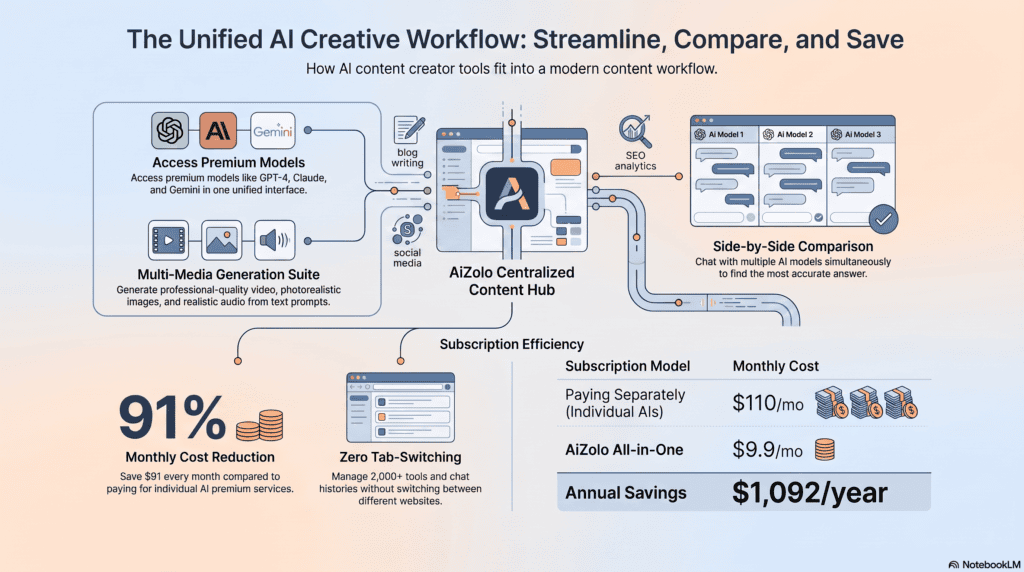
Nearly every tool in this category sits on top of one or more foundation models — most commonly OpenAI’s GPT-5 family, Anthropic’s Claude models, or Google’s Gemini models. The platform layer adds:
- Prompt engineering templates — pre-built structures for blog posts, ads, emails, and product descriptions so users don’t have to write prompts from scratch.
- Brand voice training — feeding the model examples of your existing content so outputs match your tone.
- SEO data integration — pulling live SERP data (via tools like Surfer, Clearscope, or Frase) to guide keyword and topic coverage.
- Workflow and collaboration layers — approvals, version history, team roles, and publishing integrations.
- Output scoring — grading generated content for readability, keyword density, or predicted performance (Anyword’s predictive scoring is the clearest example of this).
Understanding this matters practically: if a tool is charging a premium purely for template access to a model you can already use directly, that’s a fair thing to weigh into your buying decision.
3. Benefits and Real Limitations
Genuine benefits:
- Cuts first-draft time dramatically — what took a writer 3–4 hours can take 20–40 minutes for a rough draft.
- Removes blank-page paralysis for outlines, headlines, and briefs.
- Makes basic SEO optimization accessible without hiring a specialist.
- Scales content production for teams producing across many channels at once.
Honest limitations most reviews won’t tell you:
- AI-drafted content still needs human editing for accuracy, nuance, and voice — nearly every credible review of Jasper, Copy.ai, and Writesonic in 2026 makes this same point.
- Niche technical, legal, or scientific content tends to come out generic without heavy subject-matter input.
- Several popular tools are functionally thin layers over the same underlying model, so paying a premium doesn’t always buy better writing — sometimes it just buys a nicer interface.
- Overreliance on templates produces content that reads as interchangeable with every other AI-assisted blog in your niche, which actively works against Google’s Helpful Content signals.
4. Types of AI Content Creator Tools
It helps to think of this market in five buckets rather than one big undifferentiated list:
- General-purpose AI assistants — ChatGPT, Claude, Gemini, Microsoft Copilot, Perplexity. Flexible, cheap, not workflow-specific.
- Marketing-focused AI writers — Jasper, Copy.ai, Writesonic, Anyword, Rytr. Templates, brand voice, ad copy focus.
- SEO content optimization platforms — Surfer SEO, Clearscope, Frase. Score and guide content against what’s already ranking.
- All-in-one design and visual tools — Canva Magic Write/Magic Studio, Adobe Firefly.
- Audio/video and productivity add-ons — Descript, Notion AI, Grammarly.
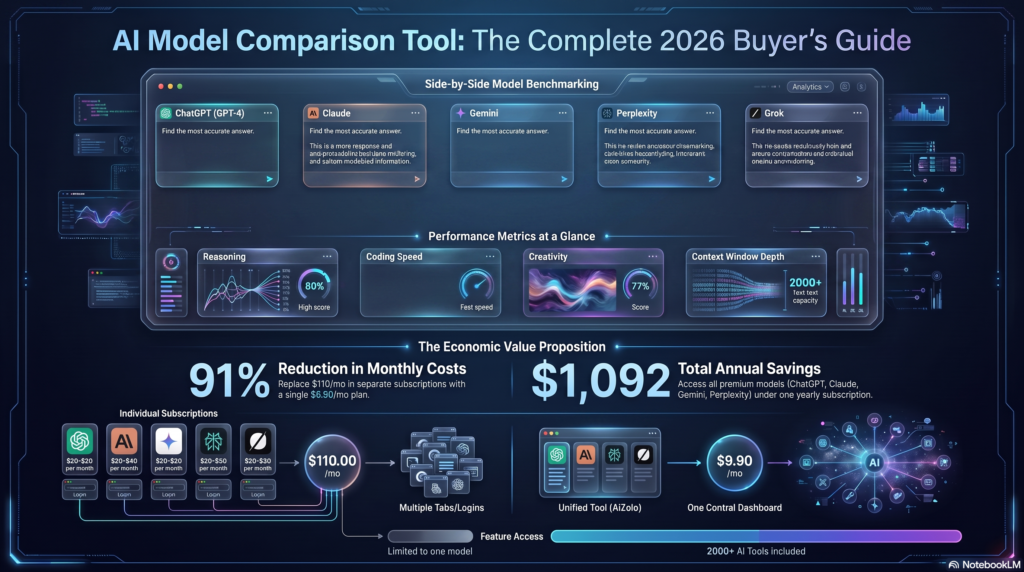
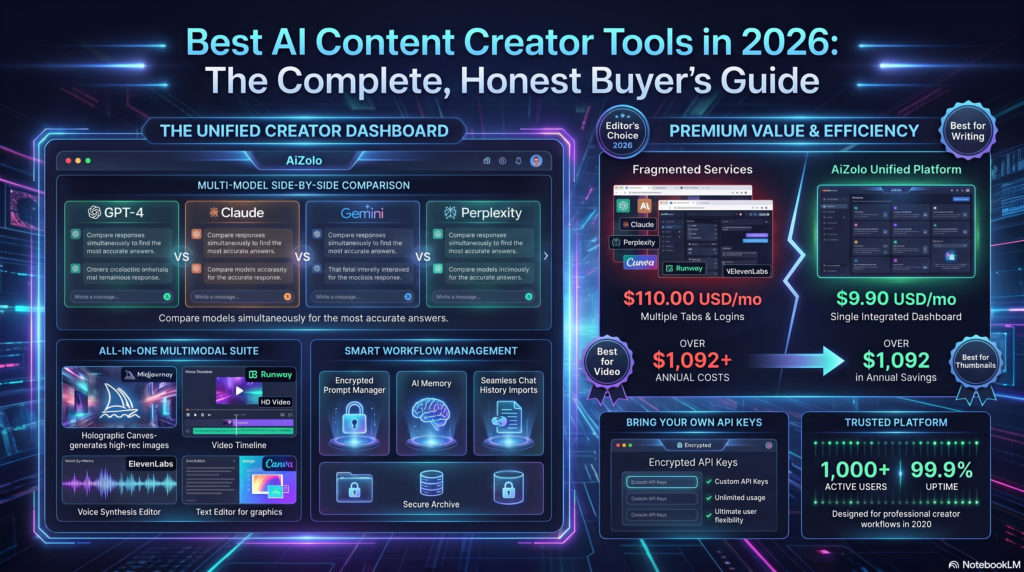
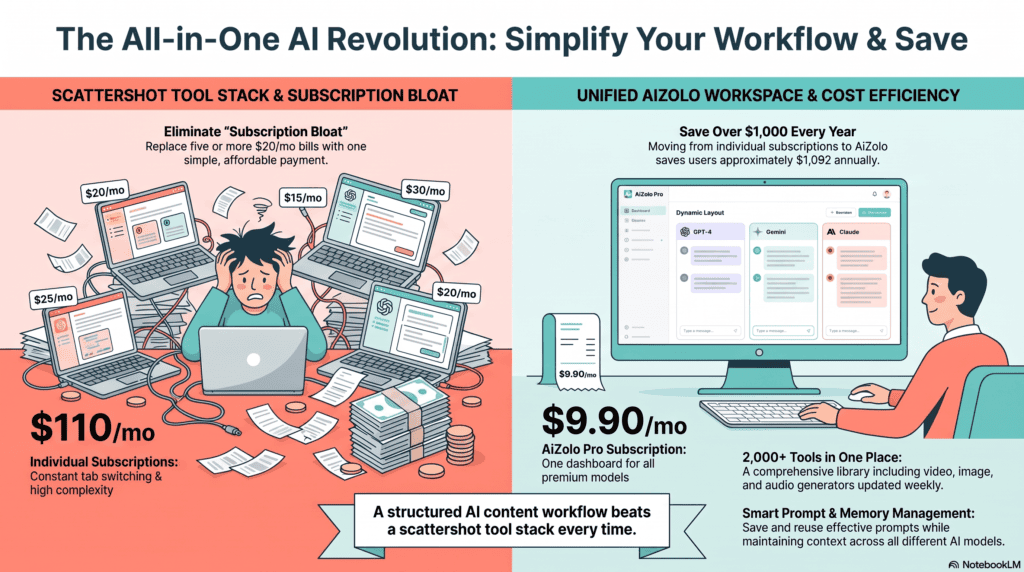
There’s also a newer sixth category worth naming: multi-model aggregator platforms like AiZolo, which don’t train their own foundation model but instead give you metered access to several major models (GPT, Claude, Gemini, Grok) plus image/video generation under one subscription — aimed at people tired of paying for four separate AI subscriptions.
5. Best AI Content Creator Tools of 2026 — Full Reviews
AiZolo
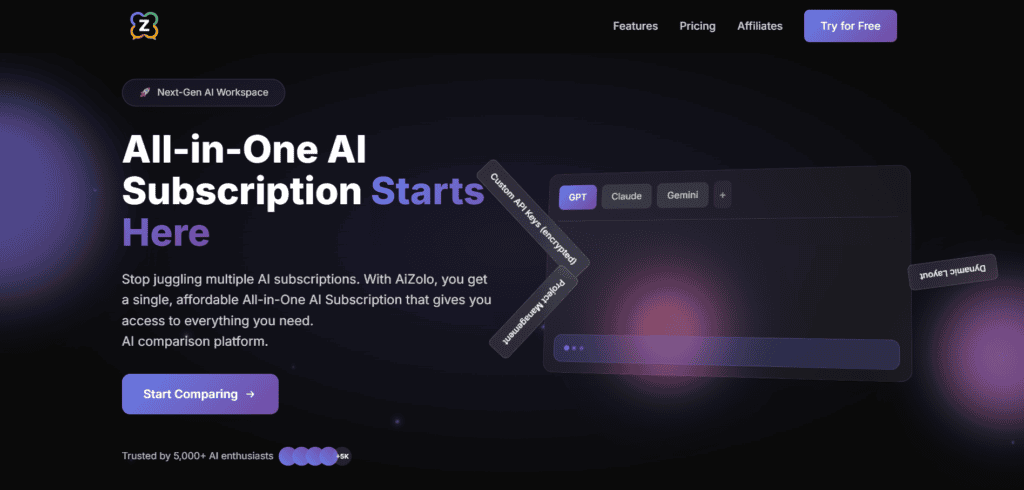
Overview: AiZolo is a multi-model AI workspace rather than a single fine-tuned writing model. It gives subscribers metered access to ChatGPT, Claude, Gemini, and Grok side by side, plus built-in image, video, and document tools, positioned as a way to replace several separate AI subscriptions with one.
Best for: Freelancers, students, and small teams who want flexibility across multiple frontier models without juggling separate logins and bills.
Key features: Side-by-side model comparison on the same prompt, project-based workspaces with custom system prompts, encrypted custom API key support, image/video/audio generation in one dashboard.
Pros: Meaningfully lower combined cost than subscribing to each model separately; lets you pick the best model per task instead of being locked in; free tier available to test before paying.
Cons: It’s an access layer, not a specialized content workflow tool — you won’t get Jasper-style brand voice training or Surfer-style SEO scoring natively; token/usage caps apply even on paid tiers.
Pricing: Free tier with limited tokens; paid plans start under $10/month, with a broader Pro tier unlocking full model access and several million monthly tokens.
Who should avoid it: Teams that need deep SEO optimization or brand-governance features baked directly into the writing tool rather than assembled from multiple models.
ChatGPT (OpenAI)
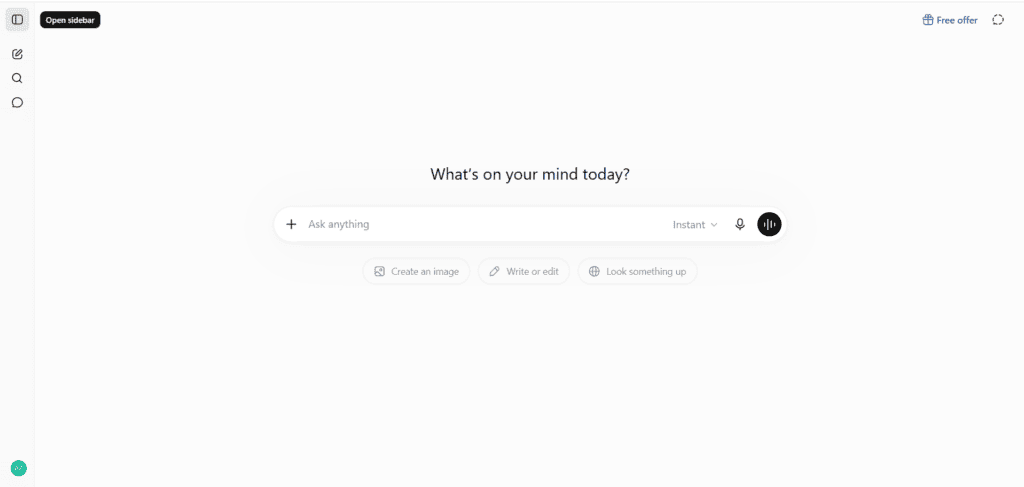
Overview: The most widely used AI assistant in the world, and still the most versatile single tool on this list for writing, brainstorming, light coding, image generation via built-in tools, and voice interaction.
Best for: Generalists who want one flexible tool that can do a bit of everything.
Key features: GPT-5.x model family, Advanced Voice Mode, custom GPTs, Deep Research, native image generation, memory across sessions.
Pros: Broadest feature set of any single subscription; strong creative and conversational output; huge ecosystem of integrations and plugins.
Cons: Not purpose-built for SEO content workflows out of the box; rate limits apply even on paid tiers; requires more prompting skill to get consistently on-brand output compared to tools with brand-voice training.
Pricing: Free tier available; Plus around $20/month; a mid Pro tier around $100/month; a top Pro tier around $200/month for heavy users.
Claude (Anthropic)
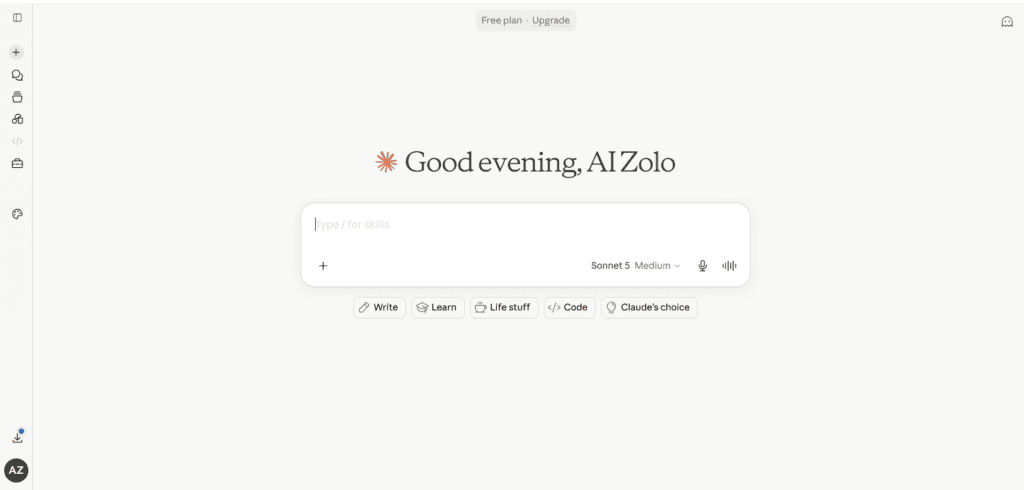
Overview: Anthropic’s assistant is consistently rated among the strongest for long-form writing, document analysis, and nuanced editorial tasks, helped by a very large context window that can hold entire reports or manuscripts.
Best for: Writers, researchers, and teams working with long documents who need coherent, well-reasoned long-form output rather than punchy short-form copy.
Key features: Extremely large context window (roughly 1 million tokens on top-tier plans), Claude Code for developers, Projects for persistent context, strong performance on nuanced or ambiguous writing tasks.
Pros: Handles long documents without losing the thread; widely regarded as one of the more careful, less “generic-sounding” writers among general assistants; strong for both technical and narrative content.
Cons: Fewer built-in multimedia features (image/video generation) compared to ChatGPT; no native SEO scoring layer.
Pricing: Free tier available; Pro around $20/month; Max tiers scale up from roughly $100–$200/month for heavier usage.
Google Gemini
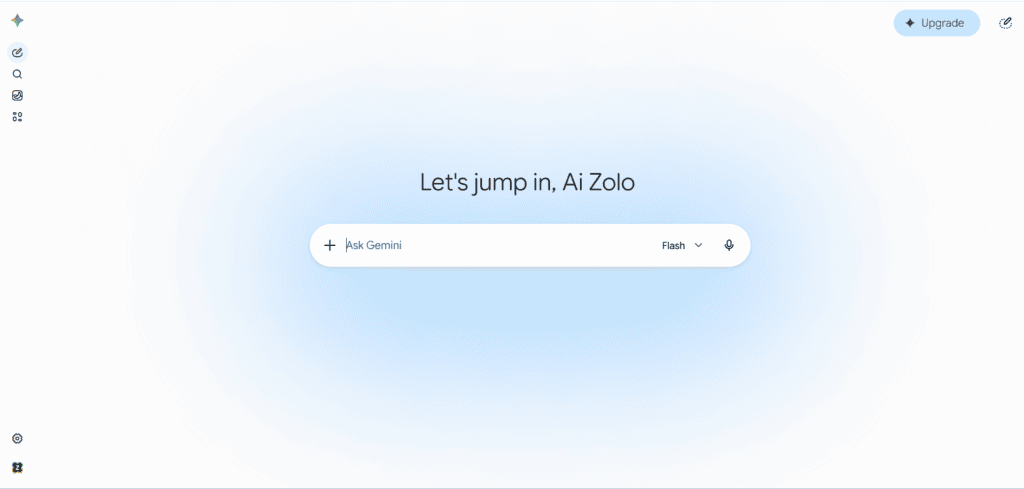
Overview: Gemini‘s biggest advantage isn’t raw model quality (which has closed the gap with competitors) — it’s integration. If your work already lives in Gmail, Docs, and Sheets, Gemini can act directly on that context.
Best for: Teams and individuals already inside Google Workspace who want AI assistance embedded where they work rather than in a separate tab.
Key features: Deep Gmail/Docs/Sheets integration, large context window, Deep Research, bundled cloud storage on paid tiers, video generation via Veo on top-tier plans.
Pros: No copy-pasting between apps; generous free-tier features including limited video generation; storage bundling makes the paid tier’s effective AI cost lower for existing Google users.
Cons: Less specialized for pure content-marketing workflows; credit-based usage system can make costs harder to predict for heavy users.
Pricing: Free tier; a mid Pro tier around $20/month bundling multiple terabytes of storage; a top Ultra tier priced considerably higher for maximum limits and video generation.
Jasper
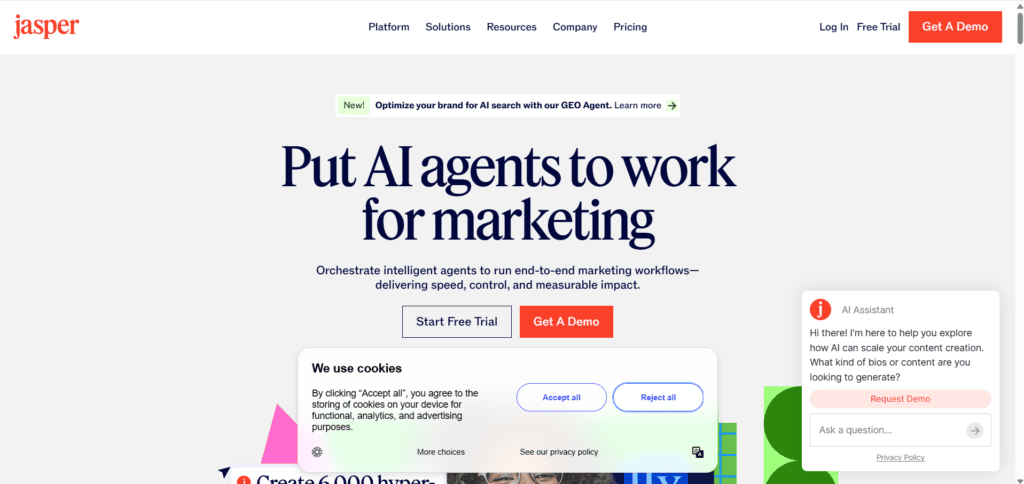
Overview: Jasper remains the best-known name in dedicated AI marketing content, built around brand voice consistency, campaign-style templates, and team collaboration — a genuine specialist for organizations producing content across many brands or campaigns at once.
Best for: Marketing teams and agencies managing multiple brand voices who need consistency at scale, not solo writers producing a single blog post a week.
Key features: Brand Voice training, Knowledge Assets, Canvas document editor, Chrome/Edge browser extension, no-code AI App Builder (Studio) on higher tiers, API access for enterprise integration.
Pros: Strong brand consistency across large content volumes; genuinely useful for teams juggling multiple clients or brands; SEO integrations with tools like Surfer are meaningful, not superficial.
Cons: Considerably more expensive than general AI assistants for what is, at the drafting layer, similar underlying model quality; no permanent free plan, only a short trial; output still requires editing, and reviewers consistently note it can feel generic for niche technical subjects.
Pricing: Pro plan roughly $59–$69/month depending on billing cycle; Business plan is custom-priced and often runs into the hundreds or low thousands per month for larger teams.
Who should avoid it: Casual bloggers publishing a couple of posts a month, or anyone with a tight annual budget — the entry cost is hard to justify below a certain volume of content.
Copy.ai
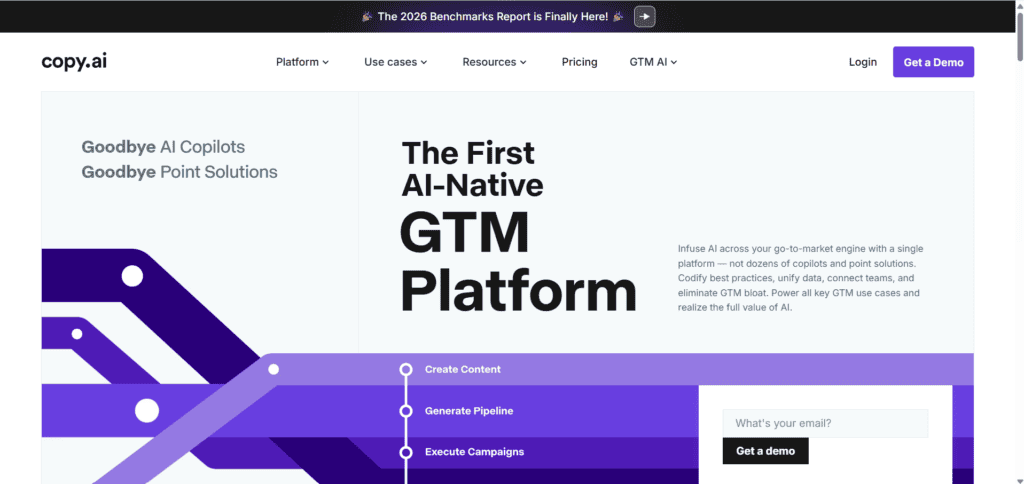
Overview: Copy.ai has shifted its identity considerably — from a straightforward AI copywriting tool into what it now calls a go-to-market workflow automation platform, built around multi-step content and outreach pipelines rather than single-shot drafting.
Best for: Sales and marketing teams that want to chain AI tasks together (summarize a URL, generate three social posts, push to a spreadsheet) rather than just generate one piece of copy at a time.
Key features: Workflow builder for multi-step automation, brand voice training, integrations with HubSpot and Google Workspace, short-form copy templates.
Pros: Genuinely strong for repetitive GTM tasks once workflows are set up; useful free tier for testing.
Cons: Long-form blog content is not its strength — output reads closer to extended ad copy than a developed article; the platform’s positioning shift means it’s a worse fit than it used to be for pure bloggers.
Pricing: Free tier with a limited monthly word allowance; paid plans from roughly $29/month up to several hundred dollars monthly for advanced automation tiers.
Writesonic
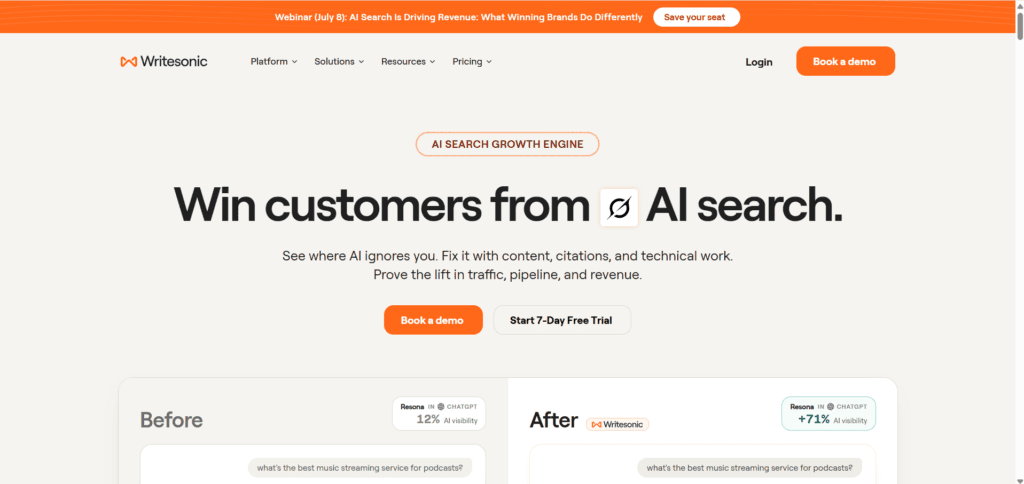
Overview: Writesonic has leaned hard into SEO-focused content and, notably, into tracking brand visibility inside AI-generated answers (its “GEO” tracking) — a feature not yet common among competitors.
Best for: Bloggers and SEO content teams who want drafting and keyword optimization in one tool, and who care about how their brand shows up inside AI Overviews and chatbot answers, not just blue links.
Key features: Article Writer with live web data, Surfer SEO and Semrush integrations, GEO (AI visibility) tracking, multilingual support.
Pros: Meaningfully lower entry price than Jasper for similar SEO-content use cases; GEO tracking is a real point of differentiation in 2026’s search landscape.
Cons: Overall writing polish trails premium competitors for creative or brand-voice-heavy work; some reviewers describe pricing as steep relative to output quality at higher tiers.
Pricing: Entry plans around $12–$16/month; mid-tier plans scaling toward $79/month depending on word volume and features.
Rytr
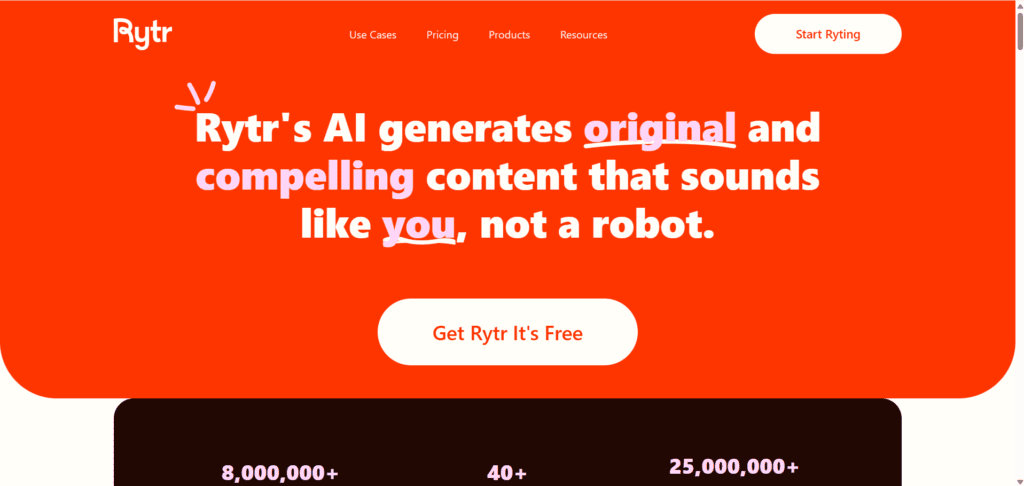
Overview: The budget option in this category, and an honest one — Rytr doesn’t pretend to match premium tools on output quality, but it’s cheap, simple, and covers short-form content well.
Best for: Solopreneurs and small businesses on a tight budget who mainly need social posts, product descriptions, and short emails rather than long, structured articles.
Key features: Wide range of use-case templates, built-in plagiarism checking, 20+ language support, simple long-form editor.
Pros: Lowest cost of any tool on this list with a genuinely usable free tier; simple enough for non-technical users to pick up immediately.
Cons: Output quality and originality lag behind Jasper, Writesonic, and Copy.ai, particularly for long-form SEO content, which needs heavier editing before publishing.
Pricing: Free tier with a limited character allowance; paid plans starting around $9/month for a capped tier and roughly $29/month for unlimited generation.
Anyword
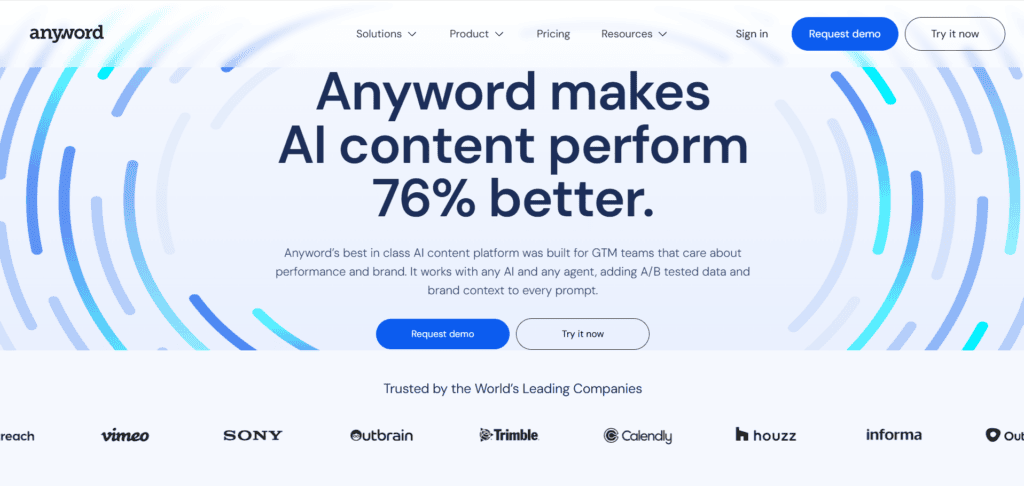
Overview: Anyword’s real differentiator is predictive performance scoring — it doesn’t just generate copy, it estimates how well a given variant is likely to convert based on historical performance data, which makes it a genuinely different tool rather than a template wrapper.
Best for: Performance marketers and paid acquisition teams running high-volume ad and landing page tests.
Key features: Predictive performance scores per copy variant, custom models trained on your own historical ad data, multi-channel copy generation (Facebook, Google Ads, email, landing pages).
Pros: The predictive scoring is a real data moat, not a gimmick — it’s built on actual conversion signal correlation rather than just language quality; strong for A/B testing workflows.
Cons: Less useful for long-form blog or editorial content; pricing sits at a premium relative to general writing tools.
Pricing: Plans generally start around $39–$49/month, scaling up toward roughly $99/month for advanced predictive features.
Notion AI
Overview: Notion AI is an add-on layer inside the Notion workspace rather than a standalone writing tool, best suited to teams that already live inside Notion for planning and documentation.
Best for: Teams that want AI-assisted drafting, summarizing, and knowledge management inside their existing docs and wikis, not a dedicated content-marketing platform.
Key features: In-line AI writing and editing, Q&A over your workspace content, meeting note summarization, translation.
Pros: Zero context-switching if you already use Notion for planning; genuinely useful for internal knowledge work, not just external content.
Cons: Not built for SEO-optimized public content; full AI access typically requires a Business-tier Notion plan, making it a harder sell purely for AI features.
Pricing: Limited free trial; full AI access generally requires the Business plan, priced per user per month.
Grammarly
Overview: Grammarly isn’t a content generator first — it’s an editing and polish layer that catches the errors a tired human (or an AI draft) leaves behind, and it’s increasingly bundled with light generative features (Grammarly Go).
Best for: Anyone publishing AI-assisted or human-written content who needs a final grammar, tone, and clarity pass before publishing.
Key features: Grammar and clarity checking, tone detection, plagiarism checking on higher tiers, Grammarly Go generative assist.
Pros: Catches the small errors humans (and AI drafts) miss after hours of editing; works across almost every writing surface via browser extension.
Cons: Not a substitute for a dedicated content generation tool — it’s a complement, not a competitor, to Jasper or Writesonic.
Pricing: Free tier available; Premium and Business tiers scale from roughly $12/month per user upward.
Surfer SEO
Overview: Surfer remains one of the most widely used content optimization platforms, built around a real-time numeric content score derived from analyzing top-ranking pages for a target keyword.
Best for: SEO-led content teams and agencies producing content at volume who want one workspace for research, on-page scoring, and audits.
Key features: Real-time Content Editor scoring, NLP term suggestions, SERP analyzer, AI Tracker for visibility inside ChatGPT, Perplexity, and Google AI Overviews, Surfer AI drafting assistant.
Pros: Lower entry price than Clearscope for similar optimization depth; broader feature set covering planning, writing, and auditing in one workspace.
Cons: No native rank tracking, which often means paying for a separate tool alongside it; AI-assisted drafts still need human review for voice and accuracy.
Pricing: Plans generally start around $49–$89/month depending on the tier and included AI draft credits.
Clearscope
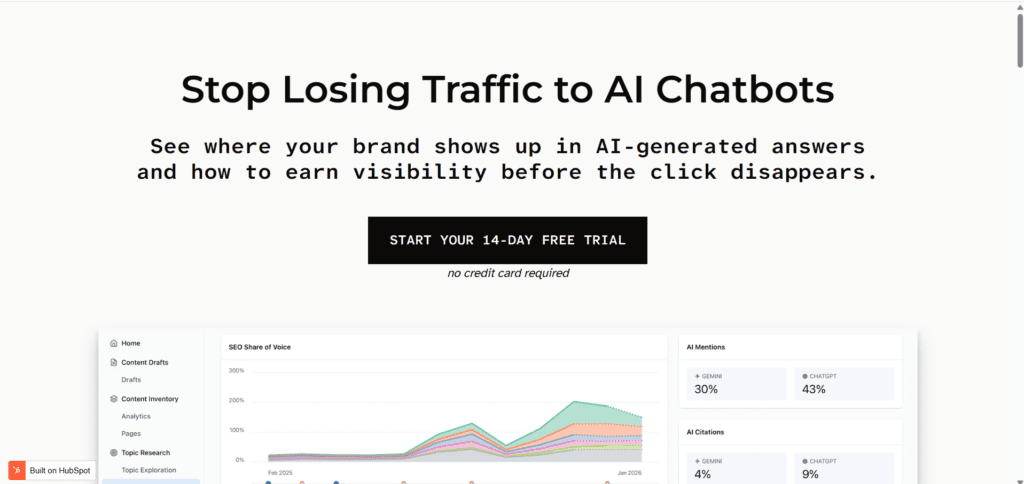
Overview: Clearscope is the more editorially focused, enterprise-friendly alternative to Surfer, using an intuitive letter-grade (A++ to F) system that’s easy for non-SEO writers to understand at a glance.
Best for: Established content teams with dedicated writers who want a simple, reliable optimization tool that’s easy to onboard across a large team.
Key features: Content Grade scoring, unlimited user seats even on entry tiers, Content Inventory for auditing and refreshing existing content, integrations with Google Docs and WordPress.
Pros: Unlimited seats mean the whole team — including freelancers — can use it without per-seat cost creep; genuinely strong for content audits, not just new drafts.
Cons: Meaningfully more expensive than Surfer or Frase at the entry level; no built-in readability scoring, requiring a separate tool for that check.
Pricing: Entry tier generally starts around $129/month; higher business tiers scale toward $399/month and up.
Frase
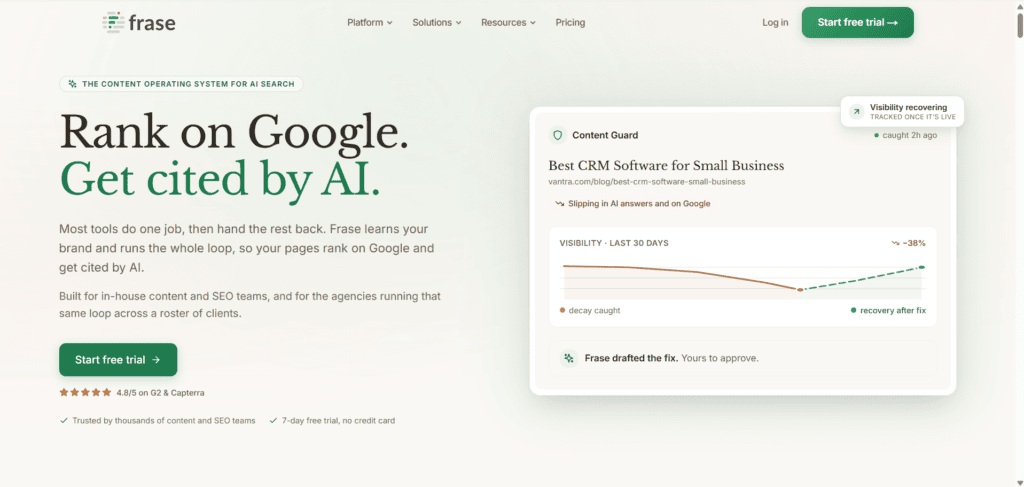
Overview: Frase positions itself as the budget-friendly entry point into AI-powered SEO content, combining SERP research, content briefs, and AI drafting in one moderately priced workflow.
Best for: Startups and solo creators on a limited budget who need solid content briefs and AI writing help without committing to Clearscope- or Surfer-level pricing.
Key features: SERP-based content briefs, integrated AI drafting, Answer Engine Optimization features aimed at AI search visibility, question-mining from real search data.
Pros: Lowest entry price among the major SEO optimization platforms; combines briefing and drafting more tightly than Surfer or Clearscope.
Cons: Less deep on keyword data than Surfer; scales less gracefully for larger teams needing unlimited seats.
Pricing: Entry plans starting well under $50/month, with higher tiers for larger content volumes.
Canva (Magic Write / Magic Studio)
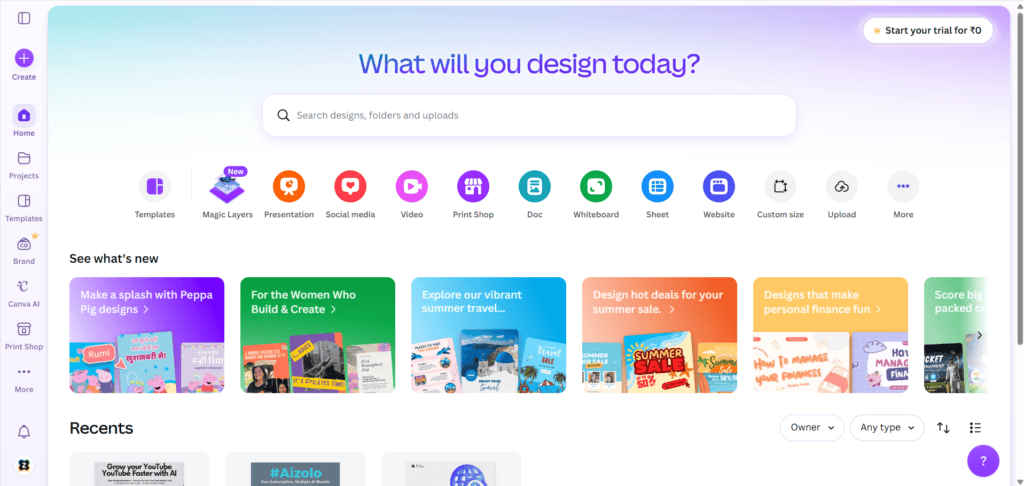
Overview: Canva’s AI features are layered onto an already-dominant design platform, which is exactly why they work — you’re not learning a new tool, you’re getting AI assistance inside one you probably already use.
Best for: Non-designers — bloggers, social media managers, small business owners — who need both copy and visuals produced quickly inside one workflow.
Key features: Magic Write for in-canvas copywriting, Magic Design for full layout generation from a prompt, Background Remover, Brand Kit enforcement across AI-generated assets.
Pros: All AI features included in the standard Pro subscription — no separate AI add-on fee; fully editable outputs, not flat exported images; extremely low learning curve.
Cons: Image generation quality trails specialist tools like Midjourney for complex or highly artistic work; not a serious substitute for long-form article writing.
Pricing: Free tier available; Pro plan around $15/month; Teams pricing scales per user for 3 or more seats.
Adobe Firefly
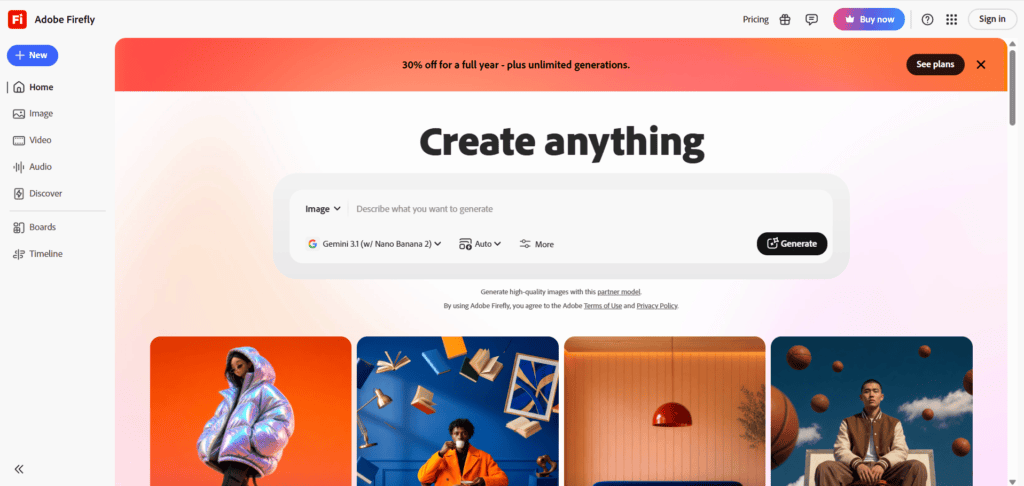
Overview: Firefly is Adobe’s generative AI model family, trained exclusively on licensed Adobe Stock and public domain content — a meaningful differentiator for commercial safety compared to models trained more broadly on the open internet.
Best for: Professional designers and enterprise teams who need commercially safe, brand-consistent generative imagery integrated directly into Photoshop, Illustrator, and Premiere.
Key features: Generative Fill and Expand inside Photoshop, Style Kits for brand-consistent generation, Content Credentials metadata for transparency, video generation and editing tools.
Pros: The clearest commercial-safety story of any major image generator, which matters for enterprise legal review; deep integration across the full Creative Cloud suite.
Cons: Full cross-app value effectively requires a Creative Cloud All Apps subscription, not just the standalone Firefly plan; artistic and photorealistic quality still trails Midjourney for complex scenes.
Pricing: Free credits available on adobe.com; a standalone Firefly plan runs roughly $180/year, while full Creative Cloud All Apps access runs considerably higher, around $659/year.
Microsoft Copilot
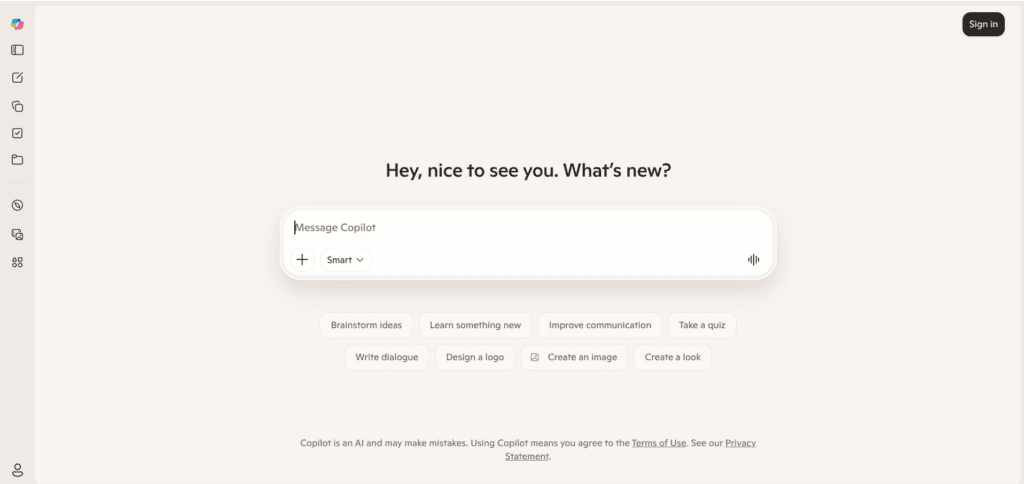
Overview: Copilot’s value proposition is entirely about where you already work — if your organization runs on Word, Excel, PowerPoint, and Outlook, Copilot puts AI assistance directly inside those tools rather than a separate chat window.
Best for: Individuals and teams already embedded in the Microsoft 365 ecosystem who want AI help drafting documents, summarizing emails, and building slides without switching apps.
Key features: In-app drafting and editing across Word, Excel, and PowerPoint, Outlook email summarization and drafting, web-based Copilot chat.
Pros: The Office integration is a genuine time-saver for anyone whose job already runs through those apps; free basic web access covers casual use.
Cons: As a standalone chat assistant it trails ChatGPT and Claude in capability and rate limits; the Office-integrated value only materializes if you’re already paying for Microsoft 365.
Pricing: Free basic access; Copilot Pro is generally bundled with a Microsoft 365 Personal or Family subscription priced around $20/month (or less as part of an existing 365 plan).
Perplexity
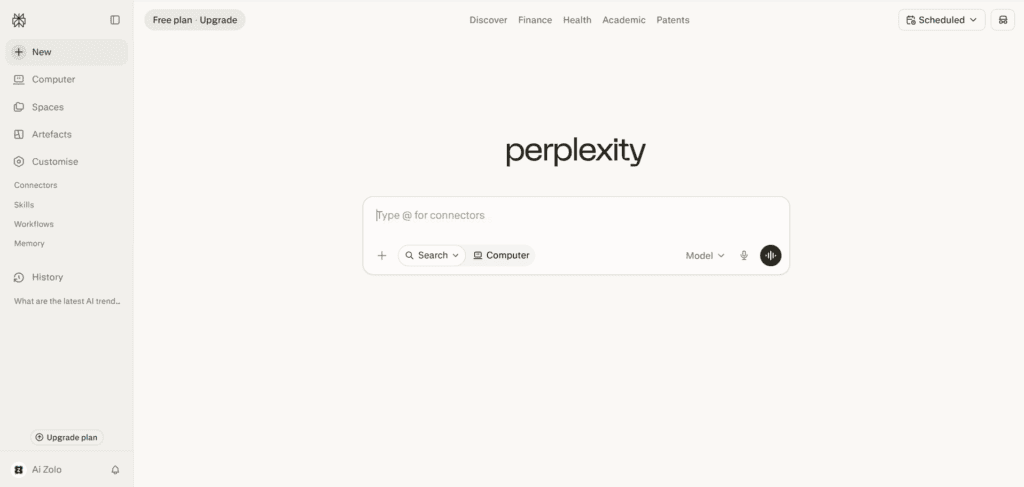
Overview: Perplexity isn’t a content generator in the traditional sense — it’s a conversational search engine that reads the live web and returns sourced, cited answers, which makes it a research partner rather than a drafting tool.
Best for: Researchers, journalists, students, and content creators who need to fact-check claims or gather cited source material before writing, not to generate finished prose.
Key features: Real-time cited web search, Deep Research mode, multi-model routing (drawing on GPT, Claude, and Gemini depending on query type), file analysis.
Pros: Genuinely irreplaceable for sourced, verifiable research — a meaningfully different value proposition than any pure writing tool on this list; free tier is solid for light use.
Cons: Its own prose generation is functional but not distinctive — it’s not a substitute for long-form drafting tools; Deep Research run limits have tightened considerably on paid tiers in 2026.
Pricing: Free tier available; Pro plan around $20/month; a higher Max tier priced around $200/month for unlimited heavy use.
Descript
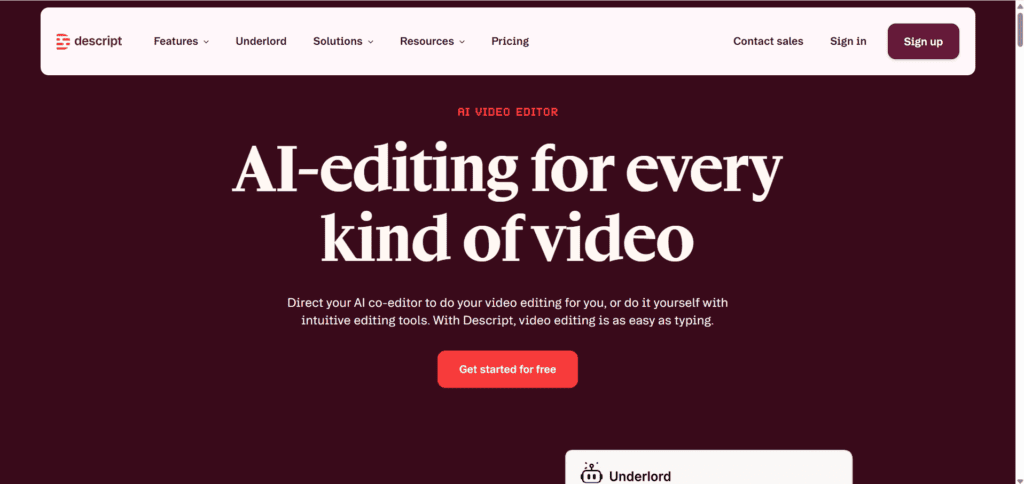
Overview: Descript turns audio and video editing into something closer to editing a text document — you cut a sentence from the transcript, and the corresponding clip is removed automatically, which is a fundamentally different workflow from timeline-based editors.
Best for: Podcasters, YouTubers, and video content creators who want to edit spoken content by editing text rather than scrubbing a timeline.
Key features: Transcript-based editing, Studio Sound noise removal, Overdub/voice correction, screen recording.
Pros: Dramatically lowers the skill floor for producing clean podcast and video content; the transcript-editing model genuinely changes how fast editing gets done.
Cons: Not a writing or SEO tool — it solves a completely different production problem and needs to be paired with a script-writing tool upstream.
Pricing: Free tier with limited transcription minutes; paid Creator and Pro tiers generally in the mid-teens to mid-twenties per month.
6. Feature-by-Feature Comparison Table
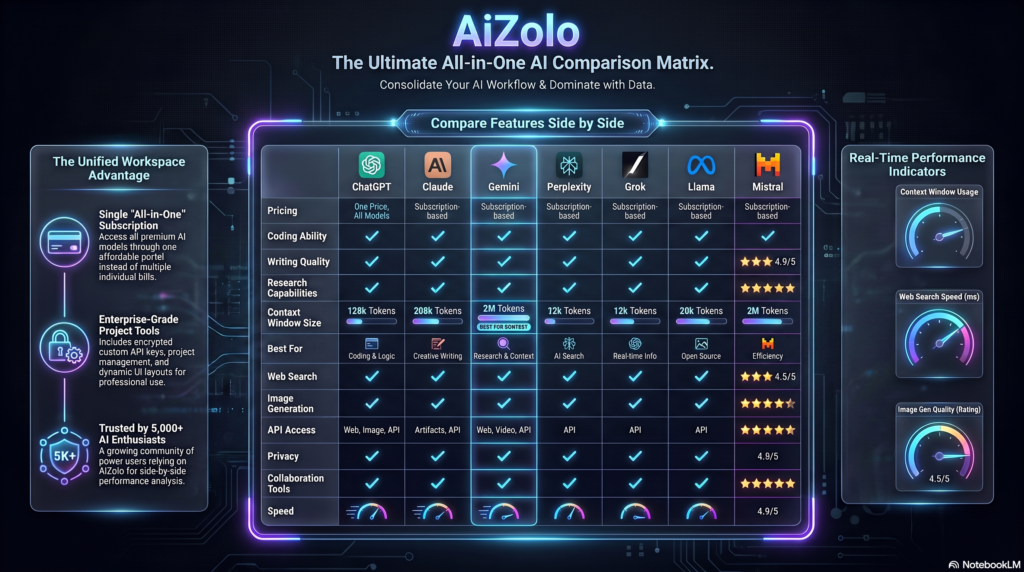
| Tool | Best For | AI Models | Writing | Images | Video | SEO | Templates | Team Features | Free Plan |
|---|---|---|---|---|---|---|---|---|---|
| AiZolo | Multi-model flexibility | GPT, Claude, Gemini, Grok | Yes | Yes | Yes | No | Limited | Basic | Yes |
| ChatGPT | Generalist AI assistant | GPT-5.x | Yes | Yes | Limited | No | Custom GPTs | Yes (Team) | Yes |
| Claude | Long-form & documents | Claude models | Yes | No | No | No | No | Yes (Team) | Yes |
| Gemini | Google Workspace users | Gemini models | Yes | Limited | Yes (Ultra) | No | No | Yes | Yes |
| Jasper | Brand-voice marketing teams | GPT + proprietary layer | Yes | Yes | No | Integrated (Surfer) | Extensive | Yes | No |
| Copy.ai | GTM workflow automation | GPT-based | Yes | No | No | No | Yes | Yes | Yes |
| Writesonic | SEO + AI visibility | GPT-based | Yes | Yes | No | Yes + GEO | Extensive | Yes | Yes |
| Rytr | Budget short-form content | GPT-based | Yes | No | No | Basic | Yes | Limited | Yes |
| Anyword | Predictive ad copy | Proprietary + LLM | Yes | No | No | No | Yes | Yes | No |
| Notion AI | In-workspace drafting | GPT/Claude blend | Yes | No | No | No | No | Yes | Trial only |
| Grammarly | Editing and polish | Proprietary + GPT | Assist only | No | No | No | No | Yes | Yes |
| Surfer SEO | On-page optimization | GPT + proprietary | Yes (AI Drafts) | No | No | Yes | Briefs | Yes | No |
| Clearscope | Enterprise content grading | Proprietary + LLM | Limited | No | No | Yes | Briefs | Unlimited seats | No |
| Frase | Budget SEO briefs + AI | GPT-based | Yes | No | No | Yes | Briefs | Yes | Trial only |
| Canva | Design + copy in one | Proprietary + LLM | Yes (Magic Write) | Yes | Yes | No | Design templates | Yes | Yes |
| Adobe Firefly | Commercially safe imagery | Firefly models | No | Yes | Yes | No | No | Yes (CC) | Yes (credits) |
| Microsoft Copilot | Office-embedded AI | GPT-based | Yes | Limited | No | No | No | Yes | Yes |
| Perplexity | Sourced research | Multi-model routing | Limited | No | No | No | No | Yes | Yes |
| Descript | Audio/video editing | Proprietary + LLM | Script assist | No | Yes | No | No | Yes | Yes |
7. Pricing Comparison Table
| Tool | Starting Price | Mid-Tier | Free Plan |
|---|---|---|---|
| AiZolo | Under $10/mo | Pro tier w/ full model access | Yes |
| ChatGPT | Free | Plus ~$20/mo | Yes |
| Claude | Free | Pro ~$20/mo | Yes |
| Gemini | Free | AI Pro ~$20/mo | Yes |
| Jasper | ~$59/mo (Pro) | Business (custom) | No (trial only) |
| Copy.ai | Free (limited) | ~$29–36/mo | Yes |
| Writesonic | ~$12–16/mo | ~$79/mo | Yes |
| Rytr | Free (limited) | ~$9–29/mo | Yes |
| Anyword | ~$39/mo | ~$99/mo | No |
| Notion AI | N/A (add-on) | Business plan required | Trial only |
| Grammarly | Free | Premium ~$12+/mo | Yes |
| Surfer SEO | ~$49–89/mo | Scales with AI drafts | No |
| Clearscope | ~$129/mo | ~$399/mo | No |
| Frase | Under $50/mo | ~$299/mo | Trial only |
| Canva | Free | Pro ~$15/mo | Yes |
| Adobe Firefly | Free credits | ~$180/yr standalone | Yes |
| Microsoft Copilot | Free (basic) | ~$20/mo (bundled) | Yes |
| Perplexity | Free | Pro ~$20/mo | Yes |
| Descript | Free (limited) | ~$15–25/mo | Yes |
Pricing changes frequently across this category. Figures above reflect publicly available information as of mid-2026 — always confirm current pricing on the vendor’s official page before purchasing.
8. Best Tool by Use Case
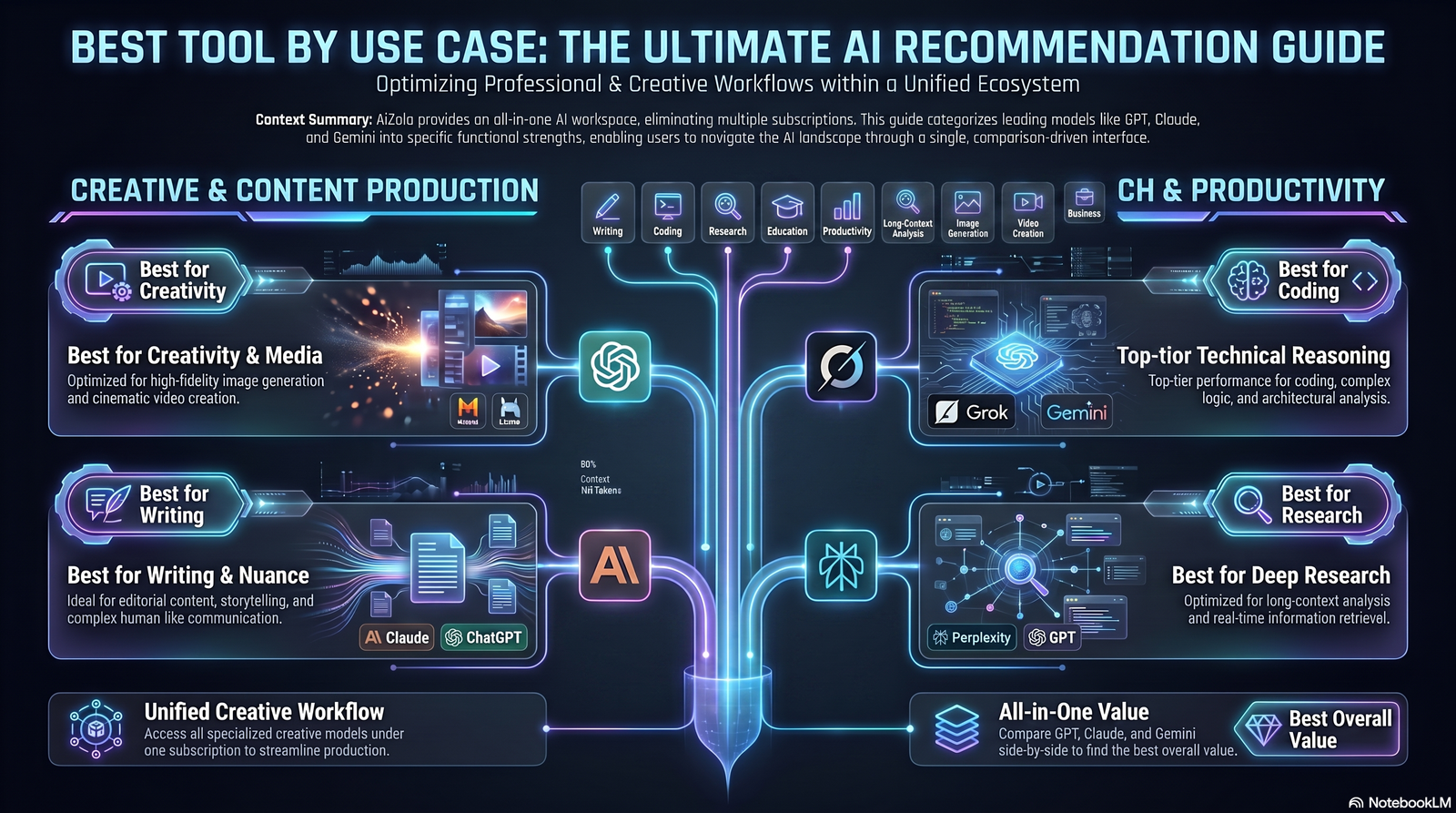
Best for bloggers: Writesonic or Surfer SEO, paired with Claude or ChatGPT for actual drafting polish. The combination of live SEO data and a strong writing model outperforms either alone.
Best for SEO specialists: Clearscope for editorial teams that value simplicity and unlimited seats; Surfer SEO for solo operators who want planning, scoring, and drafting in one workspace.
Best for marketing teams: Jasper, specifically because brand-voice consistency across multiple campaigns and contributors is the actual problem it solves — not raw writing quality.
Best for agencies: A stack rather than a single tool: Jasper or Copy.ai for client-brand drafting, Surfer or Clearscope for optimization, Canva for visuals.
Best for students: Perplexity for sourced research plus a free-tier general assistant (Claude or ChatGPT) for drafting and explanation — genuinely useful without any paid subscription.
Best for small businesses: AiZolo or a single general assistant (ChatGPT Plus or Claude Pro) plus Canva Pro. Small teams rarely need Jasper’s brand-governance depth, and the combined cost stays under $50/month.
9. AI Content Creator Tools vs. ChatGPT vs. Human Writers
A common point of confusion: is a dedicated tool like Jasper actually different from just using ChatGPT directly? The honest answer is: sometimes, and sometimes not.
Dedicated tools earn their price premium when they add something a general chat interface genuinely lacks — persistent brand voice memory across many writers, real-time SERP-based scoring, predictive performance data, or multi-seat governance for teams. Where a dedicated tool is mostly a template library sitting in front of the same model you could prompt directly, the value proposition is thinner.
Human writers remain necessary for accuracy verification, original reporting, nuanced brand voice, and the kind of first-hand experience Google’s Search Quality Rater Guidelines explicitly reward. No tool on this list — including the frontier chat assistants — reliably replaces a subject-matter expert’s judgment on a topic they’ve actually lived through.
10. Common Mistakes to Avoid
- Publishing first drafts unedited. Every credible review cited in this guide makes the same point: AI output needs a human editing pass before publishing, for both accuracy and voice.
- Paying premium prices for template access alone. If a tool’s core value is templates wrapped around GPT, weigh that against just using ChatGPT or Claude directly.
- Ignoring SEO data entirely. Tools like Surfer, Clearscope, and Frase exist because generic AI drafts, without SERP grounding, tend to miss the semantic coverage that actually ranks.
- Treating predictive scores as guarantees. Anyword’s performance predictions are directionally useful, not a substitute for real A/B testing.
- Using one tool for every job. The stack approach (research tool + writing tool + optimization tool + design tool) consistently outperforms trying to force one platform to do everything.
11. Best Practices for AI-Assisted Content
- Start with a real outline and target keyword research before opening any AI writing tool — garbage prompts produce garbage drafts.
- Feed brand-voice tools actual examples of your best existing content, not generic instructions.
- Run every AI draft through a human fact-check pass, especially for statistics, dates, and named claims.
- Use SEO scoring tools as a guide, not a rulebook — chasing a perfect content score can produce keyword-stuffed, unnatural prose.
- Keep a “banned phrases” list of AI clichés (phrases like “in today’s fast-paced world” or “unlock the power of”) and strip them during editing.
12. Real Workflow Examples
Solo blogger workflow: Perplexity for source research → Claude or ChatGPT for the first draft against a real outline → Surfer SEO or Frase for on-page scoring → Grammarly for a final polish pass → Canva for the featured image.
Marketing team workflow: Jasper for on-brand drafting across multiple campaigns → Clearscope for editorial scoring across a distributed writer pool → Canva or Adobe Firefly for campaign visuals → Notion AI for internal briefs and knowledge management.
Performance marketing workflow: Anyword for ad copy variant generation and predictive scoring → live A/B testing on the ad platform → Copy.ai workflows to repurpose winning variants across channels.
13. Future Trends for 2026 and Beyond
- Generative Engine Optimization (GEO) becomes table stakes. Writesonic and Surfer already track visibility inside AI Overviews, ChatGPT, and Perplexity answers — expect this to become a standard feature across the category, not a differentiator.
- Agentic workflows. Multiple platforms are moving from single-shot generation toward multi-step agents that research, draft, optimize, and publish with less manual handoff between tools.
- Convergence of writing and design tools. Canva and Adobe are both pushing toward conversational, multi-modal interfaces that generate copy and visuals in the same request rather than separate tools.
- Commercial-safety and provenance labeling. Adobe’s Content Credentials approach is likely to spread as more brands and platforms require transparency about AI-generated content.
14. FAQs
Is ChatGPT better than dedicated AI content creator tools like Jasper? Not universally. ChatGPT is more flexible and often cheaper; dedicated tools earn their price when they add persistent brand-voice memory, live SEO scoring, or multi-seat governance that a general chat interface doesn’t offer.
Can AI-written content rank on Google? Yes, provided it satisfies genuine helpfulness, originality, and accuracy — Google’s Helpful Content guidance evaluates the quality of the content, not whether AI was involved in producing it.
Do I need a separate SEO tool if I already use Jasper or Writesonic? Often yes, for the deepest keyword and SERP-gap analysis — though Writesonic and Jasper both integrate with Surfer, which narrows the gap considerably.
What’s the cheapest way to start using AI content tools? Free tiers of ChatGPT, Claude, Gemini, or Canva cover a surprising amount of ground before any paid upgrade is necessary.
Is Rytr good enough for professional content? For short-form content like social captions and product descriptions, yes. For long-form SEO articles, expect to do significant editing.
What is GEO and why does it matter now? Generative Engine Optimization is the practice of optimizing content to be cited inside AI-generated answers (ChatGPT, Perplexity, Google AI Overviews), not just to rank in traditional search results.
Which tool is best for a team managing multiple client brands? Jasper’s Brand Voice and Knowledge Asset system is specifically built for this; Canva’s Brand Kit covers the visual side.
Are AI content detectors reliable? Not consistently — detection accuracy varies significantly and false positives are common, so relying on a detector score alone as a quality gate is risky.
Can Perplexity replace a writing tool? No — it’s built for sourced research and citation, not for drafting finished prose. Pair it with a dedicated writing tool.
What’s the difference between Surfer and Clearscope? Surfer uses a numeric content score and leans toward broader SEO workspace features at a lower entry price; Clearscope uses a letter grade, offers unlimited seats even on entry tiers, and targets larger editorial teams at a higher price point.
Is Notion AI worth it just for the writing features? Usually not on its own — the AI features are most valuable if you’re already using Notion as your team’s knowledge base, since full access typically requires the Business plan.
Do these tools support languages other than English? Most of the major platforms (Jasper, Writesonic, Rytr, Copy.ai) support 20–30+ languages, though output quality can vary meaningfully by language pair.
How much should a small business budget for AI content tools monthly? A functional stack — one general AI assistant plus one design tool — typically runs $30–50/month; adding a dedicated SEO optimization tool pushes that toward $80–150/month.
15. Final Verdict

There’s no single winner in this category, and any article claiming otherwise is oversimplifying to make a cleaner headline. The right choice depends on whether your bottleneck is drafting speed, SEO optimization, brand consistency across a team, predictive ad performance, or simply cost.
If you want one general-purpose tool that does a lot of things reasonably well: start with Claude or ChatGPT’s free tier, and only add a specialized platform once you’ve identified the specific gap it needs to fill.
Author Bio
Jeevesh Tripathi AI Researcher & SEO Content Strategist
Specializes in AI software, productivity tools, automation, SEO, and emerging technologies. Jeevesh researches AI platforms, evaluates new features, and creates evidence-based content that helps readers choose the right tools for their workflows while following Google’s EEAT and Helpful Content principles.
Email: jeevesh@aizolo.com