
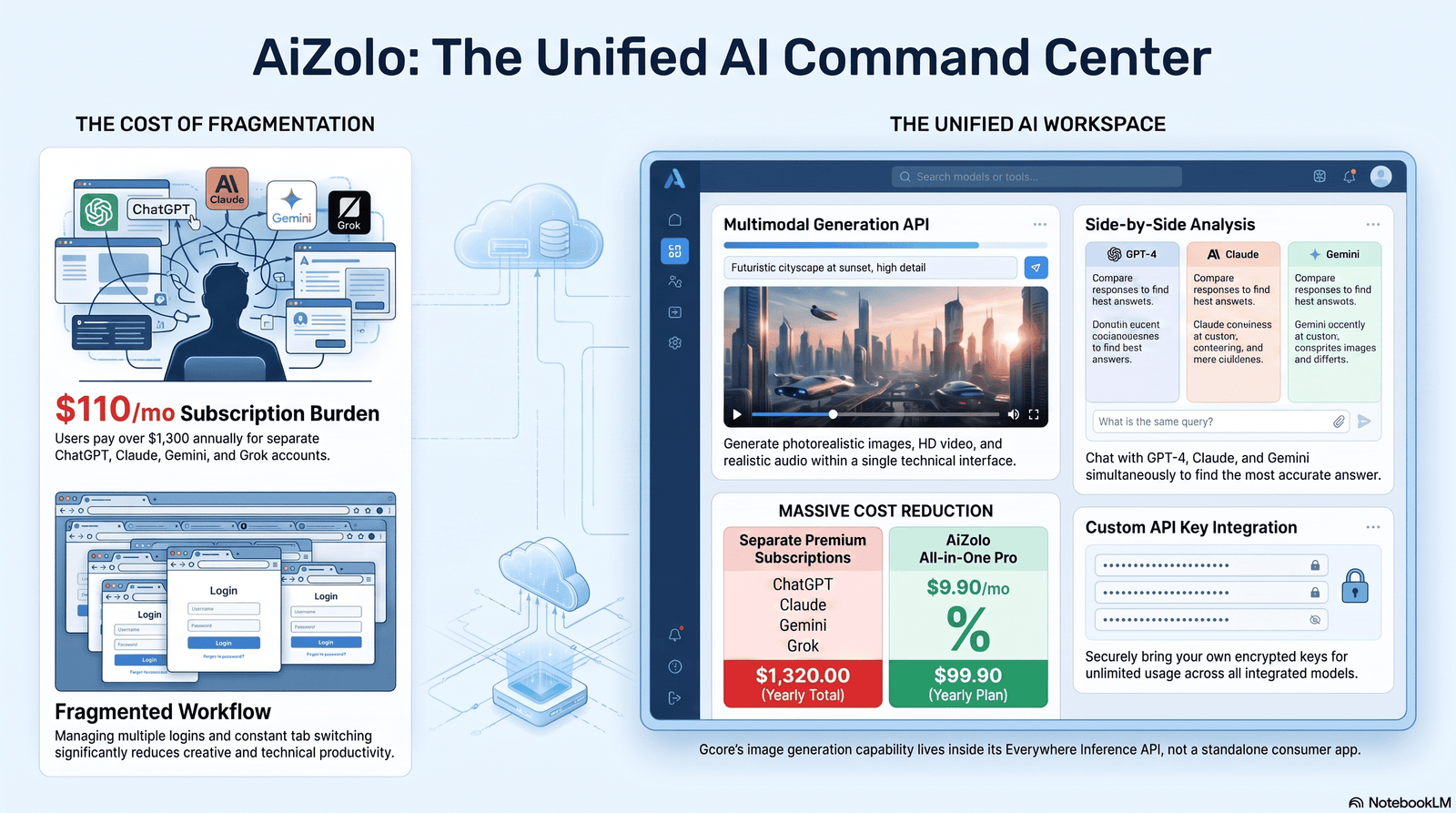
Quick Answer
The Gcore AI image generator is really Gcore’s Everywhere Inference platform running text-to-image diffusion models on Gcore’s global GPU cloud. Like Aizolo, it focuses on making advanced AI capabilities accessible, but Gcore is designed as infrastructure rather than a consumer-facing image creation tool. It is not a free, unlimited, walk-up web app.
Instead, you pick a model (SDXL, FLUX.1-schnell, FLUX.1-dev, Stable Cascade, Stable Diffusion 3.5 Large, or a custom model you bring yourself), deploy it on Gcore’s NVIDIA GPUs (A100, H100, or L40S), and generate images through an API, billed per second of GPU time. Unlike all-in-one AI platforms such as Aizolo, the Gcore AI image generator is built primarily for developers, agencies, and enterprises that need image generation embedded into products rather than users who simply want to type a prompt into a website once.
Key takeaways:
- Gcore’s image generation capability lives inside Everywhere Inference, its serverless/dedicated GPU inference product.
- It supports popular open models including SDXL, Stable Cascade, SDXL-Lightning, FLUX.1-schnell, FLUX.1-dev, and Stable Diffusion 3.5 Large, plus custom model uploads.
- Billing is per-second GPU time, not per-image, which changes the economics compared to consumer tools.
- It runs on Gcore’s edge network — over 180 points of presence — so requests are routed to infrastructure near the end user.
- It is a developer/API-first product, not a polished consumer creative app like Midjourney.
Table of Contents
What Is Gcore, and What Is the “Gcore AI Image Generator”?
Gcore is a global edge cloud, network, and security company headquartered in Luxembourg, with GPU cloud, CDN, and security products used across media, gaming, and e-commerce.
Image generation isn’t a separate product line for Gcore — it’s one workload type you can run on Everywhere Inference, Gcore’s platform for deploying AI models close to users, alongside language models, speech models, and computer vision models.
So “Gcore AI image generator” is best understood as: the ability to run a text-to-image model on Gcore’s infrastructure and call it through an API.
That’s a meaningfully different product than a hosted, click-and-generate consumer tool, and it’s worth knowing that going in — it explains why you won’t find a simple “type a prompt, get an image, no code” homepage the way you would on many AI art sites.
Quick Summary Box
| Attribute | Detail |
|---|---|
| Product family | Gcore Everywhere Inference (part of Gcore Cloud) |
| Type | GPU inference infrastructure + model catalog + API |
| Target user | Developers, startups, agencies, enterprises |
| Consumer web app | Not the primary offering — this is API/infra-first |
| Supported image models | SDXL, Stable Cascade, SDXL-Lightning, FLUX.1-schnell, FLUX.1-dev, Stable Diffusion 3.5 Large, custom models |
| GPUs used | NVIDIA A100, H100, L40S |
| Billing | Per-second GPU usage (not per-image credits) |
| Network | 180+ global points of presence |
How Gcore’s AI Image Generation Actually Works
At a technical level, generating an image through Gcore follows the same pattern as most modern diffusion-based systems, but the infrastructure layer is what Gcore is actually selling.
- You choose a model from Gcore’s Everywhere Inference model catalog, or upload your own custom model (for example, a fine-tuned SDXL checkpoint).
- Gcore provisions GPU capacity — an A100, H100, or L40S instance — to host that model as a live inference endpoint.
- You send a prompt via API, along with parameters like resolution, sampling steps, guidance scale, and negative prompts, depending on what the model supports.
- The model runs the diffusion process on the GPU: starting from noise (or, for flow-matching models like FLUX, following a more direct denoising path) and progressively forming an image that matches your prompt.
- The image is returned, and you’re billed for the GPU-seconds the request consumed.
Because Gcore routes traffic through its edge network of 180+ points of presence, the goal is to minimize the distance between your users and the GPU doing the work — which matters more for latency-sensitive, real-time use cases (like in-app AR try-on or live personalization) than for batch content generation.
Core Features
Supported AI Models
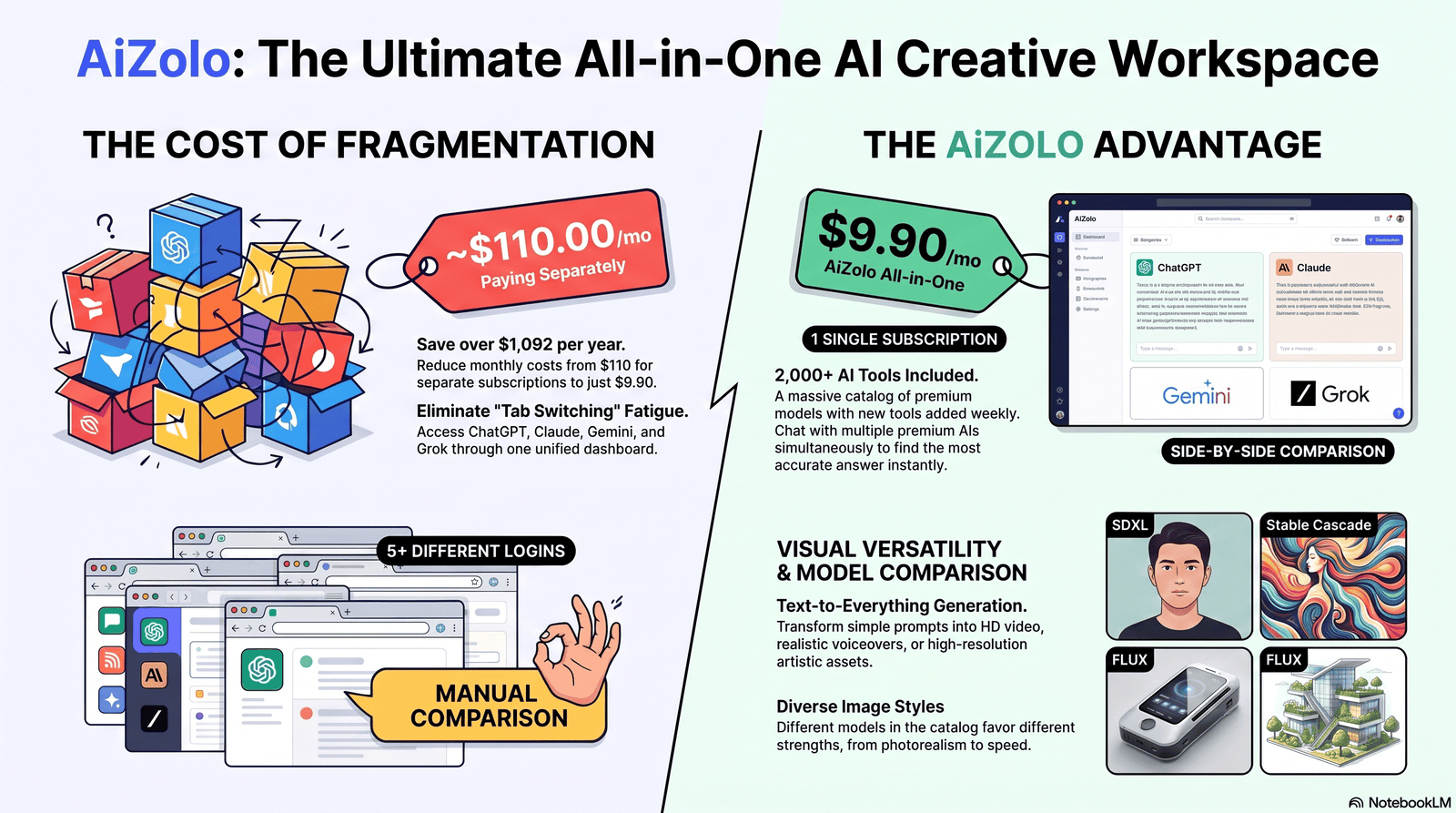
Gcore’s Everywhere Inference model catalog is built around open-source diffusion and flow-matching architectures rather than a single in-house model. As of this writing, it includes:
- Stable Diffusion XL (SDXL) — general-purpose, high-quality image generation
- Stable Cascade — tuned for ultra-high-quality visuals, useful for luxury, product, and architectural renders
- SDXL-Lightning (ByteDance) — a distilled, few-step SDXL variant built for real-time or near-real-time generation
- FLUX.1-schnell — Black Forest Labs’ fast, low-step model, good for real-time and interactive applications
- FLUX.1-dev — a higher-quality, open-weight FLUX variant suited to experimentation (non-commercial license — check terms before shipping a paid product)
- Stable Diffusion 3.5 Large — an 8.1-billion-parameter Multimodal Diffusion Transformer (MMDiT) model from Stability AI, with notably better typography and prompt understanding than earlier SD versions
- Bring your own model — you can deploy a custom or fine-tuned model onto Gcore’s inference infrastructure instead of using the catalog
This gives you a genuine choice between speed-optimized models (SDXL-Lightning, FLUX.1-schnell) and quality-optimized models (Stable Cascade, SD 3.5 Large), rather than a one-size-fits-all engine.
Stable Diffusion Support
Stable Diffusion is the backbone of most of Gcore’s image catalog. It matters because, unlike closed systems such as DALL·E, Stable Diffusion is open-weight — it can be fine-tuned, self-hosted, and inspected. Gcore leans into that openness by letting you deploy stock or fine-tuned Stable Diffusion checkpoints instead of forcing you through a single proprietary model.
Flux Model Support
FLUX, from Black Forest Labs (founded by several of the original Stable Diffusion researchers), uses flow matching rather than classic denoising diffusion. In practice that tends to mean faster generation and stronger prompt adherence, with a known weak spot: rendering legible text inside images. Gcore offers both the fast FLUX.1-schnell and the higher-fidelity FLUX.1-dev, so you can trade speed for quality depending on the workload.
Image Quality
Quality depends entirely on which model you deploy — this is the tradeoff of an infrastructure-first product. SDXL and Stable Cascade are tuned for high-fidelity output suited to marketing and product visuals; SDXL-Lightning and FLUX.1-schnell trade some fidelity for speed. There is no single “Gcore quality level” — you’re choosing a model, not a black box.
Speed
Model choice is the main speed lever. Distilled/few-step models (SDXL-Lightning, FLUX.1-schnell) are explicitly built for real-time or near-real-time generation, which Gcore recommends for interactive use cases like AR/VR customization tools and live customer-facing experiences.
Full-quality models like Stable Cascade and SD 3.5 Large will be slower per image but produce more refined output. Gcore’s own material points to the NVIDIA L40S GPU as a strong price/performance option for inference workloads specifically, though exact throughput will vary by model, resolution, and batch size — treat any number you see quoted elsewhere with some skepticism unless it’s tied to a specific model and GPU configuration.
Customization Options
Because you’re deploying models rather than calling a single fixed engine, customization runs deep:
- Bring your own fine-tuned or custom checkpoint
- Choose the GPU class (A100, H100, L40S) based on cost/performance needs
- Choose deployment location across Gcore’s global points of presence
- Choose between shared (“mutualized”) and dedicated GPU capacity for predictable performance
Prompt Engineering Tips
Because the underlying models are standard open-source architectures, general prompt engineering best practices apply:
- Be specific about subject, setting, lighting, and style — “a red vintage bicycle leaning against a brick wall, golden hour light, shallow depth of field” outperforms “a bicycle.”
- Use negative prompts (where the model supports them) to exclude unwanted artifacts, like extra limbs or warped hands.
- Match your model to your goal: use FLUX for prompt-accurate photorealism, SDXL/Stable Cascade for stylized or highly detailed compositions.
- If a model struggles with in-image text (a known FLUX limitation), add text in post-production rather than fighting the prompt.
- Iterate in small changes — adjust one variable (style, lighting, or composition) at a time so you can tell what moved the output.
Image Resolution Options
Supported resolutions depend on the model you deploy — SDXL-class models commonly support up to 1024×1024 natively (with upscaling for larger outputs), while SD 3.5 Large and newer architectures support higher native resolutions. Always check the specific model card in the Gcore documentation before assuming a resolution is supported, since this varies model to model rather than being a fixed platform limit.
Commercial Usage Rights
This is one of the most important — and most overlooked — parts of using any open-model inference platform, including Gcore’s:
- Stable Diffusion 3.5 Large ships under the Stability AI Community License, which permits free commercial use for organizations under $1M in annual revenue; larger organizations need an enterprise license from Stability AI.
- FLUX.1-dev is released under a non-commercial license — outputs can generally be used commercially, but you cannot resell access to the model itself as a paid generation service.
- FLUX.1-schnell uses the permissive Apache 2.0 license, allowing broader commercial use.
- Licensing is set by the model creators (Stability AI, Black Forest Labs), not by Gcore — running a model on Gcore’s infrastructure does not change or override that model’s license terms.
Always confirm current licensing directly with the model provider before shipping a commercial product. Licenses change, and this article can go stale faster than a license page will.
Pricing
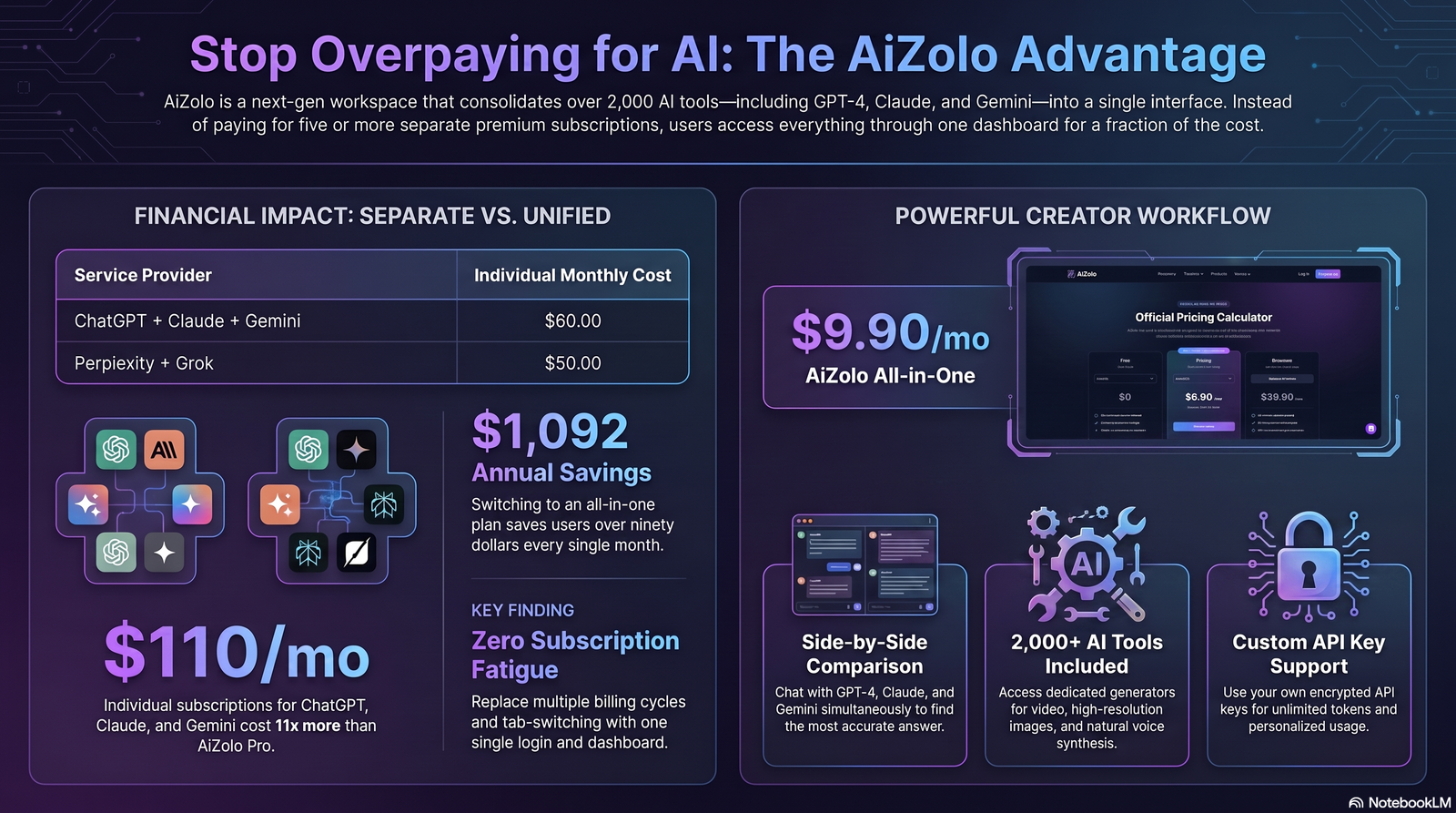
Gcore does not price image generation on a “credits per image” basis the way many consumer AI art tools do. Instead, Everywhere Inference is billed on GPU consumption, typically down to the second, so your cost depends on which GPU you provision, how long the model runs per request, and how much traffic you’re serving.
| Plan/Model | Billing basis | Best for |
|---|---|---|
| Everywhere Inference (shared/mutualized) | Per-second GPU usage on shared capacity | Variable or bursty workloads, prototyping |
| Everywhere Inference (dedicated GPU) | Fixed GPU rental (e.g., monthly) | Predictable, high-volume production traffic |
| Everywhere AI (enterprise) | Per-GPU subscription (1- or 3-year) or consumption-based via HPE GreenLake | Large enterprises needing full training + inference lifecycle |
| Bring-your-own-model deployments | Same GPU-time billing as catalog models | Teams with fine-tuned or proprietary models |
There is no published “free tier that gives unlimited image generations.” If you see that claim elsewhere, treat it with caution — it doesn’t match Gcore’s publicly documented, consumption-based pricing model. Always check Gcore’s current official pricing page before budgeting, since GPU pricing across the industry changes frequently.
Free Plan
Gcore commonly offers trial credits for new Cloud/GPU accounts (a pattern typical of infrastructure providers, letting you test deployment and generation before committing spend), rather than an unlimited free image-generation product. Confirm the current trial offer on Gcore’s official signup page, as promotional terms change over time.
API Access
API access is the primary way most people will actually use Gcore’s image generation capability. Once a model is deployed on Everywhere Inference, you interact with it through standard REST API calls, passing your prompt and generation parameters and receiving image data (or a URL to the generated image) in response. This is designed to slot into existing applications — content platforms, e-commerce catalogs, marketing tools — rather than to be used as a standalone creative destination.
Developer Experience
For developers, the appeal of Gcore’s approach is control: you’re not locked into one proprietary model or a black-box API with unpredictable pricing. You choose the model, the GPU, and the region, and you can move from a shared/mutualized deployment to dedicated infrastructure as your traffic grows — without switching providers.
The tradeoff is that you need to think like an infrastructure engineer, not just a prompt writer. You’re responsible for model selection, endpoint configuration, and monitoring GPU usage against your budget — there’s more setup than pasting an API key into a no-code tool.
Cloud GPU Infrastructure
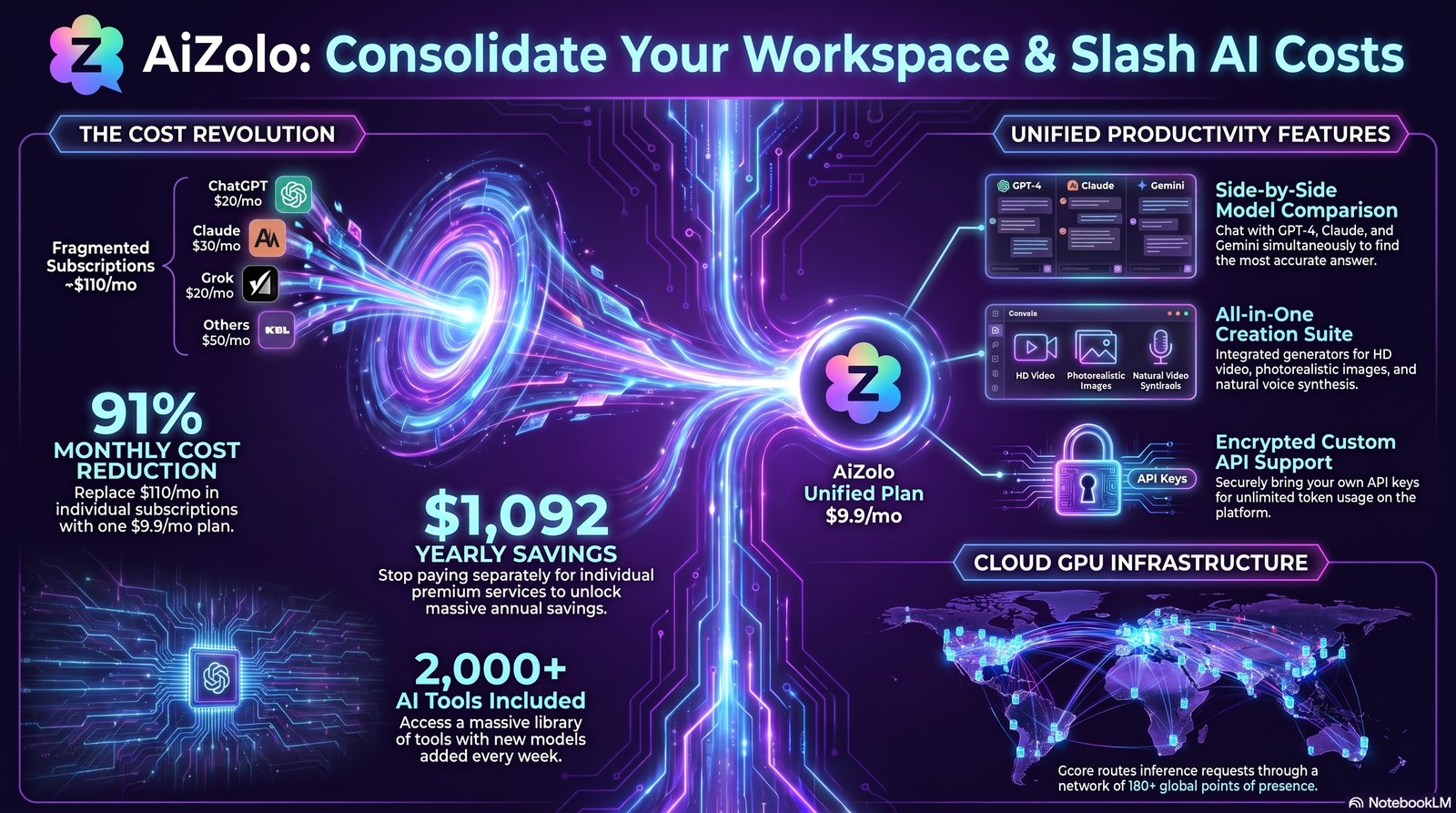
Gcore’s inference layer runs on NVIDIA data center GPUs:
- NVIDIA A100 — a strong general-purpose training/inference GPU with large memory capacity.
- NVIDIA H100 — Gcore’s higher-end option, positioned for the most demanding training and inference workloads.
- NVIDIA L40S — a GPU Gcore specifically highlights for inference workloads, citing significantly better inference throughput and price/performance versus A100/H100 for suitable workloads, according to Gcore’s own published comparisons.
Requests are distributed across Gcore’s 180+ global points of presence, spanning Tier III and Tier IV data centers, with a total network capacity Gcore reports as exceeding 200 Tbps. For image generation specifically, this matters most when generation is part of a real-time, latency-sensitive user experience — less so for offline batch content creation, where raw GPU throughput matters more than network proximity.
Performance Benchmarks
We want to be direct here: Gcore does not publish detailed, third-party-verified benchmark numbers (like “X images per second” or “Y seconds average latency”) for its image generation models, and we’re not going to invent them. What we can say, based on Gcore’s own published material:
- Gcore positions the NVIDIA L40S as delivering meaningfully faster inference than A100/H100 for suitable inference workloads, with a better price/performance ratio — this is Gcore’s claim about the hardware, not an independently audited benchmark of image generation specifically.
- Gcore recommends SDXL-Lightning and FLUX.1-schnell specifically for real-time or near-real-time use cases, implying these are the fastest models in its catalog.
- Gcore has published a case study describing image generation and upscaling workloads run on its GPU Cloud and Everywhere Inference for a customer building a large-scale AI image application — a useful signal of production readiness, though it doesn’t substitute for a controlled benchmark.
If exact latency and throughput numbers matter for your decision, the right move is to run your own benchmark against your specific model, resolution, and batch size, since published marketing figures — from any vendor — rarely reflect your exact workload.
Use Cases
Marketing
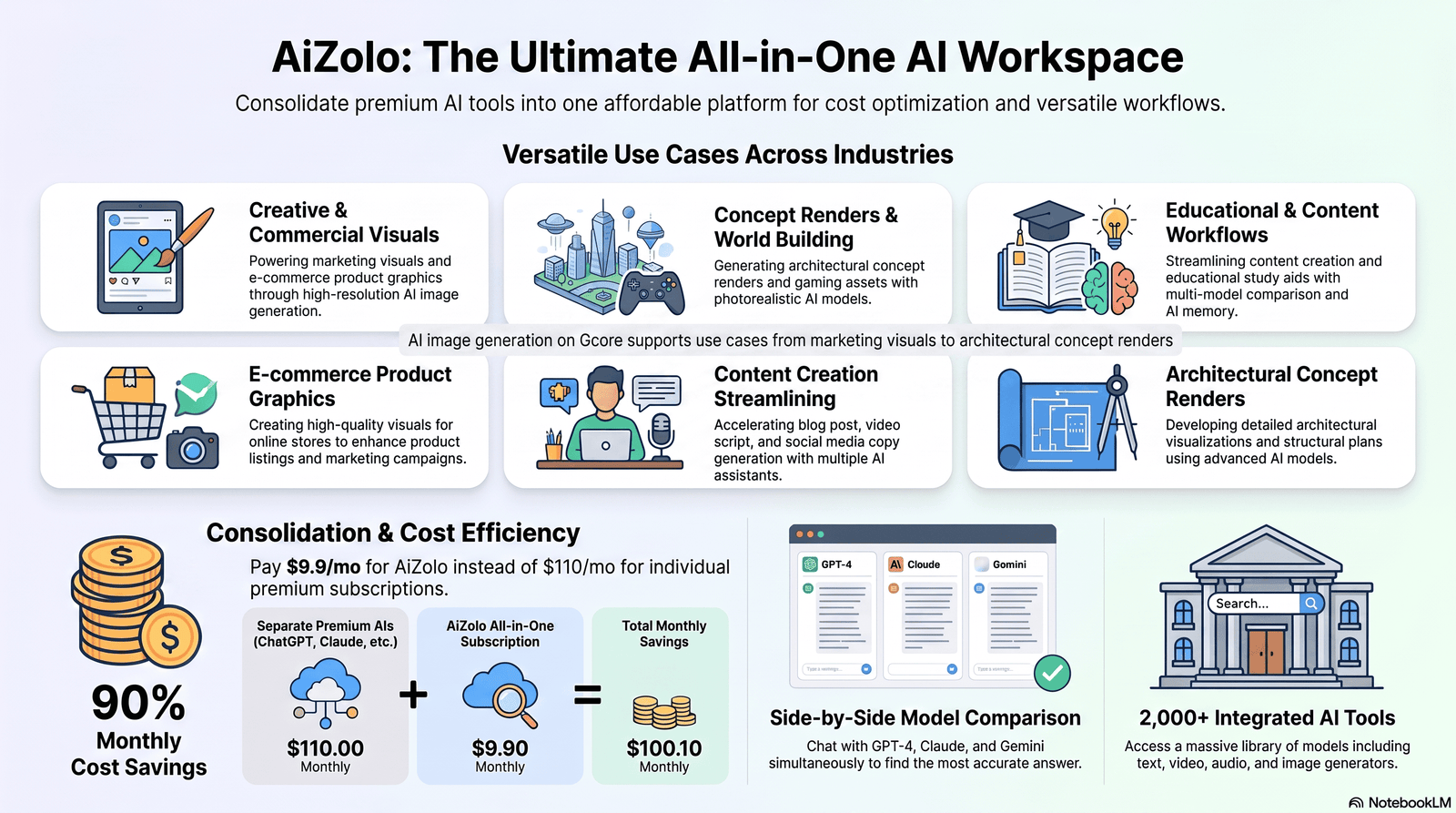
Fast, on-brand visual generation for campaigns, social content, and ad creative — especially useful for teams that need many variations quickly rather than a handful of polished hero images.
Game Development
Concept art, environment sketches, and rapid asset iteration during pre-production, where speed of iteration often matters more than final-pixel quality.
Content Creation
Blog headers, thumbnails, and illustrative graphics for publishers and creators who need a steady volume of visuals without commissioning original art for every piece.
E-commerce
Product visualization, lifestyle imagery, and mockups — Gcore specifically calls out SDXL and Stable Cascade as suited to “detailed e-commerce product visualizations.”
Education
Custom illustrations for course materials, explainer diagrams, and visual aids that would otherwise require stock imagery or a designer’s time.
Architecture
Concept renders and mood visuals early in a design process — Gcore points to Stable Cascade specifically for “ultra-high-quality visuals for… architectural renders.”
Product Design
Rapid visualization of design directions before committing to CAD or physical prototypes.
Pros
- Choice of multiple open models (SDXL, Stable Cascade, FLUX variants, SD 3.5 Large) instead of one fixed engine
- Transparent, consumption-based (per-second GPU) pricing rather than opaque credit systems
- Ability to bring your own fine-tuned or custom model
- Global network of 180+ points of presence for latency-sensitive deployments
- Flexible deployment: cloud, on-premise, or hybrid
- Strong fit for teams that already use Gcore for CDN, cloud, or security
Cons
- Not a polished, walk-up consumer creative tool — there’s real setup involved
- No simple flat “unlimited generations for $X/month” plan for casual users
- You’re responsible for model licensing compliance (Gcore doesn’t manage this for you)
- Fewer published, independently verified performance benchmarks compared to some larger AI-first competitors
- Best value requires some infrastructure/DevOps familiarity
Who Should Use It
- Developers and startups building image generation into a product or feature
- Agencies and enterprises that need predictable, consumption-based pricing at scale
- Teams already on Gcore for CDN, cloud, or security who want to consolidate vendors
- Privacy-conscious organizations that want models deployed on infrastructure they control, rather than sending prompts to a shared third-party API
Who Should Avoid It
- Casual users who just want to type a prompt into a website and get an image with zero setup — a consumer tool like DALL·E, Midjourney, or Google’s Gemini image tools will be simpler
- Teams with no engineering resources to manage API integration and GPU configuration
- Anyone needing a single, fixed, all-inclusive model rather than a choice of open models with varying licenses
Comparison
Gcore vs OpenAI Images (GPT Image / DALL·E)
| Gcore (Everywhere Inference) | OpenAI Images | |
|---|---|---|
| Model | Choice of open models (SDXL, FLUX, SD 3.5, etc.) | OpenAI’s proprietary image models |
| Access | API-first, infrastructure platform | API and consumer apps (ChatGPT) |
| Pricing | Per-second GPU billing | Per-image/per-request API pricing |
| Customization | Bring your own model | Limited to OpenAI’s model behavior |
| Best for | Developers wanting model choice and control | Teams wanting a fast, managed, no-infra API |
Gcore vs Stability AI (direct)
| Gcore | Stability AI (direct) | |
|---|---|---|
| Relationship to Stable Diffusion | Hosts and serves Stability AI’s open models | Creator of Stable Diffusion models |
| Infrastructure | Gcore’s own global GPU cloud and edge network | Stability AI’s own API/platform infrastructure |
| Model licensing | Same underlying licenses apply regardless of host | Sets the license terms |
| Differentiator | Global edge network, GPU choice, bring-your-own-model | Closest to the source, first access to new releases |
Gcore vs Midjourney
| Gcore | Midjourney | |
|---|---|---|
| Interface | API/infrastructure, developer-facing | Discord/web app, creative-user-facing |
| Model | Open models (SDXL, FLUX, etc.) | Midjourney’s proprietary model |
| Aesthetic control | Depends entirely on chosen open model | Distinctive, opinionated house style |
| Best for | Building image generation into software | Individual artists and designers generating finished art |
Gcore vs Ideogram
| Gcore | Ideogram | |
|---|---|---|
| Focus | General-purpose inference infrastructure | Consumer/prosumer app known for strong text-in-image rendering |
| Text rendering | Depends on chosen model (FLUX has known text limitations) | A core strength of Ideogram’s model |
| Deployment | Self-managed via API/infra | Hosted consumer product |
Gcore vs Google Imagen
| Gcore | Google Imagen | |
|---|---|---|
| Model ownership | Third-party open models hosted on Gcore | Google’s proprietary model |
| Access route | Gcore API/Everywhere Inference | Google Cloud Vertex AI / Gemini API |
| Ecosystem fit | Best if you’re already on Gcore’s network/cloud | Best if you’re already on Google Cloud |
Best Alternatives
- OpenAI (GPT Image / DALL·E API) — for teams wanting a fully managed, no-infrastructure API
- Stability AI’s own platform — for direct access to Stable Diffusion models from their creator
- Black Forest Labs’ FLUX API — for direct access to FLUX models without an intermediary
- Replicate or Hugging Face Inference Endpoints — for developers wanting a large marketplace of hosted open models
- Midjourney — for individual creatives who want a distinctive house style with minimal setup
- Ideogram — for use cases centered on legible in-image text
Frequently Asked Questions
1. Is there a free version of the Gcore AI image generator? Gcore’s Cloud and GPU products commonly include trial credits for new accounts, but there is no published unlimited free tier for image generation. Check Gcore’s current pricing page for the latest trial terms.
2. What models does Gcore support for image generation? As of this writing: SDXL, Stable Cascade, SDXL-Lightning, FLUX.1-schnell, FLUX.1-dev, and Stable Diffusion 3.5 Large, plus support for custom/bring-your-own models.
3. Does Gcore have its own proprietary image generation model? No. Gcore hosts and serves open-source models from providers like Stability AI and Black Forest Labs, rather than training its own image model.
4. How is Gcore’s image generation priced? Per-second GPU usage, either on shared/mutualized capacity or dedicated GPU rentals, rather than per-image credits.
5. Can I use Gcore-generated images commercially? It depends on the license of the specific model you use — for example, SD 3.5 Large’s Community License and FLUX.1-schnell’s Apache 2.0 license are generally commercial-friendly, while FLUX.1-dev is non-commercial. Always verify current license terms directly with the model provider.
6. Is Gcore’s image generator good for beginners with no coding experience? Not really — it’s built as an API/infrastructure product for developers. A consumer tool like DALL·E or Midjourney will be far simpler for non-technical users.
7. What GPUs does Gcore use for image generation? NVIDIA A100, H100, and L40S, with L40S positioned by Gcore specifically for cost-efficient inference.
8. Can I upload my own fine-tuned model to Gcore? Yes — Everywhere Inference supports bringing your own custom or fine-tuned models in addition to its built-in model catalog.
9. How does Gcore’s image generator compare to Midjourney? They serve different audiences: Midjourney is a consumer/prosumer creative app with a distinctive house style, while Gcore is infrastructure for developers who want to choose and deploy their own models.
10. Does Gcore support FLUX models? Yes — both FLUX.1-schnell (fast, Apache 2.0 licensed) and FLUX.1-dev (higher quality, non-commercial license) are in Gcore’s model catalog.
11. What image resolutions does Gcore support? It depends on the specific model deployed; check the model documentation, since resolution support varies by architecture rather than being a fixed platform-wide limit.
12. Is Gcore’s platform suitable for enterprise-scale image generation? Yes — Gcore offers dedicated GPU capacity and enterprise-tier “Everywhere AI” subscriptions for large-scale, predictable workloads, in addition to its shared inference option for smaller-scale use.
Final Verdict
The Gcore AI image generator is not a competitor to Midjourney or DALL·E in the way most searchers assume — it’s the infrastructure layer that lets developers deploy and run open text-to-image models like SDXL, Stable Cascade, and FLUX at scale, with transparent per-second GPU pricing and a genuinely global network. If you’re a developer, agency, or enterprise that wants control over which model you run, where it runs, and how you’re billed, it’s a solid, honestly-priced option worth evaluating against Stability AI, Black Forest Labs, Replicate, and similar hosting platforms. If you’re a hobbyist who just wants to type a prompt and get a picture with zero setup, this isn’t built for you — a consumer app will serve you better.
Limitations worth remembering: Gcore doesn’t train its own image model, published performance benchmarks are limited, and you carry responsibility for understanding each model’s commercial license. None of that makes it a bad product — it makes it an infrastructure product, and it should be judged as one.
External Linking Opportunities
| Where to Link | Anchor Text | Official URL | Reason |
|---|---|---|---|
| “Everywhere Inference” (first mention) | Gcore Everywhere Inference | https://gcore.com/everywhere-inference | Primary product documentation; authoritative first-party source |
| Model catalog / supported models section | Gcore AI model selection guide | https://gcore.com/learning/gcore-ai-model-selection-simplified | Confirms which models are supported, directly from Gcore |
| Stable Diffusion background | Gcore’s guide to Stable Diffusion | https://gcore.com/blog/stable-diffusion | First-party explainer on the underlying technology |
| Stable Diffusion 3.5 Large section | Gcore SD 3.5 Large deployment page | https://gcore.com/everywhere-inference/stable-diffusion-3-5-large | Direct product/model page for licensing and specs |
| Pricing section | Gcore AI/Cloud pricing | https://gcore.com/pricing/ai | Always-current, authoritative pricing source |
| FLUX model discussion | Black Forest Labs | https://blackforestlabs.ai | Official creator of the FLUX model family |
| Stable Diffusion/SD 3.5 licensing | Stability AI | https://stability.ai | Official creator and license holder for Stable Diffusion models |
| Open model weights mention | Hugging Face | https://huggingface.co | Authoritative source for open model weights and documentation |
| GPU hardware claims | NVIDIA L40S product page | https://www.nvidia.com/en-us/data-center/l40s/ | Verifies GPU specifications independently of Gcore’s marketing |
| Case study reference | Gcore LetzAI case study | https://gcore.com/case-studies/letzai | Real-world production example of Gcore image generation infrastructure |
Author Bio
Author: Jeevesh Tripathi Email: jeevesh@aizolo.com
Author Bio: Jeevesh is an AI researcher and technical content specialist at Aizolo, focusing on generative AI, cloud infrastructure, AI productivity platforms, and emerging artificial intelligence technologies. His articles emphasize hands-on research, technical accuracy, practical insights, and Google’s EEAT principles to help readers make informed decisions.

Usually I don’t read post on blogs, however I wish to say that this write-up very pressured
me to check out and do so! Your writing taste has been amazed me.
Thank you, quite great article.