
Introduction
Most content teams don’t struggle to write. They struggle to decide what to write next.
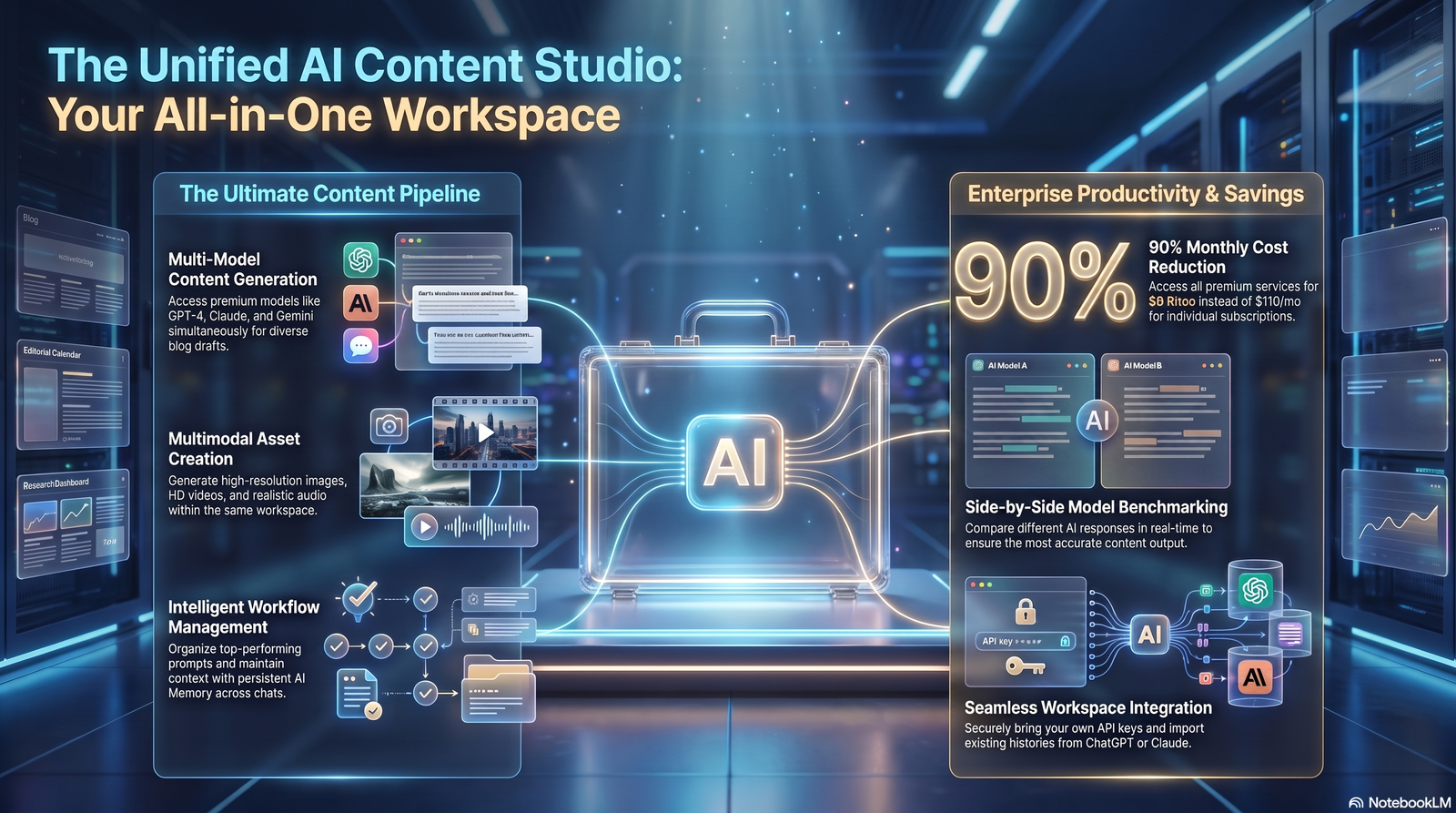
If you work inside an AI workspace, you already have the tools to draft fast. What you’re often missing is a repeatable system for generating blog content ideas for AI workspace users that don’t feel recycled or random.
This guide is for solo creators, marketing teams, and founders who use an AI workspace — a hub where research, writing, and planning happen in one place — to publish consistently. You’ll walk away with frameworks, real workflow examples, prompt templates, and a checklist you can start using today.
We’ll also cover what most “AI content idea” articles skip: how to avoid generic output, how to keep ideas aligned with SEO intent, and how to build a system that scales past a single blog post.
Quick Answer
Blog content ideas for AI workspace users come from combining three inputs: audience questions, keyword gaps, and internal workflow data. An AI workspace helps by centralizing research, generating idea clusters, and organizing them into a content calendar automatically.
Table of Contents
1. Why Blog Content Ideas Are Harder Than They Look
Coming up with a topic sounds simple until you sit down to do it every week.
Most people default to whatever competitors already covered. That produces content that blends into search results instead of standing out.
The real challenge isn’t a lack of topics. It’s a lack of process for turning raw signals — questions, data, trends — into topics worth writing about.
Expert Tip: Treat idea generation as a research task, not a creative one. The creativity comes later, in how you frame the angle.
2. What Makes an AI Workspace Different From a Regular Writing Tool
A writing tool helps you write faster. An AI workspace helps you decide what to write, then write it, then organize it.
The distinction matters because idea generation depends on context — your past posts, your audience data, your keyword gaps. A standalone AI writer doesn’t see any of that.
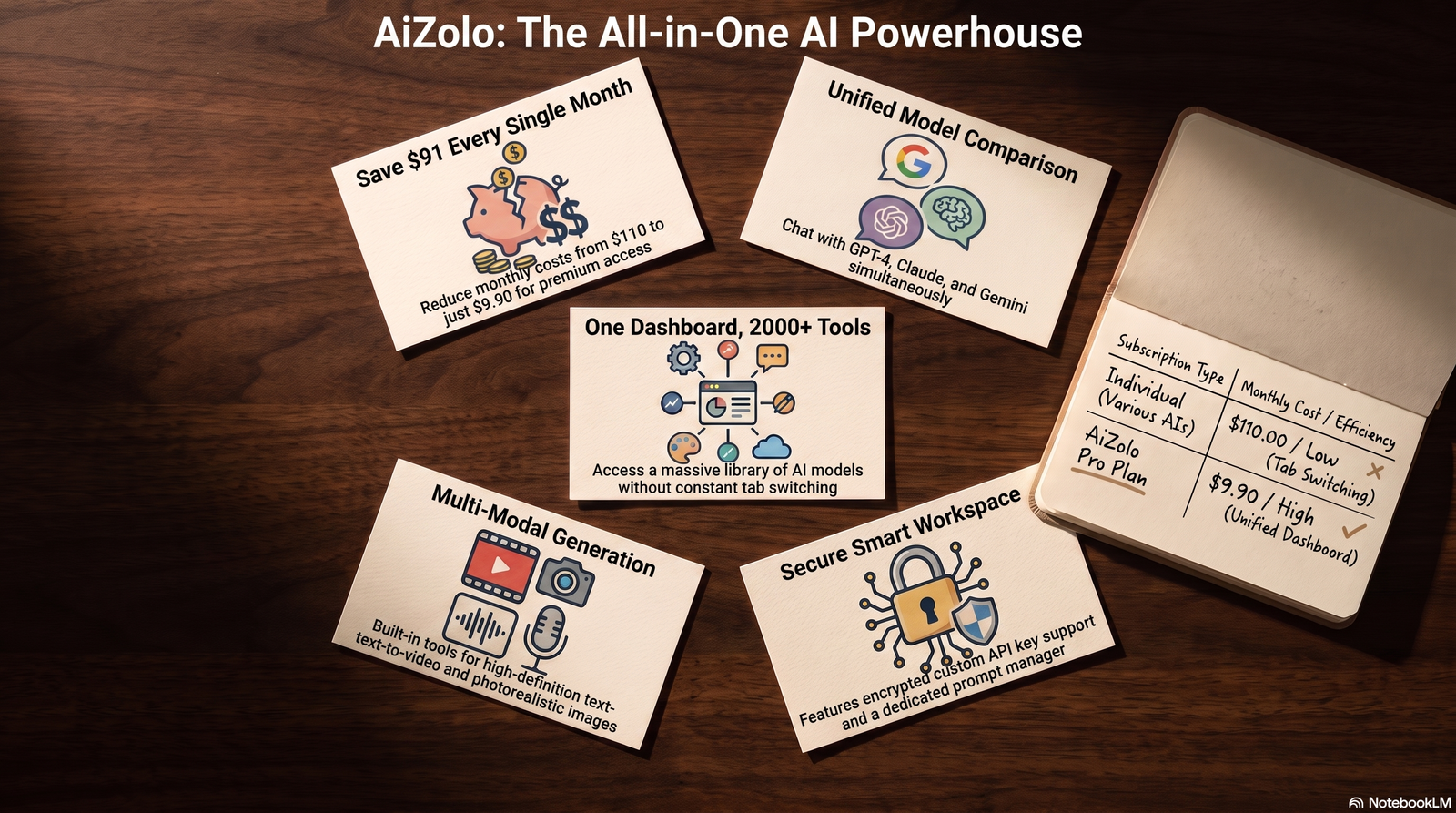
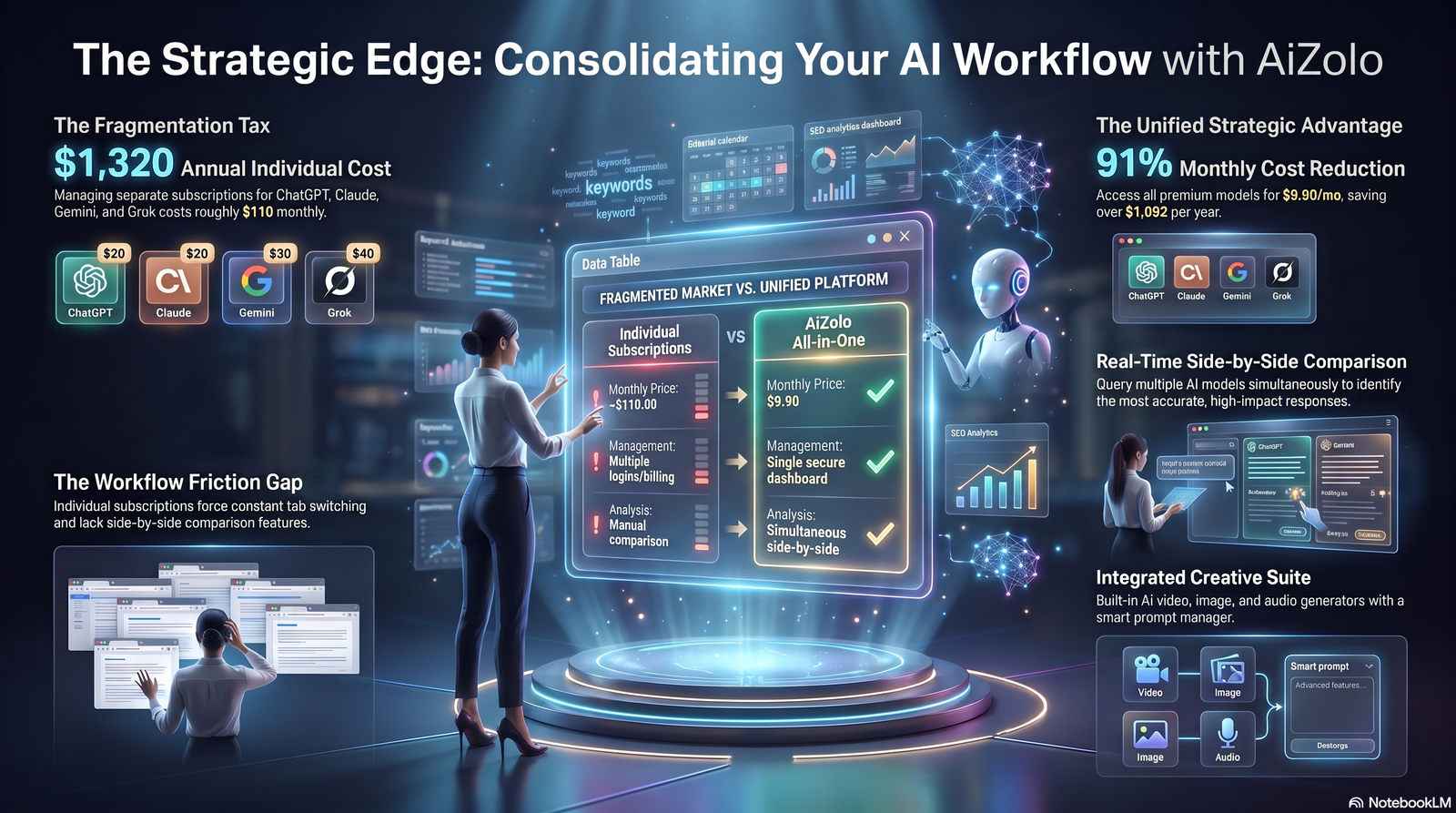
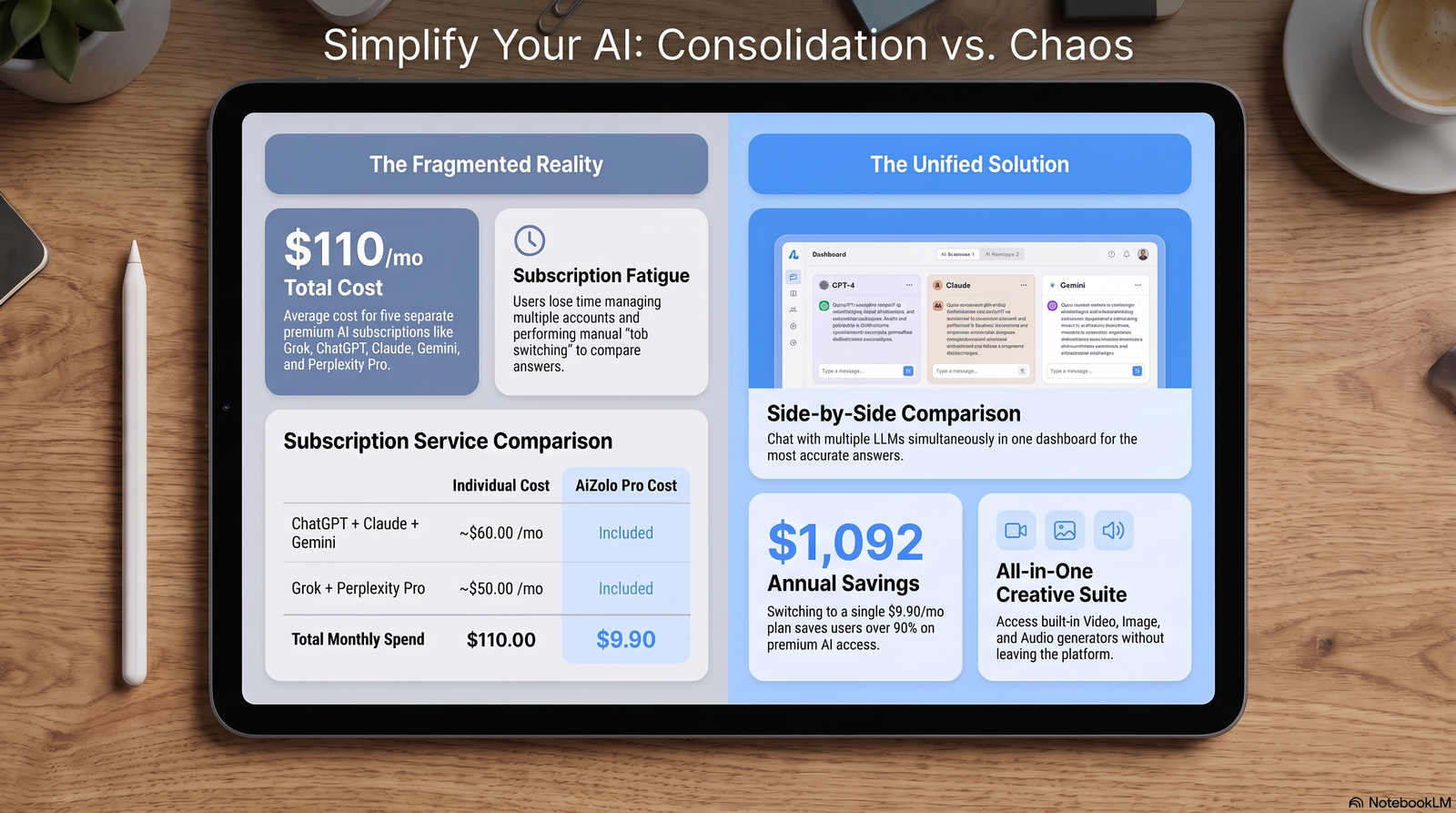
Platforms like Aizolo are built around this idea: keeping research, drafts, and planning connected so ideas don’t get lost between tools. That connection is what turns a list of topics into an actual content pipeline.
Featured Snippet Answer
An AI workspace is a connected environment for research, writing, and planning, as opposed to a single-purpose AI writing tool. It matters for content ideas because it can reference your existing content, audience data, and calendar in one place, producing more relevant suggestions than a generic prompt.
3. The 5-Source Idea Generation Framework
Reliable idea generation pulls from five sources, not one.
Relying only on “ask AI for blog ideas” produces generic lists. Combining sources produces ideas grounded in real demand.
| Source | What It Reveals | How to Use It in an AI Workspace |
|---|---|---|
| Customer questions | Real language and pain points | Feed support tickets or call notes into your workspace for topic extraction |
| Keyword research | Search demand and gaps | Import keyword lists, ask AI to cluster by intent |
| Competitor gaps | What’s missing in top-ranking pages | Paste competitor URLs, ask AI to identify uncovered subtopics |
| Internal data | What already performs well | Analyze your top posts, ask AI for follow-up angles |
| Trend signals | What’s gaining attention now | Monitor industry news, ask AI to summarize weekly themes |
Pro Tip: Run all five sources through your workspace monthly, not just when you’re out of ideas. Consistency beats last-minute brainstorming.

4. 60+ Blog Content Ideas Organized by Category
Below are ready-to-use idea categories. Adapt the bracketed placeholders to your niche.
How-To and Tutorial Ideas
- How to [achieve outcome] using an AI workspace
- Step-by-step: setting up your first AI content workflow
- How to repurpose one blog post into five content formats
- How to build a content calendar without a spreadsheet
- How to audit old blog posts with AI assistance
Comparison and Decision Ideas
- [Tool A] vs [Tool B] for AI-assisted content teams
- Best AI workspaces for solo creators vs teams
- Free vs paid AI writing tools: what’s actually worth it
- In-house writing vs AI-assisted workflows: a cost breakdown
List and Roundup Ideas
- X blog content ideas for [industry] teams
- X mistakes teams make when adopting AI workspaces
- X prompt templates every content team should save
- X ways to shorten your content production cycle
Data and Original Research Ideas
- We analyzed X blog posts — here’s what performed best
- Survey results: how teams actually use AI in content workflows
- Before/after: what changed when we added an AI workspace
Opinion and Thought Leadership Ideas
- Why most “AI content” advice is outdated
- The real cost of publishing more, faster
- What AI workspaces still can’t do (and why that’s fine)
Beginner Education Ideas
- What is an AI workspace, explained simply
- AI workspace glossary: terms every new user should know
- Common AI writing myths, debunked
Case Study and Workflow Ideas
- Inside our team’s weekly AI content workflow
- How we cut content production time by half
- A real content calendar from an AI-assisted team
Seasonal and Trend-Based Ideas
- What’s changing in content marketing this year
- Planning Q4 content with an AI workspace
- Trend roundup: what topics are gaining search interest
Common Mistake: Copying a list like this word-for-word without adapting it to your audience’s actual language. Generic titles rarely rank; specific ones do.
5. Idea Prioritization: Which Topics to Write First
Not every idea deserves a post right away. Prioritize using effort versus impact.
| Idea Type | Search Demand | Effort to Produce | Priority |
|---|---|---|---|
| How-to guides | High | Medium | Write first |
| Comparison posts | Medium-High | Medium | Write first |
| Original research | Medium | High | Plan quarterly |
| Opinion pieces | Low-Medium | Low | Fill gaps |
| Trend roundups | Variable | Low | Time-sensitive |
A simple scoring method works well inside an AI workspace: rate each idea 1–5 on search demand, competition, and how well it fits your expertise, then sort by total score.
Quick Win: Start with one how-to guide and one comparison post. These formats consistently satisfy commercial and informational intent at once.
6. Building a Content Calendar Inside an AI Workspace
A calendar turns ideas into a schedule. Without one, even good ideas get abandoned.
Step-by-Step Process
- Collect all raw ideas from the 5-source framework into one list.
- Score and prioritize using the effort/impact method above.
- Assign publish dates based on capacity, not ambition.
- Tag each idea with funnel stage: awareness, consideration, decision.
- Review and refresh the calendar monthly.
Best Practice: Keep 20–30% of your calendar flexible for trend-based posts. A calendar that’s 100% planned in advance can’t react to what’s happening now.
Table: Sample 4-Week Content Calendar
| Week | Topic Type | Funnel Stage | Format |
|---|---|---|---|
| 1 | How-to guide | Consideration | Long-form blog |
| 2 | Comparison post | Decision | Long-form blog + table |
| 3 | Trend roundup | Awareness | Short-form blog |
| 4 | Case study | Decision | Long-form blog |
7. Prompt Templates for Generating Better Ideas
Generic prompts produce generic ideas. Specific prompts produce usable ones.
Template 1 — Audience-Based Ideation
“Act as a content strategist for [industry]. Based on the following customer questions [paste questions], suggest 10 blog topics that address these directly, grouped by funnel stage.”
Template 2 — Competitor Gap Analysis
“Here are 3 top-ranking articles on [topic] [paste URLs or summaries]. Identify subtopics they don’t cover well and suggest 5 blog post angles that fill those gaps.”
Template 3 — Repurposing Existing Content
“Here is our top-performing blog post [paste post]. Suggest 5 follow-up topics that expand on sections readers likely wanted more detail on.”
Expert Tip: Always include real context — actual questions, actual URLs, actual data — in your prompts. The quality of AI-generated ideas is directly tied to the quality of the input you provide.
8. Weekly AI Workflow Example

Here’s a realistic weekly rhythm for a small content team using an AI workspace.
Monday: Review analytics from last week’s posts. Ask the workspace to summarize what topics or sections got the most engagement.
Tuesday: Run the 5-source idea framework. Generate a fresh batch of 10–15 candidate topics.
Wednesday: Score and prioritize ideas. Assign the top 2–3 to writers for the week.
Thursday: Draft using AI-assisted outlines, then edit for voice and accuracy.
Friday: Final review, SEO check, and schedule for publishing.
This rhythm keeps idea generation and production separate, which prevents the common trap of writing whatever idea came up that morning.
9. Monthly Content Strategy Example
Zooming out, a monthly view helps balance topic types across the funnel.
| Week | Focus | Goal |
|---|---|---|
| Week 1 | Awareness content | Attract new readers via trend and educational posts |
| Week 2 | Consideration content | Build trust with how-to and framework posts |
| Week 3 | Decision content | Support conversions with comparisons and case studies |
| Week 4 | Review and refresh | Update older posts, analyze performance, replan |
Pro Tip: Set aside the last week of every month purely for auditing old content. Refreshing an underperforming post is often faster than writing a new one from scratch, and it tends to recover rankings quickly.
10. Common Mistakes AI Workspace Users Make
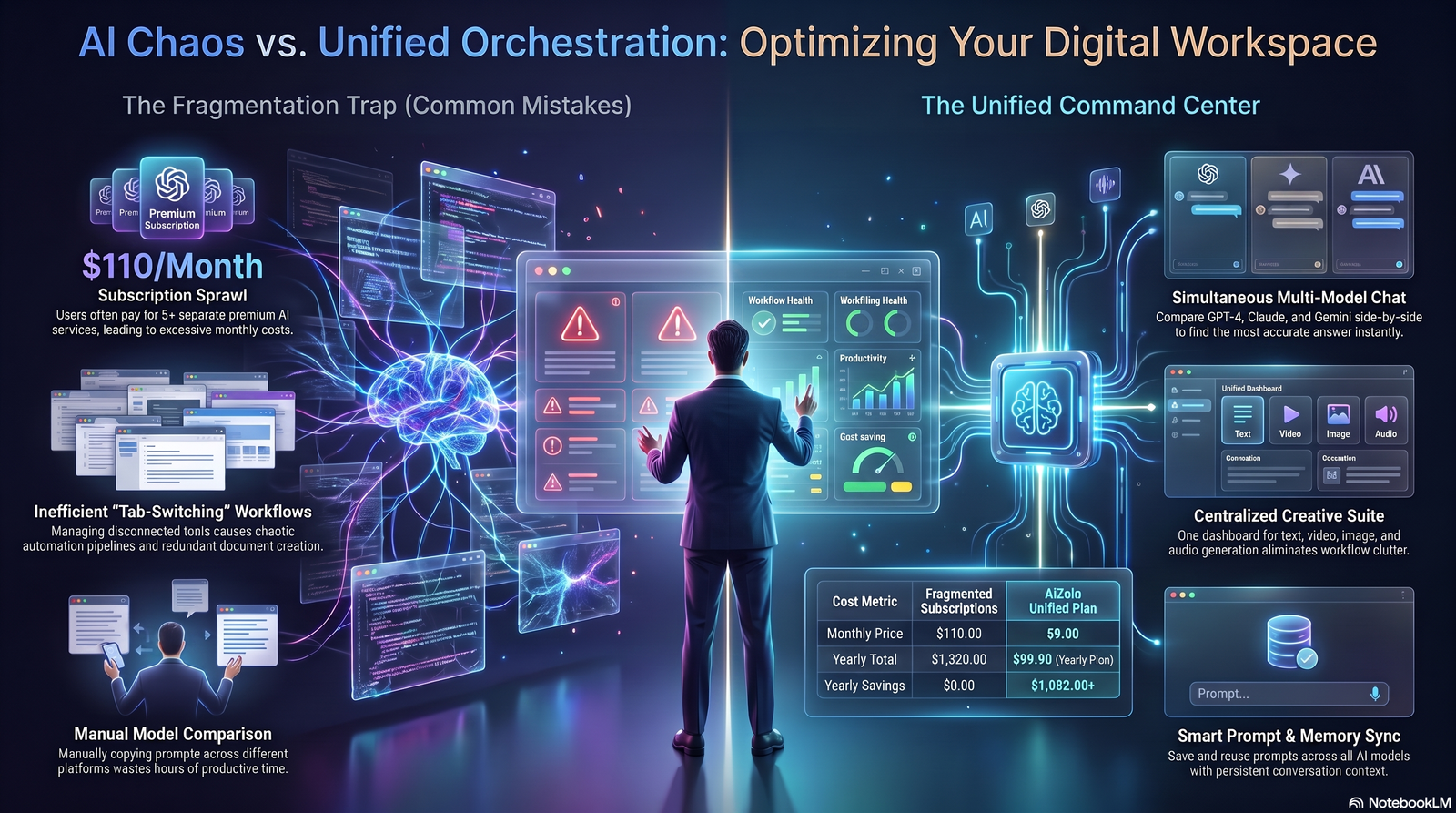
Mistake 1: Asking AI for ideas with no context. A prompt like “give me blog ideas” produces generic output disconnected from your actual audience.
Mistake 2: Publishing every AI-generated idea as-is. Ideas need human judgment for relevance and originality before they become a brief.
Mistake 3: Ignoring existing content. Many teams keep generating new topics instead of noticing which old posts could be expanded or merged.
Mistake 4: No prioritization system. Without scoring ideas, teams default to whatever feels easiest, not what’s most valuable.
Mistake 5: Treating the calendar as fixed. A calendar that never adapts to new data becomes outdated within a month.
11. What Most Blogs Get Wrong About “AI Content Ideas”
Most articles on this topic are just long, unstructured lists of topics. They skip the part that actually matters: the system for generating ideas repeatedly.
A list of 50 ideas runs out. A system for generating ideas doesn’t.
Another gap: most guides ignore prioritization entirely, treating every idea as equally worth pursuing. In practice, teams with limited time need a filter, not just a list.
Finally, many guides talk about “using AI” without addressing how to structure prompts with real context. That’s usually the difference between a mediocre suggestion and a genuinely useful one.
12. Expert Recommendations and Best Practices
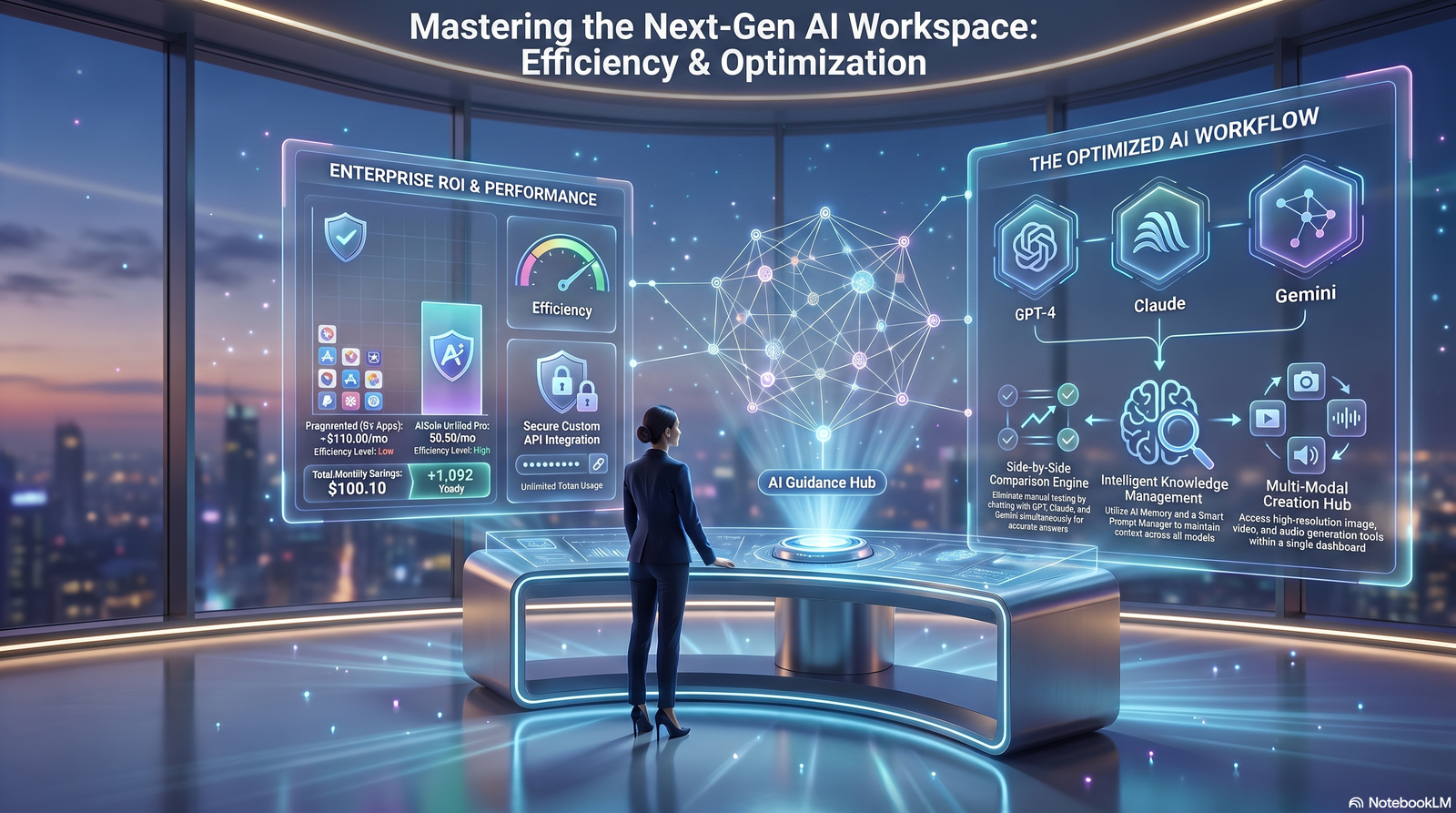
- Build idea generation into a recurring process, not a one-time brainstorm.
- Always ground AI prompts in real data — actual questions, actual performance metrics.
- Separate idea generation from content production to avoid rushed, reactive writing.
- Review and refresh older content as part of your regular content ideation cycle, not as an afterthought.
- Keep a rolling backlog of at least 20 vetted ideas so you’re never starting from zero.
Best Practice: Store your idea backlog inside your AI workspace rather than a separate spreadsheet. Keeping research, ideas, and drafts in one place reduces the friction that causes good ideas to get forgotten.
13. AI Workspace Comparison Table
Use this table as a general framework when evaluating AI workspaces for content idea generation and planning. Confirm current features directly on each provider’s site before deciding.
| Feature | What to Look For | Why It Matters |
|---|---|---|
| Connected research | Ability to pull from notes, docs, or past content | Prevents disconnected, generic suggestions |
| Calendar integration | Built-in or connected content calendar | Turns ideas into a schedule automatically |
| Prompt memory | Retains context across sessions | Avoids re-explaining your brand every time |
| Collaboration | Shared workspace for teams | Keeps idea backlog visible to everyone |
| Export flexibility | Easy export to CMS or docs | Reduces friction from idea to published post |
Aizolo is one example of a workspace built around keeping these pieces connected, though the framework above applies regardless of which platform you choose.
14. AI Workspace Content Checklist

Use this checklist before finalizing your next batch of blog content ideas.
- [ ] Pulled ideas from all 5 sources (questions, keywords, competitors, internal data, trends)
- [ ] Scored ideas on demand, effort, and fit
- [ ] Checked for overlap with existing published posts
- [ ] Assigned funnel stage to each idea
- [ ] Added top ideas to the content calendar
- [ ] Flagged at least one old post for refresh this month
- [ ] Saved reusable prompts for next round of ideation
FAQs
What are good blog content ideas for AI workspace users? Good ideas combine real audience questions, keyword research, and competitor gaps rather than relying on generic AI suggestions alone. The best ones are specific to your niche and grounded in actual data your workspace already has access to.
How do I generate blog ideas using AI without sounding generic? Give the AI real context — actual customer questions, past post performance, or competitor content — instead of a vague prompt. Specific input produces specific, usable ideas.
How often should I refresh my content idea list? Monthly is a good baseline for most teams, with a lighter weekly check-in for trend-based topics. This keeps your backlog current without becoming a constant distraction.
What’s the difference between an AI workspace and an AI writing tool? An AI writing tool focuses on drafting text, while an AI workspace connects research, planning, and writing together. That connection is what makes idea generation more relevant over time.
How many blog ideas should I keep in my backlog? Aim for at least 20 vetted ideas at any time. This buffer prevents rushed, low-quality topic choices when deadlines are tight.
Can AI replace human judgment in choosing blog topics? No — AI is best used to surface options and patterns, while humans should still evaluate relevance, originality, and brand fit. Publishing AI suggestions without review often produces content that ranks poorly.
What blog formats work best for AI workspace teams? How-to guides and comparison posts tend to perform well because they match strong search intent and are efficient to produce with AI-assisted outlines. Case studies and original research build authority but take longer to produce.
How do I know if a blog idea is worth pursuing? Score it against search demand, competition, and how well it matches your team’s actual expertise. If two of the three are weak, it’s usually better to deprioritize it.
Should every blog idea come from keyword research? No — keyword research is one of five useful sources, alongside customer questions, competitor gaps, internal data, and trend signals. Relying only on keywords tends to produce content that’s technically optimized but disconnected from real reader needs.
How does an AI workspace help with content calendars? It can centralize your idea backlog, prioritization scores, and publish dates in one connected view instead of scattered documents. Some workspaces, including Aizolo, also let you move an idea directly into a draft without switching tools.
What’s the biggest mistake teams make with AI-generated blog ideas? Publishing ideas exactly as generated, without checking for originality or fit with existing content. This often leads to duplicate or shallow posts that underperform.
How do I prioritize blog ideas when I don’t have much time to write? Focus on high-demand, medium-effort formats like how-to guides and comparisons first. Save original research and long case studies for months when you have more bandwidth.
Is it better to write more blog posts or fewer, higher-quality ones? For most sites, fewer well-researched posts that clearly satisfy search intent outperform a high volume of shallow posts. Google’s helpful content guidance consistently favors depth and usefulness over sheer output.
Conclusion
Coming up with blog content ideas doesn’t have to mean staring at a blank page every week. A system built on real data — audience questions, keyword gaps, competitor analysis, internal performance, and trends — will consistently outperform random brainstorming.
The role of an AI workspace here isn’t to invent ideas out of nothing. It’s to keep your research, past content, and planning connected so the ideas it surfaces actually fit your audience. Whether you use Aizolo or another platform, the framework in this guide will work as long as you feed it real context.
Start small: run the 5-source framework once this week, prioritize the results, and add your top three ideas to a calendar. That single habit, repeated monthly, is what separates teams that publish consistently from teams that don’t.
Author Bio
Author: Jeevesh Email: jeevesh@aizolo.com
Jeevesh is a content strategist and AI productivity writer who has spent years helping marketing teams design scalable, data-driven content workflows. His work focuses on the intersection of AI workspaces, SEO, and editorial planning, with an emphasis on systems that hold up under Google’s evolving Helpful Content and EEAT guidelines. He writes for Aizolo about practical ways teams can use AI tools without losing the human judgment that makes content genuinely useful.
7. External Linking Recommendations
| Anchor Text | Destination URL | Reason for Linking |
|---|---|---|
| Helpful Content System | https://developers.google.com/search/docs/appearance/core-updates | Authoritative Google documentation on core updates and helpful content, supports EEAT claims made in the article |
| Google’s spam policies | https://developers.google.com/search/docs/essentials/spam-policies | Backs the article’s guidance on avoiding manipulative SEO |
| Search quality guidelines | https://developers.google.com/search/docs/appearance/spam-updates | Reinforces people-first content standards referenced throughout |
| how search detects spam | https://www.google.com/search/howsearchworks/how-search-works/detecting-spam/ | Supports claims about avoiding spammy or low-quality content practices |
| Google’s 2021 webspam report | https://developers.google.com/search/blog/2022/04/webspam-report-2021 | Provides data-backed context on the scale of spam Google filters, supporting the case for original content |
