
If you’ve ever typed a question into ChatGPT, Claude, Gemini, or Aizolo and gotten a vague, generic, or just plain wrong answer, you’re not alone. Most people assume the AI is the problem. Usually, it’s the prompt.
Prompt engineering for non-technical users simply means learning how to talk to AI tools so they understand exactly what you want — no coding, no computer science degree, no technical background required. It’s a communication skill, not a programming skill.
In this guide, you’ll learn what prompt engineering actually is, why it matters right now, proven beginner frameworks, real-world examples across a dozen use cases, common mistakes to avoid, and ready-to-use templates you can copy today. By the end, you’ll be able to write prompts that consistently get you useful, accurate, and relevant results.
Table of Contents
What Is Prompt Engineering for Non-Technical Users?
A “prompt” is simply the instruction or question you give an AI tool. Prompt engineering is the practice of writing that instruction clearly enough that the AI understands your goal, your context, and the format you want back.
For non-technical users, this doesn’t involve code, APIs, or system settings. It’s closer to giving clear directions to a very capable but literal-minded assistant. The AI can’t read your mind — it can only respond to the words you give it.
Think of it like ordering coffee. “I’ll have a coffee” gets you something. “A medium oat milk latte, extra hot, one pump vanilla” gets you exactly what you wanted. Prompt engineering is the second version, applied to AI.
Why Prompt Engineering Matters Today
AI assistants like ChatGPT, Claude, and Gemini have moved from novelty tools to everyday productivity software. People use them to write emails, plan trips, summarize documents, prepare for interviews, and manage business tasks.
But these tools are only as useful as the instructions they’re given. Two people can use the same AI model and get dramatically different results — the difference is almost always the prompt, not the tool.
As AI becomes part of daily work for marketers, teachers, students, freelancers, and small business owners, the ability to communicate clearly with these systems is becoming a practical, transferable skill — similar to learning to search effectively on Google in the early 2000s.
Do You Need Coding Skills?
No. Prompt engineering for everyday use is written entirely in plain English (or your native language). You don’t need to know Python, JavaScript, or any programming language to write effective prompts.
Coding knowledge becomes useful only in advanced, technical scenarios, such as:
- Building AI-powered applications
- Automating prompts through an API
- Fine-tuning models for specialized tasks
- Integrating AI into software products
For everyday tasks — writing, research, planning, customer support, content creation — plain-language prompting is all you need.
How AI Understands Prompts (Simple Explanation)
AI language models don’t “understand” language the way humans do. They predict the most likely and relevant next words based on patterns learned from huge amounts of text, guided by the instructions you give them.
A helpful analogy: imagine a highly-read intern who has never met you. They can write, summarize, and analyze extremely well, but they know nothing about your specific situation unless you tell them. The clearer your briefing, the better their output.
This is why vague prompts produce vague answers — the AI is filling in gaps with generic assumptions instead of your actual intent.
Anatomy of a Great Prompt
Strong prompts generally include some combination of these six elements:
| Element | What It Does | Example |
|---|---|---|
| Goal | States what you want | “Write a product description” |
| Context | Gives background info | “For a handmade candle brand targeting eco-conscious buyers” |
| Role | Tells AI what perspective to adopt | “Act as an experienced copywriter” |
| Constraints | Sets limits | “Keep it under 100 words, no jargon” |
| Output format | Defines the structure | “Format as 3 bullet points” |
| Examples | Shows the style you want | “Similar in tone to Apple’s product pages” |
You don’t need all six in every prompt, but the more relevant elements you include, the more precise your result will be.
Beginner Prompt Frameworks
Frameworks give structure to your prompts so you don’t have to think from scratch every time.
CLEAR Framework
- Context — background information
- Length — desired response length
- Examples — sample style or format
- Audience — who the output is for
- Role — perspective the AI should take
RACE Framework
- Role — who the AI should act as
- Action — what task to perform
- Context — relevant background
- Expected output — format or result desired
CREATE Framework
- Character — the persona
- Request — the task
- Examples — reference samples
- Adjustments — refinements or tone
- Type of output — format
- Extras — any extra instructions
Chain-of-Thought Prompting (Conceptual)
This means asking the AI to work through a problem step by step rather than jumping straight to an answer — useful for math, logic, planning, or decision-making tasks. You simply ask it to “explain your reasoning step by step” before giving the final answer.
Role Prompting
Assigning the AI a specific role (e.g., “act as a career coach”) shifts its tone, vocabulary, and focus to match that perspective.
Few-Shot Prompting
Giving the AI 2–3 examples of the style or format you want before asking for new output. This dramatically improves consistency.
Iterative Prompting
Treating the conversation as a back-and-forth rather than a single request — refining the output over multiple turns instead of trying to get it perfect on the first try.
| Framework | Best For | Difficulty |
|---|---|---|
| CLEAR | General everyday tasks | Easy |
| RACE | Business and professional writing | Easy |
| CREATE | Creative and marketing content | Medium |
| Chain-of-Thought | Math, logic, planning | Medium |
| Role Prompting | Tone and perspective control | Easy |
| Few-Shot | Consistent formatting | Medium |
| Iterative | Complex, evolving projects | Easy |
Real-World Prompt Examples by Use Case
Marketing
“Act as a social media strategist. Write 3 Instagram captions for a new eco-friendly water bottle launch, targeting young professionals, tone: upbeat and confident, under 40 words each.”
Writing
“Rewrite this paragraph to sound more concise and professional, keeping the meaning the same: [paste paragraph].”
Emails
“Write a polite follow-up email to a client who hasn’t responded in 5 days about a project proposal. Keep it under 100 words.”
Students
“Explain the causes of World War I in simple terms, as if teaching a 15-year-old. Use bullet points.”
Teachers
“Create a 5-question quiz on photosynthesis for 8th-grade students, with an answer key.”
Business
“Summarize this meeting transcript into 5 action items with owners and deadlines: [paste transcript].”
Research
“Summarize the key arguments for and against remote work productivity, presented as a pros and cons table.”
Excel
“Write an Excel formula that calculates the percentage change between column B and column C.”
Coding Assistance
“Explain what this error message means in plain English and suggest a fix: [paste error].”
Travel
“Plan a 4-day budget itinerary for Tokyo focused on food and culture, including estimated daily costs.”
Fitness
“Create a 3-day beginner home workout plan requiring no equipment, with rest days included.”
Learning
“Explain blockchain using an analogy a 10-year-old would understand.”
Resume
“Rewrite this job bullet point to sound more results-focused and quantify the impact if possible: [paste bullet].”
Interview Preparation
“Act as an interviewer for a marketing manager role. Ask me 5 behavioral interview questions one at a time.”
Customer Support
“Write a professional response to a customer complaining about a delayed order, offering a discount as goodwill.”
Content Creation
“Generate 10 blog post title ideas about home organization for a lifestyle audience.”
Common Prompt Mistakes
| Mistake | Why It Hurts Results | Fix |
|---|---|---|
| Being too vague | AI fills gaps with generic assumptions | Add specific goal and context |
| Overloading with information | AI loses focus on the core ask | Break into smaller, sequential prompts |
| No context | Response won’t fit your situation | State who it’s for and why |
| No formatting instructions | Output structure feels random | Specify bullet points, tables, word count |
| No examples | Style may not match your expectations | Provide 1–2 reference examples |
| Ambiguous wording | Multiple interpretations, wrong output | Use precise, unambiguous language |
Best Practices Checklist
- ✅ State your goal in the first sentence
- ✅ Give relevant context and audience
- ✅ Specify tone and length
- ✅ Request a specific format (list, table, paragraph)
- ✅ Provide an example when possible
- ✅ Break complex tasks into smaller steps
- ✅ Review and refine — treat it as a conversation, not a one-shot request
- ✅ Ask the AI to explain its reasoning for complex decisions
Best AI Tools for Prompting
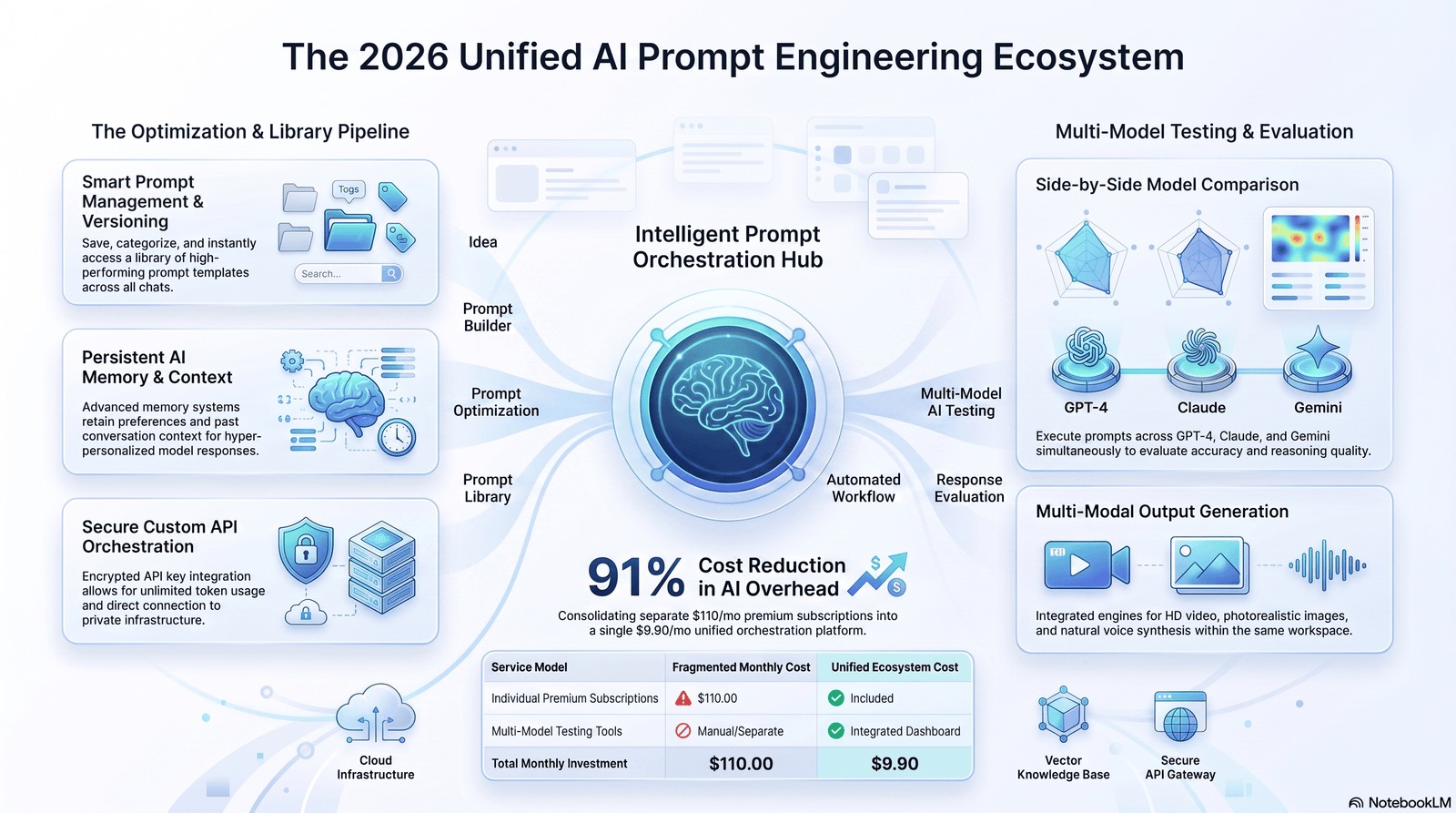
| Tool | Strengths | Weaknesses | Best Use Case |
|---|---|---|---|
| ChatGPT | Versatile, strong plugin/app ecosystem | Can be overly verbose | General everyday tasks |
| Claude | Strong at nuanced writing and long documents | Smaller plugin ecosystem | Long-form writing, analysis |
| Gemini | Deep integration with Google Workspace | Less consistent tone control | Docs, Sheets, Gmail workflows |
| Perplexity | Real-time web search with citations | Less creative flexibility | Research and fact-checking |
| Microsoft Copilot | Integrated into Word, Excel, Outlook | Tied to Microsoft 365 subscription | Office-based workflows |
Each tool responds to the same core prompting principles — the frameworks above work across all of them.
Ready-to-Use Prompt Templates
General Task Template “Act as a [role]. My goal is to [goal]. Context: [context]. Please format the response as [format], and keep it under [length].”
Email Template “Write a [tone] email to [recipient] about [topic]. Keep it under [word count] and end with a clear call to action.”
Summary Template “Summarize the following [document/text] into [number] key points, written for [audience]: [paste content].”
Comparison Template “Compare [Option A] and [Option B] across [criteria]. Present the result as a table.”
Learning Template “Explain [topic] in simple terms as if teaching a [age/level]. Use an analogy.”
Can Prompt Engineering Become a Career?
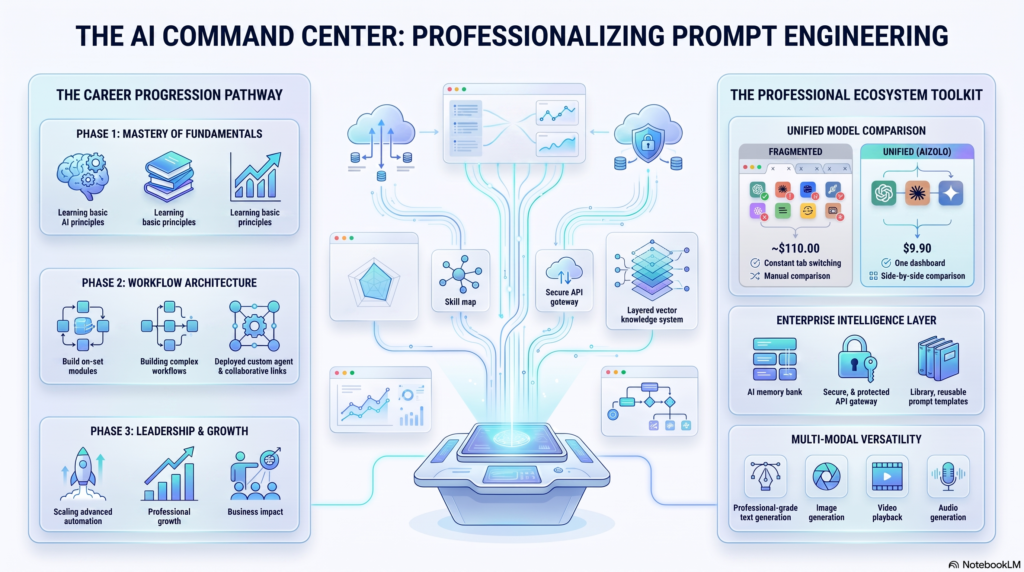
Prompt engineering has grown from a niche skill into a recognized capability sought across marketing, product, operations, and customer experience roles. Some companies have hired dedicated “AI prompt specialists” or “AI workflow designers,” though as AI tools become more intuitive, this skill is increasingly folding into existing roles rather than remaining a standalone job title.
The more durable opportunity for most non-technical professionals isn’t a new job title — it’s using prompting skill to become significantly more productive within their current role, whether in marketing, writing, operations, education, or customer support.
For statistics on hiring trends and demand, refer to labor market reports from sources like LinkedIn’s Economic Graph or the World Economic Forum’s Future of Jobs report, and cite the most current edition available.
Frequently Asked Questions
1. What is prompt engineering in simple terms? It’s the skill of writing clear instructions so an AI tool gives you the response you actually want.
2. Do I need to know coding to learn prompt engineering? No. Everyday prompt engineering is done entirely in plain language.
3. Which AI tool is best for beginners? ChatGPT and Claude are both beginner-friendly; choice often comes down to personal preference and specific task needs.
4. How long does it take to learn prompt engineering? Basic proficiency can be picked up in a few hours of practice using structured frameworks like CLEAR or RACE.
5. Can prompt engineering help with my job? Yes — it can speed up writing, research, planning, and communication tasks across almost any role.
6. What’s the biggest beginner mistake? Being too vague. Specific context and format instructions dramatically improve results.
7. Is prompt engineering a real job title? It exists at some companies, though the skill is increasingly integrated into existing roles rather than being a standalone position.
8. Do different AI models need different prompts? The core principles are similar across models, though wording and length preferences can vary slightly.
9. What is few-shot prompting? Giving the AI a few examples of the format or style you want before asking for new content.
10. Can I use prompt engineering for free? Yes — most AI tools offer free tiers that are more than sufficient for learning and practicing prompting.
11. What is chain-of-thought prompting? Asking the AI to reason through a problem step-by-step before giving a final answer, which improves accuracy on complex tasks.
12. How do I make AI responses shorter? Explicitly state a word or sentence limit in your prompt.
13. Can prompt engineering improve accuracy? Yes — clearer context and constraints reduce the chance of irrelevant or incorrect answers.
14. Is there a “best” prompt framework? No single framework works for everything; CLEAR and RACE are good general starting points.
15. Where can I practice prompt engineering for free? Directly inside free tiers of ChatGPT, Claude, or Gemini, using real tasks from your daily work or studies.
People Also Ask
What does a good prompt look like? A good prompt states the goal, gives context, and specifies the desired format and length.
Is prompt engineering hard to learn? No — it’s primarily a communication skill, not a technical one, and most people improve quickly with practice.
Can non-programmers do prompt engineering? Yes, the vast majority of everyday prompt engineering requires no programming knowledge.
What is the CLEAR prompt framework? A structure covering Context, Length, Examples, Audience, and Role to guide prompt writing.
How is prompt engineering different from coding? Coding writes instructions for a computer in a programming language; prompting writes instructions for an AI in natural language.
What industries use prompt engineering? Marketing, education, customer service, research, software development, and general business operations.
Do I need ChatGPT Plus to learn prompt engineering? No, free tiers of most AI tools are sufficient for learning.
What is role prompting? Assigning the AI a specific persona or perspective, such as “act as a financial advisor.”
Can prompt engineering reduce AI mistakes? Yes, clear context and constraints significantly reduce vague or inaccurate responses.
What is the difference between a prompt and a query? A query is typically a short search term; a prompt is a fuller instruction with context and desired format.
Are there free courses for prompt engineering? Yes, several free resources exist from AI companies and educational platforms (see External Resources below).
How often should I refine a prompt? Treat prompting as iterative — refine based on the AI’s first response rather than expecting perfection on the first try.
Can prompt engineering help students? Yes, for summarizing readings, generating practice questions, and explaining difficult concepts simply.
What’s the most common prompting mistake beginners make? Not specifying the desired format or length of the response.
Is prompt engineering a permanent skill or a trend? As of now, it remains a practical and relevant skill, though the specific techniques may evolve as AI tools become more capable.
Final Thoughts
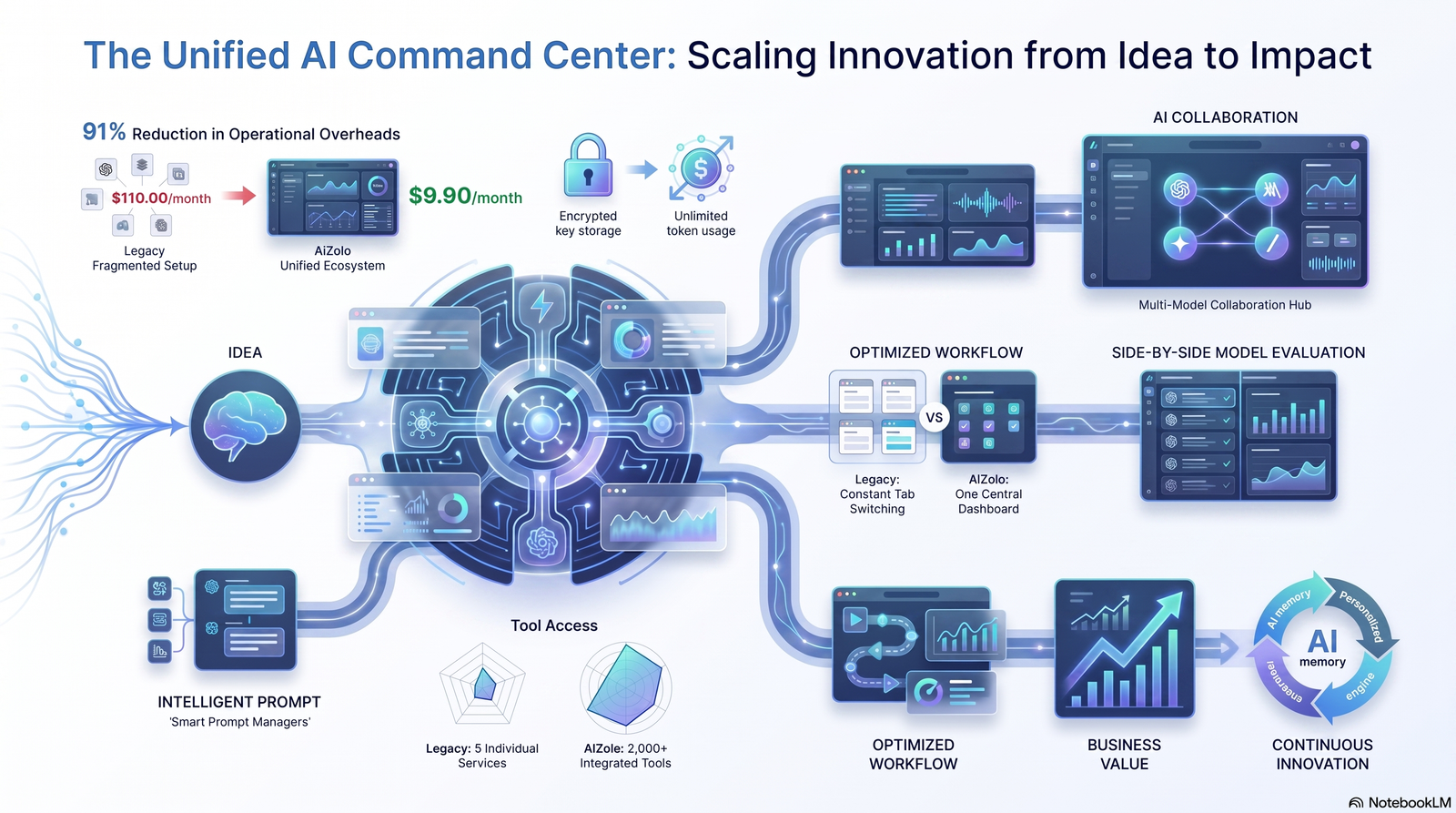
Prompt engineering for non-technical users isn’t about mastering code — it’s about learning to communicate clearly with AI tools so they can actually help you. With a simple framework, a bit of context, and clear formatting instructions, anyone can dramatically improve the quality of their AI-generated results.
Start small: pick one framework from this guide, apply it to a task you do every week, and refine as you go. The more you practice, the more intuitive it becomes.
Ready to put this into practice? Try rewriting your next AI prompt using the CLEAR framework and compare the results to your usual approach.
Author Bio
Jeevesh Tripathi AI researcher and content strategist specializing in artificial intelligence, prompt engineering, AI productivity, and emerging technologies. Jeevesh creates evidence-based, user-focused content that simplifies complex AI concepts into practical guidance for professionals, students, businesses, and everyday users.
Email: jeevesh@aizolo.com
