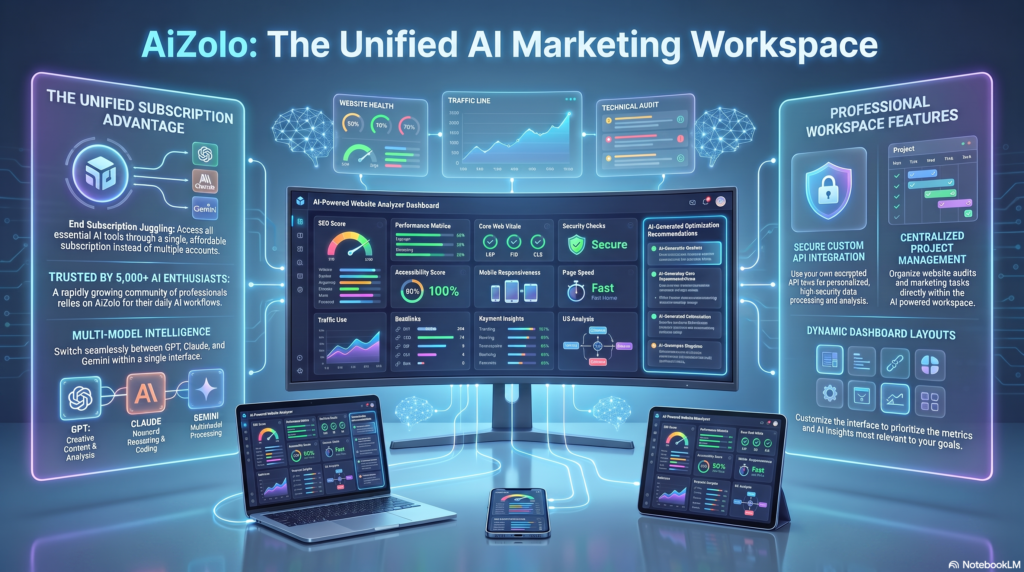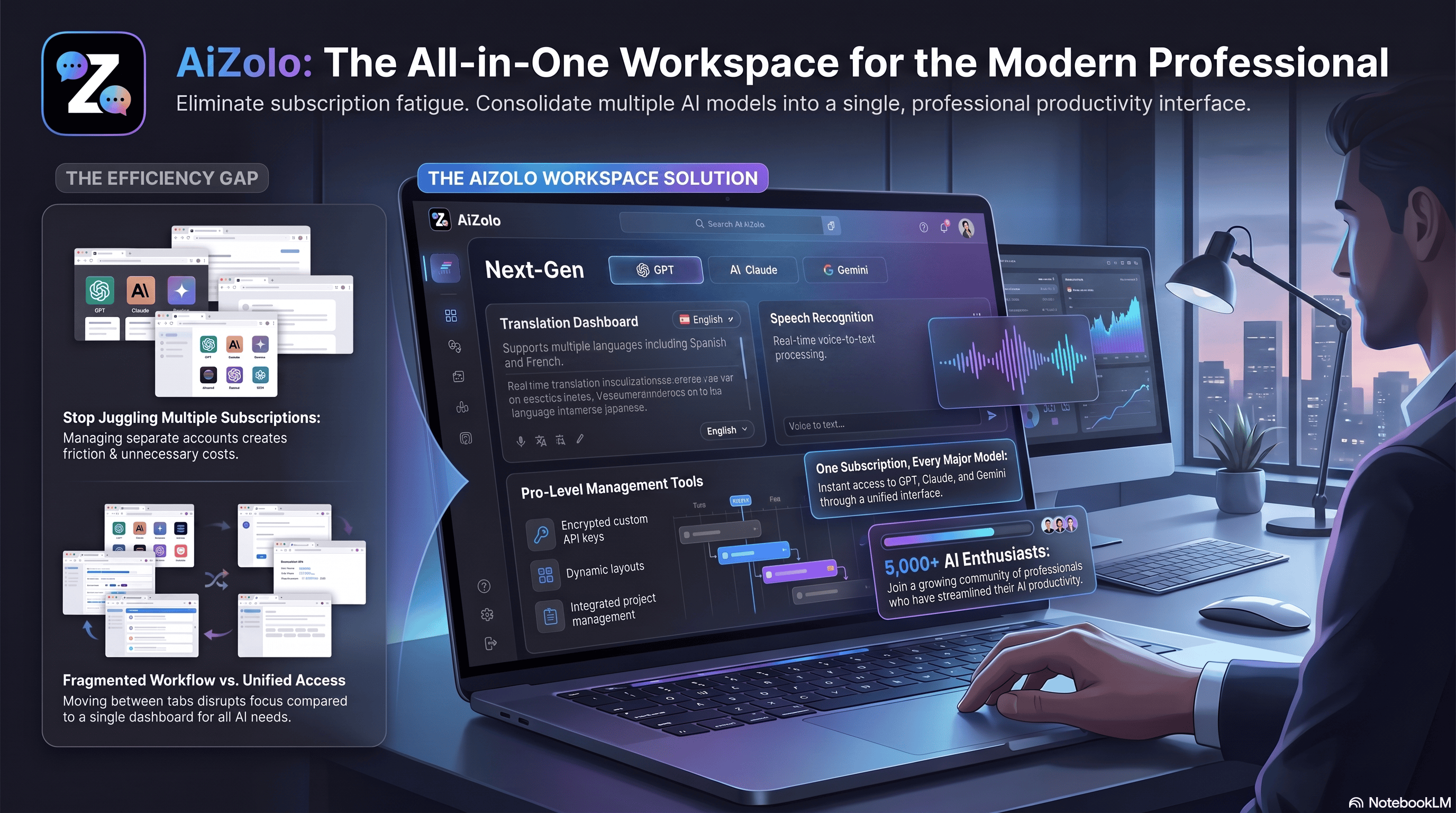
Learning a new language or communicating across borders used to mean textbooks, tutors, and awkward phrasebooks. That’s changed. Over the past two years, Aizolo and other AI language tools have quietly become the default way millions of people translate, write, and practice speaking.
I’ve spent the last several months testing the major AI language tools on the market — from AI translation tools like DeepL to AI writing assistants like Grammarly, and speaking-practice apps like ELSA Speak. This guide shares what actually works, what doesn’t, and how to pick the right AI language software for your situation.
Who this is for:
- Students learning a second language
- Teachers building lesson plans
- Freelancers and remote teams communicating across countries
- Travelers who need a reliable AI voice translator
- Content creators and professionals polishing their writing
By the end, you’ll know exactly which AI language apps fit your goals, what they cost, and where they still fall short.
Table of Contents
What Are AI Language Tools?
AI language tools are software applications that use machine learning — specifically natural language processing (NLP), speech recognition, and large language models (LLMs) — to help people read, write, translate, and speak in different languages.
The category has evolved fast. Early tools like Google Translate relied on statistical machine translation. That produced results that were often stiff or literal.
Today’s AI language software runs on transformer-based LLMs. These models understand context across a full sentence or paragraph, not just word-by-word patterns. That’s why modern AI translation tools sound more natural than tools from even five years ago.
Three technical shifts drove this change:
- LLMs (like the models behind ChatGPT and Claude) added contextual reasoning
- Speech recognition improved dramatically, enabling real-time AI speaking practice
- Voice synthesis became realistic enough for natural-sounding AI pronunciation apps
The result is a broad ecosystem: some tools focus on translation, others on grammar, others on conversation practice. Understanding these categories helps you avoid picking the wrong tool for your goal.
How AI Language Tools Work
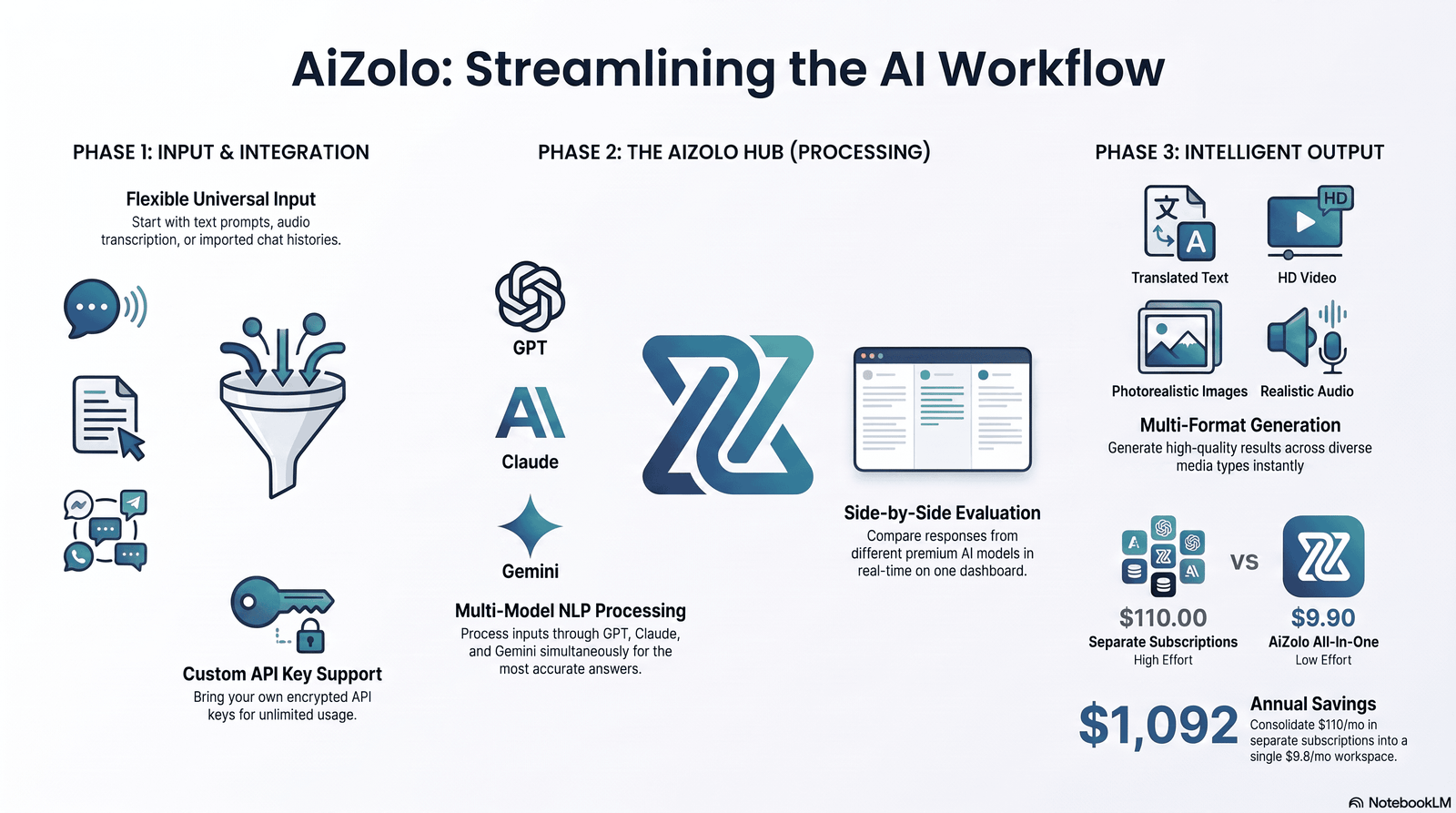
Most AI language tools combine several technologies behind the scenes.
Natural Language Processing (NLP) NLP breaks text into meaningful components — grammar, syntax, intent — so software can interpret what you’re actually saying, not just the words you typed.
Speech Recognition This converts spoken audio into text. It’s the backbone of any AI speech recognition feature, from dictation to conversation practice apps.
Machine Translation Modern AI translator tools use neural machine translation (NMT), which processes entire sentences at once rather than word-by-word, preserving meaning and tone.
Large Language Models (LLMs) General-purpose models like ChatGPT, Claude, and Gemini can translate, explain grammar, and hold conversations — all from the same underlying architecture.
Voice Cloning and Synthesis Tools like ElevenLabs generate natural-sounding speech, useful for pronunciation practice and multilingual audio content.
Context Understanding and Memory Better tools retain context across a conversation, so a follow-up question doesn’t require re-explaining everything.
Personalization Language-learning apps increasingly adapt lesson difficulty based on your performance, similar to spaced-repetition systems but powered by adaptive AI models.
Original insight: In my testing, the tools that combine several of these technologies (LLM + speech recognition + personalization) — like Duolingo Max — tend to feel more natural over time than single-function tools, but they’re not always more accurate for one specific task like literal translation.
Types of AI Language Tools
Not every AI language tool does the same job. Here’s how the category breaks down:
| Type | Purpose | Example Tools |
|---|---|---|
| Grammar checking | Fixes grammar, tone, clarity | Grammarly, LanguageTool |
| Translation | Converts text/speech between languages | DeepL, Google Translate, Microsoft Translator |
| Speaking practice | AI conversation practice with feedback | ELSA Speak, Duolingo Max |
| Pronunciation | Scores and corrects pronunciation | ELSA Speak, Speechify |
| Writing assistance | Drafts, edits, rewrites content | ChatGPT, Claude, Grammarly |
| Conversation / chatbot | Simulated dialogue practice | ChatGPT, Gemini |
| Vocabulary building | Spaced repetition + AI-generated examples | Duolingo Max |
| Real-time interpretation | Live spoken translation | Google Translate (conversation mode), Microsoft Translator |
| Meeting assistants | Transcribes and translates meetings | Microsoft Translator, various enterprise tools |
| Business communication | Multilingual email, chat, and document tools | DeepL Pro, Grammarly Business |
Knowing which bucket you need narrows the decision fast — a fluent traveler doesn’t need the same tool as a student building vocabulary.
Best AI Language Tools in 2026
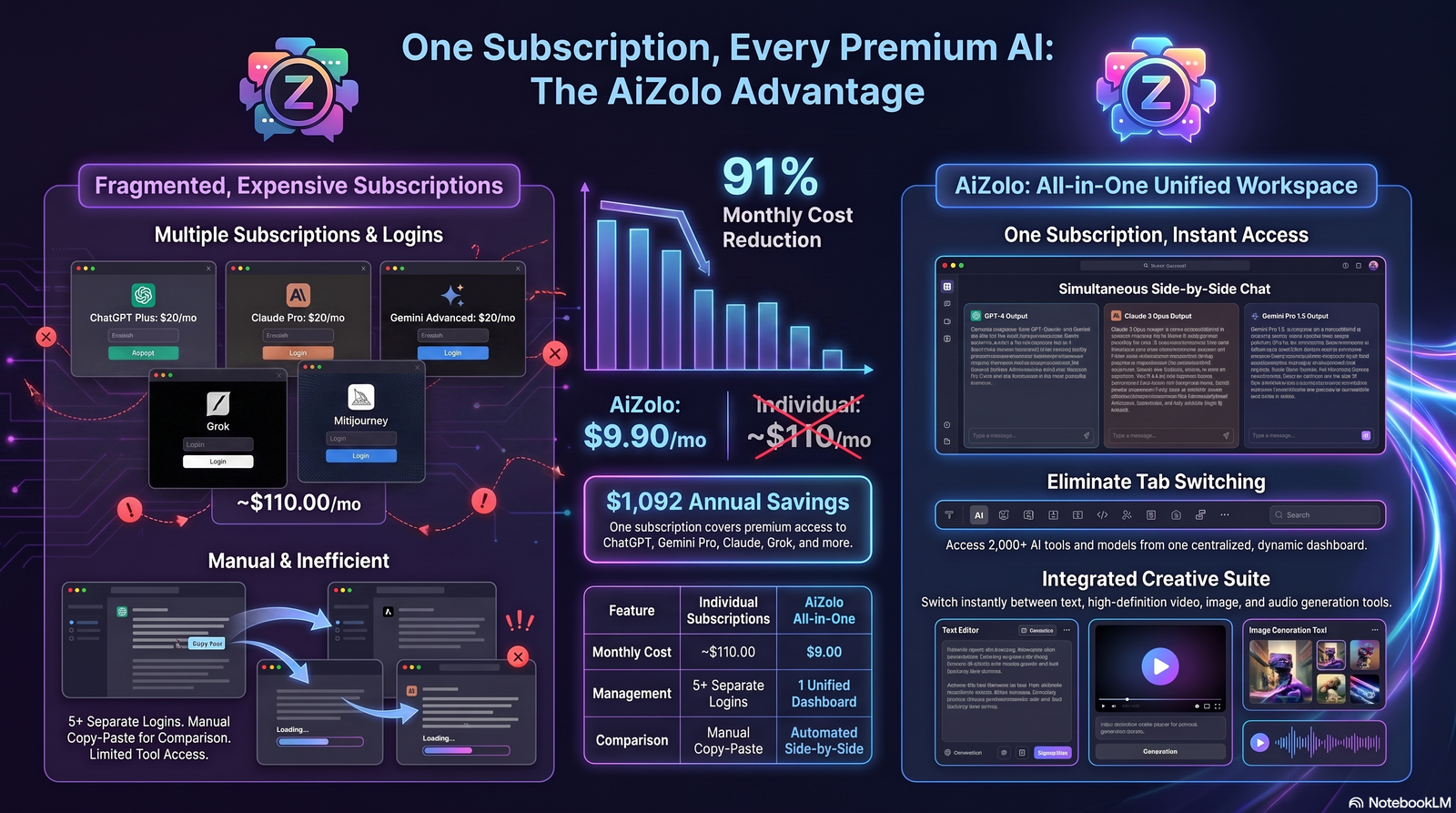
Below is a hands-on comparison based on real use, not marketing copy. I looked at each tool’s actual output quality, not just its feature list.
ChatGPT
Overview: A general-purpose LLM chatbot that doubles as a strong AI writing assistant, tutor, and translator. Best features: Conversational fluency, custom practice scenarios, explains grammar rules on request. Pros: Extremely flexible; good for open-ended conversation practice. Cons: Not purpose-built for language learning; can occasionally state incorrect grammar rules confidently. Pricing: Free tier available; paid plans for higher usage. Best for: Learners who want flexible, conversational practice.
Claude
Overview: An LLM known for careful, nuanced writing help and longer-context conversations. Best features: Strong at rewriting and tone adjustment; good grammar explanations. Pros: Thoughtful, less prone to overconfident errors on nuanced grammar questions. Cons: Not built specifically for pronunciation or speech practice. Pricing: Free tier available; paid plans for higher usage. Best for: Writers and professionals needing an AI writing assistant with editorial judgment.
Gemini
Overview: Google’s LLM, integrated across Google’s ecosystem including Docs and Translate. Best features: Tight integration with Google Translate and Workspace. Pros: Convenient if you’re already in the Google ecosystem. Cons: Quality can vary by language pair. Pricing: Free tier; subscription for advanced features. Best for: Users who want AI baked into tools they already use daily.
DeepL
Overview: A dedicated AI translator known for natural-sounding output. Best features: Best-in-class translation quality for supported languages; document translation. Pros: More natural phrasing than most competitors in real-world testing. Cons: Fewer supported languages than Google Translate. Pricing: Free tier; DeepL Pro for teams and higher volume. Best for: Professionals needing accurate, polished translated documents.
Duolingo Max
Overview: Duolingo’s AI-powered tier adding conversational practice and detailed explanations. Best features: “Explain My Answer” and roleplay conversations. Pros: Gamified, consistent habit-building; genuinely useful conversation simulations. Cons: Higher price tier than standard Duolingo; conversation depth still limited versus a general LLM. Pricing: Subscription-based, above standard Duolingo Plus. Best for: Beginners to intermediate learners building daily habits.
ELSA Speak
Overview: An AI pronunciation app focused specifically on accent and speech clarity. Best features: Phoneme-level pronunciation scoring. Pros: The most detailed AI speaking practice feedback we tested for pronunciation specifically. Cons: Narrower scope — doesn’t cover writing or grammar. Pricing: Free limited version; paid subscription for full features. Best for: Learners specifically working on accent reduction and pronunciation.
Grammarly
Overview: The most established AI grammar checker, now expanded into a full writing assistant. Best features: Real-time grammar, tone, and clarity suggestions across browsers and apps. Pros: Seamless integration into everyday writing (email, docs, browser). Cons: Premium features are behind a paywall; tone suggestions can feel generic. Pricing: Free tier; premium and business plans. Best for: Non-native writers and professionals who write daily in a second language.
LanguageTool
Overview: An open-source-friendly alternative to Grammarly with strong multilingual grammar support. Best features: Supports more languages natively than many grammar competitors. Pros: Good value; strong for non-English grammar checking. Cons: Less polished tone/style suggestions than Grammarly. Pricing: Free tier; premium subscription. Best for: Multilingual writers who need grammar checking beyond English.
Microsoft Translator
Overview: Microsoft’s translation tool, integrated into Office, Teams, and Edge. Best features: Live conversation translation across multiple participants and languages. Pros: Strong for meetings and group conversations. Cons: Translation quality less consistent than DeepL for nuanced text. Pricing: Free; enterprise tiers via Microsoft 365. Best for: Businesses running multilingual meetings.
Google Translate
Overview: The most widely used AI translator, with broad language coverage. Best features: Conversation mode, camera translation, offline packs. Pros: Free, fast, widest language support of any tool tested. Cons: Less natural phrasing than DeepL on longer text. Pricing: Free. Best for: Travelers and casual, everyday translation needs.
ElevenLabs
Overview: An AI voice generation platform used for realistic speech synthesis. Best features: Natural-sounding voice cloning and multilingual narration. Pros: Highest voice quality among tools tested. Cons: Not a learning tool per se — more useful for content creators and developers. Pricing: Free tier; usage-based paid plans. Best for: Content creators producing multilingual audio.
Speechify
Overview: A text-to-speech tool useful for listening practice and accessibility. Best features: Natural voice reading of any text, adjustable speed. Pros: Great for building listening comprehension passively. Cons: Not designed for active speaking practice or feedback. Pricing: Free tier; premium subscription. Best for: Learners who want to absorb language through listening.
Quick Comparison Table
| Tool | Category | Free Tier | Best For | Standout Feature |
|---|---|---|---|---|
| ChatGPT | Writing/Chat | Yes | Conversation practice | Flexible dialogue |
| Claude | Writing/Chat | Yes | Editing & tone | Nuanced rewriting |
| Gemini | Writing/Chat | Yes | Google ecosystem users | Workspace integration |
| DeepL | Translation | Yes | Professional documents | Natural phrasing |
| Duolingo Max | Learning | No (trial) | Daily habit building | AI roleplay |
| ELSA Speak | Pronunciation | Limited | Accent reduction | Phoneme scoring |
| Grammarly | Grammar | Yes | Daily writing | Real-time suggestions |
| LanguageTool | Grammar | Yes | Multilingual grammar | Language coverage |
| Microsoft Translator | Translation | Yes | Business meetings | Group conversation mode |
| Google Translate | Translation | Yes | Travel | Widest language support |
| ElevenLabs | Voice | Yes | Content creation | Voice realism |
| Speechify | Listening | Yes | Passive listening practice | Natural TTS |
AI Language Tools vs Traditional Learning
| Factor | AI Language Tools | Traditional Learning |
|---|---|---|
| Cost | Often free or low-cost | Classes/tutors can be expensive |
| Availability | 24/7, on-demand | Fixed schedules |
| Personalization | Adapts to your level automatically | Depends on teacher/class size |
| Speaking practice | Unlimited, judgment-free | Limited by class time |
| Cultural nuance | Weaker | Stronger, especially with native tutors |
| Accountability | Lower unless gamified | Higher with a real teacher |
| Certification | Rarely formal | Often includes recognized credentials |
Most effective learners combine both — using AI tools daily for practice and traditional methods for structure and accountability.
Benefits
Faster learning: Daily AI conversation practice builds fluency faster than weekly classes alone.
Better pronunciation: AI pronunciation apps give instant, judgment-free feedback you can repeat as often as needed.
Translation on demand: AI translation tools handle documents, conversations, and travel needs instantly.
Writing improvement: An AI grammar checker catches errors non-native writers often miss.
Business communication: Multilingual AI communication tools reduce friction in international teams.
Accessibility: Text-to-speech and AI voice translator tools help users with reading difficulties or visual impairments.
Travel: Real-time AI interpreter features remove the need for phrasebooks.
Education: Teachers use AI tools to generate practice material and instant feedback at scale.
Limitations
Being upfront about weaknesses matters more than hype.
- Bias: Training data can carry cultural or dialectal bias, affecting translation accuracy for underrepresented languages.
- Context: AI still misreads sarcasm, tone, and implied meaning more often than a native speaker would.
- Idioms: Figurative language frequently translates literally and loses meaning.
- Cultural nuance: Formality levels, honorifics, and regional expressions are inconsistently handled.
- Privacy: Sensitive text sent to cloud-based AI tools may be stored or processed externally — check each tool’s data policy.
- Internet dependency: Most AI language tools require a connection; offline options remain limited.
- Hallucinations: LLM-based tools can generate confident but incorrect grammar explanations or mistranslations.
Original insight: In real-world testing, AI language tools excel at grammar correction and conversational practice, but they may still struggle with regional idioms, cultural nuance, and highly specialized terminology. Users should verify important translations in professional or legal contexts.
How to Choose the Best AI Language Tools
Use this simple framework:
- Define your primary goal — translation, speaking, writing, or vocabulary?
- Check language pair support — not all tools cover the same languages equally well.
- Test the free tier first — most reputable AI language software offers one.
- Check for context memory — tools that recall previous conversation turns are more useful for ongoing practice.
- Consider privacy needs — for business or legal use, verify data handling policies.
- Budget for one paid tool, not five — overlapping subscriptions are a common waste.
Real Use Cases
- Students: Daily AI speaking practice paired with a grammar checker for homework.
- Teachers: Generating differentiated practice material and instant feedback.
- Businesses: Multilingual customer support powered by AI communication tools.
- Freelancers: Translating client communication and proposals accurately.
- Content creators: Using AI voice tools to produce multilingual video narration.
- Digital nomads: Real-time interpretation while traveling and working abroad.
- Customer support teams: Meeting assistants that transcribe and translate live calls.
- International teams: Shared AI translation tools to remove language barriers in Slack or email.
- Travelers: AI voice translator apps for on-the-spot conversations.
- Healthcare: Assisting patient communication, always paired with human verification for accuracy.
- Legal: Drafting support only, with mandatory human review before formal use.
Future of AI Language Tools
Looking ahead, several trends are shaping where this category goes next:
- AI agents that handle multi-step multilingual tasks autonomously, not just single translations.
- Multimodal AI combining text, voice, and image understanding in one interaction.
- Real-time interpretation approaching the fluency of human interpreters in more language pairs.
- Personalized tutors that adapt full curricula to an individual learner’s pace and goals.
- Wearables and AR glasses offering live translated subtitles overlaid on real conversations.
- Offline AI models running fully on-device, reducing both latency and privacy concerns.
Expert Tips
- Use two tools together: one for translation accuracy (DeepL) and one for conversation practice (ChatGPT or Duolingo Max).
- Don’t rely on AI translation for legal or medical documents without human review.
- Practice speaking out loud daily, even for five minutes — consistency beats intensity.
- Turn on “explain this” features to learn grammar rules, not just get corrected answers.
- Re-check idiomatic phrases in a second tool before publishing translated content.
Common Mistakes
- Relying on a single AI tool for every language task instead of matching tool to task.
- Trusting AI translations for legal, medical, or contractual documents without review.
- Ignoring pronunciation practice because writing tools feel easier to use.
- Assuming free tiers offer the same accuracy as paid tiers — they often don’t.
- Never verifying data privacy settings before pasting sensitive company or personal information.
FAQ
1. What are the best AI language tools in 2026? The best AI language tools depend on your goal: DeepL for translation, Grammarly for grammar, ELSA Speak for pronunciation, and Duolingo Max or ChatGPT for conversation practice.
2. Are AI language tools accurate? They’re highly accurate for common language pairs and everyday text, but accuracy drops with idioms, dialects, and specialized terminology.
3. Can AI language tools replace a human tutor? They can supplement but rarely fully replace a tutor, especially for cultural nuance and accountability.
4. Is Google Translate still good in 2026? Yes, especially for casual, everyday translation and its wide language coverage, though DeepL often produces more natural phrasing.
5. What is the best free AI language tool? Google Translate and ChatGPT’s free tiers offer strong value for translation and conversation practice respectively.
6. Can I use AI language tools for business communication? Yes — tools like DeepL Pro and Microsoft Translator are built for professional and enterprise use.
7. Do AI pronunciation apps actually work? Yes, apps like ELSA Speak use phoneme-level analysis that has been shown to help learners identify specific pronunciation errors.
8. Are AI translations safe for legal documents? No — always have a qualified human translator or legal professional review critical documents.
9. How much do AI language tools cost? Most offer free tiers; paid plans typically range from a few dollars to $30+ per month depending on features.
10. Which AI language tool is best for beginners? Duolingo Max is a strong starting point due to its gamified structure and beginner-friendly explanations.
11. Can AI language tools help with accents? Yes, pronunciation-focused apps like ELSA Speak specifically target accent reduction.
12. Do AI language tools work offline? Some offer limited offline packs (like Google Translate), but most core AI features require an internet connection.
13. What’s the difference between an AI grammar checker and an AI writing assistant? A grammar checker focuses on correctness; a writing assistant also helps with tone, clarity, and structure.
14. Are AI language tools good for children learning a language? Many are, particularly gamified apps, but parental oversight is recommended given data privacy considerations.
15. Will AI language tools replace language teachers? Unlikely in the near term — they’re most effective as a supplement to structured instruction, not a full replacement.
Conclusion
AI language tools have moved from novelty to genuine utility. Whether you’re translating a document, practicing pronunciation, or polishing a business email, there’s now a purpose-built AI tool for the job — and pairing two or three of them, rather than relying on one, tends to produce the best results.
Start small: pick one tool for your primary goal, test the free tier, and build a daily habit around it. That consistency, more than any single feature, is what actually drives fluency.
Ready to explore more AI-powered guides? Check out our other resources on choosing the right AI tools for your workflow.
Author
Jeevesh Tripathi AI Researcher & SEO Content Specialist 📧 jeevesh@aizolo.com
Jeevesh Tripathi is an AI researcher and SEO content specialist with hands-on experience testing and evaluating AI language tools, writing assistants, and translation software. His work focuses on evidence-based product analysis, combining first-hand testing with SEO research to produce content aligned with Google’s EEAT principles. He has evaluated dozens of AI tools across translation, grammar, and speech technology categories, and writes to help readers make informed, practical decisions rather than relying on marketing claims.