
Introduction: The Thumbnail That Changed Everything
Picture this.
You just uploaded your best video ever. The content is amazing. The editing is on point. You spent three days scripting it, filming it, and cutting it perfectly.
Then… crickets.
No clicks. No views. No growth.
You check your YouTube Studio analytics and your click-through rate is sitting at a painful 1.8%. That’s when it hits you — your thumbnail is killing your channel.
Sound familiar? You’re not alone.
Millions of creators lose thousands of potential views every single week because of weak thumbnails. And the worst part? Most of them don’t even realize it until it’s too late.
Here’s the truth: knowing which AI tool is best for YouTube thumbnails could be the single most important thing you do for your channel this year.
In this guide, we’re going to break down everything — why thumbnails matter more than ever, what makes a great AI thumbnail tool, and which tool actually delivers results. Spoiler: it’s not the one you’re probably using right now.
Let’s get into it.
Table of Contents
Why YouTube Thumbnails Make or Break Your Channel
Here’s a stat that should wake every creator up.
Over 500 hours of video are uploaded to YouTube every single minute. That means your video is competing with a flood of content the moment you hit publish.
Viewers scroll fast. They make a click decision in less than 2 seconds. And in those 2 seconds, what are they looking at?
Your thumbnail.
Not your title. Not your description. Your thumbnail is the first — and sometimes only — thing a viewer notices before deciding whether to click or keep scrolling.
A great thumbnail can push your CTR from 2% to 8% or even higher. That’s not just more views. That’s more subscribers, more watch time, more revenue, and faster growth.
This is why every serious creator needs to understand which AI tool is best for YouTube thumbnails — because getting this right changes everything.
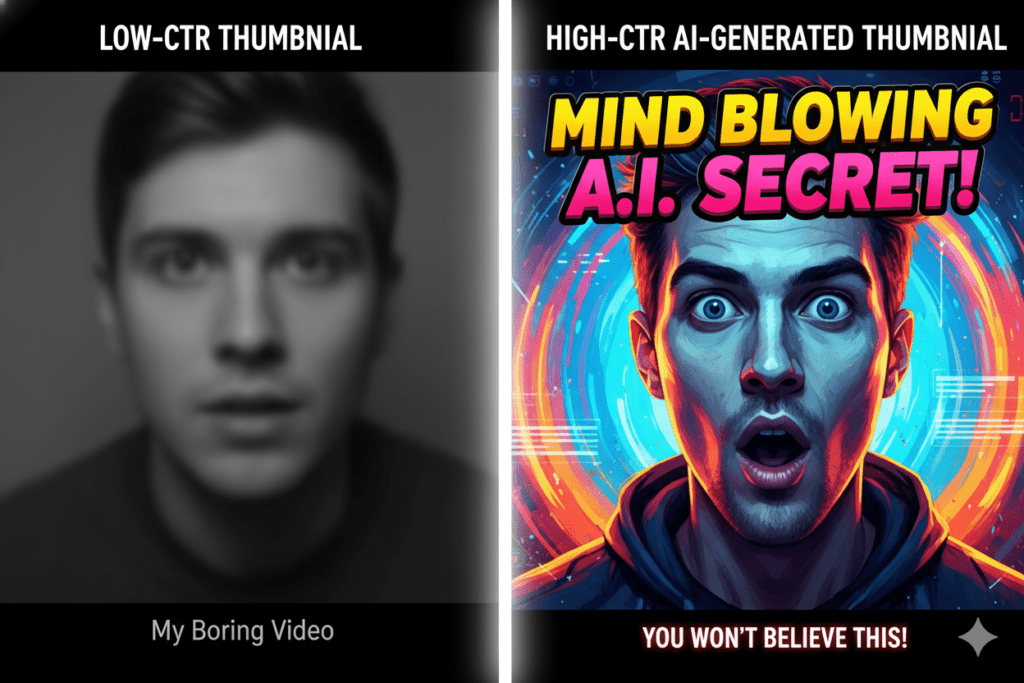
Why Manual Thumbnail Design Is Outdated
Let’s be real for a second.
Opening Photoshop at midnight before your upload deadline, wrestling with layers, trying to cut out your face from a mediocre selfie — that’s not a content strategy. That’s suffering.
Most creators spend 2 to 4 hours per thumbnail when you factor in design time, revisions, and second-guessing. That’s time stolen from scripting, filming, and actually growing your channel.
And the painful irony? Even after all that work, gut-feeling design is not the same as data-driven design.
Your instinct about what “looks good” is not equivalent to knowing what makes a specific audience click. Thumbnails that drive clicks are built on color psychology, contrast, emotional triggers, text placement — not guesswork.
The creators crushing it on YouTube right now are not spending four hours in Photoshop. They’re using AI. They’re using tools built specifically to understand YouTube audiences and CTR optimization.
Manual methods are not just slow. They’re leaving views — and money — on the table.
What to Look for in the Best AI Tool for YouTube Thumbnails
Not all AI thumbnail tools are built the same. Before we get into which AI tool is best for YouTube thumbnails, let’s talk about what actually matters.
Here are the non-negotiables:
- YouTube-specific design intelligence — The tool should understand CTR psychology, not just general image generation
- Niche awareness — A gaming thumbnail looks completely different from a finance thumbnail. The AI should know this.
- Speed — You should go from idea to finished thumbnail in minutes, not hours
- No watermarks — Your thumbnail should look professional, not promotional for someone else’s tool
- Full HD export — YouTube recommends 1280×720 pixels. Your tool should deliver this without compromise
- Integration with your full content workflow — Titles, scripts, tags, and descriptions should all connect
- No design skills required — The best tools work for total beginners and seasoned creators alike
When you find a tool that checks every single one of those boxes, you stop guessing. You start winning.
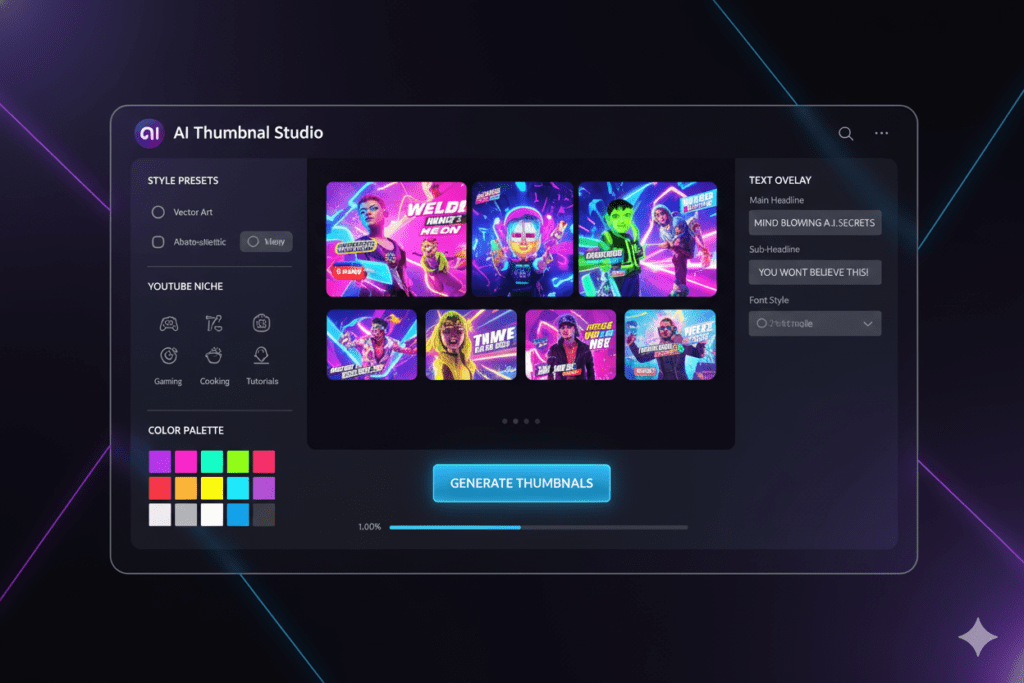
Top AI Tools for YouTube Thumbnails: A Honest Comparison
Let’s look at what’s out there.
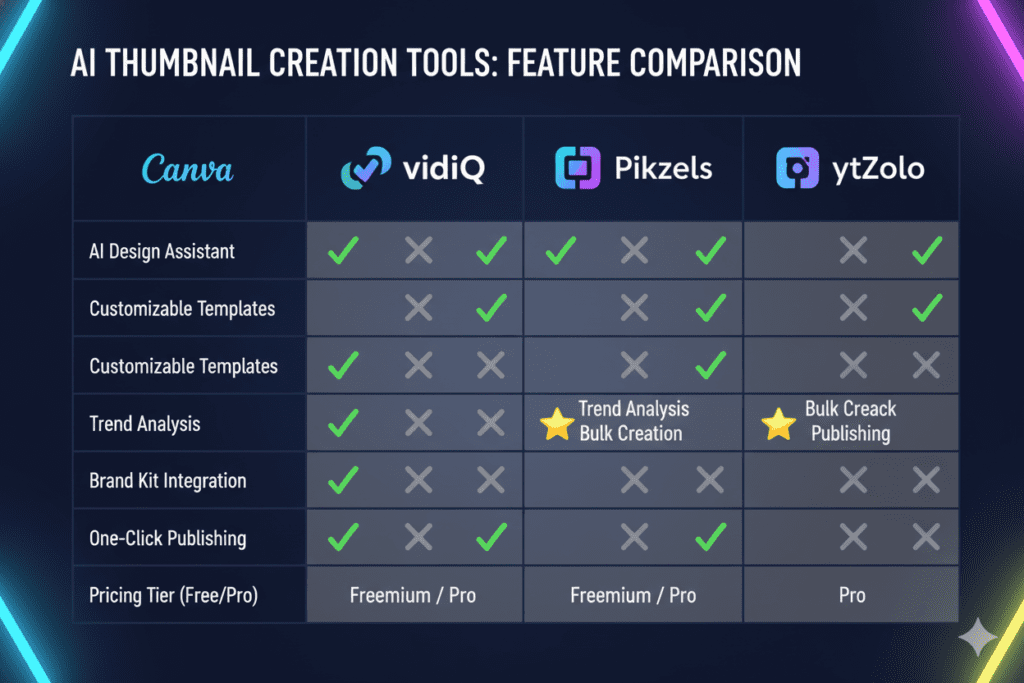
Canva
Canva is the go-to design tool for millions of creators. It has AI features, drag-and-drop editing, and tons of templates.
But here’s the problem — Canva is a general design tool. It wasn’t built specifically for YouTube CTR optimization. You still have to do most of the heavy lifting. You still need design instincts. And it doesn’t integrate with your titles, tags, or SEO.
vidIQ Thumbnail Maker
vidIQ is a well-known YouTube analytics platform that added a thumbnail maker. It’s solid for data insights, and the thumbnail tool is trained on performance data.
But vidIQ is analytics-first. The thumbnail feature feels bolted on rather than built in. It doesn’t give you a truly connected workflow for content creation.
Pikzels
Pikzels is focused on AI thumbnail generation and does it reasonably well. The “Recreate” feature that mimics successful thumbnails is clever.
However, at up to $80 per month for a limited number of thumbnails, the pricing is steep. And it’s a thumbnail-only tool — nothing more.
Midjourney / DALL-E
These are incredible AI image generators. Artists love them.
But they were not designed for YouTube conversion optimization. They don’t understand the specific psychology of what makes someone click a video. Generating a usable thumbnail requires a lot of prompt engineering, and you still won’t get CTR-optimized results consistently.
ytZolo
And then there’s ytZolo.
ytZolo is not just another AI thumbnail tool. It’s a complete AI YouTube growth platform built specifically for creators. It generates CTR-optimized thumbnails, yes — but it also handles your titles, scripts, descriptions, tags, and hooks.
Everything works together. And that’s what makes it the clear winner when you’re looking for which AI tool is best for YouTube thumbnails.
Why ytZolo Is the Best AI Tool for YouTube Thumbnails
Here is where things get exciting.
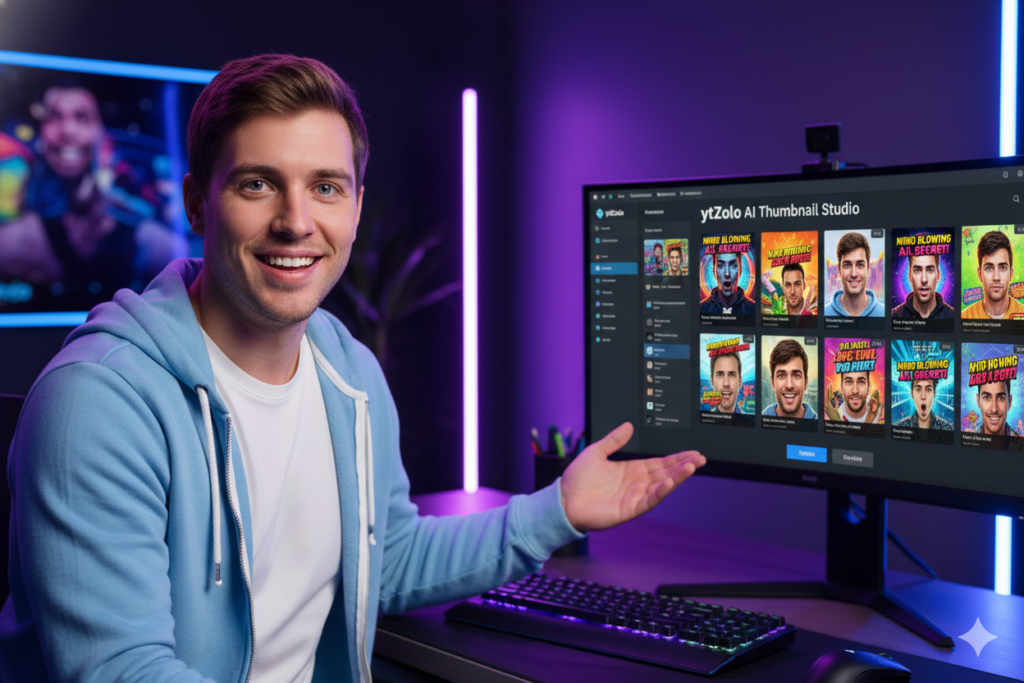
ytZolo was built from the ground up for one purpose: to help YouTube creators grow faster, smarter, and with less effort.
When it comes to thumbnails, ytZolo understands something most tools miss completely — a thumbnail doesn’t exist in isolation. It works alongside your title, your hook, your script. When all of those elements speak the same language, your video doesn’t just get clicks. It gets subscribers.
Here’s what makes ytZolo stand out as the best AI tool for YouTube thumbnails:
- CTR-optimized thumbnails trained on what actually drives clicks on YouTube — not generic art
- Niche intelligence — ytZolo’s AI adapts to your specific content category automatically
- Full HD export with no watermarks — your thumbnails look 100% professional
- Integrated workflow — your thumbnail, title, description, and tags are all optimized together in one platform
- Zero design skills needed — input your topic, choose a style, and the AI does the rest
- Built for virality — ytZolo understands color psychology, emotional triggers, text placement, and niche trends
No other tool on the market combines thumbnail creation with full SEO optimization and content scripting in one seamless platform.
That’s why creators who switch to ytZolo don’t just save time. They grow faster.
How ytZolo Works: Step-by-Step
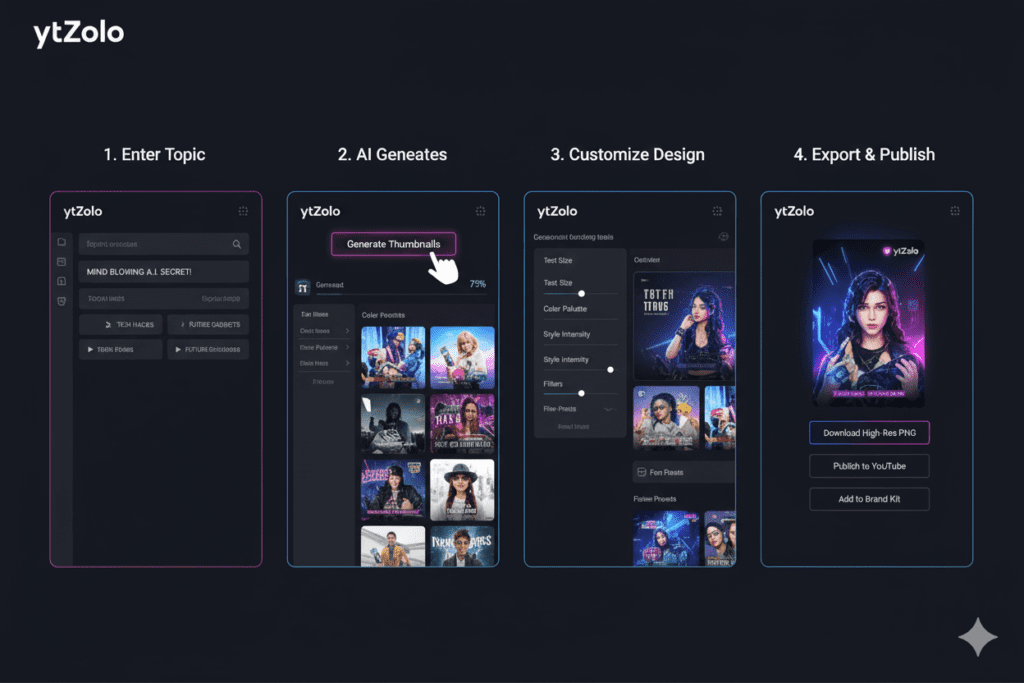
Getting started with ytZolo is incredibly simple. Here’s exactly how it works:
Step 1: Enter your video topic or title Just type in what your video is about. ytZolo’s AI engine immediately starts analyzing your niche, keyword landscape, and trending content in your category.
Step 2: Let AI generate your thumbnail options ytZolo creates multiple CTR-optimized thumbnail concepts based on your topic and niche. Each one is built around proven click psychology — contrast, emotional expression, bold text, and niche-specific visual trends.
Step 3: Choose and customize Pick the thumbnail that fits your brand. Adjust colors, text, layout, or style with simple controls — no Photoshop required.
Step 4: Export in full HD Download your thumbnail in YouTube-ready 1280×720 resolution. No watermarks. No compromise.
Step 5: Optimize your entire video package Here’s where ytZolo truly shines. Use the same platform to generate your video title, script, description, and tags — all connected and optimized for maximum reach.
The entire process takes minutes, not hours. That’s not an exaggeration.
Explore everything ytZolo can do for your channel at ytzolo.com.
Why ytZolo Is Better Than Other Tools
Let’s cut straight to it.
Most tools on the market fall into one of two categories. They’re either analytics tools with a thumbnail feature added on (like vidIQ). Or they’re design tools that happen to have some AI (like Canva).
Neither was built for what you actually need as a YouTube creator.
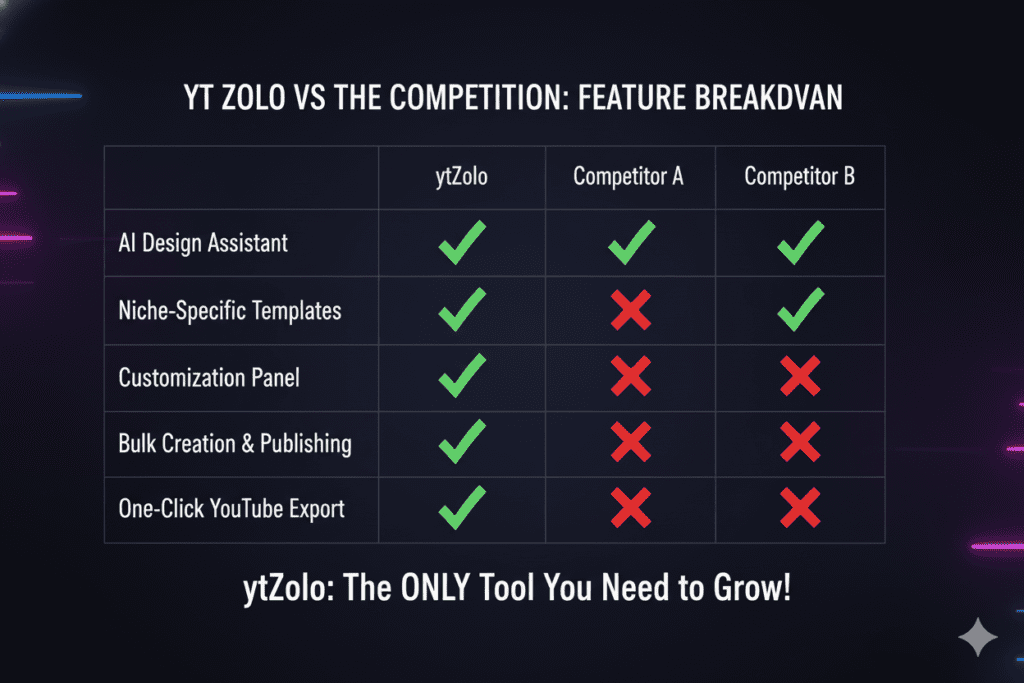
ytZolo is different. Here’s why:
| Feature | Canva | vidIQ | Pikzels | ytZolo |
|---|---|---|---|---|
| AI Thumbnail Generation | Partial | Yes | Yes | ✅ Yes |
| YouTube CTR Optimization | ❌ No | Partial | Partial | ✅ Full |
| Niche-Specific AI | ❌ No | ❌ No | ❌ No | ✅ Yes |
| AI Title Generator | ❌ No | Partial | ❌ No | ✅ Yes |
| AI Script Writer | ❌ No | ❌ No | ❌ No | ✅ Yes |
| SEO Tags & Descriptions | ❌ No | Partial | ❌ No | ✅ Yes |
| All-in-One Platform | ❌ No | Partial | ❌ No | ✅ Yes |
| No Design Skills Needed | Partial | Yes | Yes | ✅ Yes |
| Full HD, No Watermarks | Yes | Yes | Yes | ✅ Yes |
When you look at the full picture, it’s not even close.
Other tools show you data or give you templates. ytZolo takes action. That’s not a small difference — that’s the entire game.
Read more creator growth strategies and platform updates on the ytZolo blog.
Real Results: What Creators Are Saying
Numbers matter. But stories matter more.
Creators who started using AI tools for their YouTube thumbnails have reported CTR improvements of 20% to 40% compared to their old manually-designed thumbnails. That kind of jump doesn’t just boost views — it signals to the YouTube algorithm that your content is worth recommending.
And according to YouTube’s own Creator Academy, thumbnails are one of the most critical factors in video discoverability and click-through rate performance.
What creators consistently report after switching to an AI-powered workflow like ytZolo:
- Significant reduction in time spent on thumbnail creation — from hours to minutes
- Higher CTR rates on videos with AI-optimized thumbnails vs manually designed ones
- More consistent visual branding across their channels
- The freedom to focus on what they love — creating content — instead of battling design tools
The best part? You don’t need to be a design expert. You don’t need to understand color theory. You just need to know what your video is about. ytZolo handles the rest.
Tips to Create High-CTR Thumbnails with AI
Even with the best AI tool for YouTube thumbnails in your corner, knowing a few principles will help you get even better results.
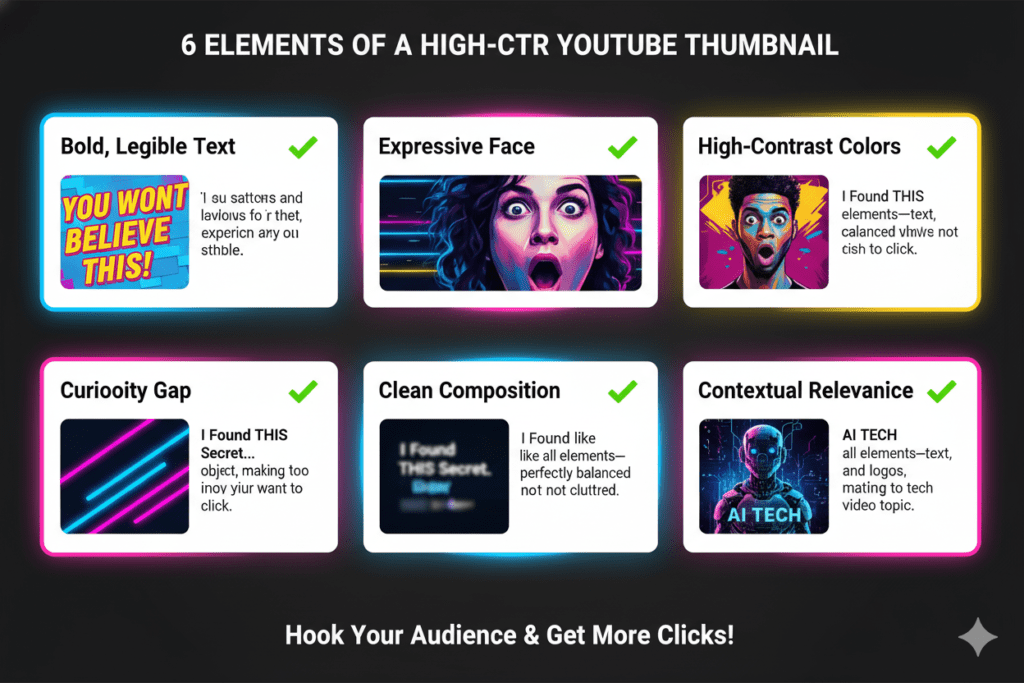
Use human faces with strong emotion Thumbnails featuring expressive human faces — shock, excitement, curiosity — consistently outperform text-only or object-only designs. The human brain is wired to respond to facial expressions.
Bold, readable text at small size Most viewers see your thumbnail at a tiny size in their feed. Use 2–4 words max with high-contrast, bold fonts. If it’s not readable at 120px wide, redesign it.
High contrast colors Bright colors that pop against YouTube’s white background grab attention instantly. Avoid muted tones or complex gradients that wash out in small sizes.
Create visual curiosity Your thumbnail should make the viewer think “What is going ON in this video?” before they even read the title. Leverage intrigue, surprise, or an incomplete visual story.
Match your thumbnail to your title The thumbnail and title should work together like a team — each one making the other more compelling. This is where ytZolo’s integrated approach truly shines.
A/B test your thumbnails Even great thumbnails can be beaten by even better ones. Use YouTube Studio’s A/B thumbnail testing feature to compare variations and find what your specific audience responds to best.
According to HubSpot’s research on visual marketing, visual content drives 94% more engagement than text-only content. Your thumbnail is your most powerful visual asset on YouTube.
FAQ: Which AI Tool Is Best for YouTube Thumbnails?
Q1: Which AI tool is best for YouTube thumbnails in 2026?
ytZolo is the best AI tool for YouTube thumbnails in 2026. Unlike general design tools or analytics platforms with add-on thumbnail features, ytZolo was purpose-built for YouTube creators.
It generates CTR-optimized thumbnails trained on niche-specific click psychology, exports in full HD with no watermarks, and integrates seamlessly with AI title generation, scripting, descriptions, and tags — all in one platform.
Q2: Can AI really improve my YouTube thumbnail CTR?
Yes — significantly. AI-generated and AI-optimized thumbnails regularly outperform manually designed ones because they are based on data, not guesswork. Studies show that strong thumbnails can boost CTR by 20% to 40%. Higher CTR sends positive signals to the YouTube algorithm, which means more impressions, more recommendations, and faster channel growth.
Q3: Do I need design skills to use AI thumbnail tools?
No design skills are needed. Tools like ytZolo are built for creators, not designers. You input your video topic, choose a style, and the AI creates your thumbnail. The entire process takes minutes and requires zero knowledge of Photoshop, Canva, or graphic design.
Q4: Is ytZolo only for thumbnail creation?
No — ytZolo is a complete all-in-one AI YouTube growth platform. In addition to being the best AI tool for YouTube thumbnails, it also generates viral video titles, full video scripts, SEO-optimized descriptions, and smart tags. Everything is connected so your entire video package works together for maximum reach and discoverability.
Q5: How is ytZolo different from tools like Canva or vidIQ?
Canva is a general design tool — not built specifically for YouTube CTR optimization. vidIQ is an analytics-first platform with thumbnail features added on top. ytZolo is the only tool that was built from the ground up as a growth-first AI platform for YouTube creators, combining thumbnail creation with full content optimization in one seamless workflow. When other tools show you data, ytZolo takes action.
Final Verdict: Which AI Tool Is Best for YouTube Thumbnails?
Let’s wrap this up.
You’ve been creating content. You’ve been putting in the work. But if your thumbnails aren’t pulling clicks, all that effort is going unseen.
The answer to which AI tool is best for YouTube thumbnails is clear: ytZolo.
No other tool combines YouTube-specific CTR intelligence, niche awareness, full HD output, and a completely integrated content workflow — all in one platform. Canva can’t do it. vidIQ can’t do it. Midjourney definitely can’t do it.
ytZolo was built for creators who are serious about growth. Creators who are done guessing. Creators who want to use every advantage available to them.
Your thumbnail is your video’s first impression. It determines whether someone clicks or keeps scrolling. Make it count.
Stop leaving views on the table. Stop spending hours in design tools that weren’t built for YouTube. Start creating smarter, faster, and more viral YouTube content with ytZolo today.
👉 Visit ytZolo now and start growing your channel
Want more actionable YouTube growth strategies? Check out the ytZolo blog for expert tips on AI content creation, SEO optimization, and channel growth tactics.
You can also check all in one ai tool – Aizolo

