
Introduction: The Moment Everything Changed
Picture this.
It’s 11 PM. You’ve spent four hours filming, editing, and scripting your next YouTube video. The content is great. You can feel it. Now, the next step is learning how to generate images for YouTube videos using AI to create eye-catching visuals that grab attention and boost clicks.
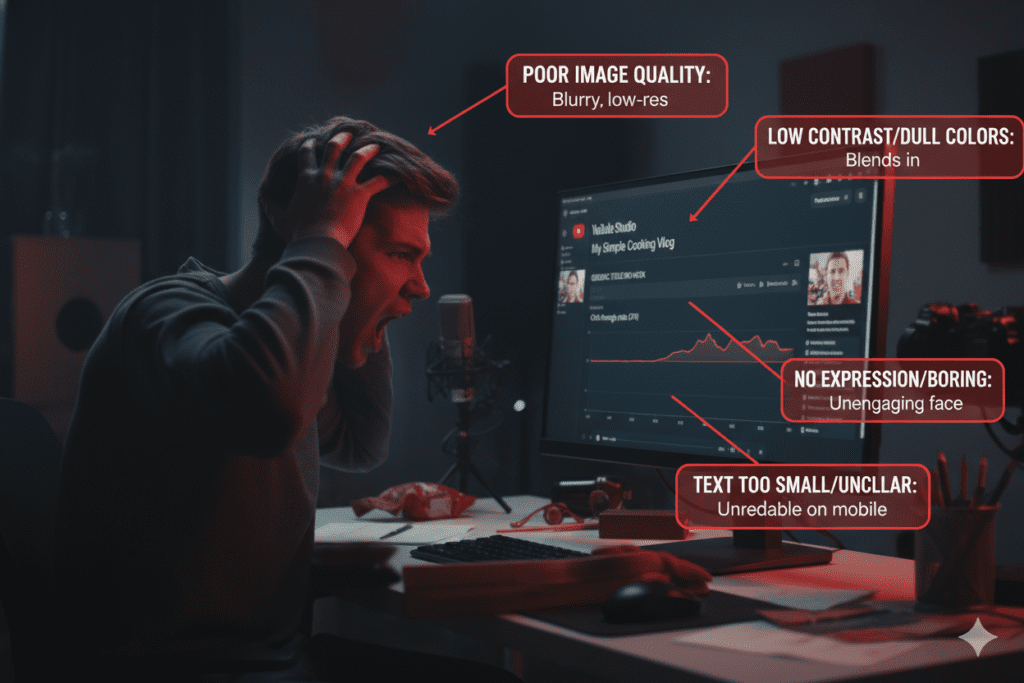
But then comes the part that kills your momentum every single time — creating the visuals. The thumbnail. The AI-generated images for your B-roll. The eye-catching graphics that make viewers stop scrolling.
You open Photoshop. Stare at a blank canvas. And wonder if it’s worth it.
Here’s the truth: most creators are losing thousands of views every month because their visuals don’t match the quality of their content. And the frustrating part? It’s completely fixable — if you know how to generate images for YouTube videos using AI.
In 2026, you don’t need a graphic designer. You don’t need expensive software. You don’t even need to know what “kerning” means. With the right tools, you can easily learn how to generate images for YouTube videos using AI and produce professional-quality visuals in minutes.
What you need is the right AI tool — and the step-by-step knowledge to use it.
This guide will show you exactly how to generate images for YouTube videos using AI, which tools are worth your time, and why creators who use platforms like ytZolo are growing 3x faster than those who don’t.
Let’s dive in.
Table of Contents
Why AI Image Generation Is Now Essential for YouTubers
Let’s be brutally honest for a second.
YouTube’s own Creator Academy data shows that 90% of the best-performing videos on the platform use custom thumbnails. Not screenshots. Not auto-generated frames. Custom visuals built to stop the scroll.
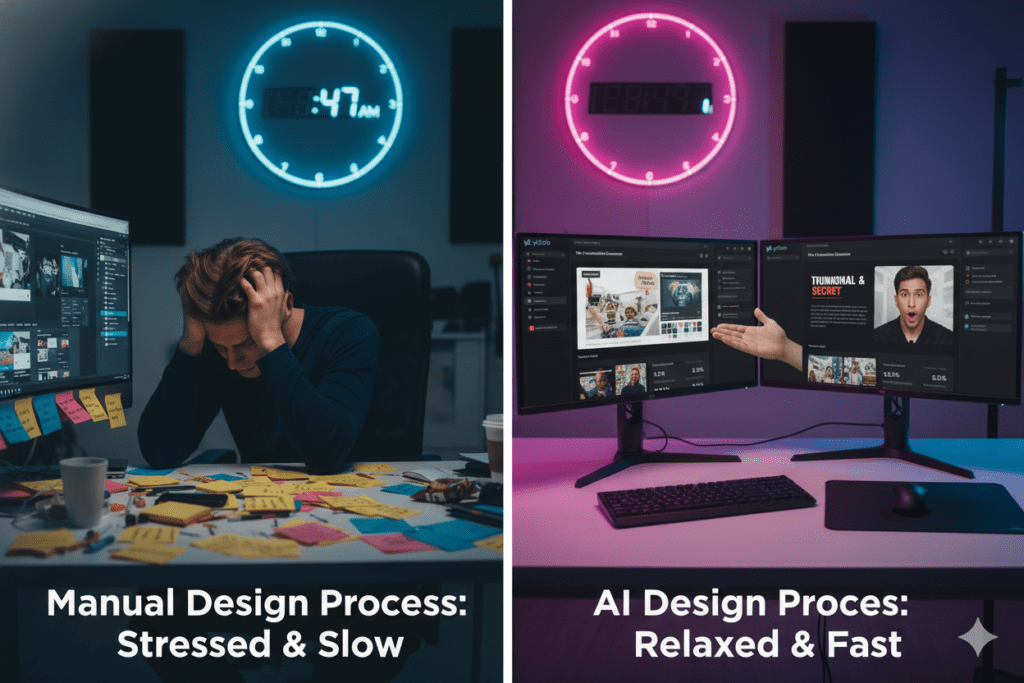
And yet, most creators are still doing this manually — spending 2 to 4 hours per video on graphics alone.
That’s time you could spend creating more content, building your audience, or honestly, just sleeping.
AI image generation for YouTube isn’t a luxury anymore. It’s a competitive advantage. Creators who master how to generate images for YouTube videos using AI are saving time, standing out in crowded niches, and consistently attracting more clicks and views.
- Publishing 2x more content
- Getting higher click-through rates (CTR)
- Building more consistent visual branding
- Spending less time on design and more on creativity
The game has changed. The only question is whether you change with it.
What Types of Images Can AI Generate for YouTube?
Before we get into the how, let’s talk about the what.
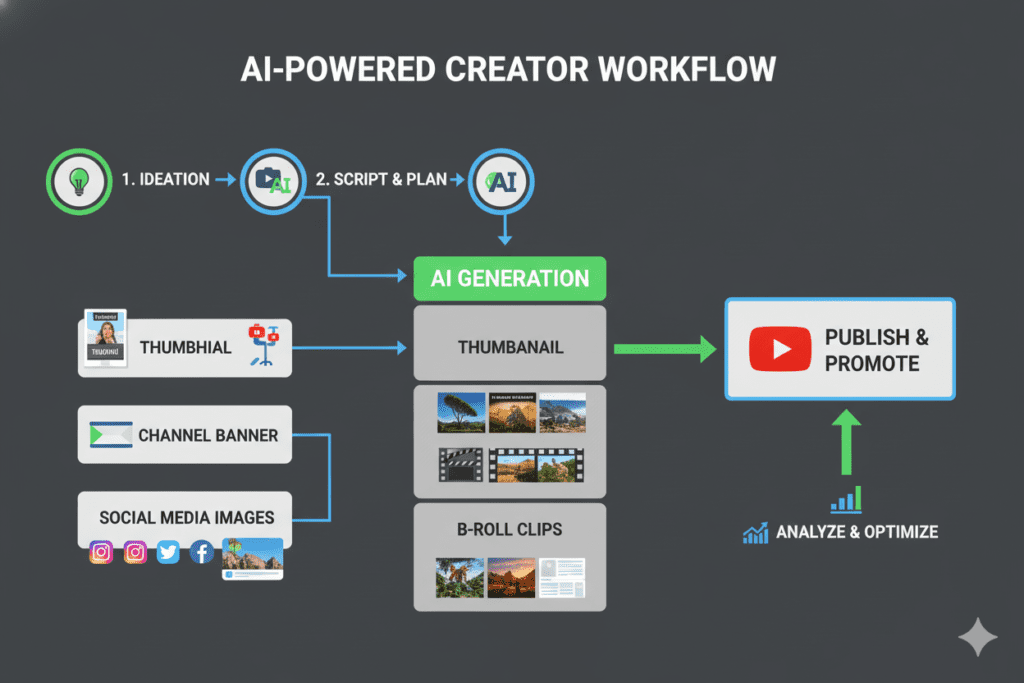
When most people think about how to generate images for YouTube videos using AI, they immediately jump to thumbnails. But the possibilities go far beyond that — from channel banners to social media promos, AI can help you create a full suite of visuals to make your content stand out.
Here’s what AI image generation can do for your YouTube channel:
Thumbnails — the most obvious use case. Learning how to generate images for YouTube videos using AI lets you create custom, high-CTR thumbnail visuals tailored to your video topic, complete with expressive faces, bold colors, and scroll-stopping compositions.
B-Roll and Background Images — need a visual to support your talking points? By learning how to generate images for YouTube videos using AI, you can create relevant background images for any topic — from historical scenes to futuristic cityscapes to product mockups.
Channel Art and Banners — your channel banner is your first impression. By mastering how to generate images for YouTube videos using AI, you can create professional-looking banners that reflect your brand identity without needing a designer.
YouTube End Screens and Overlays — custom graphics for end screens, subscribe buttons, and in-video overlays give your channel a polished, branded feel. Learning how to generate images for YouTube videos using AI allows you to create these elements quickly and consistently, enhancing your channel’s professional look.
Social Media Promotional Images — turn your YouTube content into shareable visuals for Instagram, Twitter, and Pinterest, all created in seconds. By mastering how to generate images for YouTube videos using AI, you can effortlessly expand your reach and promote your videos across multiple platforms.
Infographics and Data Visuals — AI tools can generate clean, visual representations of data or statistics, perfect for educational and finance channels. Learning how to generate images for YouTube videos using AI lets you create these visuals quickly, making complex information easy to understand and visually engaging.
The point is clear: when you learn how to generate images for YouTube videos using AI, you unlock an entire production pipeline — not just a thumbnail generator.
How to Generate Images for YouTube Videos Using AI (Step-by-Step)
Ready to actually do this? Here’s a clear, actionable breakdown.
Step 1: Define Your Visual Goal
Before you open any tool, ask yourself: what is this image for?
Is it a thumbnail meant to drive clicks? B-roll to support a narration point? A channel banner to establish your brand? Each goal requires a different approach. Understanding how to generate images for YouTube videos using AI helps you choose the right strategy for each type of visual, ensuring maximum impact.
Step 2: Write a Strong Text Prompt
AI image generators work based on your text description — called a “prompt.” The better your prompt, the better your image.
A weak prompt: “man talking about money”
A strong prompt: “confident businessman in suit standing in front of a glowing stock market graph, cinematic lighting, sharp focus, 4K, dramatic shadows, wide angle”
The difference in output quality is massive. Be specific about:
- The subject and what they’re doing
- The background and setting
- The lighting and mood
- The style (photorealistic, cartoon, cinematic, etc.)
- The aspect ratio (16:9 for YouTube)
Step 3: Choose the Right AI Image Tool
Not all AI generators are equal. Some are better for photorealistic images. Others excel at illustrations, graphics, or custom branding.
For YouTubers who want an all-in-one solution that generates images and optimizes their entire channel, ytZolo is the top choice. More on that below.
Step 4: Generate and Iterate
Generate your first image. It probably won’t be perfect — and that’s completely fine.
Tweak your prompt. Adjust the style. Try different compositions. Most AI tools give you multiple variations to choose from, so take advantage of that.
Step 5: Edit and Finalize
Once you have a strong AI-generated base, you may want to add text overlays, logos, or color corrections. Many tools have built-in editors for this.
For thumbnails specifically, make sure your final image:
- Is 1280×720 pixels (16:9 ratio)
- Has bold, high-contrast colors
- Includes a clear focal point
- Uses no more than 3–5 words of text
Step 6: Integrate Into Your YouTube Workflow
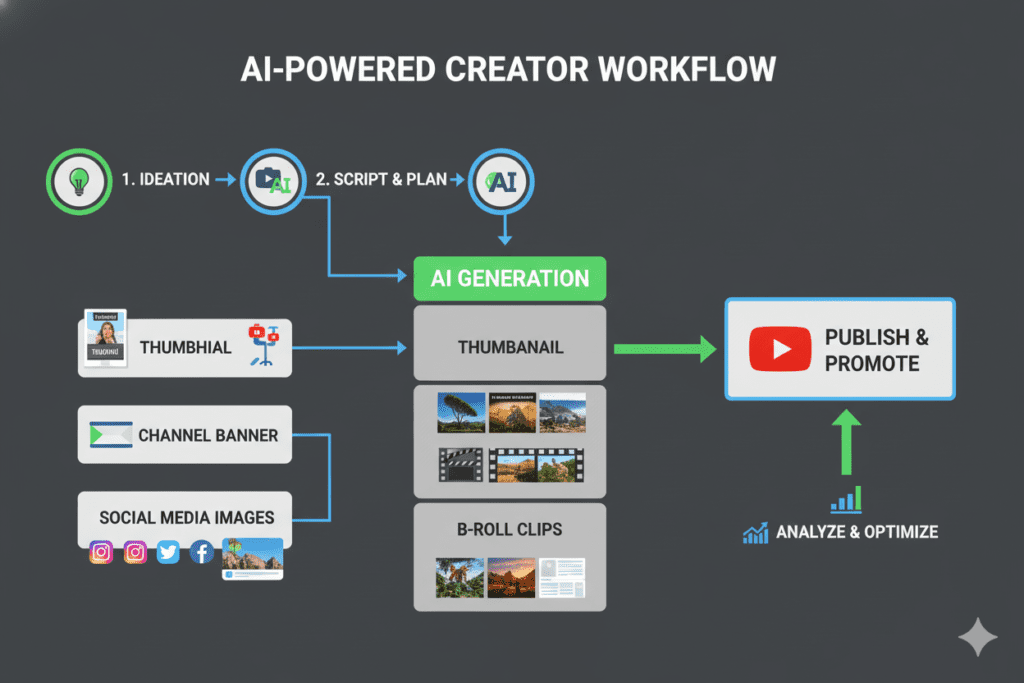
Don’t treat AI image generation as a one-time thing. Build it into your content process from the start. The creators growing the fastest are those who generate images for YouTube videos using AI before they even finish filming — using the visuals as a guide for their content direction.
The Best AI Tools to Generate YouTube Images in 2026
There are dozens of AI image generators on the market. Here’s an honest look at the landscape.
Midjourney Known for stunning artistic output and photorealistic quality. It’s one of the most powerful tools available, but it has a learning curve and operates through Discord — not ideal for non-technical creators.
Adobe Firefly A solid option for creators already inside the Adobe ecosystem. Firefly integrates with Photoshop, making it great for final editing. However, it’s a standalone image tool — it doesn’t help with YouTube SEO, titles, or thumbnails specifically.
DALL-E (via ChatGPT) Great for quick concept visuals and easy to use. But it lacks YouTube-specific optimization and doesn’t connect your images to a broader channel growth strategy.
Canva AI Perfect for beginners who want a simple drag-and-drop experience. The AI image features are improving, but the output is often too generic for high-converting YouTube thumbnails.
ytZolo This is where things get different. ytZolo isn’t just an image generator — it’s a complete AI-powered YouTube growth platform. When you generate images for YouTube videos using AI through ytZolo, you also get optimized titles, descriptions, tags, and scripts — all in one place. That’s a fundamentally different approach.
We’ll dig into ytZolo in detail in the next section.
Why ytZolo Is Better Than Other Tools
Here’s the honest truth that most comparison articles won’t tell you.
Most AI image generators are built for designers. They’re powerful, but they’re not built for YouTubers. They don’t understand what makes a YouTube thumbnail convert. They don’t know that a creator also needs a keyword-rich title, an SEO-optimized description, and the right tags to actually get their video discovered.
ytZolo was built specifically for YouTube creators — and that changes everything.
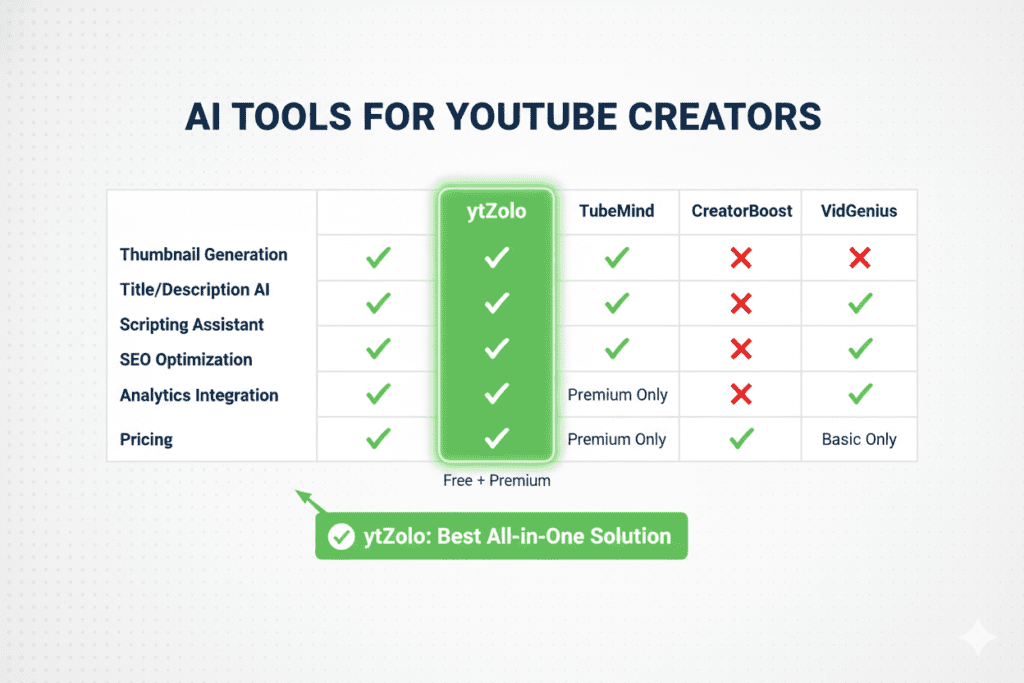
Here’s how ytZolo stacks up against the competition:
| Feature | Midjourney | Canva AI | Adobe Firefly | ytZolo |
|---|---|---|---|---|
| AI Image Generation | ✅ | ✅ | ✅ | ✅ |
| YouTube Thumbnail Optimization | ❌ | ❌ | ❌ | ✅ |
| AI Title Generator | ❌ | ❌ | ❌ | ✅ |
| AI Script Writer | ❌ | ❌ | ❌ | ✅ |
| AI Description Generator | ❌ | ❌ | ❌ | ✅ |
| AI Tag Generator | ❌ | ❌ | ❌ | ✅ |
| Built for Viral Content | ❌ | ❌ | ❌ | ✅ |
| All-in-One YouTube Growth | ❌ | ❌ | ❌ | ✅ |
Other tools make you generate an image, then open another tab for your title, then another tab for your description, then another for tags. It’s a fragmented, time-consuming mess.
ytZolo puts everything in one place. You go in with a video idea. You come out with a fully optimized YouTube package — images, titles, scripts, descriptions, and tags — all aligned and all built to help you grow.
That’s not just better. That’s a different category of tool.
For a deeper look at how ytZolo compares for specific features, check out the ytZolo blog where the team breaks down real creator case studies and growth data.
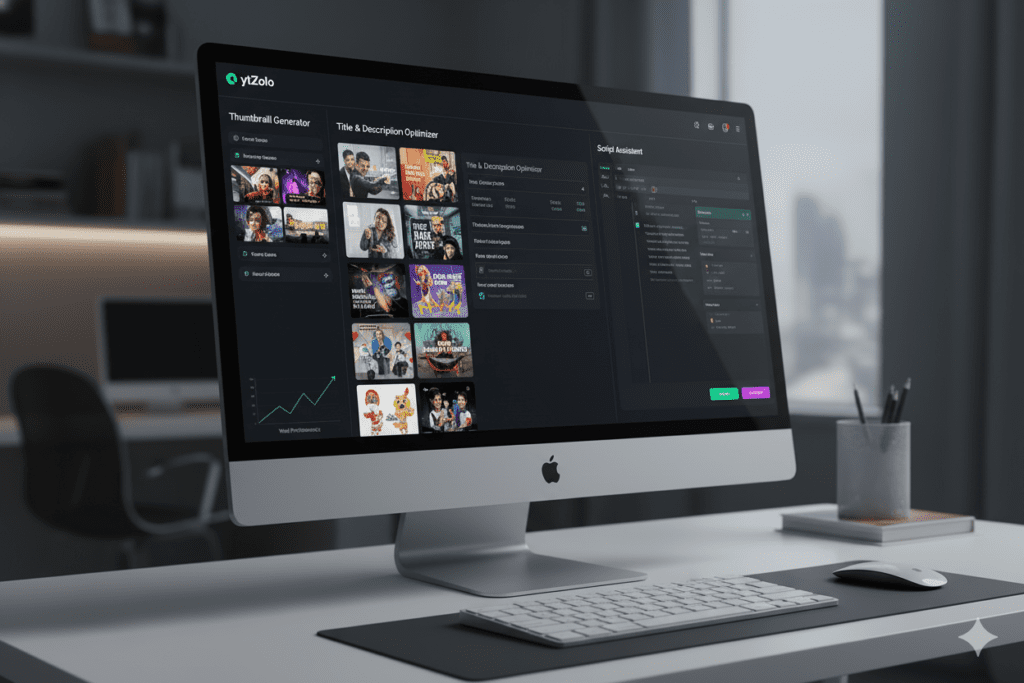
How ytZolo Helps You Generate Images for YouTube Videos Using AI
Let’s get specific about what ytZolo actually does for your visuals.
The Struggle Is Real
Most creators spend 2–4 hours per video on visual content — thumbnails, graphics, B-roll images. And even after all that work, many thumbnails still underperform because they’re not designed around what the YouTube algorithm rewards.
Manual thumbnail creation is outdated. It’s slow, inconsistent, and based on guesswork rather than data.
The ytZolo Difference
When you use ytZolo to generate images for YouTube videos using AI, the platform doesn’t just generate a pretty picture. It generates visuals that are strategically built to drive clicks.
Here’s what that looks like in practice:
- Thumbnail AI — ytZolo generates thumbnail concepts based on your video topic, applying proven CTR principles like high-contrast colors, expressive faces, and minimal text
- Visual Consistency — Every image ytZolo generates is aligned with your channel’s style, helping you build a recognizable brand
- Speed — What used to take hours now takes minutes. Creators report saving 5–10 hours per week after switching to ytZolo
- Integration — Your thumbnail doesn’t exist in isolation. ytZolo connects your visual with your title, description, and tags for a fully optimized video package
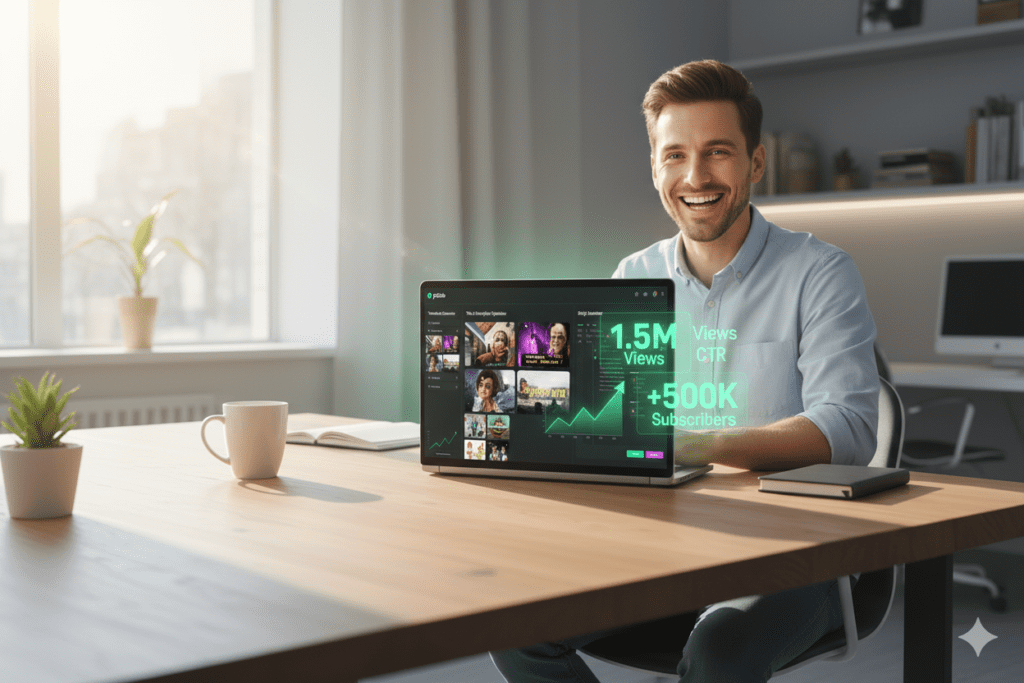
The result? More clicks. More views. More channel growth — without burning yourself out.
As HubSpot’s content research consistently shows, visual consistency is one of the strongest drivers of brand recognition online. ytZolo makes that consistency effortless.
Pro Tips to Make Your AI-Generated Images Go Viral
Knowing how to generate images for YouTube videos using AI is step one. Making those images actually perform is step two.
Here are the tactics top creators use:
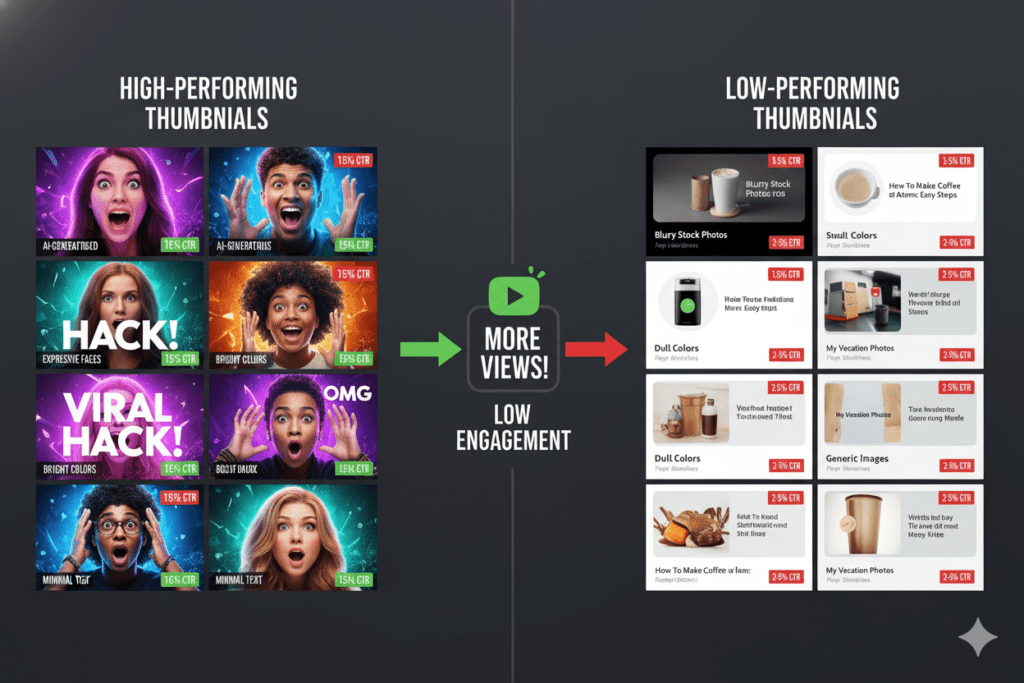
Use Faces Whenever Possible Human faces create instant emotional connection. Thumbnails with expressive faces — shock, excitement, concern — consistently outperform those without. When generating AI images, include a face as part of your prompt.
Stick to 3 Colors Maximum High-performing thumbnails are visually clean. Pick a primary color, a secondary accent, and a neutral background. Bright, contrasting combos like yellow and blue or red and white tend to dominate.
Think Mobile First Over 70% of YouTube views happen on mobile devices. Your AI-generated thumbnail needs to look great at 150px wide, not just on a desktop monitor. Generate at full resolution, but always zoom out and check the mobile view.
Match the Thumbnail Energy to the Video Your thumbnail is a promise to the viewer. If your AI-generated image shows drama and urgency, your video better deliver that energy. Mismatched expectations kill watch time — and watch time kills your reach.
Generate Multiple Variations and Test Don’t stop at one image. Generate 3–5 variations and use YouTube’s A/B testing feature to see which one drives the highest CTR. Data beats intuition every time.
Keep Text Minimal AI-generated images are often visually busy. If you add text, keep it to 3–5 power words maximum. Use bold, easy-to-read fonts that contrast with the background.
Common Mistakes Creators Make When Using AI Image Generators
Learning how to generate images for YouTube videos using AI is a skill — and like any skill, there are easy ways to mess it up.
Watch out for these traps:
Writing Vague Prompts “Make a cool YouTube thumbnail” is not a prompt. It’s a prayer. The more specific your instructions, the better your output. Describe the subject, the mood, the style, the colors, and the composition.
Ignoring YouTube’s Technical Requirements Your thumbnail must be 1280×720 pixels at a minimum with a file size under 2MB (JPG, PNG, or GIF). AI tools don’t always output in the right format, so double-check before uploading.
Using One Tool for Everything A general-purpose AI image tool doesn’t understand YouTube. It generates beautiful images that might be completely wrong for your niche, audience, or video topic. Use tools built for YouTube — like ytZolo — for better results.
Not Building a Consistent Visual Identity Random AI images that look different every week hurt your channel’s brand. Develop a consistent style — same color palette, similar composition patterns — and train your AI prompts to match that style.
Skipping the Edit AI-generated images are a starting point, not a finished product. Always review, refine, and add your own branding before uploading. Even a small tweak can significantly improve performance.
Over-Relying on AI Without Strategy AI can generate images for YouTube videos in seconds. But without a strategic understanding of your audience, topic, and goals, even the most stunning AI image won’t save a video with the wrong concept.
FAQ: How to Generate Images for YouTube Videos Using AI
Q1: What is the best AI tool to generate images for YouTube videos?
The best tool depends on your workflow. For pure image quality, Midjourney leads the pack. But for YouTubers who want an all-in-one solution that connects AI image generation with title optimization, scripts, tags, and descriptions, ytZolo is the top choice. It’s built specifically for channel growth — not just pretty pictures.
Q2: Can I use AI-generated images as YouTube thumbnails without copyright issues?
Yes. AI-generated images are generally considered original works created by the user through the AI tool. However, you should check the terms of service of the specific AI platform you’re using. Most commercial tools, including those used by ytZolo, allow full commercial use of generated images. Always verify before publishing.
Q3: How do I write a good prompt to generate YouTube thumbnail images with AI?
A strong thumbnail prompt includes: the main subject (person, object, scene), the emotional tone (shocking, exciting, dramatic), the visual style (photorealistic, cinematic, bold), the color mood, and the technical spec (16:9, 1280×720). Example: “Confident person with shocked expression, bright yellow background, cinematic dramatic lighting, bold colors, sharp 4K quality, 16:9 aspect ratio.”
Q4: How long does it take to generate images for YouTube videos using AI?
With modern AI tools, you can generate high-quality images in seconds to minutes. Platforms like ytZolo are optimized for speed, allowing creators to generate thumbnails and visual assets alongside their video titles, scripts, and tags — often in under 5 minutes total.
Q5: Do AI-generated YouTube thumbnails actually perform better than manual ones?
The data says yes — when done right. AI-generated thumbnails built around CTR best practices (expressive faces, high contrast, bold text) consistently outperform generic manual designs. According to research from VidIQ, high-contrast thumbnails can improve CTR by 20–30%. AI tools that understand YouTube’s algorithm, like ytZolo, take this even further by aligning your visual with your overall SEO strategy.
Conclusion: Stop Creating the Hard Way
You’ve just learned exactly how to generate images for YouTube videos using AI — from the types of images you can create, to the step-by-step process, to the tools that actually work.
Here’s the bottom line.
The creators winning on YouTube in 2026 aren’t necessarily the most talented. They’re the most efficient. They use AI to generate images for YouTube videos, optimize their titles, sharpen their scripts, and build consistent brands — all without burning 40 hours a week on manual work.
The gap between creators who use AI and those who don’t is growing. Fast.
You now know how to generate images for YouTube videos using AI. You know which tools to use. And you know why an all-in-one platform like ytZolo gives you a genuine edge over creators who are still doing things the old way.
The question is: what are you going to do with that knowledge?
Start creating smarter, faster, and more viral YouTube content with ytZolo today.
Visit ytzolo.com and see why thousands of creators are growing their channels faster with AI — without the burnout.
Want more proven strategies for growing your YouTube channel with AI? Check out the ytZolo blog for the latest creator guides, tool tutorials, and growth tactics updated weekly.
You can also check all in one ai tool – Aizolo

