
Introduction: The Thumbnail That Cost Him 100,000 Views
Jake had been uploading YouTube videos every single week for a year.
His content was good. His editing was clean. His topics were researched. But his videos kept flatling at a few hundred views each.
Then one day, a creator friend told him something brutally honest: “Dude, your thumbnails look like stock photos from 2009.”
Jake took that feedback, redesigned one thumbnail using an AI thumbnail tool — and that same old video jumped from 800 views to 47,000 views in two weeks.
He didn’t change the title. He didn’t re-edit the video. He just fixed the thumbnail.
That’s the power of the right visual. And in 2026, AI is making it faster, smarter, and more accessible than ever before.
In this guide, you’ll learn everything about AI thumbnail tools — what they are, how they work, and which one is hands-down the best choice for YouTubers who want to grow.
Spoiler: it’s YTZolo.
Table of Contents
What Is an AI Thumbnail Tool?
An AI thumbnail tool is software that uses artificial intelligence to help you design eye-catching YouTube thumbnails — fast.
Instead of spending hours in Photoshop or Canva, you describe your video, and the AI generates thumbnail concepts, layouts, color schemes, and text overlays that are optimized to get clicks.
It analyzes trending styles, audience behavior, and visual contrast to suggest designs that stand out instantly. With smart automation and real-time previews, you can test multiple thumbnail variations in seconds before publishing.
This means faster workflow, better visual consistency, and a higher chance of turning impressions into views.
These tools analyze what’s working on YouTube right now. They study top-performing videos in your niche and suggest visuals that match what viewers respond to. They evaluate elements like color contrast, facial expressions, composition, and text placement to maximize visual impact.
By learning from real performance data, they help you make design decisions based on strategy instead of guesswork. As a result, your thumbnails are not just attractive — they’re optimized to attract attention and drive more clicks.
Think of it as having a professional designer — who also happens to be a YouTube data analyst — working for you 24/7.
Why Your Thumbnail Is Your Most Powerful Growth Lever
Here’s a stat that should stop you in your tracks.
According to YouTube’s Creator Academy, 90% of the best-performing videos on YouTube have custom thumbnails. Not auto-generated frames. Custom, intentional visuals.
Your thumbnail is the first — and sometimes the only — thing a potential viewer sees before deciding to click.
It shows up in search results. It appears in recommended feeds. It gets shared on social media. It represents your entire video in a single image. A compelling thumbnail instantly communicates value and sparks curiosity before a viewer even reads the title.
It acts as your video’s first impression, influencing whether someone scrolls past or clicks to watch. When designed effectively, it can dramatically boost visibility, engagement, and overall channel growth.
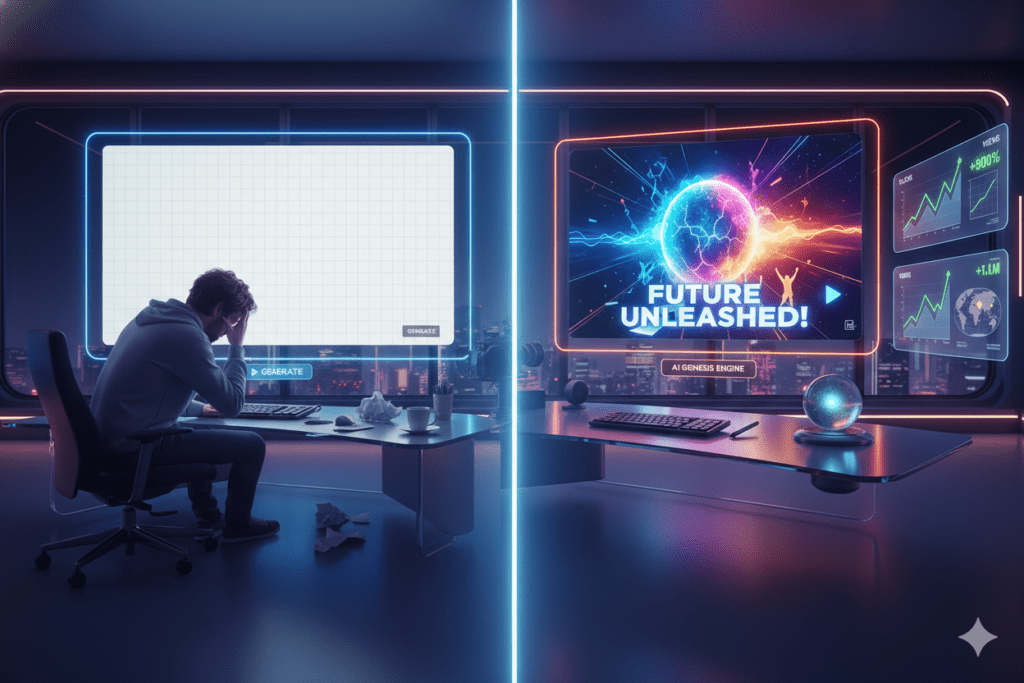
A weak thumbnail means fewer clicks. Fewer clicks means lower watch time. Lower watch time means YouTube stops pushing your content. It’s a painful downward spiral.
But flip it around? A killer thumbnail can send your video viral overnight — even if it’s months old.
That’s why mastering thumbnail design isn’t optional anymore. It’s survival.
The Problem With Designing Thumbnails Manually
Let’s be honest. Most creators hate making thumbnails.
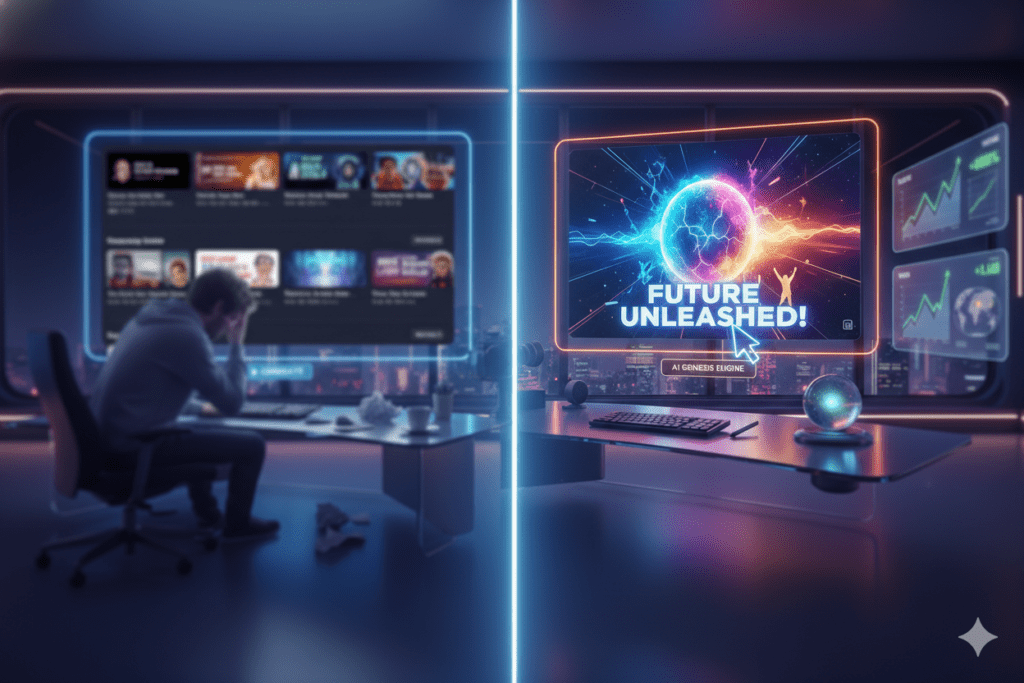
Not because they don’t care, but because it’s genuinely hard. Good design takes skill, time, and an understanding of what makes a human brain stop scrolling and go “I need to click that.” It requires the right balance of color, contrast, emotion, and clarity to stand out in a crowded feed.
Without clear visual hierarchy and strategic composition, even great content can get ignored. That’s why many creators struggle to consistently produce thumbnails that both look professional and drive real engagement.
Here’s what manual thumbnail creation looks like for most creators:
- Spending 1–3 hours in Canva or Photoshop trying to get the layout right
- Constantly second-guessing whether the font is readable or the colors are too dull
- No data to guide decisions — just gut instinct and hoping for the best
- Inconsistent branding across videos because each one is made from scratch
- Burnout from adding thumbnail design on top of filming, editing, scripting, and uploading
The truth is, manual methods are outdated. The YouTube landscape is too competitive for guesswork.
Creators who are winning in 2026 aren’t just working harder. They’re working smarter — with AI.
Without an AI thumbnail tool in your corner, you’re playing the game on hard mode while your competitors have cheat codes. They’re producing eye-catching visuals faster, testing more variations, and learning what works in real time.
Meanwhile, you’re stuck guessing what might attract clicks and spending hours on manual edits. In a fast-moving content landscape, speed and smart optimization can be the difference between getting noticed and getting ignored.

How an AI Thumbnail Tool Actually Works
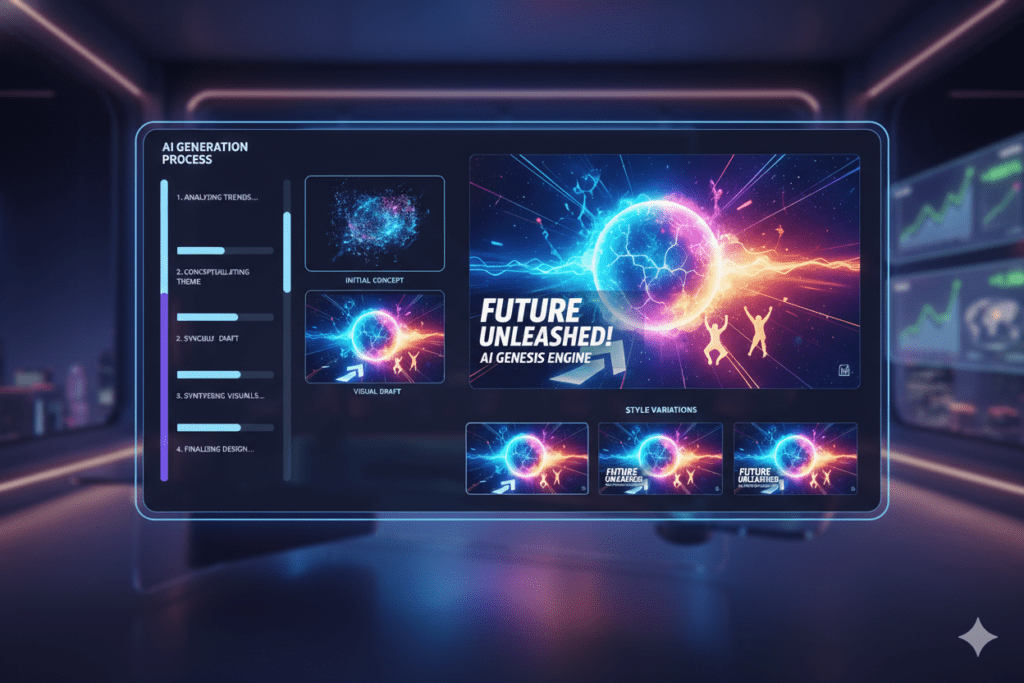
Modern AI thumbnail tools use a combination of technologies to do their magic.
Computer vision analyzes millions of YouTube thumbnails to identify patterns in high-CTR (click-through rate) designs. What colors pop? What facial expressions drive clicks? What text styles stop the scroll?
Natural language processing (NLP) takes your video title or description and translates it into visual concepts. You tell the AI what your video is about, and it builds a thumbnail around that story.
Generative AI then creates or suggests original imagery, backgrounds, overlays, and layouts — tailored specifically to your niche and audience.
The result? A professional, click-worthy thumbnail in minutes — not hours.
The best tools go even further. They let you A/B test different thumbnail versions, track which one performs better, and keep improving your CTR over time.
Key Features to Look For in an AI Thumbnail Tool
Not all AI thumbnail tools are built the same. Here’s what separates the good from the great:
Niche-specific design intelligence — The AI should understand your content category, not just spit out generic templates.
Text and font optimization — Bold, readable text is non-negotiable. Look for tools that automatically size and style text for maximum impact.
Facial expression and emotion analysis — Studies show thumbnails with expressive faces dramatically increase CTR. A smart AI tool accounts for this.
Brand consistency — Your thumbnails should look like yours. The tool should let you set colors, fonts, and style so every video feels cohesive.
Speed — If it takes longer than 5 minutes to generate a thumbnail concept, the tool is too slow for a busy creator’s workflow.
Integration with your broader content workflow — Bonus points if the tool also helps with titles, descriptions, tags, and scripts.
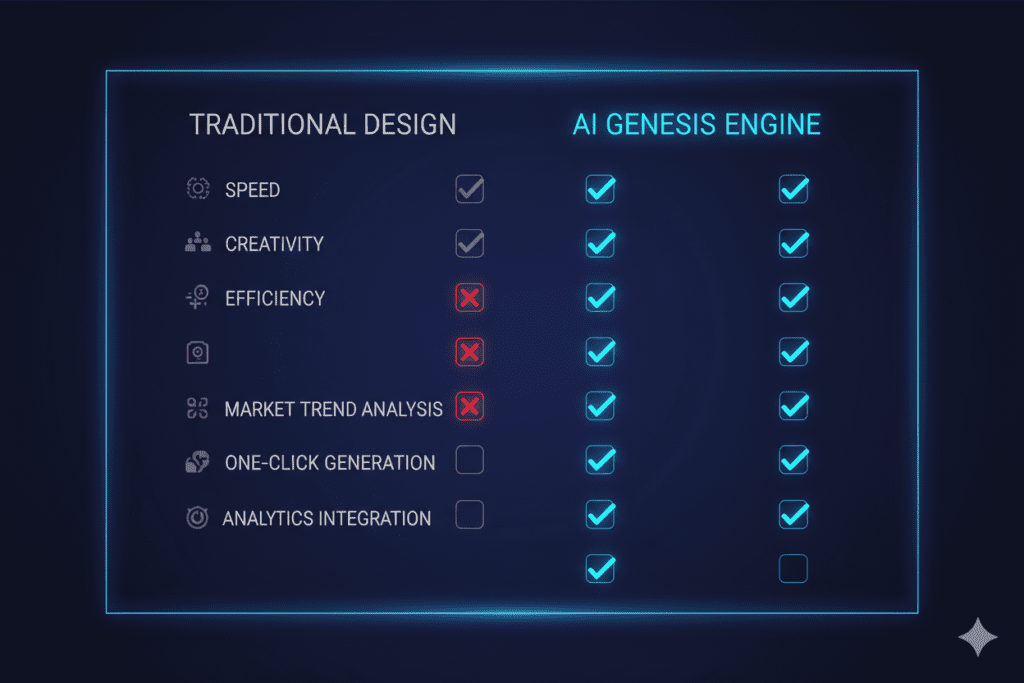
That last point? That’s where YTZolo absolutely dominates.
Why YTZolo Is the Best AI Thumbnail Tool for YouTubers
YTZolo isn’t just an AI thumbnail tool. It’s an all-in-one AI YouTube growth platform built specifically for creators who want to grow faster, smarter, and with less stress.
Here’s what makes it stand out.
YTZolo Generates Thumbnail Ideas That Actually Get Clicked
YTZolo’s AI analyzes top-performing content in your niche and generates thumbnail concepts that are designed to maximize your CTR from day one.
You don’t need design experience. You don’t need expensive software. You just describe your video, and YTZolo does the heavy lifting.
The thumbnails it produces are niche-aware, visually striking, and built around what YouTube’s algorithm rewards.
It’s More Than Just Thumbnails
This is the part that makes YTZolo a game-changer.
While other tools stop at thumbnails, YTZolo keeps going. Inside the platform, you can also generate:
- Viral video titles that are SEO-optimized and curiosity-driven
- Full video scripts with storytelling frameworks that keep viewers watching
- YouTube descriptions loaded with the right keywords
- Tags and hashtags to maximize discoverability
- Hooks that grab attention in the first 3 seconds
No other tool on the market gives you this much firepower in one place. Check out the full YTZolo features to see everything it can do.
It Saves You Hours Every Single Week
Think about how much time you spend on the non-filming parts of YouTube.
Scripting. SEO research. Writing descriptions. Designing thumbnails. Coming up with titles. It adds up fast — often more time than the actual filming.
YTZolo cuts that time dramatically. Creators who use it report getting their pre- and post-production work done in a fraction of the time, which means more videos, more consistency, and more growth.

Why YTZolo Is Better Than Other Tools
You’ve probably heard of tools like Canva, Adobe Express, TubeBuddy, or even MidJourney for generating visuals. So why is YTZolo the better choice?
Here’s a straight-up comparison:
Canva / Adobe Express These are design tools, not AI growth tools. They give you templates, but you still have to do all the thinking. There’s no YouTube-specific intelligence, no CTR optimization, and no connection to your title or script strategy.
MidJourney / DALL-E Great for generating raw AI images, but they know nothing about YouTube. You’ll get a beautiful image that might have zero relevance to what actually drives clicks in your niche.
TubeBuddy / VidIQ These are strong for keyword research and analytics, but their thumbnail tools are basic. They’re SEO platforms, not creative AI platforms.
YTZolo YTZolo was built from the ground up for YouTube creators. It doesn’t just make pretty pictures — it generates thumbnails and the entire content ecosystem around them.
The AI understands YouTube. It understands your audience. It understands what viral content looks like.
That’s not a coincidence. That’s by design.
If you want to see how the platform works end-to-end, this deep dive on AI tools for YouTube creators breaks it all down.
Step-by-Step: How to Create Viral Thumbnails with YTZolo
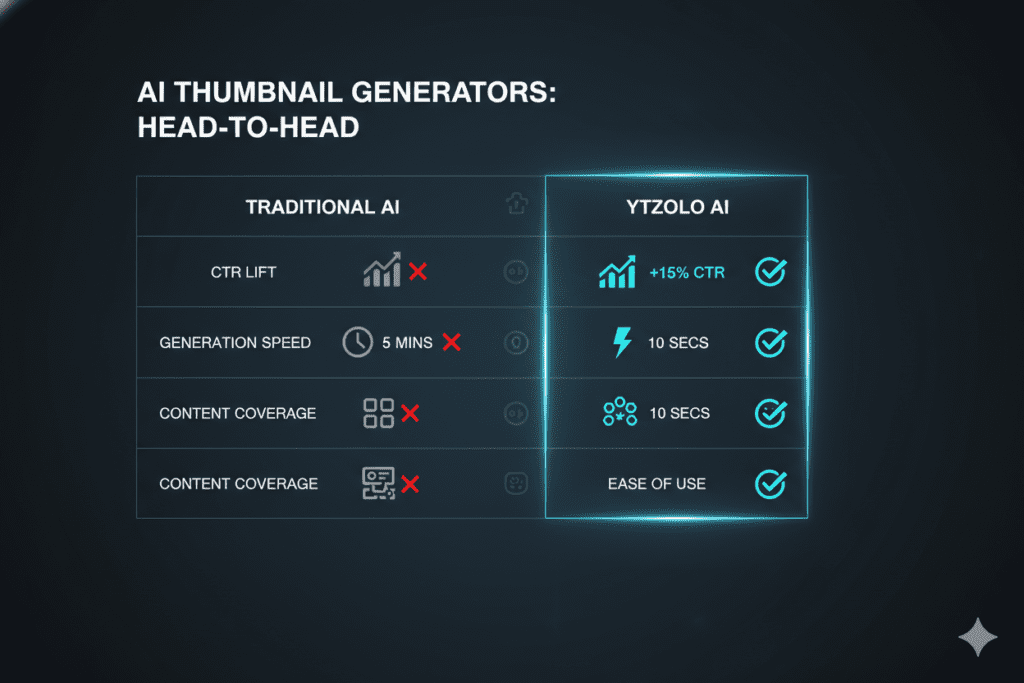
Ready to see how it works in practice? Here’s a simple walkthrough.
Step 1: Go to YTZolo.com and create your free account. Takes less than 2 minutes. No credit card required to get started.
Step 2: Enter your video topic or title. The AI immediately starts analyzing your niche and identifying what high-performing thumbnails look like for similar content.
Step 3: Review your AI-generated thumbnail concepts. YTZolo gives you multiple options with different color palettes, layouts, and text treatments. You’ll immediately see which ones have the most potential.
Step 4: Customize to match your brand. Adjust colors, swap out fonts, add your face or logo. The customization keeps your thumbnails uniquely you while keeping the AI’s CTR-optimization intact.
Step 5: Download and upload to YouTube. It’s that simple. No exporting to Photoshop. No fiddling with layers. Just download and go.
Step 6: Use YTZolo’s title and description tools to complete your optimization. While you’re in the platform, let the AI write your video title, tags, and description too. It’s all connected — and it’s all optimized for growth.
Real Results: What Happens When You Use AI for Thumbnails
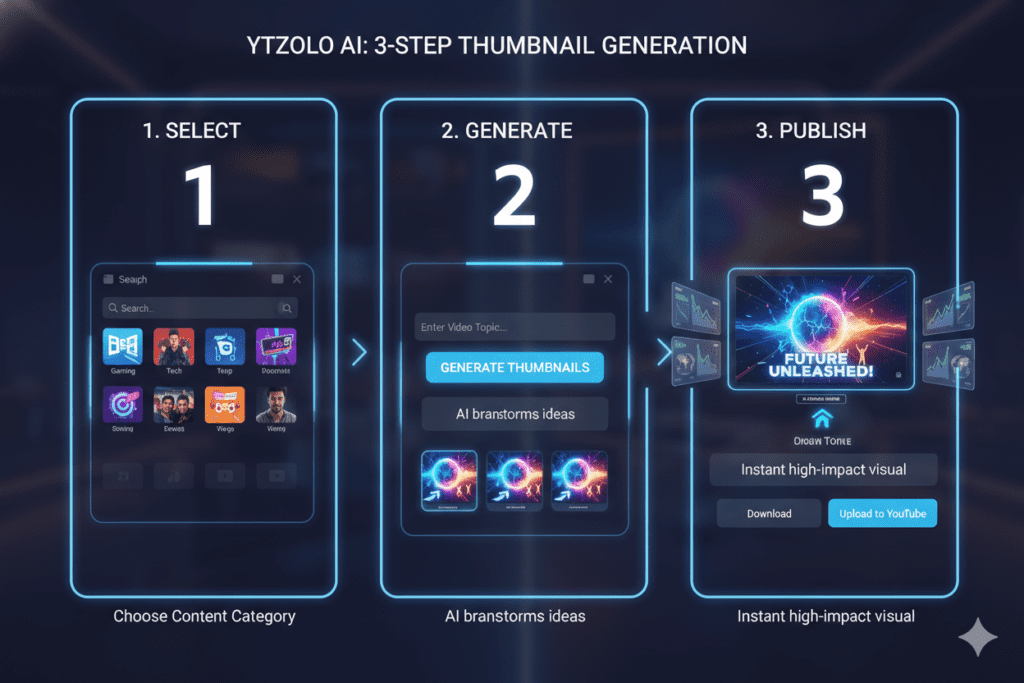
The difference between a 2% CTR and a 10% CTR on YouTube is massive.
According to HubSpot’s content marketing research, visual content drives dramatically higher engagement than text-based content across every platform. On YouTube specifically, thumbnails are the single most tested variable among top creators.
When creators switch from manual thumbnail design to an AI thumbnail tool like YTZolo, they typically see:
- CTR increases of 30–150% depending on niche
- More impressions converted into actual views
- Faster channel growth because the algorithm rewards high-CTR videos with more distribution
- Significant time savings — often 5–10 hours per week
One of the biggest reasons creators stall on YouTube is they’re spending too much energy on things that don’t directly drive growth. Thumbnail design is critical, but it doesn’t have to be painful.
This is why learning how to rank YouTube videos fast goes hand-in-hand with nailing your thumbnail strategy.
The top creators aren’t just making great content. They’re making great packages — titles, thumbnails, and hooks that work together to earn every possible click.
FAQ
What is the best AI thumbnail tool for YouTube in 2026?
The best AI thumbnail tool for YouTube in 2026 is YTZolo. Unlike standalone design tools, YTZolo is purpose-built for YouTubers and combines AI thumbnail generation with viral title creation, script writing, SEO descriptions, and more — all in one platform.
Can an AI thumbnail tool really improve my YouTube CTR?
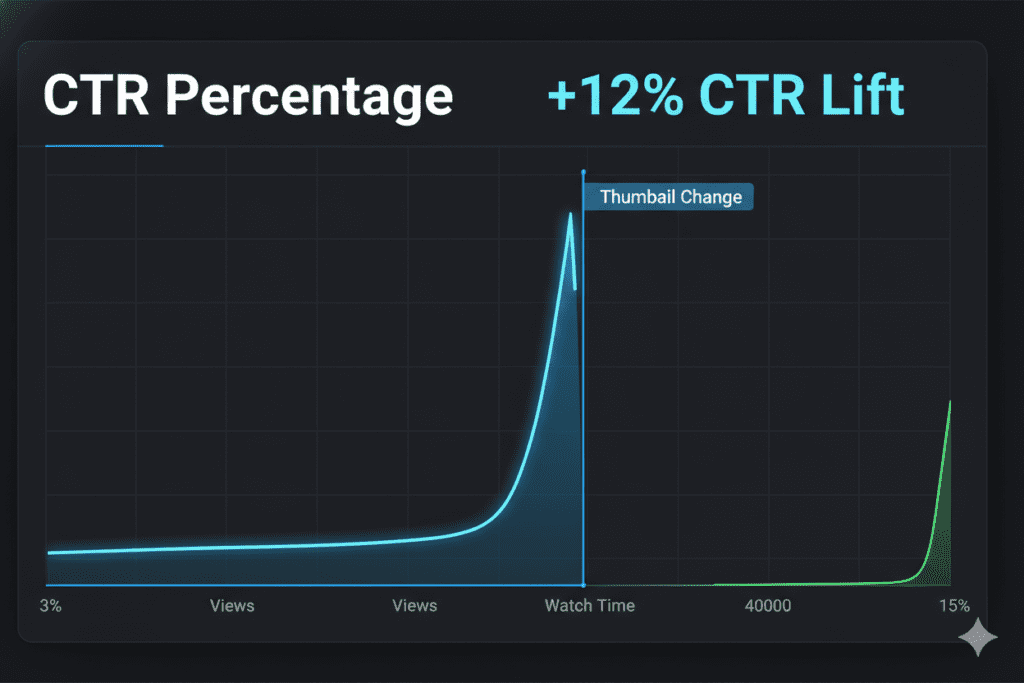
Yes. Your click-through rate (CTR) is directly influenced by how compelling your thumbnail looks in search and recommended feeds. AI thumbnail tools analyze top-performing videos in your niche and generate designs optimized for maximum clicks. Creators using AI tools regularly report CTR improvements of 30% or more.
Do I need design skills to use an AI thumbnail tool?
No design skills are required. Tools like YTZolo are designed for creators, not designers. You input your video topic, the AI generates thumbnail concepts, and you can customize the results with simple controls. The entire process takes minutes.
Is YTZolo free to use?
YTZolo offers plans that make it accessible for creators at every stage. You can visit the YTZolo pricing page to see current options. The time and growth you gain from the platform far outweighs the investment for any serious creator.
How is an AI thumbnail tool different from Canva?
Canva is a general-purpose design tool with templates. An AI thumbnail tool like YTZolo is specifically trained on YouTube data and understands what makes viewers click in your niche. It’s the difference between a blank canvas and a smart assistant who’s already done the research for you.
Conclusion: Stop Guessing. Start Growing.
Your thumbnail is not just a pretty image. It’s your pitch. It’s the split-second sales moment that determines whether someone watches your video or scrolls right past it.
In 2026, there’s no reason to keep struggling with manual thumbnail design. The best creators on YouTube are using AI thumbnail tools to move faster, look more professional, and convert more impressions into actual views.
And if you want the best of the best — a platform that handles thumbnails and titles, scripts, descriptions, tags, and hooks — then there’s one clear answer.
YTZolo is the all-in-one AI YouTube growth tool that takes the guesswork out of your entire content process.
You’ve already seen what the right thumbnail can do. Imagine what the right entire content strategy could unlock for your channel.
Start creating smarter, faster, and more viral YouTube content with YTZolo today.
You cam also check All in one ai tool-Aizolo
Related reading from the YTZolo Blog:

