
Table of Contents
The $127 Moment That Changed Everything
Jessica stared at her inbox, her stomach sinking. Three separate charges had just hit her credit card: $20 for ChatGPT Plus, $20 for Claude Pro, $20 for Gemini Advanced, and another $67 for various specialized AI tools she’d accumulated over the past year.
“$127 this month?” she whispered to herself, scrolling through her transaction history. “And I’m still copying and pasting the same prompts between different tabs?”
As a freelance marketing consultant managing six clients, Jessica needed the best AI tools. But here was her daily reality: she’d draft social media copy in ChatGPT, switch tabs to Claude for tone refinement, jump to Gemini for fact-checking, then back to ChatGPT for final edits. Each switch cost her precious seconds. Each copy-paste risked losing context. Each separate subscription added to her mounting costs.
“There has to be a better way,” she thought, opening yet another browser tab.
She was right. And that “better way” is revolutionizing how professionals, creators, and businesses use AI in 2025: AI aggregators with split screen comparison features.
If you’re like Jessica—juggling multiple AI subscriptions, drowning in browser tabs, and wondering if there’s a smarter approach—you’re about to discover the best AI aggregator with split screen comparison capabilities that will transform your workflow and save you thousands annually.
What Makes an AI Aggregator “The Best” in 2025?
Before we dive into specific platforms, let’s establish what separates genuinely exceptional AI aggregators from the mediocre ones flooding the market.
An AI aggregator is a platform that consolidates multiple AI models—like ChatGPT, Claude, Gemini, and others—into a single unified interface. Think of it as your “universal remote” for AI tools. But here’s the thing: not all aggregators are created equal.
The best AI aggregators in 2025 share these critical features:
1. True Split Screen Comparison
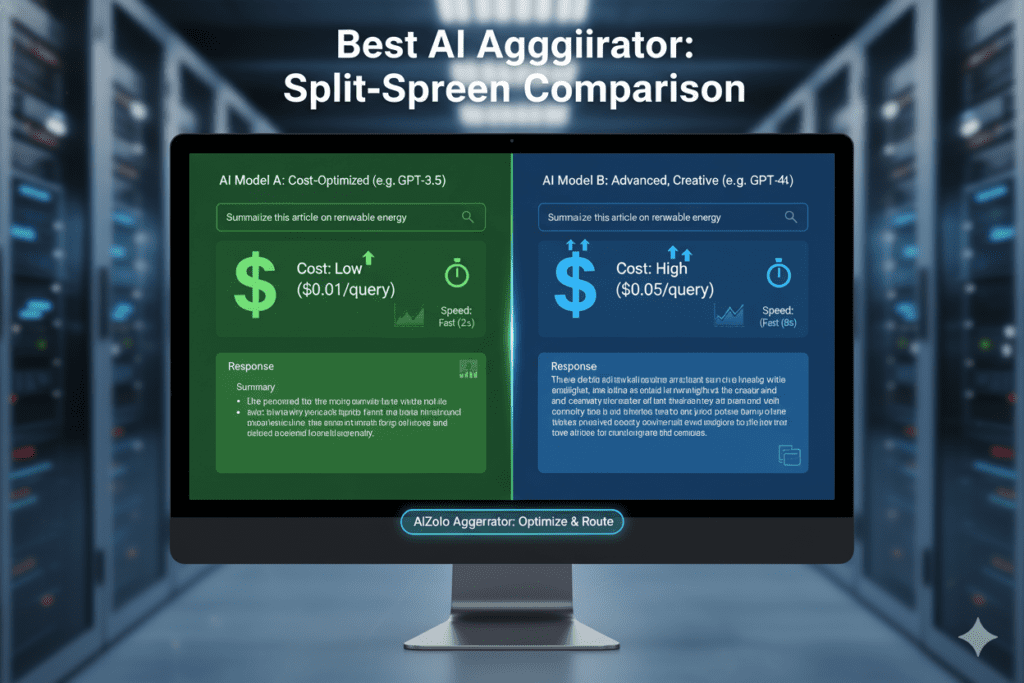
The defining feature of top AI aggregators is split-screen comparison functionality that allows users to test prompts across multiple models simultaneously and compare outputs side by side Aizolo. This isn’t just about convenience—it’s about making smarter decisions based on real-time comparison data.
Why split screen comparison matters:
- Quality assessment: See which model produces the best output for your specific task
- Speed evaluation: Identify which AI responds fastest for time-sensitive work
- Cost optimization: Discover when cheaper models deliver equal quality to premium ones
- Learning curve: Understand each model’s strengths and weaknesses through direct comparison
2. Unified Multi-Model Access
AI aggregators provide access to multiple AI models like GPT-4, Claude, Gemini, DeepSeek, and more through a single account, eliminating the need for separate subscriptions AiZolo. No more managing five different logins, payment methods, or usage limits.
3. Customizable Workspace Layouts
Your workflow is unique. The best AI aggregator with split screen comparison features lets you arrange your workspace exactly how you need it—whether that’s two models side-by-side, four models in a grid, or a custom layout tailored to your specific tasks.
4. API Key Support (BYOK)
Professional users need flexibility. Top-tier aggregators allow you to bring your own API keys, giving you direct access to AI providers while benefiting from superior interface design and comparison features.
5. Real-Time Response Streaming
Waiting is the enemy of productivity. Elite platforms stream responses from multiple models simultaneously, so you see outputs as they generate—not after everything completes.
![[Image Prompt: Infographic showing 5 key features with icons and brief descriptions]](https://aizolo.com/blog/wp-content/uploads/2025/12/Generated-Image-December-26-2025-4_13AM-1024x683.png "Best AI Aggregator with Split Screen Comparison: Your Ultimate Guide to Multi-Model AI in 2026 3")
Why Split Screen Comparison Is a Game-Changer for AI Users
In today’s fast-moving AI landscape, using just one model is no longer enough. Professionals now compare multiple AI models to get the best output. This is where the best AI aggregator with split screen comparison completely changes the way people work with AI.
Split screen comparison is not just a “nice feature.” It is a productivity multiplier. The best AI aggregator with split screen comparison allows users to see multiple AI responses at the same time, eliminating inefficiency, confusion, and wasted effort.
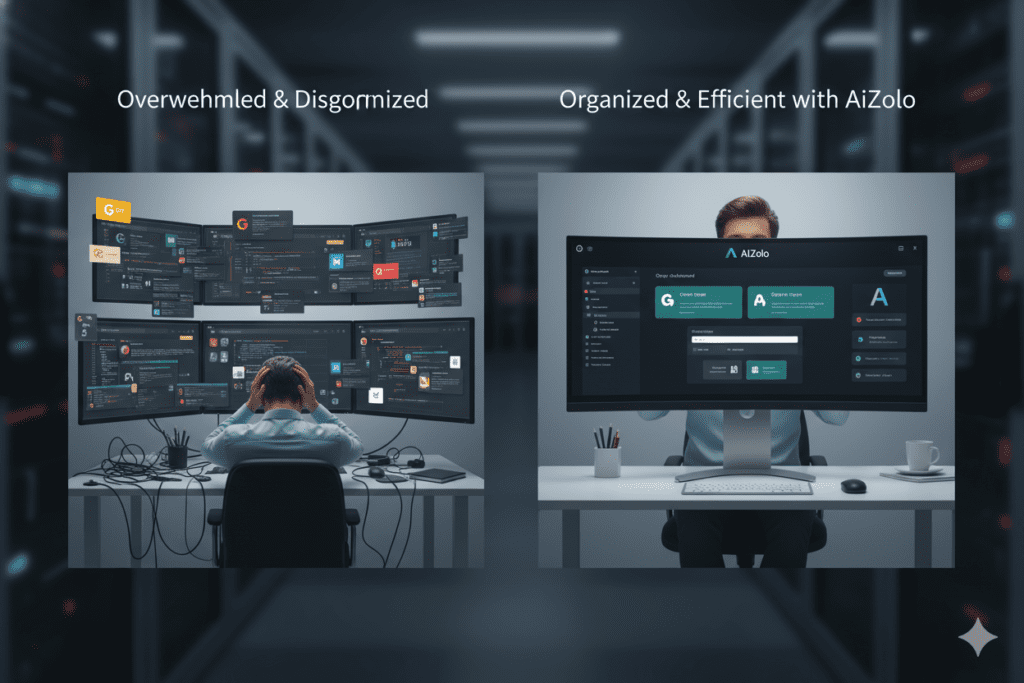
The Traditional AI Workflow (Slow & Inefficient)
Before using the best AI aggregator with split screen comparison, most users follow this painful process:
- Type a prompt in ChatGPT
- Wait for the response
- Copy the same prompt
- Switch to Claude
- Paste and wait again
- Switch to Gemini
- Repeat the process
- Try to remember which model said what
- Manually compare responses
Problems with this approach:
- Time cost: 5–7 minutes per comparison
- Mental load: Very high
- Error rate: High due to copy-paste and context switching
This workflow is outdated and inefficient in a world where AI speed matters.
The Split Screen Comparison Workflow (Fast & Intelligent)
Now imagine using the best AI aggregator with split screen comparison:
- Type the prompt once
- Send it to multiple AI models simultaneously
- View responses side-by-side in real time
- Instantly compare quality, accuracy, and tone
- Choose the best output
Results with the best AI aggregator with split screen comparison:
- Time cost: 30–60 seconds
- Mental load: Minimal
- Error rate: Near zero
That’s an 83–90% time saving per AI comparison. For professionals comparing AI outputs daily, the best AI aggregator with split screen comparison can save 200+ hours per year.
Why Split Screen Comparison Matters Beyond Speed
The best AI aggregator with split screen comparison doesn’t just save time. It enables smarter decisions.
With side-by-side AI responses, users can:
- Compare response quality instantly
- Evaluate reasoning depth
- Check tone and structure
- Measure usefulness for specific tasks
- Select the right model for the job
This makes the best AI aggregator with split screen comparison essential for writers, developers, marketers, researchers, and business owners.
The Best AI Aggregator with Split Screen Comparison: AiZolo
After testing multiple AI platforms, AiZolo consistently stands out as the best AI aggregator with split screen comparison for professionals and teams.
AiZolo isn’t just another AI chat tool. It’s a complete AI workspace designed around comparison, efficiency, and control.
Real-Time Multi-Model Split Screen Chat
AiZolo’s core strength is its true split screen interface. As the best AI aggregator with split screen comparison, AiZolo lets users chat with ChatGPT, Claude, Gemini, Perplexity, and dozens of other models at the same time.
What makes AiZolo the best AI aggregator with split screen comparison:
- All models respond simultaneously
- Side-by-side visual comparison
- Synchronized scrolling
- Independent control for each model
- Clean, distraction-free interface
This allows users to instantly see how different models approach the same problem.
Fully Customizable Layouts for Every Workflow
Unlike basic tools, the best AI aggregator with split screen comparison must adapt to different tasks. AiZolo offers complete workspace customization.
Pre-Built Layouts:
- Comparison mode
- Content creation studio
- Development workspace
- Research lab
Custom Layout Features:
- Resize panels freely
- Drag-and-drop arrangement
- Save unlimited layouts
- Switch layouts instantly
This flexibility is why professionals consider AiZolo the best AI aggregator with split screen comparison for daily work.
Custom API Key Support (Biggest Advantage)
One major reason AiZolo is the best AI aggregator with split screen comparison is custom API key support.
With your own API keys:
- You pay only for usage
- Costs drop by 60–90%
- No artificial limits
- Full data privacy
- Instant access to new models
Instead of paying multiple subscriptions, users combine API access with the best AI aggregator with split screen comparison to save hundreds or even thousands of dollars yearly.
Advanced Project Management & Prompt Library
AiZolo goes beyond chat. As the best AI aggregator with split screen comparison, it offers powerful organization tools.
Project Management:
- Separate projects per client or task
- Persistent context per project
- Team collaboration
- Shared AI workflows
Prompt Library:
- Save reusable prompts
- Tag and categorize prompts
- One-click deployment across models
- Version control
This turns AiZolo into a full productivity system, not just an AI chat tool.
Always-Updated AI Model Access
The best AI aggregator with split screen comparison must stay current. AiZolo provides access to the latest AI models as soon as they launch.
Supported models include:
- OpenAI (GPT-4, GPT-4 Turbo, GPT-3.5)
- Anthropic (Claude Opus, Sonnet, Haiku)
- Google (Gemini Pro, Flash)
- Meta (Llama models)
- Perplexity, Mistral, DeepSeek, and more
With AiZolo, you never fall behind — another reason it’s the best AI aggregator with split screen comparison.
How Professionals Use the Best AI Aggregator with Split Screen Comparison
1️⃣ Quality Comparison
Users compare multiple AI outputs and combine the best parts for superior results.
2️⃣ Cost Optimization
Split screen comparison reveals when cheaper models perform just as well as premium ones.
3️⃣ Model Specialization
Users quickly learn which model is best for creativity, analysis, SEO, or research.
4️⃣ Faster Prompt Engineering
Testing prompt variations across models side-by-side accelerates learning dramatically.
Your Step-by-Step Guide to Getting Started
Ready to experience the best AI aggregator with split screen comparison for yourself? Here’s your implementation roadmap:
Week 1: Setup and Exploration (2 hours investment)
Day 1: Sign Up and Initial Setup
- Visit AiZolo.com and create your free account (no credit card required)
- Complete the 2-minute onboarding tutorial
- Explore the default workspace layout
- Send your first test prompt to 2-3 models simultaneously
Day 2-3: Discover Model Differences
- Run 10 different prompts through split screen comparison
- Note which models excel at which task types
- Experiment with different layout configurations
- Save your first custom workspace layout
Day 4-5: Build Your Workflow
- Identify your 3 most frequent AI tasks
- Create optimized workspace layouts for each
- Save 5-10 commonly used prompts to your library
- Test custom API key setup (if applicable)
Day 6-7: Team Integration (if relevant)
- Invite team members to join your workspace
- Create shared projects for collaborative work
- Establish team prompt templates
- Document your team’s workflow best practices
Week 2: Optimization and Refinement
Action Items:
- Track time saved vs. your old workflow
- Calculate actual cost savings
- Refine workspace layouts based on real usage
- Expand prompt library with successful templates
- Identify which models you use most frequently
Success Metric: By the end of week 2, you should be saving 30-50% of the time you previously spent on AI tasks.
Month 1: Mastery and Advanced Techniques
Advanced Strategies to Implement:
- Create project-specific system prompts for consistent AI behavior
- Experiment with hybrid responses (combining best elements from multiple models)
- Build a personal knowledge base of which models excel at specific tasks
- Establish quality control processes using split screen comparison
- Optimize API usage to minimize costs while maximizing quality
Success Metric: By month’s end, you should have completely replaced your old AI workflow and be seeing 60-80% time savings with measurably improved output quality.
Addressing Common Concerns About AI Aggregators
Before you make the switch, let’s address the questions and concerns I hear most frequently:
Q: Will split screen comparison actually improve my work quality, or is it just faster?
Both. Speed comes from eliminating context switching and copy-pasting. Quality improvement comes from informed decision-making. When you see multiple AI perspectives side by side, you make better choices about which response is most accurate, most appropriate, or most aligned with your goals. Users consistently report that outputs produced after split screen comparison are superior to single-model outputs.
Q: Is my data secure when using an AI aggregator?
Yes, when using reputable platforms like AiZolo. All data transmission is encrypted using industry-standard protocols. When you use custom API keys, your data goes directly to the AI provider (OpenAI, Anthropic, Google) using the same security measures as if you used their native platforms. AiZolo doesn’t store conversation data beyond your active session, and all API keys are encrypted.
Always review privacy policies, but established aggregators follow stringent security standards comparable to or exceeding individual AI providers.
Q: What if I’ve already paid for ChatGPT Plus or Claude Pro?
Most users cancel individual subscriptions after adopting AiZolo, as the platform provides equivalent or superior access at lower cost. The cost savings (typically $40-50/month) justify the switch. If you’re mid-subscription cycle, wait until renewal to make the change, or cancel immediately if your platform offers prorated refunds.
Q: Will I lose features by switching from individual subscriptions to an aggregator?
With AiZolo’s custom API key support, you actually gain features:
- Same models, better interface: Access identical AI capabilities with superior comparison tools
- Flexibility: Switch between platform-provided access and custom API keys
- Additional models: Access models you weren’t previously subscribed to
- Better organization: Project management and prompt libraries you didn’t have before
The only “feature” you lose is the marketing email updates from individual AI companies—which most users consider a benefit of aggregation.
Q: What happens if AiZolo shuts down or I want to switch platforms?
Because AiZolo supports custom API keys, you’re never locked in. Your API keys work with any platform that supports them, and your prompts can be exported. This is actually a significant advantage over traditional subscriptions where you’re completely dependent on a single provider.
Q: Is split screen comparison overkill for simple tasks?
You don’t have to use split screen for everything. AiZolo lets you quickly switch between split screen comparison mode and single-model chat. Use comparison for important work where quality matters; use single-model chat for quick, simple queries. The flexibility to choose is the point.
The Future of AI Aggregation: What’s Coming in 2025-2026
The AI aggregator landscape is evolving rapidly. Here’s what industry experts predict for the near future:
1. AI-Powered Model Selection
Future aggregators will use AI to automatically recommend which model to use for your specific query, or even route queries to the optimal model automatically based on learned patterns.
2. Advanced Visual Comparison Tools
Expect enhanced split screen features like:
- Automatic highlighting of differences between responses
- Side-by-side code diff views for technical content
- Visual scoring systems for response quality across dimensions
- Integrated fact-checking that compares claims across models
3. Team Collaboration Features
AI aggregators are already enabling teams to collaborate by comparing answers from different models, storing prompts, and analyzing files in the same space AiZolo, but this will expand to include real-time co-editing, comment threads on AI responses, and approval workflows.
4. Integration with Productivity Ecosystems
Future aggregators will seamlessly integrate with tools like Notion, Slack, Google Workspace, and Microsoft 365, bringing split screen AI comparison directly into your existing workflow tools.
5. Specialized Industry Workflows
Expect vertical-specific aggregators or modes optimized for industries like legal (comparing contract analysis), medical (comparing diagnostic interpretations), or finance (comparing market analysis).
AiZolo is already positioning for these advances through continuous platform updates and user feedback integration. Early adopters who master split screen comparison now will have a significant advantage as these features roll out.
Beyond Cost Savings: The Transformational Benefits
While we’ve focused heavily on financial savings (and rightfully so—who doesn’t want to save $500-1,000+ annually?), the true value of using the best AI aggregator with split screen comparison extends far beyond your bank account:
1. Decision Confidence
When you’ve compared three AI perspectives on an important decision and they all agree, you move forward with confidence. When they disagree, you have multiple viewpoints to consider—like consulting three experts instead of one.
2. Accelerated Learning
By constantly comparing AI models, you develop an intuitive understanding of their strengths, weaknesses, and ideal use cases. This makes you a more sophisticated AI user, capable of leveraging the right tool for each situation.
3. Reduced Cognitive Load
AI aggregators eliminate the need for constant context switching between platforms, cutting onboarding time by up to 40% and reducing mental fatigue SourceForge. Less time managing tools means more energy for creative and strategic thinking.
4. Competitive Advantage
In a market where everyone has access to AI, competitive advantage comes from using AI better than competitors. Split screen comparison gives you that edge—higher quality outputs, faster production, and more informed decision-making.
5. Future-Proofing
AI technology evolves daily. Platforms that support multiple models protect you from obsolescence. When GPT-5 makes GPT-4 look quaint, you’ll have immediate access. When a breakthrough model from an unknown startup suddenly dominates, you’ll be able to test it instantly.
Making the Switch: Your Action Plan
You’ve read the evidence. You understand the benefits. Now it’s time to take action. Here’s your commitment action plan:
Today (15 minutes):
- Visit AiZolo.com and sign up for the free plan
- Send one prompt you used recently to multiple models simultaneously
- Experience split screen comparison firsthand
- Notice the time difference vs. your current workflow
This Week (2 hours):
- Complete the setup guide from the “Getting Started” section above
- Calculate your current monthly AI spending
- Project your annual savings by switching to AiZolo
- Create your first custom workspace layout
This Month (ongoing):
- Replace your old AI workflow completely with AiZolo
- Build your prompt library with frequently used templates
- Track measurable improvements (time saved, quality metrics)
- Decide whether to keep individual subscriptions or go all-in with AiZolo
Quarterly Review (30 minutes):
- Calculate actual savings achieved
- Evaluate new models added to AiZolo since you started
- Refine workspace layouts based on evolved workflow
- Share your experience with colleagues (most users become evangelists once they experience the benefits)
The Bottom Line: Why Split Screen Comparison Isn’t Optional Anymore
We’re at an inflection point in how professionals interact with AI. The era of single-model subscriptions is ending, just as the era of buying individual software programs ended with the rise of cloud-based suites.
The winners in the AI-augmented future won’t be those who have access to AI—everyone has that now. The winners will be those who use AI most effectively, most efficiently, and most strategically.
Split screen comparison is the key differentiator.
When you can evaluate multiple AI perspectives simultaneously, you make better decisions. When you can organize your workspace around your actual workflow rather than around rigid application boundaries, you work faster. When you pay $10/month instead of $100/month for better functionality, you win financially.
The best AI aggregator with split screen comparison—AiZolo—delivers all of this today, not in some hypothetical future.
Jessica, the marketing consultant from our opening story? She made the switch to AiZolo three months ago. Her monthly AI costs dropped from $127 to $9.90. Her productivity increased by 60%. Her client satisfaction scores improved measurably. She now recommends AiZolo to every professional she meets.
You can be next.
👉 Try AiZolo free today – no credit card required. Test the split screen comparison feature with your actual work. See the difference in quality, speed, and workflow efficiency in just 15 minutes.
The AI revolution is here. The question is: will you just participate, or will you maximize your advantage with the right tools?

