
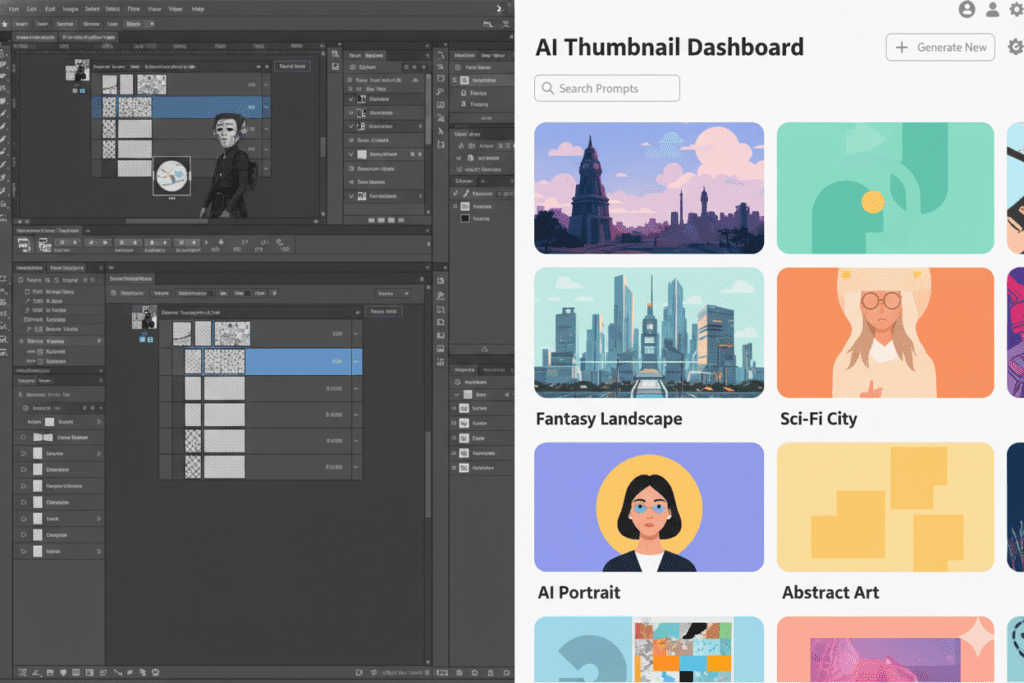
Introduction: The Thumbnail Struggle Is Real
Picture this.
It’s 11 PM. Your video is finally edited. You’re exhausted. And now you have to open Photoshop, find a template, tweak layers, fight with the font kerning, remove a background, adjust the contrast… and somehow create a thumbnail that competes with the biggest channels on YouTube.
Sound familiar?
You’re not alone. Thousands of creators lose hours every single week on thumbnail design alone — and most of them still end up with something that doesn’t even get clicked. That’s why many creators are now comparing AI image generator vs Photoshop for YouTube thumbnails to find a faster and more effective way to design thumbnails that actually attract viewers.
Here’s the truth that nobody wants to admit: if your thumbnail doesn’t stop the scroll, your video doesn’t get watched. It doesn’t matter how great your content is — the thumbnail is the gatekeeper. That’s why the debate around AI image generator vs Photoshop for YouTube thumbnails has become so important for creators trying to design visuals that actually grab attention and drive clicks.
That’s exactly why the debate around AI image generator vs Photoshop for YouTube thumbnails has exploded in 2025. Creators are waking up to the fact that there’s a smarter, faster, and more data-driven way to do this.
In this post, we’re going to break it all down — the real differences, the real costs, and why tools like ytZolo are completely changing the game for content creators who want to grow faster without burning out.
Table of Contents
Why Your YouTube Thumbnail Matters More Than You Think
Before we dive into the AI image generator vs Photoshop for YouTube thumbnails debate, let’s talk about stakes.
According to YouTube’s Creator Academy, 90% of the best-performing videos on the platform use custom thumbnails. Not auto-generated frames. Not screenshots. Custom, intentional designs that are built to get clicked.
YouTube is a visual search engine. When someone scrolls their homepage or search results, they’re making split-second decisions. Your thumbnail has less than two seconds to win that decision. That’s why many creators are now evaluating AI image generator vs Photoshop for YouTube thumbnails to determine which method helps them create eye-catching visuals faster and more effectively.
A well-designed thumbnail doesn’t just get you clicks. It signals to YouTube’s algorithm that your content is worth promoting. Higher click-through rate (CTR) = more impressions = exponential growth. That’s the flywheel every creator wants.
The problem is that creating great thumbnails — consistently, at scale — is brutally hard when you’re doing it manually. This challenge is exactly why the discussion around AI image generator vs Photoshop for YouTube thumbnails is becoming more relevant for creators who want faster and more scalable ways to design compelling thumbnails.
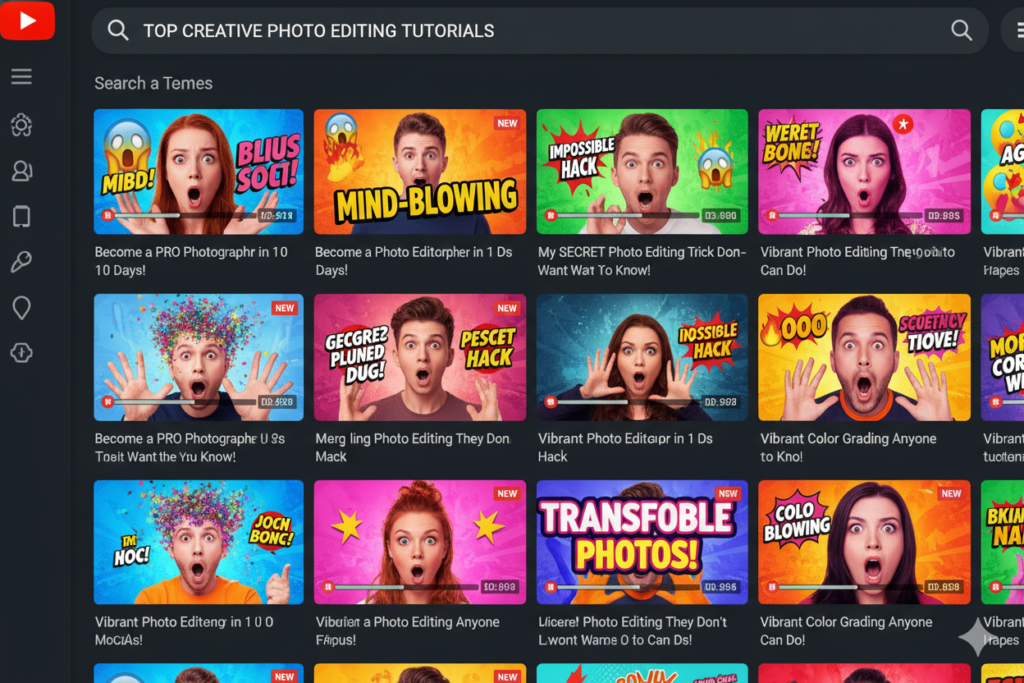
What Is an AI Image Generator for Thumbnails?
An AI image generator is a tool that uses machine learning and computer vision to automatically create or enhance images based on your input.
For YouTube thumbnails specifically, AI image generators can:
- Generate compelling visuals from a text prompt in seconds
- Automatically apply high-contrast colors and bold compositions
- Suggest thumbnail styles proven to increase CTR
- Remove backgrounds and isolate subjects instantly
- Create multiple variations so you can test and pick the winner
- Integrate with your channel data to match your brand
The best AI thumbnail tools don’t just make pretty images. They make strategic images — designed around what actually makes viewers click. This is one of the key reasons why many creators are exploring AI image generator vs Photoshop for YouTube thumbnails to understand which approach helps them design thumbnails that truly drive clicks and engagement.
AI image generators have dropped the time it takes to create a thumbnail from 1–2 hours down to under 10 minutes. For a creator publishing multiple videos per week, that’s a career-changing difference. This dramatic shift is why the discussion around AI image generator vs Photoshop for YouTube thumbnails is gaining so much attention among creators looking to save time while still producing high-quality visuals.
Tools like ytZolo take this a step further by combining AI thumbnail creation with titles, scripts, descriptions, and tags — turning it into a complete YouTube growth system rather than just a design tool.
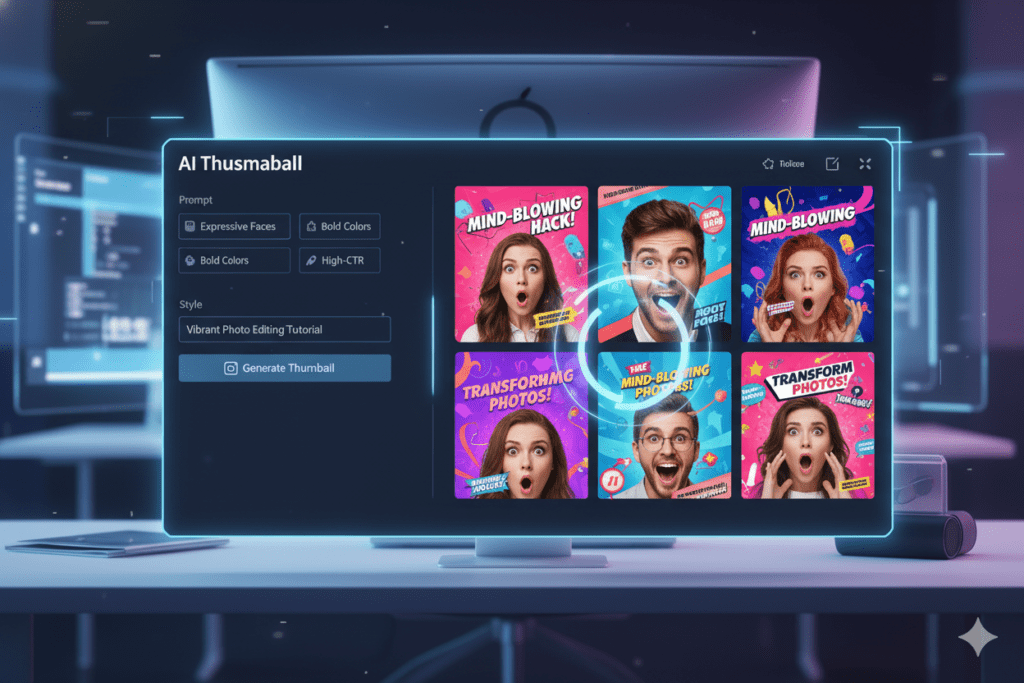
Adobe Photoshop for YouTube Thumbnails: The Old Standard
Let’s be fair. Photoshop is an incredible piece of software.
For professional designers and photo editors, it remains the gold standard. Pixel-level control, advanced layer compositing, generative fill, content-aware tools — Photoshop can do things no other tool can match in terms of raw power and precision.
But here’s the honest question: do you actually need all of that to make a YouTube thumbnail?
For most creators, the answer is no. And Photoshop comes with some serious baggage:
The Learning Curve Photoshop has one of the steepest learning curves in any creative software. Learning layers, masks, blend modes, and adjustment tools takes months — sometimes years. Most creators don’t have that kind of time.
The Price Tag: Adobe Photoshop costs $20.99/month as a standalone product, or $54.99/month for the full Creative Cloud suite. That’s money that could go into better equipment, ads, or growing your channel. Because of this cost difference, many creators are now comparing AI image generator vs Photoshop for YouTube thumbnails to decide which option delivers better value for designing high-converting thumbnails.
The Time Drain: Even experienced Photoshop users spend 45 minutes to 2 hours per thumbnail when doing it properly. Multiply that by four or five videos per week and you’re looking at 8–10 hours of design work every single month. That’s why many creators are now evaluating AI image generator vs Photoshop for YouTube thumbnails to see which option can save time while still producing eye-catching, high-performing thumbnails.
No Built-in Strategy: Photoshop doesn’t know what makes a YouTube thumbnail go viral. It has no idea what your audience responds to. It’s a blank canvas — which is powerful, but also puts all the strategic burden on you. This is another reason why many creators are discussing AI image generator vs Photoshop for YouTube thumbnails to see whether AI tools can provide smarter guidance for designing thumbnails that actually attract clicks.
When you compare AI image generator vs Photoshop for YouTube thumbnails, Photoshop wins on raw capability. But for working creators? It often loses on everything that actually matters.
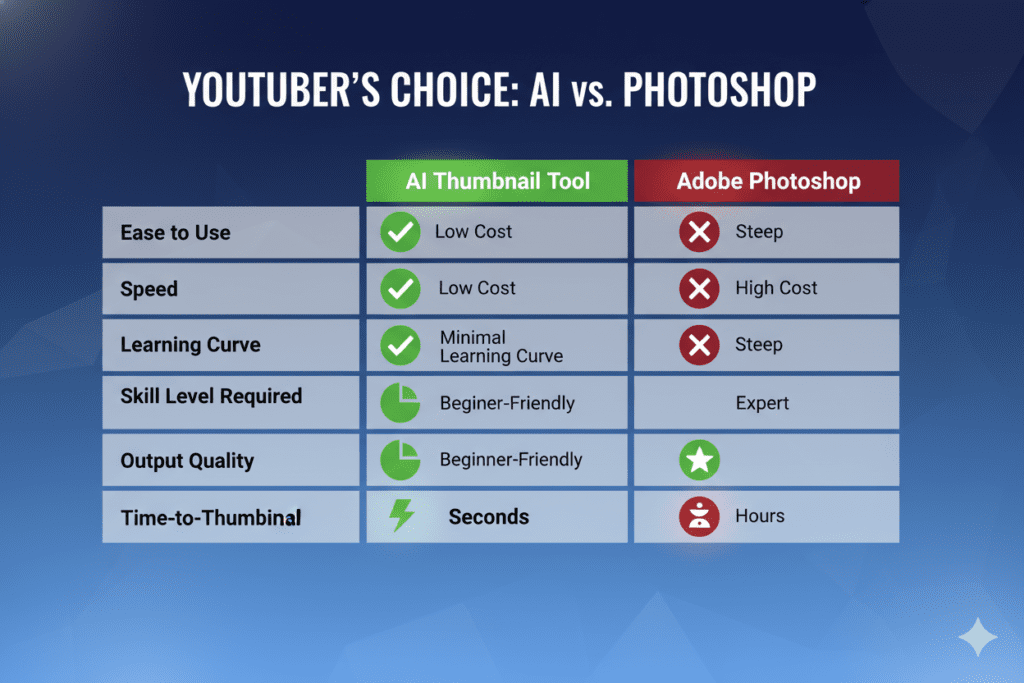
AI Image Generator vs Photoshop for YouTube Thumbnails: Head-to-Head Comparison
Let’s get specific. Here’s how AI image generators stack up against Photoshop across every dimension that matters to YouTube creators.
Speed
- Photoshop: 45 minutes to 2+ hours per thumbnail
- AI Generator: 30 seconds to 10 minutes per thumbnail
When you’re publishing consistently, speed isn’t a luxury — it’s survival. AI wins this round completely.
Ease of Use
- Photoshop: Steep learning curve; requires months of practice
- AI Generator: No design skills needed; text prompts do the work
Most creators come to YouTube to make videos, not to become graphic designers. AI generators remove that barrier entirely.
Cost
- Photoshop: $20.99–$54.99/month (Adobe subscription)
- AI Generator: Most tools have free tiers; paid plans are significantly cheaper
For creators who are just starting out or managing tight budgets, this difference is massive.
CTR Optimization
- Photoshop: Zero built-in intelligence about what drives clicks
- AI Generator: Trained on millions of high-performing thumbnails; knows what converts
This is the biggest hidden advantage of AI. It’s not just faster — it’s smarter about what works on YouTube.
Customization & Brand Consistency
- Photoshop: Maximum control; pixel-perfect branding possible
- AI Generator: Good and improving; most tools support brand colors and style guides
Photoshop still has an edge here for ultra-specific brand work, but AI tools are closing the gap fast.
Scalability
- Photoshop: Time-consuming; harder to scale as your upload frequency increases
- AI Generator: Scales effortlessly; create five thumbnails as easily as one
If you want to grow, you need to post more. AI generators scale with you. Photoshop doesn’t.
Integration with YouTube Strategy
- Photoshop: Standalone design tool; no connection to titles, tags, or descriptions
- AI Generator (like ytZolo): Integrates with your full content strategy; thumbnails work alongside optimized titles and metadata
This is where tools like ytZolo genuinely stand apart. When your thumbnail, title, and description are all aligned and AI-optimized, you’re not just designing better — you’re growing smarter.
Why Creators Are Switching from Photoshop to AI Tools
The numbers don’t lie. According to recent industry data, AI thumbnail tools have been shown to reduce design time from 1–2 hours down to 10–15 minutes — and that time savings alone is enough for most creators to make the switch.
But time savings is just the beginning.
They’re overwhelmed by manual workflows. Publishing once or twice a week requires constant thumbnail production. When that process is manual, it becomes a bottleneck that limits growth.
They’re not professional designers. Most creators didn’t get into YouTube to learn Photoshop. They got into it to share their passion — travel, fitness, gaming, finance, cooking. Spending hours in complex design software pulls them away from what they love. That’s why the conversation around AI image generator vs Photoshop for YouTube thumbnails is becoming increasingly relevant for creators who want a simpler and faster way to produce compelling thumbnails.
They’re not seeing results from manual designs. Many creators spend hours on a thumbnail and still get a low CTR. That’s demoralizing. AI tools trained on high-performing content take the guesswork out of the equation.
They want to focus on content, not production. The creators who grow fastest are the ones who spend the most time on their actual content — the ideas, the delivery, the storytelling. AI generators give them back the time to do that, which is why the discussion around AI image generator vs Photoshop for YouTube thumbnails is becoming increasingly important for creators looking to streamline their workflow.
The YouTube Creator Blog has increasingly emphasized the importance of thumbnails and metadata in channel growth — and now AI tools are specifically designed to optimize both.
How ytZolo Solves the Thumbnail Problem (and Everything Else)
Here’s where things get really exciting.
Most AI thumbnail tools do one thing: generate an image. They’re useful, but they’re only solving half the problem.
ytZolo is built differently.
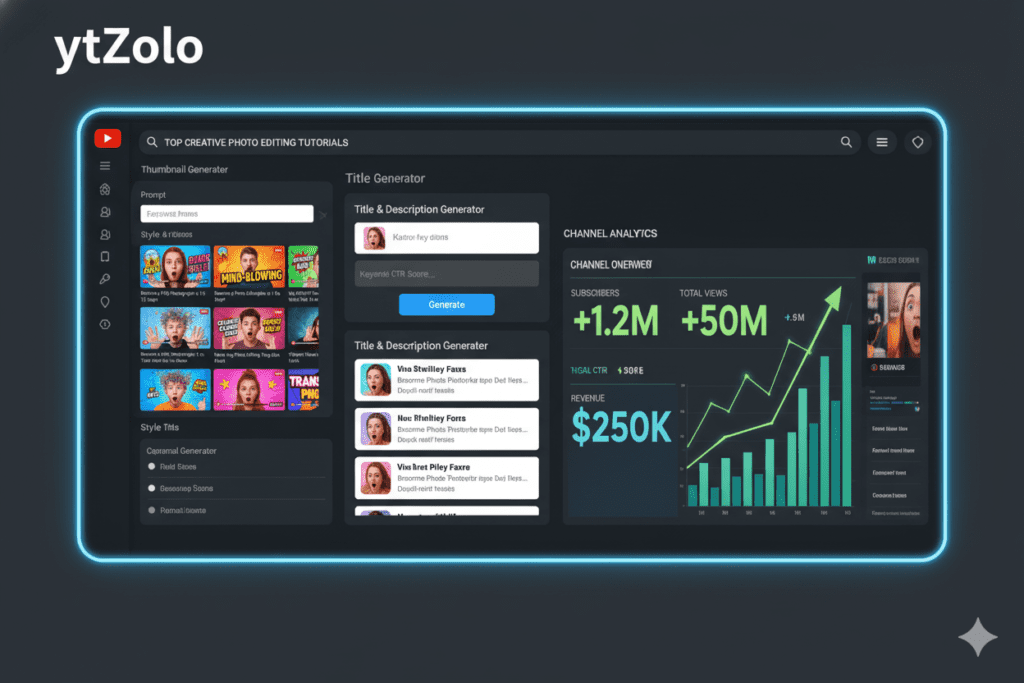
ytZolo is a full-stack AI YouTube growth platform. It doesn’t just help you create AI-powered thumbnails — it helps you grow your entire channel. Every feature is designed to work together to maximize your views, CTR, and subscriber count, which is why many creators exploring AI image generator vs Photoshop for YouTube thumbnails are turning to platforms like ytZolo for a smarter and more efficient workflow.
Here’s what ytZolo gives you:
- AI Thumbnail Generator — Create scroll-stopping, high-CTR thumbnails in seconds, trained on viral content patterns
- AI Title Generator — Write click-worthy titles that match your thumbnail’s energy and trigger curiosity
- AI Script Writer — Generate full video scripts optimized for audience retention
- AI Description Generator — Write keyword-rich descriptions that boost your search visibility
- AI Tag Generator — Get a full, strategic set of tags based on your exact topic and niche
When your thumbnail, title, description, and tags are all aligned and AI-optimized, you’re not just creating content — you’re engineering viral videos.
That’s what makes ytZolo different in the AI image generator vs Photoshop for YouTube thumbnails conversation. It’s not just a design replacement. It’s a complete growth engine.
Creators who switch to ytZolo stop struggling with discoverability and start building real momentum. You can visit ytZolo’s blog to see real examples of creators using these tools to grow their channels faster. Many of these creators also explore AI image generator vs Photoshop for YouTube thumbnails to understand how AI-powered tools can simplify the thumbnail creation process and improve their channel’s performance.
Why creators struggle without AI: Many YouTubers upload consistently but never break through because their thumbnails don’t grab attention and their metadata doesn’t match what viewers are actually searching for. Manual workflows can’t keep pace with what the YouTube algorithm rewards in 2025, which is why the debate around AI image generator vs Photoshop for YouTube thumbnails has become so important for creators trying to improve their visibility and click-through rates.
Why manual methods are outdated: The YouTube landscape has changed dramatically. With over 500 hours of video uploaded every minute, the competition is fierce. Generic Photoshop thumbnails and hand-typed descriptions simply can’t compete with AI-optimized content built around real data and viewer psychology.
Why ytZolo Is Better Than Other Tools
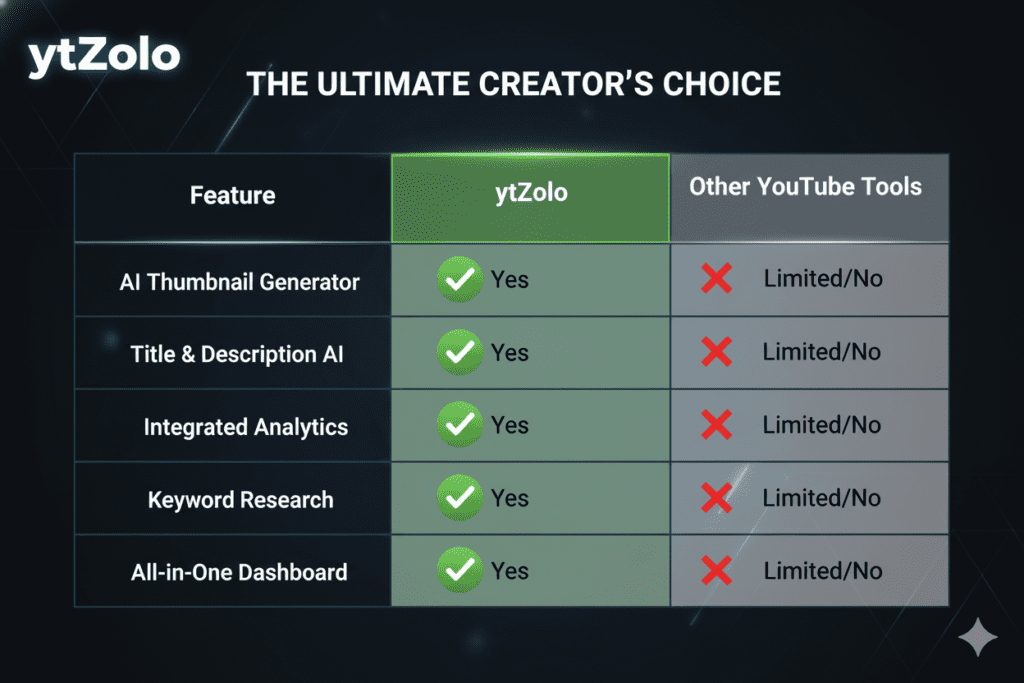
There are plenty of AI tools out there. So why does ytZolo stand out?
vs. Canva: Canva is a great design tool, but it’s template-based and not built specifically for YouTube growth. You still have to do the strategic thinking yourself. ytZolo’s AI is trained specifically on what drives YouTube performance — Canva’s isn’t. This is also why many creators discussing AI image generator vs Photoshop for YouTube thumbnails are increasingly exploring AI-powered platforms that focus on performance-driven thumbnail creation.
vs. Photoshop: Photoshop offers unmatched creative control, but it requires significant skill, time, and cost. Most creators don’t need Photoshop’s full power for thumbnails. ytZolo delivers better CTR results in a fraction of the time, which is why the comparison of AI image generator vs Photoshop for YouTube thumbnails is becoming increasingly relevant for creators looking for faster and more efficient thumbnail solutions.
vs. TubeBuddy & VidIQ These are analytics-first tools with some content features bolted on. They tell you what’s performing — ytZolo actively helps you create content that performs. That’s a fundamentally different value proposition.
vs. Standalone AI Image Generators (Midjourney, DALL·E) These tools are powerful for general image creation, but they’re not trained on YouTube thumbnail strategy. They don’t understand CTR, they don’t connect to your titles, and they don’t complete the full content workflow.
ytZolo is the only tool that treats your thumbnail, title, description, script, and tags as a unified system — because on YouTube, they are.
When other tools show you data, ytZolo takes action. That’s not a small difference. That’s the entire game.
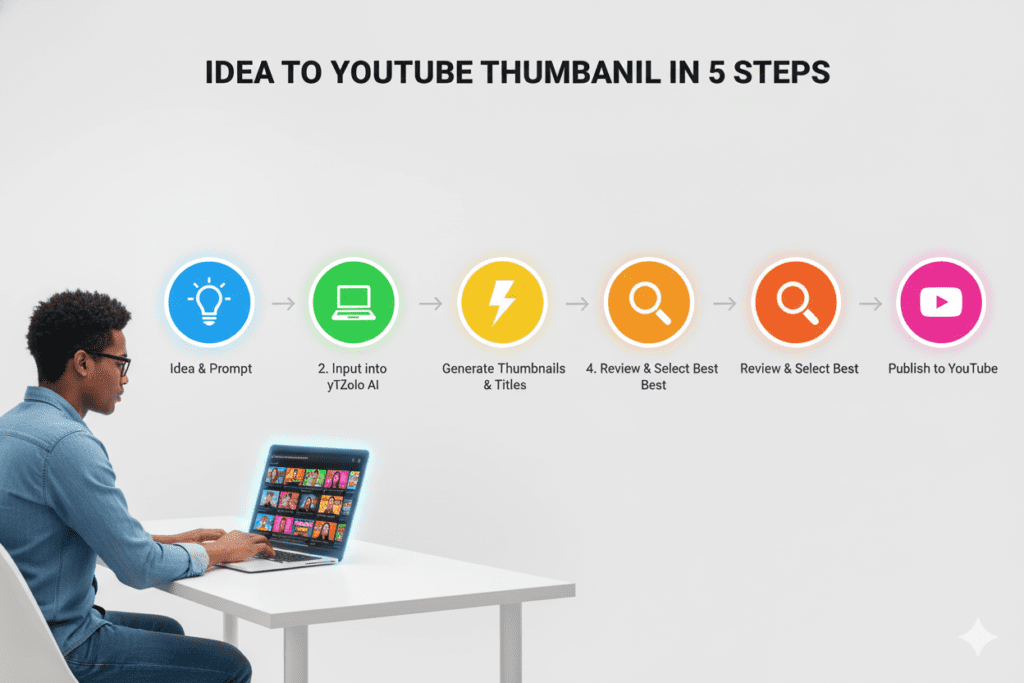
Step-by-Step: How to Create a High-CTR Thumbnail with AI
Ready to ditch the hours of manual Photoshop work? Here’s exactly how to use AI to create thumbnails that convert.
Step 1 — Define Your Thumbnail Goal Before you generate anything, know what emotion you want to trigger. Curiosity? Shock? Excitement? The best thumbnails make a promise that the viewer wants fulfilled.
Step 2 — Head to ytZolo Go to ytzolo.com and create your free account. No credit card required to get started.
Step 3 — Enter Your Video Topic or Title Type in what your video is about. Be specific. The more detail you give the AI, the better your output will be.
Step 4 — Generate Your Thumbnail Let ytZolo’s AI engine analyze your input and generate thumbnail concepts optimized for high CTR. You’ll get multiple options in seconds.
Step 5 — Customize and Refine Review the options. Swap out elements, adjust text, change colors, or fine-tune the composition. ytZolo gives you a powerful starting point — you make it yours.
Step 6 — Match Your Title and Metadata Use ytZolo’s title generator and description tools to make sure your entire video package is aligned. A great thumbnail paired with a weak title is a missed opportunity.
Step 7 — Upload and Test Upload your thumbnail to YouTube Studio. Use YouTube’s A/B testing feature to compare variations and let real performance data guide your final choice.
That’s it. What used to take hours now takes minutes — and the results are built on strategy, not guesswork.
Common Thumbnail Mistakes to Avoid
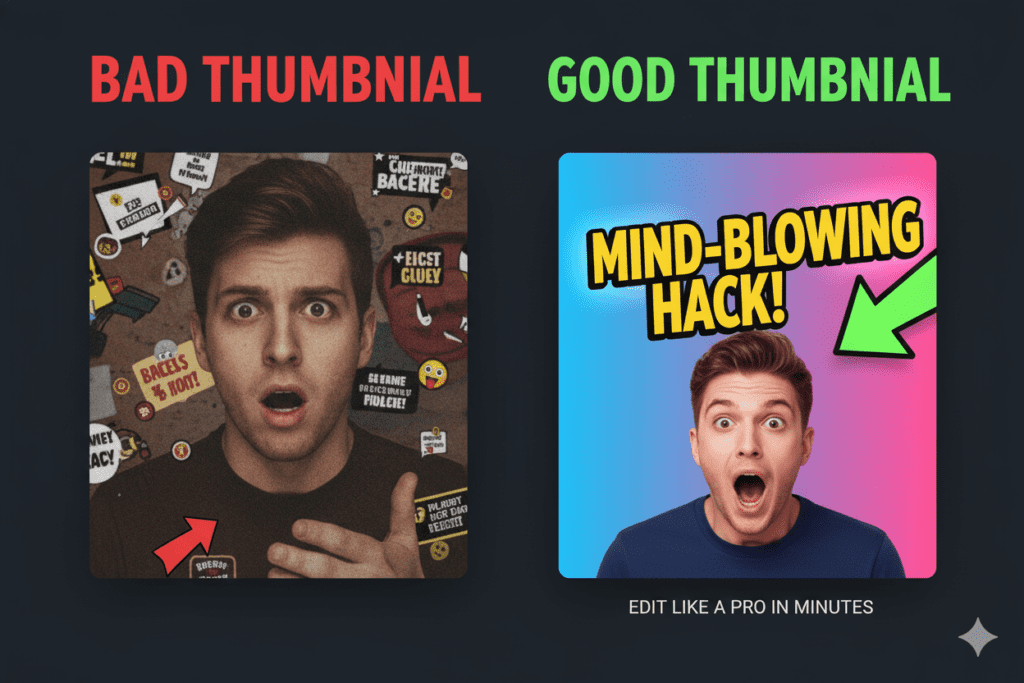
Even with the best AI tools, there are pitfalls that kill CTR. Here’s what to watch out for:
- Too much text. Three to five words maximum. Your text is a hook, not a summary.
- Low contrast. Your thumbnail must pop on dark mode, light mode, and on small mobile screens.
- No human face or emotion. Thumbnails with expressive faces consistently outperform those without. Viewers are wired for emotional connection.
- Inconsistent branding. Your thumbnails should be recognizable at a glance. Build a visual signature your audience learns to trust.
- Misleading visuals. Clickbait thumbnails hurt watch time and tank your algorithm standing. Your thumbnail should be exciting AND accurate.
- Ignoring mobile viewers. Over 70% of YouTube views come from mobile. If your thumbnail isn’t readable at 120 pixels wide, it’s losing clicks.
- Never testing variations. Always create at least two thumbnail options and let data decide the winner.
FAQ: AI Image Generator vs Photoshop for YouTube Thumbnails
Q1: Is an AI image generator better than Photoshop for YouTube thumbnails?
For most YouTubers, yes. An AI image generator is significantly faster, easier to use, and specifically trained on what makes thumbnails perform on YouTube. Photoshop offers more raw creative control, but that advantage rarely translates into better CTR for the average creator. AI generators like ytZolo deliver scroll-stopping results in a fraction of the time and cost.
Q2: Can AI-generated thumbnails really increase my YouTube CTR?
Yes. AI tools reduce design time from hours to minutes while applying proven CTR design principles — bold contrast, expressive emotion, minimal text, strategic composition. Studies show AI thumbnail tools can improve click-through rates by up to 20–40% compared to manually designed alternatives, because they’re built on patterns from millions of high-performing videos.
Q3: Do I need any design skills to use an AI image generator for YouTube thumbnails?
No. The best AI thumbnail generators — including ytZolo — require zero design experience. You describe what you want in plain language, and the AI handles the rest. Background removal, color optimization, typography, and composition are all handled automatically.
Q4: Is ytZolo just a thumbnail tool, or does it do more?
ytZolo is a full-stack AI YouTube growth platform. Beyond AI thumbnail generation, it includes an AI title generator, AI script writer, AI description generator, and AI tag generator. Everything works together to optimize your entire video for maximum visibility and clicks — not just the thumbnail.
Q5: How much does an AI image generator cost compared to Photoshop?
Adobe Photoshop costs $20.99/month as a standalone app. Most AI thumbnail tools — including ytZolo — offer free entry-level plans and paid plans that cost significantly less. Beyond the subscription savings, AI generators save hours of labor every week, which has real financial value for any serious creator.
Conclusion: Stop Spending Hours on Photoshop. Start Growing.
The debate around AI image generator vs Photoshop for YouTube thumbnails isn’t really about which tool is more powerful.
It’s about which tool helps you grow.
Photoshop is brilliant software. But it wasn’t built for YouTubers. It was built for professional designers with weeks to master a craft. Most creators don’t have that time — and they shouldn’t need it.
AI image generators have fundamentally changed what’s possible. You can now create professional, high-CTR thumbnails in minutes, test variations without spending a weekend designing, and build a consistent channel brand without hiring a graphic designer.
And when you combine AI thumbnails with AI-generated titles, descriptions, tags, and scripts — like you can with ytZolo — you’re not just saving time. You’re giving every video the best possible chance to reach the audience it deserves.
The creators winning on YouTube in 2025 aren’t working harder. They’re working smarter. They’re using AI to do in 10 minutes what used to take 2 hours — and they’re reinvesting that time into what actually builds channels: great content.
Don’t let your thumbnail be the reason people skip your best work.
🚀 Start creating smarter, faster, and more viral YouTube content with ytZolo today.
Whether you’re just starting your channel or ready to scale to millions of views, ytZolo gives you the AI tools to compete with the biggest creators in your niche — without the burnout.
👉 Visit ytZolo now and create your free account
Want more tips on growing your YouTube channel with AI? Check out the ytZolo blog for actionable guides, thumbnail strategies, and the latest tools to keep your channel ahead of the algorithm.
You can also check all in one ai tool – Aizolo

