
Introduction: The Thumbnail That Killed a Channel (And the One That Saved It)
Picture this.
Two YouTubers. Same niche. Same upload schedule. Nearly identical video quality.
One channel explodes to 100,000 subscribers in eight months. The other barely crawls to 3,000 — despite better content.
The difference? Thumbnails.
It sounds almost too simple to be real. But your thumbnail is the first thing a viewer sees on YouTube before they ever hear your voice or watch a single second of your video. It’s your silent salesperson, your digital billboard, your one shot at grabbing attention in a feed full of noise.
Here’s what makes this even more urgent in 2026: the competition for eyeballs has never been fiercer. YouTube hosts over 800 million videos. Every minute, hundreds of hours of new content get uploaded. If your thumbnail doesn’t stop the scroll instantly, you’re invisible.
That’s exactly why the AI image generator tool for YouTube thumbnails online has become the biggest competitive advantage smart creators are using right now. And if you’re still designing thumbnails manually — or worse, using auto-generated video frames — you’re already falling behind.
In this guide, you’ll learn exactly how AI thumbnail generators work, what separates click-worthy thumbnails from forgettable ones, and why ytZolo is the all-in-one AI tool thousands of creators are using to grow faster, create smarter, and dominate their niche.
Let’s get into it.
Table of Contents
Why Your YouTube Thumbnail Is More Powerful Than You Think
Most creators obsess over video quality, audio, and editing.
Thumbnails? An afterthought.
That’s a massive mistake. According to YouTube’s own Creator Academy, 90% of the best-performing videos on the platform use custom thumbnails. Not screenshots. Not auto-generated frames. Intentionally designed, strategically crafted visuals built to get clicks.
Your thumbnail directly drives your click-through rate (CTR). CTR tells YouTube’s algorithm whether your content is worth recommending to more people. A higher CTR means more impressions, more organic views, and faster channel growth. It’s a compounding growth loop — and it all starts with that one image.
Think of it this way: you can have the best video on the internet, but if nobody clicks, nobody watches.
That’s the brutal reality. And that’s why the right AI image generator tool for YouTube thumbnails online can literally change the trajectory of your channel.

What Is an AI Image Generator Tool for YouTube Thumbnails Online?
An AI image generator tool for YouTube thumbnails online is a platform that uses artificial intelligence to automatically create, design, and optimize thumbnail images for your YouTube videos.
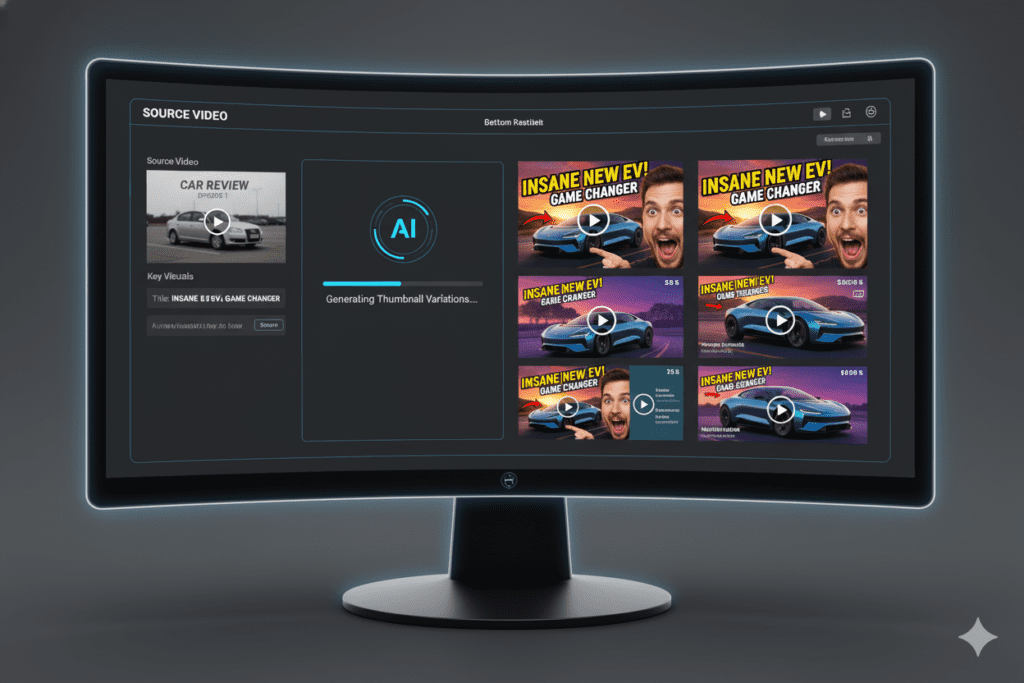
Instead of spending hours in Photoshop or Canva trying to piece together a design, you simply describe your video or paste your title — and the AI generates professional-quality thumbnail options in seconds.
Here’s what makes these tools different from traditional design software:
- Data-driven design: AI analyzes thousands of high-performing thumbnails and applies proven visual patterns automatically.
- Speed: Generate multiple thumbnail variations in under 60 seconds.
- Optimization: Thumbnails are built around click-triggering psychology — contrast, facial expressions, bold text, and color theory.
- No design skills required: The AI handles layout, color selection, and composition so you don’t have to.
The best AI image generator tools for YouTube thumbnails online go even further — combining thumbnail creation with title generation, script writing, description optimization, and more. That’s exactly what ytZolo delivers.
The Anatomy of a High-CTR YouTube Thumbnail
Before you use any AI image generator tool for YouTube thumbnails online, it helps to understand what actually makes a thumbnail convert.
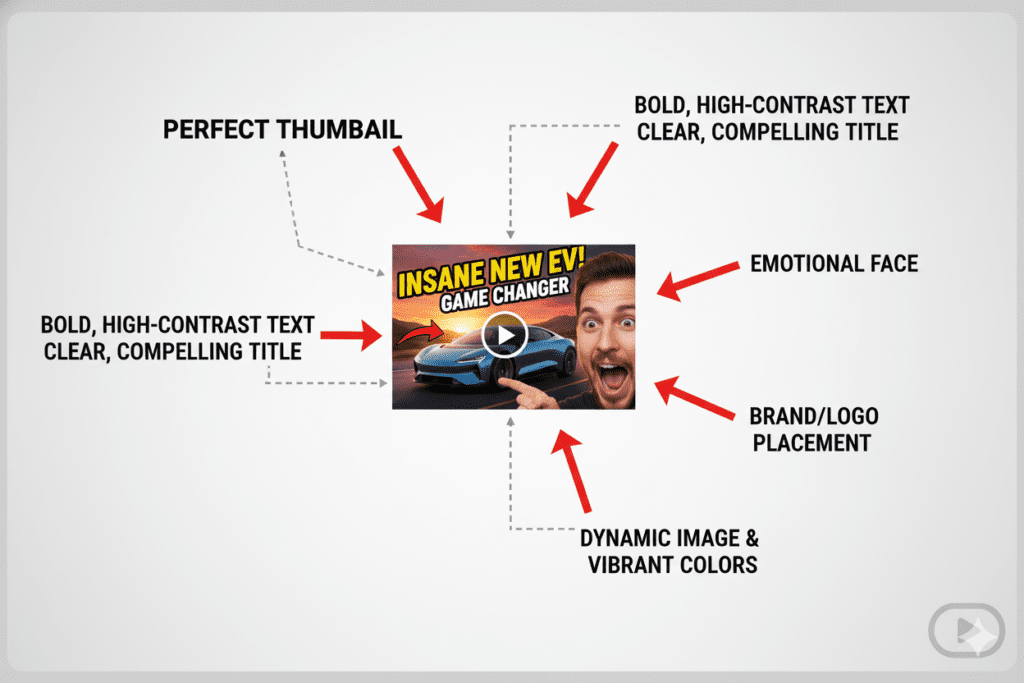
The data is clear. High-performing YouTube thumbnails share specific, repeatable characteristics. Here’s what the research shows:
Color and Contrast
Bright, high-contrast color combinations — yellows, oranges, electric blues — consistently outperform muted or low-contrast designs. Studies from platforms like VidIQ show that high-contrast thumbnails can boost CTR by 20–30%.
The human eye is wired to notice things that stand out. In a dark YouTube feed, a bright, punchy thumbnail is a magnet.
Human Faces and Emotion
Thumbnails featuring expressive human faces — surprise, excitement, shock, curiosity — generate significantly higher CTR than those without people. Viewers are wired to respond to human emotion. It creates instant connection and intrigue.
If you can be in your thumbnail, be there. And make sure your expression matches the emotion of your content.
Bold, Minimal Text
Three to five words maximum. Use power words that trigger curiosity or urgency: “Secret,” “Finally,” “Warning,” “Biggest,” “You Won’t Believe.”
Text on your thumbnail is a hook, not a summary. It should make the viewer think: “Wait… what?”
The Right Size and Format
YouTube recommends thumbnails at 1280×720 pixels in 16:9 aspect ratio, saved as JPG or PNG. Your thumbnail must be readable at small sizes — especially on mobile, where most viewing happens.
A great AI image generator tool for YouTube thumbnails online automatically applies these technical specifications, so you never have to worry about sizing, resolution, or file format.
Why Manual Thumbnail Design Is Holding You Back
Let’s be honest about something.
In 2020, manually designing thumbnails in Canva or Photoshop was perfectly fine. There was less competition. Trends moved slower. Good-enough was actually good enough.
That era is over.
Here’s what manual thumbnail design actually costs you in 2026:
Time You Can’t Get Back
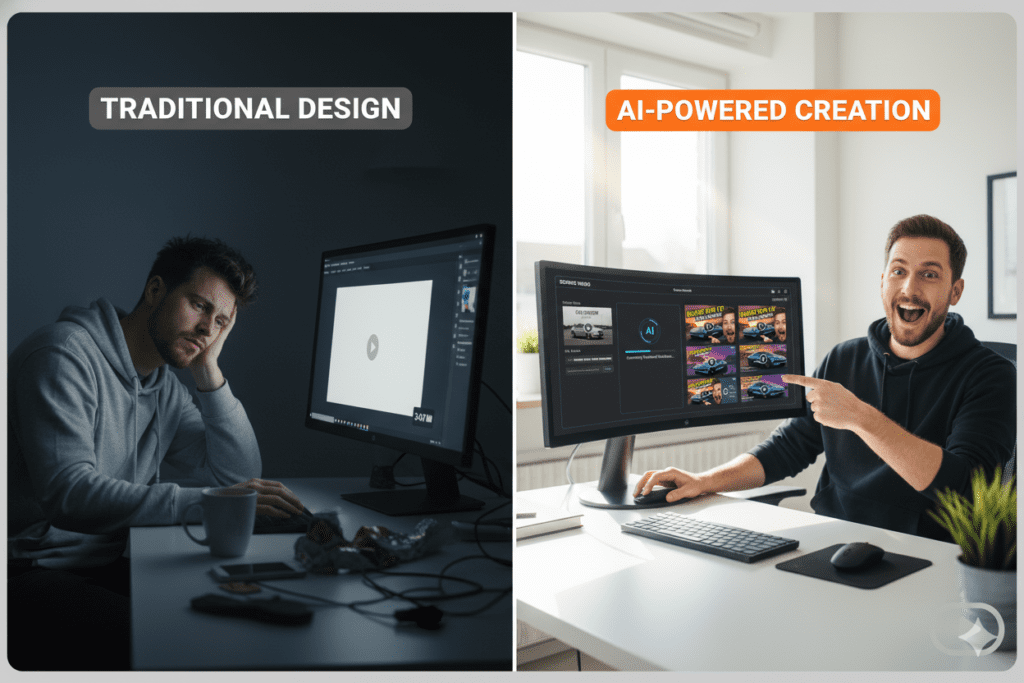
The average creator spends 45–90 minutes per thumbnail when designing manually. That’s time you could spend researching, filming, editing, or building your community.
Multiply that by 2–4 uploads per month. That’s 6–12 hours of your creative energy — gone — on a single image.
Guesswork Instead of Data
When you design manually, you’re relying on gut feeling. You pick colors you like. You choose a layout that looks nice to you. But your personal preference has nothing to do with what your audience will actually click.
AI doesn’t guess. It analyzes patterns from millions of successful thumbnails and makes decisions based on what actually works.
Inconsistent Quality
Some weeks your thumbnail looks polished. Others — when you’re exhausted or rushing — it looks rushed. That inconsistency hurts your channel’s brand perception.
An AI image generator tool for YouTube thumbnails online delivers consistent, professional-quality output every single time.
You’re Fighting Alone
Top creators like MrBeast have entire design teams dedicated to thumbnail A/B testing. They test multiple versions, measure performance data, and iterate constantly.
Without AI, you’re bringing a pencil to a gunfight. Tools like ytZolo give independent creators the same competitive advantage — without the team, the budget, or the hours.
How to Use an AI Image Generator Tool for YouTube Thumbnails Online
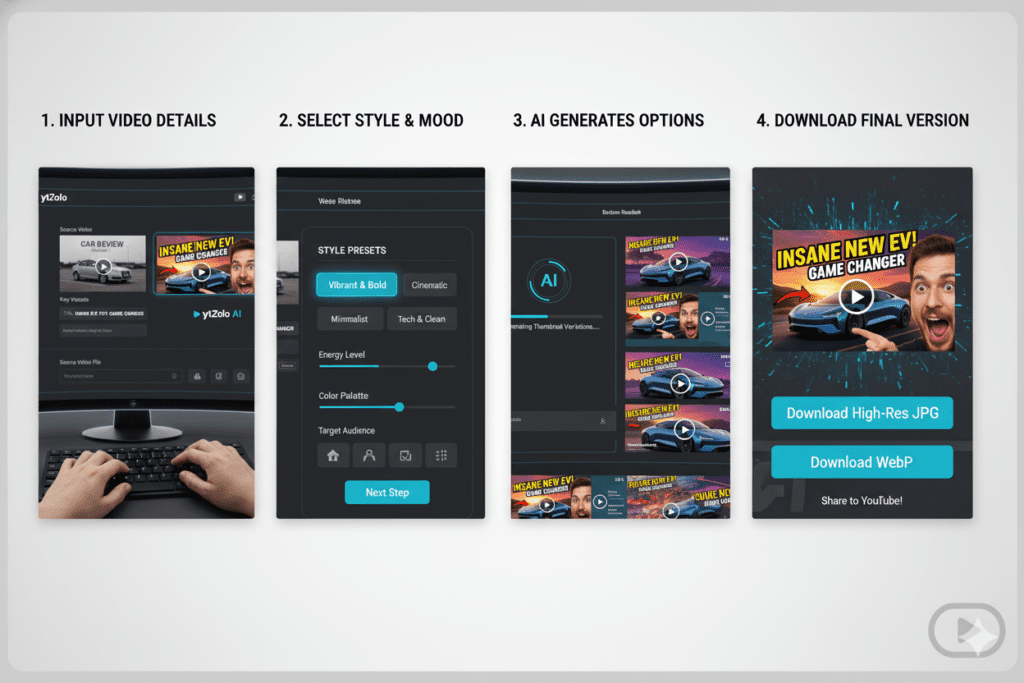
Using an AI image generator tool for YouTube thumbnails online is far simpler than most creators expect. Here’s the general workflow:
Step 1: Input Your Video Title or Topic
You start by entering your video title, a brief description, or even your script. The more context you give the AI, the more targeted your thumbnail will be.
Example: “10 Foods That Are Secretly Killing Your Energy Levels”
Step 2: Set Your Visual Preferences (Optional)
Some tools let you choose a style — dramatic, minimalist, bold text-forward, face-focused, cinematic, etc. You can also upload your own photo so the AI integrates your face into the design.
Step 3: Generate Multiple Variations
The AI analyzes your input, cross-references high-performing thumbnail patterns in your niche, and generates multiple unique design options. This typically takes under 60 seconds.
Step 4: Review, Customize, and Download
Browse the generated options, pick your favorites, and make any quick tweaks. Download in YouTube-ready 1280×720 resolution, ready to upload instantly.
Step 5: A/B Test for Maximum CTR
Upload two or three thumbnail variations to YouTube Studio. Let the data tell you which one your audience prefers. Repeat with every video.
This is the exact workflow that top creators use to optimize for CTR. With ytZolo, you can do all of this — plus generate your video title, description, tags, and script — in one place, in one workflow.
Why ytZolo Is the Best AI Image Generator Tool for YouTube Thumbnails Online
There are dozens of AI image generator tools for YouTube thumbnails online. So why does ytZolo stand above the rest?
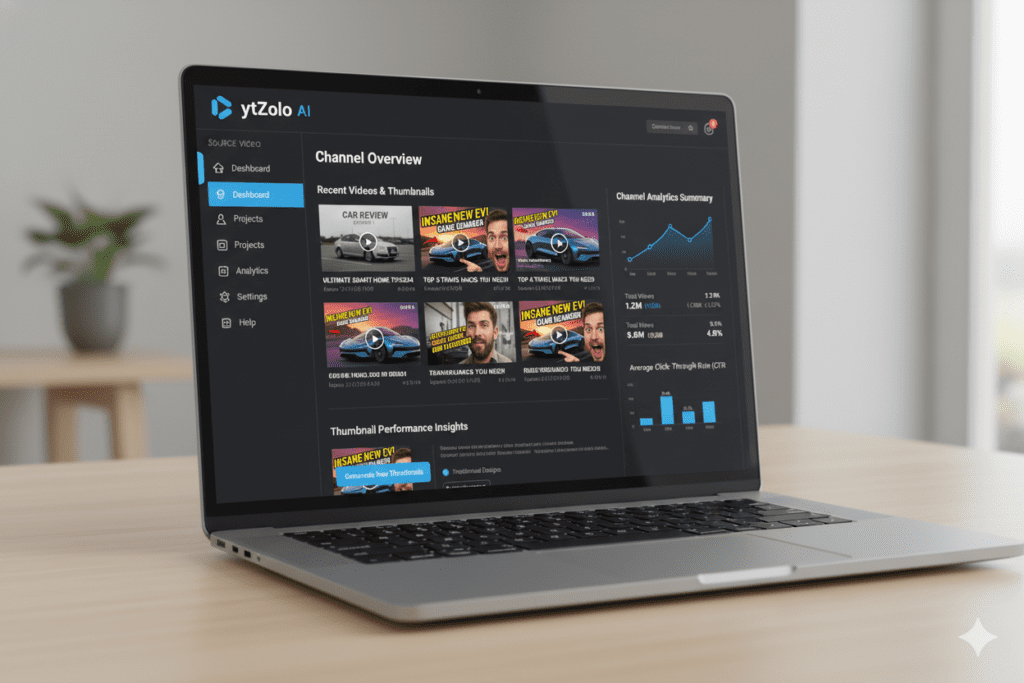
Because ytZolo isn’t just a thumbnail generator. It’s a complete AI YouTube growth platform built specifically for creators who want to grow faster, create smarter, and compete at the highest level.
Here’s what ytZolo gives you:
🎨 AI Thumbnail Generation Built for Viral Results
ytZolo’s thumbnail AI is trained on viral content creation principles. Every design output is optimized for maximum click-through rate — not just “good-looking” but strategically click-worthy.
It applies high-contrast color theory, face detection, emotional expression guidance, and bold typography — automatically.
📝 AI Video Titles That Actually Get Clicked
A great thumbnail paired with a weak title is like a beautiful restaurant with a bad menu. ytZolo generates SEO-optimized, curiosity-driven video titles that complement your thumbnail and dominate YouTube search.
📋 AI Scripts, Descriptions, and Tags — All in One Place
This is where ytZolo truly separates itself from every other AI image generator tool for YouTube thumbnails online.
Most tools do one thing. ytZolo does everything:
- AI thumbnails — click-worthy designs generated in seconds
- AI titles — optimized for CTR and search ranking
- AI scripts — structured, engaging, hook-driven video scripts
- AI descriptions — SEO-rich video descriptions that boost discoverability
- AI tags — strategic keyword tags that improve algorithm visibility
Every element of your video — from the thumbnail the viewer sees first to the tags the algorithm reads — is optimized as a unified, cohesive package.
⚡ Built for Speed
ytZolo is designed so that creators can go from blank screen to fully optimized video ready to upload in a fraction of the time it used to take. You focus on creating. ytZolo handles the strategy.
🎯 Built for Viral Content Creation
Not every AI tool cares about whether your content actually performs. ytZolo is purpose-built for one outcome: helping your videos reach more people.
Explore more growth strategies and creator resources on the ytZolo blog.
Why ytZolo Is Better Than Other Tools
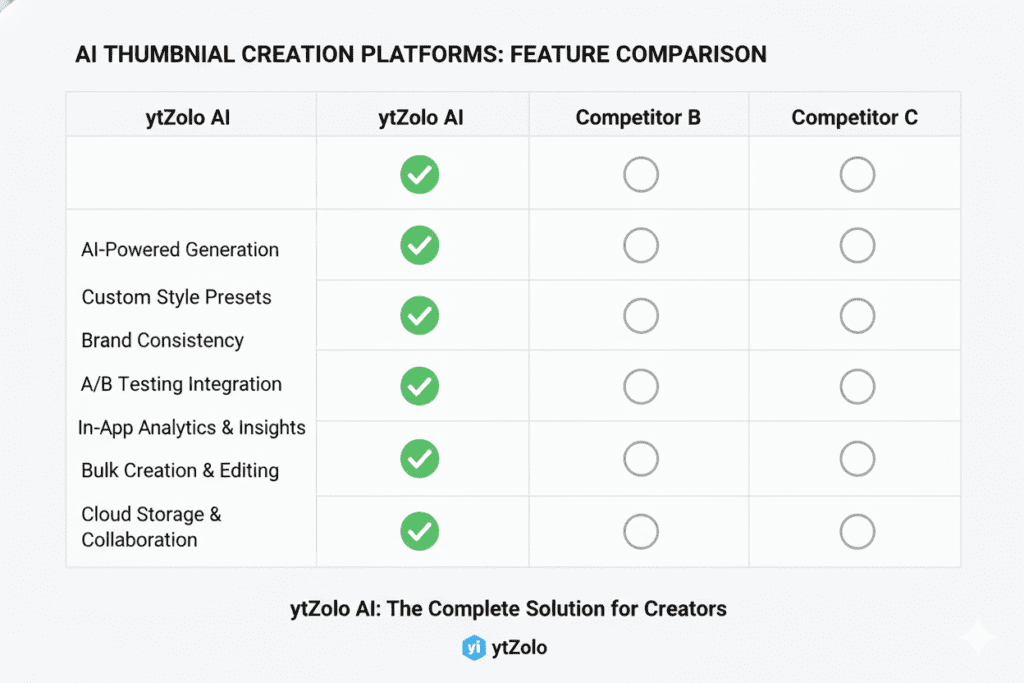
Let’s put ytZolo in direct comparison with the tools creators commonly use. The differences are striking.
| Feature | Canva | VidIQ | TubeBuddy | ytZolo |
|---|---|---|---|---|
| AI Thumbnail Generation | ✅ Basic | ✅ Limited | ❌ | ✅ Advanced |
| AI Title Generator | ❌ | ✅ Basic | ✅ Basic | ✅ Viral-optimized |
| AI Script Writing | ❌ | ❌ | ❌ | ✅ Full scripts |
| AI Video Description | ❌ | ✅ Basic | ✅ Basic | ✅ SEO-optimized |
| AI Tag Generator | ❌ | ✅ | ✅ | ✅ Strategy-based |
| All-in-One Workflow | ❌ | ❌ | ❌ | ✅ Yes |
| Built for Viral Growth | ❌ | Partial | Partial | ✅ Core focus |
Here’s the critical distinction:
Canva is a general design tool. Beautiful, flexible — but not built for YouTube growth. You’re still doing all the strategic thinking yourself.
VidIQ and TubeBuddy are analytics-first platforms. They give you data and some AI features bolted on. Useful — but incomplete.
ytZolo is a growth-first AI platform built from the ground up to help you create content that reaches more people. When other tools show you data, ytZolo takes action. That’s not a small difference. That’s the entire game.
You don’t need five different tools, five different subscriptions, and five different browser tabs open. ytZolo puts everything in one place — and lets AI do the heavy lifting while you focus on the content you love to make.
Real Results: What Happens When Creators Switch to AI Thumbnails
The numbers don’t lie.
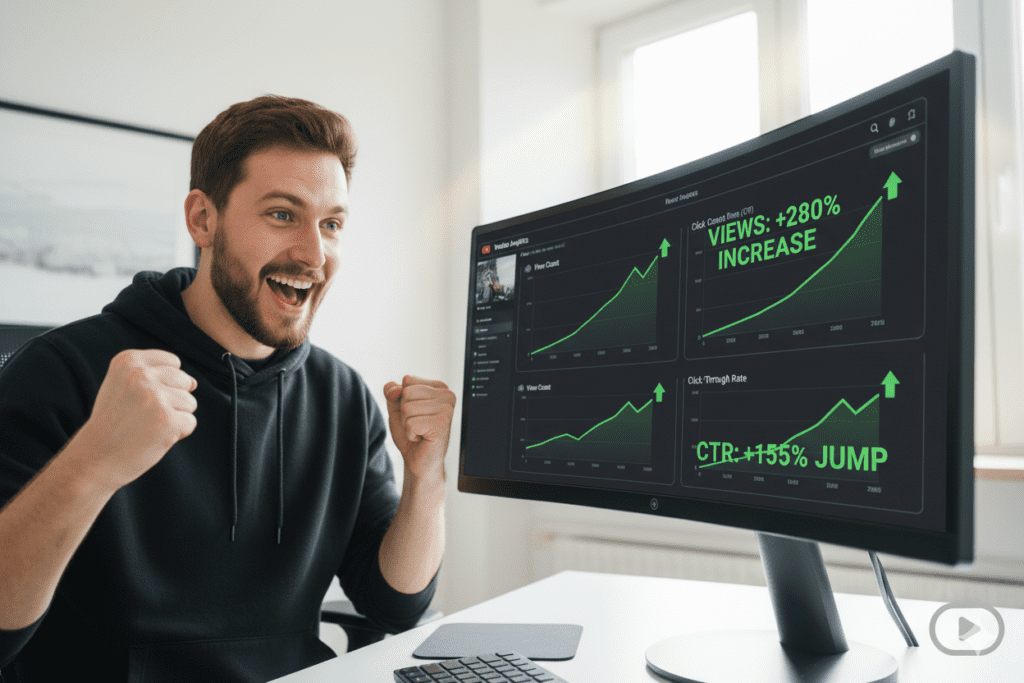
Creators who switch from manual thumbnail design to AI-optimized thumbnails consistently report measurable improvements in their channel performance. Here’s what typically changes:
Click-Through Rate (CTR) Goes Up
CTR is the single most important signal you can send to YouTube’s algorithm. Channels that optimize their thumbnails with AI tools often see CTR improvements of 15–40% within the first 30 days.
That’s not just more clicks — that’s the algorithm recognizing your content as high-quality and recommending it to larger audiences.
Watch Time Improves Too
When the right viewers click — because your thumbnail accurately represented your content — they tend to watch longer. Better-matched thumbnails lead to better audience retention.
And audience retention is the second most powerful signal on YouTube.
Consistent Channel Brand Identity
AI tools like ytZolo help you maintain a consistent visual style across all your thumbnails. Consistency builds recognition. Recognition builds trust. Trust builds subscribers.
More Time for What Matters
The most underrated benefit? Getting back 6–10 hours per month that was previously consumed by manual design. Time you can reinvest in research, filming, community building, or simply resting so your creativity stays sharp.
Step-by-Step: How to Create Viral Thumbnails with ytZolo
Ready to start? Here’s exactly how to use ytZolo to create your first AI-generated thumbnail:
Step 1 — Go to ytZolo
Head to ytzolo.com and create your free account. No credit card needed to get started.
Step 2 — Enter Your Video Title or Topic
Type in your video title or a short description of what your video is about. Be specific — the more detail you give, the more targeted your thumbnail will be.
Example Input: “5 Morning Habits That Doubled My Productivity”
Step 3 — Let the AI Generate Your Thumbnail
Click generate. ytZolo’s AI engine analyzes your input, identifies the visual style most likely to perform in your niche, and creates multiple high-quality thumbnail options in seconds.
Step 4 — Review Your Options and Customize
Browse the generated thumbnails. Select your favorite design. You can adjust colors, text, layout, and style to match your channel’s brand identity.
Step 5 — Optimize Your Whole Video Package
Here’s where ytZolo’s unique advantage kicks in. While you’re there, generate your AI-optimized title, video description, and tags. Your entire video goes live fully optimized — not just the thumbnail.
Step 6 — Upload and A/B Test
Upload your top two or three thumbnail options to YouTube Studio. Let real performance data guide your choice. Build a database of what works for your specific audience — and improve with every upload.
Want to dive deeper into YouTube growth strategies? Explore the ytZolo blog for more actionable guides built specifically for creators.
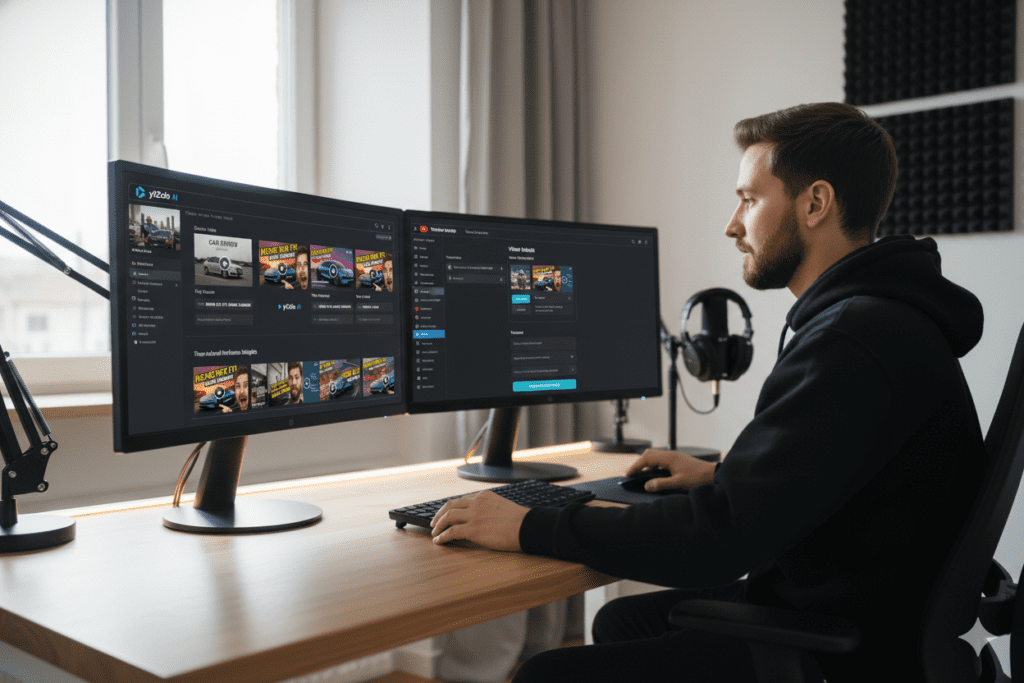
Advanced Tips to Maximize Your Thumbnail CTR
Once you’re using an AI image generator tool for YouTube thumbnails online, these advanced strategies will help you squeeze every last click out of your content:
Test Consistently — Not Just Once
Don’t just test thumbnails for your biggest videos. Test on every single upload. The more data you collect, the better you understand your specific audience’s visual preferences.
Use the Curiosity Gap Strategically
The best thumbnails create a tension between what the viewer sees and what they want to find out. They show enough to intrigue — but not enough to satisfy. That gap is what drives the click.
Example: A thumbnail showing a shocked face, bold text that says “THIS changed everything”, and a blurred product in the background. The viewer needs to click to understand.
Match Thumbnail Energy to Video Content
If your video is energetic and fast-paced, your thumbnail should feel that way. If it’s calm and reflective, a cleaner, moodier design works better. Mismatches confuse viewers and hurt watch time.
Study Your Best-Performing Thumbnails
Go into YouTube Studio and sort your videos by CTR. Look at your top performers. What do they have in common? Color? Your facial expression? Text placement? Use those patterns to guide future AI generations.
Keep Fonts Bold and Simple
Never use thin, elegant, or decorative fonts on thumbnails. At small sizes on mobile, they become completely unreadable. Bold, sans-serif, high-contrast text wins every time.
For more tactical creator growth advice, check out resources from the YouTube Creator Blog and HubSpot’s content marketing hub for broader digital marketing strategies.
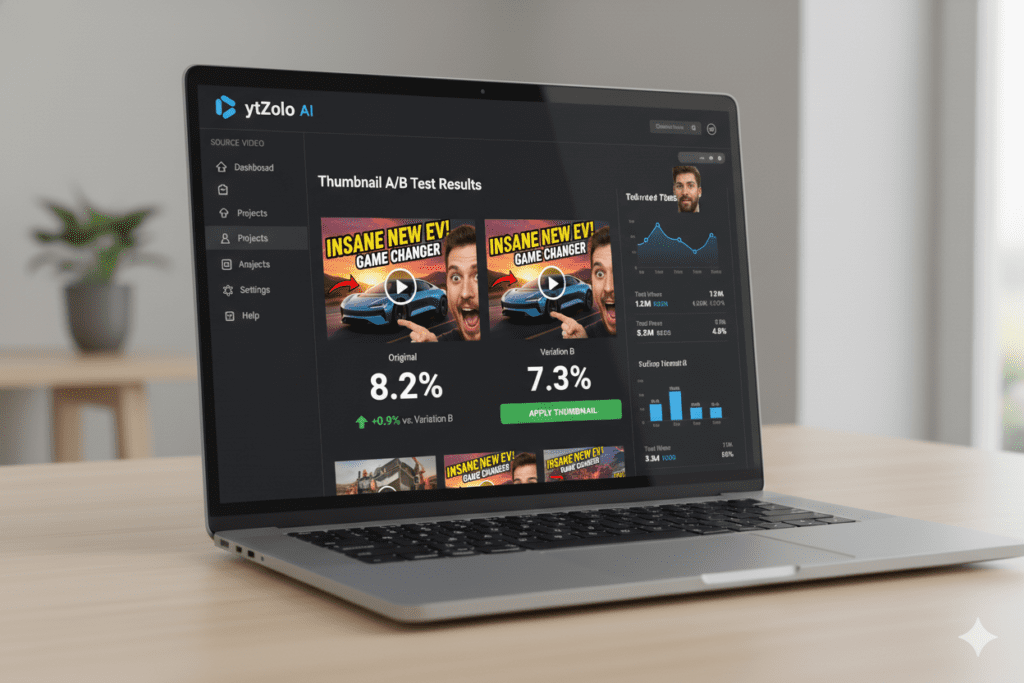
FAQ: AI Image Generator Tool for YouTube Thumbnails Online
Q1: What is the best AI image generator tool for YouTube thumbnails online?
The best AI image generator tool for YouTube thumbnails online is one that combines viral-optimized design with a complete content workflow. ytZolo stands out because it doesn’t just generate thumbnails — it optimizes your entire video including titles, scripts, descriptions, and tags from one platform. It’s purpose-built for YouTube growth, not general design.
Q2: Can I use an AI image generator for YouTube thumbnails for free?
Yes. Many AI image generator tools for YouTube thumbnails online offer free plans with limited generations. ytZolo lets you get started without a credit card. For serious creators who upload consistently, a paid plan unlocks unlimited generations and the full suite of AI tools for maximum channel growth.
Q3: What size should my AI-generated YouTube thumbnail be?
The optimal YouTube thumbnail size is 1280×720 pixels in a 16:9 aspect ratio. It should be saved as a JPG or PNG file. YouTube recently expanded the file size limit to 50MB to support higher-quality images for 4K displays. ytZolo automatically outputs thumbnails in these exact specifications, so you never have to resize manually.
Q4: Will AI-generated thumbnails actually improve my YouTube CTR?
Yes — when designed with the right tool. A generic AI image generator tool for YouTube thumbnails online might produce attractive images, but not necessarily click-optimized ones. ytZolo is specifically designed around viral content creation principles, meaning every output applies data-driven patterns that maximize CTR. Many creators report significant CTR improvements within the first few uploads.
Q5: How is ytZolo different from Canva or VidIQ for YouTube thumbnails?
Canva is a general design platform — powerful but not built for YouTube performance. VidIQ is primarily an analytics and SEO tool with some AI features. ytZolo is the only all-in-one AI YouTube growth platform that combines AI thumbnail generation with AI titles, scripts, descriptions, and tags in a single workflow built specifically to help creators grow their channels faster. It’s not just about looking good — it’s about getting results.
Conclusion: Stop Guessing. Start Growing.
Let’s bring this home.
In 2026, the difference between a channel that grows and one that stagnates often comes down to a single image. The AI image generator tool for YouTube thumbnails online is no longer a nice-to-have. It’s a core part of every serious creator’s toolkit.
You’ve seen what makes thumbnails convert. You know why manual design is an outdated approach. You understand why the best AI image generator tool for YouTube thumbnails online isn’t just about generating images — it’s about generating results.
And you’ve seen why ytZolo is the platform that brings it all together. Thumbnails, titles, scripts, descriptions, tags — everything your video needs to compete, get clicked, and grow your channel — in one AI-powered platform built for the modern YouTube creator.
The creators winning on YouTube right now aren’t working harder. They’re working smarter. They’re using AI to do in minutes what used to take hours. They’re testing more, optimizing more, and growing faster — while their competition is still fighting Photoshop at midnight.
Don’t be left behind.
Start creating smarter, faster, and more viral YouTube content with ytZolo today. 👉 ytzolo.com
Related Reading:
- How to Write Viral YouTube Titles with AI → ytZolo Blog
- YouTube Creator Academy — Custom Thumbnails Guide
- HubSpot: The Science of Click-Through Rates
You can also check all in one ai platform – Aizolo

