
Introduction
Your browser tabs probably tell the real story: one for ChatGPT, one for Claude, one for an image generator, maybe a fourth for video. Each one bills you separately.
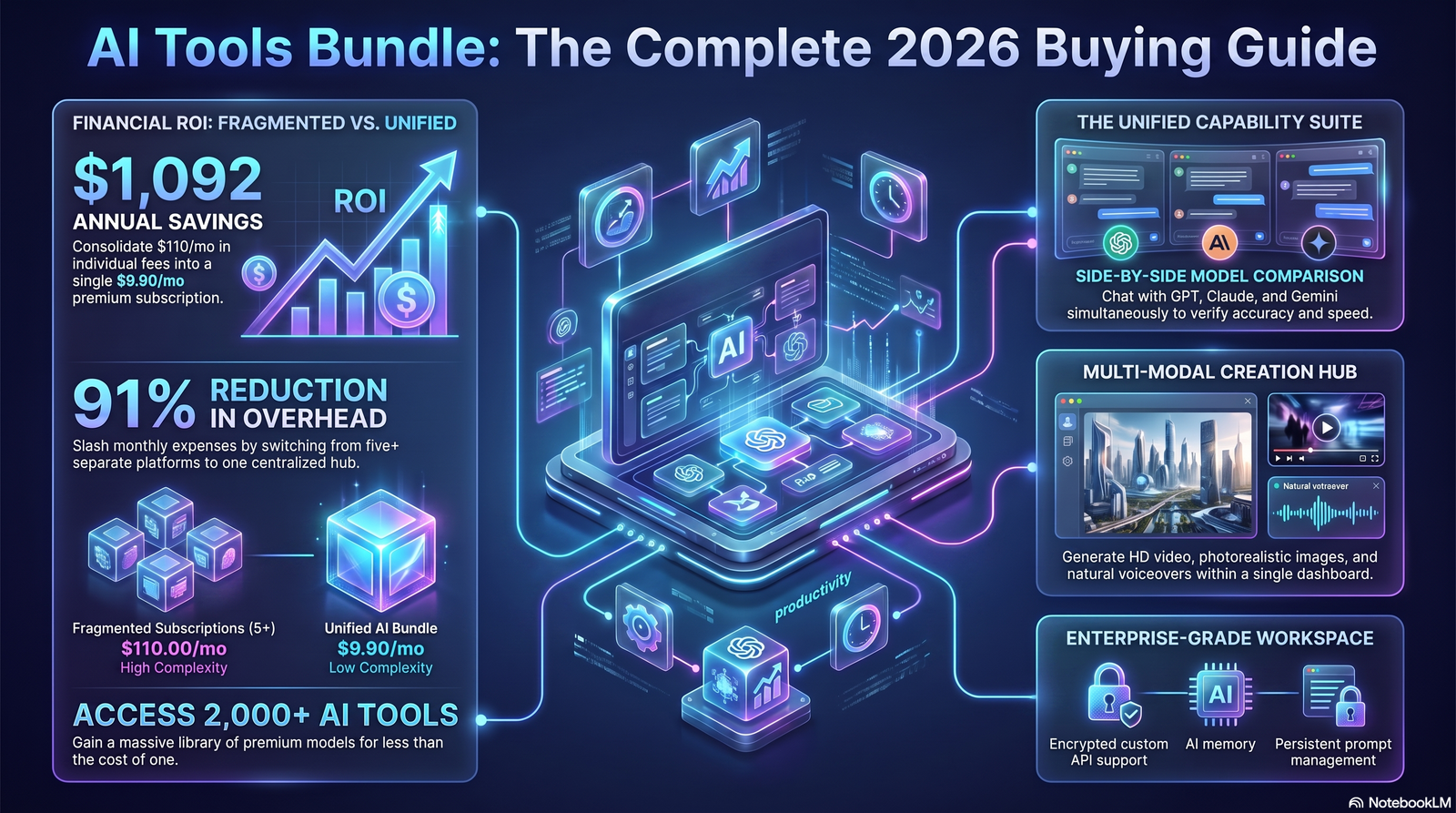
An AI tools bundle solves that mess. It combines several premium AI tools into one subscription, so you stop paying for the same capability five different ways.
This guide breaks down what bundles actually include, which ones are worth your money in 2026, and how to pick one without getting locked into the wrong plan. We’ll also cover pricing, limits, security, the mistakes most buyers make, and how Aizolo compares to other AI bundle options.
Table of Contents
What Is an AI Tools Bundle?
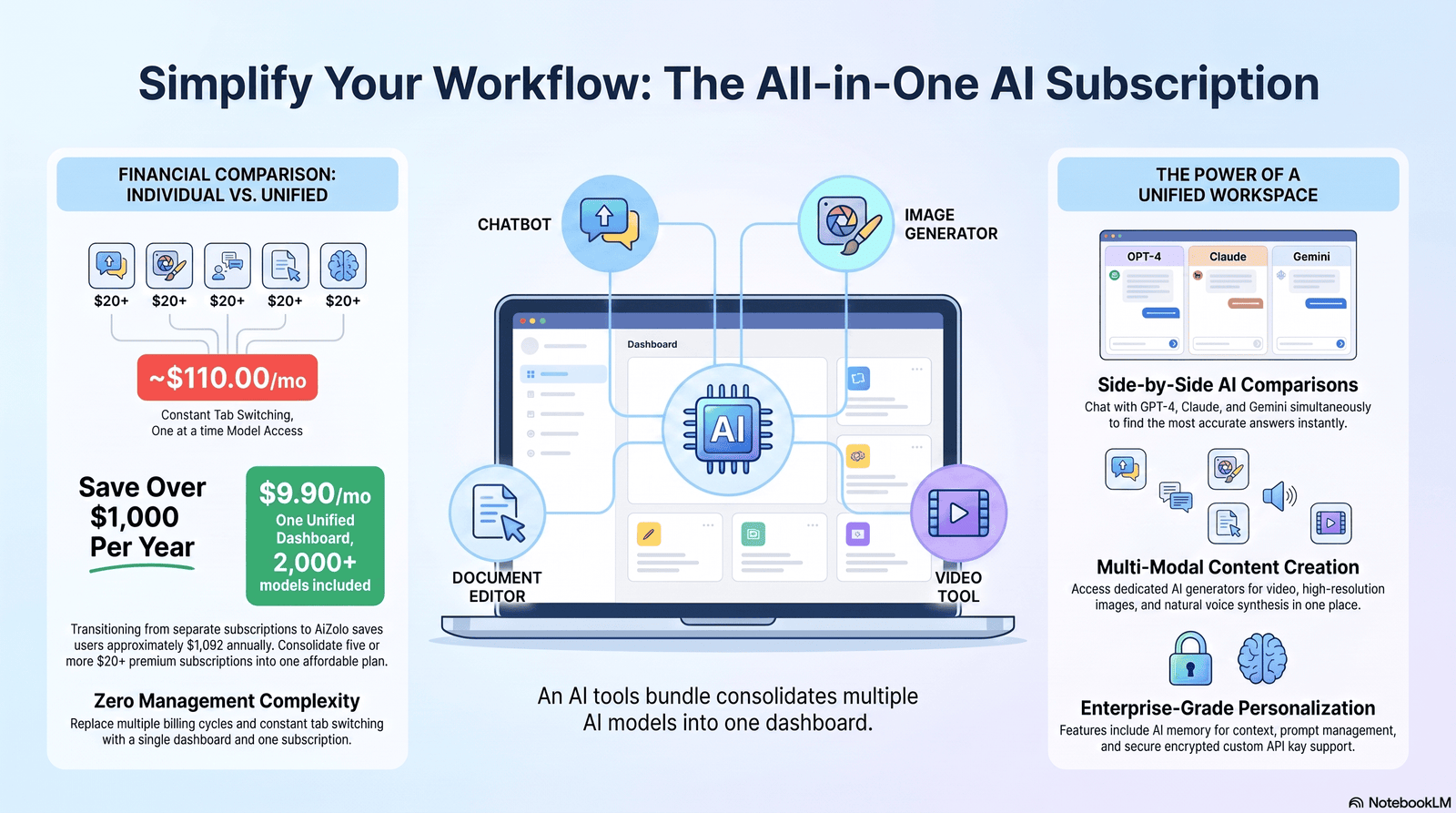
An AI tools bundle is a single subscription that gives you access to multiple AI models and tools at once.
Instead of buying separate plans for a chatbot, an image generator, and a writing assistant, you pay one provider for all of it.
Most bundles fall into two camps: aggregator platforms that resell access to models like GPT, Claude, and Gemini, or native ecosystem bundles like Google Workspace or Microsoft 365 Copilot, where AI is folded into tools you already use.
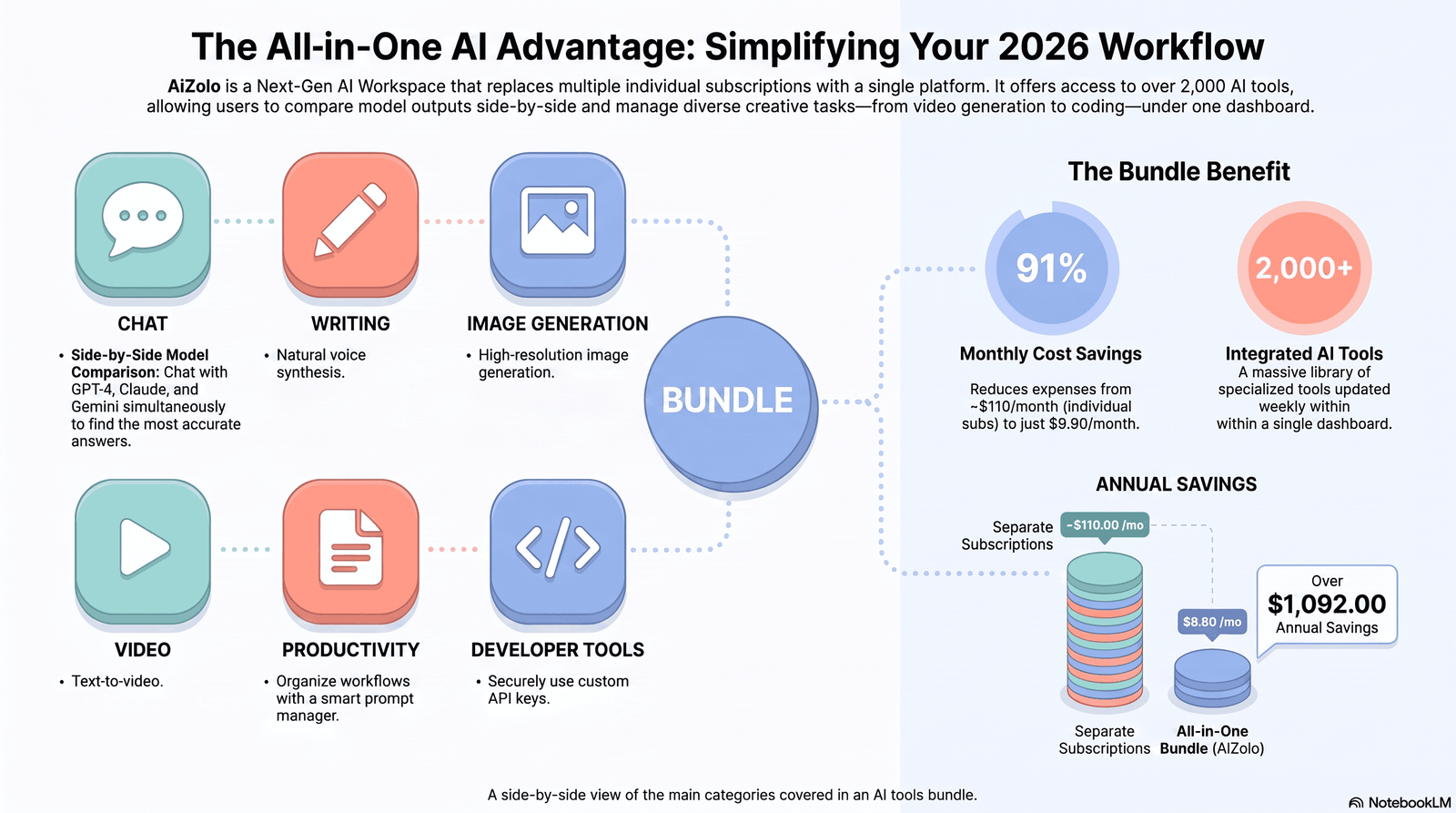
The appeal is simple. A typical AI bundle can replace three or four $20/month subscriptions with one bill that’s often cheaper than a single standalone plan.
How AI Tool Bundles Work
Bundle providers negotiate or resell API access to major AI labs, then wrap that access in a single login and billing system.
When you send a prompt, the platform routes it to whichever model you select — GPT, Claude, Gemini, or an image model like Flux.
Some platforms meter usage with credits instead of unlimited access. Heavy users can burn through a monthly allotment faster than expected, so it’s worth checking the credit system before committing.
Others use a “bring your own API key” model, where you connect your own OpenAI or Anthropic key and the platform just provides the interface.
Why Businesses Are Switching to AI Bundles
Subscription sprawl is the main driver. A five-person team paying for ChatGPT Plus, Claude Pro, and Midjourney separately can easily spend $800–900 a month.
Bundling that same access often cuts the bill by half or more, while giving every team member the same set of tools.
There’s also a workflow argument. Constant tab-switching between separate AI apps costs real time, and centralizing tools reduces that friction.
Finally, procurement teams prefer fewer vendors. One contract, one invoice, and one security review is simpler than managing five.
Benefits of an AI Tools Bundle
- Lower cost per tool. Bundles typically cost 50–90% less than buying each subscription individually.
- One login, one workflow. No switching between apps to compare outputs from different models.
- Model comparison. Many bundles let you run the same prompt through GPT, Claude, and Gemini side by side.
- Simplified billing. One invoice instead of five recurring charges on a card statement.
- Faster onboarding for teams. New hires get access to every tool through one account.
Drawbacks to Consider
- Credit limits. Some bundles cap usage with credits, which can run out during high-volume months.
- Slower feature rollout. Native apps like ChatGPT often get new features before resellers do.
- Shared account risk. Cheaper “group buy” bundles that share logins across many users can mean slow performance or account bans.
- Less polish. Aggregator interfaces are sometimes less refined than the original apps.
- Vendor lock-in. Switching bundle providers later can mean losing saved chats, prompts, or custom workflows.
Types of AI Bundles
1. Aggregator bundles — Platforms like AiZolo-style tools that resell access to GPT, Claude, Gemini, and image models under one subscription.
2. Ecosystem bundles — AI folded into software you already pay for, such as Microsoft 365 Copilot or Google Workspace with Gemini.
3. Creative suite bundles — Design-first platforms like Canva Magic Studio or Adobe Creative Cloud that bundle AI image, video, and copy tools.
4. Developer bundles — Coding-focused stacks that pair an AI assistant (Claude Code, GitHub Copilot) with infrastructure or IDE tools.
5. API bundles — Usage-based access to multiple model providers through one billing account, aimed at developers building products.
Best AI Tool Bundles in 2026
The options below reflect the current market. Pricing changes often, so treat these as a starting point and confirm current rates before buying.
1. ChatGPT Plus (OpenAI)
Overview: OpenAI’s flagship consumer plan bundles a general-purpose chatbot, image generation, code execution, and web browsing into one app.
Features: GPT-5 access, DALL-E image generation, voice mode, file uploads, custom GPTs, code interpreter.
Pros: Broadest single-app feature set; largest ecosystem of guides and integrations; strong for mixed daily tasks.
Cons: Context window smaller than Claude’s; can be verbose; not a true multi-model bundle on its own.
Pricing: Around $20/month for Plus; a lower-cost Go tier and a $200/month Pro tier also exist.
Best for: Generalists who want one AI app to handle writing, research, and light image work.
2. Claude (Anthropic)
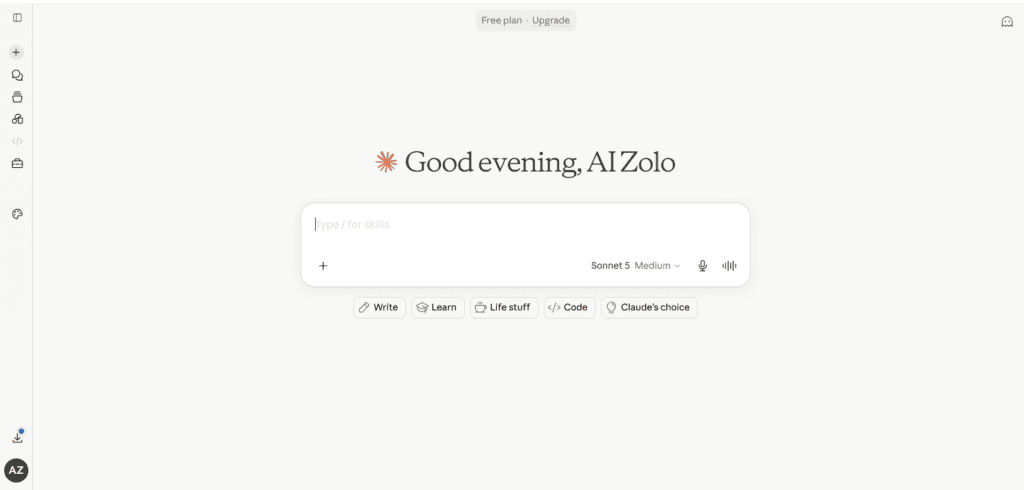
Overview: Claude focuses on long-document analysis, careful writing, and coding, with Claude Code extending it into developer workflows.
Features: Extended context window, Projects for organizing work, Artifacts for documents and code, Claude Code for terminal-based development.
Pros: Strong reasoning on complex, multi-step tasks; writing needs less editing; excellent for large documents.
Cons: No native image generation; fewer third-party plugins than ChatGPT.
Pricing: Roughly $20/month for Pro, with higher tiers for heavier use.
Best for: Writers, analysts, and developers working with long or technical documents.
3. Gemini Advanced (Google)
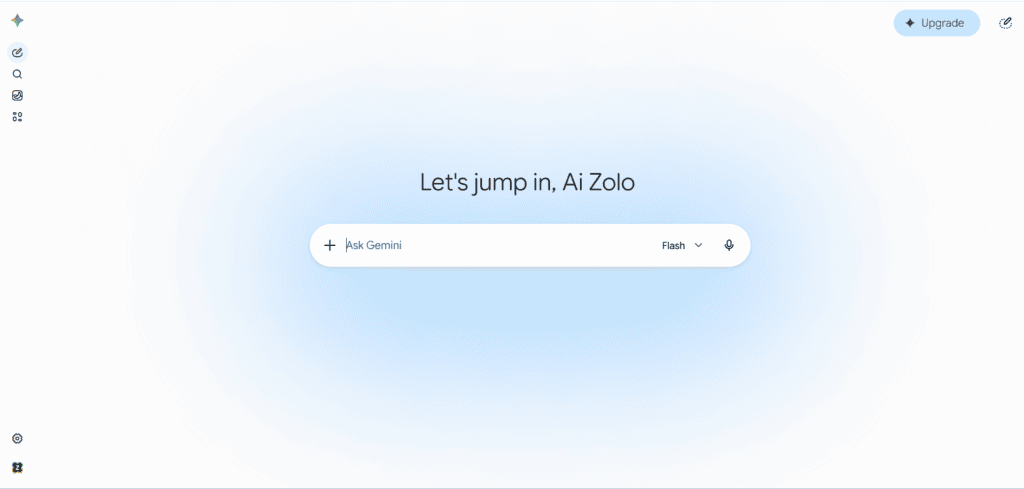
Overview: Google bundles Gemini directly into Workspace apps like Docs, Sheets, and Gmail, plus 2TB of Google One storage.
Features: In-app AI drafting and summarizing, multimodal image and video understanding, deep integration with Gmail and Drive.
Pros: Seamless if you already live in Google Workspace; storage plus AI in one price.
Cons: AI power is mostly confined to Google’s own apps; less useful outside that ecosystem.
Pricing: Bundled through Google One AI plans, roughly $20/month depending on tier.
Best for: Google Workspace power users and teams already on Gmail and Docs.
4. Canva Magic Studio
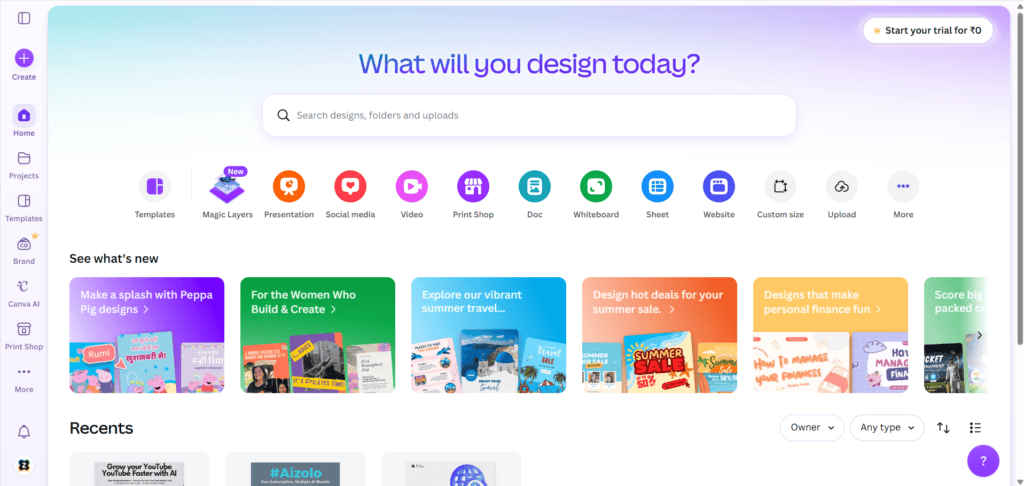
Overview: A design-first bundle that folds AI image generation, video editing, and copywriting into Canva’s existing editor.
Features: Magic Switch to repurpose one asset into multiple formats, Brand Hub for team consistency, AI image and video generation.
Pros: Extremely fast for turning one piece of content into many formats; beginner-friendly.
Cons: Less depth for pure text or coding tasks; best paired with a chatbot for research.
Pricing: Canva Pro starts around $13–15/month; Teams plans scale per seat.
Best for: Marketers, agencies, and solo founders producing social and marketing content.
5. Microsoft 365 Copilot
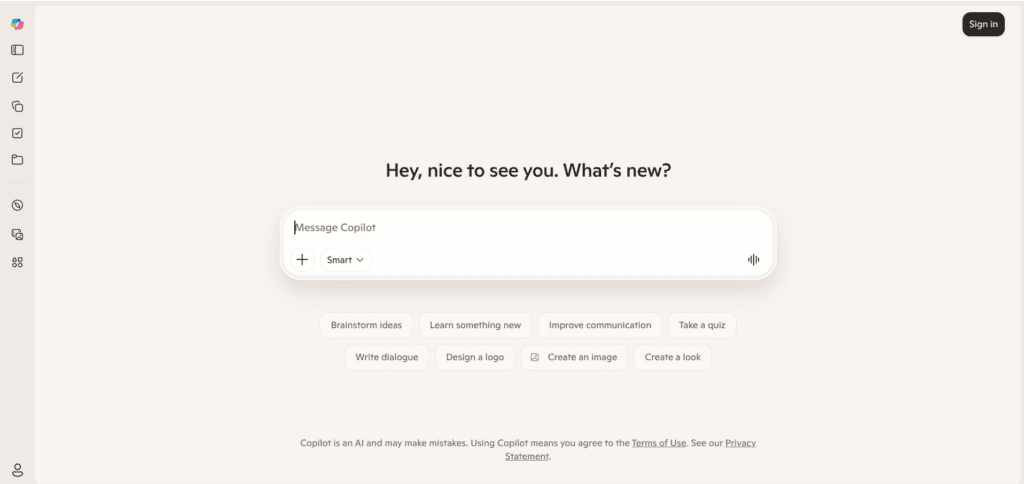
Overview: Bundles AI into Word, Excel, PowerPoint, and Outlook, aimed squarely at business productivity.
Features: Drafting and summarizing in Office apps, meeting recaps in Teams, data analysis in Excel.
Pros: Fits directly into existing enterprise workflows; strong for regulated industries needing Microsoft’s compliance tools.
Cons: Premium pricing per seat; less flexible for creative or open-ended AI tasks.
Pricing: Typically $30/user/month on top of an existing Microsoft 365 license.
Best for: Established businesses standardized on Microsoft’s productivity suite.
6. Multi-Model Aggregator Platforms
Overview: A growing category of platforms bundles access to GPT, Claude, Gemini, and image models like Midjourney or Flux under one subscription, often with a credits system.
Features: Side-by-side model comparison, shared chat history, sometimes access to 20+ models in one interface.
Pros: Often the cheapest way to access multiple frontier models at once; good for testing which model fits a task.
Cons: Usage caps via credits; interface quality and reliability vary a lot by provider.
Pricing: Commonly $10–30/month depending on credit allowance and provider.
Best for: Freelancers and small teams who need several models but not full-price individual subscriptions.
Comparison Table
| Bundle | Starting Price | Core Strength | Multi-Model? | Best For |
|---|---|---|---|---|
| ChatGPT Plus | ~$20/mo | General-purpose, broad features | Limited | Generalists |
| Claude Pro | ~$20/mo | Long documents, coding, writing | No | Writers & developers |
| Gemini Advanced | ~$20/mo | Google Workspace integration | No | Google-native teams |
| Canva Magic Studio | ~$13–15/mo | Design & content repurposing | No | Marketers & agencies |
| Microsoft 365 Copilot | ~$30/user/mo | Office productivity | No | Enterprises |
| Multi-model aggregators | ~$10–30/mo | Access to several models at once | Yes | Freelancers, small teams |
Pricing Snapshot
| Plan Type | Monthly Range | Annual Estimate |
|---|---|---|
| Single AI chatbot subscription | $8–$20 | $96–$240 |
| Three standalone subscriptions | $50–$70 | $600–$840 |
| Multi-model bundle | $10–$30 | $120–$360 |
| Enterprise/team bundle | $25–$40/seat | Varies by team size |
Pros & Cons Summary
| Standalone Subscriptions | AI Tools Bundle | |
|---|---|---|
| Cost | Higher, pays per tool | Lower, one combined price |
| Setup | Multiple logins | One login |
| Feature freshness | Fastest updates | Sometimes delayed |
| Model choice | One model per app | Often several models |
| Best for | Deep, single-tool needs | Broad, varied needs |
Buying Guide
Before you commit, check these factors carefully. A bundle that looks cheap on the surface can cost more once you hit usage limits.
Pricing structure: Understand whether the plan is flat-rate, credit-based, or per-seat. Credit systems can create surprise overage costs.
Supported models: Confirm which specific models are included — GPT-5, Claude Sonnet, Gemini Pro — and whether access is full-featured or a limited subset.
Usage limits: Check daily or monthly message caps, file upload limits, and image generation quotas before you rely on the tool for client work.
Integrations: Look for compatibility with tools you already use, like Slack, Notion, or your CMS.
Security and privacy: Verify whether your inputs are used for model training, and whether the provider offers data isolation for business accounts.
Customer support: Test response times before buying, especially for shared or group-buy style bundles.
Scalability: If you’re buying for a team, confirm the platform supports seat management and usage reporting as you grow.
How to Choose the Right Bundle
Use this simple framework to narrow your decision:
- List your top 3 weekly AI tasks. Writing, coding, and image generation each favor different tools.
- Match tasks to strengths. Claude for long documents, Canva for visuals, ChatGPT for general breadth.
- Estimate real usage. Compare your expected volume against each bundle’s credit or seat limits.
- Check total cost at scale. A bundle that’s cheap for one user may get expensive per seat for a team.
- Trial before committing. Use free trials to test response quality on your actual work, not generic prompts.
Common Mistakes to Avoid
- Buying based on price alone, without checking whether the included models fit your actual work.
- Ignoring credit limits, then hitting a wall mid-project.
- Choosing group-buy bundles with too many shared users, which slows response times.
- Skipping the security review, especially for agencies handling client data.
- Stacking a bundle on top of subscriptions it should replace, and paying for both.
Real Use Cases
Freelancers: A freelance copywriter uses a multi-model bundle to draft with Claude, then quickly check tone with ChatGPT before sending to a client.
Agencies: A six-person agency replaces five separate subscriptions with one team bundle, cutting monthly software spend by more than half.
Students: A student uses a bundle’s chat and document-analysis tools to summarize research papers and outline essays without paying for multiple apps.
Developers: A solo developer pairs Claude Code with an API bundle to access GPT and Claude for debugging and code review in one workflow.
Marketers: A marketing team uses Canva Magic Studio to turn one blog post into a carousel, a LinkedIn post, and ad copy in minutes.
Businesses: A small business standardizes on Microsoft 365 Copilot so every department uses the same AI tools inside familiar Office apps.
Expert Tips
- Test a bundle with your messiest, most realistic work before switching — clean demo prompts hide real limitations.
- Keep a lightweight log of which model performs best for which task; teams often overpay for capabilities they rarely use.
- Revisit your plan every 6 months. Pricing and included models change fast in this market.
- For client work, confirm the provider’s data policy in writing, not just in marketing copy.
Future Trends
AI agents: Bundles are starting to include autonomous agents that complete multi-step tasks, not just answer prompts.
Multimodal AI: Expect tighter blending of text, image, video, and voice generation inside single interfaces rather than separate tools.
Unified AI workspaces: More platforms are positioning themselves as a single workspace for all AI-assisted work, following the model set by Notion AI and similar tools.
Enterprise bundles: Larger companies are negotiating custom bundles with usage guarantees and dedicated support, beyond off-the-shelf plans.
API bundles: Developers are seeing more platforms that bundle metered API access across providers, simplifying billing for AI-powered products.
FAQs
What is an AI tools bundle? An AI tools bundle is a single subscription that gives access to multiple AI tools or models, such as a chatbot, image generator, and writing assistant, instead of separate individual plans.
Are AI tools bundles cheaper than individual subscriptions? Yes, in most cases. Bundles commonly cost 50–90% less than paying for each tool separately, though savings depend on the provider and your usage level.
Do AI bundles include ChatGPT, Claude, and Gemini together? Some multi-model aggregator bundles do include access to several of these models in one interface, though official plans from OpenAI, Anthropic, and Google are sold separately.
Is it safe to use a third-party AI bundle for business data? It can be, if the provider encrypts data and doesn’t use your inputs for training. Always review the privacy policy before uploading sensitive information.
What’s the difference between a bundle and buying tools individually? Buying individually gives you the newest features fastest but costs more. A bundle trades a small delay in updates for a lower combined price.
Can teams share one AI bundle account? Reputable bundles offer seat management for teams. Sharing one login across many people, common in cheap “group buy” bundles, often causes slow performance.
Do AI bundles work for coding tasks? Some do, especially developer-focused bundles that include tools like Claude Code or GitHub Copilot alongside a general chatbot.
How much can a business save by switching to an AI bundle? Businesses commonly report savings between $500 and over $1,000 per user annually, depending on how many standalone tools they previously paid for.
What should I check before buying an AI tools bundle? Check pricing structure, included models, usage limits, integrations, data privacy terms, and customer support responsiveness.
Are credit-based AI bundles worth it? They can be, for lighter or moderate users. Heavy daily users should calculate expected usage against the credit allowance to avoid running out mid-month.
Do AI bundles replace Adobe or Canva for design work? Not entirely. General AI bundles cover basic image generation, but dedicated design platforms like Canva or Adobe still offer deeper creative control.
Is Claude included in most AI bundles? Claude access is included in some multi-model aggregator bundles, but Anthropic’s own Claude Pro plan is sold as a standalone subscription.
What’s the best AI bundle for a small agency? Agencies typically benefit most from multi-model aggregator bundles or Canva Magic Studio, depending on whether their work leans toward writing or design.
Can I cancel an AI tools bundle anytime? Most bundles are month-to-month with no long-term contract, but always confirm cancellation terms before subscribing, especially for annual plans.
Will AI bundle pricing change in 2026? Very likely. Pricing across this market has shifted multiple times over the past year, so confirm current rates directly with the provider before purchasing.
Conclusion
An AI tools bundle isn’t about chasing the cheapest option. It’s about matching real tasks to the right models without paying for five overlapping subscriptions.
Start with your actual weekly workflow, check usage limits honestly, and trial before you commit annually.
If you’re ready to consolidate your AI stack, Aizolo offers a straightforward starting point for comparing multi-model bundles side by side before you subscribe.
Author Bio
Jeevesh Tripathi AI Researcher & Content Strategist at Aizolo 📧 jeevesh@aizolo.com
Jeevesh Tripathi researches and evaluates AI software for a living, spending most weeks testing new tools against real workflows rather than marketing claims. His writing focuses on practical trade-offs: what a tool actually does well, where it falls short, and whether the price matches the value delivered. He draws on hands-on testing of chat, image, and productivity AI tools across freelance, agency, and business settings. Rather than chasing hype cycles, he prioritizes accuracy, transparency about pricing changes, and recommendations that hold up after the initial excitement fades.

