
You upload a video. You spent 6 hours filming. Another 4 editing. You hit publish — and then it sits at 200 views.
Meanwhile, a creator in the same niche posts something similar and gets 80,000 views in two days.
What’s the difference?
Nine times out of ten — it’s the thumbnail.
And the creators winning right now aren’t spending hours in Photoshop. They’re using AI image generators to produce click-worthy visuals in minutes. That’s why many people are asking: how do YouTubers use AI image generators to create engaging thumbnails and visuals so quickly? That’s exactly what we’re going to break down today.
This guide reveals how do YouTubers use AI image generators, which tools are worth your time, and why smart creators are turning to all-in-one platforms like ytZolo to do it all — faster and smarter.
Table of Contents
Why AI Image Generators Changed YouTube Forever
Here’s a stat that should shake you awake.
According to YouTube’s own Creator Academy, 90% of the best-performing videos on the platform use custom thumbnails. Not auto-generated frames. Not screenshots. Custom, intentionally designed thumbnails.
That number alone explains why the gap between top creators and struggling ones keeps growing.
For years, custom thumbnails meant hiring a designer, learning Photoshop, or spending hours on Canva. Most creators couldn’t keep up. Now, AI image generators have flipped the entire equation, which is why many people are asking: how do YouTubers use AI image generators to create high-quality visuals faster and more efficiently.
These tools let you generate stunning, professionally composed visuals from a simple text prompt — in under 60 seconds.
That’s the revolution. And creators who understand how do YouTubers use AI image generators are gaining a massive, compounding advantage over those who don’t.
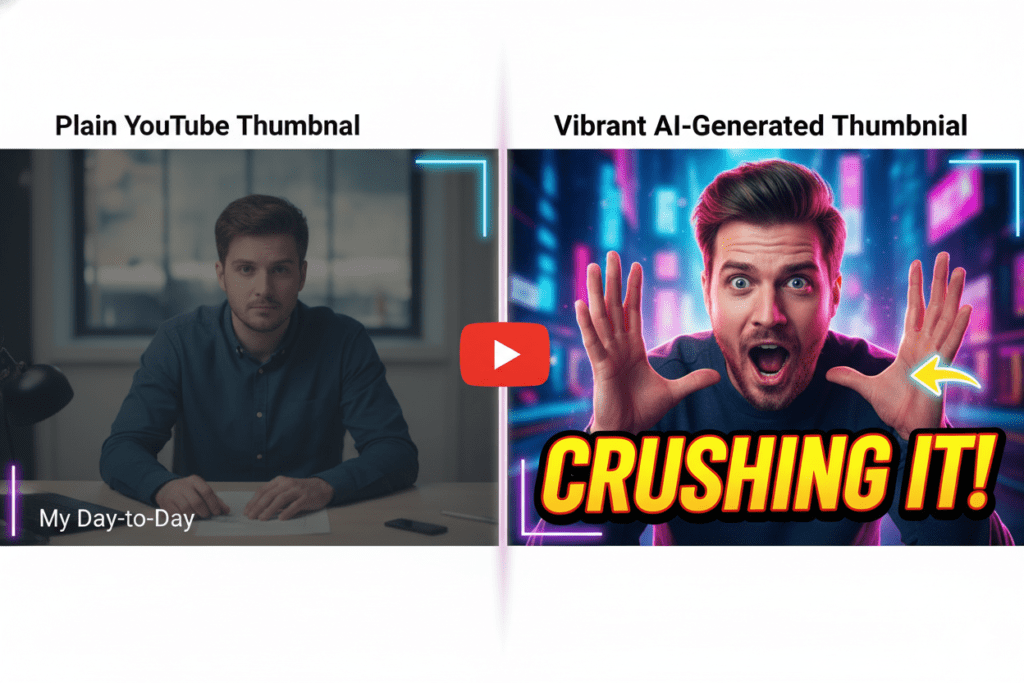
How Do YouTubers Use AI Image Generators? (The Real Workflow)
Let’s get past the surface-level stuff. Here’s how top creators are actually using AI image generators inside their weekly workflow.
1. Brainstorming Visual Concepts Before Filming
Smart creators don’t design thumbnails after filming. They plan the thumbnail first — and let it guide the shoot. This is one of the key strategies behind how do YouTubers use AI image generators to create more engaging and click-worthy visuals before the video is even recorded.
They type a concept into an AI image generator to visualize different directions. Is it better with a shocked face and red background? Or a minimalist white layout with bold text? AI lets them test both in 30 seconds before a camera is even turned on.
2. Generating Multiple Thumbnail Variations at Speed
Top YouTubers A/B test their thumbnails religiously. YouTube Studio’s “Test & Compare” feature lets creators upload multiple options and lets the algorithm pick a winner based on real CTR data.
The problem? Creating 3-4 professional-quality thumbnail variations used to take hours. Now, creators using AI image generators can produce multiple distinct variations — different color palettes, compositions, and text styles — in under five minutes.
3. Creating Consistent Brand Visuals at Scale
Faceless channels and high-volume creators use AI image generators to maintain visual consistency across dozens of videos per month. Same style. Same color language. Same feel — without manually recreating everything from scratch.
AI tools remember context. You feed them a style reference, and they replicate it. That’s how you build a recognizable brand without a design team. This is another example of how do YouTubers use AI image generators to maintain consistent visuals and branding across their content.
4. Enhancing or Replacing Stock Photography
Many YouTubers — especially in niches like finance, health, and education — used to rely on expensive stock photos that looked generic. Now they prompt AI to generate exactly what they need: a specific scenario, lighting, mood, and subject.
No licensing fees. No “we’ve all seen this stock photo” vibes.
5. Generating Backgrounds and Scene Compositions
Beauty creators, gaming channels, and vlog-style channels use AI image generators to create fantasy backgrounds, composite scenes, and cinematic environments that would cost thousands to produce physically. This clearly shows how do YouTubers use AI image generators to achieve Hollywood-level visual production on a creator budget.
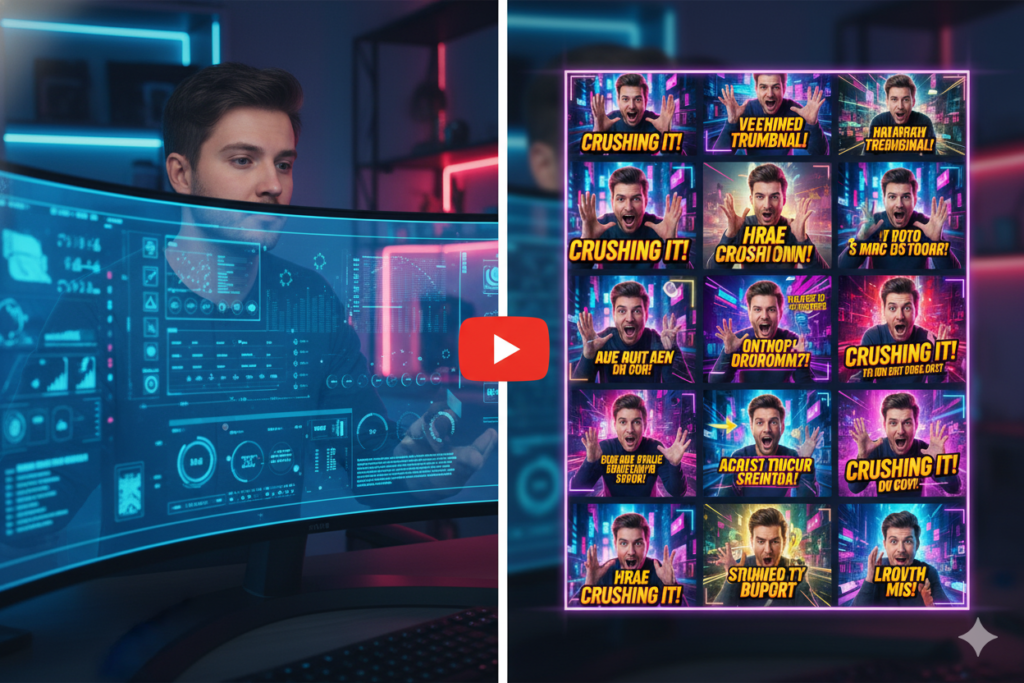
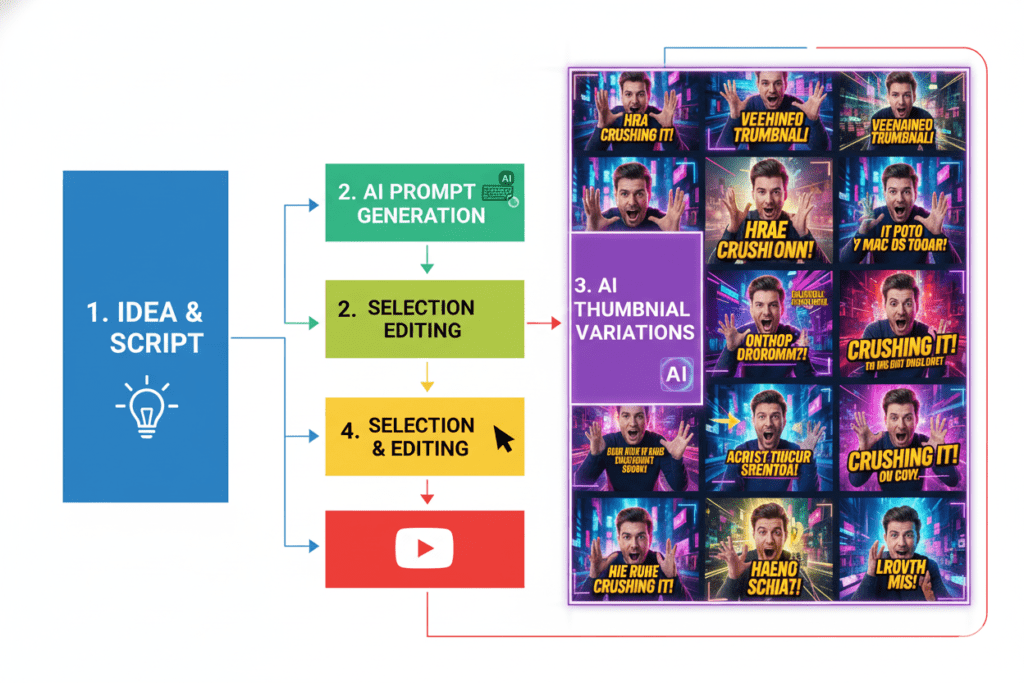
Step-by-Step: How to Use AI to Create Viral Thumbnails
Here’s the exact process thousands of creators use right now. Follow this and you’ll be ahead of 95% of channels in your niche.
Step 1 — Define Your Video’s Core Emotion Before you touch any AI tool, ask: What emotion should this thumbnail trigger? Curiosity? Shock? Desire? FOMO? The emotion drives every design decision.
Step 2 — Write a Clear, Specific Prompt Vague prompts produce vague results. Instead of “gaming thumbnail,” try: “a shocked gamer at a desk, dramatic lighting, yellow and black color scheme, cinematic close-up, hyperrealistic.”
Step 3 — Generate Multiple Variations Always generate at least 3-4 options. AI tools give you diversity — take advantage of it. Don’t settle for the first output.
Step 4 — Add Text and Branding AI-generated images work best as the background. Layer in your title text, channel branding, and any graphic overlays using a lightweight editor.
Step 5 — A/B Test in YouTube Studio Upload two or three variations to YouTube Studio’s test feature. Let real audience data tell you which one wins. Don’t rely on gut feeling.
Step 6 — Iterate and Learn Track what visual elements — colors, compositions, expressions — drive the most clicks. Feed those learnings back into your next AI prompt. Your results compound over time.
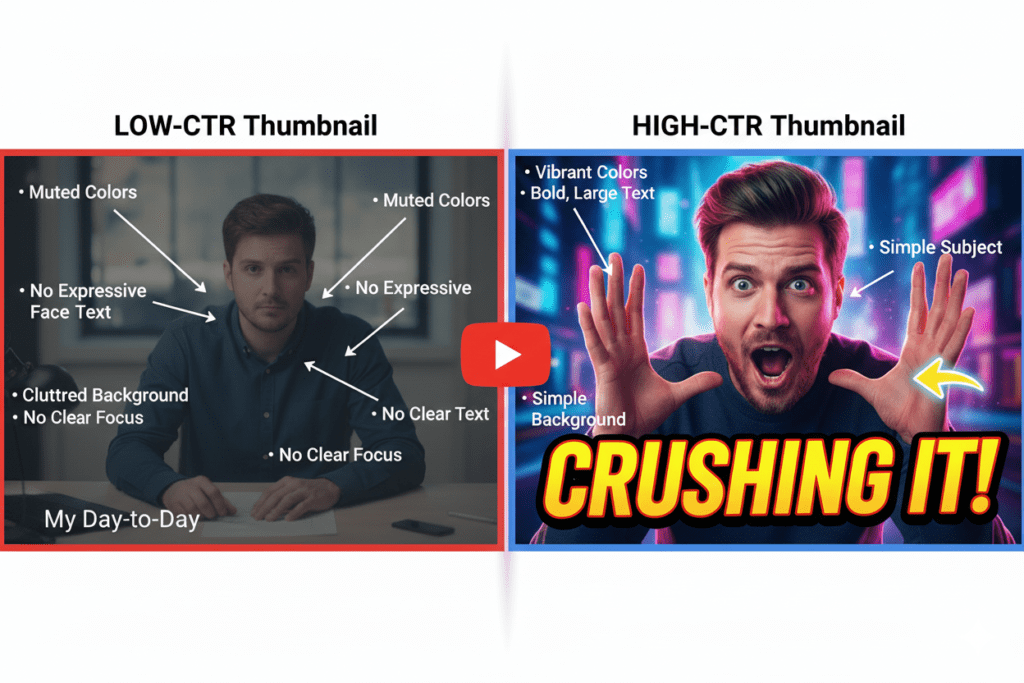
What Makes a High-CTR Thumbnail?
AI image generators are powerful — but only if you know what to ask for. Here’s what the data consistently shows drives clicks on YouTube:
- High contrast colors — Bright yellows, oranges, and electric blues outperform muted tones. Research from VidIQ’s 2025 design data shows high-contrast thumbnails can push CTR up by 20-30%.
- Expressive human faces — Thumbnails featuring emotion (surprise, excitement, concern) perform significantly better than those without faces. Viewers are hardwired to respond to human expression.
- Minimal, bold text — Three to five words maximum. Use power words: “Secret,” “Finally,” “Never,” “Biggest,” “Exposed.” Text is a hook, not a summary.
- Clear focal point — One dominant subject. Cluttered thumbnails lose clicks. AI is actually great at generating clean, composed visuals that direct the eye.
- Readable at small sizes — Most viewers discover videos on mobile. If your thumbnail doesn’t read well at 120px wide, it won’t get clicked. Always check it at reduced size.
Understanding these principles helps you write better prompts — and better prompts mean better thumbnails every single time.
AI Image Generation vs Manual Design: Why Manual Is Losing
Let’s be real. Manual thumbnail design made sense in 2018. It doesn’t anymore.
Here’s what the old way looked like: Spend 2-3 hours in Photoshop or Canva. Hunt for the right stock photos.
Try to make text look professional without a designer’s eye. Export, check dimensions, re-export. Do it all over again for the next video. That’s why many creators are now asking how do YouTubers use AI image generators to simplify this process and produce professional visuals much faster.
For a creator publishing 2-3 times per week, that’s 6-9 hours every week just on thumbnails. That’s unsustainable.
AI image generators compress that entire process into minutes. Not hours. Minutes.
And it’s not just speed. AI tools trained on high-performing content understand what actually gets clicked. They apply data-driven design principles automatically — contrast ratios, composition rules, color psychology — without you needing a graphic design degree.
The creators still doing manual design are running a race with one leg tied behind their back.
Manual methods aren’t just slower. They’re strategically outdated.
Why ytZolo Is Better Than Other AI Tools for YouTubers
Here’s where it gets interesting.
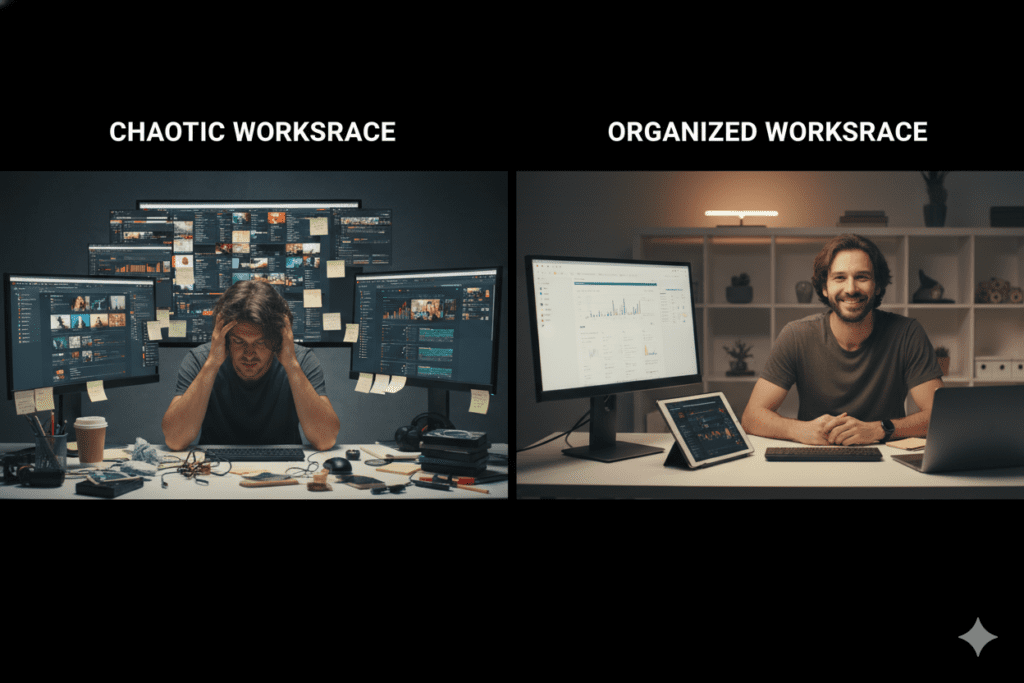
Most creators cobble together a broken stack of tools. One app for titles. Another for scripts. A third for thumbnails. This fragmented workflow is exactly why many creators are asking how do YouTubers use AI image generators to streamline their visual creation process and simplify their content production stack.
A separate browser extension for tags and descriptions. They’re constantly switching tabs, losing context, and duplicating effort.
That’s not a content strategy. That’s a daily headache.
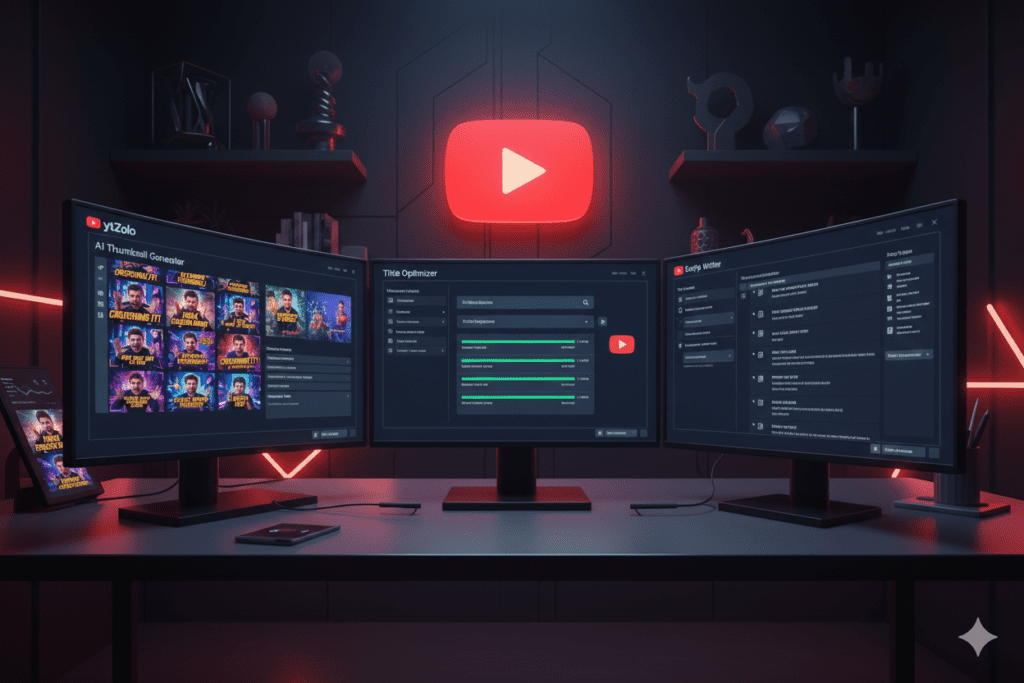
ytZolo was built to solve exactly this problem. It’s a complete, all-in-one AI YouTube growth platform — and here’s how it stacks up:
| Feature | Generic AI Image Tools | TubeBuddy / VidIQ | ytZolo |
|---|---|---|---|
| AI Thumbnail Generation | ✅ | Limited | ✅ Built for virality |
| AI Title Optimization | ❌ | ✅ Basic | ✅ Advanced |
| Script Writing | ❌ | ❌ | ✅ Full AI scripts |
| Description & Tags | ❌ | ✅ Basic | ✅ Unified optimization |
| Built for Viral Content | ❌ | ❌ | ✅ Core focus |
| All-in-One Platform | ❌ | Partial | ✅ Yes |
Generic AI image tools like Midjourney or DALL‑E are powerful — but they have no idea what makes a YouTube thumbnail perform. They generate beautiful images, but not necessarily ones optimized for clicks. That’s why many creators are now asking how do YouTubers use AI image generators to create visuals that are not just attractive, but actually designed to drive higher CTR and engagement.
TubeBuddy and VidIQ are analytics-first platforms with thumbnail features added on as an afterthought. They’re built for data analysts, not creators. That’s why many people are asking how do YouTubers use AI image generators to create visuals that are specifically designed for engagement and clicks rather than just analytics insights.
ytZolo is different. It was built from the ground up to serve one purpose: help creators make content that reaches more people, gets more clicks, and grows channels faster.
Every feature inside ytZolo — from the AI thumbnail engine to the title optimizer to the script writer — is trained on viral content performance data. When ytZolo generates a thumbnail, it’s not just making something that looks nice. It’s making something engineered to stop the scroll.
And because everything lives inside one platform, your title, script, thumbnail, description, and tags all work together as a unified package — not disconnected pieces from five different tools. This integrated workflow also shows how do YouTubers use AI image generators more effectively when their visual creation process is connected with the rest of their content strategy.
That’s not a small advantage. That’s the whole game.
How ytZolo Helps With AI Image Generation (And So Much More)
When creators figure out how do YouTubers use AI image generators, most stop at thumbnail creation. ytZolo lets you go so much further.
Here’s the full growth stack ytZolo gives you:
AI Thumbnail Generator ytZolo’s thumbnail engine doesn’t just produce pretty images. It generates visuals specifically optimized for YouTube click-through rate — applying proven design principles from high-performing content across every niche.
AI Title Generator — Your thumbnail gets the click. Your title seals the deal. ytZolo helps you generate scroll-stopping titles that balance curiosity, keywords, and emotional triggers in the exact right combination. This is also part of how do YouTubers use AI image generators alongside AI-powered title tools to create a complete, click-optimized YouTube content strategy.
AI Script Writer — No more staring at a blank page. Feed ytZolo your topic and it generates a structured, engaging script — saving you hours per video and keeping your delivery tight and compelling. This also highlights how do YouTubers use AI image generators alongside AI writing tools to streamline their entire content creation process.
AI Description & Tag Generator SEO isn’t optional on YouTube — it’s survival. ytZolo’s AI generates keyword-rich descriptions and optimized tag sets that help YouTube understand, categorize, and surface your content to the right audience.
Built for Viral Content Every feature inside ytZolo is engineered around one question: will this help the video go viral? Not just “will this look good” or “will this rank.” Will this spread.
Creators who struggle without AI are fighting uphill. The algorithm rewards watch time, CTR, and engagement — all metrics that the right tools can directly influence. Without AI assistance, you’re relying on guesswork where your competitors are running data.
Check out the ytZolo blog for deep-dive tutorials on how to use every feature to its full potential.
Common Mistakes YouTubers Make With AI Image Generators
Even with the best tools, creators make these critical errors. Avoid them.
Mistake 1: Using Vague Prompts “Make a YouTube thumbnail” tells the AI nothing. Be specific about subject, emotion, color, lighting, composition, and style. The more detail you provide, the better the output.
Mistake 2: Never Testing Variations Generating one thumbnail and publishing it is leaving data on the table. Always generate at least 2-3 versions. YouTube Studio’s built-in A/B testing feature exists for a reason — use it.
Mistake 3: Skipping the Text Layer AI-generated images are powerful backgrounds. But most successful thumbnails combine AI imagery with deliberately placed bold text. Don’t skip the text — it’s half the hook.
Mistake 4: Ignoring Mobile Preview Over 70% of YouTube views come from mobile devices, according to HubSpot’s video marketing research. Always preview your thumbnail at small sizes before publishing.
Mistake 5: Using Multiple Disconnected Tools Switching between five apps creates friction and inconsistency. Your thumbnail, title, and description should tell a unified story. Tools like ytZolo keep everything aligned inside one platform.
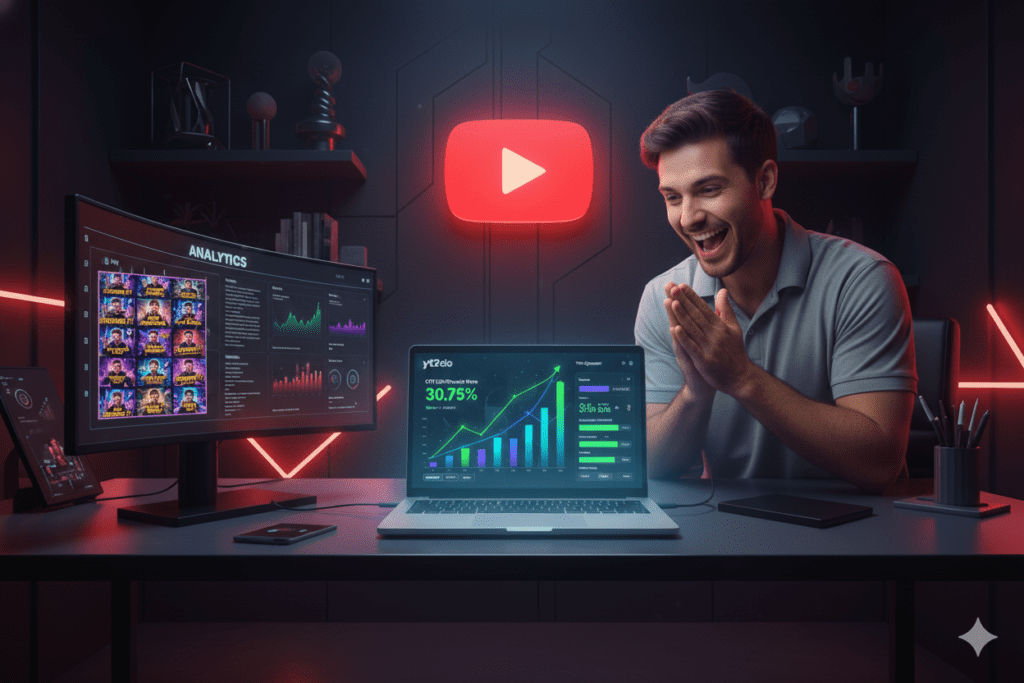
Mistake 6: Setting and Forgetting Top creators analyze which thumbnails drove the most CTR and apply those learnings to the next video. AI gets better when you tell it what’s working. Build a feedback loop into your workflow.
FAQ: How Do YouTubers Use AI Image Generators?
Q1: How do YouTubers use AI image generators to make thumbnails?
YouTubers use AI image generators by writing descriptive prompts that define the subject, emotion, color scheme, and style of their thumbnail. Tools generate multiple visual options in seconds, which creators then refine by adding bold text, channel branding, and design overlays before uploading to YouTube Studio. Advanced platforms like ytZolo combine AI image generation with title and script optimization in a single workflow.
Q2: Are AI-generated thumbnails better than manually designed ones?
In most cases, yes — especially for speed and data-driven performance. AI tools trained on high-performing YouTube content apply proven design principles automatically. Research consistently shows that custom, strategically designed thumbnails dramatically outperform auto-generated frames, and AI allows creators to produce professional-quality custom thumbnails in a fraction of the time that manual design requires.
Q3: What AI image generators do top YouTubers use?
Top creators use a range of tools — from general image generators to YouTube-specific platforms. The most effective option is an all-in-one tool like ytZolo, which generates thumbnails specifically optimized for YouTube CTR rather than just visual appeal. Other tools like Midjourney and DALL-E produce great images but aren’t tuned for click performance.
Q4: Do AI-generated thumbnails actually increase views?
Yes. Higher CTR directly signals to YouTube’s algorithm that your content is engaging, which leads to more impressions and organic reach.
According to YouTube’s creator data, custom thumbnails on top-performing videos are the norm — not the exception. AI-generated thumbnails that apply click psychology principles consistently outperform generic designs in CTR testing.
Q5: Can beginners use AI image generators for YouTube?
Absolutely. One of the biggest advantages of AI image generators is that they require zero design skills. You write a prompt in plain language, and the AI handles composition, color, and style.
Platforms like ytZolo make this even simpler by guiding creators through the process and aligning thumbnail output with their video’s title and topic automatically.
Conclusion: The Creators Winning Tomorrow Are Using AI Today
Here’s the truth nobody wants to say out loud.
The gap between growing channels and stagnant ones isn’t talent. It’s not equipment. It’s not even content quality.
It’s leverage.
The creators scaling in 2026 understand exactly how do YouTubers use AI image generators — and they’re not just using AI for thumbnails. They’re using it for titles, scripts, descriptions, tags, and strategy. They’re working smarter while their competitors keep grinding manually.
Every hour you spend fighting Photoshop is an hour you’re not spending on content, community, or creativity. Every week without AI-optimized thumbnails is a week of lost clicks, lost algorithm favor, and lost growth.
The tools exist. The data is clear. The window of competitive advantage is still open — but it won’t be for long.
Start creating smarter, faster, and more viral YouTube content with ytZolo today.
Visit ytzolo.com and see exactly how the right AI stack transforms your channel from surviving to thriving. And for more expert strategies on growing your YouTube channel with AI, explore the ytZolo blog — packed with actionable guides built for serious creators.
Your next video deserves to be seen. Let’s make sure it is.
Related Resources:
- YouTube Creator Blog — AI Tools for Creators
- HubSpot Video Marketing Statistics
- ytZolo Blog — Full Creator Guides
You can also check all in one ai tool – Aizolo

