
Introduction: The Thumbnail That Stopped Everything
Jake had been uploading YouTube videos for 14 months straight.
Good content. Solid editing. Decent audio. But his views? Barely scraping 200 per video.
Then one week, he changed ONE thing — his thumbnail. He used a thumbnail generator AI to create a bold, curiosity-driven image. The result? His next video hit 18,000 views in 72 hours.
The new design instantly grabbed attention and stood out among competing videos in the feed. More viewers clicked, watched longer, and engaged with the content. That single visual upgrade transformed his video’s performance and proved how powerful the right thumbnail can be.
Same channel. Same niche. Same voice.
Just a smarter thumbnail.
Here’s the truth no one tells you: 90% of people decide whether to click your video within 2 seconds. That decision is made almost entirely by your thumbnail. If it doesn’t stop the scroll, nothing else matters.
This guide will show you exactly how a thumbnail generator AI works, why it’s a game-changer for creators in 2026, and how tools like YTZolo are helping everyday creators go viral — without spending hours on design.
Table of Contents
What Is a Thumbnail Generator AI?
A thumbnail generator AI is a tool that uses artificial intelligence to automatically design eye-catching YouTube thumbnails based on your video content, title, or topic. It analyzes visual trends, color psychology, and layout patterns to create designs that attract attention instantly.
Many tools also suggest text styles, imagery, and composition tailored to your niche and audience. This allows creators to produce professional-quality thumbnails quickly without needing advanced design skills.
Instead of spending 30–60 minutes fumbling around in Photoshop, you type in a prompt or video idea — and the AI spits out a professional, click-worthy thumbnail in seconds. It automatically selects compelling layouts, high-contrast colors, and attention-grabbing visual elements.
You can instantly generate multiple variations and choose the one that fits your brand best. This speed and flexibility let you focus more on creating content while still publishing thumbnails that are optimized to perform.
These tools understand what makes people click. They analyze color psychology, facial expressions, text placement, contrast, and viral design patterns to generate thumbnails that perform. By studying real viewer behavior, they learn which visual cues capture attention fastest.
They also optimize composition to ensure key elements remain clear even on small mobile screens. The result is a thumbnail that not only looks appealing but is strategically designed to drive higher engagement.
And the best ones — like YTZolo — go even further. They don’t just create thumbnails. They help you build an entire content strategy optimized for virality.
Why Your Thumbnails Are Killing Your Growth
Let’s be real for a second.
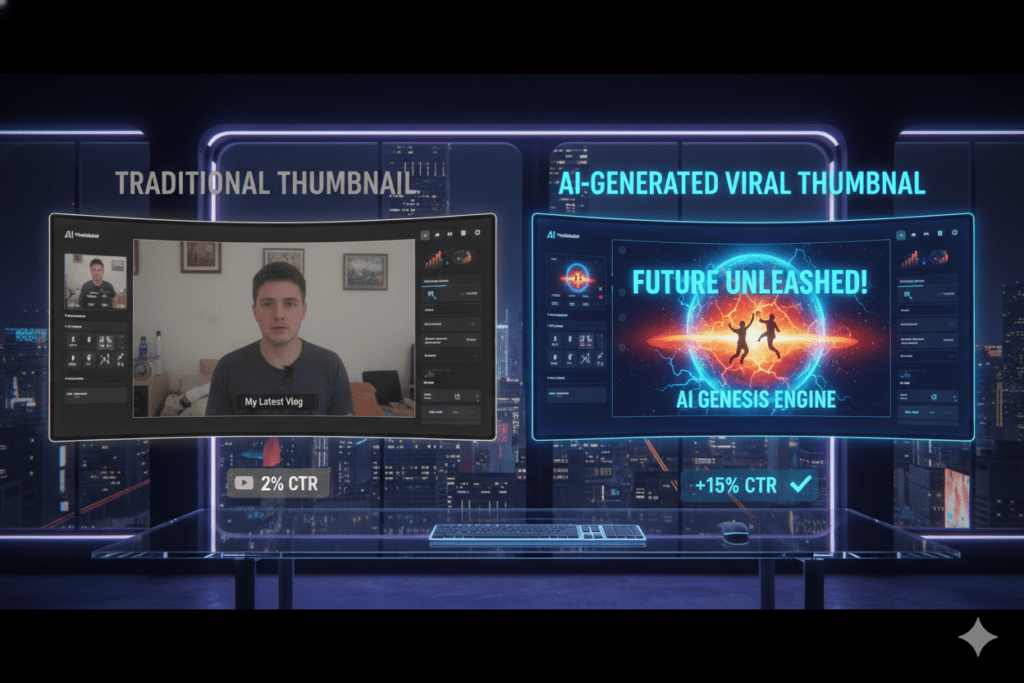
You could have the most valuable video on the internet. But if your thumbnail looks like a screenshot from 2012, nobody is clicking it. Viewers make split-second decisions based on visual appeal and perceived quality.
A modern, polished thumbnail signals relevance, professionalism, and value before the video even starts. In a crowded feed, strong design isn’t optional — it’s what earns you the chance to be watched.
YouTube’s algorithm judges your video by its Click-Through Rate (CTR). A low CTR tells YouTube your video isn’t interesting. So they stop showing it. It’s a brutal cycle.
Here’s what most creators get wrong with thumbnails:
- Too much text — viewers can’t read it on mobile
- Boring colors — blends into the feed instead of standing out
- No clear subject — the eye doesn’t know where to look
- No emotional hook — nothing triggers curiosity or urgency
- Inconsistent branding — no recognizable style across the channel
The worst part? Most creators spend hours on thumbnails manually and still get it wrong. They’re using outdated methods in a world where AI can do it better — in seconds. They waste valuable time tweaking designs without clear data on what actually drives clicks.
Meanwhile, competitors using AI are testing multiple concepts and improving performance with ease. In today’s fast-paced content space, efficiency and smart optimization give creators a serious advantage.
According to YouTube’s Creator Academy, custom thumbnails are one of the most powerful tools for increasing video performance. Yet most creators treat them as an afterthought.
That’s exactly where a thumbnail generator AI changes everything.

How a Thumbnail Generator AI Actually Works
Modern thumbnail AI tools are way smarter than people think.
Here’s what happens behind the scenes when you use one:
Step 1: You Input Your Video Topic or Title
You give the AI your video idea — like “10 Ways to Save Money in 2026” — and it starts analyzing what kind of thumbnail works best for that content type and audience.
Step 2: AI Analyzes Viral Patterns
The AI has been trained on millions of high-performing YouTube thumbnails. It knows what colors, fonts, emotions, and layouts drive the highest CTR in your niche.
Step 3: Design Generation
The tool auto-generates thumbnail options — with bold text, contrasting backgrounds, and compelling visuals — tailored to your brand and topic.
Step 4: You Customize and Export
Most AI thumbnail tools let you tweak colors, swap fonts, and adjust layouts. Then you download and upload directly to YouTube.
The whole process? Under 5 minutes.
Compare that to an hour of manual design work — and you start to see why creators who use thumbnail generator AI are pulling ahead so fast.
Key Features to Look for in a Thumbnail Generator AI
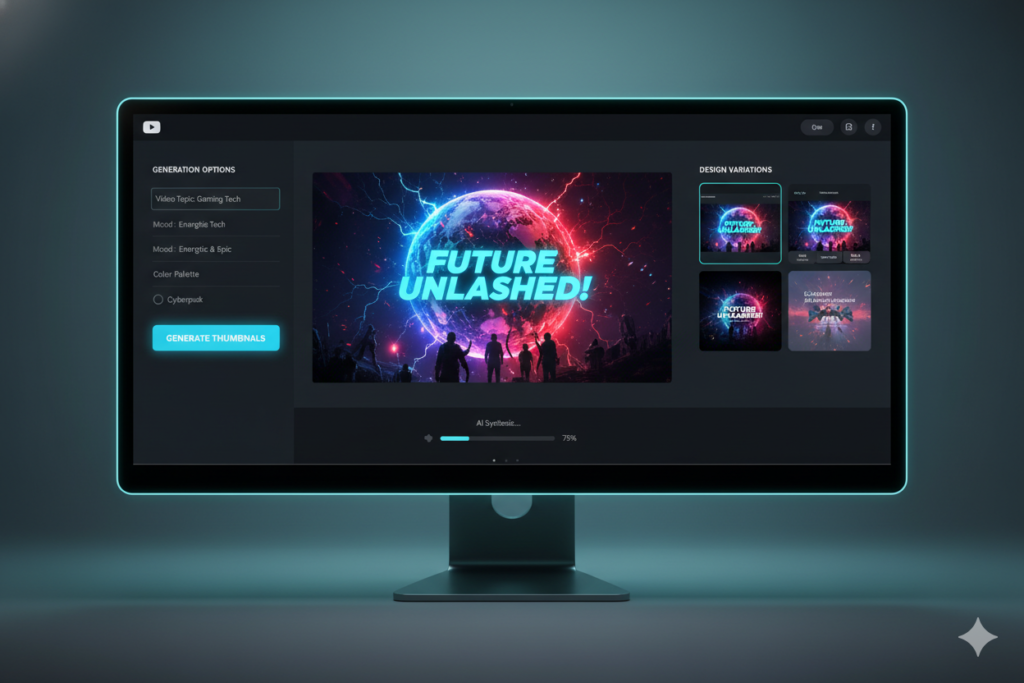
Not all AI thumbnail tools are built the same. Here’s what separates the good from the great:
✅ Niche-Specific Design Intelligence The AI should understand your niche — tech, gaming, finance, lifestyle — and generate thumbnails that fit that audience’s expectations.
✅ Emotion-Driven Visuals Great thumbnails trigger emotion. The best AI tools add facial expression cues, urgency colors (red, orange, yellow), and power words automatically.
✅ Mobile Optimization Over 70% of YouTube views come from mobile. Your thumbnail needs to look stunning on a 5-inch screen.
✅ Brand Consistency The tool should let you lock in your brand colors, fonts, and logo so every thumbnail looks like it belongs to the same channel.
✅ A/B Testing Capability Some advanced tools generate multiple thumbnail variants so you can test which one performs better.
✅ Integration with Other Content Tools The best thumbnail generators don’t work in isolation. They connect with title generators, script writers, and SEO tools to build a complete content workflow.
That last point is where YTZolo absolutely shines.
Why YTZolo Is the Best Thumbnail Generator AI in 2026
Here’s where things get exciting.
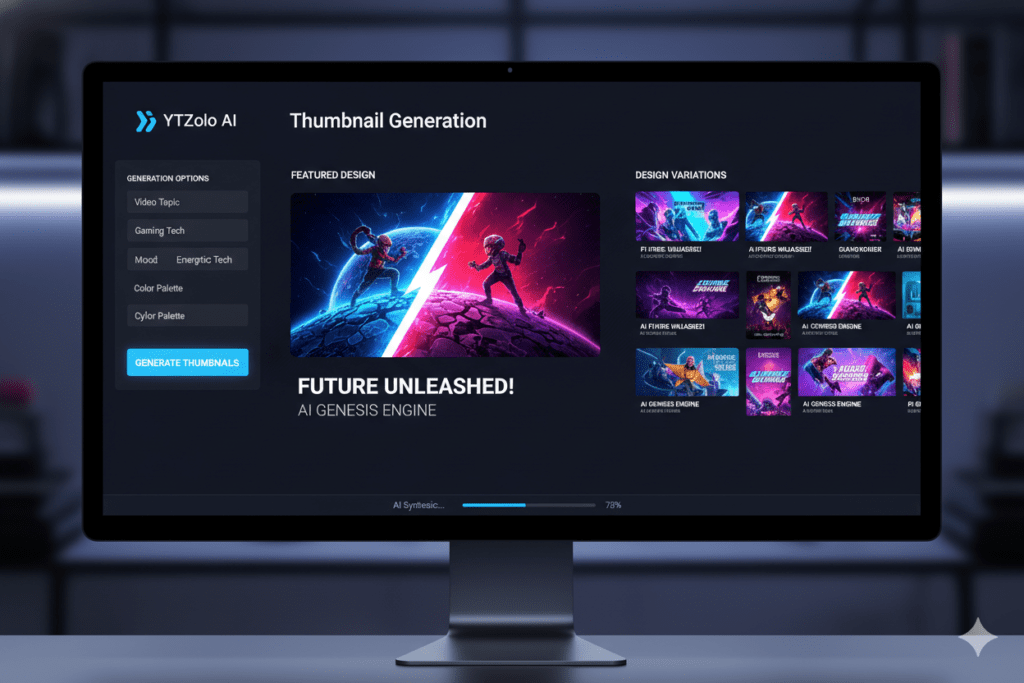
YTZolo isn’t just a thumbnail generator AI. It’s a full YouTube growth engine built for creators who are serious about going viral.
When you use YTZolo’s thumbnail feature, it doesn’t just generate a pretty image. It understands your video’s context — your title, niche, target audience, and keywords — and creates a thumbnail that’s strategically designed to maximize clicks.
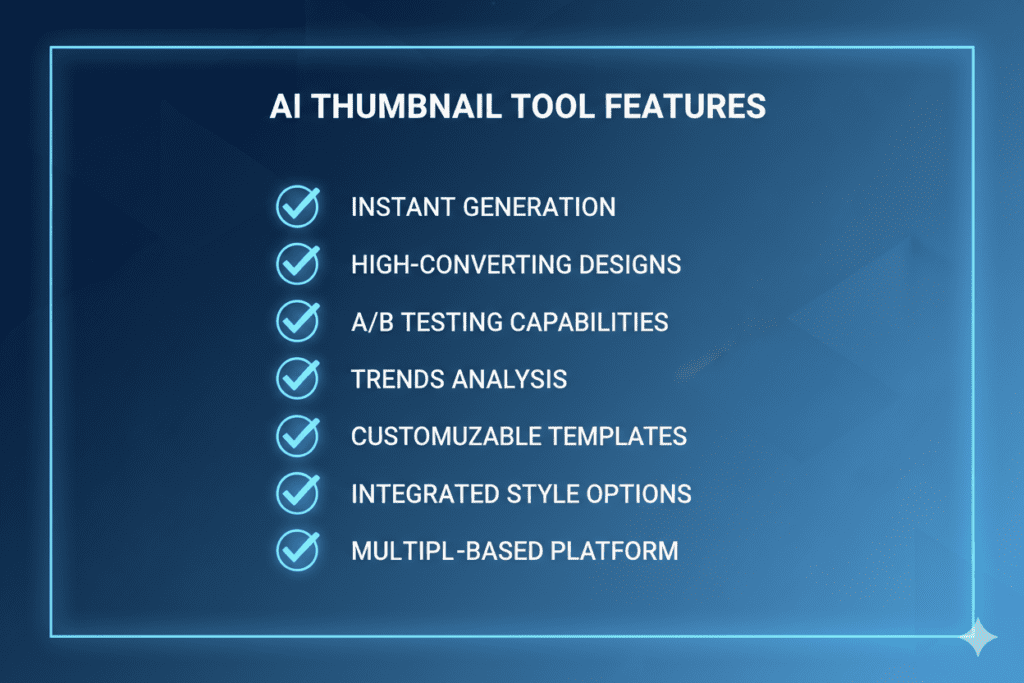
Here’s what makes YTZolo’s thumbnail generator stand out:
- AI-powered visual generation tuned for YouTube’s most clickable formats
- Title + thumbnail sync — your thumbnail is designed to visually match and amplify your title
- Multiple style variants so you always have options
- Instant output — no waiting, no queue, no complex settings
- Creator-friendly interface — no design experience needed
And because YTZolo is an all-in-one platform, your thumbnail creation flows seamlessly into title generation, script writing, descriptions, and tags. Everything works together.
Instead of juggling 5 different tools, you build your entire video strategy inside one dashboard.
That’s not just convenient. That’s a competitive advantage.
Why YTZolo Is Better Than Other Tools
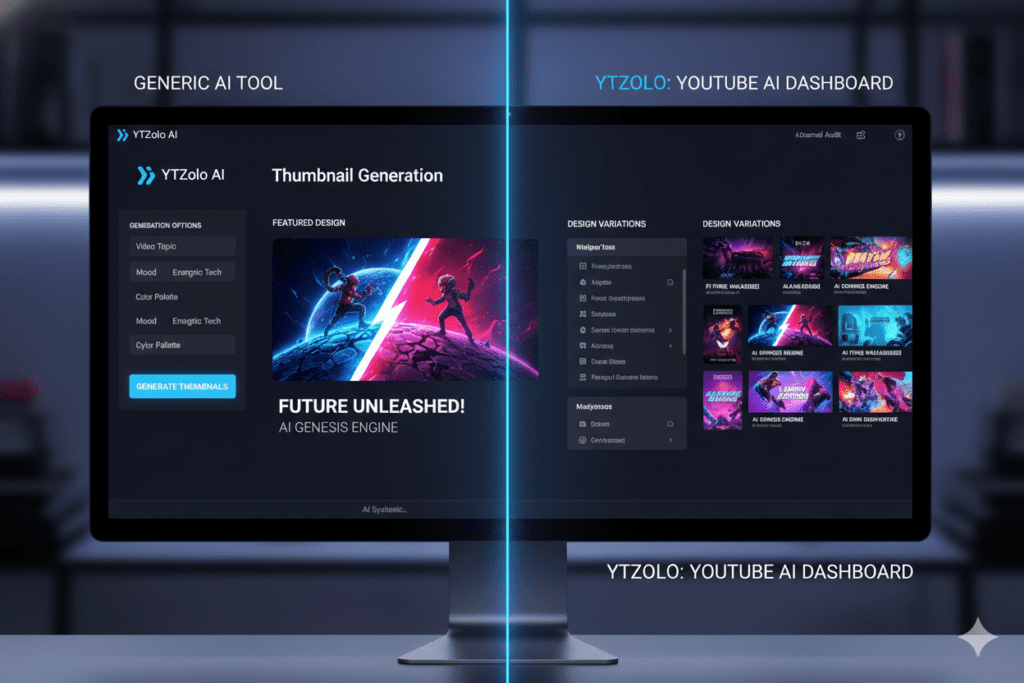
There are a few thumbnail tools out there. So why does YTZolo win?
Let’s break it down:
| Feature | Generic AI Thumbnail Tools | YTZolo |
|---|---|---|
| Thumbnail Generation | ✅ Yes | ✅ Yes |
| Title Generation | ❌ No | ✅ Yes |
| Script Writing | ❌ No | ✅ Yes |
| Description & Tags | ❌ No | ✅ Yes |
| SEO Optimization | ❌ No | ✅ Yes |
| Niche-Aware Content | ❌ Limited | ✅ Yes |
| One Platform Workflow | ❌ No | ✅ Yes |
| Built for Viral Content | ⚠️ Partial | ✅ Yes |
Most thumbnail tools do one thing. YTZolo does everything.
Tools like Canva are great for general design but have no YouTube-specific intelligence. They don’t know what makes a gaming thumbnail different from a finance thumbnail. They don’t optimize for CTR. They don’t sync with your title strategy.
YTZolo was built specifically for YouTube creators. Every feature — from the thumbnail generator AI to the title writer to the script builder — is designed with one goal: getting your videos more views.
That’s a fundamentally different kind of tool.
Check out how YTZolo stacks up against general AI tools on the YTZolo features page.
Step-by-Step: How to Create a Viral Thumbnail with AI
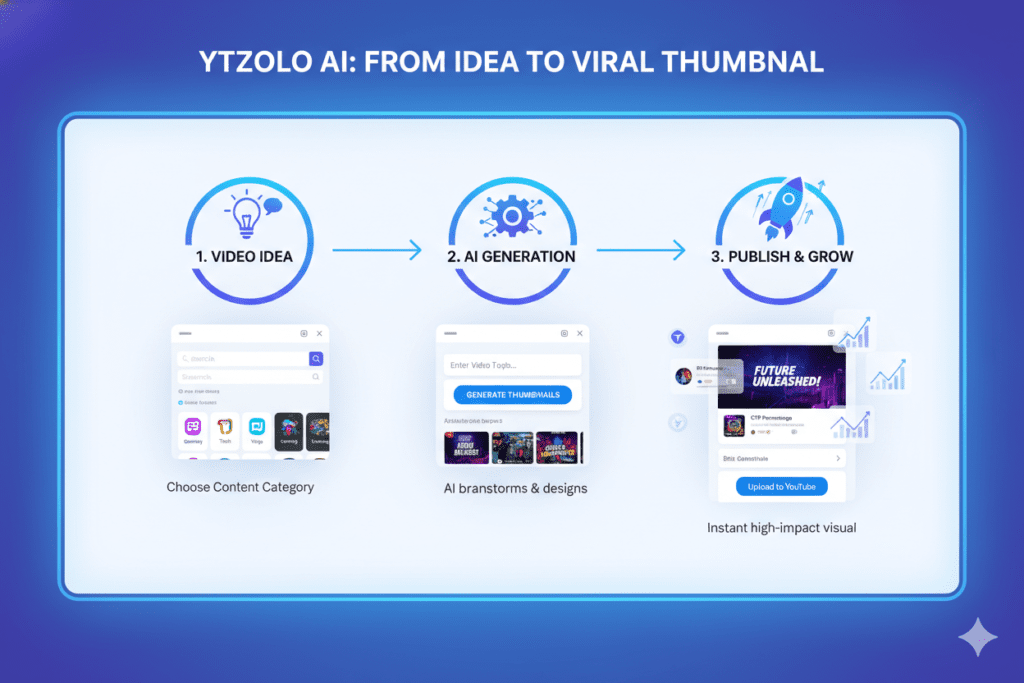
Ready to stop guessing and start creating thumbnails that actually work? Here’s the exact process:
Step 1: Define Your Video Topic
Before anything, be crystal clear on what your video is about. The more specific, the better your AI output will be.
Step 2: Generate Your Title First
A powerful thumbnail amplifies a great title. Use YTZolo’s AI title generator to craft a click-worthy title before designing your thumbnail.
Step 3: Input Your Topic into the Thumbnail Generator AI
Enter your video title or core topic into YTZolo. The AI will start analyzing optimal thumbnail styles for your niche.
Step 4: Choose Your Thumbnail Style
YTZolo gives you multiple generated options. Pick the one that feels most aligned with your content style and audience.
Step 5: Customize for Brand Consistency
Adjust your brand colors, add your logo if needed, and make sure the thumbnail matches your channel’s visual identity.
Step 6: A/B Test
If possible, run two thumbnail variants in the first 48 hours to see which drives higher CTR. YTZolo makes it easy to generate variations quickly.
Step 7: Upload and Monitor Performance
Upload to YouTube, then track your CTR in YouTube Studio. According to HubSpot’s video marketing research, videos with optimized thumbnails can see CTR improvements of up to 154%.
The whole workflow — from idea to upload-ready thumbnail — should take under 10 minutes with YTZolo.
Pro Tips for Getting Maximum CTR from AI Thumbnails
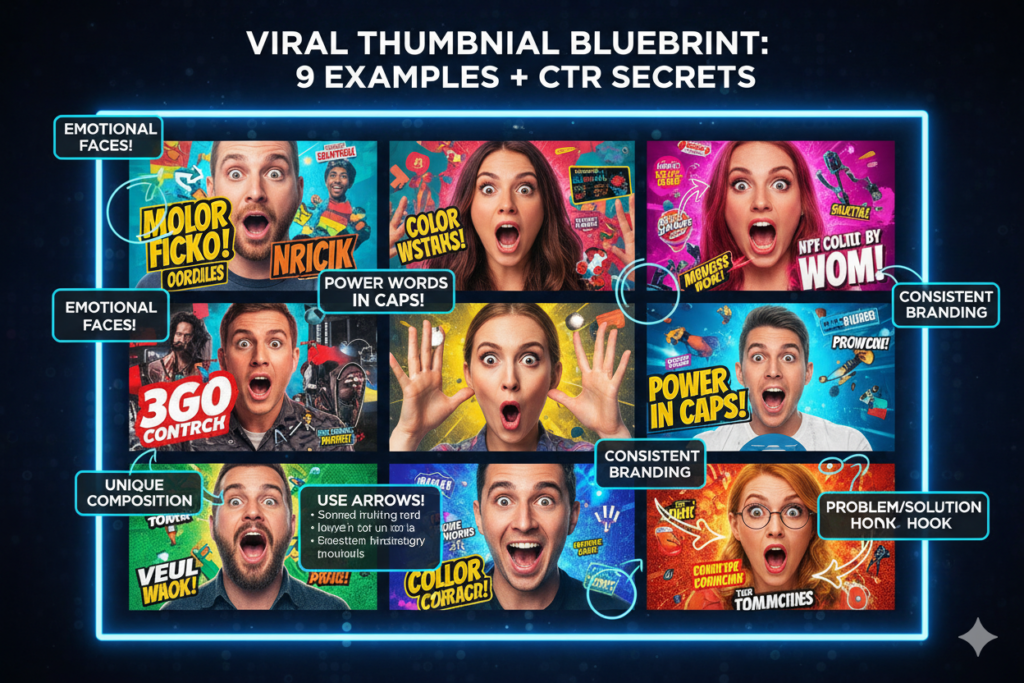
Even with the best thumbnail generator AI, a few insider tips can make the difference between good and viral:
🔥 Use odd numbers and specific data in your thumbnail text “7 Tips” outperforms “Tips” every single time. Specificity triggers curiosity.
🔥 Show a human face with a strong emotion Thumbnails with faces showing surprise, excitement, or shock consistently outperform faceless thumbnails. YouTube’s own research has confirmed this pattern.
🔥 Use contrast ruthlessly Your thumbnail needs to pop against both dark and light YouTube backgrounds. Bold contrasts — dark text on bright backgrounds — win every time.
🔥 Keep text to 3–5 words max Long thumbnail text is invisible on mobile. Short, punchy phrases hit harder.
🔥 Match the thumbnail to the video’s emotional promise If your video promises transformation, your thumbnail should show the after. If it promises a secret, your thumbnail should create mystery.
🔥 Update old thumbnails on underperforming videos Go back through your channel archives. Swap out old thumbnails with AI-generated ones. You might resurrect videos that YouTube stopped pushing.
Real Results: What Happens When You Use AI Thumbnails
The numbers don’t lie.
Creators who switch to AI-powered thumbnail generation consistently report:
- 40–200% increase in CTR within the first 2–4 weeks
- Faster channel growth as YouTube’s algorithm rewards higher click-through rates
- More time back — hours saved every week that can go toward better content
- Consistent visual branding that makes channels look more professional and trustworthy
And when thumbnail optimization is combined with AI-generated titles, scripts, and descriptions — the way YTZolo brings it all together — creators report even bigger jumps.
It’s not magic. It’s just smarter content creation.
The creators winning on YouTube in 2026 aren’t working harder. They’re working with better tools. A thumbnail generator AI is no longer optional — it’s table stakes.
You can also learn more about growing your channel faster in YTZolo’s blog posts like The Best AI Tools for YouTube Creators in 2026 and How to Rank YouTube Videos Fast.

FAQ
What is a thumbnail generator AI and how does it work?
A thumbnail generator AI is a tool that uses machine learning to automatically create YouTube thumbnails based on your video topic, title, or keywords. It analyzes high-performing thumbnail patterns and generates click-worthy designs in seconds — no design skills required.
Is AI-generated thumbnail design as good as hiring a professional?
In most cases, yes — and often better for YouTube specifically. AI tools like YTZolo are trained on millions of high-CTR YouTube thumbnails, meaning they understand what works in your niche far better than a general graphic designer would.
Can a thumbnail generator AI improve my YouTube CTR?
Absolutely. CTR is one of the most important signals for YouTube’s algorithm. A well-designed thumbnail — generated by AI — can increase your CTR by 40–200%, which directly tells the algorithm to recommend your video more.
What makes YTZolo different from other thumbnail generator AI tools?
YTZolo is the only all-in-one YouTube growth platform that combines thumbnail generation with AI-powered title creation, script writing, descriptions, and SEO tags — all in one place. Instead of using multiple disconnected tools, YTZolo gives creators a complete viral content workflow.
Do I need design experience to use a thumbnail generator AI?
No. That’s the whole point. Tools like YTZolo are built for creators, not designers. You enter your video topic, choose from generated options, and download a professional, click-optimized thumbnail in minutes.
Conclusion: Stop Guessing, Start Growing
The gap between creators who grow and creators who stall isn’t talent. It’s strategy.
A thumbnail generator AI is one of the highest-leverage tools you can add to your workflow right now. It removes guesswork, saves hours, and gives your videos a real shot at standing out in the most crowded content platform on earth.
And when you use YTZolo — where thumbnail AI is just the beginning — you’re not just creating better thumbnails. You’re building a system that produces viral-ready content faster than you ever thought possible.
From AI-generated titles that stop the scroll, to scripts that keep viewers watching, to descriptions and tags optimized for search — YTZolo is the all-in-one growth tool that serious creators are quietly using to dominate their niches.
Don’t let another video underperform because of a weak thumbnail.
Start creating smarter, faster, and more viral YouTube content with YTZolo today.
You can also check all in one ai tool- AIzolo
Related reading from the YTZolo blog:

